
Brickit
Brickit (brickit.app) is an AI-powered computer vision app for iOS and Android that scans unsorted piles of LEGO bricks, catalogs available pieces, locates specific parts, and generates custom step-by-step building instructions.

What is Brickit?
Brickit is an AI-driven mobile application and creative builder tool designed to bring loose, unsorted toy bricks to life. By using advanced computer vision and machine learning models, Brickit allows users to spread out a pile of LEGO bricks on a flat surface, snap a single photo, instantly recognize individual pieces, and get custom step-by-step instructions for models that can be built exclusively with the bricks on hand.
Brickit can recognize 1,600 common brick types and helps users discover hundreds of building ideas from a photographed pile. Its Pockets inventory system can manage collections containing 50,000+ bricks, while some users have scanned more than 100,000 pieces. Brickit’s corporate page reports more than 20 million builds created. The app is available on iOS and Android, while Brickit for Classes supports 5 languages and K–8 learning environments.
- Platform Role: AI Computer Vision Scanner, Creative LEGO Building Assistant & Digital Collection Catalog
- Developer & Organization: Brickit Inc. / Brickit LLC
- Cross-Platform Access: Mobile Applications on iOS (Apple App Store) and Android (Google Play Store)
Use Cases:
- Scanning random, mixed piles of loose LEGO bricks to discover instant build ideas without sorting
- Locating specific missing pieces inside a large pile using augmented on-screen highlights
- Following digital step-by-step 3D instructions to build animals, robots, spaceships, and vehicles
- Managing and saving digital inventories of home brick collections for kids, parents, and hobbyists
- Stimulating creative STEM learning and freeform problem solving for classrooms and family game nights
Technology:
- Proprietary on-device and cloud computer vision neural networks optimized for multi-object brick detection
- Spatial coordinate mapping that tags and highlights exact brick locations directly on the user's camera capture
- Dynamic algorithmic instruction generator matching detected parts against thousands of community and custom build models
- Cross-platform mobile frameworks compatible with modern iOS (iPhone/iPad) and Android camera hardware
Target Users:
- Parents and families looking to engage kids with their existing bins of mixed LEGO bricks
- Adult Fans of LEGO (AFOL) and casual builders seeking spontaneous MOC (My Own Creation) inspiration
- STEM educators and primary school teachers running interactive building and logic workshops
- Hobbyists wanting to catalog their loose parts without manually entering part numbers
Acquisition: Mobile app downloadable on iOS and Android with an optional Brickit Pro auto-renewing subscription (brickit.app)
What are the key features of Brickit?
Brickit's key platform features are
- Instant AI Brick Scanning: Recognizes hundreds of loose bricks, plates, slopes, and tiles from a single photo snapshot in seconds.
- Interactive Build Suggestions: Recommends hundreds of possible models based strictly on the parts identified in your pile.
- In-Pile Piece Finder: Tapping any part in a step highlights its exact physical location on the captured photo of your pile so you can grab it instantly.
- Step-by-Step Digital Instructions: Clean, easy-to-follow visual building guides that walk builders through every stage of assembly.
- Digital Inventory Management: Tracks scanned bricks across multiple sessions to help you understand your cumulative collection.
- Community Build Sharing: Browse creative ideas submitted by builders worldwide and share your own completed models.
How much does Brickit cost?
Brickit operates on a freemium model with a functional free version alongside an optional Brickit Pro subscription for expanded build ideas and advanced tools.
Free Tier:
- $0 / Free: Unlimited basic scanning, standard build suggestions, part detection, and core building instructions.
Brickit Pro Subscription:
- Monthly Plan (~$5.24 - $5.99/month): Unlocks the full catalog of complex build designs, priority AI detection, and extended part library recognition.
- Annual Plan (~$49.99 - $64.99/year): Discounted annual access to all current and future Pro building models, instruction downloads, and family sharing support.
Disclaimer: Brickit was created by fans and is not an official LEGO® product. The LEGO Group does not sponsor, authorize, or endorse Brickit. Free tier capabilities may vary by region and app version.
Who should use Brickit?
Brickit is designed for brick enthusiasts of all ages, including
- Parents & Families: Households with large storage boxes of unorganized bricks looking for fun weekend activities without buying new sets.
- Casual LEGO Builders: Anyone suffering from builder's block who wants creative prompts and structural ideas tailored to what they actually own.
- Educators & Activity Centers: Makerspaces and classrooms using toy bricks to teach spatial reasoning, following instructions, and design thinking.
What are the best alternatives to Brickit?
Some of the strongest Brickit alternatives include
- Rebrickable (Community parts catalog & MOC alternative builds)
- LEGO Builder App (Official 3D digital building instructions)
- BrickLink Studio (digital 3D CAD modeling & rendering)
- BrickScan / Brickognize (AI piece & minifigure identification)
- Instabrick (hardware-assisted part identification system)
What are the pros and cons of Brickit?
What are the pros of Brickit?
- Revolutionary computer vision technology that genuinely identifies loose bricks in seconds
- The piece-highlighting feature saves substantial time by pointing out where parts are in the pile
- Intuitive, child-friendly user interface with straightforward step-by-step instructions
- Encourages sustainable play by revitalizing old, forgotten collections instead of purchasing new kits
What are the cons of Brickit?
- Bricks must be laid out in a relatively flat, single layer; thick overlapping piles cannot be scanned accurately
- Advanced and complex builds are restricted behind the paid Brickit Pro subscription
- Does not identify specialized minifigures or provide secondary-market resale pricing values
Why should you choose Brickit?
Most LEGO collections eventually mix together in plastic storage tubs, making it difficult to rebuild original sets or invent new creations. Brickit solves this everyday issue by applying cutting-edge computer vision to the physical world. Instead of sorting pieces for hours, you simply dump, snap a photo, and let Brickit's algorithms generate complete assembly blueprints matching the exact pieces lying on your rug.
How does Brickit compare to competitors?
The primary distinction between Brickit, Rebrickable, LEGO Builder, and BrickLink lies in automation and input method. While Rebrickable requires manual parts entry or set lists and LEGO Builder only covers official kits, Brickit is the only platform that uses real-time mobile computer vision to visually inspect arbitrary loose brick piles.
| Feature / Platform | Brickit | Rebrickable | LEGO Builder | Brickognize |
|---|---|---|---|---|
| Core Focus | AI Camera Scanning & Instant Builds | Database MOCs & Set Inventories | Official LEGO Set Instructions | Single-Piece & Minifig Recognition |
| Input Method | Single Photo of Loose Brick Pile | Manual Set / Part Inventory Entry | QR Code / Set Number Lookup | Close-up Photo of One Part |
| In-Pile Part Highlighting | Yes (pins pieces on original photo) | No | No | No |
| Platform Type | iOS / Android Mobile App | Web Database & Community Forum | Mobile & Tablet Official App | Mobile Web Tool |
| Best For | Casual builders & families with loose piles | Hardcore AFOLs managing set catalogs | Builders assembling official retail sets | Resellers identifying rare single elements |
How do we rate Brickit?
| Parameter | Rating (out of 5) |
|---|---|
| Computer Vision & Recognition Accuracy | 4.6 |
| Build Suggestion Variety & Creativity | 4.8 |
| Instruction Usability & Piece Highlighting | 4.9 |
| Family & Kids Experience | 4.9 |
| Free Tier Usability & Pro Value | 4.4 |
| Overall Score | 4.72 |
What is our review and verdict on Brickit?
Brickit is one of the most inventive consumer applications of computer vision technology available on mobile devices. By turning the chaotic reality of loose, mixed brick bins into an instant catalog of creative projects, it solves a universal problem for parents and builders alike. The in-pile piece locator feels almost magical in practice, making it an essential download for anyone with LEGO bricks at home.
What is the final conclusion on Brickit?
Brickit gives old and unused LEGO® bricks a practical second life by combining brick recognition, creative building ideas, and digital collection management. Whether you want quick inspiration from a messy pile or need a searchable system for thousands of pieces, Brickit offers useful tools for both purposes. Its combination of creativity and organization makes it a practical choice for families, builders, collectors, and educators.
FAQ
What is Brickit used for?
Brickit is useful when you have a pile of loose LEGO® bricks but don’t know what to build next. You photograph the scattered pieces, and Brickit analyzes them to suggest creations. It also shows where the required pieces are located, making it easier to start building without manually searching through your entire collection.
How does Brickit identify LEGO bricks?
Brickit uses machine learning to recognize individual bricks from photographs. Its technology was trained using large numbers of simulated 3D brick piles and real-world user photos. According to Brickit, its system can recognize around 1,600 of the most common brick types, although occasional recognition errors can still occur.
Can Brickit tell me what I can build with my bricks?
Yes. After scanning your loose bricks, Brickit can recommend different building ideas based on the pieces it recognizes. You can then select an idea and follow its instructions. The app is designed to encourage experimentation too, so you can change colors, substitute pieces, or adapt the suggested creation to your collection.
Is Brickit free to use?
Brickit offers a free version with additional paid Pro features. The exact availability of features and pricing can change, so users should check the current app listing or Brickit directly before subscribing. Brickit’s official information confirms that the application is available on both iOS and Android devices.
Can Brickit organize my LEGO collection?
Yes. Brickit Pockets is designed specifically for organizing larger brick collections. You can scan batches of bricks, place them into numbered storage bags, and maintain a searchable digital catalog. The system can handle collections exceeding 50,000 pieces, helping you locate specific parts without sorting through every physical brick.
How many LEGO bricks can Brickit Pockets manage?
Brickit says Pockets can handle collections containing 50,000+ bricks, and some users have already scanned collections exceeding 100,000 pieces. The system connects numbered physical storage bags with a digital inventory, allowing you to search for a particular piece and identify where it is stored.
User Reviews
No reviews yet for Brickit.
Featured Tools
Featured AI tools from TechShark

Melody Genie
MelodyGenie is an AI-powered music generator that creates original songs from simple text prompts. Users can choose styles, moods, and genres, then instantly generate melodies and full tracks, making it easy for creators, marketers, and hobbyists to produce custom music without musical expertise.
Freemium

Kimi AI
Kimi AI is an advanced AI assistant developed by Moonshot AI that helps you chat, research, write, code, and automate tasks in one place. It supports web search, file analysis, and multimodal inputs, and can even run autonomous “agent” workflows to complete complex tasks end-to-end.
Freemium

Fashion Diffusion AI
Fashion Diffusion is an AI-powered fashion design platform that helps brands and designers create clothing designs, virtual try-ons, AI models, product photos, and marketing visuals faster and cost-effectively.
Paid

Veo 4
Veo 4 AI is an AI video creation platform that generates dramatic videos from text, images, audio, and video prompts using realistic motion and synchronized sound.
Paid
Alternatives
Alternatives to Brickit
The best Brickit alternatives include Rebrickable, LEGO Builder, BrickLink Studio, and Brickognize. While Brickit uses computer vision to instantly scan loose brick piles and generate custom builds with on-pile part highlighting, alternatives like Rebrickable require manual parts cataloging and LEGO Builder focuses on official set assembly guides.
 4.9
4.9Talkwalker
AI Agent
Talkwalker is a consumer intelligence and social listening solution that helps brands track online mentions, analyze audience sentiment, monitor competitors, and discover emerging trends. It combines social media analytics, media monitoring, customer feedback, and AI-powered insights to support marketing, public relations, reputation management, and data-driven business decisions across global markets.
 5.0
5.0AI4K12
AI Agent
AI4K12 is an educational initiative focused on bringing artificial intelligence into K–12 classrooms. It provides grade-level learning guidelines, curated teaching resources, and the Five Big Ideas framework. Designed for educators and curriculum developers, AI4K12 supports age-appropriate AI instruction and helps students understand how intelligent technologies work and affect society.
Kommunicate
AI Agent
Kommunicate (kommunicate.io) is an AI-powered customer service automation and live chat platform that unites no-code generative AI agents, Kompose chatbot builder, seamless human escalation, voice AI, and omnichannel messaging across WhatsApp, web, and mobile apps.
Text
AI Agent
Text is an AI-powered customer service platform that combines live chat, help desk ticketing, AI agents, and workflow automation. It helps businesses manage customer conversations, automate repetitive support tasks, answer questions, engage website visitors, and turn customer interactions into sales opportunities through a unified communication workspace.
DocsBot AI
AI Agent
DocsBot AI is an AI chatbot and agent platform that turns websites, documents, knowledge bases, and support tickets into conversational assistants. Businesses can use it to automate customer support, answer questions, share internal knowledge, connect workflows, and provide information through website widgets and supported integrations.
SiteGPT AI
AI Agent
SiteGPT is an AI chatbot platform that helps businesses automate customer support using their website content, documents, and knowledge sources. It answers visitor questions, supports lead generation, and integrates into websites, allowing teams to handle repetitive inquiries, improve customer experiences, and provide assistance around the clock.
 4.7
4.7Halcyon
AI Agent
Halcyon is an AI energy intelligence platform that helps professionals search regulatory filings, analyze energy-market information, monitor developments, and access structured datasets. It combines document search, natural-language queries, AI-powered alerts, and specialized data subscriptions to turn fragmented energy information into actionable intelligence for research, monitoring, planning, and faster decision-making.
 4.5
4.5Enhancv
AI Agent
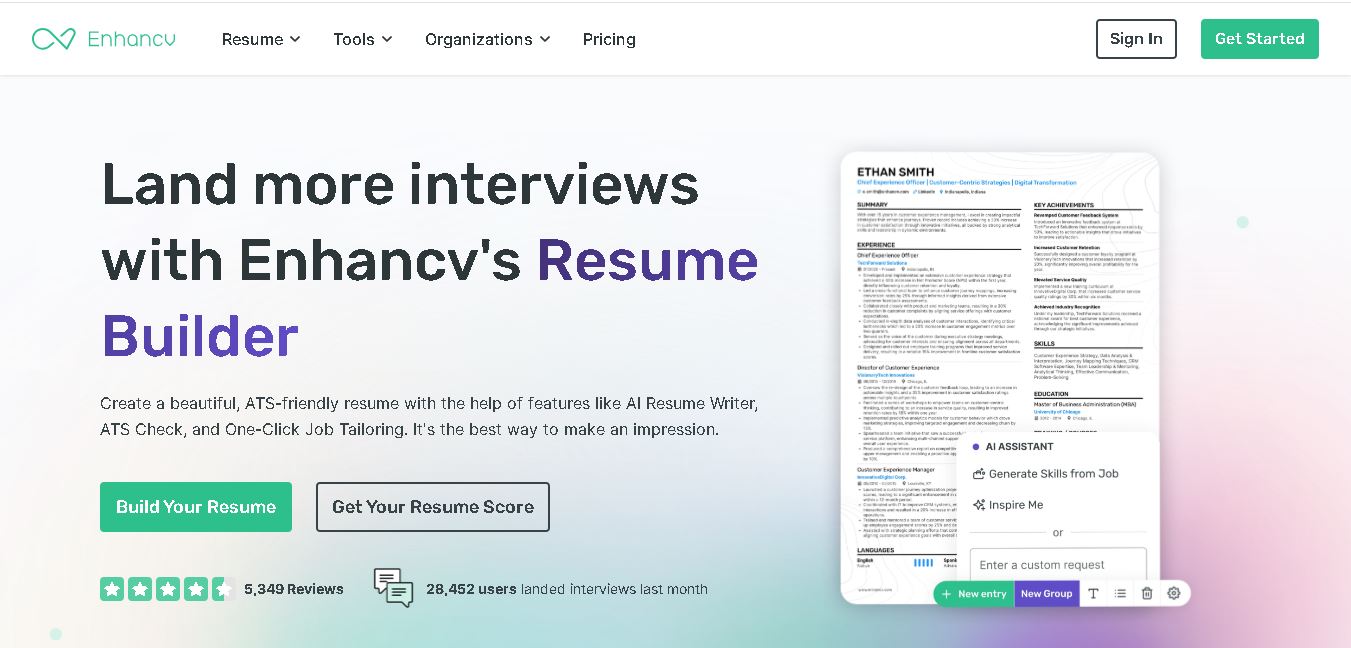
Enhancv helps job seekers build ATS-friendly resumes using customizable templates, AI writing assistance, resume checking, and job-specific tailoring. It also supports cover letters, application tracking, interview preparation, and resume translation. The platform is designed for candidates who want a polished application while keeping control over their experience, wording, and presentation.
 4.9
4.9Domo
AI Agent
Domo is an AI-powered data and analytics platform that helps businesses connect, visualize, and act on data from multiple sources in one place. It combines dashboards, automation, and AI insights to turn raw data into decisions, enabling teams to monitor performance and drive better outcomes in real time.