
AI Home Design
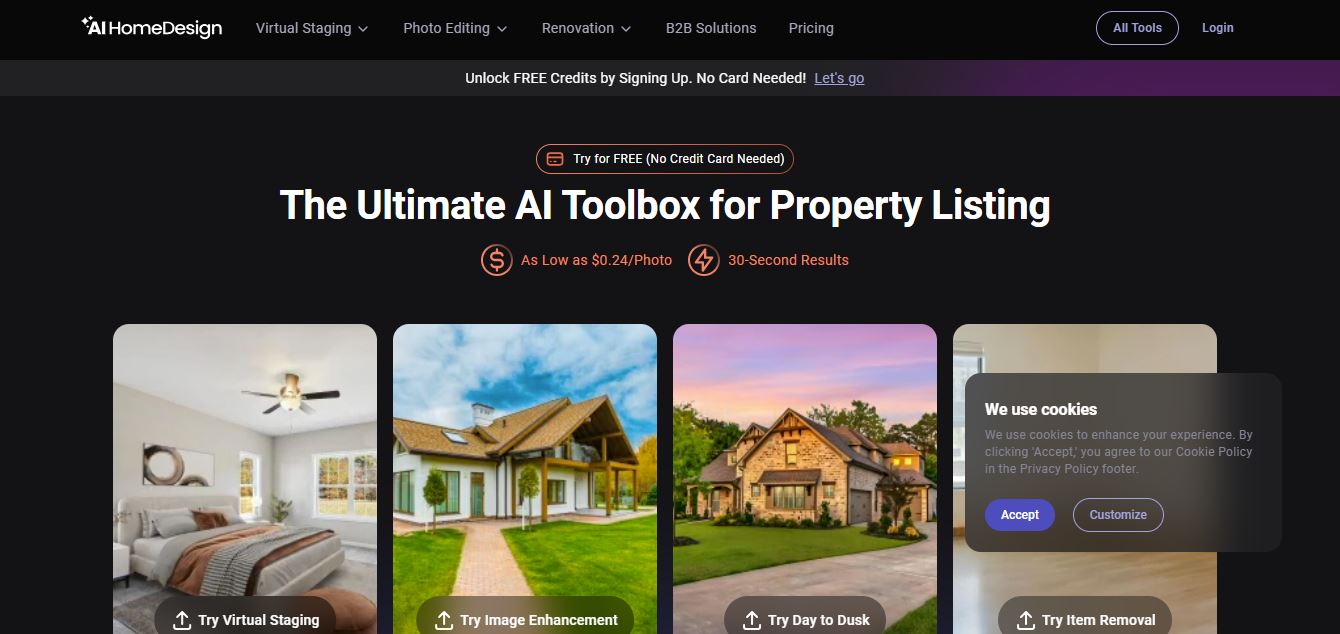
AI HomeDesign is an AI-powered platform that helps create, edit, and stage property photos. It allows users to redesign interiors, furnish empty rooms, and visualize renovations quickly using automated tools directly in the browser.
What is AI Home Design?
AI Home Design is an AI-powered design platform that enables homeowners, real estate agents, architects, and others to visualize the interior and exterior of a property instantly. By uploading a photo of a room or other area, users can apply multiple colors and styles of furniture layouts and design themes in quick succession. The tool takes away the laborious effort that comes with manual design software, replacing it with automated photorealistic outputs. AI Home Design facilitates redesigning interiors, remodeling exteriors, landscaping ideas, and staging concepts. It saves time, reduces cost, and enhances creative decision-making in renovation, marketing, and planning. With this easy input for fast results, professional-quality home design differentiates between an accessible and lucrative business idea for all.
- Founders: Not publicly disclosed
- Launch: Information is not publicly available.
- Use Cases: Interior design, exterior remodeling, virtual staging, real estate marketing, renovation planning
- Technology: Computer vision, generative AI, image processing models
AI Home Design Key Features
AI Home Design key features are
- AI Virtual Staging: Furnish empty rooms instantly with realistic furniture and decor
- Interior Redesign: Transform room styles, layouts, and themes using AI in seconds
- Item Removal (Declutter): Remove unwanted objects or furniture with one click
- Photo Enhancement: Improve lighting, colors, and overall image quality automatically
- Day-to-Dusk Conversion: Convert daytime exterior photos into evening/twilight visuals
- Material & Finish Editing: Change walls, floors, ceilings, and textures easily
- Fast AI Processing: Generate results in seconds without manual editing
- Browser-Based Tool: No installation required—runs fully online
- Before/After Comparison: View edits side-by-side for better decision-making
- Multiple AI Tools in One Platform: Offers 10+ tools for staging, editing, and renovation workflows
AI Home Design Pricing
AI HomeDesign uses a credit-based subscription model, where each image edit or generation uses credits (called “photos”).
Main Plans (Monthly)
- Pro: $35/month → 30 photos/month
- Pro Plus: $59/month → 80 photos/month
- Enterprise: $99/month → 200+ photos/month
Yearly Plans (Best Value)
- Pro: ~$19/month (billed yearly)
- Pro Plus: ~$29/month
- Enterprise: ~$49/month
Disclaimer: For the latest and most accurate pricing information, please visit the official AI Home Design website.
Who is using AI Home Design?
A wide range of users and organizations are using AI home design.
- Homeowners who are planning to carry out renovations
- Real estate agents or property marketers
- Interior designers and architects
- Property developers and builders
- Decor and occupancy professionals
AI Home Design Alternatives
Here are some of the best alternatives to AI HomeDesign, especially for virtual staging, interior redesign, and real estate photo editing:
- ReimagineHome: Known for photorealistic staging and interior redesign
- Collov AI: Budget-friendly option for fast AI staging and room design
- Virtual Staging AI: Simple and fast tool for quick property staging
- Apply Design: All-in-one platform with staging, redesign, and video features
- RoomGPT: Great for quick room ideas and early-stage inspiration
- Interior AI: Strong for experimenting with multiple interior styles
- Planner 5D: Best for layout planning and 3D interior design
- Spacely AI: Useful for repeatable templates and consistent room designs
- BoxBrownie: Human-edited staging service for premium listing visuals
AI HomeDesign Pros and Cons
Pros
- Fast Virtual Staging: Furnish empty rooms in seconds using AI
- Multiple Tools in One: Includes staging, redesign, declutter, and enhancement features
- User-Friendly: Simple interface, no design skills required
- High-Quality Visuals: Produces realistic before-and-after images
- Time-Saving: Eliminates manual editing and speeds up workflows
- Browser-Based: No software installation needed
- Scalable Pricing: Credit-based system works for individuals and agencies
Cons
- Credit-Based Limitations: Each edit costs credits, which can add up
- Less Creative Control: Limited fine-tuning compared to professional design software
- AI Inconsistencies: Results may vary depending on image quality
- Subscription Needed: Full features require paid plans
- Not Ideal for Detailed Design: Better for visualization than precise interior planning
Why Choose AI HomeDesign?
AI HomeDesign is a strong choice if you want to quickly create high-quality real estate visuals without complex design tools.
- Instant Virtual Staging: Turn empty rooms into fully furnished spaces in seconds
- All-in-One Platform: Handles staging, redesign, decluttering, and photo enhancement
- No Design Skills Needed: Easy for agents, marketers, and beginners
- Realistic Results: Generates professional-looking before-and-after images
- Saves Time & Cost: Avoids expensive manual editing or physical staging
- Scalable for Teams: Works well for individuals as well as agencies
- Browser-Based Access: No installation required, works online instantly
AI Home Design vs Competitors
| Feature / Tool | AI HomeDesign | REimagineHome | Collov AI | Interior AI | RoomGPT |
|---|---|---|---|---|---|
| Core Focus | All-in-one real estate editing | Design visualization | Listing media + staging | Interior redesign | Simple room ideas |
| Best For | Agents & marketers | Concept planning | Media editing + staging | Realistic redesign | Quick inspiration |
| Virtual Staging | Yes | Yes | Yes | Limited | Basic |
| Photo Editing Tools | Strong (declutter, enhance, dusk) | Moderate | Strong | Limited | Very limited |
| Ease of Use | Easy | Easy | Moderate | Easy | Very easy |
| Workflow Integration | High | Medium | High | Low | Low |
| Image Quality | High | High | High | Very high | Medium |
How We Rate AI HomeDesign
When I rate AI HomeDesign, I focus on how well it performs in real estate workflows—especially speed, image quality, and ease of use for staging and editing.
| Parameter | Rating (Out of 5) |
|---|---|
| Ease of Use | 4.7 |
| Virtual Staging Quality | 4.6 |
| Photo Editing Tools | 4.5 |
| Customization | 4.2 |
| Performance & Speed | 4.6 |
| Workflow Integration | 4.5 |
| Pricing Value | 4.3 |
| Overall Rating | 4.5 |
AI HomeDesign Review
AI HomeDesign works best as a fast and practical tool for real estate visuals and early-stage design ideas, rather than a full professional design solution. The biggest strength is speed—users can upload a photo and get staged or redesigned results in seconds, which saves both time and money compared to manual editing. Many users also highlight the simple interface and ease of use, making it accessible even for beginners.
Another strong point is its ability to generate multiple design variations quickly, which helps in exploring ideas for home renovation or property listings without hiring a designer. Some users even consider it a cost-saving alternative for early visualization and concept planning.
However, there are clear limitations. Results can be inconsistent and sometimes require multiple attempts to get the desired output. A common complaint is the pricing structure and upsells, where important features may require additional payments or upgrades. Some users also mention issues like unrealistic designs, limited customization, or difficulty with subscriptions and support.
Conclusion
AI HomeDesign is a practical solution for anyone who needs quick, visually appealing property images without complex tools or design experience. It simplifies tasks like virtual staging, redesign, and photo enhancement, making it especially useful for real estate professionals and marketers. While the platform delivers strong results in speed and ease of use, it may fall short when it comes to detailed customization and perfect accuracy.
People are also reading:
FAQ
What is AI HomeDesign used for?
It is used for redesigning interiors, exteriors, and staging properties using AI-generated visuals.
Do I need design skills to use AI HomeDesign?
No, the platform is beginner-friendly and requires no technical or design expertise.
Can AI HomeDesign be used for real estate marketing?
Yes, it is widely used for virtual staging and property presentations.
Is AI HomeDesign suitable for professionals?
Yes, designers, architects, and realtors can use it for quick concept generation and client previews.
User Reviews
No reviews yet for AI Home Design.
Featured Tools
Featured AI tools from TechShark

Melody Genie
MelodyGenie is an AI-powered music generator that creates original songs from simple text prompts. Users can choose styles, moods, and genres, then instantly generate melodies and full tracks, making it easy for creators, marketers, and hobbyists to produce custom music without musical expertise.
Freemium

Kimi AI
Kimi AI is an advanced AI assistant developed by Moonshot AI that helps you chat, research, write, code, and automate tasks in one place. It supports web search, file analysis, and multimodal inputs, and can even run autonomous “agent” workflows to complete complex tasks end-to-end.
Freemium

Fashion Diffusion AI
Fashion Diffusion is an AI-powered fashion design platform that helps brands and designers create clothing designs, virtual try-ons, AI models, product photos, and marketing visuals faster and cost-effectively.
Paid

Veo 4
Veo 4 AI is an AI video creation platform that generates dramatic videos from text, images, audio, and video prompts using realistic motion and synchronized sound.
Paid
Alternatives
Alternatives to AI Home Design
AI HomeDesign alternatives include ReimagineHome, Collov AI, Interior AI, RoomGPT, and Virtual Staging AI. These tools offer virtual staging, interior redesign, and property photo enhancement features. Some focus on high-quality design visuals, while others prioritize speed, affordability, and ease of use for real estate professionals and homeowners.
 4.8
4.8Perfomir
Real-Estate
Perfomir helps construction and infrastructure teams turn complex contracts into actionable risk intelligence. Through Contriqo, users can review clauses, identify obligations, monitor notice deadlines, detect emerging claim exposure, and track commercial risk throughout project delivery, giving project leaders and commercial teams earlier visibility for more informed contract decisions and actions.
 4.8
4.8Edensign
Real-Estate
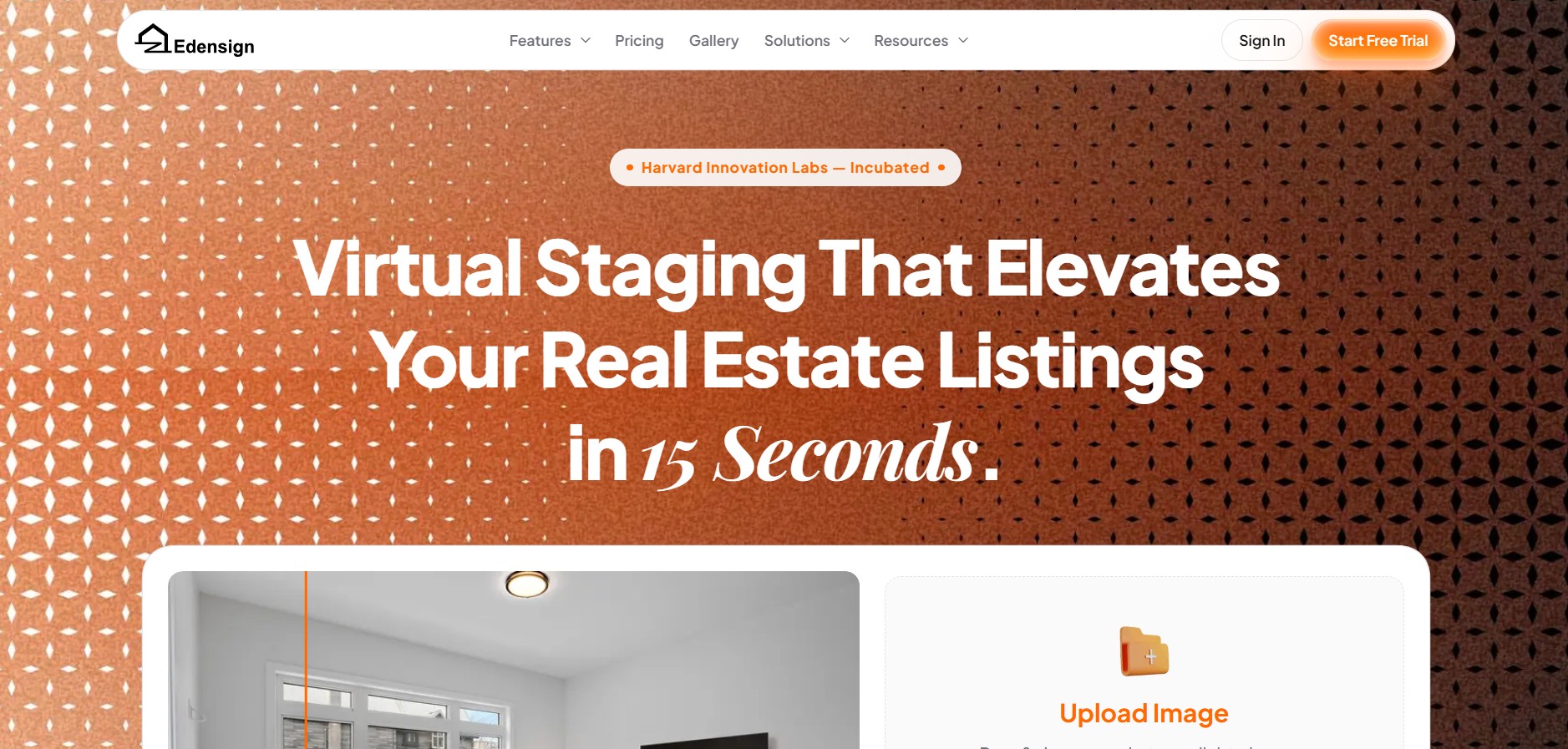
Edensignis an AI-powered real estate virtual staging and photo intelligence platform founded by Harvard GSD alumni George Zheng. It offers multi-view spatial consistency across room angles, automated decluttering, virtual renovation, 2D to 3D floor plan conversion, and listing enhancement tools in 15 seconds.
Anyone.com
Real-Estate
Anyone.com is an AI-powered global real estate transaction platform and digital workspace that connects home buyers, sellers, and agents across 30+ countries to streamline property discovery, agent matching, viewings, offers, digital contracts, and closings.
Virtual Staging AI
Real-Estate
Virtual Staging AI is an automated real estate virtual staging tool developed by Harvard alumni. It uses generative AI to digitally furnish empty property photos in under 10 seconds across various room types and interior design styles.
AIHomeDesign Virtual Staging
Real-Estate
AIHomeDesign Virtual Staging is a specialized AI-powered virtual staging solution that automatically furnishes empty or under-furnished real estate photos in under 30 seconds with photorealistic 3D furniture and decor across multiple interior design styles.
AIHomeDesign
Real-Estate
AIHomeDesign is an AI-powered real estate photo editing and virtual staging platform that enables real estate agents, photographers, and interior designers to transform property photos with virtual staging, item removal, day-to-dusk conversions, and floor plan generation in seconds.
Collov AI
Real-Estate
Collov AI is an AI-powered interior design and real estate virtual staging platform that enables designers, real estate agents, and furniture brands to transform empty or furnished space photos into photorealistic, 3D-rendered room designs in seconds.
reAlpha
Real-Estate
reAlpha is an AI-powered real estate homebuying super app and technology-driven brokerage platform. It features an AI real estate agent named Claire, AI document analysis, integrated brokerage/mortgage services, and closing cost cashback credits up to 1.5%.
TeamSystem Hospitality
Real-Estate
TeamSystem is a comprehensive cloud-based property management (PMS) and hospitality software suite designed for hotels, B&Bs, agriturismos, and vacation rentals to automate bookings, streamline front-desk operations, manage rates with AI, and integrate channel distribution.