
VisualSitemaps
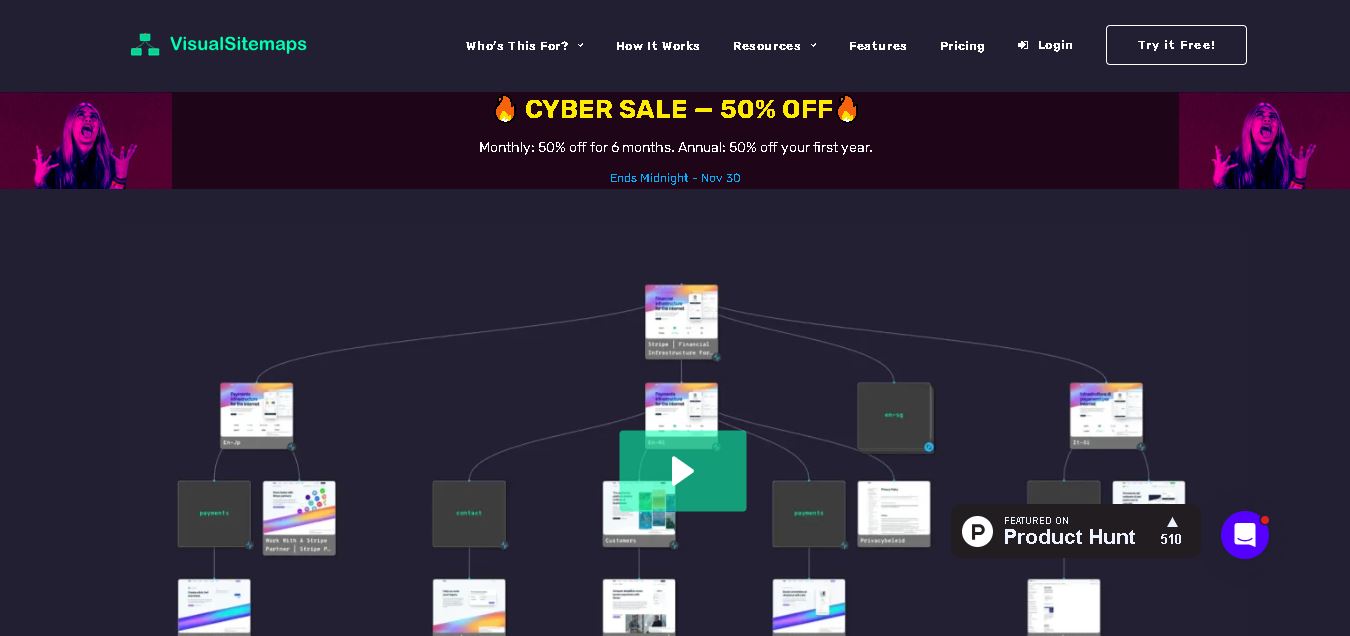
VisualSitemaps turns websites into visual sitemaps with page screenshots, helping SEO specialists, designers, and developers understand site structure. Use it to audit navigation, plan redesigns, organize content, and review competitors. Its crawling, collaboration, and AI-assisted analysis features make complex website research easier to manage and improve overall website planning.
What is VisualSitemaps?
VisualSitemaps is a website mapping and analysis tool that converts web pages into visual sitemaps with high-definition screenshots. It helps teams understand information architecture, review page relationships, and plan redesigns from a single workspace. Its additional capabilities support SEO planning, UX evaluation, content organization, and AI-assisted structural recommendations, making it easier to examine complex websites and identify opportunities to improve navigation, page hierarchy, and overall website organization.
VisualSitemaps provides automated cloud crawling and high-definition page screenshots for public and password-protected websites. Its free plan includes 25 page crawls monthly, while paid plans expand crawl limits and sitemap capacity. The platform supports visual sitemap editing, scheduled crawls, screenshot annotations, custom tags, content planning, and exports including PDF, CSV, and JSON. AI-assisted reports assess more than 10 structural heuristics and highlight opportunities across SEO, user experience, and answer-engine optimization. These features make large-site reviews faster without requiring coding skills.
- Category: Visual Website Mapping, UX Auditing, Screenshot QA & Site Architecture
- Platforms Supported: Cloud Web App, Public & Staging Crawlers, XML Sitemap Import, CSV List Upload
Use Cases:
- Generating interactive visual site inventories and hierarchical maps with desktop and mobile screenshots
- Auditing password-protected staging environments and redesign prototypes before public launch
- Planning website redesigns, restructuring information architecture, and mapping out migration redirects
- Collaborating with clients and team members via threaded screenshot annotations and comment feeds
- Tracking visual changes, broken layouts, and competitor updates using scheduled recurring crawls
Technology:
- Automated headless browser rendering engine for desktop and mobile screenshot capture
- Interactive visual graph architecture mapping and node-grouping interface
- AI-powered site structure analysis, topical grouping, and migration report generator
- Staging authentication handler and scheduled recursive crawl scheduler
Target Users:
- Digital Agencies & UX Designers conducting client site audits and redesign planning
- SEO & Growth Teams analyzing information architecture and content hierarchies
- Enterprise QA & Product Teams reviewing staging environments and visual updates
Corporate Entity: VisualSitemaps

Key features of VisualSitemaps
VisualSitemaps's key features are
- Automated Visual Crawling: Automatically captures desktop and mobile screenshots of live or password-protected staging sites to build clean visual hierarchies.
- Editable & Proposed Architecture Maps: Enables teams to manually rearrange site structures, add new sections, group pages, and map future-state redesigns.
- AI-Optimized Maps & Migration Reports: Analyzes site structure for navigation efficiency and topical grouping, generating exportable redirect migration maps (CSV/PDF).
- Screenshot Annotations & Collaboration: Allows team members and clients to leave threaded comments, flag QA issues, and track design changes directly on page snapshots.
- Scheduled Visual Comparisons: Automatically re-crawls websites on a recurring schedule to track design drift, catch visual bugs, or monitor competitors.
VisualSitemaps Pricing
VisualSitemaps operates on a freemium model alongside tiered monthly or annual subscriptions (with discounts for annual billing).
Free Plan:
- Priced at $0 forever.
- Limited to 25 pages per month, 25 pages max per sitemap, basic crawl depth, and up to 3 users.
Mini Plan:
- Priced at roughly $22 to $29 per month.
- Designed for individual projects; includes 1,500 pages per month (up to 500 pages per sitemap) and 1 AI-optimized map.
Pro Plan:
- Priced at roughly $74 to $99 per month.
- Includes 4,000 pages per month (up to 1,500 pages per sitemap), 30 AI-optimized maps, and up to 10 users.
Team Plan:
- Priced at roughly $299 per month.
- Includes 25,000 pages per month, 150 AI-optimized maps, and custom user capacity for agencies.
Disclaimer: Plan pricing and page allowances are subject to change. For exact live rate cards, visit visualsitemaps.com.
Who is using VisualSitemaps?
VisualSitemaps is designed for design and marketing professionals, including
- UX Designers & Agencies: Presenting interactive visual site architectures and redesign proposals to clients
- SEO Professionals: Auditing content structures, identifying orphan pages, and planning URL migrations
- QA & Development Teams: Reviewing staging environments and annotating visual layout bugs
Best VisualSitemaps Alternatives
Some of the strongest VisualSitemaps alternatives include
- Screaming Frog SEO Spider
- Flowmapp
- Lucidchart
- Miro
- Dyno Mapper
Pros and Cons of VisualSitemaps
Pros
- Automates the generation of visual site inventories with real desktop and mobile screenshots
- Supports crawling behind password-protected staging environments and private URLs
- Includes collaborative commenting and annotation tools directly on page nodes
- Offers a free tier for basic audits alongside scalable agency plans
Cons
- Monthly page limits on lower tiers can be quickly exhausted by large e-commerce websites
- Focused primarily on visual mapping and screenshot QA rather than deep technical SEO backlink analysis
- Complex sites with heavy JavaScript rendering may require crawler adjustments
Why Choose VisualSitemaps?
VisualSitemaps is an essential platform for agencies, designers, and SEOs who need to visualize website architectures rather than staring at raw data spreadsheets. By combining automated screenshot crawling, staging environment support, AI-optimized mapping, and client collaboration tools, VisualSitemaps streamlines website audits and redesign workflows in 2026.
- Transforms technical URLs into interactive visual sitemaps with actual screenshots
- Streamlines client communication and UX feedback via annotated comments
- Supports staging site crawls and scheduled visual regression tracking
VisualSitemaps vs. Competitors
The main difference between VisualSitemaps, Screaming Frog, and Flowmapp is that VisualSitemaps automatically crawls and takes screenshots of live or staging websites to generate interactive visual maps, whereas Screaming Frog provides deep technical spreadsheet crawls and Flowmapp requires manual sitemap diagramming. VisualSitemaps stands out for automated visual inventorying.
| Feature / Tool | VisualSitemaps (visualsitemaps.com) | Screaming Frog SEO Spider | Flowmapp | Dyno Mapper |
|---|---|---|---|---|
| Core Focus | Automated Visual Crawling, Screenshots & Sitemaps | Technical SEO Crawling & Spreadsheet Audits | Visual UX Sitemaps & User Journeys (Manual/Semi-auto) | Visual Sitemaps & Content Inventories |
| Automated Screenshots | Yes (Desktop & Mobile rendering) | No (Data spreadsheet output) | Limited / Manual asset additions | Basic visual previews |
| Pricing Model | Free / SaaS ($22–$299/mo) | Free tier / Annual license (~$259/yr) | Freemium / SaaS (~$19–$99+/mo) | Tiered SaaS (~$49–$149+/mo) |
| Best For | Agencies & designers wanting visual site inventories | Technical SEOs doing deep site audits | UX teams sketching user flows and IA | Content inventories and sitemap planning |
How do we rate VisualSitemaps?
| Parameter | Rating (out of 5) |
|---|---|
| Automated Screenshot Crawling & Mapping | 4.8 |
| Staging Environment & Authentication Support | 4.7 |
| Collaboration, Comments & Annotations | 4.7 |
| AI Architecture Insights & Reports | 4.6 |
| Pricing & Page Tier Value | 4.5 |
| Overall Score | 4.68 |
VisualSitemaps Review
VisualSitemaps is a powerful automated visual website mapping and screenshot QA platform that turns raw site architectures into interactive, screenshot-backed visual inventories. By supporting live and staging crawls, threaded team annotations, and AI-driven migration reports, VisualSitemaps streamlines UX audits and redesign workflows in 2026.
Conclusion
VisualSitemaps is a practical choice when you need to understand a website’s structure beyond a traditional URL list. Its visual crawls, page screenshots, editing tools, and AI-assisted recommendations can support SEO audits, content planning, UX reviews, and redesign projects. For an SEO team managing a growing directory such as Techshark, it can help reveal navigation gaps and overlapping sections. Start with the free allowance, check whether the crawl captures the pages you need, and upgrade only when larger projects require it.
FAQ
How does VisualSitemaps help with an SEO audit?
VisualSitemaps gives you a visual overview of a website’s pages, hierarchy, and navigation, making it easier to spot orphan-like sections, confusing paths, and duplicated content areas. For an SEO audit, combine its sitemap view with crawl data and analytics; it supports diagnosis, but does not replace technical SEO tools entirely.
Can I use VisualSitemaps to analyze a competitor’s website?
Yes. You can enter a competitor’s public website URL and generate a visual sitemap with page screenshots. This helps you compare navigation, content categories, and page depth before planning your own structure. Respect website access rules, and treat the results as research rather than proof of competitor traffic or rankings.
Does VisualSitemaps support large websites?
Yes. VisualSitemaps is designed for larger websites, but the number of pages you can crawl depends on your subscription. The published plans list monthly crawl allowances and maximum sitemap sizes. Check both limits before starting a large audit, especially if you need deep sections or several domains reviewed together.
Can I crawl a password-protected website?
Yes. VisualSitemaps supports crawling password-protected websites using encrypted credentials. This can help when reviewing staging environments, private dashboards, or client areas that are not publicly accessible. Confirm that you have permission to crawl the site, and test a smaller section first to verify the pages are captured correctly and securely.
Can I edit and export a visual sitemap?
Yes. Paid plans include drag-and-drop sitemap editing, allowing you to reorganize pages and add sections. You can export maps in formats such as PDF, CSV, and JSON, and use PDF exports for further customization in tools like Figma. This makes sharing audits and redesign plans with clients much easier.
Does VisualSitemaps provide AI SEO recommendations?
VisualSitemaps offers AI-assisted sitemap optimization and reports that identify structural issues, topical gaps, and opportunities related to SEO, UX, and answer-engine optimization. Treat its suggestions as starting points: validate recommendations against search intent, analytics, crawl data, and your content strategy before changing important URLs or navigation structures.
User Reviews
No reviews yet for VisualSitemaps.
Featured Tools
Featured AI tools from TechShark
Klap
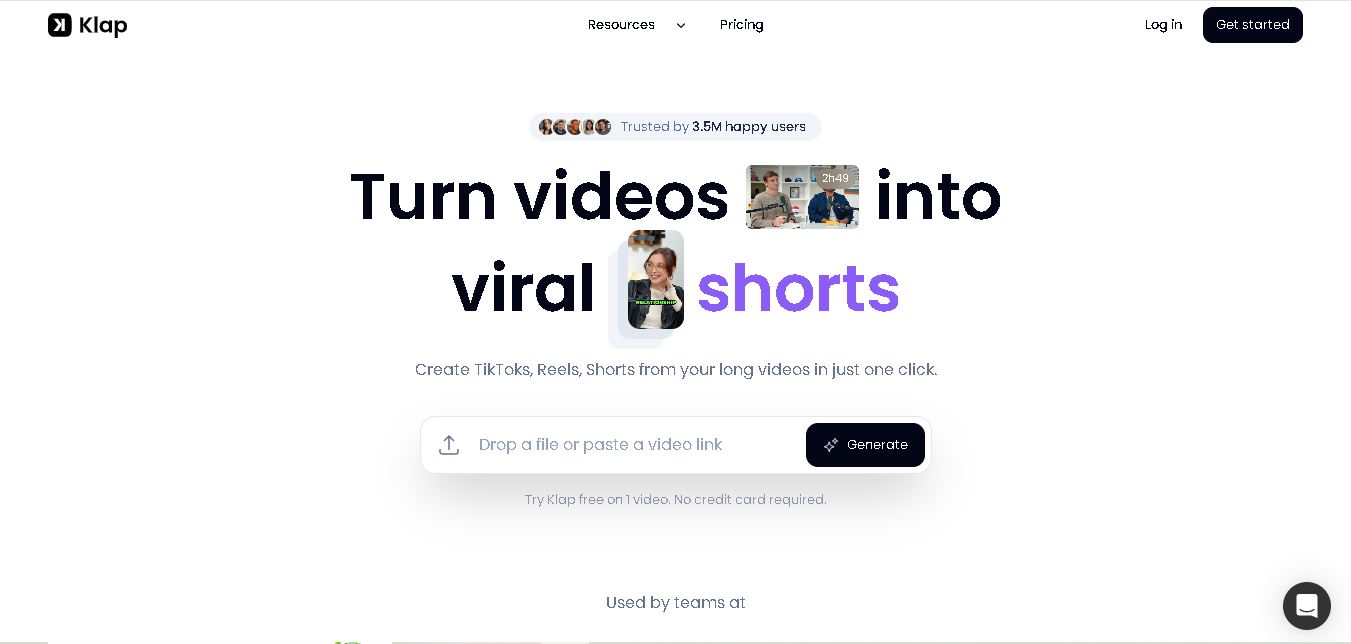
Klap is an AI video clipping platform that transforms long videos into short-form social media content. It automatically identifies highlights, creates captions, reframes speakers, and schedules clips, helping creators, podcasters, and marketing teams repurpose existing videos with less manual editing.
Free
Melody Genie
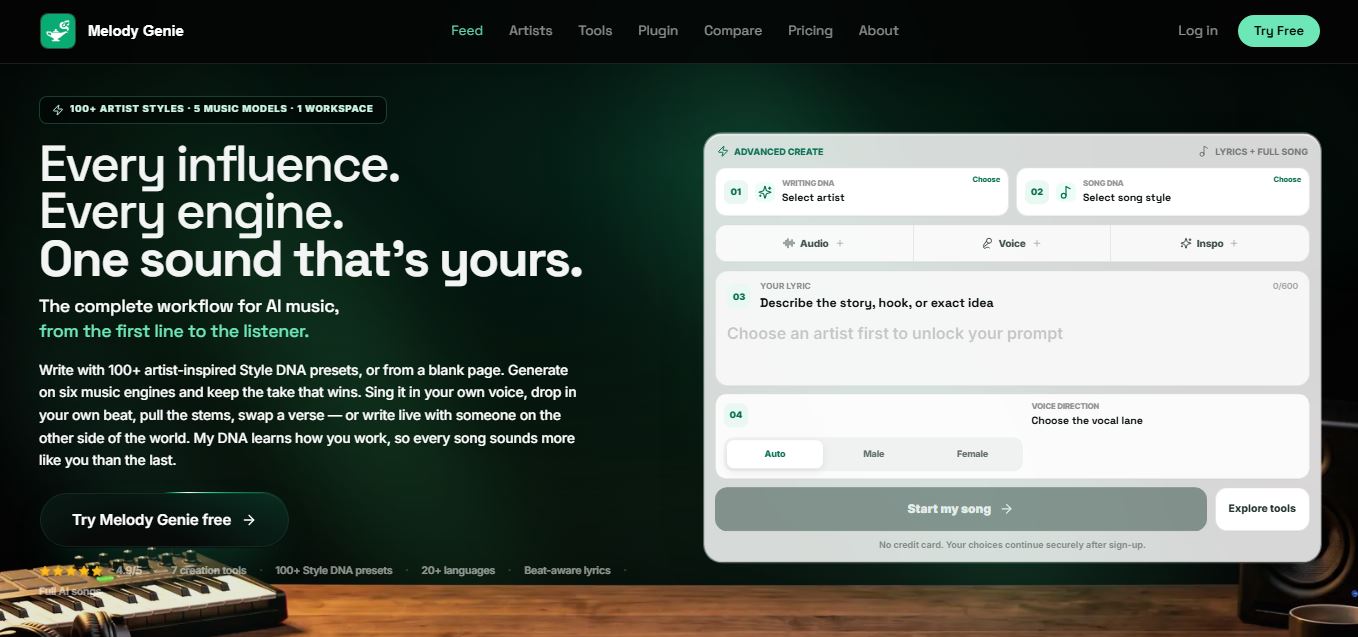
MelodyGenie is an AI-powered music generator that creates original songs from simple text prompts. Users can choose styles, moods, and genres, then instantly generate melodies and full tracks, making it easy for creators, marketers, and hobbyists to produce custom music without musical expertise.
Freemium

Fashion Diffusion AI
Fashion Diffusion is an AI-powered fashion design platform that helps brands and designers create clothing designs, virtual try-ons, AI models, product photos, and marketing visuals faster and cost-effectively.
Paid
Veo 4
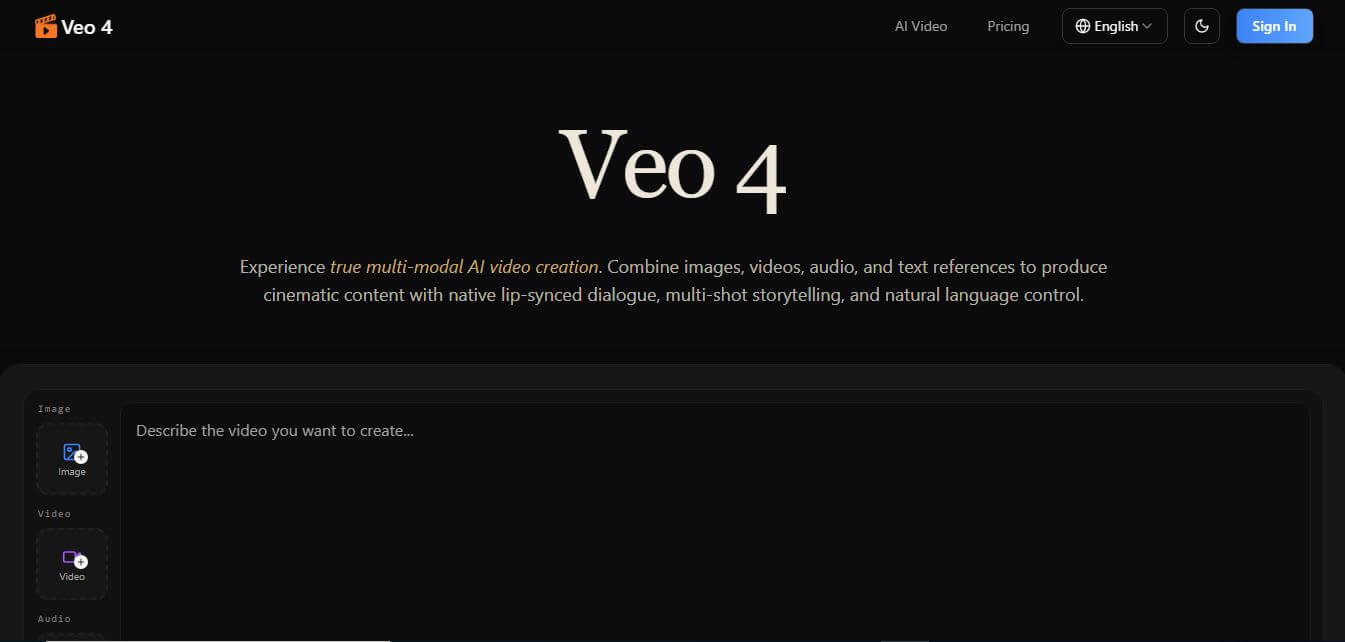
Veo 4 AI is an AI video creation platform that generates dramatic videos from text, images, audio, and video prompts using realistic motion and synchronized sound.
Paid
Alternatives
Alternatives to VisualSitemaps
The best VisualSitemaps alternatives include Screaming Frog SEO Spider, Flowmapp, Lucidchart, Miro, and Dyno Mapper. These platforms assist with site crawling and architecture diagramming. While VisualSitemaps excels at automated visual crawling and high-res screenshot generation for live and staging sites, alternatives like Screaming Frog focus on technical spreadsheet data.
 4.6
xSeek
SEO
xSeek helps businesses improve their visibility across AI search engines through brand monitoring, competitor analysis, and actionable GEO recommendations. It tracks AI-generated mentions, identifies content opportunities, and creates optimization plans. With content generation and website integrations, xSeek enables marketing teams to build a stronger presence in AI-driven search experiences.
 4.6
BlogFox
SEO
BlogFox is a content repurposing tool that converts YouTube videos, podcasts, and keywords into SEO-friendly blog posts. It helps creators and marketers automate article creation, generate images, add relevant links, and publish content to WordPress. Its writing customization and long-form expansion features support consistent content production and organic growth.
 4.6
Naratix
SEO
Naratix AI helps ecommerce businesses automate product catalog management through intelligent data enrichment, categorization, and content creation. It generates product descriptions, fills missing attributes, optimizes images, and identifies duplicate records. With marketplace integrations and multilingual capabilities, it helps retailers manage extensive inventories and improve product discoverability efficiently.
 4.7
AIclicks
SEO
AIclicks helps businesses track and improve their visibility across AI search engines. It monitors brand mentions, competitor rankings, citations, and AI-generated recommendations. With daily prompt tracking, source analysis, automated content suggestions, and GEO insights, the platform enables marketers, agencies, and businesses to build a stronger presence in AI-powered search.
 4.7
ExpertPitch
SEO
ExpertPitch helps businesses and professionals earn editorial backlinks and media mentions by bringing journalist requests into one place. It analyzes your expertise, finds relevant opportunities, and drafts personalized pitches for review or automated sending. The tool is designed to simplify digital PR, save outreach time, and strengthen online authority consistently.
 4.8
Multiblog AI
SEO
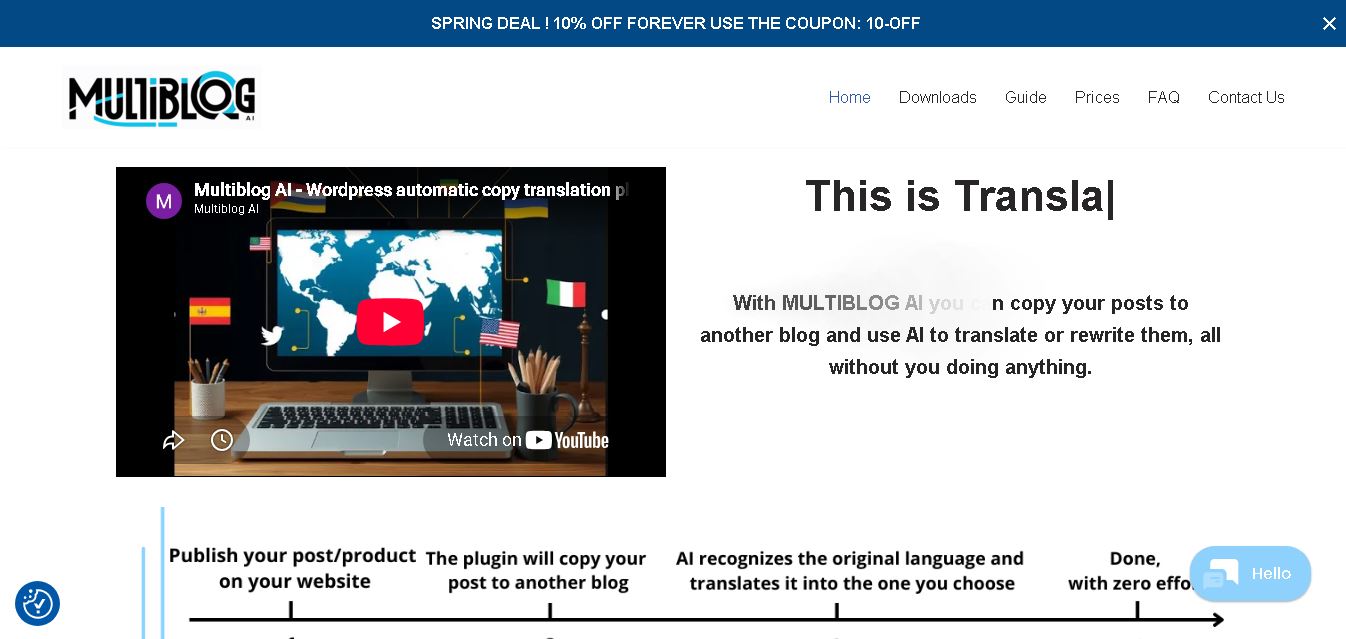
Multiblog AI helps bloggers copy posts between blogs and translate or rewrite them using AI. It simplifies multilingual content publishing while supporting SEO-focused language versions. The tool is designed for website owners who want to reach international audiences, save time, manage multiple blogs, and expand content without manually translating every article.
 4.8
Geordy
SEO
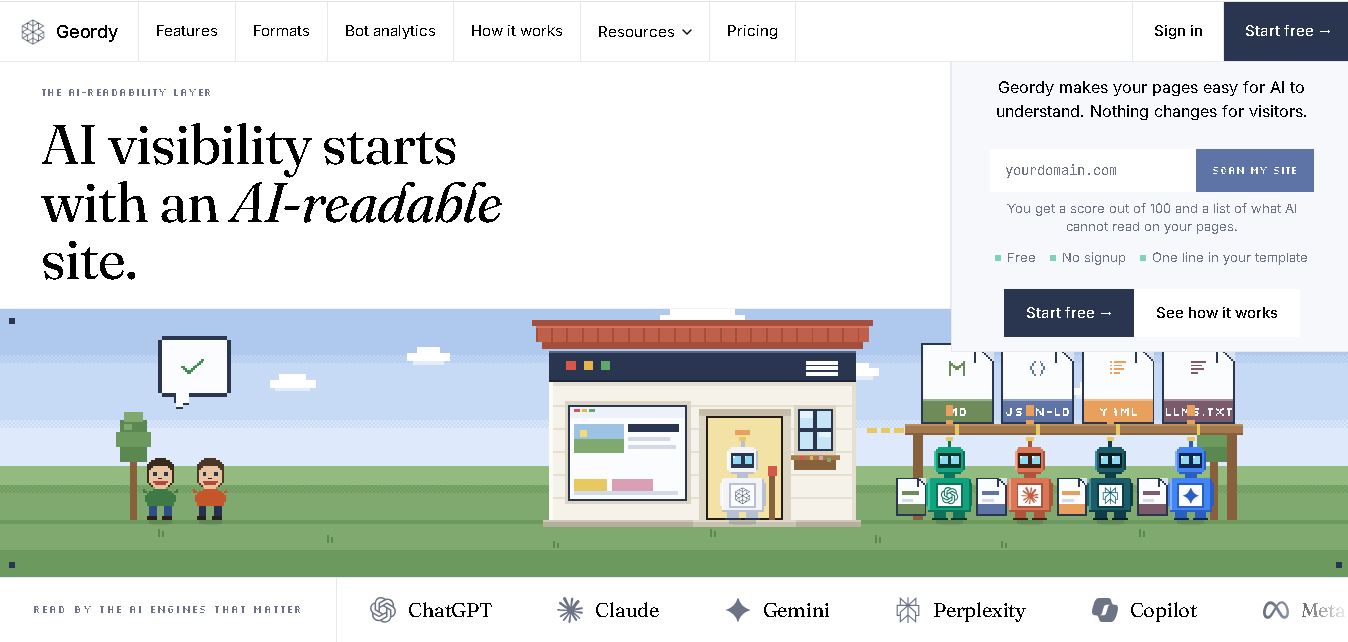
Geordy helps websites become easier for AI systems to understand and interpret. It creates AI-readable versions of website content, generates multiple file formats, tracks AI bot activity, and organizes structured information. Businesses can improve their visibility across AI search experiences without changing the design or experience of their existing website.
 4.6
MaxAEO
SEO
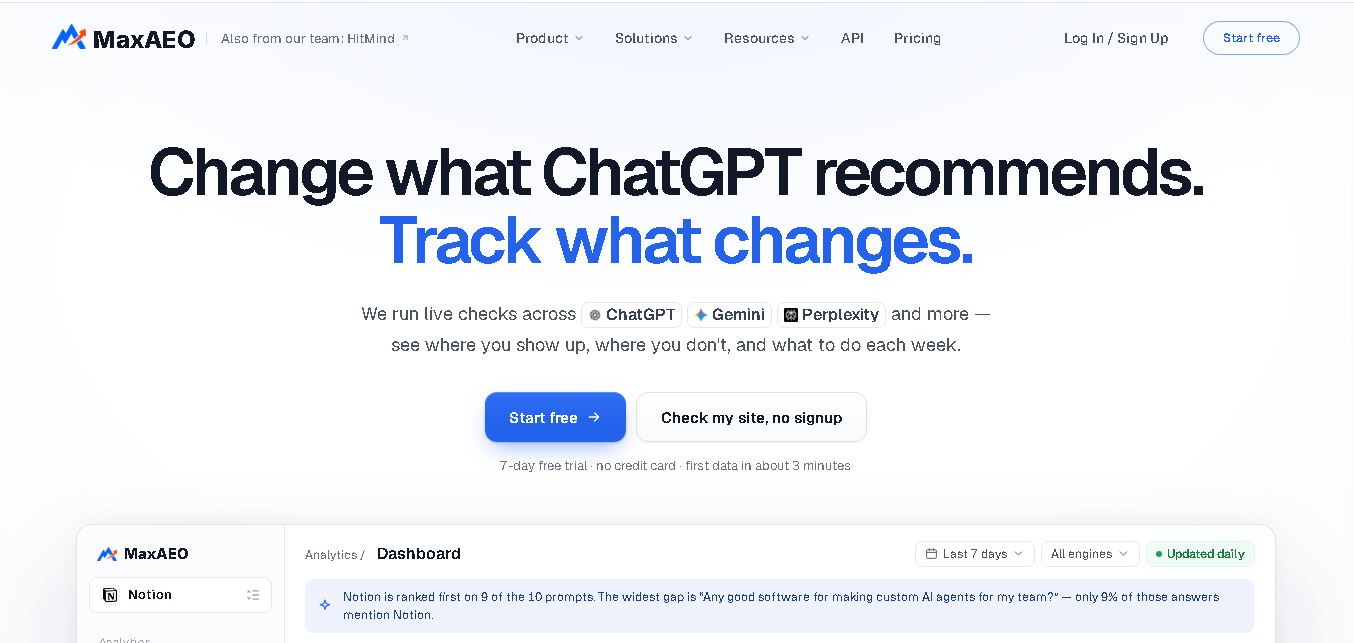
MaxAEO helps businesses understand how their brands appear in AI-generated search results. It monitors mentions, rankings, sentiment, competitors, and citations across major AI engines, helping teams identify visibility gaps and improve their chances of being recommended when users ask relevant questions online.
 4.8
Dageno
SEO
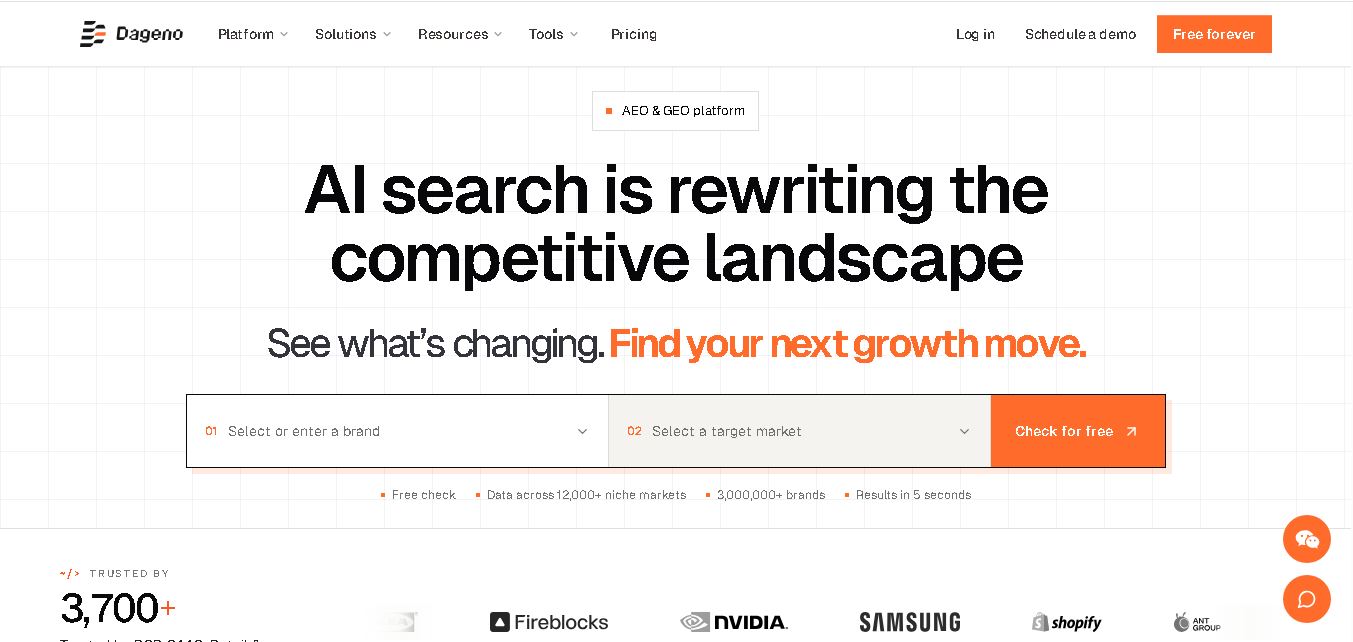
Dageno AI helps brands measure how often AI platforms mention, cite, and recommend them. It combines market research, competitor analysis, citation tracking, and GEO optimization agents to turn AI-search insights into practical content, prompt, and website improvements for marketing teams, agencies, and growing businesses using modern search and discovery strategies.