
TypingMind
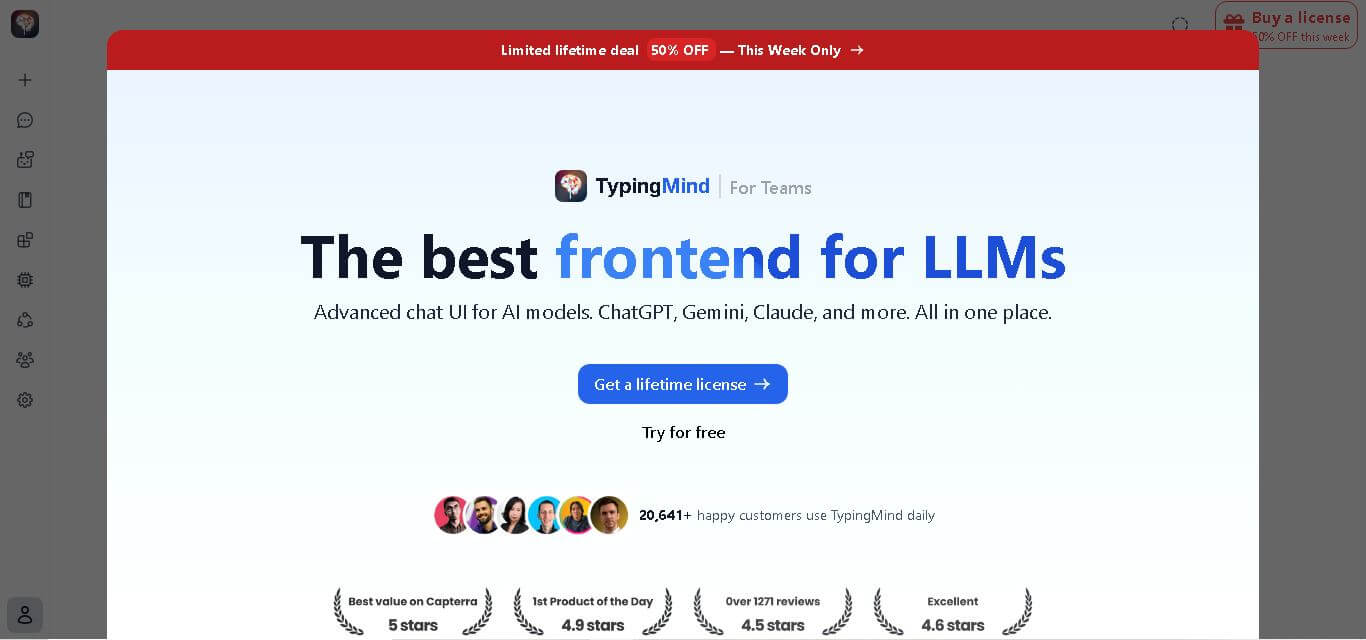
TypingMind is an AI-powered LLM workspace that allows users to access multiple AI models like ChatGPT, Claude, and Gemini through one customizable, privacy-focused interface.
What is TypingMind AI?
TypingMind is an AI-powered personal assistant platform that serves as an LLM chat workspace, designed to bring together a variety of different artificial intelligence models into a single, unified platform. You can use it to work with several AI models, such as ChatGPT, Claude, and Gemini, while you juggle conversations, prompts, documents, and even custom AI assistants all in one place. What they highlight most is flexibility, privacy, and productivity. Such versatility is possible because you can link your own AI accounts and create more personalized workflows instead of relying solely on a generic chat interface. TypingMind is pretty popular with developers, creators, businesses, and AI professionals, especially folks who want deeper AI features beyond the typical chatbot app. Overall it feels like a customizable space for current, AI-powered work plus automation, the kind that helps you move faster without losing control.
TypingMind has become a widely used AI workspace, serving over 20,000 customers. The platform supports multiple AI providers and offers features including AI agents, plugins, document analysis, knowledge bases, multi-model conversations, and workflow customization. Launched in 2023, it quickly gained attention among AI users seeking a flexible alternative to traditional AI chat platforms. TypingMind follows a lifetime license model, offering plans starting from $39, with premium options available for advanced users and teams.

- Founder Name: Tony Dinh
- Launch Date: 2023
Use Cases
- AI research and analysis
- Content creation and editing
- Software development support
- Coding assistance
- Business automation
- Customer support solutions
- Document analysis
- Knowledge management
- AI assistant creation
- Personal productivity workflows
Technology
- Large Language Models (LLMs)
- OpenAI models integration
- Claude AI integration
- Google Gemini integration
- AI agent technology
- Retrieval-Augmented Generation (RAG)
- API-based AI architecture
- Plugin ecosystem
- Knowledge base systems
- Model Context Protocol (MCP)
Key Features
TypingMind AI's key features are
- Multi-Model AI Access: TypingMind allows users to connect and use multiple AI models from different providers inside one interface. Users can switch between models depending on their needs.
- AI Agent Builder: Users can create custom AI agents with unique instructions, knowledge sources, and workflows for specialized tasks.
- Privacy-Focused Workspace: TypingMind provides users more control over their AI data and allows personal AI model connections.
- Chat Organization: Users can organize conversations using folders, search, tags, and project-based workflows.
- Document Analysis: The platform allows users to upload documents and interact with files using AI.
- Plugins and Extensions: TypingMind supports plugins that expand AI functionality with additional tools and integrations.
- Multi-Model Comparison: Users can compare outputs from different AI models to select better responses.
- Knowledge Base Integration: Users can link information sources to build AI assistants that are trained on specific data.
Pricing
Standard Plan – $39
- Basic AI chat features
- AI agent access
- Voice input
- Chat sharing
- Essential workspace tools
Extended Plan – $79
- Image generation
- Web search
- Text-to-speech
- Vision capabilities
- Document uploads
Premium Plan – $99
- Multi-model conversations
- Unlimited plugins
- Projects and folders
- Artifacts
- Future updates
Team Plans
- Starter plan: $99/month
- Growth plan: $199/month
- Professional plan: $299/month
Disclaimer: For the latest and most accurate pricing information, please visit the official TypingMind AI website.
Who is using it?
A diverse range of users and organizations utilize TypingMind AI
- Developers
- Startup founders
- AI researchers
- Content creators
- Marketing professionals
- Product managers
- Businesses
- Data analysts
- Freelancers
- AI enthusiasts
Alternatives
Some TypingMind AI alternatives are
- ChatGPT
- Claude
- Gemini
- Poe
- Perplexity AI
- OpenRouter
- Open WebUI
TypingMind Comparison With Competitors
| Feature | TypingMind | ChatGPT | Claude | Gemini |
|---|---|---|---|---|
| Multiple AI Models | Yes | No | No | No |
| AI Agent Creation | Yes | Yes | Limited | Limited |
| Plugin Support | Yes | Limited | Limited | Limited |
| Custom API Keys | Yes | No | No | No |
| Privacy Control | High | Medium | Medium | Medium |
| Document Analysis | Yes | Yes | Yes | Yes |
| Multi-Model Comparison | Yes | No | No | No |
| One-Time Payment Option | Yes | No | No | No |
How Did We Rate TypingMind?
- Creative Accuracy: 9/10
- User Experience: 9/10
- Tools & Capabilities: 9.5/10
- Speed & Efficiency: 9/10
- Creative Freedom: 9/10
- Trust & Transparency: 8.5/10
- Help & Community: 8/10
- Value for Money: 9.5/10
- Ecosystem Fit: 9/10
- Overall Score: 9/10
Conclusion
TypingMind is this powerful AI workspace, sort of made for people who want more control and flexibility out of AI tools. It can integrate multiple AI models, assist you in building custom agents, support plugins, and facilitate advanced workflows. That whole combo makes it pretty useful for professionals and businesses. The platform is especially good if you’re juggling different AI systems and you want one centralized environment. Now, beginners might need a bit more technical understanding during setup, even if it feels a little annoying at first. Advanced users, though, tend to get a lot out of the customization options and productivity boosts. Overall, TypingMind feels like a practical solution for handling AI-powered tasks, research, automation, and creative workflows all in one place, without too much hassle.
People are also reading
FAQ
What is TypingMind?
TypingMind is an AI-powered workspace that allows users to interact with multiple AI models from one platform.
Is TypingMind free?
TypingMind offers paid plans with lifetime license options starting at $39.
Does TypingMind use ChatGPT?
Yes, users can connect ChatGPT models along with other AI models.
Is TypingMind better than ChatGPT?
TypingMind offers more flexibility with multiple models, customization, and AI workflow features, while ChatGPT provides a simpler experience.
Who should use TypingMind?
Developers, businesses, creators, researchers, and professionals who use AI regularly can benefit from TypingMind.
User Reviews
No reviews yet for TypingMind.
Featured Tools
Featured AI tools from TechShark

Melody Genie
MelodyGenie is an AI-powered music generator that creates original songs from simple text prompts. Users can choose styles, moods, and genres, then instantly generate melodies and full tracks, making it easy for creators, marketers, and hobbyists to produce custom music without musical expertise.
Freemium

Kimi AI
Kimi AI is an advanced AI assistant developed by Moonshot AI that helps you chat, research, write, code, and automate tasks in one place. It supports web search, file analysis, and multimodal inputs, and can even run autonomous “agent” workflows to complete complex tasks end-to-end.
Freemium

Fashion Diffusion AI
Fashion Diffusion is an AI-powered fashion design platform that helps brands and designers create clothing designs, virtual try-ons, AI models, product photos, and marketing visuals faster and cost-effectively.
Paid

Veo 4
Veo 4 AI is an AI video creation platform that generates dramatic videos from text, images, audio, and video prompts using realistic motion and synchronized sound.
Paid
Alternatives
Alternatives to TypingMind
TypingMind AI alternatives include Verisl, Cytora, Shift Technology, Socotra, Earnix, and Guidewire. TypingMind is an AI-powered platform that combines multiple large language models into one workspace. Users can connect AI models, manage conversations, create AI agents, use plugins, analyze documents, and build personalized workflows. It helps professionals, developers, and businesses improve productivity while maintaining control over AI usage and data.
 4.8
4.8Chatnode
AI Chatbot Tools
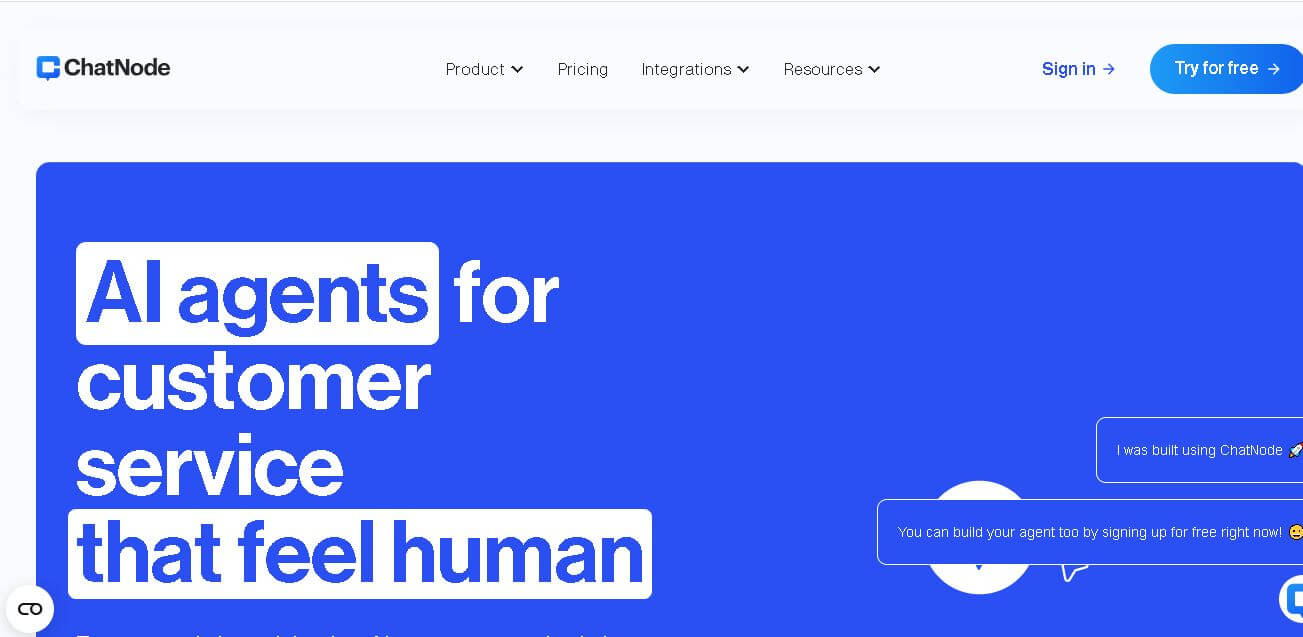
ChatNode is a customer-support AI agent platform for businesses that want to automate conversations using their own websites, documents, and knowledge bases. It supports no-code deployment, AI Actions, integrations, lead capture, analytics, and human escalation, helping teams deliver 24/7 assistance while automating repetitive support and customer-service workflows.
 4.9
4.9Edubrain AI
Education
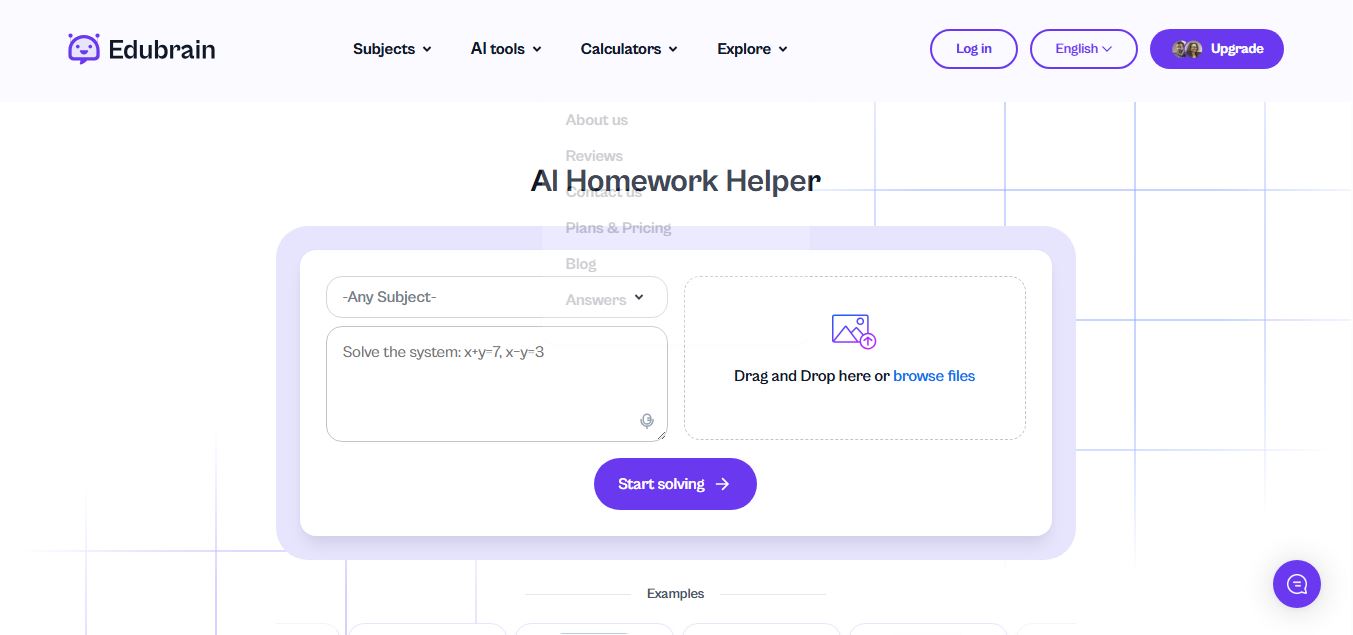
Edubrain is an AI-powered homework assistant that helps students solve questions across 90+ subjects using text, images, PDFs, or audio. It provides step-by-step explanations, adapts to learning styles, and works without sign-up, enabling faster understanding, exam prep, and personalized study support.
 4.8
4.8Math AI
Education
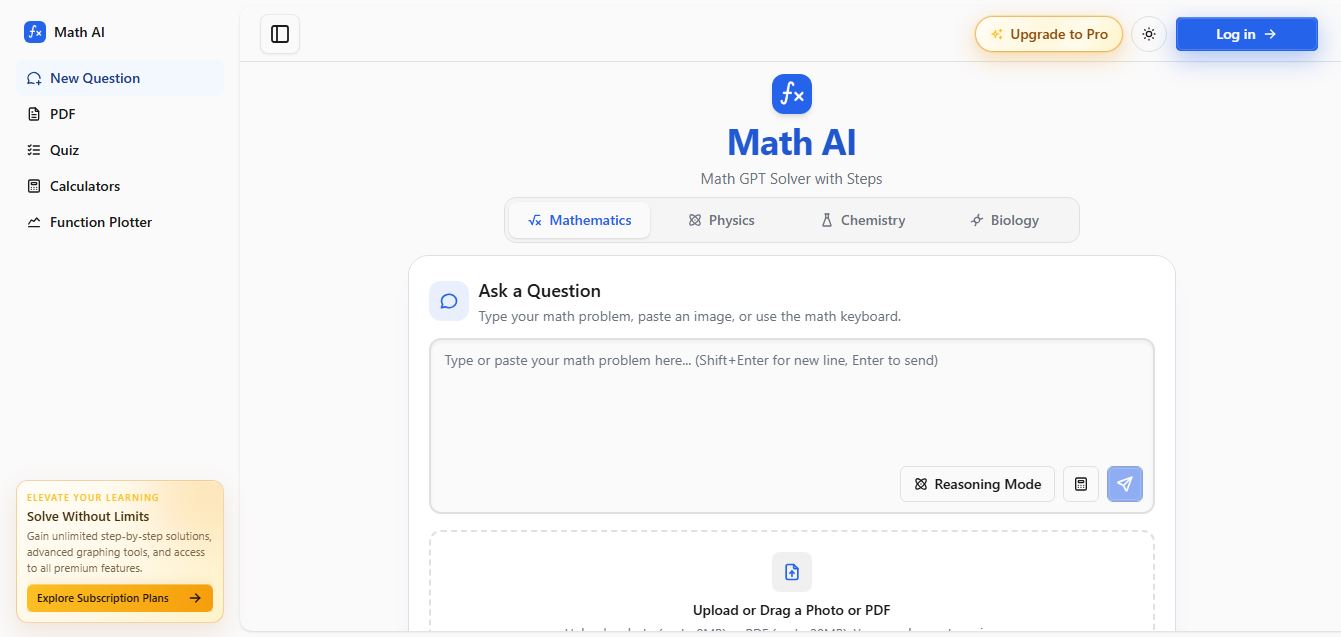
Math AI is an AI-powered math learning platform that helps users solve problems using text or images with step-by-step explanations. It supports algebra, calculus, and more, offering quizzes, graphs, and personalized tutoring to improve understanding and make studying, homework, and exam preparation easier.
 4.9
4.9ThetaWise
Education
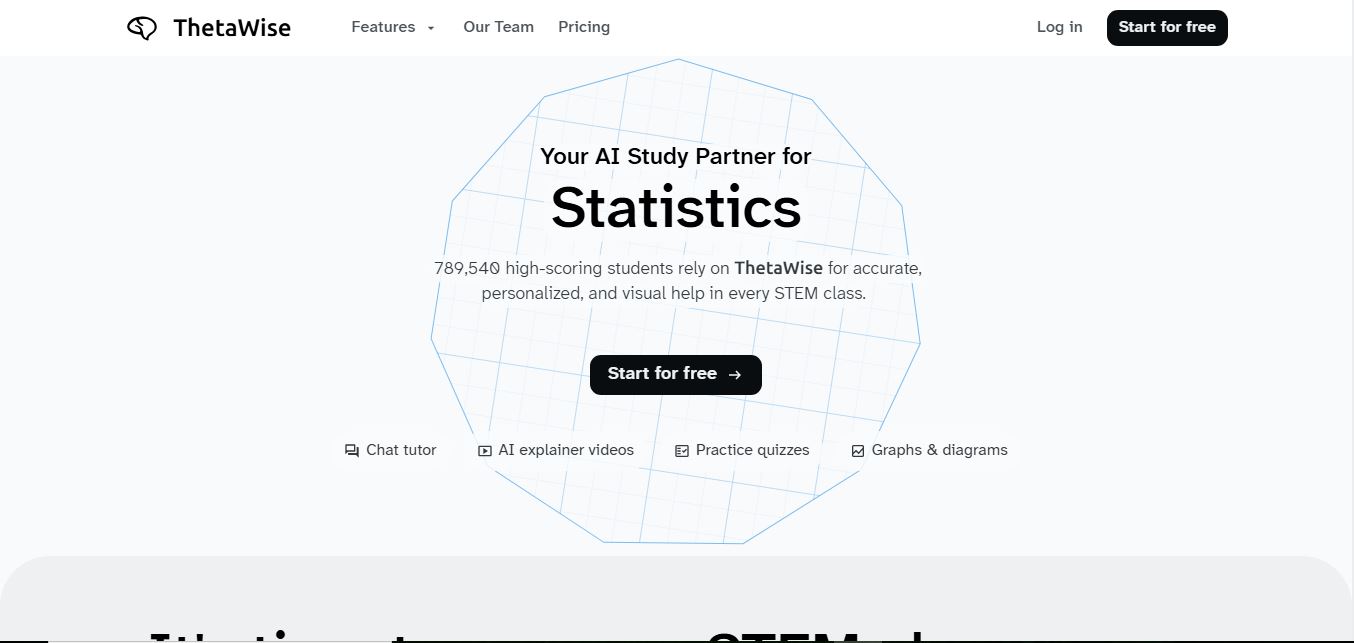
ThetaWise is an AI-powered STEM learning platform that helps students solve math and science problems with step-by-step explanations, video lessons, and practice quizzes. It acts like a 24/7 tutor, adapting to learning styles and improving understanding, test performance, and concept mastery.
 4.9
4.9Mathos AI
Education
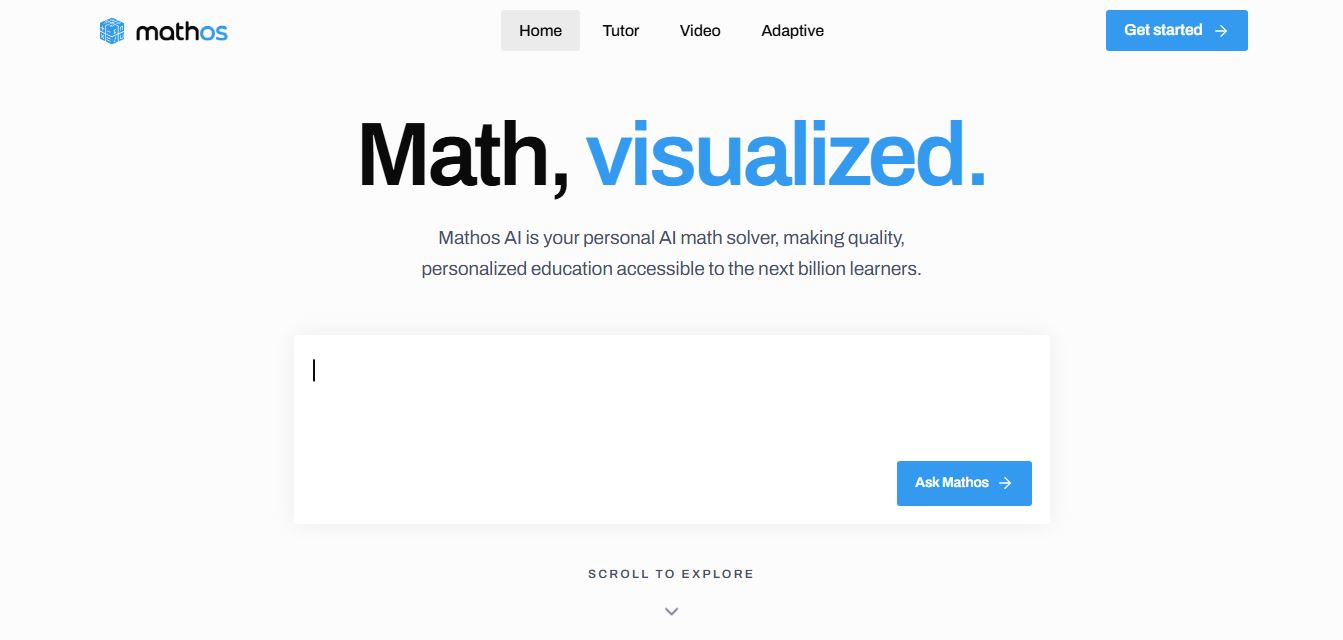
Mathos AI is an AI-powered math solver and tutor that helps students solve problems with step-by-step explanations and personalized guidance. It turns questions into lessons, generates quizzes, flashcards, and videos, and adapts to mistakes, enabling deeper understanding instead of just providing answers.
 4.8
4.8Brainly
Education
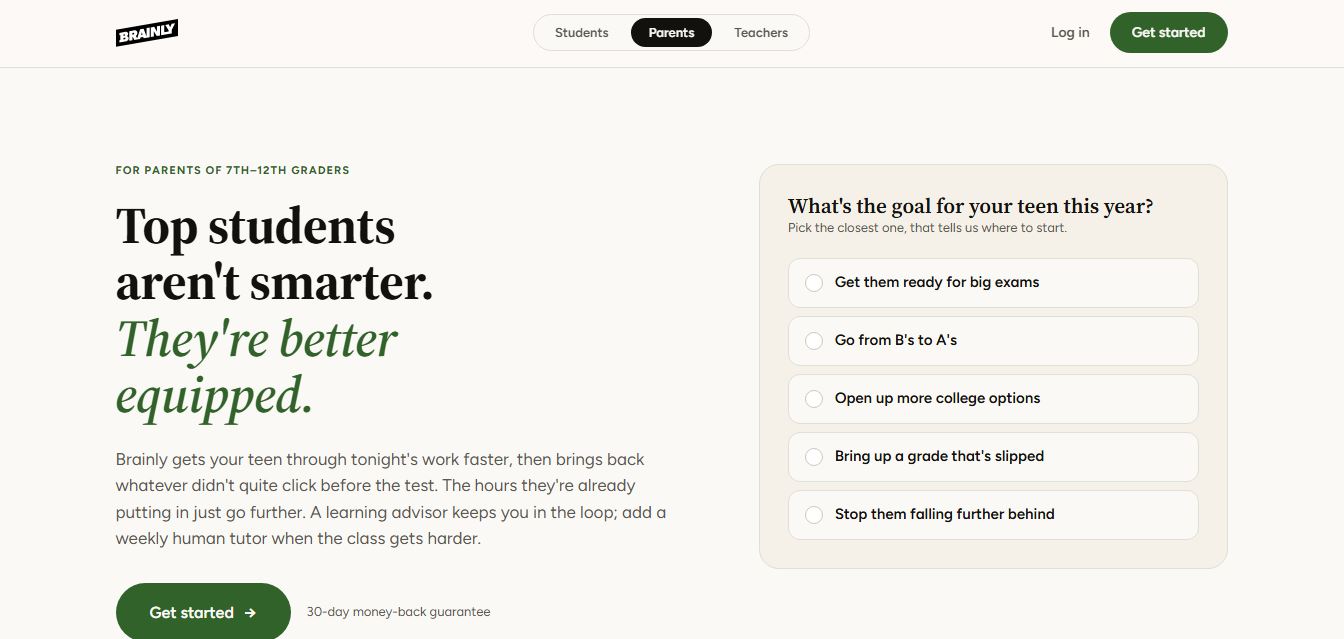
Brainly is an AI-powered learning platform that helps students solve homework, study concepts, and prepare for exams with step-by-step explanations. It combines AI guidance with a global community of experts, turning questions into personalized learning and helping students understand—not just complete—their schoolwork.
 4.8
4.8Gauth
Education
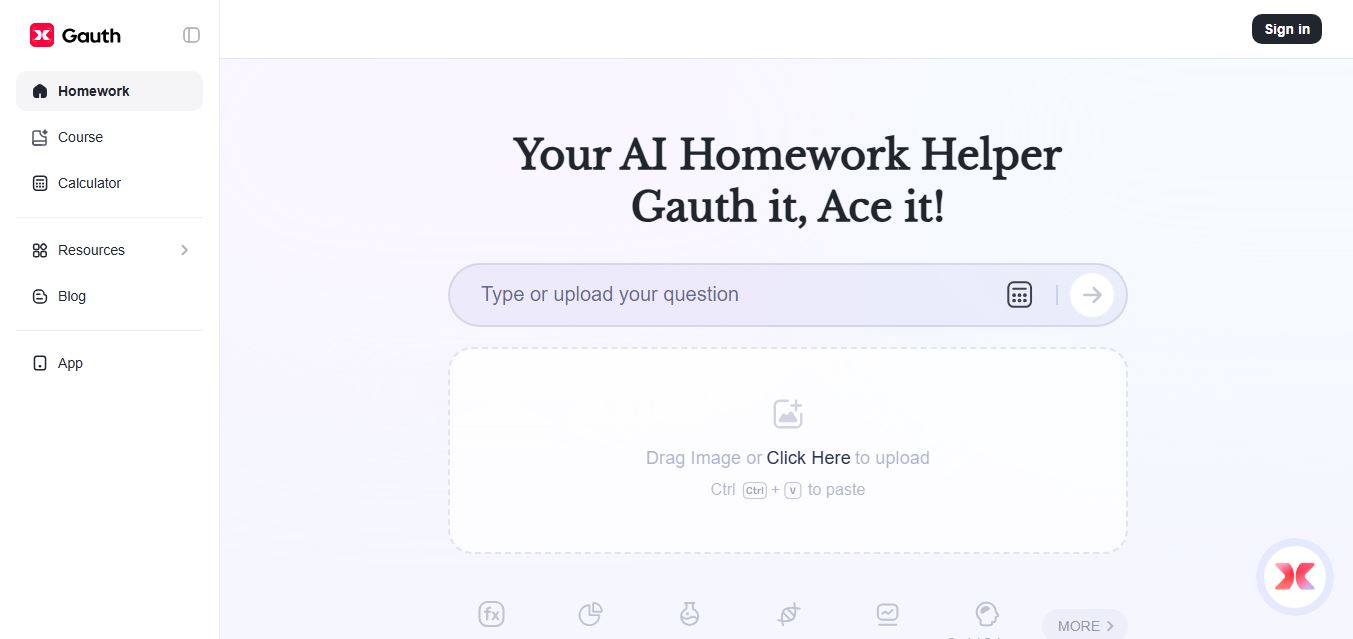
Gauth (formerly Gauthmath) is an AI-powered homework helper that lets students solve problems by typing or snapping a photo. It delivers step-by-step explanations across math and other subjects, combines AI with live tutor support, and helps users understand concepts, complete homework, and prepare for exams.
 4.7
4.7AI Math Solver
Education
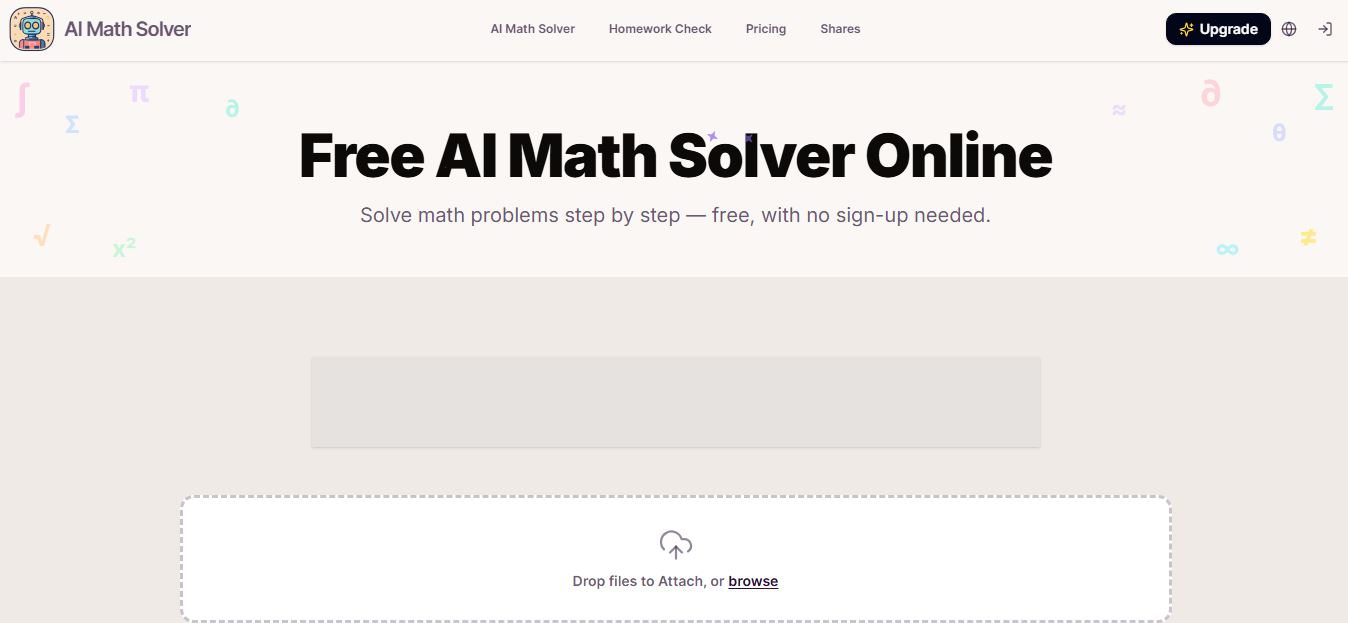
AIMathSolve is an AI-powered math solver that helps users solve problems across algebra, calculus, geometry, and more using text or image input. It generates step-by-step explanations, recognizes handwritten equations, and improves understanding, making it useful for homework, learning, and exam preparation.
 4.9
4.9Brilliant
Education
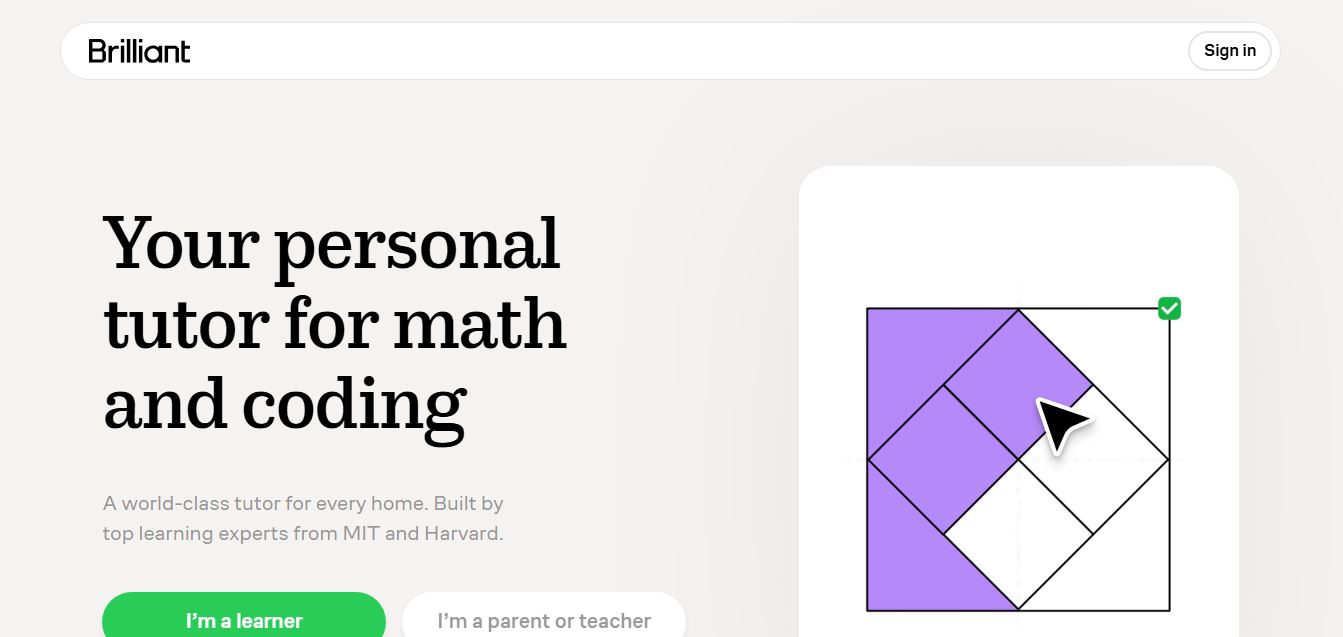
Brilliant is an interactive online learning platform that helps users build math, coding, and problem-solving skills through hands-on lessons. It uses visual explanations, real-time feedback, and a personal AI tutor to guide learning, enabling deeper understanding compared to passive video-based courses.