
Twitter Bookmarks Manager
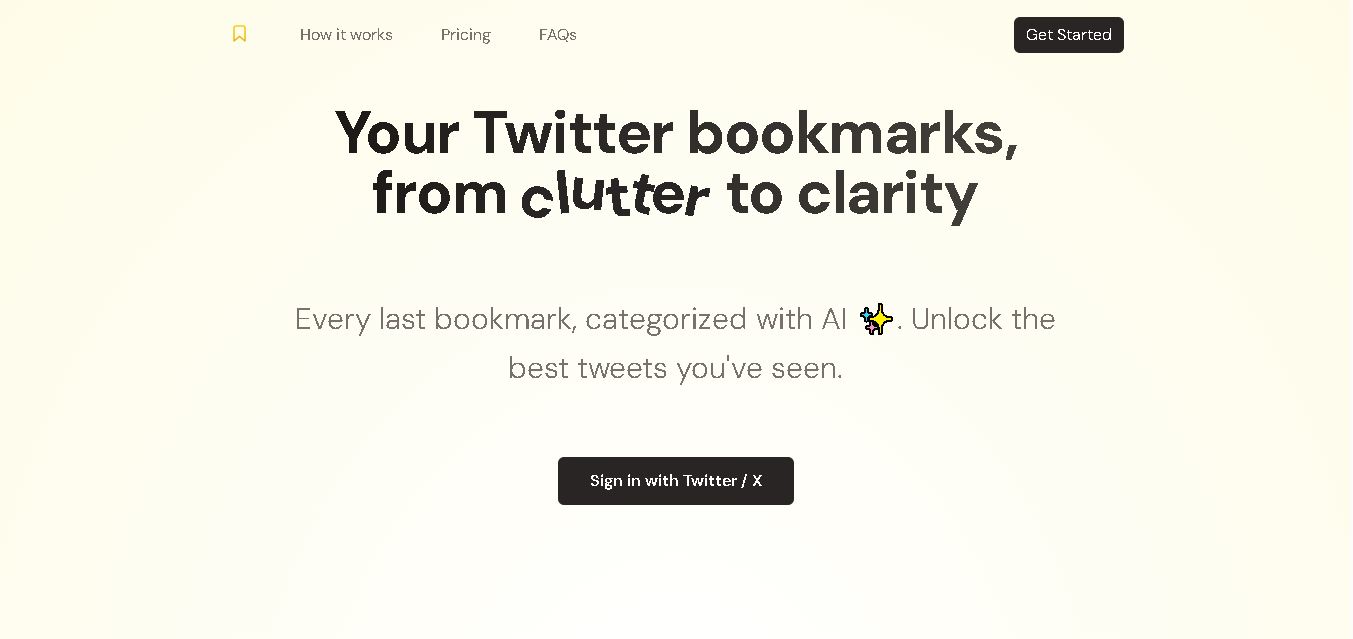
Twitter Bookmarks helps you organize saved X posts using AI-powered categorization and custom topic groups. It imports bookmarks, makes useful tweets easier to find, and supports bulk CSV and JSON exports. The tool is particularly helpful for marketers, researchers, and creators who save ideas, resources, and industry insights regularly.
What is Twitter Bookmarks Manager?
Twitter Bookmarks is a web-based tool designed to organize saved posts from Twitter, now known as X. It imports bookmarked posts, automatically categorizes them using GPT-4 technology, and lets users create custom categories for easier browsing. The tool also supports bulk exports in CSV and JSON formats. It is useful for marketers, researchers, content creators, and professionals who want to turn scattered saved posts into an organized, searchable reference library.
Twitter Bookmarks is a bookmark management tool that organizes saved X posts using GPT-4 technology. Its official website advertises a one-time payment of $29 USD, discounted from $49, for unlimited bookmarks, 1 account, and CSV and JSON exports. Users can import existing bookmarks, generate automatic categories, and create custom topic groups. No recurring subscription is advertised for this plan. The tool is designed to help users retrieve saved information more efficiently, particularly when their bookmark collections become difficult to manage manually.
- Platform Focus: AI bookmark organization, automatic tweet categorization, and archive portability
- Launch Year: AI-Assisted X Bookmark Utility
Use Cases:
- Transforming hundreds of scattered X bookmarks into searchable, topic-based knowledge libraries
- Automatically clustering saved tweets, threads, and resources using GPT-4 intelligence
- Creating custom topic collections to group bookmarked insights for research, writing, and project planning
- Backing up and exporting entire bookmark collections into portable CSV or JSON formats
Technology:
- GPT-4 powered natural language processing engine for semantic text analysis and category generation
- X API secure account integration for seamless, one-click bookmark importing
- Structured data extraction supporting bulk CSV and JSON file exports
Target Users:
- Heavy X (Twitter) users who save dozens of valuable threads and struggle to find them later
- Researchers, writers, and creators looking to curate inspiration and reference materials
- Professionals wanting to back up and export their social media bookmarks outside of X
Corporate Entity: Operates as The Bookmarks Co. / twitterbookmarks.com

Key features of Twitter Bookmarks Manager
Twitter Bookmarks Manager's key features are
- One-Click Bookmark Import: Instantly syncs and imports saved posts directly from your connected X account.
- GPT-4 Automatic Categorization: Automatically analyzes saved tweets and groups them into logical, clean topic categories.
- Custom Topic Collections: Define custom categories and prompt the AI to filter and organize relevant posts within your library.
- Advanced Browsing & Filtering: Escape X's default linear chronological timeline to find bookmarked insights instantly.
- Bulk CSV & JSON Export: Download your entire structured bookmark library for offline storage, data analysis, or migration.
Twitter Bookmarks Manager Pricing
Twitter Bookmarks Manager provides straightforward lifetime access pricing without complex recurring monthly fees.
Individual Lifetime Plan:
- ~$29 one-time payment
- Includes unlimited bookmark imports for one X account, automatic GPT-4 categorization, custom topic collections, and full CSV/JSON export support
Who is using Twitter Bookmarks Manager?
Twitter Bookmarks Manager is designed for information curators and X power users, including
- Content Creators & Writers: Organizing saved threads and hooks to support content planning and idea development
- Researchers & Analysts: Sorting industry insights, frameworks, and market data saved from X feeds
- Solopreneurs & Marketers: Maintaining a clean, accessible archive of strategic business resources
Best Twitter Bookmarks Manager Alternatives
Some of the strongest Twitter Bookmarks Manager alternatives include
- Fabric
- Readwise Reader
- X (Twitter) Native Bookmarks Folder (Premium)
- Raindrop.io
- Instapaper
Pros and Cons of Twitter Bookmarks Manager
Pros
- Solves a specific, frustrating problem by turning chaotic X bookmarks into organized libraries
- GPT-4 automatic categorization saves hours of manual sorting and tagging
- Affordable one-time lifetime purchase model avoids recurring subscription fatigue
- CSV and JSON exports keep your saved data fully portable
Cons
- Focused purely as an archive and retrieval layer rather than a complete social media management suite
- Limited to a single X account per individual plan
- Dependent on X API stability and original tweet availability (deleted tweets may disappear)
Why Choose Twitter Bookmarks Manager?
Twitter Bookmarks Manager is an ideal choice for users who heavily rely on X to learn and discover content but find native bookmark folders impossible to navigate over time.
- Clears out endless chronological scrolling by organizing bookmarks into intelligent topics
- Leverages GPT-4 to automatically categorize saved information
- Provides complete data portability with CSV and JSON backups
- Offers simple, lifetime access pricing with no hidden monthly fees
Twitter Bookmarks Manager vs. Competitors
The main difference between Twitter Bookmarks Manager, Fabric, and Readwise Reader is that Twitter Bookmarks Manager focuses specifically on importing and organizing existing X bookmarks using GPT-4 into a clean dashboard with one-time pricing, whereas Fabric offers a broad AI workspace for all internet clippings, and Readwise Reader is a comprehensive read-it-later application. Twitter Bookmarks Manager stands out for its dedicated X bookmark sync and straightforward lifetime value.
| Feature / Tool | Twitter Bookmarks Manager (twitterbookmarks.com) | Fabric | Readwise Reader | Raindrop.io |
|---|---|---|---|---|
| Core Focus | AI X Bookmark Organization & Export | All-in-One AI Knowledge Workspace | Advanced Read-It-Later & Highlights | Universal Web Bookmark Manager |
| AI Categorization | Yes (GPT-4 Auto-Grouping) | Yes (Semantic AI Search) | Yes (GhostReader AI) | Limited / Manual Tags |
| Data Portability | Yes (CSV & JSON Export) | Cloud Workspace | Export Supported | HTML/CSV Export |
| Pricing Structure | ~$29 One-Time Lifetime Access | Subscription Tiers | Subscription (~$4.99+/mo) | Free tier / ~$28/year |
| Best For | Dedicated X Bookmark Sorting & Backup | Holistic Second Brain Knowledge Management | Active Readers & Highlighter Power Users | General Web & Link Bookmarking |
How do we rate Twitter Bookmarks Manager?
| Parameter | Rating (out of 5) |
|---|---|
| AI Categorization & GPT-4 Organization | 4.7 |
| Ease of Import & X Integration | 4.8 |
| Search & Retrieval Ergonomics | 4.6 |
| Data Export & Portability | 4.8 |
| Value for Money (Lifetime Access) | 4.9 |
| Overall Score | 4.76 |
Twitter Bookmarks Manager Review
Twitter Bookmarks Manager is a focused, highly practical utility for anyone whose X bookmark tab has turned into an unreadable graveyard. By utilizing GPT-4 to automatically parse and group saved posts into thematic folders, it rescues valuable knowledge from being lost. Combined with clean CSV and JSON export options and a simple lifetime pricing model, it provides exceptional utility for research-driven X users.
Conclusion
Twitter Bookmarks is a practical solution for organizing saved X posts through AI-powered categorization, custom categories, and bulk data exports. Its one-time purchase model may appeal to marketers, researchers, and content creators who want to manage growing bookmark collections without recurring subscription fees. While it can improve research and content planning workflows, users should review account permissions, data privacy, and current pricing before purchasing. Overall, it helps transform scattered saved posts into a more useful knowledge library.
FAQ
What can you use Twitter Bookmarks for?
You can use Twitter Bookmarks to organize saved X posts instead of scrolling through a long, unstructured list. If you regularly save marketing tips, AI tools, research, or industry news, the tool groups bookmarks into relevant categories. This makes it easier to rediscover useful information and turn saved ideas into action.
How does Twitter Bookmarks categorize saved posts?
Twitter Bookmarks uses GPT-4 technology to analyze imported posts and organize them into relevant categories. You can also create custom categories around topics that matter to you, such as SEO, content marketing, or product research. This reduces manual sorting and helps you locate useful information without reviewing every saved post individually.
Is Twitter Bookmarks free to use?
The official website advertises a paid plan with a one-time purchase rather than a recurring subscription. Its listed offer is $29 USD, discounted from $49, and includes unlimited bookmarks for one account. Pricing can change, so check the official website before purchasing to confirm the current amount and included features.
Can Twitter Bookmarks export saved posts?
Yes, Twitter Bookmarks supports bulk exports in CSV and JSON formats. These options help you keep an external record of your saved posts or reuse bookmark data in compatible workflows. If you collect resources for research, content planning, or reporting, exporting can make your information easier to manage outside the tool.
Who should use Twitter Bookmarks?
Twitter Bookmarks is useful for marketers, SEO professionals, researchers, founders, and content creators who frequently save posts for future reference. You can organize competitor insights, campaign ideas, industry updates, and educational threads into separate categories. It is particularly valuable when your growing collection makes finding previously saved information difficult and time-consuming.
User Reviews
No reviews yet for Twitter Bookmarks Manager.
Featured Tools
Featured AI tools from TechShark
Klap
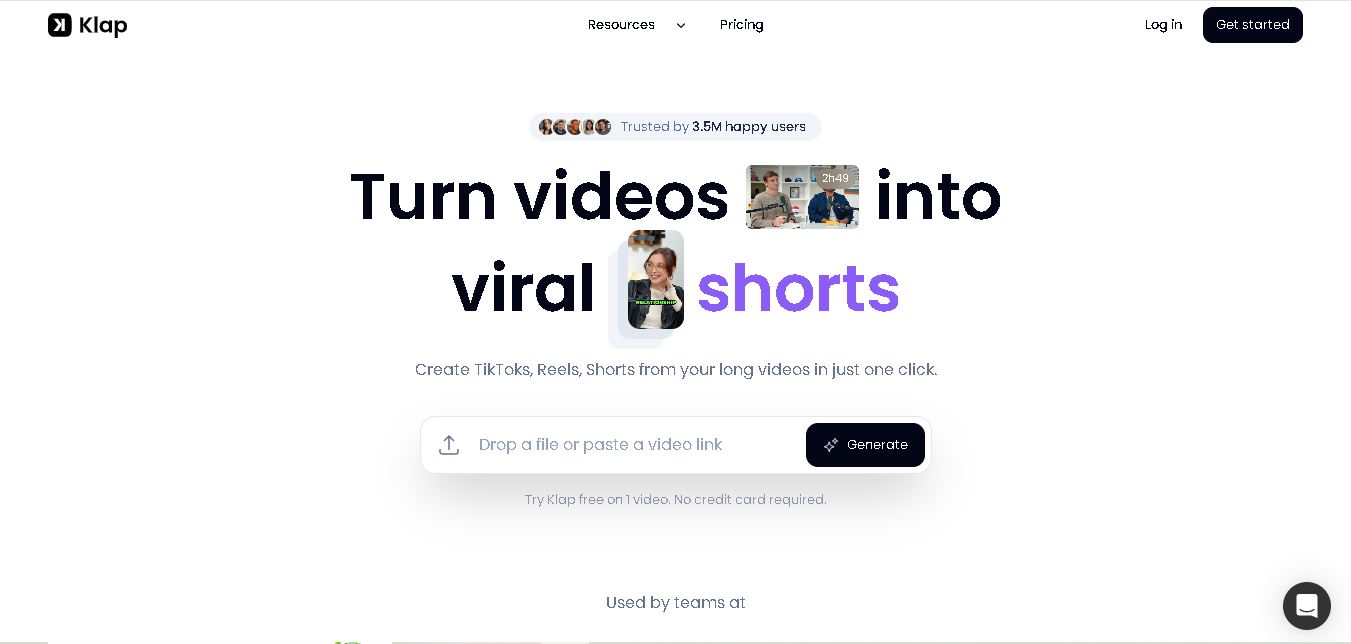
Klap is an AI-powered video editing tool that turns long videos into engaging short clips for TikTok, Instagram Reels, and YouTube Shorts. It automatically finds the best moments, adds captions, and resizes videos, helping creators save time and create more content with less effort.
Free
Melody Genie
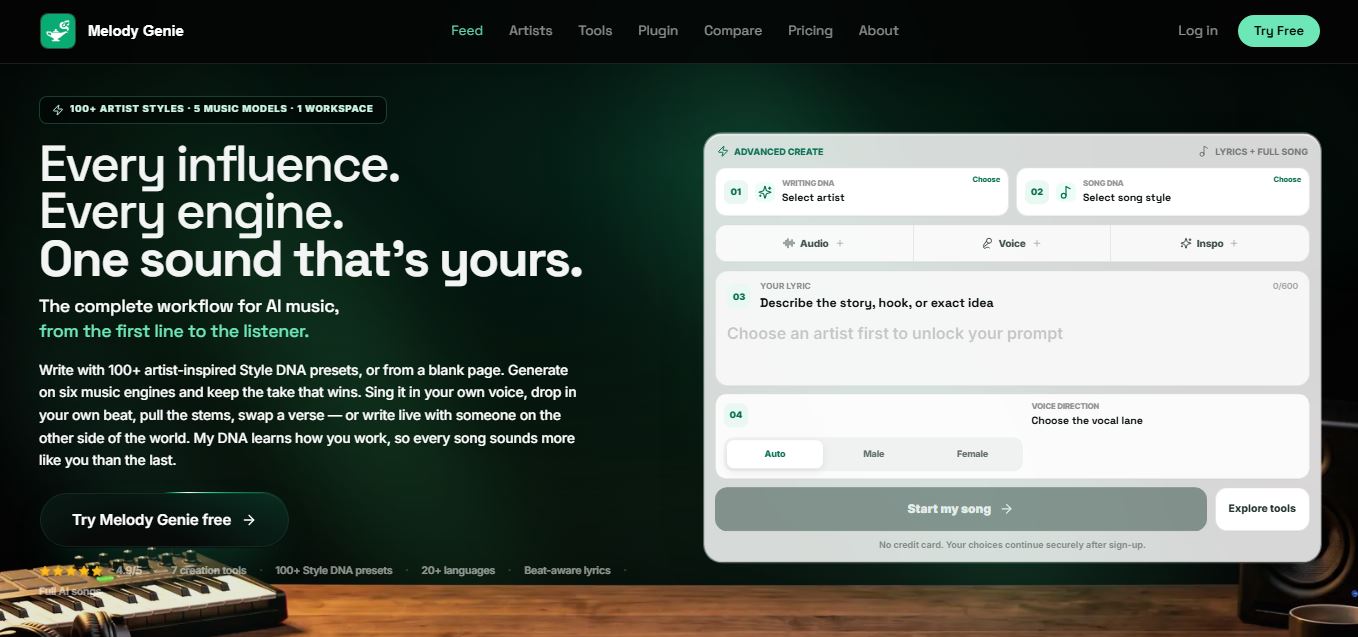
MelodyGenie is an AI-powered music generator that creates original songs from simple text prompts. Users can choose styles, moods, and genres, then instantly generate melodies and full tracks, making it easy for creators, marketers, and hobbyists to produce custom music without musical expertise.
Freemium

Fashion Diffusion AI
Fashion Diffusion is an AI-powered fashion design platform that helps brands and designers create clothing designs, virtual try-ons, AI models, product photos, and marketing visuals faster and cost-effectively.
Paid
Veo 4
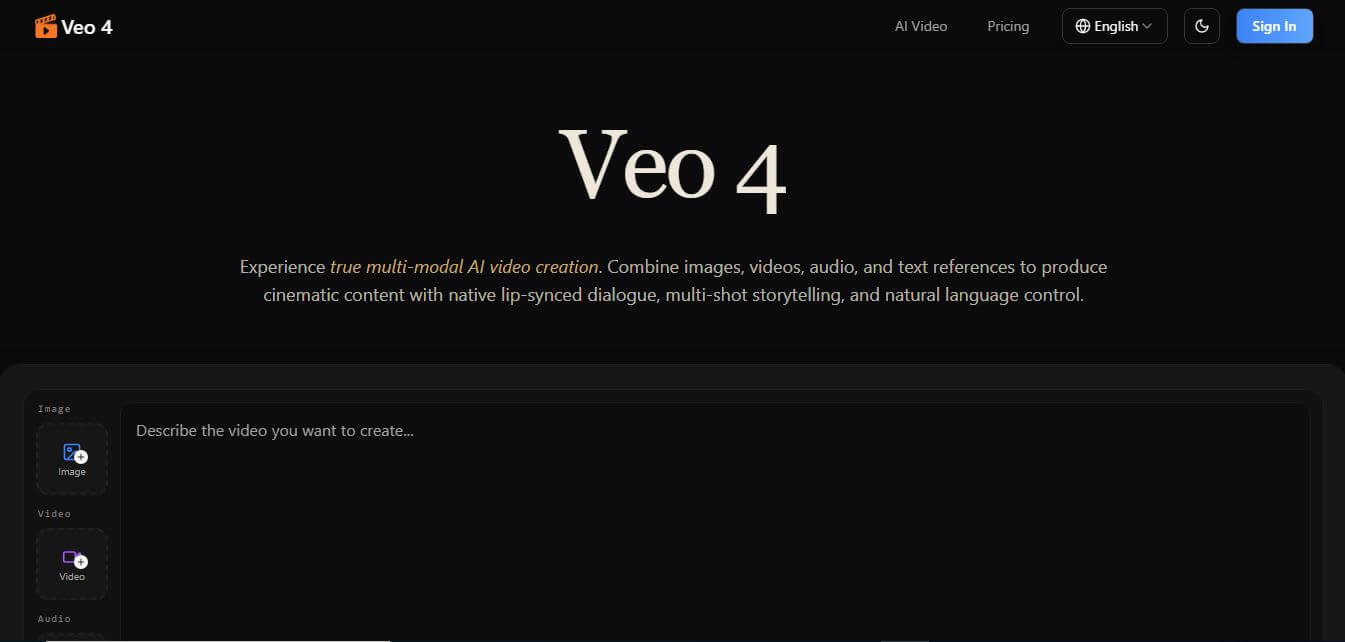
Veo 4 AI is an AI video creation platform that generates dramatic videos from text, images, audio, and video prompts using realistic motion and synchronized sound.
Paid
Alternatives
Alternatives to Twitter Bookmarks Manager
The best Twitter Bookmarks Manager alternatives include Fabric, Readwise Reader, Raindrop.io, and Instapaper. These platforms offer bookmark management, clipping, and content organization features. While Twitter Bookmarks Manager specializes specifically in importing and auto-categorizing X (Twitter) bookmarks using GPT-4 with a one-time lifetime price, alternatives like Fabric offer broad AI knowledge workspaces and Readwise Reader provides advanced highlight management.
4.8Klap
Social Media
Klap is an AI-powered video editing tool that turns long videos into engaging short clips for TikTok, Instagram Reels, and YouTube Shorts. It automatically finds the best moments, adds captions, and resizes videos, helping creators save time and create more content with less effort.
 4.7
Social Comments GPT
Social Media
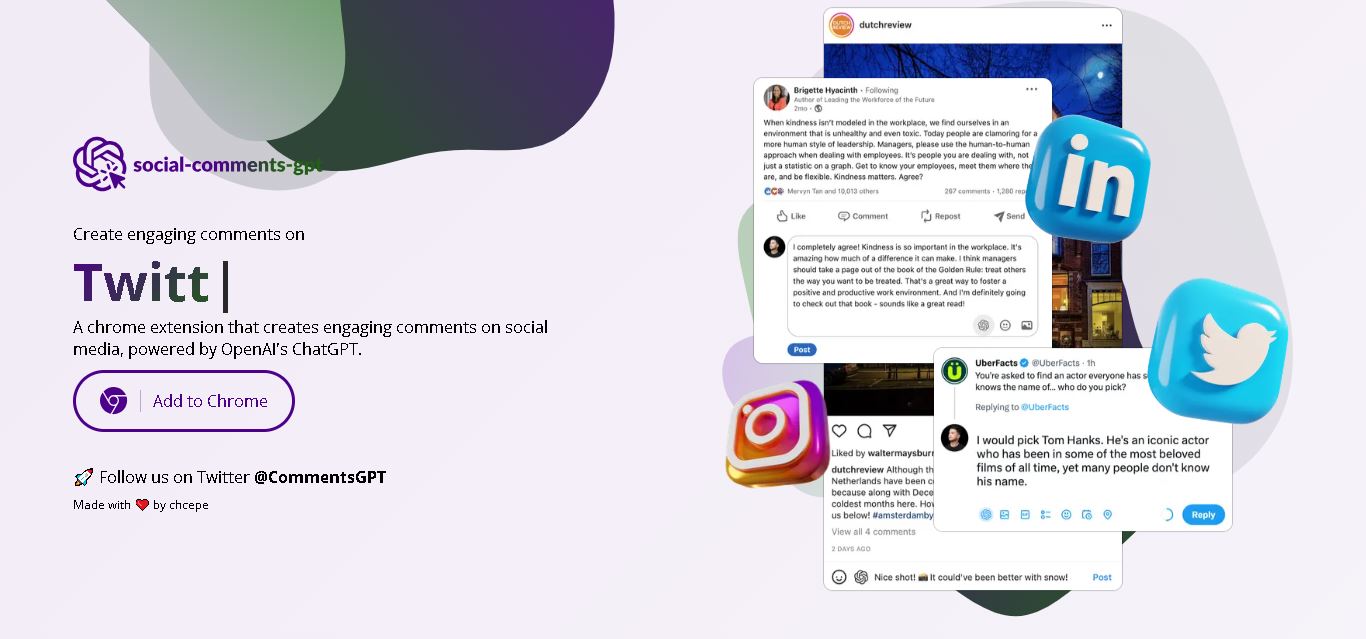
Social Comments GPT helps users draft engaging social media comments with ChatGPT through a Chrome extension. It is useful for professionals, influencers, creators, and marketers who want to respond to posts more efficiently. By generating comment suggestions within supported social networks, it simplifies everyday engagement while leaving users in control of their final replies.
 4.7
Editby
Social Media
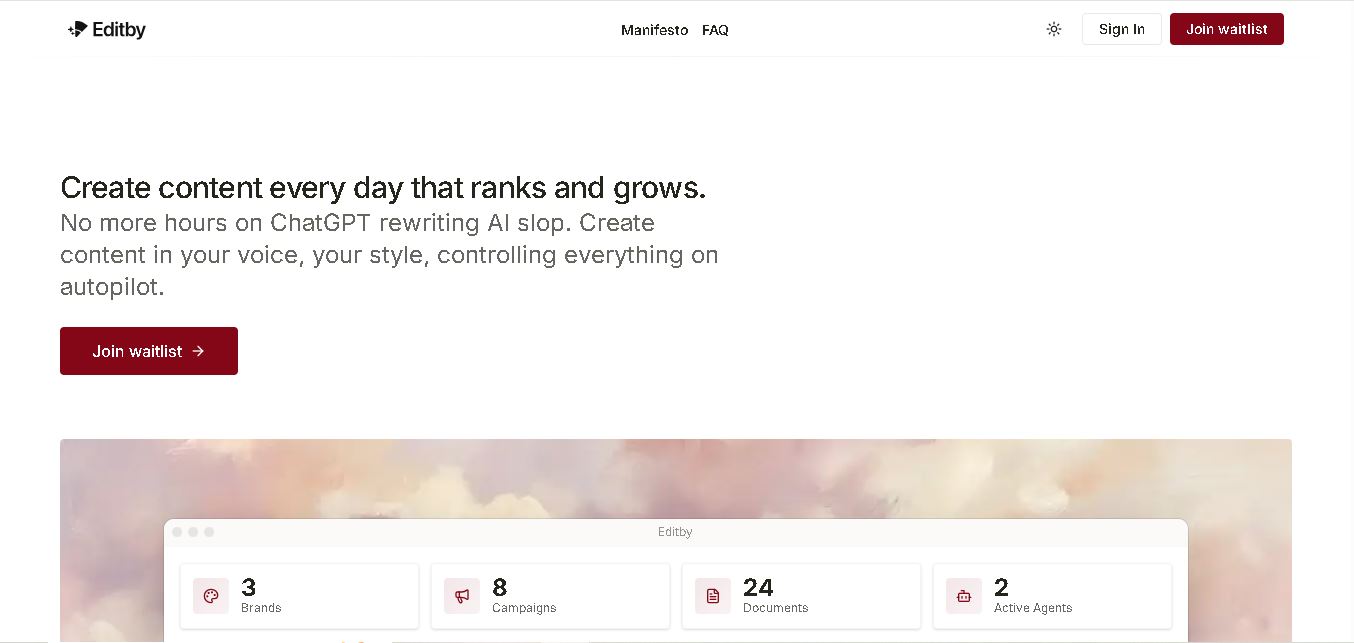
Editby helps marketers, businesses, and creators produce brand-consistent content using AI-assisted writing, research, and automation. It supports blogs, social media posts, newsletters, and press releases while offering customizable brand voices, scheduled content generation, and team collaboration. Its organized campaign workflows help users streamline content planning and maintain a consistent publishing strategy.
 4.8
MagicBrief
Social Media
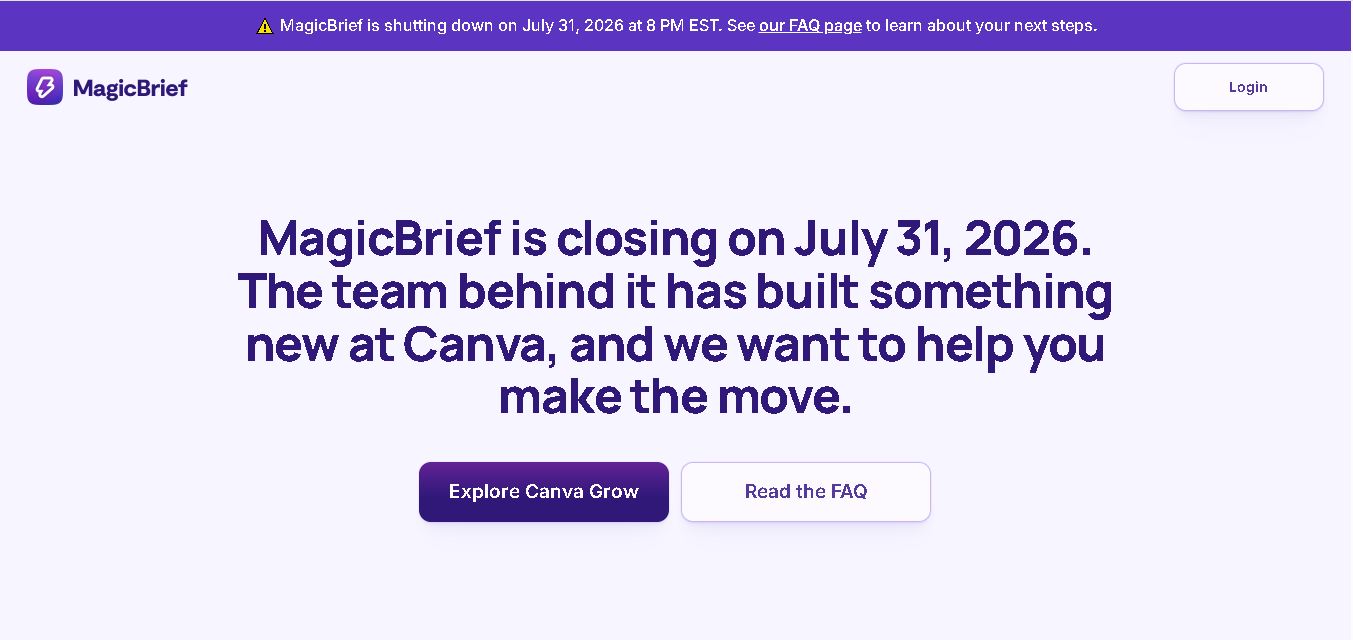
MagicBrief was an advertising creative research and collaboration tool that helped marketers discover inspiring ads, analyze competitors, build storyboards, and organize campaign briefs. It offered AI-assisted video analysis, creative performance insights, and team collaboration. Following its announced shutdown in July 2026, users seeking similar workflows can explore Canva Grow, its successor direction.
 4.7
The Dream AI
Social Media
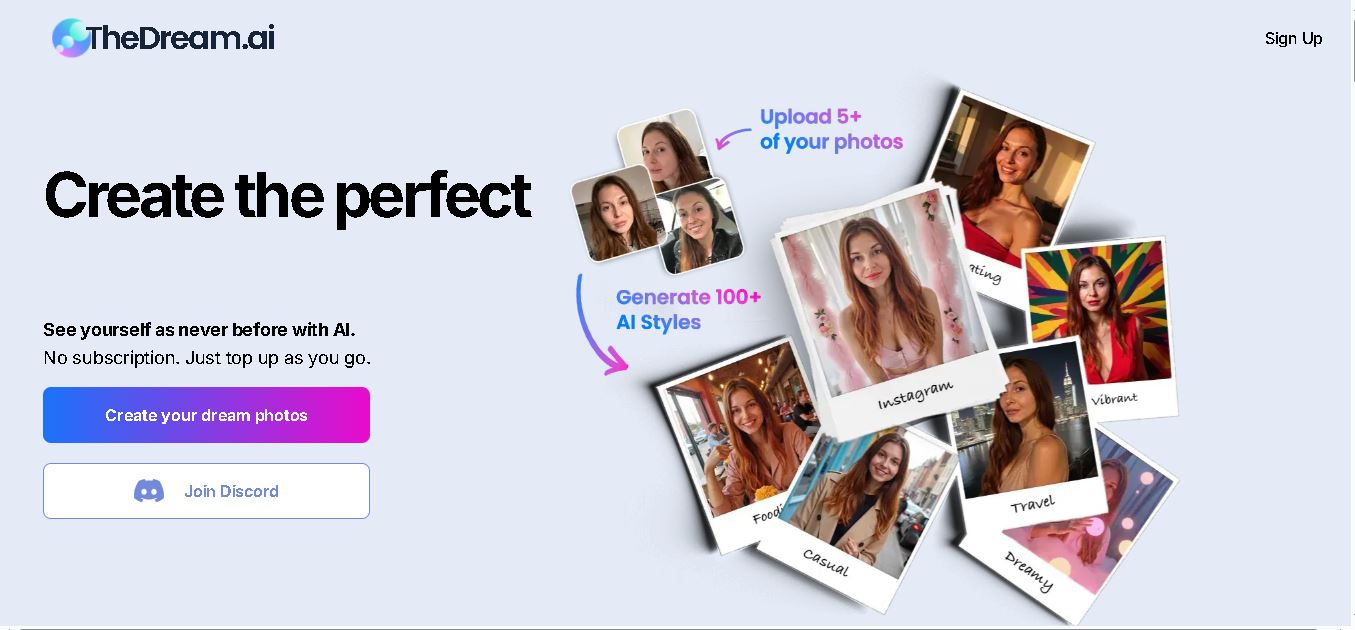
TheDream.ai helps users create personalized AI portraits, profile pictures, and photoshoot-style images from their own photographs. It offers more than 200 styles covering professional, fashion, dating, fitness, and travel themes. Its pay-as-you-go model requires no subscription, making it an option for individuals seeking distinctive digital portraits and creative profile images.
 4.7
TweetEmote
Social Media
TweetEmote helps users generate engaging tweets, replies, and article threads using customizable emotions and writing styles. It is designed for influencers, marketers, content creators, and professionals who want to communicate more expressively on X. Its AI writing features simplify content creation, save time, and help users develop varied social media messages.
 4.8
Devi AI
Social Media
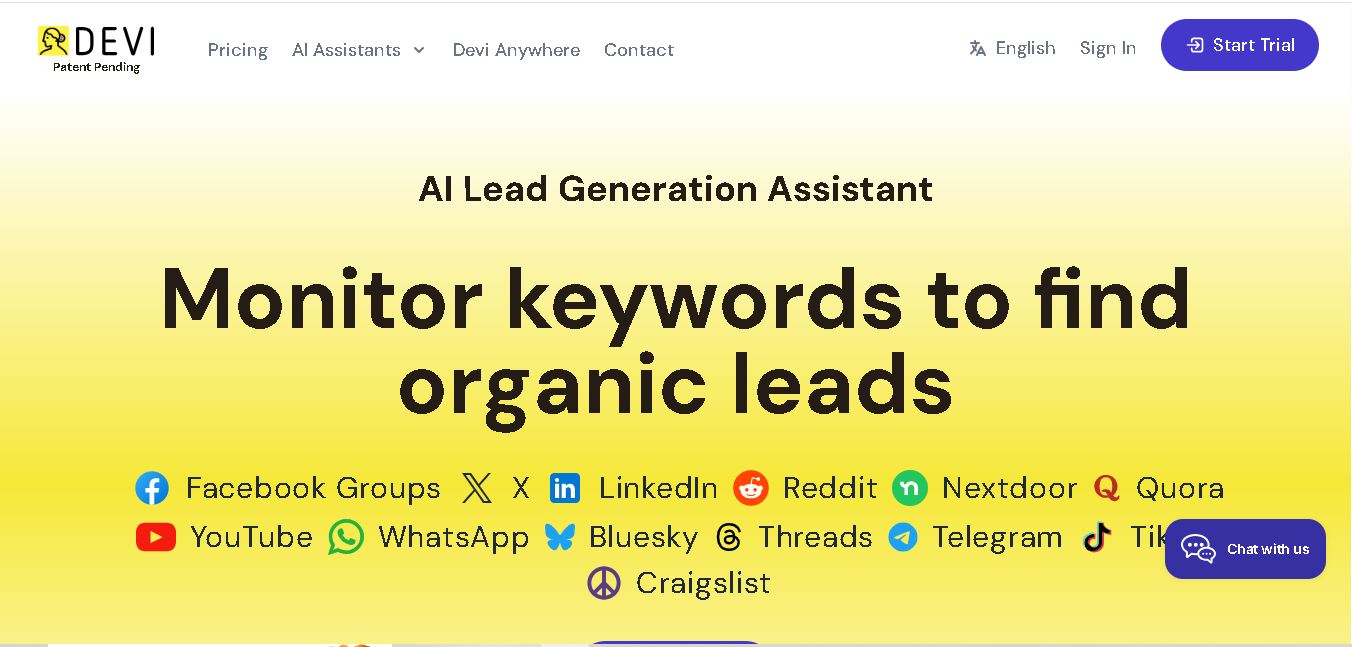
Devi AI helps businesses find potential customers through social media monitoring, keyword tracking, and AI-based buying-intent detection. It generates personalized replies, flags complaints, and supports content creation and scheduling. Designed for marketers, sales professionals, entrepreneurs, and agencies, Devi simplifies lead discovery, outreach, and social media management from a centralized workflow.
 4.7
Social Studio AI
Social Media
Social Studio AI helps creators, businesses, and marketers generate Instagram content, design posts, write captions, and discover relevant hashtags. Its built-in editor supports brand customization, while scheduling features help users organize publishing in advance. The tool simplifies content planning and reduces repetitive work for individuals and agencies managing Instagram marketing activities.
 4.7
Rizz AI
Social Media
Rizz AI is a text-writing assistant that helps users generate messages, improve replies, and communicate more naturally online. Its keyboard-focused approach makes AI writing assistance convenient during everyday conversations. Whether you are drafting a message or looking for a creative response, Rizz AI aims to make digital communication faster and more expressive.