
TG Video Downloader
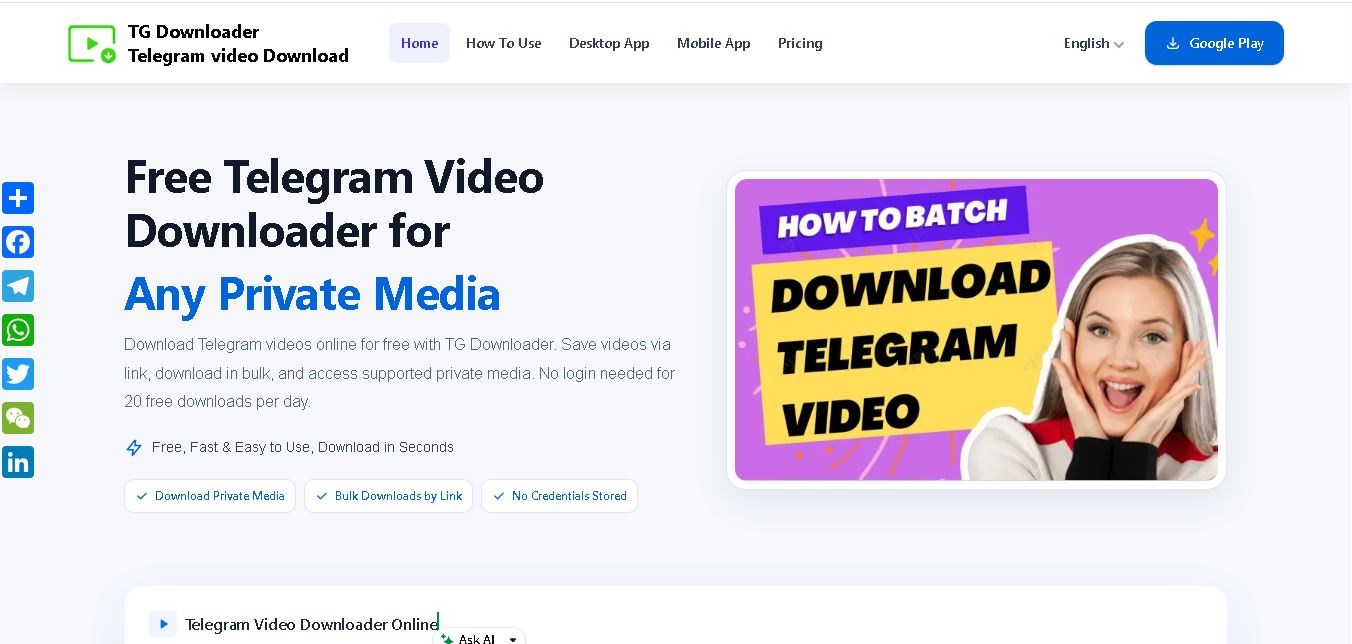
TG Video Downloader helps users save videos, photos, GIFs, audio, and other supported media from Telegram. Its browser extension offers individual and batch downloads, while its Android application supports browsing accessible conversations and saving selected files. It is useful for offline viewing, personal backups, and convenient media organization across compatible devices and workflows.
What is TG Video Downloader?
TG Video Downloader is a tool designed to help users save videos, photos, GIFs, audio files, and other media from Telegram to their devices. It supports downloading individual items and multiple files, making media management more convenient for personal use. Depending on the feature used, downloads can be handled through a browser extension or a mobile application. Users should respect content ownership, privacy, and Telegram's terms when saving files.
TG Video Downloader helps users save Telegram media for offline viewing, personal backups, and easier file management. Its Chrome Web Store listing reports a 4.6-star rating from approximately 3,300 ratings and more than 200,000 users. Features include single-file downloads, batch selection, and support for videos, images, GIFs, and audio. The associated Android app also offers media previews and download management. Actual performance depends on device compatibility, network speed, and Telegram access permissions. Users should download only content they are authorized to save.
- Platform Focus: Telegram media downloading, batch file saving, browser extension utility
- Launch Year: Web & Extension Media Utility
Use Cases:
- Saving educational videos, course materials, and documents directly from Telegram Web channels for offline access
- Batch downloading multiple images, video clips, or audio tracks from a chat in a single click
- Archiving content from private channels and groups that the logged-in user has permission to access
- Extracting public Telegram post media using simple link parsing
Technology:
- Browser extension script integrating with Telegram Web interfaces (Web K / Web A)
- Direct client-side streaming engine saving files directly to local storage without third-party server storage
- Support for large file streams up to Telegram's native size limit (up to 4 GB)
Target Users:
- Telegram users seeking a convenient way to back up group and channel media
- Content creators, researchers, and archivists collecting reference materials from public networks
- Students downloading video lectures, PDFs, and study materials shared over Telegram channels
Corporate Entity: Independent Browser Extension & Web Utility (tgvideodownloader.com)

Key features of TG Video Downloader
TG Video Downloader's key features are
- Integrated Download Buttons: Automatically adds a clear 'Download' action below videos, photos, audio tracks, and documents in Telegram Web.
- Private Group & Channel Support: Enables media downloads from private Telegram channels accessible under the user's active session.
- Batch Media Saver: Select and save multiple visible media files simultaneously rather than downloading items individually.
- Original Quality Preservation: Downloads high-definition videos, raw images, and uncompressed documents without quality loss.
- Large File Handling: Supports downloading large media files up to 4 GB directly to local disk.
- Public Link Downloader: Online web fallback allows users to paste public Telegram links for fast downloading.
- No Registration Required: Works seamlessly through browser extensions or online links without account signup.
TG Video Downloader Pricing
TG Video Downloader offers both free base access and optional upgraded tiers depending on download volume and batch features.
Free Version:
- $0 / Free
- Includes standard media downloads for single public and accessible private files via the extension or web tool
Pro / Premium Access:
- Subscription or license option (Monthly / Quarterly / Annual plans)
- Unlocks unlimited batch downloads, high-speed multi-thread processing, and multi-device extension usage
Who is using TG Video Downloader?
TG Video Downloader is designed for digital consumers and online communities, including
- Content Archivists: Creating local backups of educational, news, or community video streams
- Remote Students & Learners: Saving recorded video lessons and shared lecture slides for offline studying
- Digital Marketers & Researchers: Collecting video clips, infographics, and competitive media assets
- Everyday Telegram Web Users: Eliminating awkward workaround methods for saving chat media directly to desktop computers
Best TG Video Downloader Alternatives
Some of the strongest TG Video Downloader alternatives include
- Telegram Web Native Download Actions
- Telegram Saver Bots
- 4K Video Downloader
- JDownloader 2
- yt-dlp (Command-Line Utility)
Pros and Cons of TG Video Downloader
Pros
- Direct browser integration inside Telegram Web saves significant time and effort
- Supports batch saving across multiple media items in a active group thread
- Maintains original resolution for videos, photos, and large files up to 4 GB
- Compatible with both Telegram Web K and Web A interface layouts
Cons
- Requires a desktop browser (Chrome/Edge) for full extension functionality
- Dependent on Telegram Web updates, which can occasionally require extension patches
- Full batch downloading functionality may require paid Pro registration
Why Choose TG Video Downloader?
TG Video Downloader is an excellent choice for users who frequently consume media on Telegram Web and need a reliable, seamless solution to archive files locally.
- Eliminates manual copy-pasting of links by placing download controls directly under videos and images
- Works effortlessly on private groups and channels visible in your active Telegram Web session
- Offers fast batch downloads to quickly backup entire media streams
- Does not store downloaded media on external servers, protecting user privacy
TG Video Downloader vs. Competitors
The main difference between TG Video Downloader, Telegram Bots, and desktop tools like 4K Video Downloader is that TG Video Downloader operates right inside Telegram Web as a lightweight browser extension, whereas Telegram bots often restrict file sizes or require bot authorization, and traditional desktop downloaders cannot access private chat media without complex session tokens. TG Video Downloader stands out for its in-browser convenience and private group compatibility.
| Feature / Tool | TG Video Downloader (tgvideodownloader.com) | Telegram Download Bots | 4K Video Downloader | yt-dlp |
|---|---|---|---|---|
| Core Integration | Chrome / Edge Extension & Web Tool | Telegram In-App Bot Chat | Standalone Desktop App | Command-Line Interface (CLI) |
| Private Group Support | Yes (via logged-in Telegram Web) | Limited / Requires Bot Invites | No | Requires Cookie Exporting |
| Batch Downloading | Yes (Multi-file selection) | No (One by one) | Yes (Playlists) | Yes (Scriptable) |
| Ease of Use | High (1-Click in Telegram Web) | Moderate | Moderate | Low (Technical/CLI) |
| Best For | Fast Browser-Based Telegram Saving | Quick Mobile Downloads | Generic Video Sites | Power Users & Developers |
How do we rate TG Video Downloader?
| Parameter | Rating (out of 5) |
|---|---|
| Ease of Use & Integration Ergonomics | 4.8 |
| Download Speed & File Size Support | 4.7 |
| Batch Processing & Private Group Utility | 4.6 |
| Privacy & Direct Local Streaming | 4.7 |
| Value for Money | 4.7 |
| Overall Score | 4.70 |
TG Video Downloader Review
TG Video Downloader is a highly effective utility for anyone who frequently uses Telegram on desktop web browsers. By embedding download buttons natively under photos, videos, and documents within Telegram Web, it removes unnecessary manual steps. Its support for private groups you belong to and batch media downloading makes it a top choice for archiving valuable chat media efficiently.
Conclusion
TG Video Downloader is a practical option for users who want to save Telegram media for offline access, personal reference, and file organization. Its browser extension offers convenient downloading features, including batch selection, while its Android application provides an alternative for mobile users. Before installing either version, review its compatibility, permissions, and privacy practices. For responsible use, download only content you are authorized to keep, protect your Telegram account, and respect copyright and platform rules.
FAQ
Is TG Video Downloader free to use?
TG Video Downloader offers a free Chrome extension for saving Telegram media without requiring a separate website account. You can download supported videos, images, GIFs, and audio files from Telegram Web. Before using it, check the extension's current permissions and availability. Some features may depend on your browser or device.
How can I download videos using TG Video Downloader?
To download a Telegram video, install the compatible TG Video Downloader extension, open Telegram Web in Chrome, and navigate to the conversation containing the video. Use the available download control to save the media to your computer. Keep Telegram Web open while downloading and ensure you have permission to save the content.
Can TG Video Downloader save multiple videos at once?
Yes, TG Video Downloader supports single downloads and batch selection through its browser extension. This feature can help you save several supported media files without repeating every step individually. It is useful for organizing educational videos, reference materials, and personal media collections. Availability depends on the extension version and supported Telegram interface.
Does TG Video Downloader work with private Telegram groups?
The Chrome extension listing describes support for media in private Telegram groups and restricted channels that users can already access. However, downloads depend on your Telegram session, extension permissions, and content availability. The tool should not be used to bypass access restrictions. Always respect group rules, privacy expectations, and content ownership before saving media.
Which file formats does TG Video Downloader support?
TG Video Downloader supports common Telegram media types, including videos, photos, GIFs, music, audiobooks, and other supported files. The exact formats available can depend on the original file and the extension's capabilities. Before downloading important content, check the resulting file extension and confirm that your device has a compatible application for opening it.
Is TG Video Downloader safe for downloading Telegram media?
TG Video Downloader provides tools for saving Telegram media locally, but users should still review its permissions and privacy policy before installation. Downloaded files can contain harmful content, regardless of the downloader used. Install the extension from the official Chrome Web Store, avoid suspicious files, and never share your Telegram verification codes or account credentials with unrelated websites.
User Reviews
No reviews yet for TG Video Downloader.
Featured Tools
Featured AI tools from TechShark

Klap
Klap is an AI-powered video editing tool that turns long videos into engaging short clips for TikTok, Instagram Reels, and YouTube Shorts. It automatically finds the best moments, adds captions, and resizes videos, helping creators save time and create more content with less effort.
Free

Melody Genie
MelodyGenie is an AI-powered music generator that creates original songs from simple text prompts. Users can choose styles, moods, and genres, then instantly generate melodies and full tracks, making it easy for creators, marketers, and hobbyists to produce custom music without musical expertise.
Freemium

Fashion Diffusion AI
Fashion Diffusion is an AI-powered fashion design platform that helps brands and designers create clothing designs, virtual try-ons, AI models, product photos, and marketing visuals faster and cost-effectively.
Paid
Veo 4
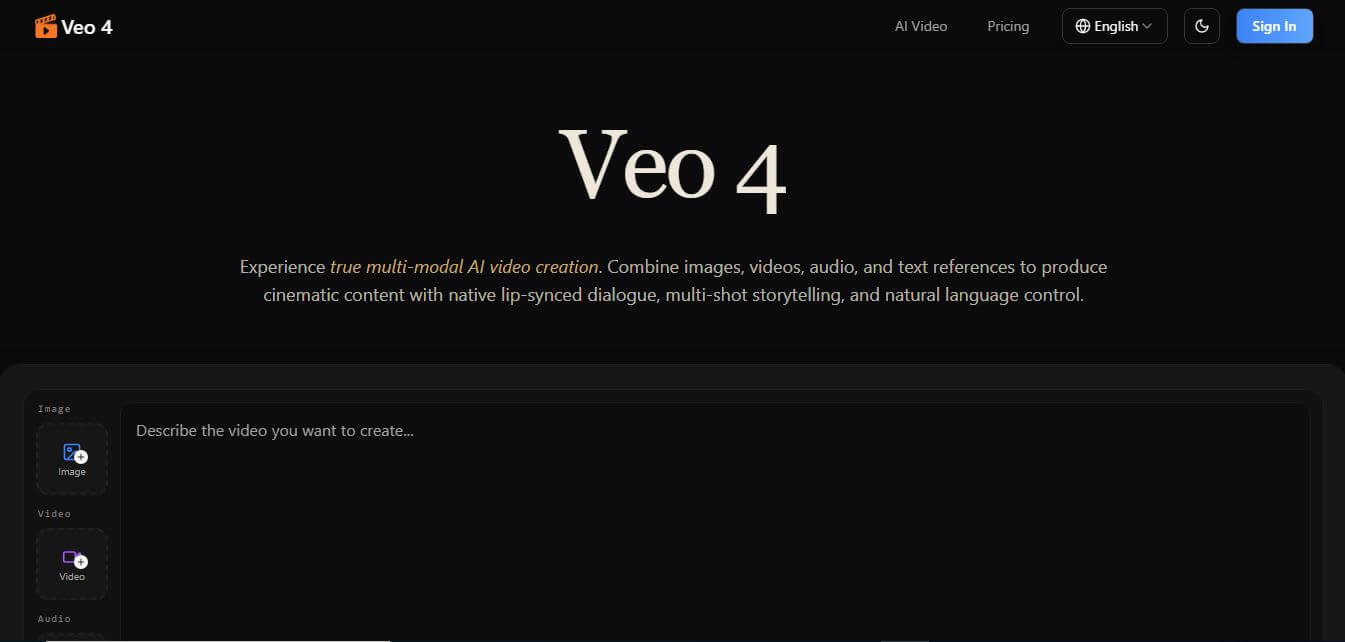
Veo 4 AI is an AI video creation platform that generates dramatic videos from text, images, audio, and video prompts using realistic motion and synchronized sound.
Paid
Alternatives
Alternatives to TG Video Downloader
The best TG Video Downloader alternatives include Telegram Saver Bots, 4K Video Downloader, JDownloader 2, and yt-dlp. These tools allow users to save media and files from online platforms. While TG Video Downloader integrates natively into Telegram Web for quick one-click and batch saving across public and private channels, alternatives like 4K Video Downloader offer general web video saving, and yt-dlp provides powerful command-line extraction.
4.8Klap
Social Media
Klap is an AI-powered video editing tool that turns long videos into engaging short clips for TikTok, Instagram Reels, and YouTube Shorts. It automatically finds the best moments, adds captions, and resizes videos, helping creators save time and create more content with less effort.
 4.7
Social Comments GPT
Social Media
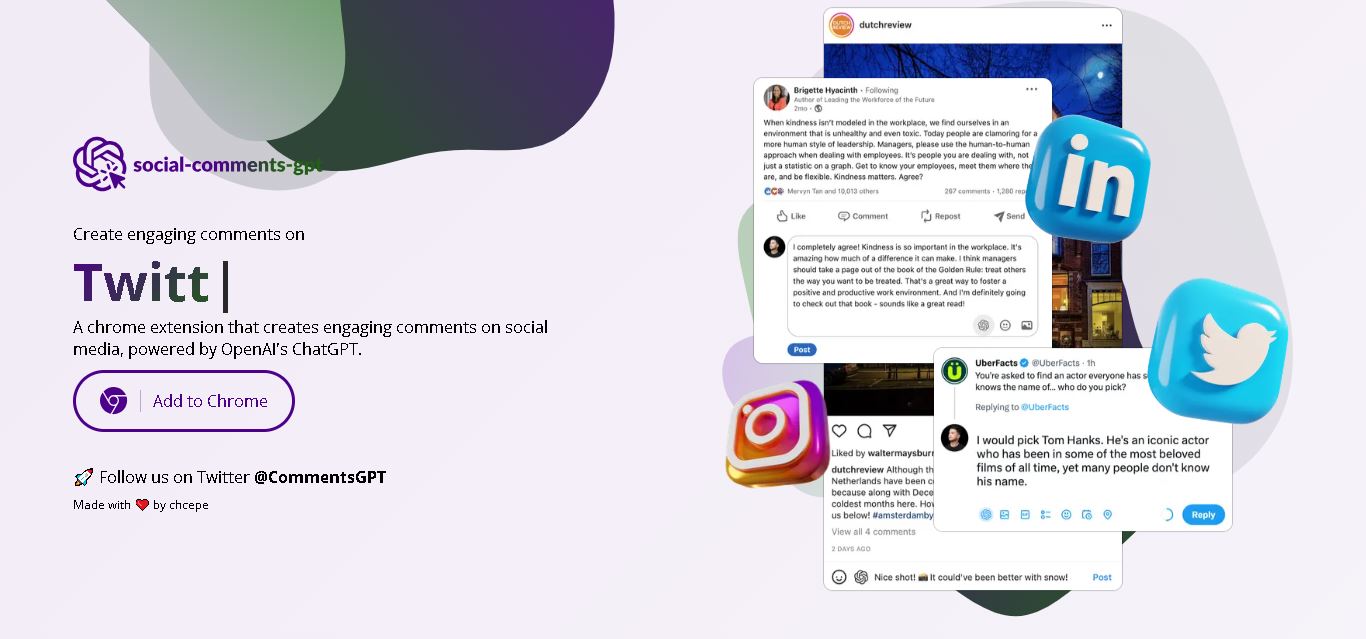
Social Comments GPT helps users draft engaging social media comments with ChatGPT through a Chrome extension. It is useful for professionals, influencers, creators, and marketers who want to respond to posts more efficiently. By generating comment suggestions within supported social networks, it simplifies everyday engagement while leaving users in control of their final replies.
 4.7
Editby
Social Media
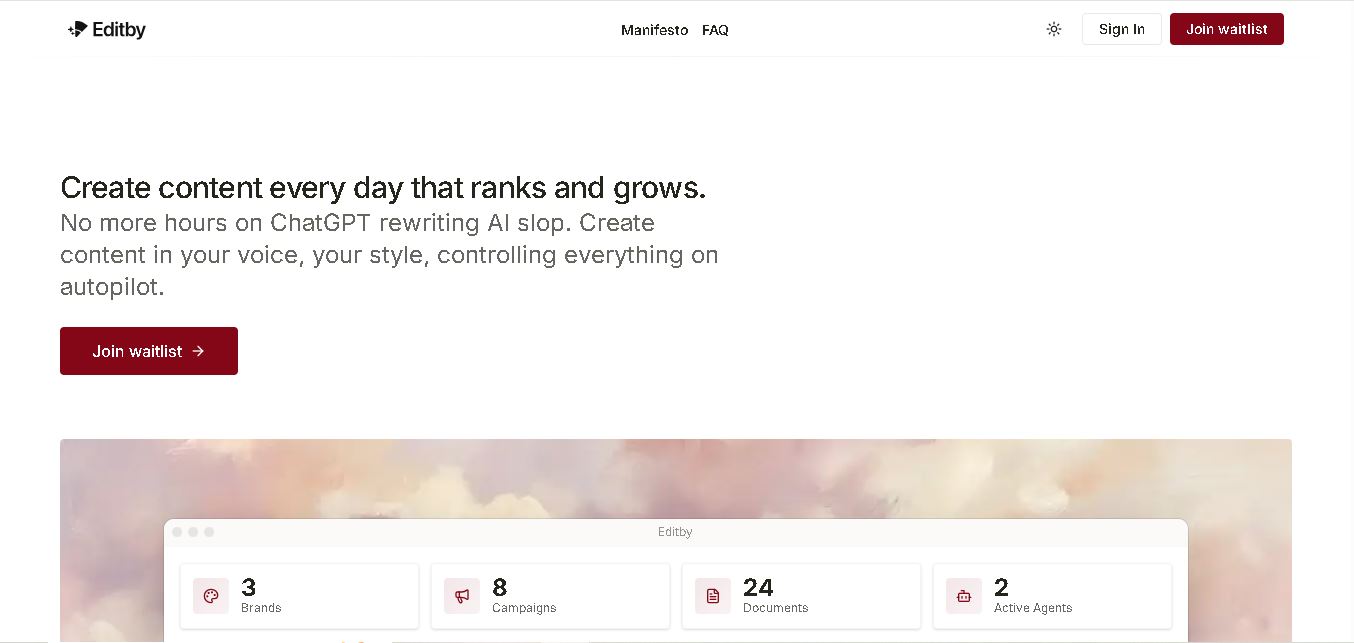
Editby helps marketers, businesses, and creators produce brand-consistent content using AI-assisted writing, research, and automation. It supports blogs, social media posts, newsletters, and press releases while offering customizable brand voices, scheduled content generation, and team collaboration. Its organized campaign workflows help users streamline content planning and maintain a consistent publishing strategy.
 4.8
MagicBrief
Social Media
MagicBrief was an advertising creative research and collaboration tool that helped marketers discover inspiring ads, analyze competitors, build storyboards, and organize campaign briefs. It offered AI-assisted video analysis, creative performance insights, and team collaboration. Following its announced shutdown in July 2026, users seeking similar workflows can explore Canva Grow, its successor direction.
 4.7
The Dream AI
Social Media
TheDream.ai helps users create personalized AI portraits, profile pictures, and photoshoot-style images from their own photographs. It offers more than 200 styles covering professional, fashion, dating, fitness, and travel themes. Its pay-as-you-go model requires no subscription, making it an option for individuals seeking distinctive digital portraits and creative profile images.
 4.7
TweetEmote
Social Media
TweetEmote helps users generate engaging tweets, replies, and article threads using customizable emotions and writing styles. It is designed for influencers, marketers, content creators, and professionals who want to communicate more expressively on X. Its AI writing features simplify content creation, save time, and help users develop varied social media messages.
 4.8
Devi AI
Social Media
Devi AI helps businesses find potential customers through social media monitoring, keyword tracking, and AI-based buying-intent detection. It generates personalized replies, flags complaints, and supports content creation and scheduling. Designed for marketers, sales professionals, entrepreneurs, and agencies, Devi simplifies lead discovery, outreach, and social media management from a centralized workflow.
 4.7
Social Studio AI
Social Media
Social Studio AI helps creators, businesses, and marketers generate Instagram content, design posts, write captions, and discover relevant hashtags. Its built-in editor supports brand customization, while scheduling features help users organize publishing in advance. The tool simplifies content planning and reduces repetitive work for individuals and agencies managing Instagram marketing activities.
 4.7
Rizz AI
Social Media
Rizz AI is a text-writing assistant that helps users generate messages, improve replies, and communicate more naturally online. Its keyboard-focused approach makes AI writing assistance convenient during everyday conversations. Whether you are drafting a message or looking for a creative response, Rizz AI aims to make digital communication faster and more expressive.