
Slay School
Slay School helps students transform notes, lectures, PDFs, videos, and web content into interactive flashcards, quizzes, summaries, and study guides. It simplifies exam preparation by automating study material creation while supporting multiple learning formats, personalized practice sessions, and AI-assisted writing to improve knowledge retention and academic performance.

What is Slay School?
Slay School is an online learning and study assistant designed to help students organize, understand, and revise educational content more efficiently. It converts lecture recordings, notes, documents, videos, and other learning resources into flashcards, quizzes, summaries, and practice questions, making studying more interactive, personalized, and time-efficient across various subjects and educational levels.
Slay School supports 500,000+ students with AI-generated study resources and has produced 500,000+ flashcards for learners worldwide. The platform accepts PDFs, handwritten notes, YouTube videos, images, research papers, and web links. Students can export flashcards to Anki and Quizlet, generate up to 100 question banks on selected plans, and access free as well as premium subscriptions starting from $7.99 per month.
- Core Focus: AI Flashcard Generation, Active Recall, Anki Export & Study Automation
- Launch Year: 2023
Use Cases:
- Converting multi-page PDF medical slides and textbook chapters into study decks
- Transforming YouTube lecture recordings and audio into multiple-choice quizzes and summaries
- Exporting AI-generated flashcards directly into Anki or Quizlet for spaced repetition study
- Practicing clinical scenarios using the specialized OSCE Virtual Patient module for medical exams
Technology:
- Multimodal AI parsing supporting text, PDFs, audio, video URLs, OCR, and handwritten notes
- Automated question generation engine with multiple-choice, cloze deletion, and fill-in-the-blank options
- Anki (.apkg) and Quizlet export pipeline
Target Users:
- University and medical students managing heavy reading and exam revision loads
- High school students preparing for standardized tests (SAT, ACT, AP exams)
- Homeschooling parents and educators creating automated practice quizzes
Ecosystem: Web platform, iOS mobile app, Android app, and seamless integration with Anki and Quizlet study workflows.

Key features of Slay School
Slay School's key features are
- Instant AI Flashcard Generation: Converts uploaded documents, URLs, and lecture files into practice decks in seconds.
- Anki & Quizlet Export: Full export support allowing users to study decks in their preferred flashcard apps.
- Multimodal File Ingestion: Accepts PDFs, Word documents, YouTube videos, live audio recordings, and images of handwritten notes via OCR.
- Interactive Practice Quizzes: Generates multiple-choice and open-ended questions with instant AI feedback and explanations.
- Image Occlusion: Masks diagrams and anatomy charts for active recall testing.
- AI Essay & Note Assistant: Built-in AI scribe and writing assistant for summarizing notes, writing essays, and chatting with documents.
- OSCE Virtual Patient: Specialized AI simulation feature for pre-med and medical students to practice clinical diagnostic skills.
Slay School Pricing
Slay School provides a free plan for casual users along with monthly, annual, and lifetime subscription tiers for heavier study loads.
Free Plan:
- $0/month
- Includes unlimited flashcards and Anki exports
- Limited to 3 file uploads per week (max 15 pages per file) and 15 minutes max per YouTube link
Power-Up Plan:
- $7.99/month (billed annually)
- Includes 10 file uploads per week, up to 250 pages per week, 100 mins of YouTube videos, image occlusion, OCR, and curated question banks
Cram / Unlimited Plan:
- $29.99/month (or $19.99/month billed annually)
- Includes unlimited uploads, unlimited pages per file, AI tutors, priority support, and access to the OSCE Virtual Patient
Lifetime Plan:
- $249.99 one-time payment
- Includes unlimited lifetime file uploads, question bank generations, and feature updates
Disclaimer: For the latest and most accurate pricing information, please visit the official Slay School AI website.
Is Slay School Worth It?
Slay School is highly worth it for students overwhelmed by large volumes of lecture slides, textbook reading, or medical coursework. By handling the tedious job of formatting flashcards and drafting practice questions, it allows learners to spend their time actually studying rather than formatting cards. The ability to export decks directly to Anki makes it especially attractive for long-term retention workflows.
Real-World Use Cases
- Medical Board Exam Cramming: Medical students upload 100+ page lecture decks to instantly generate cloze deletion cards and export them to Anki.
- Lecture Video Summarization: University students paste YouTube lecture links to extract transcripts, core summaries, and self-assessment quizzes.
- Handwritten Note Digitization: Students take photos of handwritten class notes and use OCR to turn them into digital flashcards.
- Language & Vocabulary Practice: Learners build rapid vocabulary decks from web articles and text excerpts.
Who is using Slay School?
Slay School is designed for students and self-learners, including
- Medical & Pre-Med Students: Preparing for USMLE, MCAT, or clinical OSCE exams
- University Undergraduates: Converting weekly lecture slides into study material
- Standardized Test Takers: Studying for SAT, ACT, GRE, or professional certifications
- Homeschool Educators: Creating quick quiz banks for students across subjects
Best Slay School Alternatives
Some of the strongest alternatives include
Pros and Cons of Slay School
Pros
- Fast conversion of PDFs, lecture videos, and audio into structured flashcards
- Native export compatibility with Anki and Quizlet
- Supports OCR for handwritten notes and image occlusion for diagrams
- Includes AI transcription and lecture recording capabilities
- Free plan available with basic features and unlimited card storage
Cons
- Free plan limits uploads to 3 files per week and 15 pages per document
- AI-generated questions require occasional editing for precision
- Pricing tiers can be slightly confusing across web and mobile platforms
Why Choose Slay School?
Unlike traditional flashcard apps that require manual card entry, Slay School automates content extraction across diverse media types while preserving user freedom through Anki exports. It bridges automated AI generation with proven active recall workflows.
- Saves dozens of hours spent creating manual flashcard decks
- Maintains compatibility with Anki and Quizlet study habits
- Handles complex multi-format inputs, including video, audio, and handwritten notes
How Slay School Works
- Upload Content: Paste a YouTube link, record a lecture, or drop a PDF, image, or document into Slay School.
- AI Processing: The platform analyzes key facts, concepts, and diagrams to generate flashcards and quiz questions.
- Practice & Refine: Review decks on the web or mobile app, take interactive quizzes, or edit generated cards.
- Export Deck: Download your flashcards as an Anki (.apkg) file or export to Quizlet for spaced repetition practice.
Slay School vs. Competitors
While Quizlet and Anki focus on traditional manual flashcard decks and spaced repetition algorithms, Slay School acts as an automated ingestion engine. It transforms raw lecture media into structured study tools that can then be studied directly or exported into Anki.
| Feature | Slay School | Knowt | Quizlet |
|---|---|---|---|
| Primary Focus | AI Document to Flashcard Builder | Free Quizlet & Note Alternative | Flashcard & Study Deck Hub |
| Anki Export | Yes (Native) | Limited | No Direct Export |
| Video & Audio Input | Yes (YouTube & Lecture Recording) | Text & Web Pages | Manual Entry |
| Image Occlusion & OCR | Yes | Yes | Paid Tiers Only |
| Starting Price | Free / $7.99 per mo | Free / $5 per mo | Free / $7.99 per mo |
How do we rate Slay School?
| Parameter | Rating (out of 5) |
|---|---|
| Ease of Use | 4.7 |
| Feature Set | 4.5 |
| Anki/Quizlet Integration | 4.8 |
| Value for Money | 4.4 |
| Time Savings | 4.8 |
| Overall Score | 4.5 |
Slay School Review
Slay School solves one of the most significant bottlenecks in modern studying: the massive time investment required to build quality flashcard decks from lectures and PDFs. Its seamless export function to Anki, coupled with OCR for handwritten notes and audio lecture transcription, makes it a powerful productivity multiplier for students facing heavy exam schedules.
Conclusion
Slay School simplifies modern learning by turning everyday study materials into interactive educational resources. Whether you're reviewing lecture notes, preparing for exams, or creating classroom content, the platform helps reduce manual work while improving study efficiency. With support for multiple content formats, AI-generated quizzes, flashcards, summaries, writing assistance, and educator-focused tools, Slay School is a practical solution for students and teachers looking to learn faster, stay organized, and achieve better academic results.
FAQ
Is Slay School free to use?
Yes. Slay School offers a free plan that lets you create flashcards, chat with notes, upload a limited number of files, and generate question banks. If you need higher upload limits, unlimited quizzes, AI tutors, or advanced study tools, you can upgrade to one of its paid subscription plans.
Who should use Slay School?
Slay School is suitable for school students, college learners, medical students, educators, and professionals preparing for certifications. Anyone who studies from lecture recordings, PDFs, handwritten notes, research papers, or YouTube videos can use the platform to create organized learning materials and revise concepts more effectively.
What types of files can I upload?
You can upload PDFs, lecture slides, handwritten notes, research papers, images, YouTube videos, audio recordings, and website links. Slay School processes these learning materials to generate summaries, quizzes, flashcards, question banks, and notes, helping you spend less time preparing and more time studying.
CanSlay School help me prepare for exams?
Absolutely. Slay School creates personalized quizzes, flashcards, summaries, and practice questions from your study materials. You also receive instant feedback while answering questions, making it easier to identify weak topics, strengthen understanding, and prepare confidently for exams or competitive tests.
Does Slay School work with other study platforms?
Yes. Slay School allows users to export flashcards to popular learning platforms such as Anki and Quizlet. This makes it easy to continue studying with your preferred tools while taking advantage of AI-generated flashcards, quizzes, and summaries created from your uploaded materials.
Can teachers and educators use Slay School?
Yes. Slay School includes features specifically for educators, enabling them to create quizzes, flashcards, question banks, and learning materials from lectures or documents. Teachers can also share study resources, monitor student progress, review analytics, and provide personalized learning experiences for their classes.
User Reviews
No reviews yet for Slay School.
Featured Tools
Featured AI tools from TechShark

Melody Genie
MelodyGenie is an AI-powered music generator that creates original songs from simple text prompts. Users can choose styles, moods, and genres, then instantly generate melodies and full tracks, making it easy for creators, marketers, and hobbyists to produce custom music without musical expertise.
Freemium

Kimi AI
Kimi AI is an advanced AI assistant developed by Moonshot AI that helps you chat, research, write, code, and automate tasks in one place. It supports web search, file analysis, and multimodal inputs, and can even run autonomous “agent” workflows to complete complex tasks end-to-end.
Freemium

Fashion Diffusion AI
Fashion Diffusion is an AI-powered fashion design platform that helps brands and designers create clothing designs, virtual try-ons, AI models, product photos, and marketing visuals faster and cost-effectively.
Paid

Veo 4
Veo 4 AI is an AI video creation platform that generates dramatic videos from text, images, audio, and video prompts using realistic motion and synchronized sound.
Paid
Alternatives
Alternatives to Slay School
The best Slay School alternatives include Quizlet, Anki, Knowt, RemNote, Flashka, and Raena AI. Quizlet and Anki are long-standing study mainstays with vast flashcard libraries and spaced repetition systems. Knowt and RemNote offer integrated note-taking with AI flashcard tools, while Flashka and Raena AI provide direct PDF-to-quiz conversion capabilities.
 4.9
4.9Edubrain AI
Education
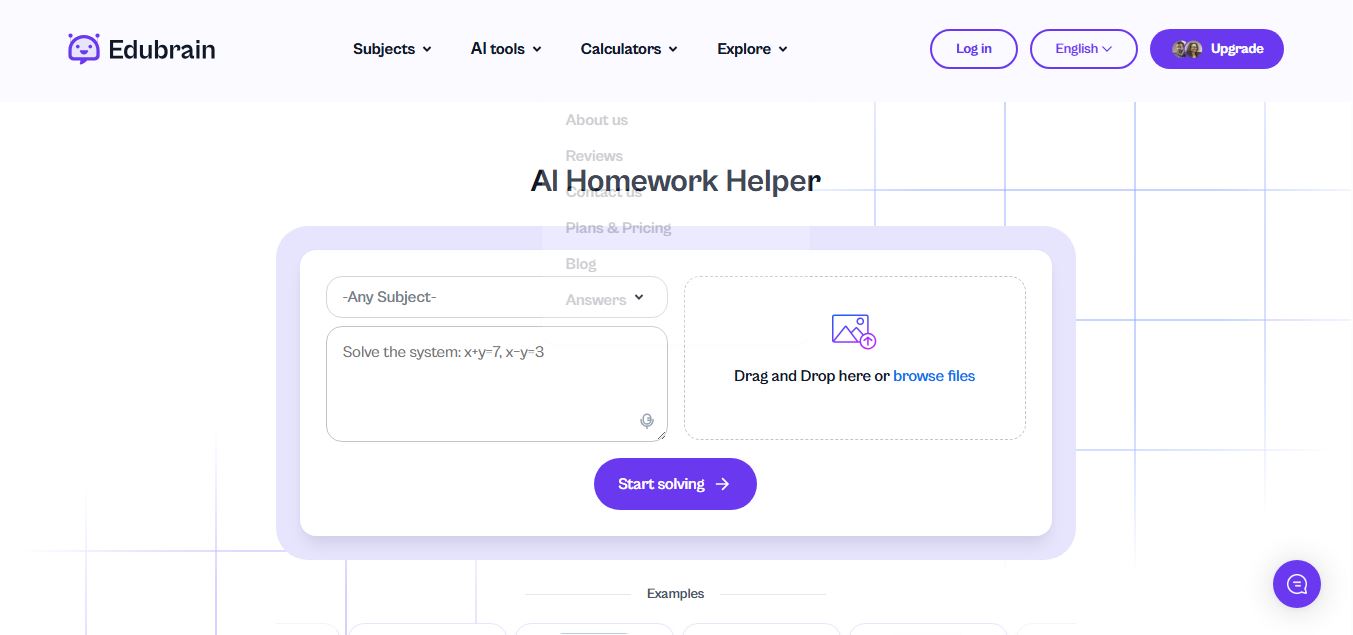
Edubrain is an AI-powered homework assistant that helps students solve questions across 90+ subjects using text, images, PDFs, or audio. It provides step-by-step explanations, adapts to learning styles, and works without sign-up, enabling faster understanding, exam prep, and personalized study support.
 4.8
4.8Math AI
Education
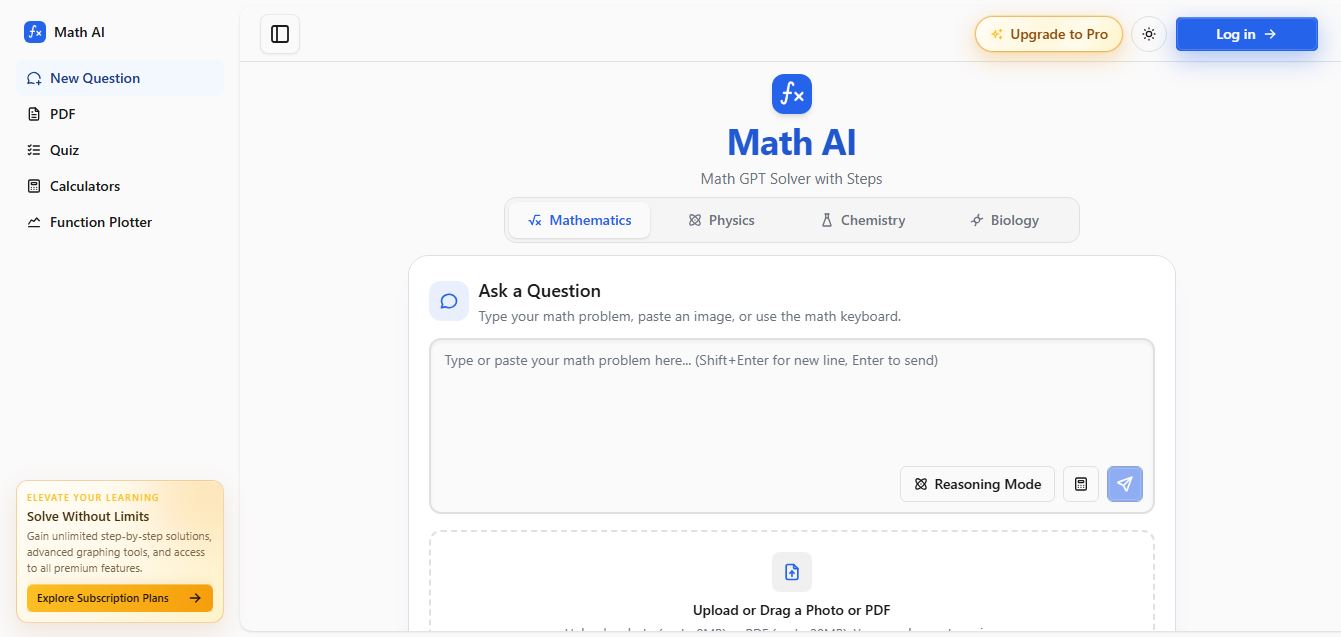
Math AI is an AI-powered math learning platform that helps users solve problems using text or images with step-by-step explanations. It supports algebra, calculus, and more, offering quizzes, graphs, and personalized tutoring to improve understanding and make studying, homework, and exam preparation easier.
 4.9
4.9ThetaWise
Education
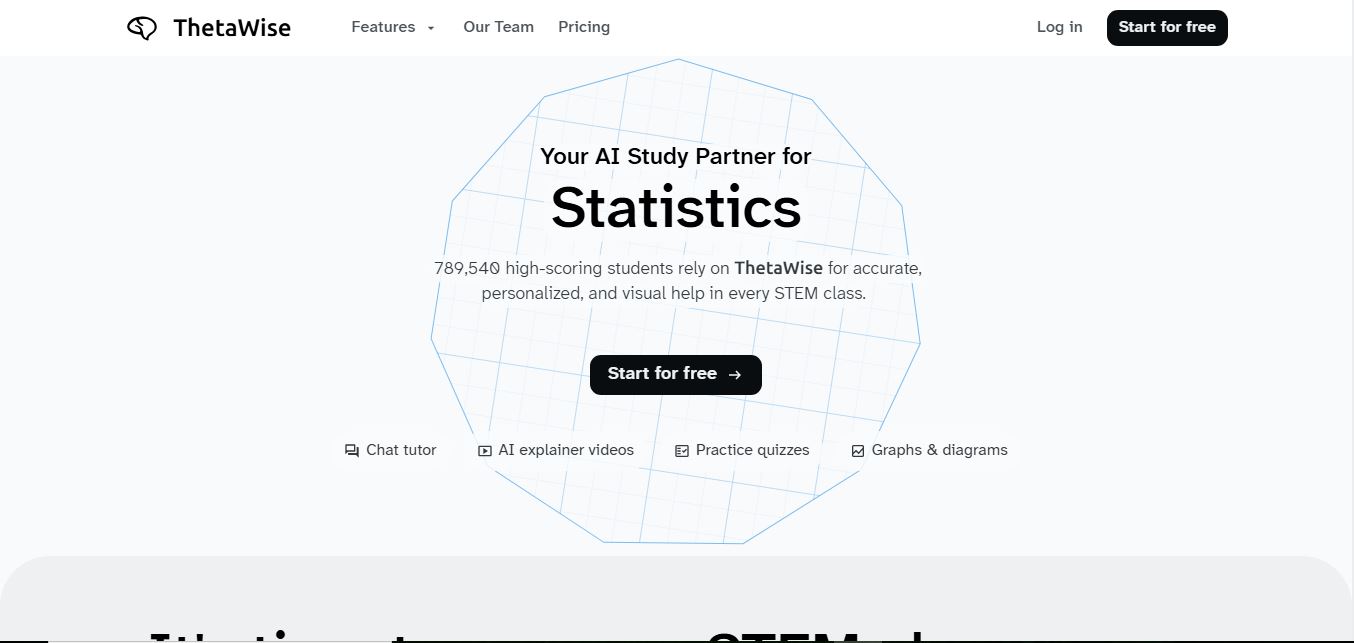
ThetaWise is an AI-powered STEM learning platform that helps students solve math and science problems with step-by-step explanations, video lessons, and practice quizzes. It acts like a 24/7 tutor, adapting to learning styles and improving understanding, test performance, and concept mastery.
 4.9
4.9Mathos AI
Education
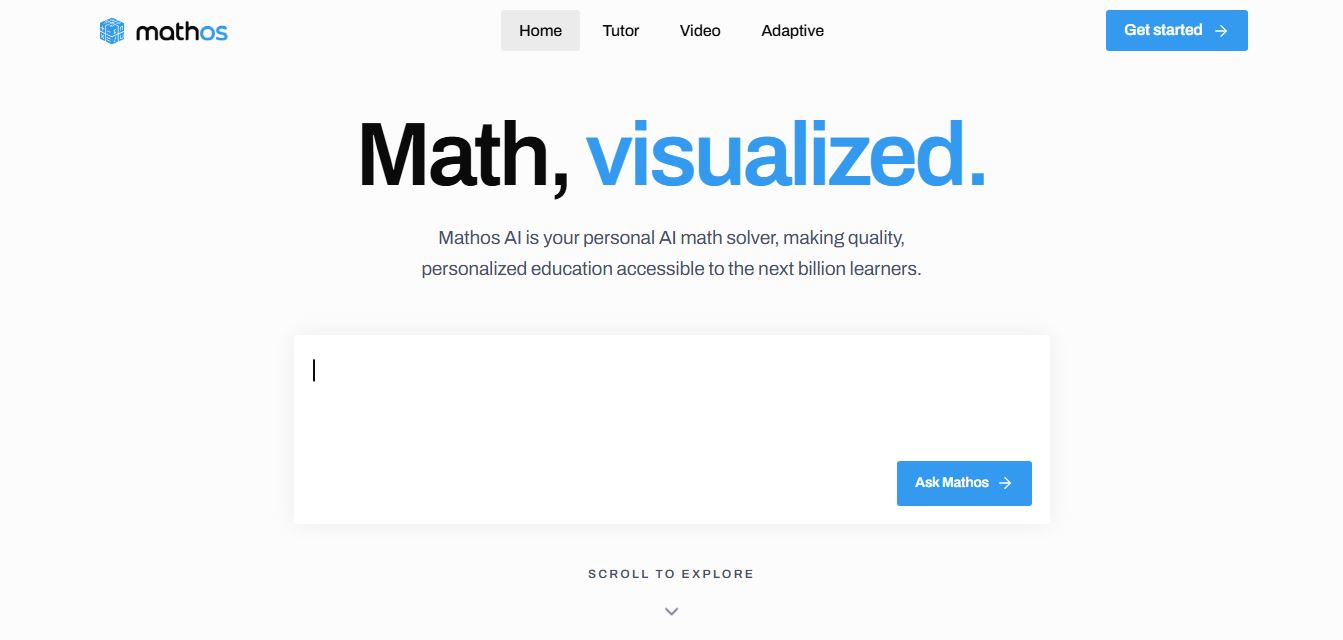
Mathos AI is an AI-powered math solver and tutor that helps students solve problems with step-by-step explanations and personalized guidance. It turns questions into lessons, generates quizzes, flashcards, and videos, and adapts to mistakes, enabling deeper understanding instead of just providing answers.
 4.8
4.8Brainly
Education
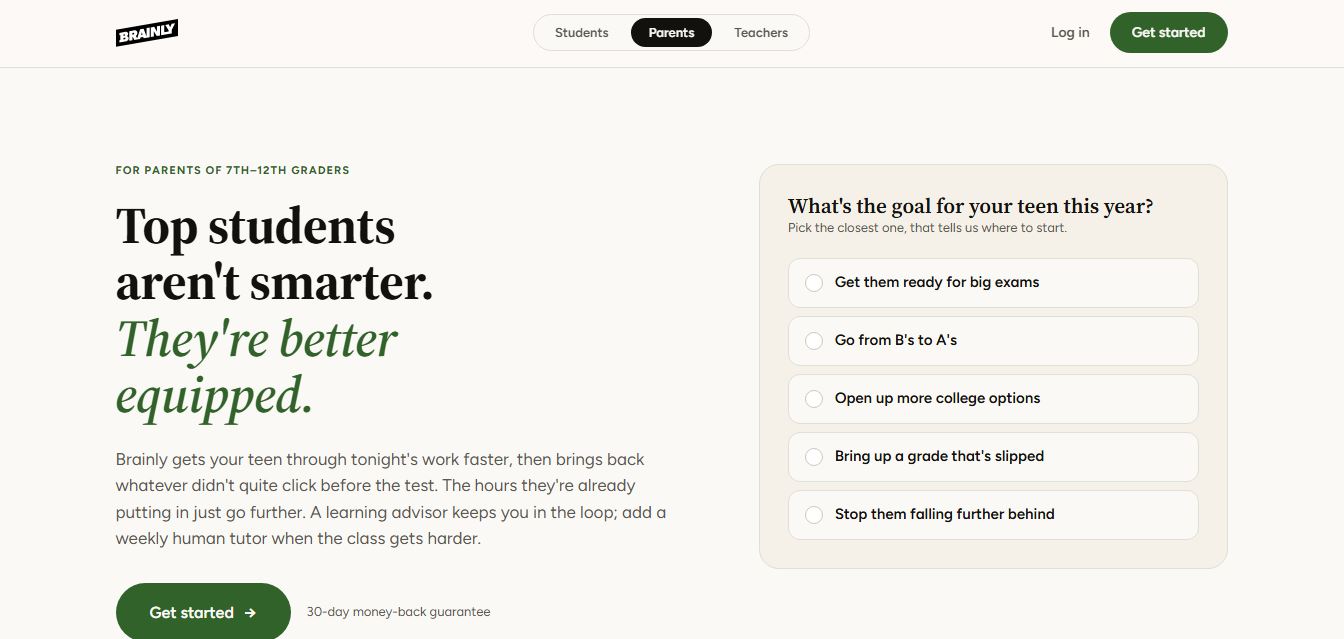
Brainly is an AI-powered learning platform that helps students solve homework, study concepts, and prepare for exams with step-by-step explanations. It combines AI guidance with a global community of experts, turning questions into personalized learning and helping students understand—not just complete—their schoolwork.
 4.8
4.8Gauth
Education
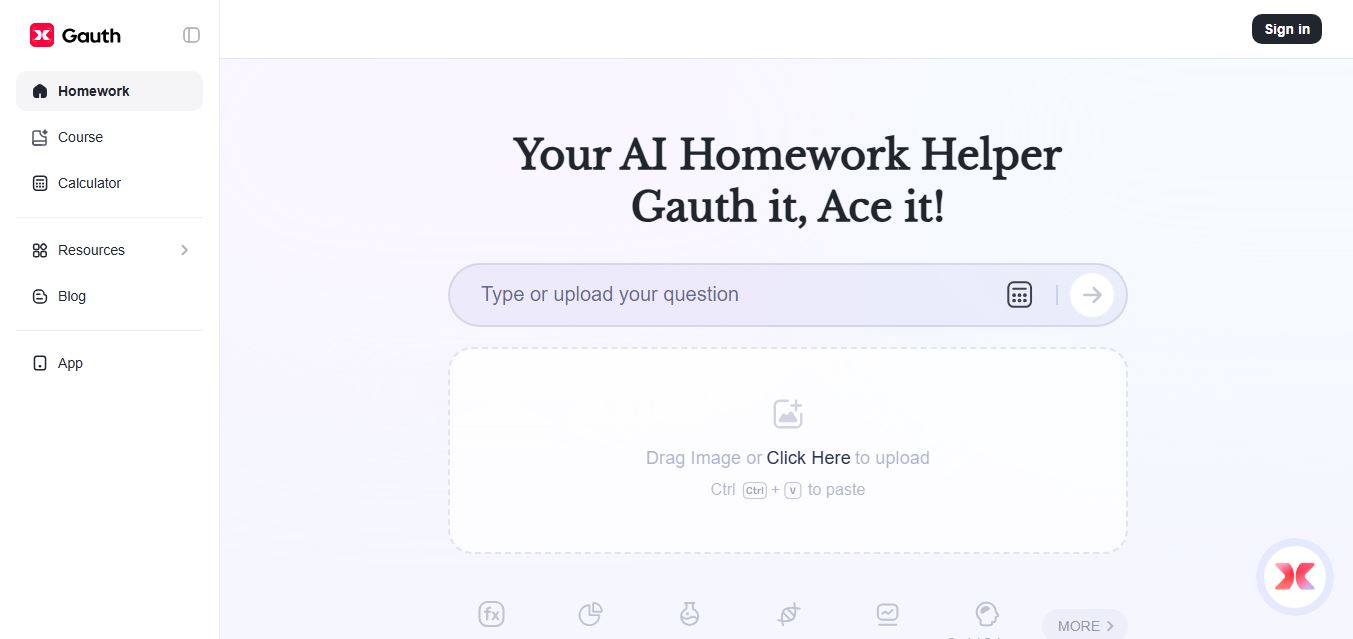
Gauth (formerly Gauthmath) is an AI-powered homework helper that lets students solve problems by typing or snapping a photo. It delivers step-by-step explanations across math and other subjects, combines AI with live tutor support, and helps users understand concepts, complete homework, and prepare for exams.
 4.7
4.7AI Math Solver
Education
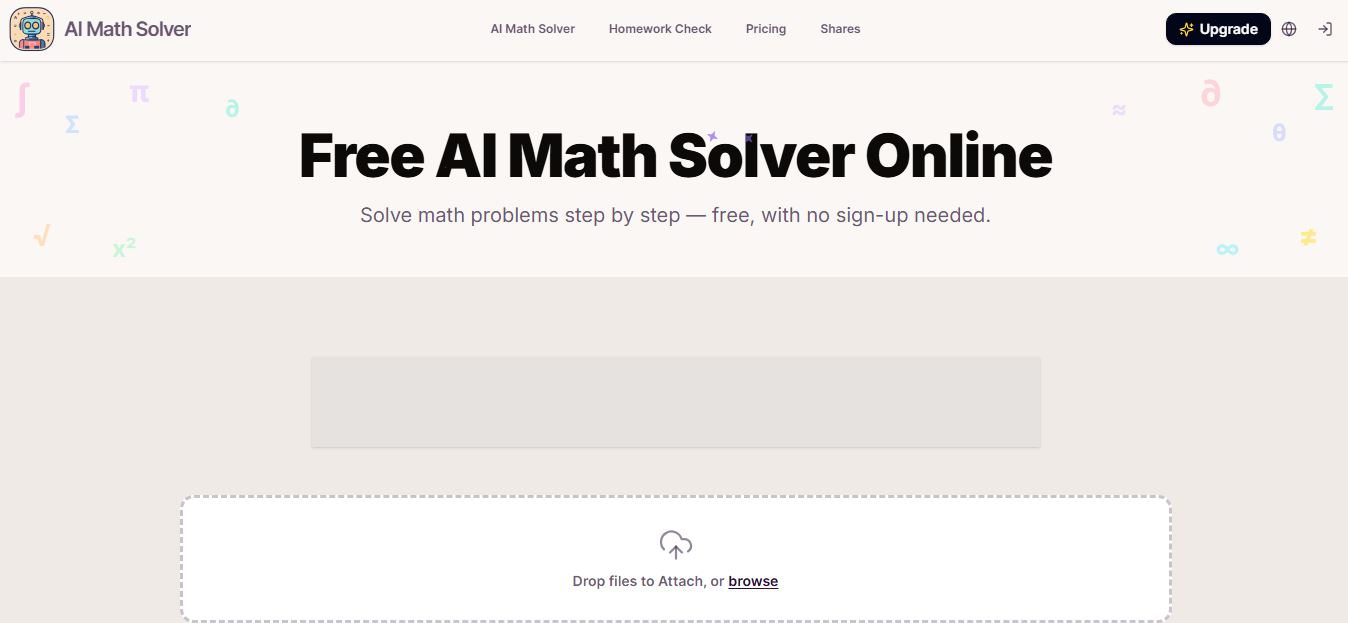
AIMathSolve is an AI-powered math solver that helps users solve problems across algebra, calculus, geometry, and more using text or image input. It generates step-by-step explanations, recognizes handwritten equations, and improves understanding, making it useful for homework, learning, and exam preparation.
 4.9
4.9Brilliant
Education
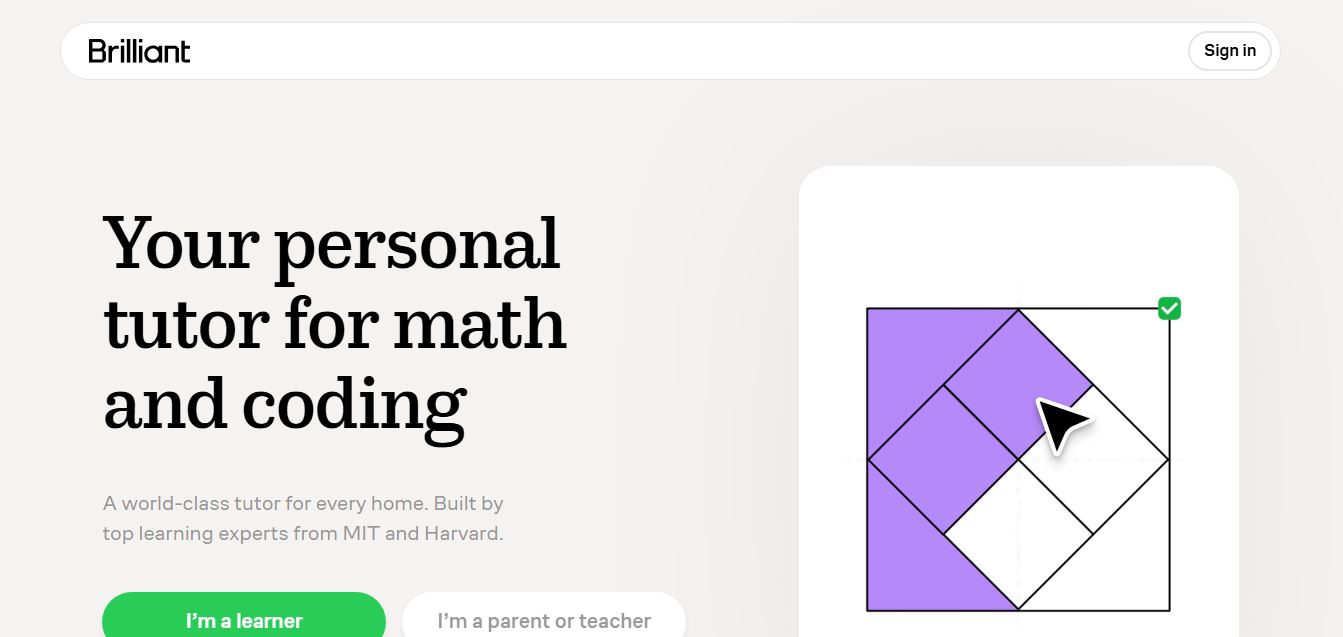
Brilliant is an interactive online learning platform that helps users build math, coding, and problem-solving skills through hands-on lessons. It uses visual explanations, real-time feedback, and a personal AI tutor to guide learning, enabling deeper understanding compared to passive video-based courses.
 5.0
5.0Desmos
Education
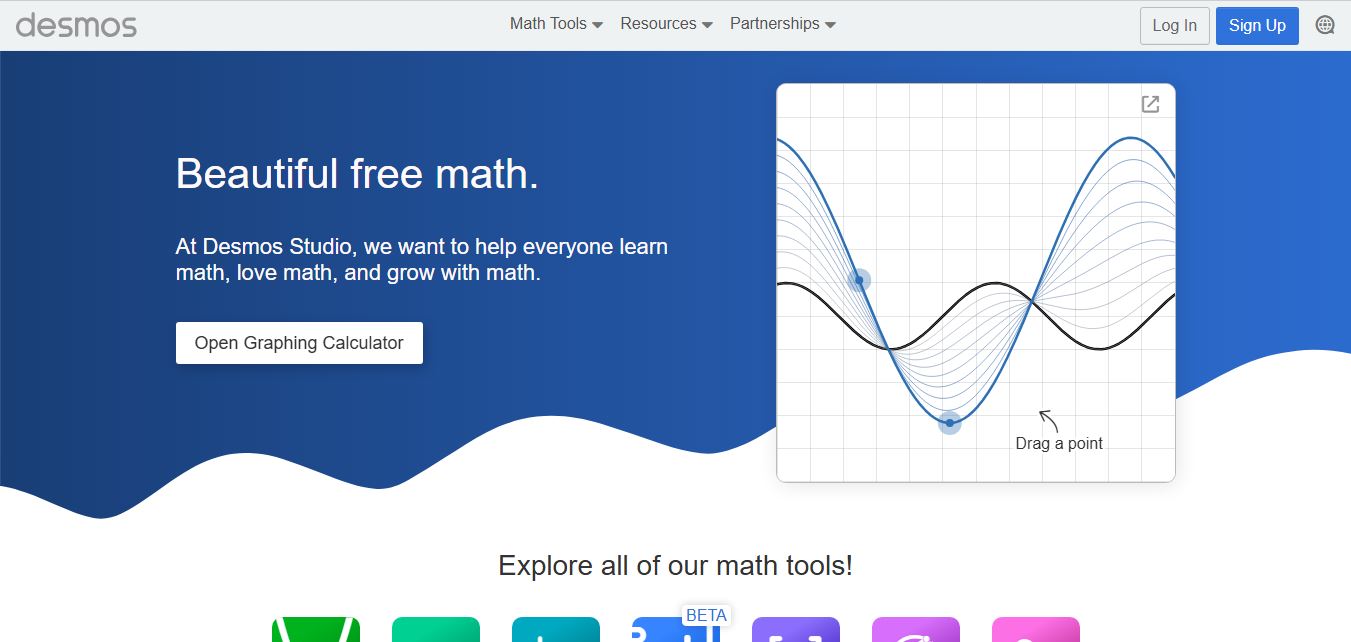
Desmos is an interactive math platform that helps students and teachers visualize concepts through graphing calculators, activities, and classroom tools. It enables real-time exploration of equations, functions, and data, making math more intuitive, engaging, and accessible across algebra, geometry, and advanced topics.