Quizbot AI
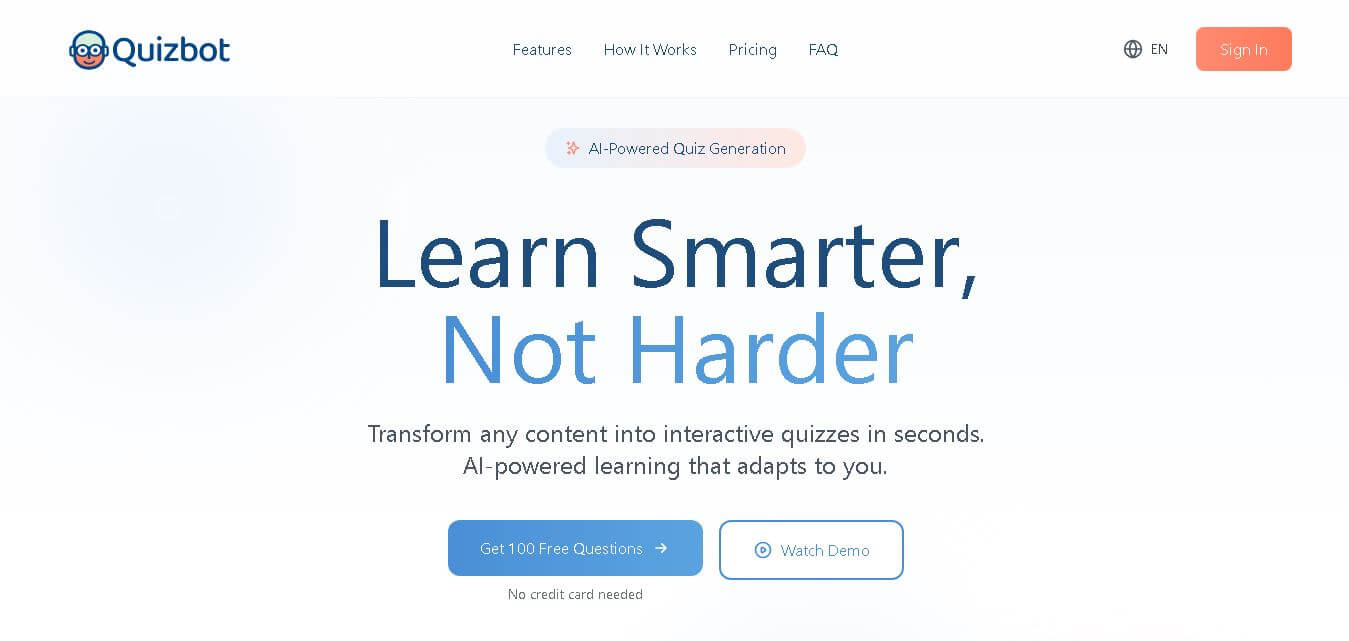
Quizbot is an AI-powered quiz and test generator that transforms PDFs, documents, videos, images, audio, URLs, and text into interactive learning activities. Students can use it for exam preparation, while teachers and tutors can create assessments, track performance, and gamify learning. It also provides personalized study tools, analytics, and AI-powered question-solving features.
What is Quizbot AI?
Quizbot AI is an advanced AI-powered question and test generator designed to automate the process of creating quizzes, exams, and assessments. By ingesting source materials such as PDFs, Word documents, YouTube videos, web links, and raw text, Quizbot transforms educational content into diverse question formats in seconds. In addition to quiz generation, it incorporates integrated academic utilities, including an AI rewriter, plagiarism checker, and AI content detector.
Quizbot combines AI quiz generation, interactive assessments, personalized study tools, and gamification in one learning platform. It can transform content into questions in about 30 seconds and supports at least 7 question formats, including multiple-choice, true-or-false, open-ended, matching, calculation, fill-in-the-blank, and mixed questions. Its pricing includes a free plan with 50 questions monthly, while Pro provides unlimited questions. The platform also offers a 4.8/5 rating displayed on its website and supports content from 8 major source formats.
- Core Focus: AI Question & Exam Generation, Multilingual Assessment Creation
- Launch Year: 2023
Use Cases:
- Generating full exams and practice tests directly from lecture notes, PDFs, or videos
- Creating differentiated assessments with varying levels of question difficulty
- Checking student submissions for plagiarism and AI-generated text
- Producing study flashcards and multi-choice quizzes in over 55 languages
Technology:
- Natural Language Processing (NLP) tailored for document parsing and question extraction
- Integrated plagiarism and AI text detection engines
- Multi-format question generation supporting math calculations, matching, and open-ended items
Target Users:
- K-12 teachers, university professors, and private tutors
- Corporate trainers and instructional designers developing employee evaluations
- Students and self-learners preparing for certification exams
Ecosystem: Web platform offering direct document uploads, multi-export capabilities, and auxiliary writing & detection tools.

Key features of Quizbot AI
Quizbot AI's key features are
- Multi-Source Input Processing: Convert PDFs, DOCX files, raw text, web URLs, images, audio files, and YouTube videos into structured quizzes.
- Versatile Question Formats: Supports multiple-choice, true/false, fill-in-the-blanks, matching, short answer, open-ended, and calculation questions.
- Adaptive Difficulty Levels: Generate assessments scaled for introductory, intermediate, or advanced learners.
- 55+ Language Support: Create questions and answers seamlessly in over 55 different global languages.
- Built-In Academic Suite: Includes an AI Rewriter for paraphrasing content, a Plagiarism Checker, and an AI Content Detector.
- Flexible Export & Sharing: Export tests into print-ready formats, online share links, or integrate with tools like Google Forms.
Quizbot AI Pricing
Quizbot AI offers a free plan with basic test creation features, along with affordable monthly paid tiers for higher volume needs.
Free Plan:
- $0/month
- Free tier access for basic quiz generation and limited test creation
Paid Plans:
- Albert Einstein Plan: ~$9/month (50 quizzes, advanced analytics)
- Marie Curie Plan: ~$16/month (100 quizzes, custom branding, priority support)
- Isaac Newton Plan: ~$30/month (200 quizzes, full feature access, unlimited integrations)
Disclaimer: For the latest and most accurate pricing information, please visit the official Quizbot website.
Is Quizbot AI Worth It?
Quizbot AI is highly worth it for teachers, instructional designers, and course creators who spend countless hours writing exam papers manually. Its ability to extract diverse question types from virtually any source file—combined with built-in plagiarism and AI detection tools—makes it a versatile assessment engine that pays for itself in saved labor.
Real-World Use Cases
- Classroom Quiz Creation: Teachers upload textbook PDFs to generate weekly review quizzes and print-ready midterms in minutes.
- Corporate Training Evaluations: HR managers convert compliance video transcripts into post-training comprehension assessments.
- Video-to-Quiz Workflows: Online course creators turn educational YouTube videos into engaging pop quizzes for students.
- Self-Study & Exam Prep: University students generate flashcards and practice test questions from raw lecture slides.
Who is using Quizbot AI?
Quizbot AI is designed for a broad range of education professionals and learners, including
- Educators & Professors: Teachers streamlining test creation across multiple difficulty levels
- Instructional Designers: Professionals building standardized training evaluations for organizations
- Students: Learners testing their knowledge gaps before major exams
- Private Tutors: Educators generating customized practice exams tailored to individual student needs
Best Quizbot AI Alternatives
Some of the strongest Quizbot AI alternatives include
- Quizgecko
- OpExams
- QuizWhiz
- Video2Quiz
- AnyQuestions.ai
Pros and Cons of Quizbot AI
Pros
- Generates 7+ different question types from documents, links, and videos
- Multilingual support across 55+ languages
- Includes built-in plagiarism checking and AI text detection
- Export options include print-ready formats and digital sharing
- Saves up to 80% of test creation time for educators
Cons
- AI-generated questions occasionally require minor manual proofreading
- Advanced integrations and higher generation limits require paid plans
- Requires clear source material for highly specialized or complex math topics
Why Choose Quizbot AI?
Quizbot AI stands out by offering a comprehensive assessment suite beyond standard multiple-choice question makers. Its ability to parse audio, video, documents, and web pages alongside built-in integrity tools (AI detector & plagiarism checker) makes it an all-in-one platform for modern educators.
- Converts raw files (PDFs, DOCX, and videos) into quizzes in under a minute
- Supports a rich variety of question formats beyond simple true/false
- Protects academic integrity with integrated AI and plagiarism detectors
- Simplifies global classroom instruction with 55+ language options
How Quizbot AI Works
- 1. Upload or Input Content: Paste text, drop a PDF/Word file, or enter a YouTube/web URL.
- 2. Configure Quiz Settings: Select question types (e.g., MCQs, matching, fill-in-the-blank), difficulty, and quantity.
- 3. Generate & Review: Let Quizbot AI generate the question paper, then make quick adjustments if needed.
- 4. Export or Share: Print the test paper, copy the interactive online link, or export results.
Quizbot AI vs. Competitors
The primary difference between Quizbot AI, Quizgecko, and OpExams is that Quizbot AI integrates auxiliary writing and detection utilities (AI rewriter, plagiarism checker, AI detector) directly within the quiz generation environment. While Quizgecko focuses heavily on flashcards and OpExams concentrates on formal classroom exams, Quizbot AI provides a flexible multi-source content converter for diverse learning formats.
| Feature | Quizbot AI | Quizgecko | OpExams |
|---|---|---|---|
| Primary Focus | Multi-Source Quiz & Integrity Suite | AI Flashcard & Quiz Builder | Exam Prep & Question Bank Tool |
| Input Formats | PDF, DOCX, Video, URL, Text, Audio | Text, PDF, Web Page | Text, Topic, PDF |
| Integrated AI Detector | Yes | No | No |
| Language Support | 55+ Languages | Multiple Languages | Multiple Languages |
| Starting Price | Free / ~$9 per month | ~$18 per month | Free / Paid Tiers |
How do we rate Quizbot AI?
| Parameter | Rating (out of 5) |
|---|---|
| Ease of Use | 4.7 |
| Question Variety | 4.8 |
| Feature Set | 4.6 |
| Value for Money | 4.5 |
| Accuracy & Speed | 4.6 |
| Overall Score | 4.6 |
Quizbot AI Review
Quizbot AI offers a practical, high-value solution for educators and students looking to modernize assessment creation. By combining versatile input options with seven question types and built-in academic integrity tools, Quizbot AI streamlines test preparation into a quick, intuitive process while maintaining high flexibility across 55+ languages.
Conclusion
Quizbot brings AI-powered question generation, interactive quizzes, assessment creation, and personalized learning tools into one platform. Its ability to transform documents, videos, images, audio, URLs, and other learning materials into questions can save students, teachers, tutors, and training teams considerable preparation time. The free plan provides an accessible starting point, while higher plans add unlimited questions, advanced question types, analytics, study planning, gamification, and educator-focused capabilities. For learners looking to turn existing study material into active practice, or educators seeking faster assessment creation, Quizbot offers a practical combination of automation, personalization, and engagement that can support more efficient learning workflows.
FAQ
What is Quizbot and how can it help with studying?
Quizbot is an AI-powered learning platform that turns study materials such as PDFs, videos, images, documents, URLs, and text into interactive quizzes. Instead of manually creating questions, you can generate practice questions within seconds. It also provides performance analysis, personalized study notes, flashcards, and AI tutoring to support more effective preparation.
Can Quizbot generate quizzes from PDFs and other study materials?
Yes, Quizbot can create questions from several types of learning content, including PDFs, PowerPoint files, Word documents, videos, images, audio, web links, and pasted text. This makes it useful when you already have lecture notes, textbooks, presentations, or online resources and want to quickly convert them into structured practice quizzes.
What types of questions can Quizbot generate?
Quizbot supports multiple question formats, allowing you to create more varied practice sessions. Depending on your plan, you can generate multiple-choice, true-or-false, open-ended, fill-in-the-blank, matching, calculation, mixed, and Likert-scale questions. It can also create questions based on different cognitive levels using Bloom's Taxonomy for more profound learning.
Is Quizbot suitable for students preparing for exams?
Yes, Quizbot is particularly useful for students who want to turn their existing study materials into practice questions. Its higher-tier features include personalized study planning, exam-readiness diagnostics, spaced-repetition reviews, weak-point quizzes, flashcards, mind maps, and progress tracking, helping you identify knowledge gaps and focus your revision where it matters most.
Can teachers use Quizbot to create assessments?
Yes. Quizbot offers features specifically designed for educators, including unlimited question generation, multiple question formats, Bloom's Taxonomy, interactive simulations, teacher tools, gamification, performance analytics, and LMS export. Teachers can use their own instructional materials to create assessments and practice activities while monitoring student progress and learning performance.
Does Quizbot have a free plan?
Yes, Quizbot provides a free plan that costs $0 and includes 50 questions per month. The free tier supports basic multiple-choice and true-or-false questions, interactive self-assessment quizzes, one notebook with up to five sources, and an AI subject tutor. No credit card is required to start using the free plan.
Can Quizbot create questions from YouTube videos?
Yes, Quizbot can generate questions from video links, including YouTube and Vimeo sources. According to its website, the platform can analyze a video and produce multiple question formats, including multiple-choice, fill-in-the-blank, true-or-false, matching, and Bloom's Taxonomy-based questions. This can make video-based learning more interactive and easier to review.
User Reviews
No reviews yet for Quizbot AI.
Featured Tools
Featured AI tools from TechShark

Melody Genie
MelodyGenie is an AI-powered music generator that creates original songs from simple text prompts. Users can choose styles, moods, and genres, then instantly generate melodies and full tracks, making it easy for creators, marketers, and hobbyists to produce custom music without musical expertise.
Freemium

Kimi AI
Kimi AI is an advanced AI assistant developed by Moonshot AI that helps you chat, research, write, code, and automate tasks in one place. It supports web search, file analysis, and multimodal inputs, and can even run autonomous “agent” workflows to complete complex tasks end-to-end.
Freemium

Fashion Diffusion AI
Fashion Diffusion is an AI-powered fashion design platform that helps brands and designers create clothing designs, virtual try-ons, AI models, product photos, and marketing visuals faster and cost-effectively.
Paid

Veo 4
Veo 4 AI is an AI video creation platform that generates dramatic videos from text, images, audio, and video prompts using realistic motion and synchronized sound.
Paid
Alternatives
Alternatives to Quizbot AI
The best Quizbot AI alternatives include Quizgecko, OpExams, QuizWhiz, Video2Quiz, and AnyQuestions.ai. Quizgecko is a top choice for generating AI study flashcards and test prep questions. OpExams provides comprehensive exam preparation and question bank creation tools for schools. QuizWhiz generates instant study notes and quizzes from lecture materials, while Video2Quiz specializes in creating interactive assessments directly from YouTube and video content.
 4.9
4.9Edubrain AI
Education
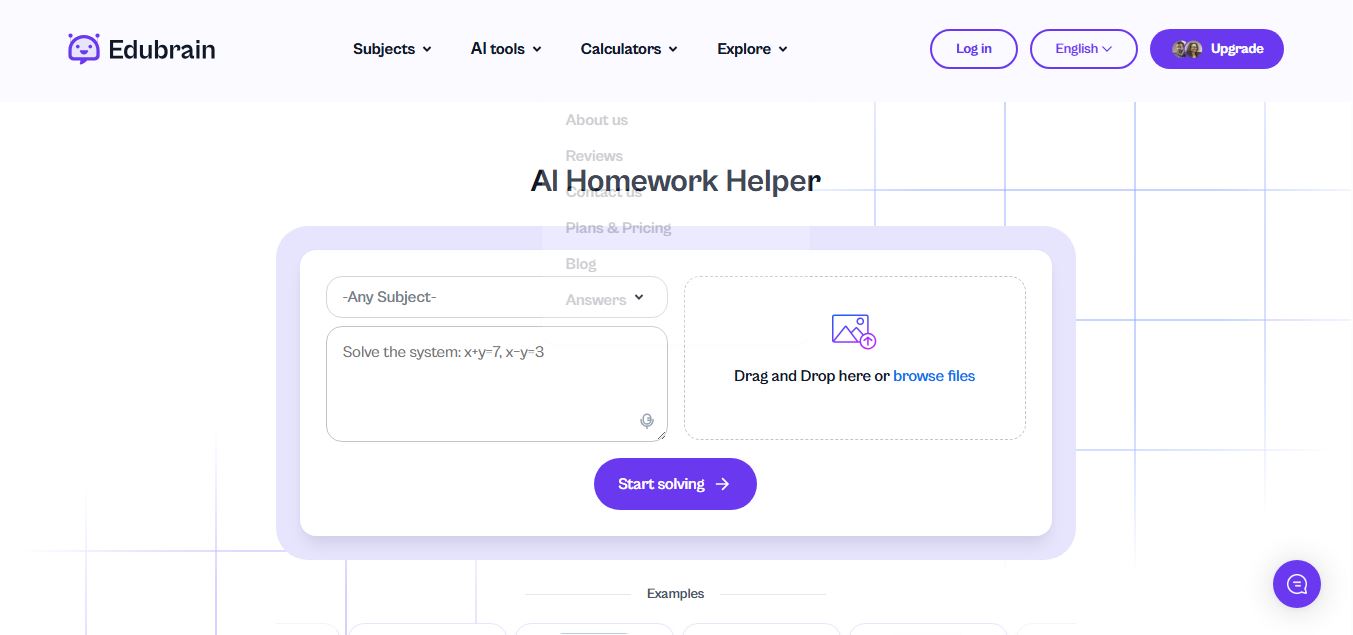
Edubrain is an AI-powered homework assistant that helps students solve questions across 90+ subjects using text, images, PDFs, or audio. It provides step-by-step explanations, adapts to learning styles, and works without sign-up, enabling faster understanding, exam prep, and personalized study support.
 4.8
4.8Math AI
Education
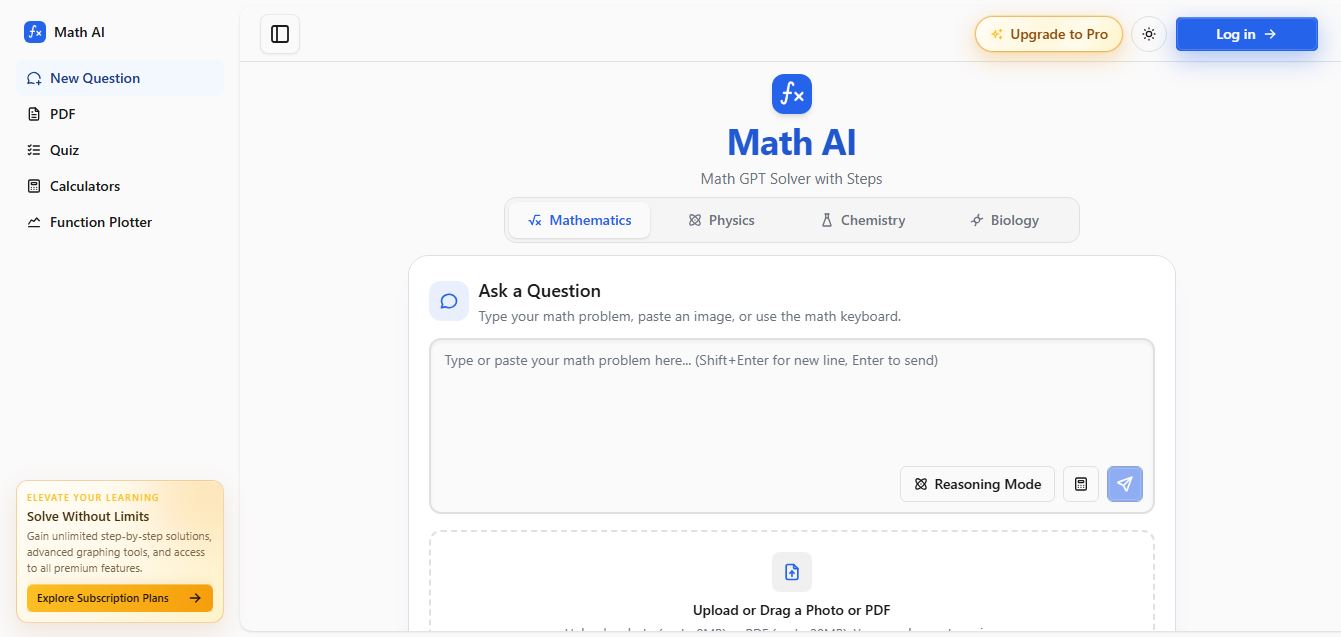
Math AI is an AI-powered math learning platform that helps users solve problems using text or images with step-by-step explanations. It supports algebra, calculus, and more, offering quizzes, graphs, and personalized tutoring to improve understanding and make studying, homework, and exam preparation easier.
 4.9
4.9ThetaWise
Education
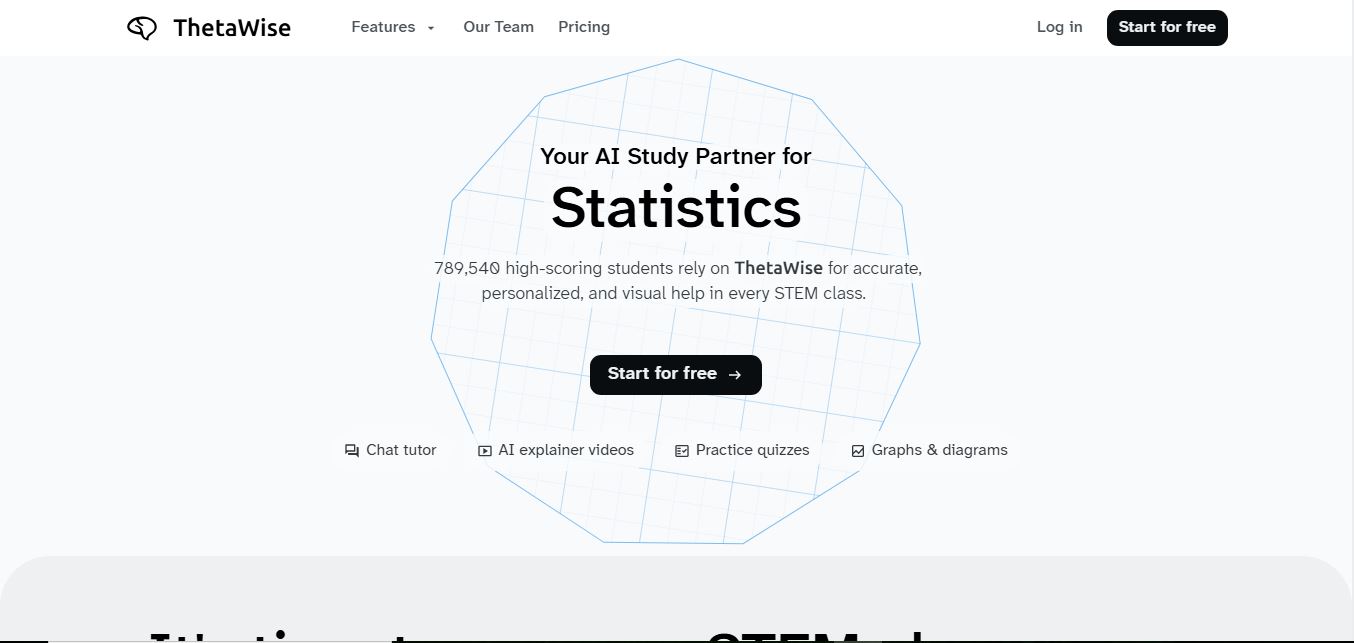
ThetaWise is an AI-powered STEM learning platform that helps students solve math and science problems with step-by-step explanations, video lessons, and practice quizzes. It acts like a 24/7 tutor, adapting to learning styles and improving understanding, test performance, and concept mastery.
 4.9
4.9Mathos AI
Education
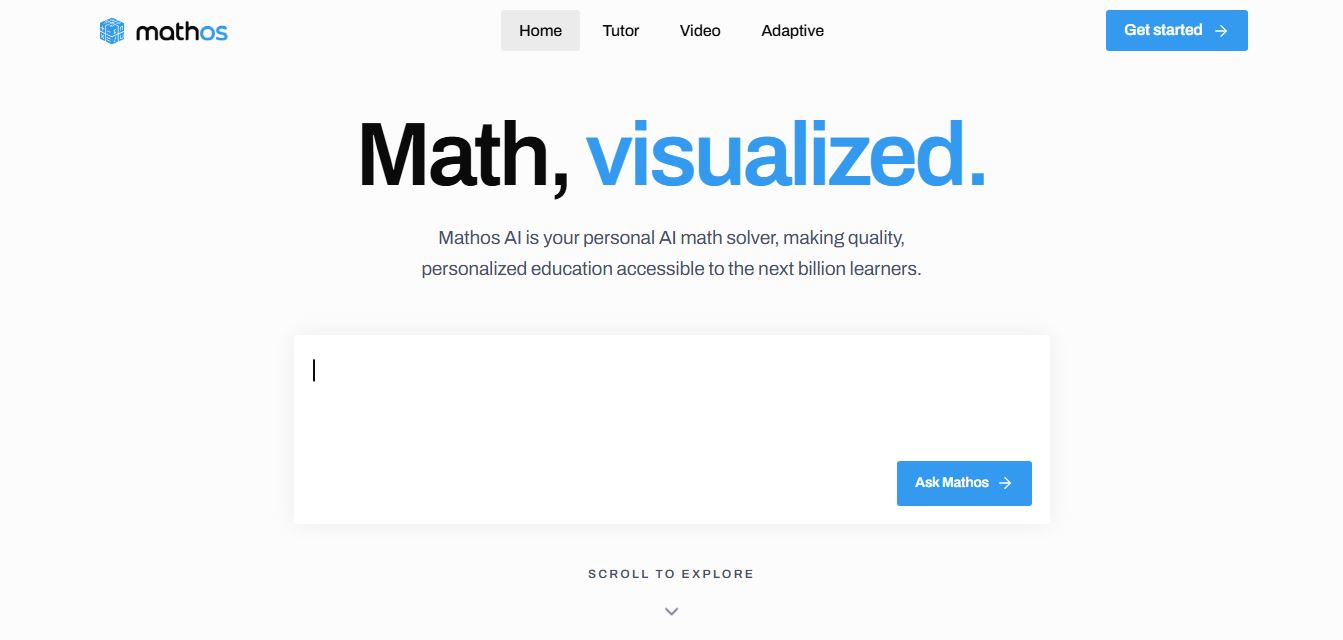
Mathos AI is an AI-powered math solver and tutor that helps students solve problems with step-by-step explanations and personalized guidance. It turns questions into lessons, generates quizzes, flashcards, and videos, and adapts to mistakes, enabling deeper understanding instead of just providing answers.
 4.8
4.8Brainly
Education
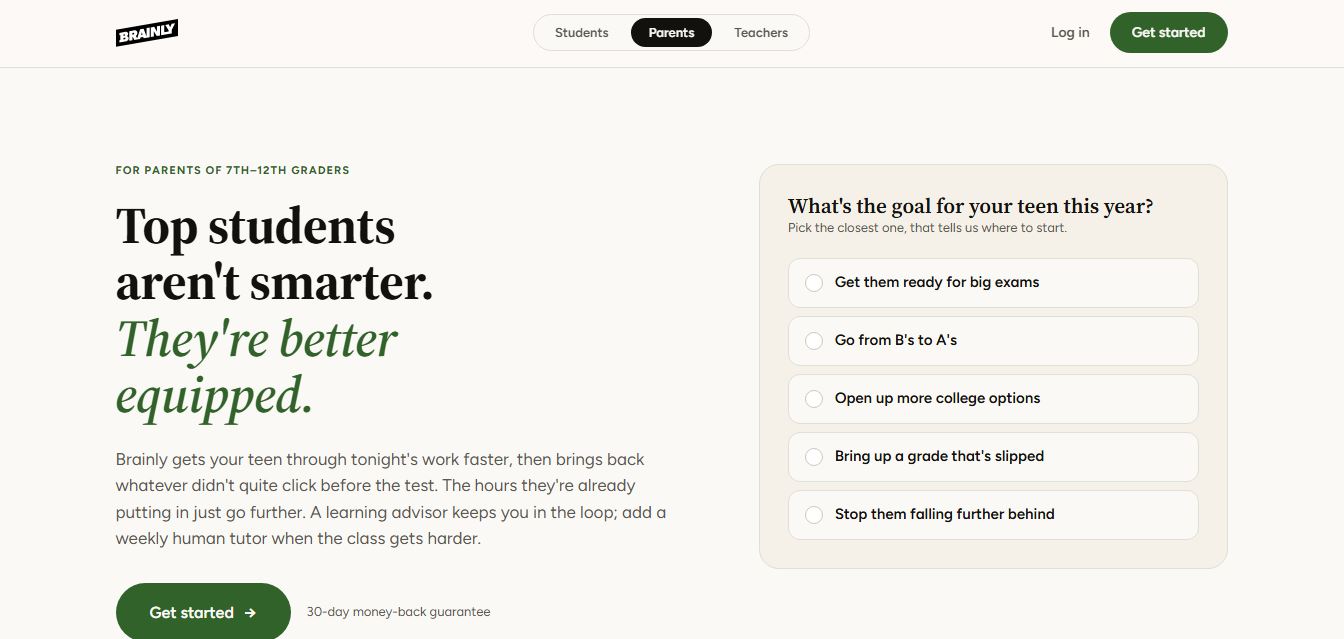
Brainly is an AI-powered learning platform that helps students solve homework, study concepts, and prepare for exams with step-by-step explanations. It combines AI guidance with a global community of experts, turning questions into personalized learning and helping students understand—not just complete—their schoolwork.
 4.8
4.8Gauth
Education
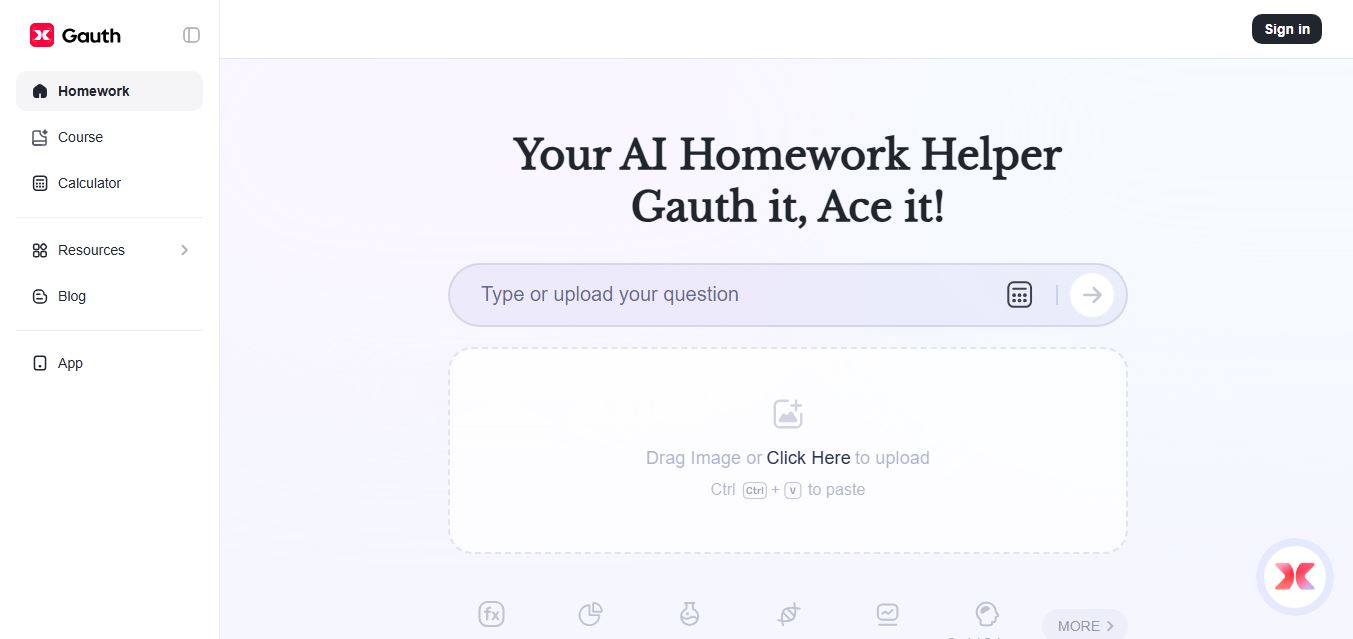
Gauth (formerly Gauthmath) is an AI-powered homework helper that lets students solve problems by typing or snapping a photo. It delivers step-by-step explanations across math and other subjects, combines AI with live tutor support, and helps users understand concepts, complete homework, and prepare for exams.
 4.7
4.7AI Math Solver
Education
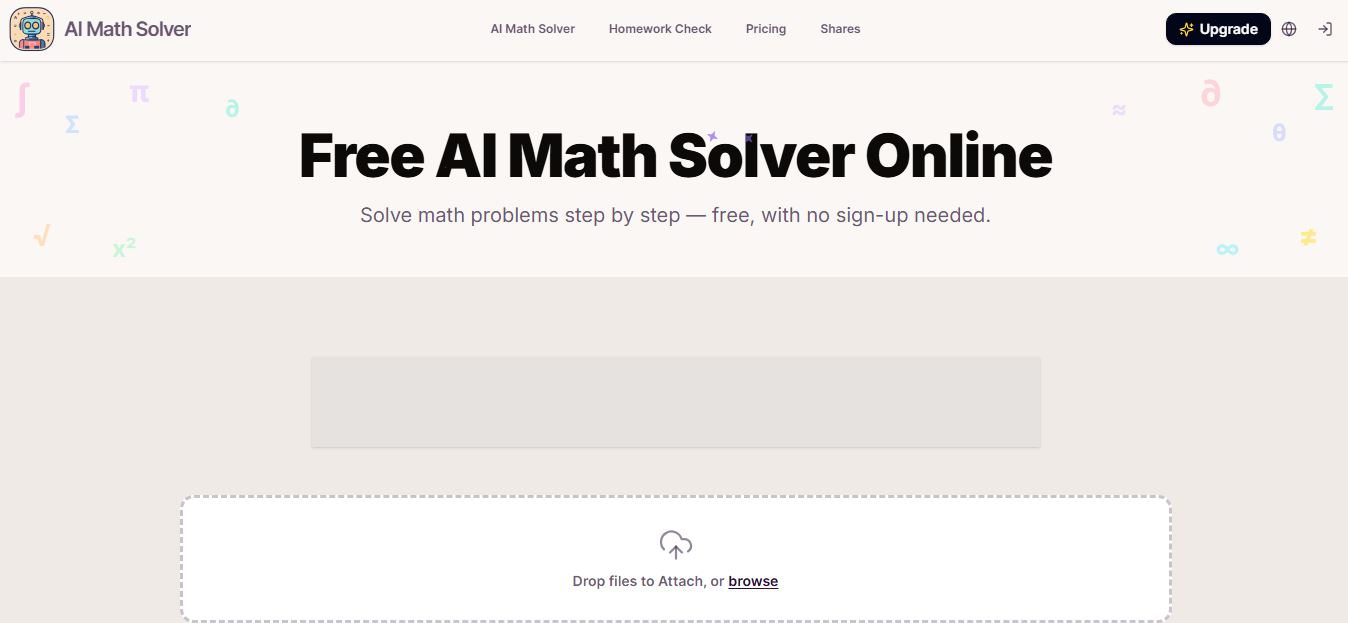
AIMathSolve is an AI-powered math solver that helps users solve problems across algebra, calculus, geometry, and more using text or image input. It generates step-by-step explanations, recognizes handwritten equations, and improves understanding, making it useful for homework, learning, and exam preparation.
 4.9
4.9Brilliant
Education
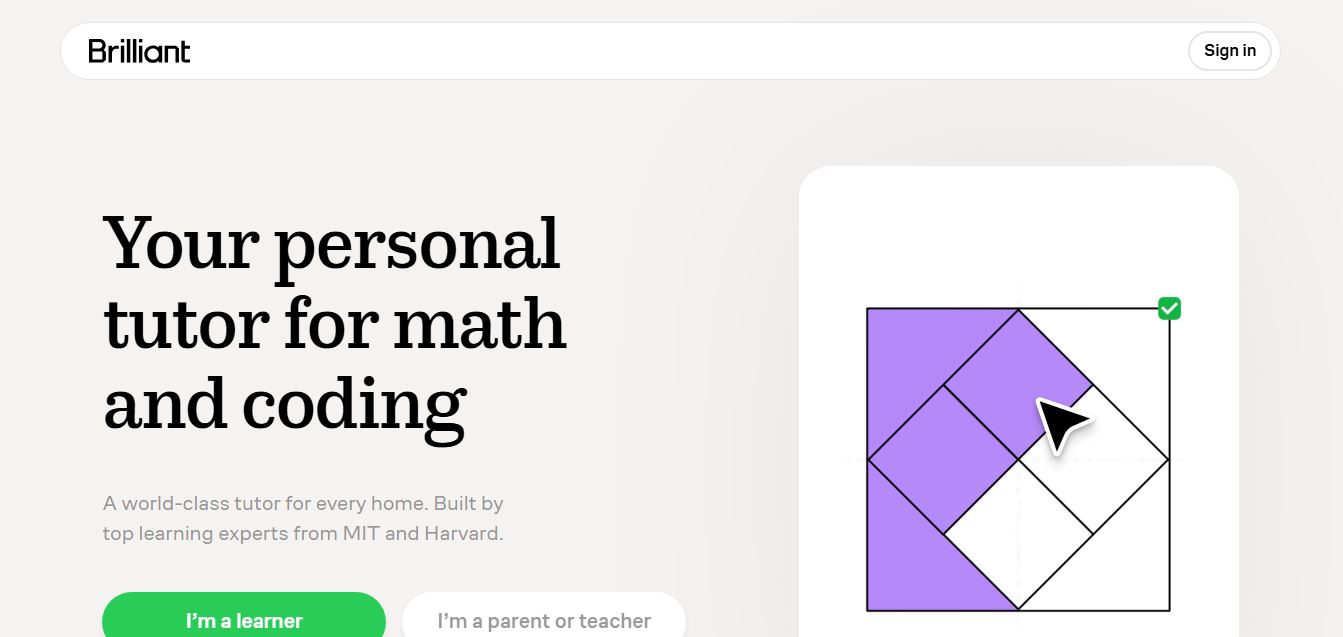
Brilliant is an interactive online learning platform that helps users build math, coding, and problem-solving skills through hands-on lessons. It uses visual explanations, real-time feedback, and a personal AI tutor to guide learning, enabling deeper understanding compared to passive video-based courses.
 5.0
5.0Desmos
Education
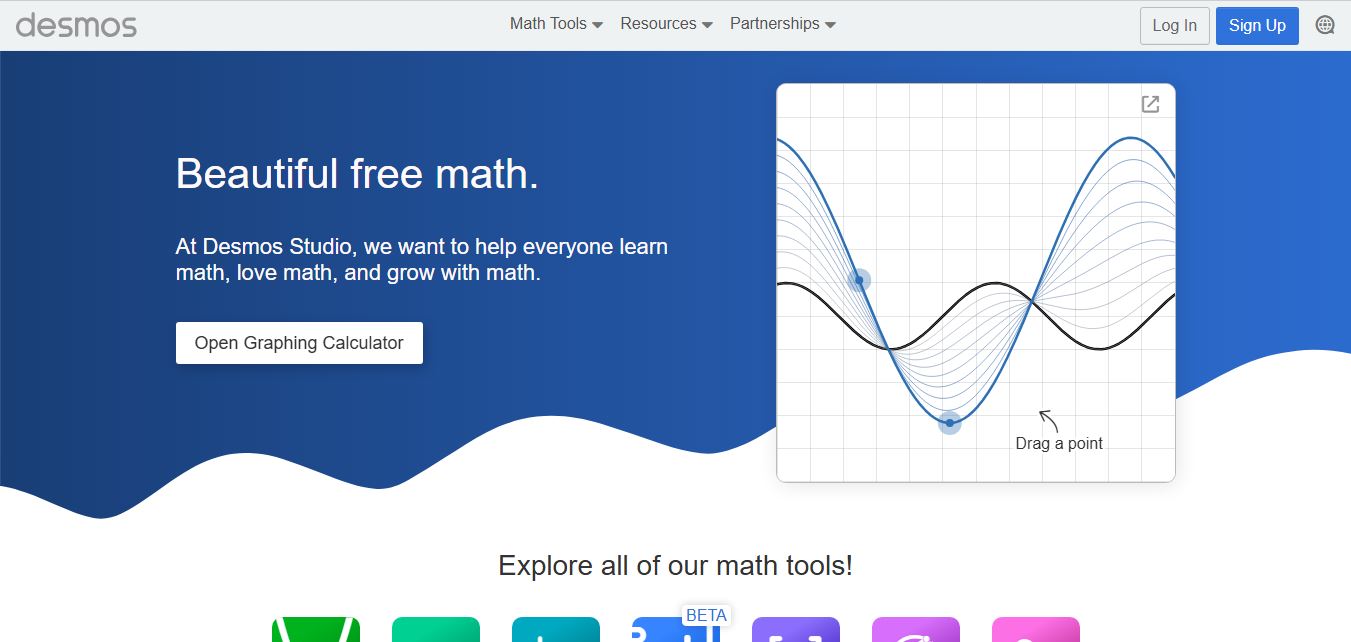
Desmos is an interactive math platform that helps students and teachers visualize concepts through graphing calculators, activities, and classroom tools. It enables real-time exploration of equations, functions, and data, making math more intuitive, engaging, and accessible across algebra, geometry, and advanced topics.