
PatentPal
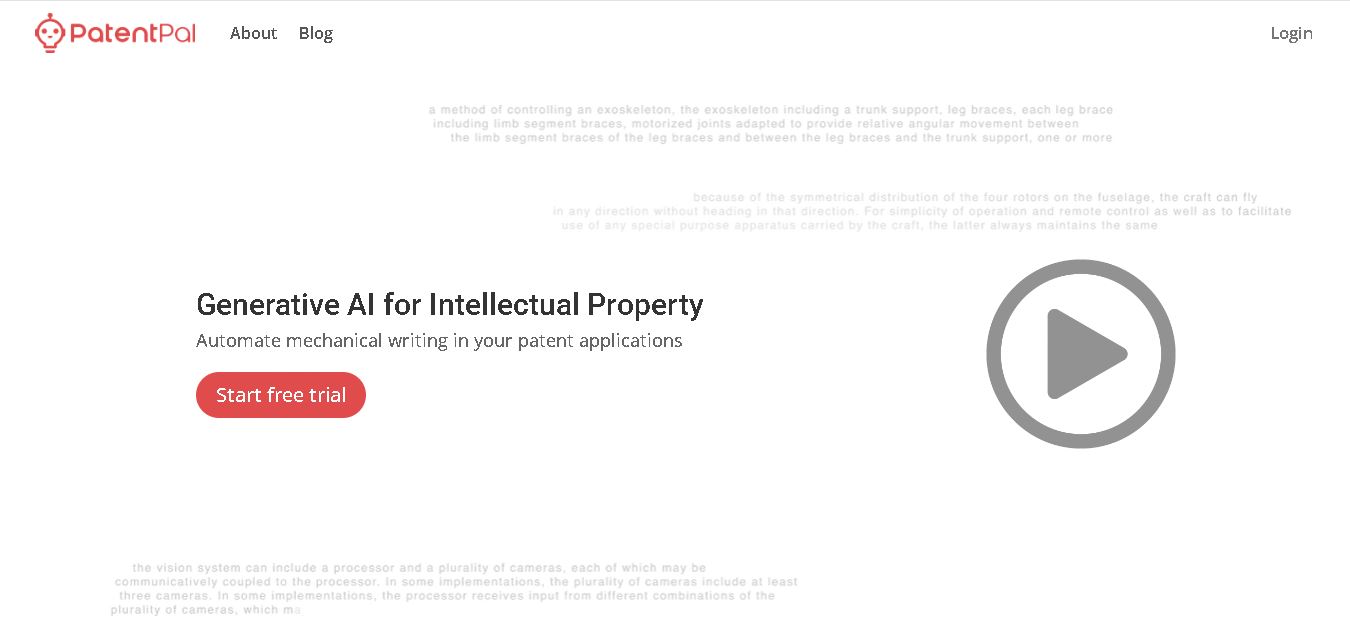
PatentPal helps patent professionals automate repetitive drafting tasks by transforming claims into specification content, abstracts, summaries, flowcharts, block diagrams, and figure descriptions. Users can customize generated language, review outputs, and export drafts for continued editing. It is designed to support patent workflows, not replace professional legal judgment or final review.
What is PatentPal?
PatentPal is a patent-drafting software service that converts claim sets into supporting application content and figures. It helps practitioners generate abstracts, summaries, detailed figure descriptions, flowcharts for method claims, and block diagrams for systems or devices. Users can customize drafting phrases, maintain multiple language profiles, review generated material, and export work into familiar document and diagram formats for patent professionals.
PatentPal was founded in Silicon Valley by Harvard alumni with patent law and machine learning. The service automates mechanical writing for patent applications by turning claims into drafting material and figures. Its workflow can generate abstracts, summaries, figure descriptions, method flowcharts, and system or device block diagrams. Users can customize language through profiles and export drafts to Word, Visio, or PowerPoint. PatentPal processes documents through AWS and states that data is not stored except as necessary to provide the service.
- Platform Role: AI Patent Drafting Software, Legal Technology Platform & IP Automation Tool
- Developer & Organization: PatentPal Inc.
- Cross-Platform Access: Web Browser (zero-install web application) with export support for Microsoft Word (.docx), Microsoft Visio (.vsdx), and Microsoft PowerPoint (.pptx)
Use Cases:
- Generating detailed patent specifications directly from initial independent and dependent claim sets
- Automatically constructing method flowcharts and system block diagrams to support patent drawing requirements
- Extracting structured abstracts and executive summaries aligned with statutory USPTO and international filing standards
- Customizing phrase profiles to reflect individual law firm preferences, boilerplate language, and client stylistic guidelines
- Exporting fully formatted drafts directly into Microsoft Word, Visio, or PowerPoint for final legal review and client filing
Technology:
- Generative natural language processing (NLP) models trained specifically on patent grammar, legal syntax, and claim structures
- Automated visual layout generation engine for constructing multi-step process flowcharts and hardware architecture block diagrams
- Real-time dynamic text editor updating detailed specifications instantly as user customization profiles or claim inputs change
- Enterprise-grade confidentiality and security protocols ensuring customer IP data remains private and protected
Target Users:
- Patent attorneys and registered patent agents drafting high volumes of utility patent applications
- In-house corporate legal departments and IP counsels looking to streamline internal patent disclosure workflows
- Law firms aiming to improve drafting speed, reduce billable client friction, and standardize application quality
- Technology transfer offices (TTOs) and research institutions filing patent applications efficiently
Acquisition: Native SaaS solution operated by PatentPal Inc. (patentpal.com)

What are the key features of PatentPal?
PatentPal's key platform features are
- One-Click Specification Generation: Input patent claims into the browser to automatically generate comprehensive, detailed descriptions, summaries, and abstracts.
- Automated Patent Figures & Diagrams: Automatically generates method flowcharts and system block diagrams complete with reference numerals matching the text.
- Custom Phrase & Style Profiles: Customize generated phrases to match preferred law firm language and switch between multiple style profiles instantly.
- Multi-Format File Exporting: Export complete patent drafts straight into editable Microsoft Word documents, PowerPoint presentations, or Visio diagrams.
- Real-Time Dynamic Editing: Edit claim terms or style settings on the fly and watch the generated specifications update in real time.
- Frictionless Browser Interface: Drag-and-drop claim documents directly into the web browser without installing heavy desktop software.
How much does PatentPal cost?
PatentPal offers flexible subscription tiers and trial access for legal professionals looking to test the automated drafting workflow.
Free Trial:
- Free Trial / Demo: Allows new users to test claim inputs, preview generated specifications, and experience the workflow before committing.
Commercial Subscription Options:
- Professional / Firm Plans: Tiered pricing based on user license seats and application generation volume (contact sales or log in for current enterprise plan specifics).
Disclaimer: PatentPal provides automated drafting support for mechanical parts of applications. Final legal review and approval remain the sole responsibility of a licensed patent attorney or agent.
Who should use PatentPal?
PatentPal is designed for intellectual property legal professionals and teams, including
- Patent Attorneys & Agents: Practitioners seeking to save hours on drafting repetitive system descriptions, abstracts, and drawing figures.
- IP Law Firms: Legal practices looking to boost attorney productivity, reduce turnaround times, and maintain consistent quality across filings.
- In-House IP Counsel: Corporate legal departments managing large invention disclosure portfolios and external counsel costs.
What are the best alternatives to PatentPal?
Some of the strongest PatentPal alternatives include
- ClaimMaster
- LexisNexis PatentOptimizer
- Rowan Patents
- Specifio
- TurboPatent
What are the pros and cons of PatentPal?
What are the pros of PatentPal?
- Dramatically cuts application drafting time by automating repetitive mechanical writing
- Generates synchronized flowcharts and system diagrams directly from claim inputs
- Clean, modern browser interface with simple drag-and-drop file support
- Seamless export compatibility with standard office software like Microsoft Word and Visio
- Flexible customization options to align output with custom law firm terminology
What are the cons of PatentPal?
- Requires well-structured input claims to produce high-quality initial draft specifications
- Human attorney editing and review are still strictly required for nuanced legal strategy
- Focused primarily on utility patent application drafting rather than prior art search or litigation analytics
Why should you choose PatentPal?
Writing detailed patent specifications and drafting technical drawings from scratch consumes valuable billable hours with repetitive, mechanical work. PatentPal transforms this process by leveraging generative AI to instantly translate claim sets into complete, polished draft specifications and figures. By maintaining accuracy across reference numbers and enabling customized style profiles, PatentPal allows legal practitioners to deliver faster results without sacrificing quality.
How does PatentPal compare to competitors?
The primary distinction between PatentPal, ClaimMaster, Rowan Patents, and LexisNexis PatentOptimizer lies in platform architecture and focus. While legacy tools like ClaimMaster act primarily as proofreading add-ins for Microsoft Word, PatentPal offers a modern, browser-first generative experience focused specifically on automated text and diagram generation.
| Feature / Platform | PatentPal | ClaimMaster | Rowan Patents | LexisNexis PatentOptimizer |
|---|---|---|---|---|
| Core Focus | Generative AI Spec & Diagram Generation | Claim Proofreading & Document Automation | Integrated Integrated Patent Drafting Environment | Patent Analysis, Analytics & Proofreading |
| Diagram Generation | Automated Flowcharts & System Diagrams | Basic Claim Tree Diagrams | Integrated Drawing Tools | Limited Visual Generation |
| Deployment Mode | Browser-Based Web Application | Microsoft Word Add-in | Desktop / Enterprise Software Application | Web & Desktop Add-in |
| Best For | Fast, automated claim-to-spec drafting and figure generation | In-depth claim proofreading and rule-checking inside Word | End-to-end patent drafting environment for large legal teams | Comprehensive analytics and patent quality checking |
How do we rate PatentPal?
| Parameter | Rating (out of 5) |
|---|---|
| Drafting Efficiency & Automation Speed | 4.9 |
| Diagram & Figure Generation Quality | 4.7 |
| User Interface & Browser Ease of Use | 4.8 |
| Export Integration (Word, Visio, PowerPoint) | 4.8 |
| Value for Money | 4.6 |
| Overall Score | 4.76 |
What is our review and verdict on PatentPal?
PatentPal represents an impressive leap forward in legal tech automation. By focusing on the repetitive mechanical aspects of patent drafting—such as generating detailed descriptions from claims and drawing corresponding flowcharts—it delivers measurable productivity gains for patent practitioners. Its browser-first interface, customization controls, and clean exports make it a top-tier choice for modern IP professionals.
What is the final conclusion on PatentPal?
PatentPal focuses on reducing the mechanical workload involved in patent application drafting. Its claim-based workflow can produce multiple supporting sections and figures while allowing practitioners to customize language and export their work. The company emphasizes use by patent professionals across electrical, mechanical, and software technologies. Because generated content is not guaranteed, professional review remains important before filing or relying on the material.
FAQ
What is PatentPal?
PatentPal is designed for patent professionals who already have claims and want to reduce repetitive drafting work. You can upload or paste your claims, generate specification sections and figures, then review and edit the output. It is particularly useful when preparing electrical, mechanical, or software patent applications with structured claims.
How does PatentPal work?
PatentPal takes your patent claims as input and generates supporting drafting material. Its workflow can produce abstract, summary, and detailed figure descriptions; flowcharts for method claims; and block diagrams for systems or devices. You can then customise language, review the draft, and export the resulting work for further editing efficiently.
What can PatentPal generate?
PatentPal can generate several common patent-drafting components, including abstracts, summaries, figure descriptions, method flowcharts, and system or device block diagrams. Its official website also highlights Word and Visio exports, with PowerPoint supported as an additional figure-export option in its product materials. This can streamline repetitive preparation work in practice today.
Can I customize PatentPal’s generated language?
Yes, PatentPal allows you to customize generated language rather than forcing one drafting style. You can adjust phrases according to your preferences and create multiple profiles, then switch between them. This can help practitioners maintain preferred terminology, drafting conventions, and language patterns across different patent applications and client matters consistently.
Who should use PatentPal?
PatentPal is aimed primarily at patent attorneys, patent agents, and other intellectual property professionals involved in preparing applications. Its website describes use across electrical, mechanical, and software technologies. Inventors may find the technology interesting, but PatentPal states that its services are not legal advice or a substitute for qualified counsel.
Can PatentPal replace a patent attorney?
PatentPal can help reduce repetitive drafting effort, but its output still requires professional review. The company’s terms state that it does not guarantee the quality, accuracy, reliability, or outcome of generated material. For patent work, practitioners should verify claim support, terminology, disclosures, figures, and jurisdiction-specific requirements before using generated content.
User Reviews
No reviews yet for PatentPal.
Featured Tools
Featured AI tools from TechShark

Melody Genie
MelodyGenie is an AI-powered music generator that creates original songs from simple text prompts. Users can choose styles, moods, and genres, then instantly generate melodies and full tracks, making it easy for creators, marketers, and hobbyists to produce custom music without musical expertise.
Freemium

Kimi AI
Kimi AI is an advanced AI assistant developed by Moonshot AI that helps you chat, research, write, code, and automate tasks in one place. It supports web search, file analysis, and multimodal inputs, and can even run autonomous “agent” workflows to complete complex tasks end-to-end.
Freemium

Fashion Diffusion AI
Fashion Diffusion is an AI-powered fashion design platform that helps brands and designers create clothing designs, virtual try-ons, AI models, product photos, and marketing visuals faster and cost-effectively.
Paid

Veo 4
Veo 4 AI is an AI video creation platform that generates dramatic videos from text, images, audio, and video prompts using realistic motion and synchronized sound.
Paid
Alternatives
Alternatives to PatentPal
The best PatentPal alternatives include ClaimMaster, Rowan Patents, LexisNexis PatentOptimizer, and Specifio. While PatentPal provides automated generative AI specification writing and flowchart generation from input claims inside a modern web browser, alternatives like ClaimMaster focus on Word-integrated proofreading, and Rowan Patents offers a complete desktop drafting workspace.
 4.9
4.9Manupatra AI
Legal
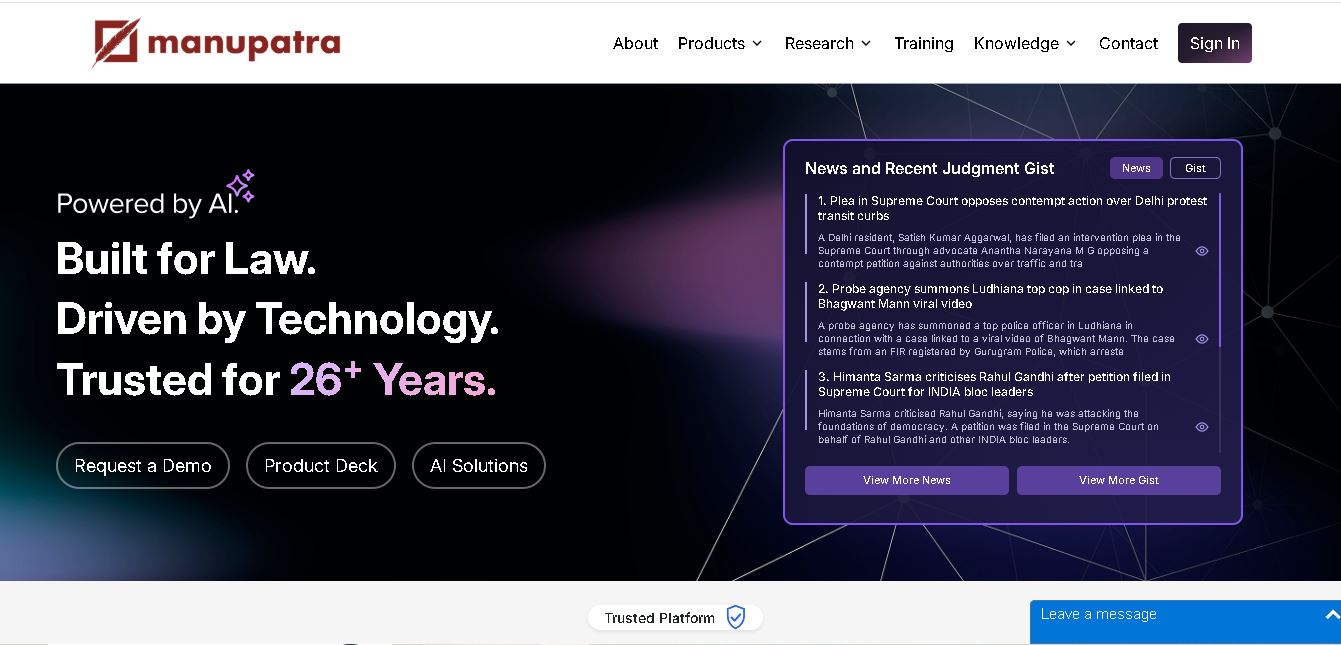
Manupatra AI is a legal technology solution that helps lawyers, law firms, students, and researchers conduct legal research and analyze documents. It offers AI-assisted search, judgment summaries, document comparison, OCR, translation, and drafting tools. Its broader ecosystem also supports case management, compliance, and contract workflows for legal professionals and businesses.
 4.9
4.9LegitQuest
Legal
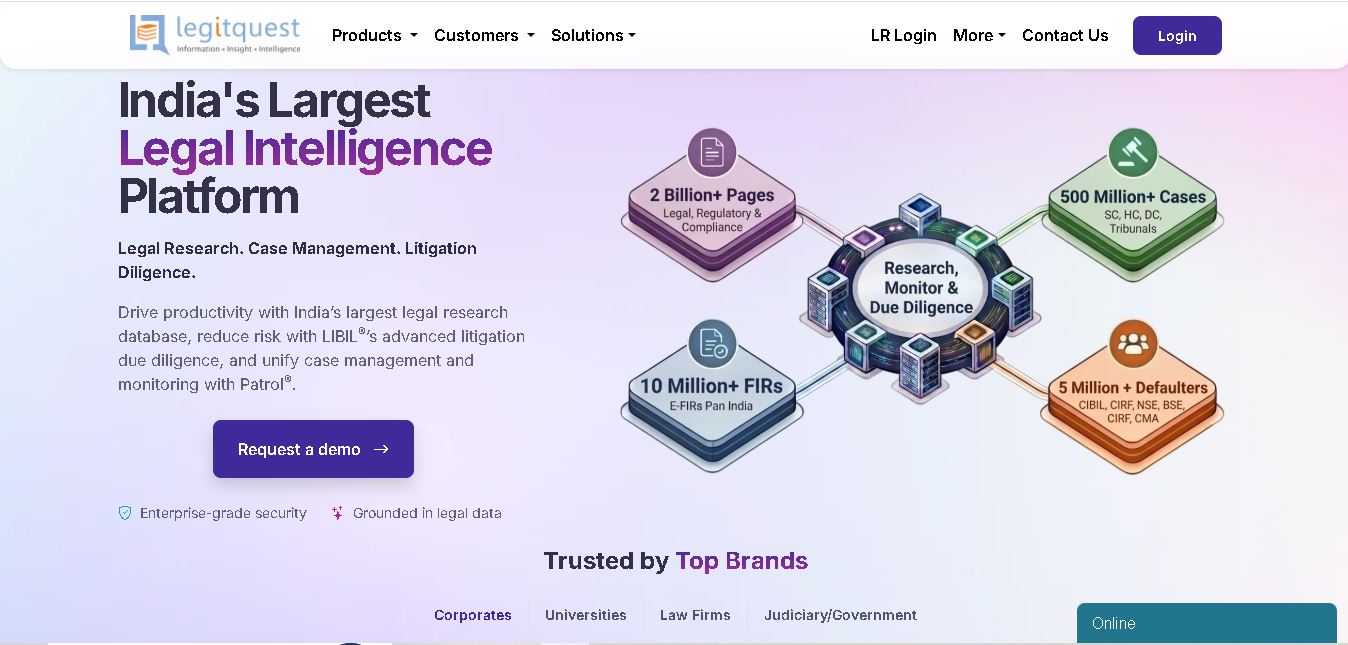
LegitQuest is an Indian legal technology platform offering AI-assisted legal research, litigation management, and due diligence solutions. Its tools help lawyers, researchers, and businesses explore judgments, analyse case decisions, track legal matters, and investigate litigation risks. The platform combines legal information and workflow capabilities to support informed professional decision-making.
 4.8
4.8Jhana AI
Legal
Jhana AI is a legal intelligence tool for lawyers and legal teams. It supports legal research, document analysis, contract review, due diligence, and professional drafting. With source-linked workflows and document verification, it helps users organize complex matters and review legal information more efficiently, while keeping qualified professionals responsible for decisions.
 4.9
4.9Lysa
Legal
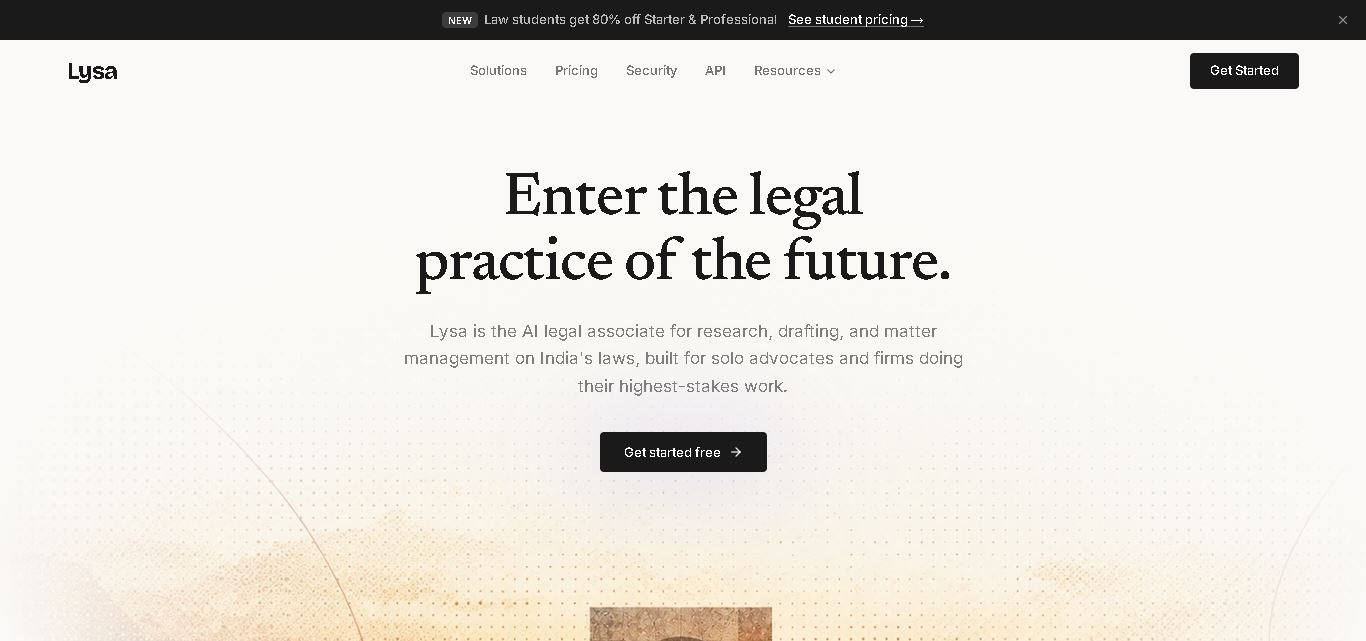
Lysa Legal is an AI-assisted legal research and practice management tool for Indian advocates, law firms, and legal teams. It helps users find cited legal information, draft documents, review contracts, monitor regulatory updates, and organize client matters. Its goal is to reduce routine administrative work and support more efficient legal workflows.
 4.9
4.9LegalInk AI
Legal
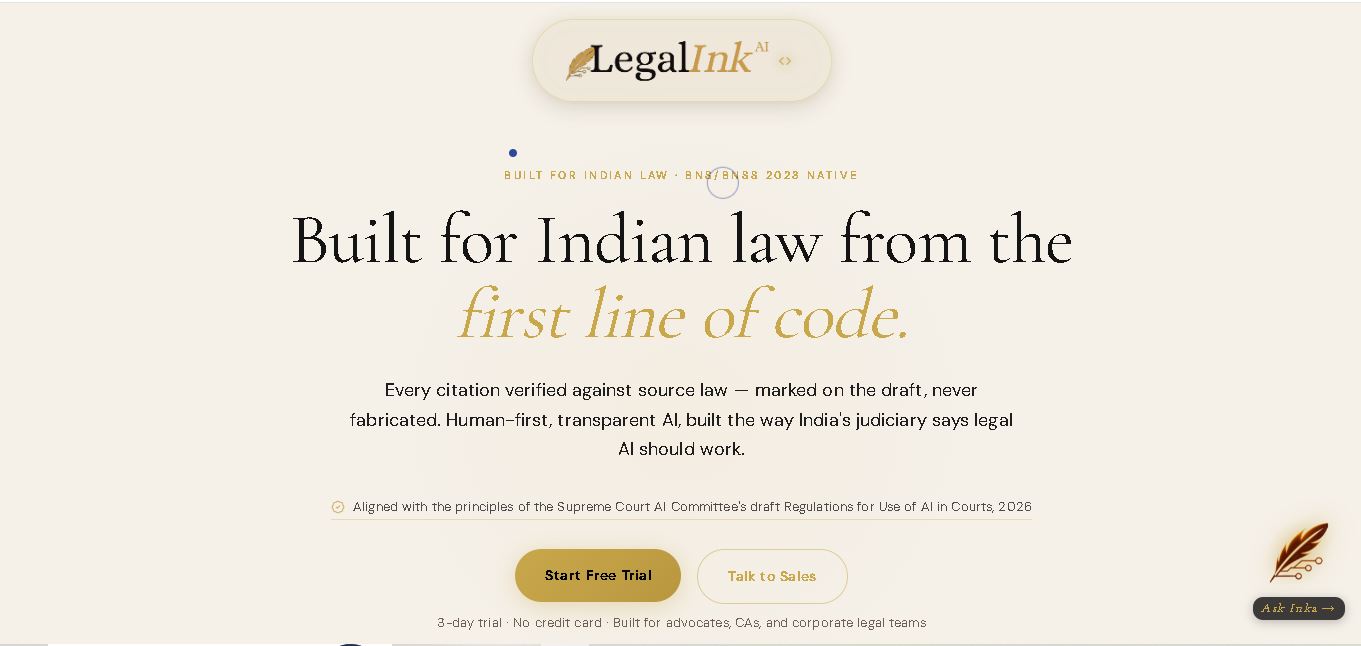
LegalInk AI helps Indian legal professionals and individuals draft documents, review contracts, research judgments, and prepare legal notice replies. With BNS/BNSS templates, Hindi and English support, and case analysis tools, it streamlines routine legal work. Users can export drafts and use research assistance, while qualified professionals should verify important outputs.
 4.8
4.8Josef
Legal
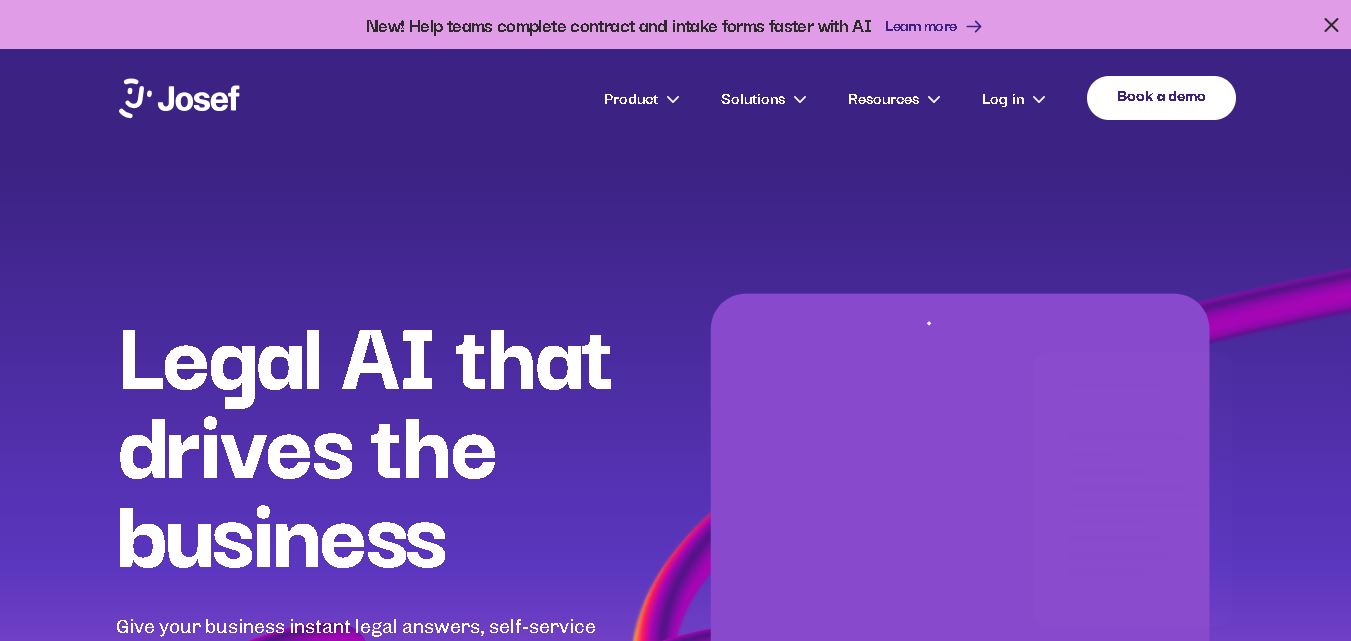
Josef is a legal automation platform that helps law firms and legal teams streamline everyday tasks. It offers AI-powered question answering, contract generation, document automation, and workflow management. With its no-code approach, organizations can create self-service legal tools, improve operational efficiency, and make legal information easier for employees and clients to access.
 4.9
4.9Ontra
Legal
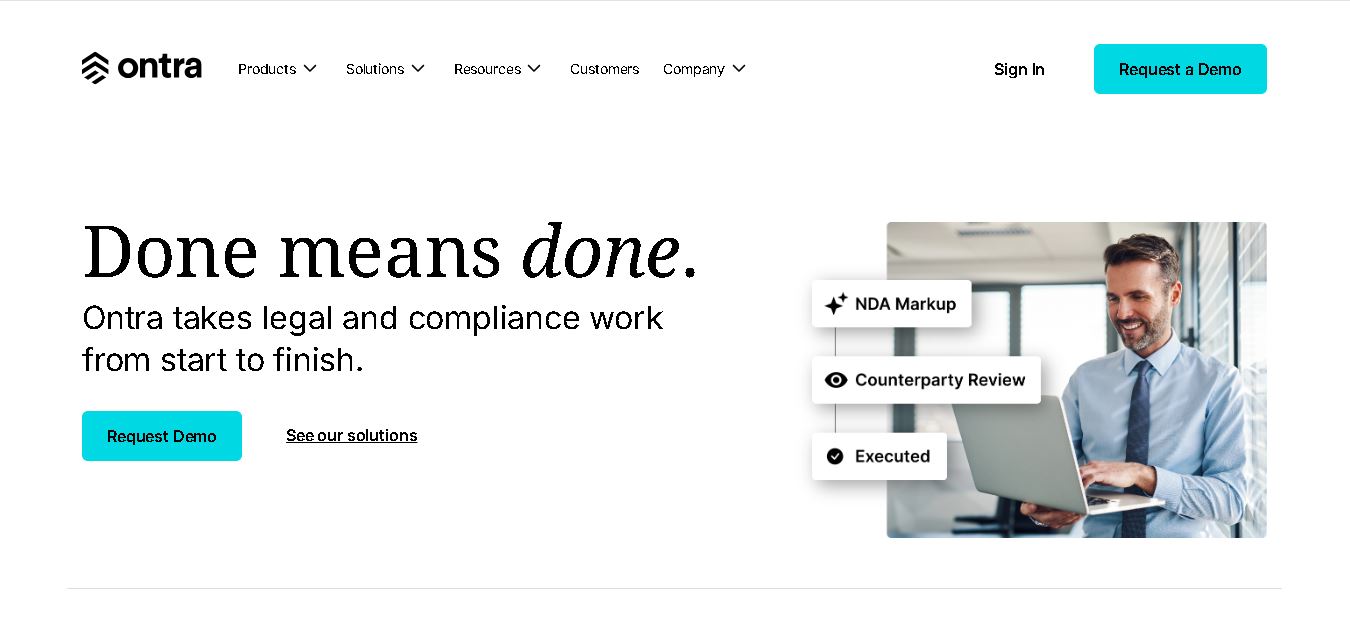
Ontra helps private equity firms, investment managers, and other private market organizations streamline legal and compliance operations. Its solutions support contract automation, fund obligation management, entity governance, due diligence questionnaires, and reverse KYC. By combining AI technology with legal expertise, Ontra helps teams improve efficiency, maintain consistency, and manage complex documentation.
 4.9
4.9Smokeball
Legal
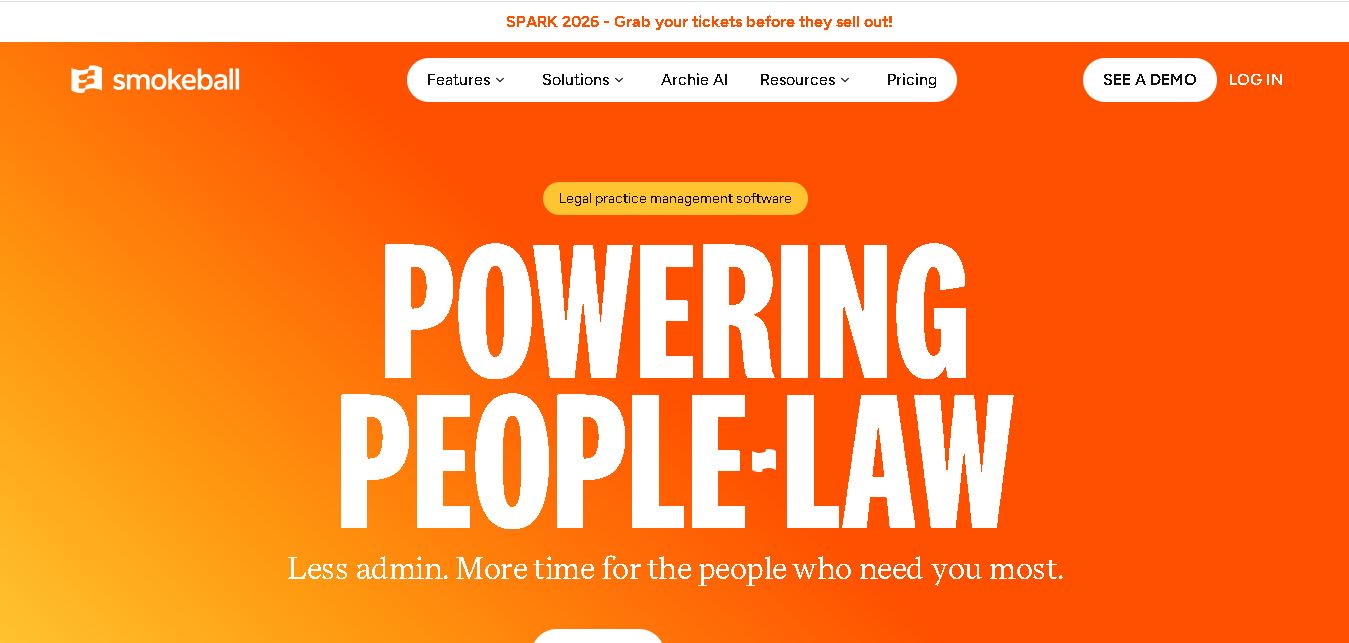
Smokeball is legal practice management software that helps law firms manage cases, automate documents, track billable hours, organize client communications, and simplify invoicing. With Microsoft integrations, customizable workflows, reporting tools, and Archie AI assistance, it helps legal professionals reduce administrative workloads, improve organization, and focus more time on delivering quality client service.
 4.9
4.9MyCase
Legal
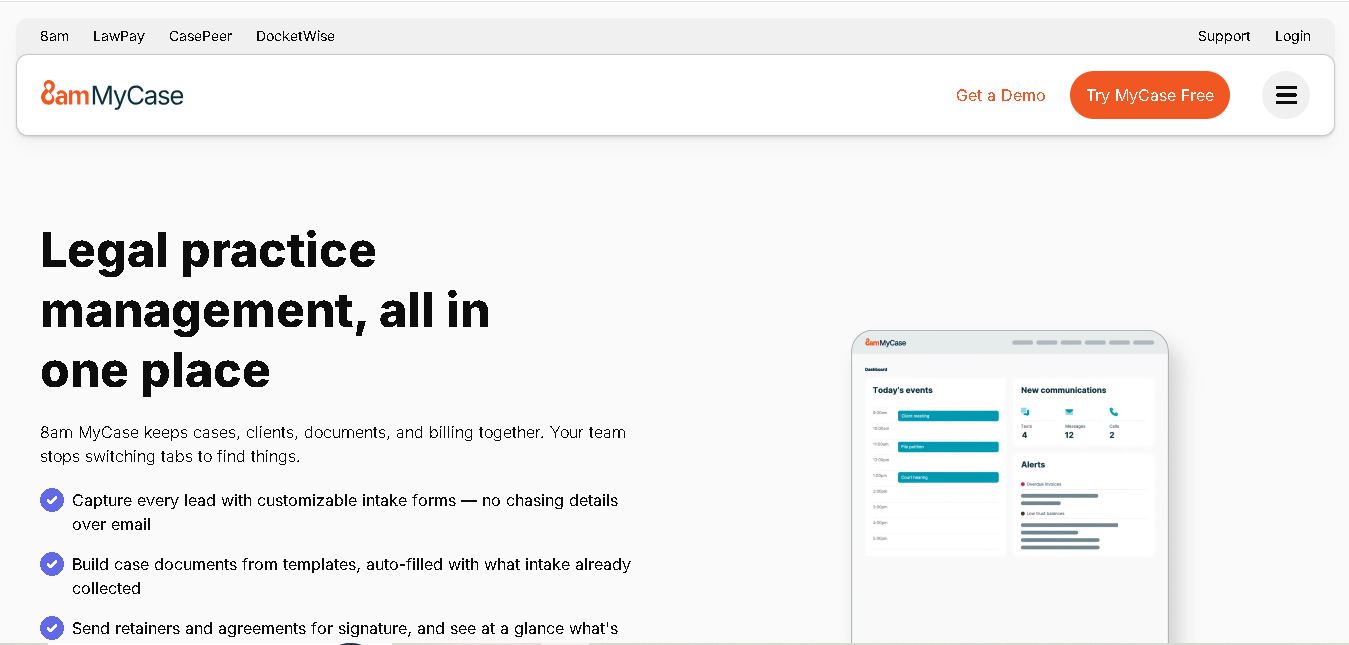
MyCase is legal practice management software that helps law firms manage cases, organize documents, communicate with clients, track billable time, and process payments. With client portals, electronic signatures, workflow automation, reporting, and AI-assisted case management, it supports more organized legal operations while helping attorneys reduce repetitive administrative work and improve client service.