
Paperpal
Paperpal is a research-focused academic writing assistant that helps students and researchers write, edit, paraphrase, translate, cite, and review scholarly content. It combines language improvement with research discovery, plagiarism checking, AI detection, and submission-readiness tools, making it useful for academic papers, theses, dissertations, literature reviews, manuscripts, and other research documents.
What is Paperpal?
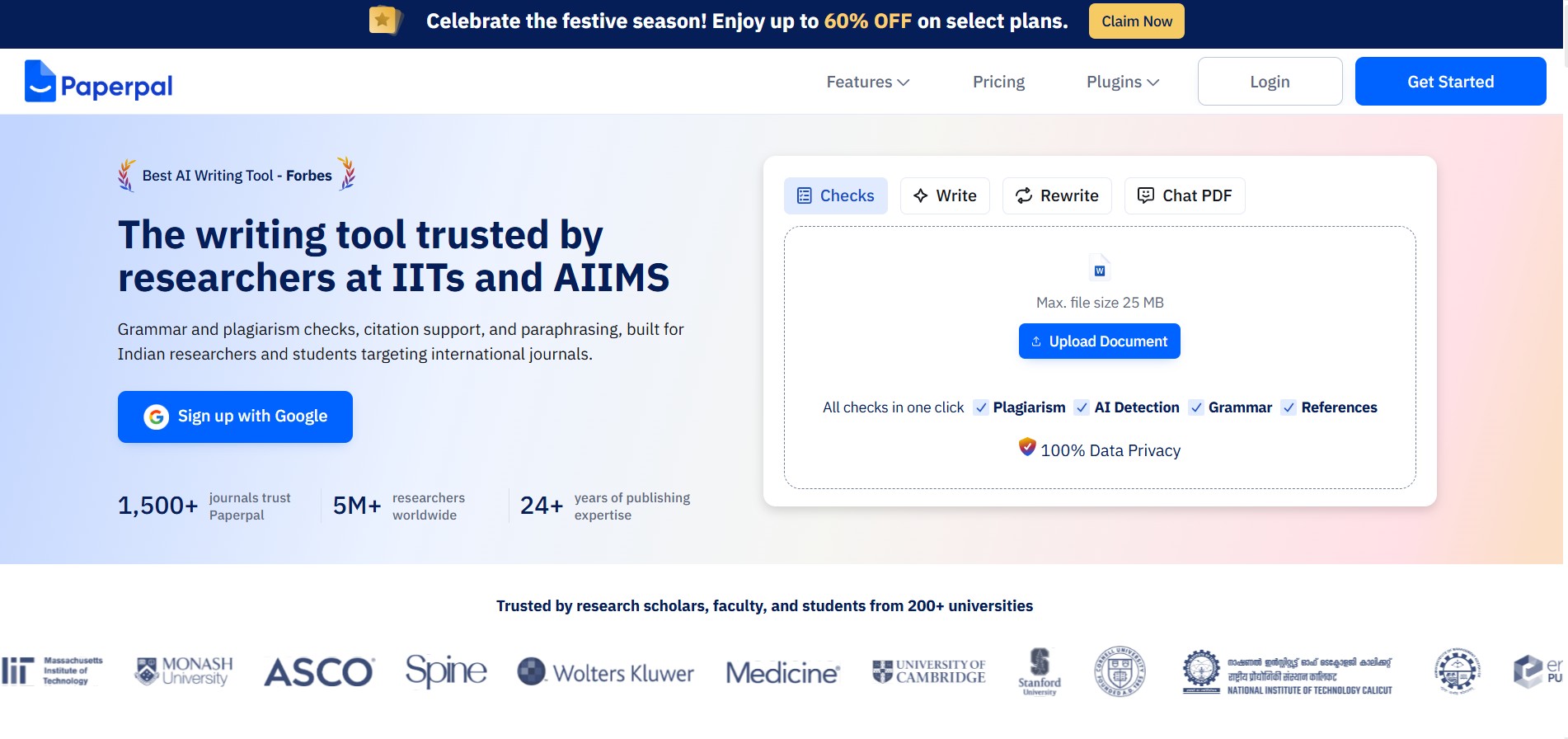
Paperpal is an academic writing and research assistant designed to help students, researchers, educators, and authors improve scholarly documents from drafting through submission. It provides grammar correction, paraphrasing, translation, research discovery, citation generation, plagiarism checking, AI detection, and submission-readiness checks. Paperpal can work across the web, Microsoft Word, Google Docs, Chrome, and Overleaf, helping users refine academic language while maintaining context and research-focused writing standards.
Paperpal supports academic writing with access to 250M+ research articles, citation generation in 10,000+ styles, and 30+ submission-readiness checks. Its website states that 5M+ researchers use Paperpal worldwide, while 1,500+ journals trust it and its expertise spans 24+ years of scholarly publishing. The platform also supports translation across 50+ languages and is used by researchers, students, and faculty at 200+ universities.
- Platform Role: AI Academic Writing Assistant, Grammar Checker & Manuscript Submission Tool
- Developer & Organization: Editage / Cactus Communications Services Pte Ltd
- Cross-Platform Access: Web Browser App, Chrome Extension, MS Word Add-in, Google Docs Add-on, and Overleaf Integration
Use Cases:
- Polishing research papers, journal manuscripts, thesis chapters, and academic essays to native English standards
- Trimming excess word count without losing core technical meaning to satisfy strict journal submission limits
- Running comprehensive pre-submission technical checks to prevent desk rejections from leading academic publishers
- Searching verified academic literature, organizing citations across 10,000+ style guides, and chatting with research PDFs
- Detecting unintentional plagiarism, verifying reference accuracy, and auditing AI-generated text patterns
Technology:
- Proprietary NLP models trained on millions of peer-reviewed scholarly manuscripts and academic publishing standards
- Context-sensitive academic paraphrasing engine designed to maintain technical accuracy and formal tone
- Integrated citation engine backed by a repository of over 250 million verified scholarly research articles
- Enterprise-grade data security protocols guaranteeing that user documents and uploaded research are never used to train public AI models
Target Users:
- Academic researchers and university faculty preparing manuscripts for peer-reviewed journal submission
- Non-native English-speaking (ESL) scholars seeking targeted academic language refinement and translation
- PhD candidates and graduate students writing dissertations, theses, and grant proposals
- Scientific writers using LaTeX in Overleaf or Microsoft Word for technical publication workflows
Acquisition: Native academic SaaS product developed and operated by Cactus Communications Services Pte Ltd (paperpal.com)

What are the key features of Paperpal?
Paperpal's key platform features are
- Academic Language & Grammar Correction: Detects complex grammatical errors, tenses, and awkward phrasing while preserving technical terms, equations, and citations.
- AI Paraphrasing & Word Count Reducer: Rephrases sentences for academic fluency and automatically compresses text to fit strict journal word limits.
- Journal Submission Readiness Report: Audits manuscripts with 30+ technical and language checks, including structure, disclosures, reference health, and figures.
- Plagiarism & AI Detection Suite: Scans manuscripts against scholarly databases for unintentional similarity and checks text for AI-generated patterns.
- Chat with PDF & Literature Research: Interacts with full-text PDFs to summarize key findings, answer questions, and discover related papers from 250M+ scholarly articles.
- Citation & Overleaf Integration: Generates citations in 10,000+ formats and provides seamless editing within Overleaf LaTeX and Google Docs.
How much does Paperpal cost?
Paperpal offers a free tier for basic grammar and writing assistance, with expanded usage, unlimited edits, and advanced plagiarism checks unlocked on paid subscriptions.
Pricing Tiers:
- Free Plan ($0 / mo): Includes 200 language edits per month, limited AI writing & research queries (5/day), lite plagiarism previews, and basic library storage.
- Prime Plan ($7.20 / user / month billed annually): Unlocks 20,000 language edits per month, 10,000 words/month of plagiarism checks, 25,000 words of AI detection, and 500 AI research queries/month.
- Pro Plan ($17.40 / user / month billed annually): Provides unlimited language edits, 30,000 words/month of plagiarism & reference checks, unlimited AI detection, and full submission readiness reports.
Disclaimer: Pricing reflects annual billing rates. Short-term quarterly or monthly subscription options are available for active paper submission cycles.
Who should use Paperpal?
Paperpal is designed for academic writers, scientific researchers, and students, including
- ESL Researchers: Non-native English scholars needing domain-specific language polishing to pass journal desk reviews.
- PhD Candidates & Thesis Writers: Students drafting long-form academic papers requiring automated citation checks, paraphrasing, and word count trimming.
- STEM & LaTeX Authors: Researchers working on technical manuscripts within Overleaf or Microsoft Word who need context-aware feedback.
What are the best alternatives to Paperpal?
Some of the strongest Paperpal alternatives include
- Grammarly
- QuillBot
- Jenni AI
- Writefull
- Trinka AI
- Typeset.io / Scite.ai
What are the pros and cons of Paperpal?
What are the pros of Paperpal?
- Trained explicitly on scholarly publishing data, preserving scientific terms and citations accurately
- Native integration with Overleaf LaTeX editor, Google Docs, Chrome, and Microsoft Word
- Comprehensive pre-submission readiness suite covering plagiarism, AI detection, and reference validity
- Strict academic privacy policy ensuring user text is never used to train public language models
What are the cons of Paperpal?
- The free tier monthly edit allowance (200 edits) depletes rapidly during full manuscript editing
- Processing speed can slow down when analyzing large multi-chapter dissertations or theses
- Less suited for general creative or marketing writing compared to tools like Grammarly
Why should you choose Paperpal?
General AI writing tools often alter critical scientific terms, break citation syntax, or recommend overly informal phrasing unsuited for peer-reviewed journals. Paperpal addresses this gap by combining 20+ years of publishing expertise with specialized AI. It helps researchers refine complex ideas, verify references, reduce word count, and check submission readiness without compromising technical accuracy or manuscript confidentiality.
How does Paperpal compare to competitors?
The primary distinction between Paperpal, Grammarly, Quillbot, and Jenni AI lies in academic domain awareness and manuscript workflow integration. While Grammarly excels at general communication and Quillbot focuses on paraphrasing, Paperpal is specifically engineered for academic manuscript polishing, Overleaf integration, and journal submission compliance.
| Feature / Platform | Paperpal | Grammarly | Quillbot | Jenni AI |
|---|---|---|---|---|
| Core Focus | Academic Publishing & Journal Readiness | General Business & Everyday Writing | Paraphrasing & Content Rewriting | AI Academic Drafting & Auto-Completion |
| Overleaf / LaTeX Integration | Yes (Native Chrome Extension support) | No | No | No |
| Journal Readiness Checks | Yes (30+ language & technical audits) | No | No | No |
| Citation Awareness | High (preserves syntax & checks references) | Basic (general citation generator) | Basic (citation generator) | High (in-text AI citation lookup) |
| Best For | Scholars preparing manuscripts for journal submission | Professionals needing everyday email and document editing | Students seeking quick sentence rephrasing | Researchers wanting AI co-writing assistance for first drafts |
How do we rate Paperpal?
| Parameter | Rating (out of 5) |
|---|---|
| Academic Language & Grammar Precision | 4.9 |
| Journal Submission & Technical Auditing | 4.8 |
| Platform Integrations (Word, Overleaf, Docs) | 4.8 |
| Data Security & Research Confidentiality | 5.0 |
| Value for Money | 4.6 |
| Overall Score | 4.82 |
What is our review and verdict on Paperpal?
Paperpal is an indispensable tool for researchers aiming for peer-reviewed publication. By grounding its language feedback in scholarly literature and offering native support across Overleaf, Word, and Google Docs, it addresses the exact pain points of academic writing. Its ability to preserve technical context while catching subtle syntax errors makes it a superior choice over general grammar tools.
Conclusion
Paperpal brings academic writing, research discovery, editing, citation support, and submission checks into one workflow. Its combination of grammar correction, paraphrasing, research access, plagiarism checking, AI detection, and journal-readiness tools makes it relevant for students, researchers, and academic authors. With a free tier and paid plans for higher usage, users can choose access based on their writing requirements. Paperpal’s integrations with Word, Google Docs, Chrome, Overleaf, and its web editor also make it easier to incorporate academic writing assistance into existing research workflows.
FAQ
What can I use Paperpal for?
Paperpal can help you throughout the academic writing process, from developing an initial draft to preparing a manuscript for submission. You can use it for grammar correction, paraphrasing, word reduction, translation, research discovery, citation generation, PDF analysis, plagiarism checking, AI detection, and journal-readiness checks.
Is Paperpal useful for students?
Yes, Paperpal is designed for students working on essays, assignments, theses, dissertations, coursework, and academic applications. It can help improve grammar, clarity, academic tone, and structure while providing research and citation assistance. Students can also use its free plan to explore selected writing and checking features before considering paid options.
Can researchers use Paperpal for research papers?
Yes. Researchers can use Paperpal to refine manuscripts, improve academic language, find relevant research, generate citations, review documents, and perform submission-readiness checks. Its research features provide access to findings from more than 250 million research articles, while its journal-focused checks can help identify language and technical issues before submission.
Does Paperpal have a free version?
Yes, Paperpal provides a free version with limited usage. The free plan currently includes 200 language suggestions per month and up to 5 daily uses of its generative AI features. Selected tools such as plagiarism checking, AI detection, and submission-readiness checks are also available with usage limits.
How much does Paperpal cost?
Paperpal currently offers paid Pro and Prime subscriptions. According to its official Help Center, Prime costs $25 per month, or $144 annually, while Pro costs $59 per month, or $348 annually. Pricing and available plans can change, so users should verify the current subscription details before purchasing.
Can Paperpal check grammar and academic writing?
Yes. Paperpal includes an academic grammar checker designed to identify spelling, punctuation, word-choice, grammar, and tone issues. Its suggestions are intended specifically for scholarly writing rather than general everyday communication. Users can review and apply recommendations while retaining their original academic voice and meaning.
User Reviews
No reviews yet for Paperpal.
Featured Tools
Featured AI tools from TechShark

Melody Genie
MelodyGenie is an AI-powered music generator that creates original songs from simple text prompts. Users can choose styles, moods, and genres, then instantly generate melodies and full tracks, making it easy for creators, marketers, and hobbyists to produce custom music without musical expertise.
Freemium

Kimi AI
Kimi AI is an advanced AI assistant developed by Moonshot AI that helps you chat, research, write, code, and automate tasks in one place. It supports web search, file analysis, and multimodal inputs, and can even run autonomous “agent” workflows to complete complex tasks end-to-end.
Freemium

Fashion Diffusion AI
Fashion Diffusion is an AI-powered fashion design platform that helps brands and designers create clothing designs, virtual try-ons, AI models, product photos, and marketing visuals faster and cost-effectively.
Paid

Veo 4
Veo 4 AI is an AI video creation platform that generates dramatic videos from text, images, audio, and video prompts using realistic motion and synchronized sound.
Paid
Alternatives
Alternatives to Paperpal
The best Paperpal alternatives include Grammarly, QuillBot, Writefull, Trinka AI, and Jenni AI. While Paperpal provides a specialized academic writing assistant deeply integrated with Overleaf, Word, and journal submission readiness checks, alternatives like Grammarly focus on general writing and QuillBot specializes in broad text paraphrasing.
 4.9
4.9Edubrain AI
Education
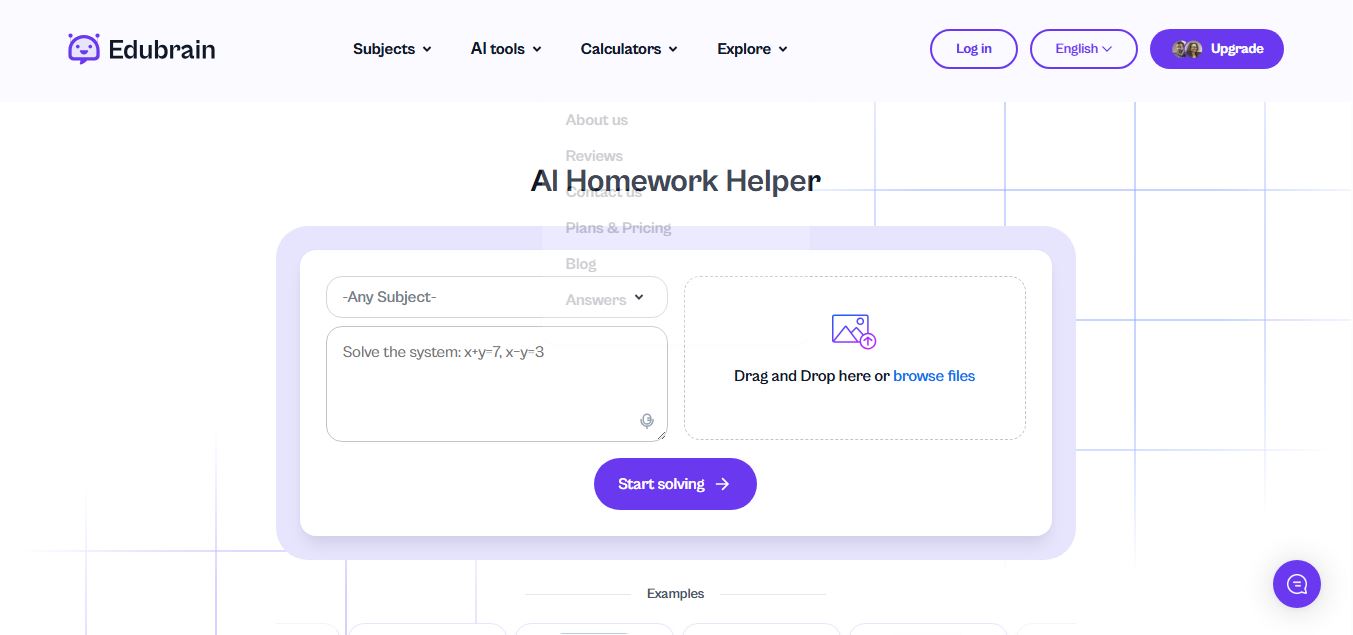
Edubrain is an AI-powered homework assistant that helps students solve questions across 90+ subjects using text, images, PDFs, or audio. It provides step-by-step explanations, adapts to learning styles, and works without sign-up, enabling faster understanding, exam prep, and personalized study support.
 4.8
4.8Math AI
Education
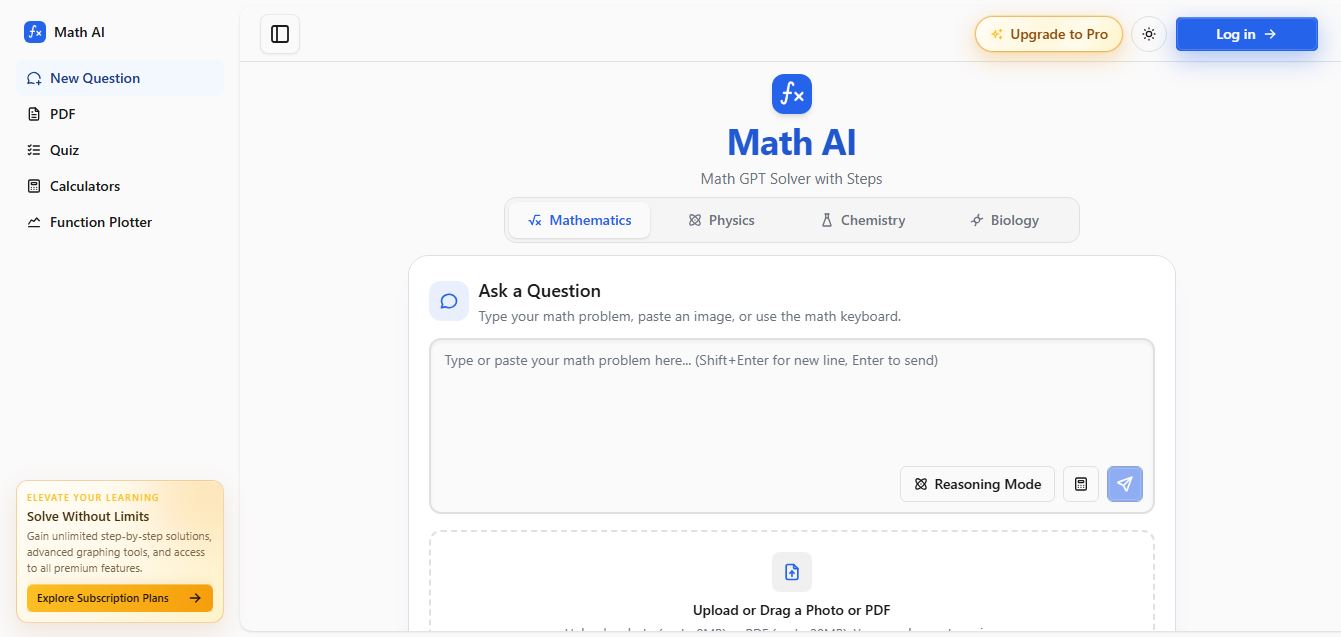
Math AI is an AI-powered math learning platform that helps users solve problems using text or images with step-by-step explanations. It supports algebra, calculus, and more, offering quizzes, graphs, and personalized tutoring to improve understanding and make studying, homework, and exam preparation easier.
 4.9
4.9ThetaWise
Education
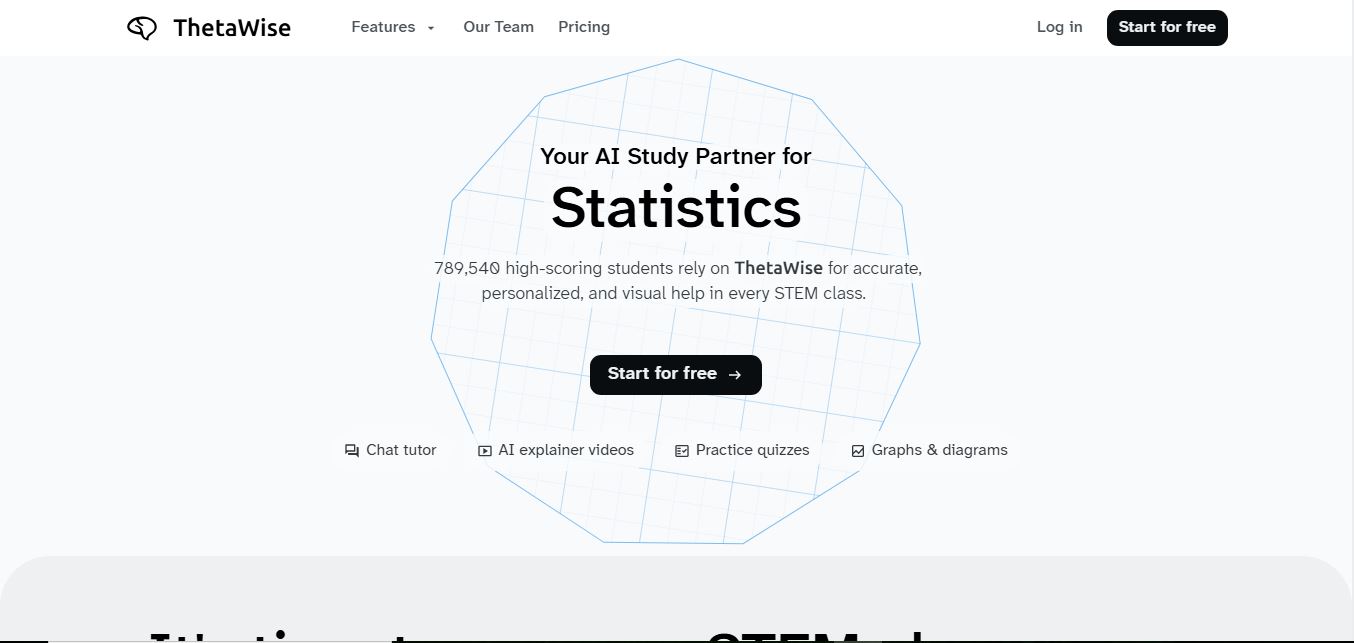
ThetaWise is an AI-powered STEM learning platform that helps students solve math and science problems with step-by-step explanations, video lessons, and practice quizzes. It acts like a 24/7 tutor, adapting to learning styles and improving understanding, test performance, and concept mastery.
 4.9
4.9Mathos AI
Education
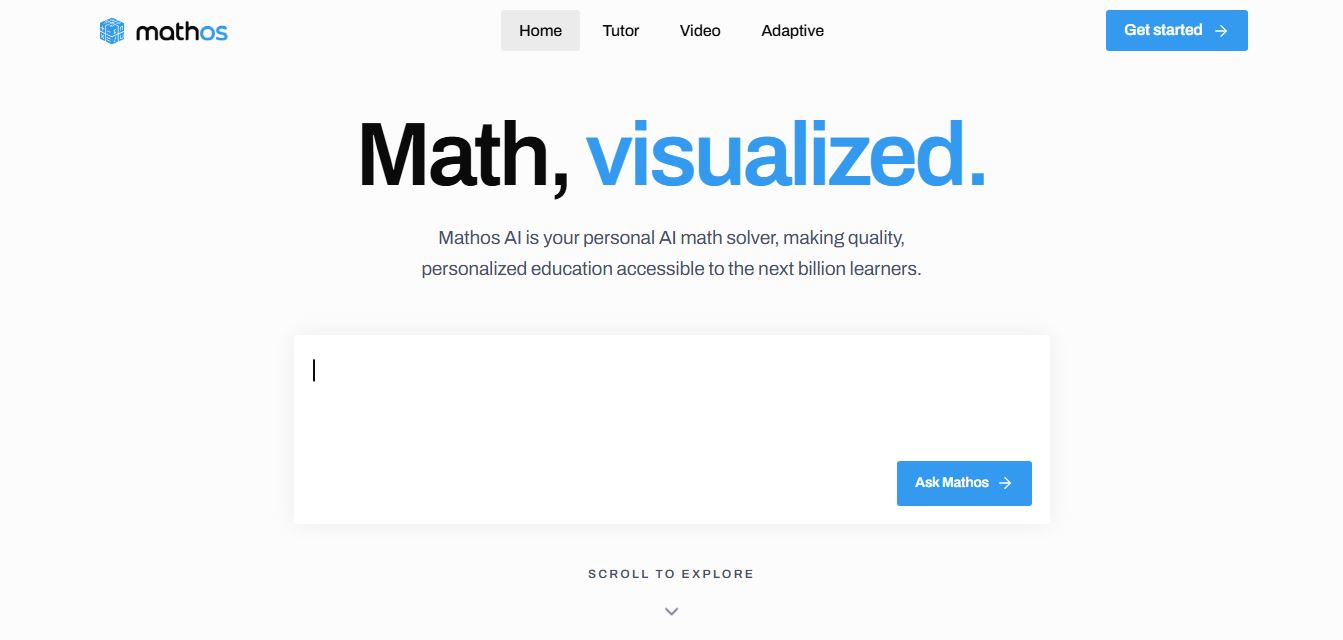
Mathos AI is an AI-powered math solver and tutor that helps students solve problems with step-by-step explanations and personalized guidance. It turns questions into lessons, generates quizzes, flashcards, and videos, and adapts to mistakes, enabling deeper understanding instead of just providing answers.
 4.8
4.8Brainly
Education
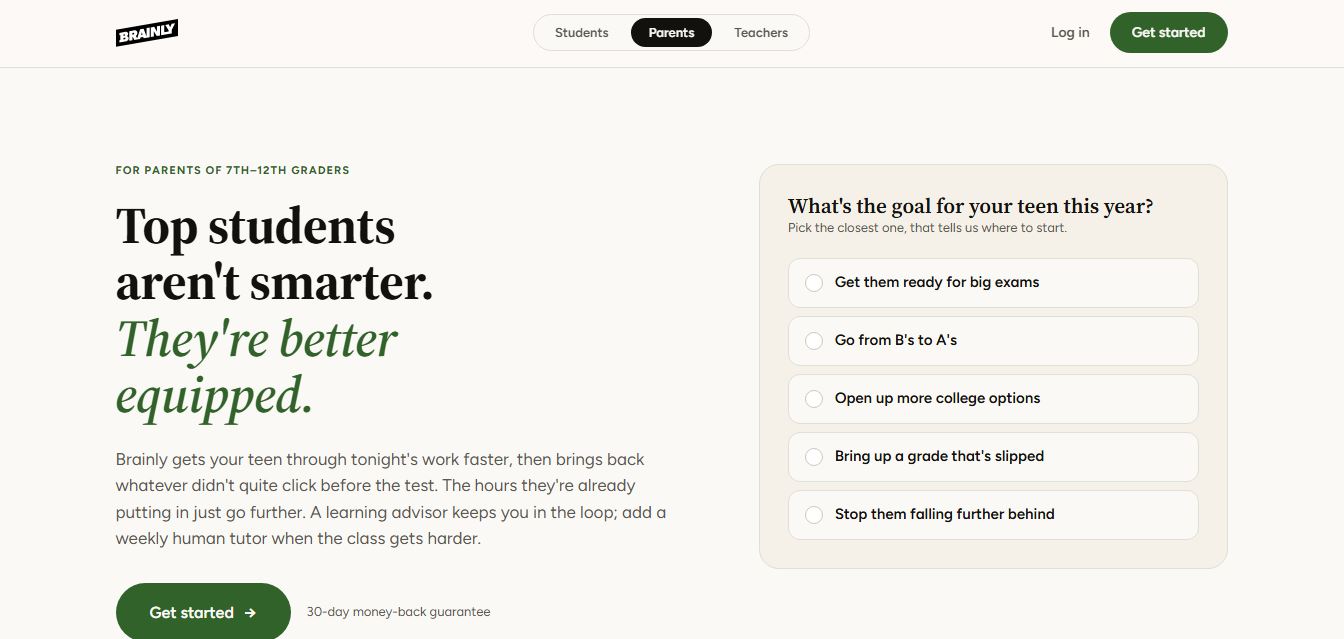
Brainly is an AI-powered learning platform that helps students solve homework, study concepts, and prepare for exams with step-by-step explanations. It combines AI guidance with a global community of experts, turning questions into personalized learning and helping students understand—not just complete—their schoolwork.
 4.8
4.8Gauth
Education
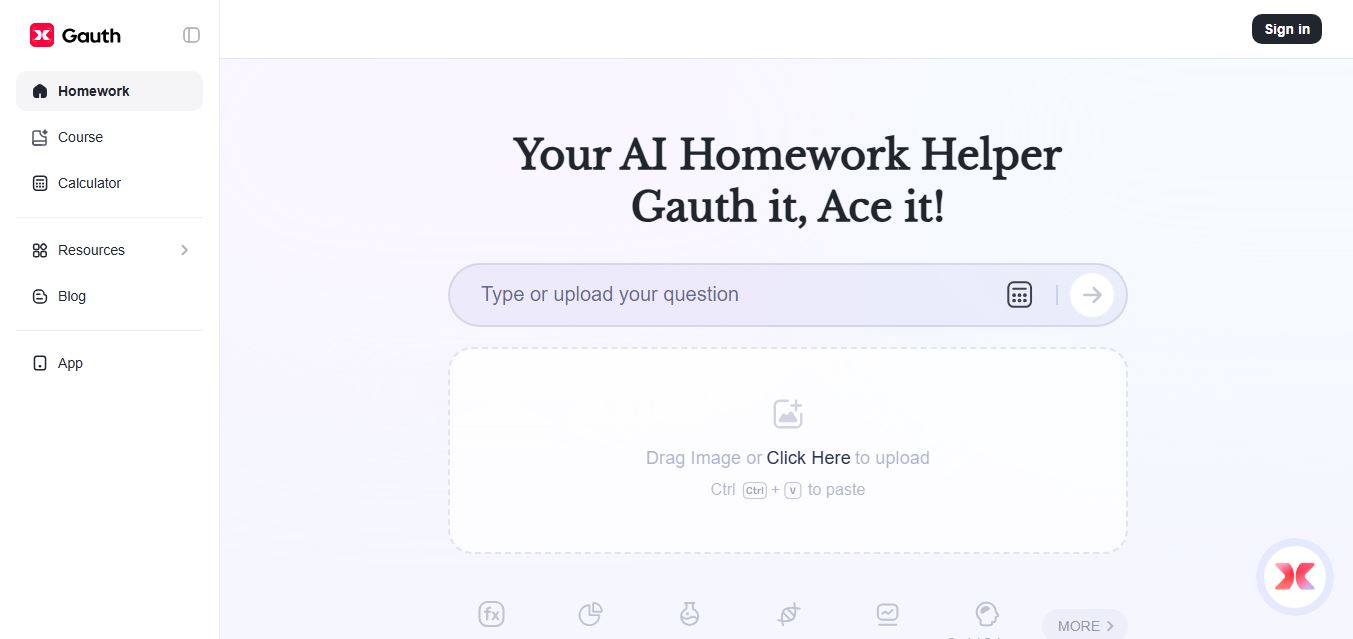
Gauth (formerly Gauthmath) is an AI-powered homework helper that lets students solve problems by typing or snapping a photo. It delivers step-by-step explanations across math and other subjects, combines AI with live tutor support, and helps users understand concepts, complete homework, and prepare for exams.
 4.7
4.7AI Math Solver
Education
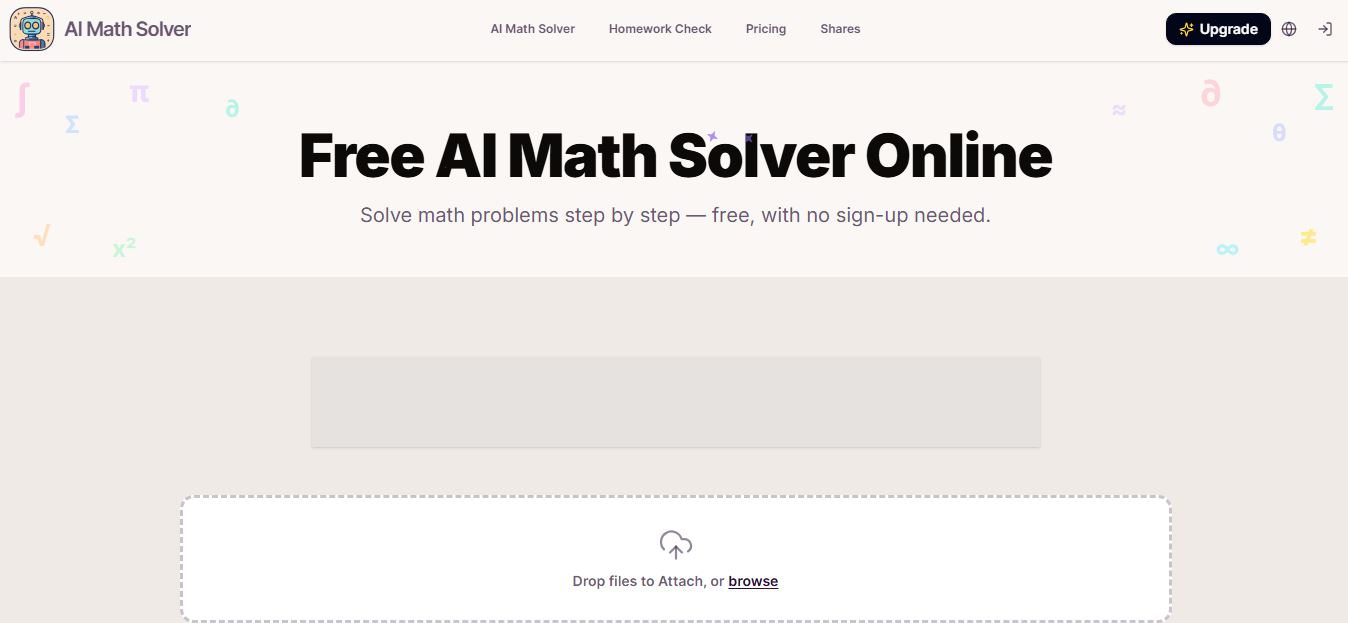
AIMathSolve is an AI-powered math solver that helps users solve problems across algebra, calculus, geometry, and more using text or image input. It generates step-by-step explanations, recognizes handwritten equations, and improves understanding, making it useful for homework, learning, and exam preparation.
 4.9
4.9Brilliant
Education
Brilliant is an interactive online learning platform that helps users build math, coding, and problem-solving skills through hands-on lessons. It uses visual explanations, real-time feedback, and a personal AI tutor to guide learning, enabling deeper understanding compared to passive video-based courses.
 5.0
5.0Desmos
Education
Desmos is an interactive math platform that helps students and teachers visualize concepts through graphing calculators, activities, and classroom tools. It enables real-time exploration of equations, functions, and data, making math more intuitive, engaging, and accessible across algebra, geometry, and advanced topics.