
Outwrite
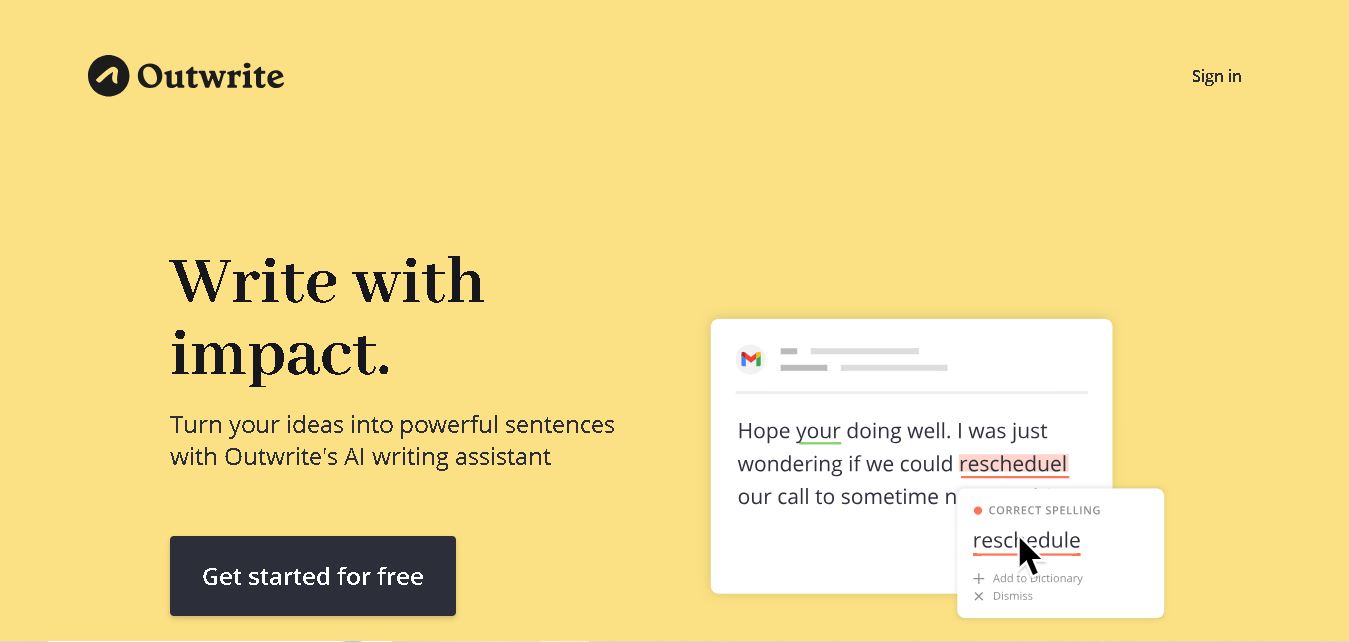
Outwrite is a writing assistant that checks grammar, spelling, and punctuation while suggesting clearer vocabulary and sentence structures. It helps students, bloggers, marketers, and professionals polish everyday writing, improve readability, and paraphrase sentences. With web, document, and browser integrations, users can conveniently edit content across several different writing environments.
What is Outwrite?
Outwrite is a writing improvement and proofreading tool designed to help users create clear, polished, and professional content. It identifies spelling, grammar, and punctuation mistakes while suggesting better vocabulary, sentence structures, and writing styles. Its paraphrasing feature helps rewrite sentences for improved readability and clarity. Outwrite supports students, bloggers, marketers, and business professionals who want to strengthen their written communication across documents, emails, articles, and online content.
Outwrite has attracted over 1 million users worldwide who use it to improve their writing. The tool provides 3 primary language options: English, French, and Spanish, with multiple English variations. It supports 4 main access options: its web editor, Google Docs, Microsoft Word, and browser extensions. Its Pro subscription includes 50 plagiarism checks monthly. The platform offers 3 plans: Free, Pro, and Teams, helping individuals and organizations improve writing accuracy, readability, originality, and communication.
- Core Focus: AI Writing Assistance, Grammar & Spell Correction, Sentence Paraphrasing, Passive Voice Conversion, and Readability Analytics
- Platform Availability: Web-based app, browser extensions (Chrome, etc.), Google Docs add-on, Microsoft Word integration, and iOS app
Use Cases:
- Proofreading essays, business emails, and professional reports for spelling and grammar correctness
- Paraphrasing and rewriting sentences to expand, shorten, or alter phrasing structures
- Converting passive voice constructions into active voice for stronger engagement
- Tracking real-time readability scores, grade levels, and word counts
Technology:
- Natural Language Processing (NLP) and machine learning algorithms for context-aware syntax evaluation
- Real-time inline suggestion engine embedded directly into browser text fields and office apps
- Statistical analytics engine computing readability metrics and grade level metrics
Target Users:
- Students and researchers polishing academic assignments and term papers
- Business professionals drafting clear, concise corporate communications
- Non-native English speakers looking to improve fluency and vocabulary depth
- Content creators using writing tools to draft blog intros, rewrite marketing copy, and optimize social media posts
Corporate Entity: Developed by Outwrite (originally GradeProof), based in Sydney, Australia

Key features of Outwrite
Outwrite's key features are
- Advanced Grammar & Spell Check: Instantly detects and corrects spelling, punctuation, and grammatical mistakes.
- AI Paraphrasing Tool: Rewrites sentences to make them shorter, longer, or structurally distinct.
- Passive to Active Voice Conversion: Identifies passive phrasing and suggests stronger active voice alternatives.
- Writing Statistics & Readability: Tracks word counts, sentence lengths, readability indices, and grade-level scores in real time.
- Multilingual Support: Offers grammar and spelling verification across English, French, and Spanish.
- Cross-Platform Integration: Works seamlessly across Google Docs, Microsoft Word, web browsers, and mobile apps.
Outwrite Pricing
Outwrite operates on a freemium pricing structure offering free basic proofwriting alongside Pro and Teams subscription plans.
Free Plan:
- $0 / Free access for individual users
- Includes standard spelling, grammar, and punctuation checks, plus basic phrasing suggestions
Pro Plan:
- Subscription tier for individual power users (typically ranging from ~$9.95 to $24.95/mo depending on billing cycle)
- Unlocks advanced AI paraphrasing, stylistic/structural suggestions, passive voice rewrites, and monthly plagiarism checks (e.g., 50 checks/mo)
Teams Plan:
- Discounted per-user pricing tailored for groups of three or more
- Includes all Pro features plus team collaboration controls and centralized billing
Disclaimer: Plan pricing structures and feature allocations can vary over time. For current subscription rates, visit outwrite.com.
Who is using Outwrite?
Outwrite is designed for students, professionals, and writers, including
- Students & Academics: Proofreading essays and checking paper originality
- Business Professionals: Polishing emails, reports, and team communications
- Writers & Bloggers: Enhancing sentence flow, vocabulary, and active voice usage
- Content Creators: Using writing tools to draft blog intros, rewrite marketing copy, and optimize social media posts
Best Outwrite Alternatives
Some of the strongest Outwrite alternatives include
- Grammarly
- QuillBot
- ProWritingAid
- LanguageTool
- Wordtune
- Ginger Software
Pros and Cons of Outwrite
Pros
- Clean, user-friendly interface with smooth cross-platform integrations (Google Docs, Word, Chrome)
- Real-time readability metrics and grade-level scoring help monitor text complexity
- AI paraphrasing tool allows quick sentence expansion, shortening, and rewrites
- Multilingual checking supports English, French, and Spanish
- Free plan offers reliable basic spelling and grammar correction
Cons
- Advanced AI paraphrasing, stylistic suggestions, and plagiarism checks require upgrading to Pro
- Multilingual coverage is limited compared to comprehensive rivals like LanguageTool (which supports 30+ languages)
- Lacks deep generative AI long-form content creation tools found in modern AI copywriters
Why Choose Outwrite?
Outwrite is a practical choice for users seeking an intuitive, AI-powered writing assistant that seamlessly integrates into everyday office software and browsers.
- Enhances writing impact by transforming awkward phrasing into powerful sentences
- Provides actionable readability statistics and passive voice corrections
- Offers convenient browser and document extensions for instant editing
- Balances free foundational grammar checks with professional Pro upgrade features
Outwrite vs. Competitors
The main difference between Outwrite, Grammarly, and QuillBot is that Outwrite focuses on concise grammar checking, readability stats, and structural rewriting embedded directly into office tools like Google Docs and Microsoft Word, whereas Grammarly provides an expansive AI communication assistant suite across thousands of apps, and QuillBot specializes in dedicated multi-mode paraphrasing. Outwrite stands out for its streamlined focus on readability and active voice enhancement.
| Feature / Tool | Outwrite (outwrite.com) | Grammarly | QuillBot | ProWritingAid |
|---|---|---|---|---|
| Core Focus | Grammar, Readability & Paraphrasing | AI Communication & Tone Assistant | AI Paraphrasing & Writing Suite | In-Depth Manuscript & Style Editing |
| Readability Statistics | Yes (Real-time grade & word count) | Yes | Limited | Yes (Extensive reports) |
| Document Integrations | Google Docs, MS Word, Chrome | Extensive ecosystem | Browser extensions | Word, Docs, Scrivener |
| Starting Price Range | Free tier / Pro subscriptions | Free tier / From $12–$30/mo | Free tier / From $8.33–$19.95/mo | Free tier / From $10–$20/mo |
| Best For | Quick document proofreading & active voice tuning | Comprehensive English business writing | Dedicated text rephrasing | Long-form authors & book editors |
How do we rate Outwrite?
| Parameter | Rating (out of 5) |
|---|---|
| Grammar & Spelling Correction | 4.5 |
| Paraphrasing & Structural Rewrites | 4.4 |
| Readability Stats & Usability | 4.6 |
| Integrations (Docs/Word/Browser) | 4.6 |
| Value for Money | 4.5 |
| Overall Score | 4.52 |
Outwrite Review
Outwrite provides a reliable, streamlined writing assistant platform for students and professionals looking to elevate their everyday text. By combining traditional spelling and grammar checks with AI paraphrasing, passive voice detection, and real-time readability analytics, it helps users refine their prose inside popular platforms like Google Docs and Microsoft Word. While it may lack the massive multi-app ecosystem of Grammarly or the deep manuscript reports of ProWritingAid, Outwrite remains an efficient, user-friendly writing companion in 2026.
Conclusion
Outwrite is a practical choice for students, bloggers, marketers, and professionals who want to improve written communication. Its grammar checker, thesaurus, writing statistics, paraphrasing, and style suggestions make editing more efficient. The free plan covers essential corrections, while Pro adds advanced tools and plagiarism checks. However, users should review suggestions carefully and use separate SEO tools for keyword research and optimization.
FAQ
How does Outwrite help improve writing quality?
Outwrite helps improve writing by identifying grammar, spelling, punctuation, and sentence structure problems. It also recommends stronger vocabulary, clearer expressions, and more concise sentences. For content creators, bloggers, and students, these suggestions make articles, assignments, emails, and professional documents easier to understand, more polished, and effective for readers.
Is Outwrite free to use?
Yes, Outwrite offers a free plan that includes spelling and grammar checking, punctuation corrections, thesaurus suggestions, custom dictionary support, and writing statistics. Users can access these essential features without purchasing a subscription. However, advanced paraphrasing, structural suggestions, style improvements, and plagiarism checking require a paid subscription.
Does Outwrite offer an AI paraphrasing tool?
Yes, Outwrite includes a paraphrasing feature that helps users rewrite sentences in different ways. It provides alternative expressions to improve sentence flow, clarity, and vocabulary. This feature is particularly useful for bloggers, students, and marketers who want to reduce unnecessary wording, improve readability, and express ideas more effectively.
Can Outwrite check plagiarism in written content?
Outwrite offers a plagiarism checker that compares submitted documents with publicly available online content to identify similarities. This feature helps students, researchers, and content writers review originality before publishing or submitting their work. Pro and Teams subscriptions include 50 plagiarism checks per month, making originality checking part of the editing process.
Which platforms and applications support Outwrite?
Outwrite works through its web editor, Google Docs, Microsoft Word, Google Chrome, and Microsoft Edge extensions. Its integrations also help users improve writing across supported online services, including Gmail, Outlook, LinkedIn, and WordPress. This flexibility allows professionals, students, and content creators to check their writing without constantly switching between applications.
Which languages does Outwrite support?
Outwrite supports English, French, and Spanish, making it useful for people creating multilingual content. English users can also select regional variations, including US, UK, Australian, New Zealand, and South African English. These language preferences help writers identify spelling and grammatical differences while maintaining consistency across their documents and communications.
User Reviews
No reviews yet for Outwrite.
Featured Tools
Featured AI tools from TechShark

LandAtlas
LandAtlas is a land investing platform that combines parcel research, skip tracing, buyer matching, contracts, and deal management. It helps land wholesalers and acquisition teams organize property leads, evaluate opportunities, connect with potential buyers, and manage transactions from one workspace.
Paid
Klap
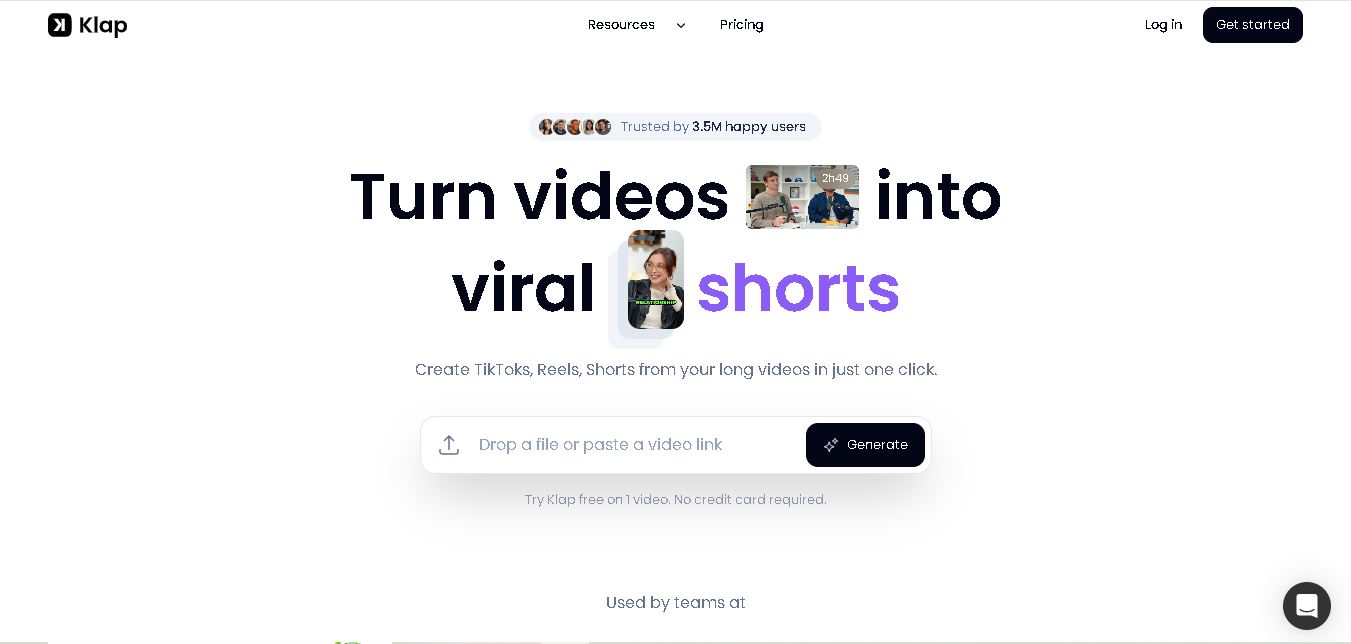
Klap is an AI video clipping platform that transforms long videos into short-form social media content. It automatically identifies highlights, creates captions, reframes speakers, and schedules clips, helping creators, podcasters, and marketing teams repurpose existing videos with less manual editing.
Free
Melody Genie
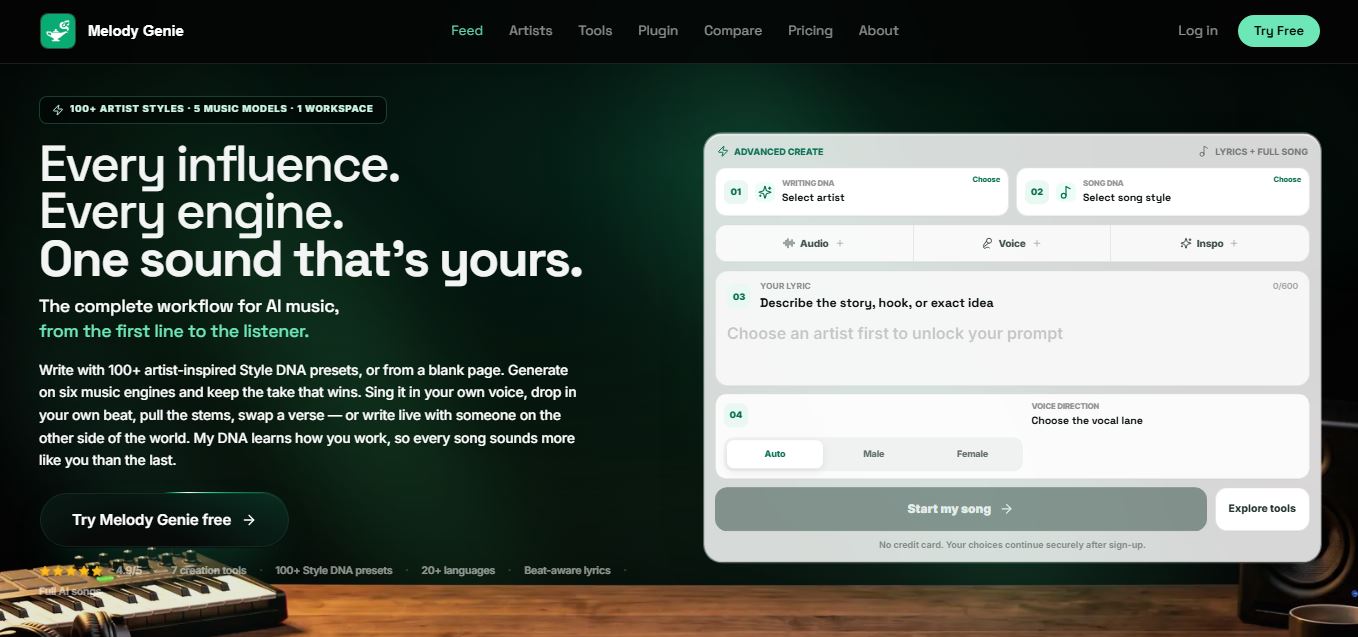
MelodyGenie is an AI-powered music generator that creates original songs from simple text prompts. Users can choose styles, moods, and genres, then instantly generate melodies and full tracks, making it easy for creators, marketers, and hobbyists to produce custom music without musical expertise.
Freemium

Fashion Diffusion AI
Fashion Diffusion is an AI-powered fashion design platform that helps brands and designers create clothing designs, virtual try-ons, AI models, product photos, and marketing visuals faster and cost-effectively.
Paid
Alternatives
Alternatives to Outwrite
The best Outwrite alternatives include Grammarly, QuillBot, ProWritingAid, LanguageTool, Wordtune, and Ginger Software. These platforms provide AI grammar checking, sentence rephrasing, and content polishing workflows. While Outwrite excels at providing real-time readability statistics, passive-voice conversion, and smooth Google Docs/Word integrations, alternatives like Grammarly offer a broader multi-app ecosystem, and QuillBot provides dedicated multi-mode paraphrasing. Choosing the right tool depends on whether you need straightforward document proofreading or specialized writing suites.
 4.8
NeuralWriter
Paraphrasing
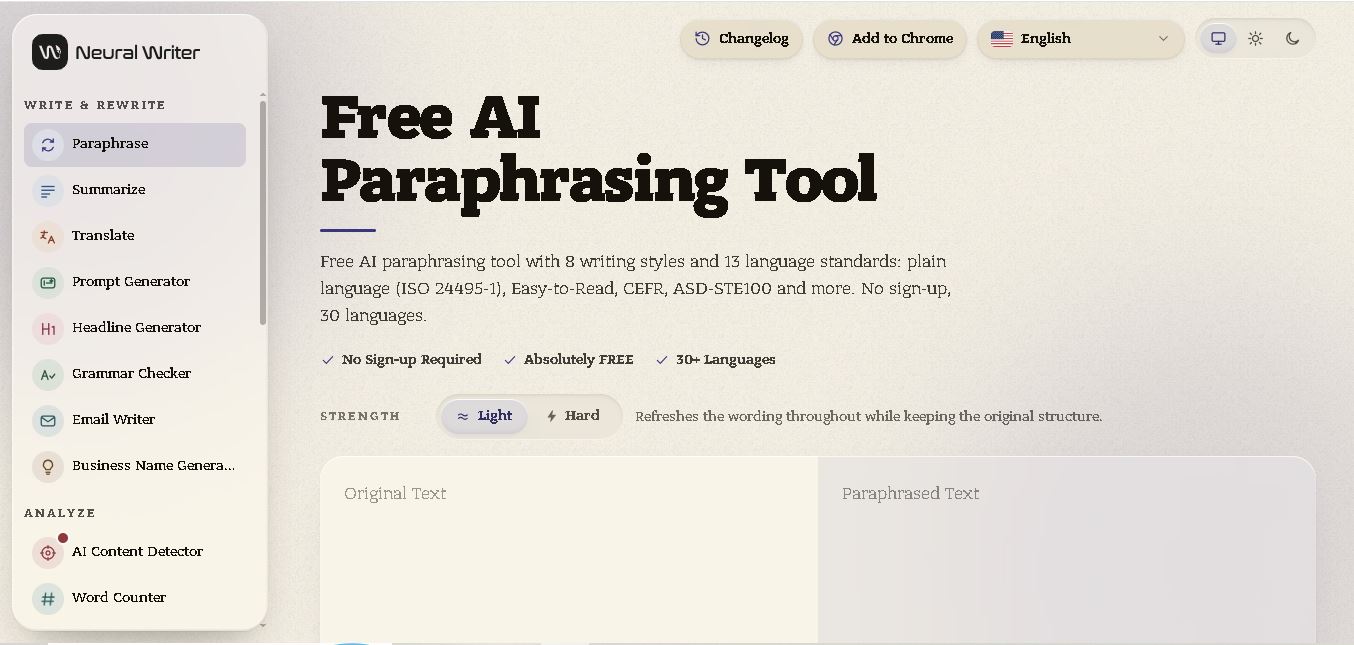
NeuralWriter is an online AI writing assistant designed for paraphrasing, rewriting, and improving text. It supports 30 languages and offers multiple writing styles, including academic, formal, creative, and simple. With free access, adjustable rewriting strength, and formatting preservation, it helps students, bloggers, marketers, and professionals create clearer content.
 4.7
AISEO
Paraphrasing
AISEO helps businesses improve search visibility through SEO automation, AI content writing, website audits, and brand monitoring. It identifies technical SEO issues, tracks competitors, and checks brand mentions across AI search platforms. Its writing tools also support content generation, paraphrasing, and optimization, helping marketers manage their digital content strategies.
 4.4
Plagiarism Detector
Paraphrasing
PlagiarismDetector.net helps users identify copied content and evaluate writing originality through online similarity checks. It offers plagiarism detection, AI content detection, grammar checking, paraphrasing, and text summarization. With document uploads, detailed reports, and multilingual support, it helps students, researchers, writers, and businesses review content before publication or submission.
 4.8
LanguageTool
Paraphrasing
LanguageTool is an online grammar checker and writing assistant that helps users improve spelling, punctuation, grammar, and sentence clarity. It offers AI paraphrasing, style suggestions, multilingual support, and browser extensions. Students, content writers, marketers, and professionals can use it to produce polished emails, articles, assignments, and business documents.
 4.6
Search Engine Reports
Paraphrasing
SearchEngineReports.net offers a collection of online tools for content writing, plagiarism detection, keyword research, and website optimization. Users can check grammar, rewrite articles, analyze backlinks, research keywords, and monitor website performance. Its free utilities help students, bloggers, marketers, and SEO professionals complete everyday content and optimization tasks.
 4.4
DupliChecker
Paraphrasing
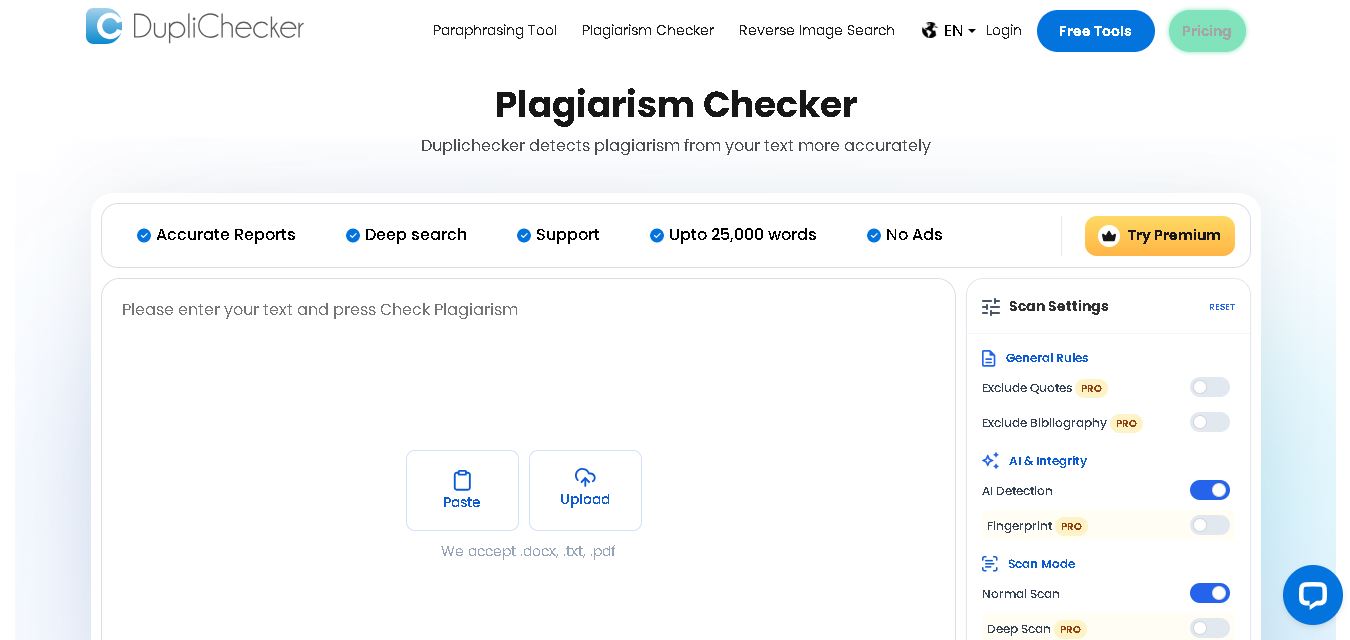
DupliChecker is an online platform for checking plagiarism, identifying duplicate content, and improving writing quality. It provides tools for plagiarism detection, grammar checking, paraphrasing, and spell checking. Students, writers, bloggers, and SEO professionals can use it to review content originality, correct writing mistakes, and prepare more reliable text.
 4.7
Rewording.io
Paraphrasing
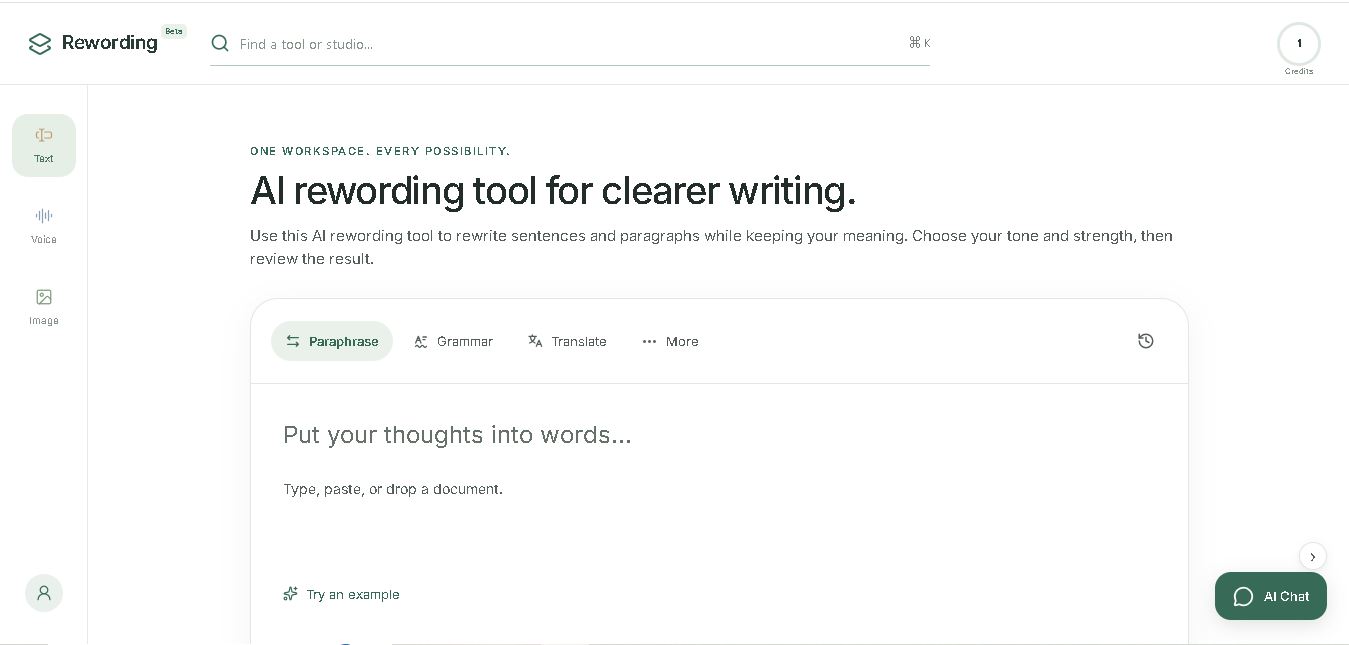
Rewording.io helps users paraphrase and improve written content through AI-assisted rewriting. It supports sentences, paragraphs, essays, and articles with adjustable rewriting intensity and multiple language options. Students, bloggers, marketers, and professionals can use it to improve readability, explore synonyms, adjust writing tone, and create clearer content efficiently.
 4.5
Phrasera
Paraphrasing
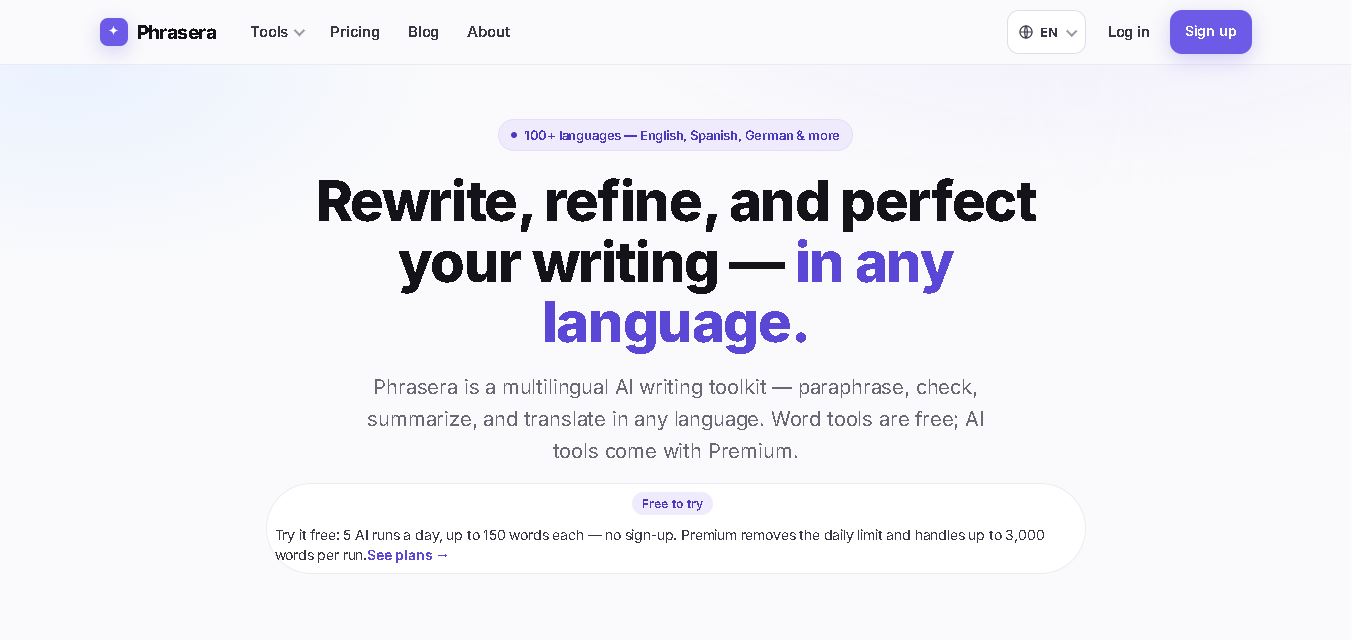
Phrasera is a multilingual AI writing toolkit that helps users paraphrase content, correct grammar, summarize documents, translate text, and generate citations. Supporting more than 100 languages, it provides several writing tools in one workspace. It is useful for students, researchers, bloggers, and professionals seeking clearer, more polished written communication.
 4.6
Paraphrase Online
Paraphrasing
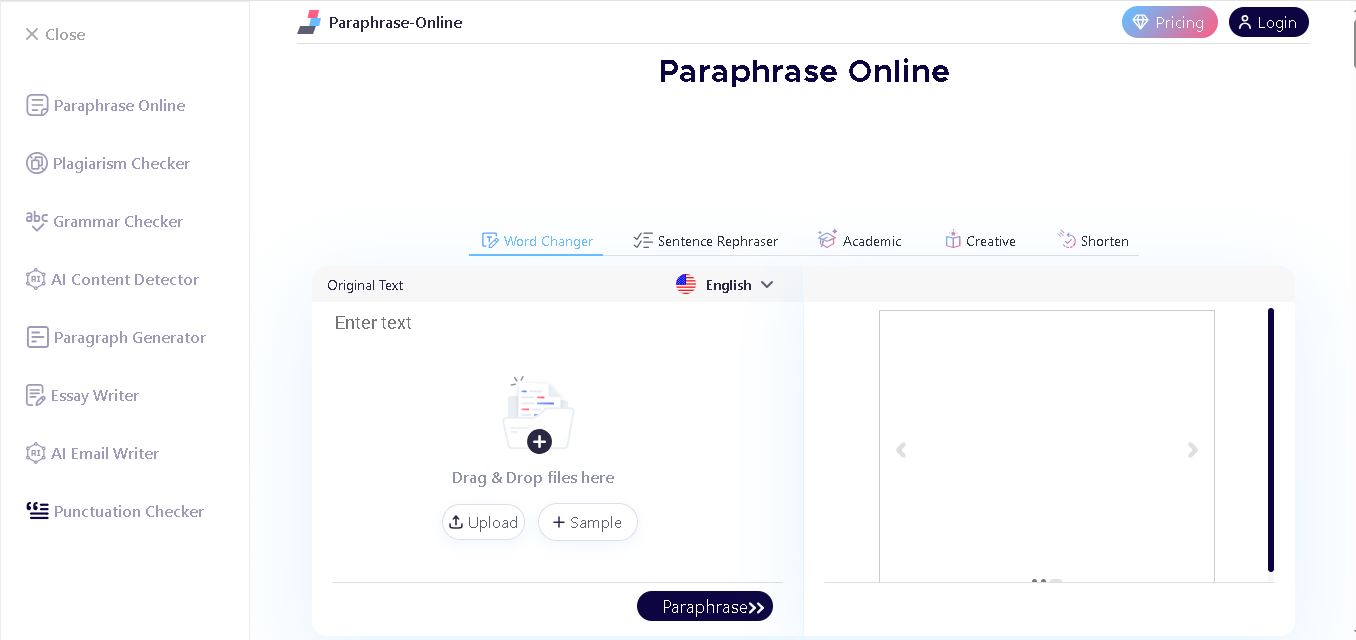
Paraphrase Online helps students, writers, bloggers, and marketers rewrite sentences, paragraphs, and documents. It provides five paraphrasing modes for different writing requirements, including academic and creative content. Users can upload files, adjust synonyms, and download rewritten text, making everyday writing, editing, and content improvement easier and faster.