
LanguageTool
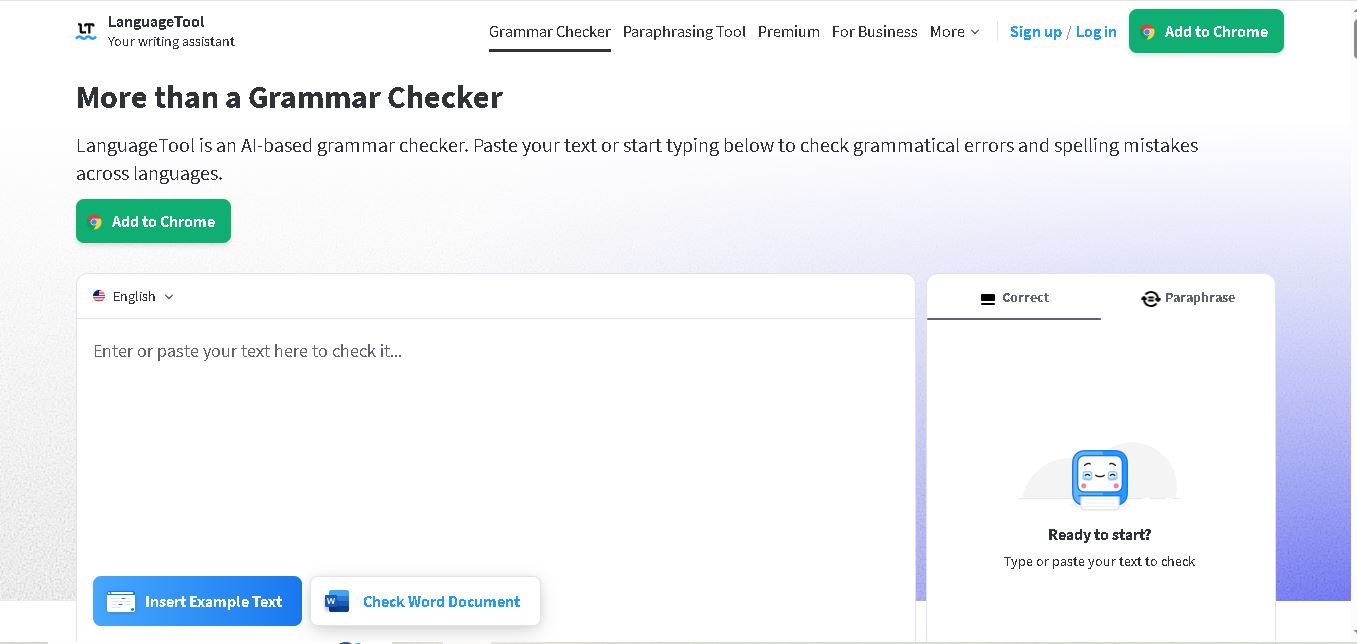
LanguageTool is an online grammar checker and writing assistant that helps users improve spelling, punctuation, grammar, and sentence clarity. It offers AI paraphrasing, style suggestions, multilingual support, and browser extensions. Students, content writers, marketers, and professionals can use it to produce polished emails, articles, assignments, and business documents.
What is LanguageTool?
LanguageTool is a writing assistance tool designed to identify grammar mistakes, spelling errors, punctuation issues, and awkward sentence structures. It helps students, bloggers, marketers, professionals, and businesses improve written communication through intelligent suggestions and sentence paraphrasing. LanguageTool supports more than 30 languages and integrates with popular browsers, email services, and office applications, making everyday writing and proofreading easier.
LanguageTool started in 2003 as an open-source project and has developed into a widely used multilingual writing assistant. It supports more than 30 languages and dialects, with over 2 million active browser add-on installations. According to its official website, more than 20 million texts are improved daily, and 143 contributors have supported its technology. Additionally, 150+ companies use LanguageTool to improve communication. No advanced subscription is necessary for basic proofreading, although Premium unlocks additional grammar, style, and paraphrasing features.
- Core Focus: Multilingual Grammar & Spell Checking, AI Sentence Paraphrasing, Punctuation Correction, and Style Enforcement
- Platform Availability: Web editor, browser extensions (Chrome, Edge, Firefox, Safari, Opera), desktop apps (Windows, macOS), iOS app, Google Docs, Microsoft Word, Apple Pages, and LibreOffice add-ins
Use Cases:
- Proofreading emails, documents, and web content in real time across 30+ global languages
- Rephrasing formal business emails, academic sentences, and marketing copy for improved tone and readability
- Enforcing brand style guides and team dictionaries across corporate communications
- Integrating self-hosted, privacy-compliant grammar checking into enterprise systems via open-source API
Technology:
- Hybrid NLP engine combining rule-based linguistic patterns with deep learning AI models
- Picky Mode (Thorough Mode) engine for surfacing deep stylistic suggestions, overused words, and typography rules
- LGPL-licensed open-source server core allowing local developer hosting and HTTP API integration
Target Users:
- Multilingual writers, translators, and international professionals working in multiple languages
- Students, researchers, and academics drafting dissertations, essays, and reports
- Editorial teams, agencies, and businesses standardizing style across departments
- Content creators using writing tools to draft blog intros, rewrite marketing copy, and optimize social media posts
Corporate Entity: Operates as LanguageTool (LanguageTooler GmbH), headquartered in Potsdam, Germany

Key features of LanguageTool
LanguageTool's key features are
- Multilingual Support (30+ Languages): Proofreads text accurately across English, German, French, Spanish, Portuguese, Dutch, Polish, Russian, and regional variants.
- AI Sentence Paraphraser: Rephrases sentences to adapt tone (Formal, Casual), simplify complex phrasing, or shorten wordy paragraphs.
- Advanced Style & Typography Checks: Catches overused words, awkward syntax, incorrect time/date formats, double negatives, and missing commas.
- Picky Mode: Unlocks thorough editing rules for strict proofreading standards.
- Personal & Team Dictionaries: Allows users and organizations to save custom terminology, names, and acronyms to prevent false alerts.
- Custom Style Guides: Enables Premium and Team accounts to enforce company-specific rules and phrasing preferences.
- Cross-Platform Ecosystem: Runs seamlessly across browser extensions, Microsoft Word, Google Docs, Apple Pages, and desktop applications.
LanguageTool Pricing
LanguageTool operates on a freemium pricing structure offering free core proofreading alongside Premium and Team plans for expanded character caps and advanced features.
Free Plan:
- $0 / Free access for individual users
- Includes basic grammar, spelling, and punctuation checks, up to 2,000 to 10,000 characters per text field, and basic AI paraphrasing (3 rephrases/day)
Premium Individual Plan:
- Starts at approximately $5.83 to $19.90 per month (depending on monthly, quarterly, or annual billing options)
- Unlocks up to 150,000 characters per text field, unlimited AI sentence paraphrasing, advanced rules for style/tone, personal style guide, and Microsoft Word/Google Docs add-ins
Team Plan:
- Starts around $5.50 per user/month (for 2+ users)
- Includes all Premium features plus user management controls, shared team dictionaries, and shared style guides
Disclaimer: Regional currencies, character limits, and promotional billing discounts vary over time. For official current pricing details, visit languagetool.org/premium.
Who is using LanguageTool?
LanguageTool is designed for writers, professionals, and corporate teams, including
- Multilingual Writers & Translators: Polishing documents across multiple European and global languages
- Students & Academics: Proofreading papers, essays, and dissertations with high character limits
- Corporate Teams & Agencies: Standardizing brand vocabulary via shared style guides and team dictionaries
- Content Creators: Using writing tools to draft blog intros, rewrite marketing copy, and optimize social media posts
Best LanguageTool Alternatives
Some of the strongest LanguageTool alternatives include
- Grammarly
- ProWritingAid
- QuillBot
- Sapling
- Trinka AI
- Ginger Software
Pros and Cons of LanguageTool
Pros
- Superior multilingual coverage across 30+ languages compared to English-centric tools
- Expansive ecosystem spanning browser extensions, Office suites, desktop apps, and iOS
- Generous 150,000-character submission cap on premium plans
- Open-source core and self-hosting options for strict privacy/GDPR compliance
- Affordable premium tiers compared to enterprise competitors like Grammarly
Cons
- Free version limits text field length and caps AI paraphrasing to 3 uses per day
- Lacks built-in generative AI long-form content drafting engines
- Plagiarism checking is limited or dependent on specific third-party add-ons
Why Choose LanguageTool?
LanguageTool is an ideal choice for writers and teams operating in multilingual environments who need privacy-conscious, cross-platform grammar checking.
- Delivers native-level grammar and spelling accuracy across 30+ global languages
- Integrates directly into existing writing tools (Word, Google Docs, Chrome, Firefox)
- Protects corporate branding with shared dictionaries and custom style guides
- Provides open-source self-hosting options for strict data security requirements
LanguageTool vs. Competitors
The main difference between LanguageTool, Grammarly, QuillBot, and ProWritingAid is that LanguageTool provides native, deep grammar and style checking across 30+ languages with open-source API self-hosting options ($5.83/mo), whereas Grammarly focuses heavily on English-first AI tone and clarity, QuillBot specializes in dedicated multi-mode paraphrasing, and ProWritingAid targets in-depth fiction/creative manuscript analysis. LanguageTool stands out for its multilingual mastery and developer-friendly privacy architecture.
| Feature / Tool | LanguageTool (languagetool.org) | Grammarly | QuillBot | ProWritingAid |
|---|---|---|---|---|
| Core Focus | Multilingual Grammar & AI Paraphrasing | AI Writing & Communication Assistant | AI Paraphrasing & Writing Suite | In-Depth Manuscript & Style Editing |
| Multilingual Coverage | 30+ Languages & Dialects | Primary English Focus | Selected Languages | English Focus |
| Privacy & Self-Hosting | Yes (Open-source core & API) | Cloud-only SaaS | Cloud-only SaaS | Cloud-only SaaS |
| Starting Price Range | Free tier / Premium from ~$5.83/mo | Free tier / From $12–$30/mo | Free tier / From $8.33–$19.95/mo | Free tier / From $10–$20/mo |
| Best For | Multilingual professionals, students & privacy teams | English business & corporate communication | Dedicated text rephrasing & summarization | Long-form authors & creative manuscript writers |
How do we rate LanguageTool?
| Parameter | Rating (out of 5) |
|---|---|
| Grammar & Spelling Accuracy | 4.8 |
| Multilingual Breadth (30+ Languages) | 4.9 |
| Integrations & Ecosystem | 4.8 |
| Paraphrasing & Style Suggestions | 4.6 |
| Value for Money | 4.8 |
| Overall Score | 4.78 |
LanguageTool Review
LanguageTool is a benchmark writing assistant in the multilingual software market. By offering robust proofreading across 30+ global languages, seamless cross-platform integrations (browser, Word, Google Docs), and open-source self-hosting capabilities, it caters to international professionals, academics, and privacy-conscious enterprises. Its integrated AI sentence paraphraser and team style guides make it a versatile asset for maintaining corporate writing standards. For users seeking an affordable, multilingual alternative to Grammarly in 2026, LanguageTool is a top-tier recommendation.
Conclusion
LanguageTool is a practical writing assistant for anyone who wants to improve grammar, spelling, punctuation, and overall content quality. Its multilingual support, AI paraphrasing, browser extensions, and office integrations make it useful for students, bloggers, SEO professionals, and businesses. The free version handles everyday proofreading, while Premium offers advanced writing assistance. Overall, LanguageTool is worth considering for producing clearer, more polished, and professional written content.
FAQ
What is LanguageTool mainly used for?
LanguageTool is mainly used to identify grammar mistakes, spelling errors, punctuation problems, and unclear sentences. If you regularly write blogs, website content, emails, academic assignments, or social media posts, it can help improve readability and professionalism. It also provides suggestions to make your writing more accurate, natural, and consistent.
Is LanguageTool free to use?
Yes, LanguageTool offers a free version that checks basic spelling, grammar, punctuation, and selected writing-style issues. Premium provides more advanced corrections, additional style suggestions, and unlimited AI sentence paraphrasing. If you write frequently or manage long-form content, upgrading can provide additional proofreading capabilities beyond the free version.
How does LanguageTool grammar checking work?
LanguageTool analyzes written sentences and identifies potential spelling, grammar, punctuation, and style mistakes. It highlights errors directly in your text and provides suggested corrections that you can accept or ignore. This makes proofreading easier because you can review mistakes while writing instead of manually checking every sentence afterward.
Does LanguageTool support multiple languages?
Yes, LanguageTool supports more than 30 languages and dialects, including English, German, French, Spanish, Portuguese, and Dutch. It automatically detects the language in supported writing environments and provides relevant suggestions. This feature is particularly useful for multilingual students, international businesses, translators, and content creators producing content for different geographical audiences.
Can LanguageTool paraphrase sentences?
Yes, LanguageTool includes an AI-powered paraphrasing feature that helps rewrite sentences in different styles. You can make sentences shorter, simpler, more formal, or more fluent depending on your requirements. It is useful when editing blog posts, emails, academic writing, and professional documents. Always review rewritten sentences to preserve your original meaning.
Is LanguageTool useful for SEO content writers?
LanguageTool can support SEO content writers by improving grammar, readability, punctuation, and sentence structure. When creating website articles, product descriptions, blog posts, or landing pages, you can use its suggestions to polish your content before publishing. However, it does not replace keyword research, search intent analysis, content strategy, or SEO optimization tools.
User Reviews
No reviews yet for LanguageTool.
Featured Tools
Featured AI tools from TechShark

LandAtlas
LandAtlas is a land investing platform that combines parcel research, skip tracing, buyer matching, contracts, and deal management. It helps land wholesalers and acquisition teams organize property leads, evaluate opportunities, connect with potential buyers, and manage transactions from one workspace.
Paid
Klap
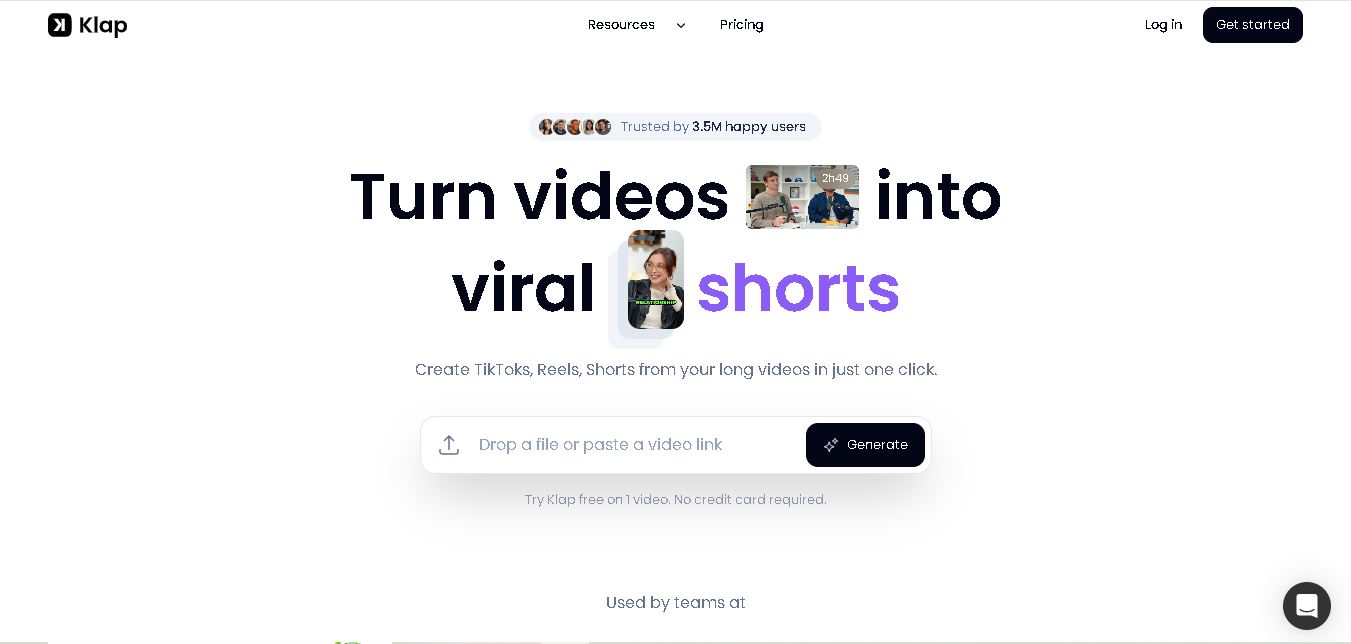
Klap is an AI video clipping platform that transforms long videos into short-form social media content. It automatically identifies highlights, creates captions, reframes speakers, and schedules clips, helping creators, podcasters, and marketing teams repurpose existing videos with less manual editing.
Free
Melody Genie
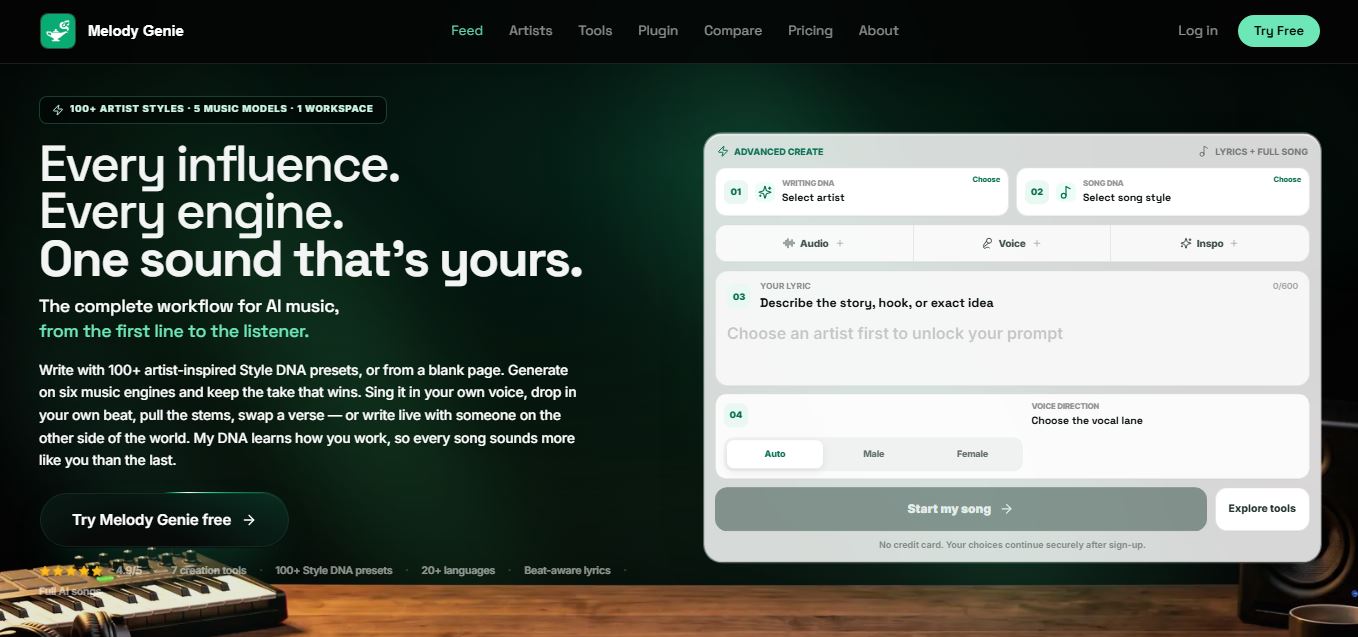
MelodyGenie is an AI-powered music generator that creates original songs from simple text prompts. Users can choose styles, moods, and genres, then instantly generate melodies and full tracks, making it easy for creators, marketers, and hobbyists to produce custom music without musical expertise.
Freemium

Fashion Diffusion AI
Fashion Diffusion is an AI-powered fashion design platform that helps brands and designers create clothing designs, virtual try-ons, AI models, product photos, and marketing visuals faster and cost-effectively.
Paid
Alternatives
Alternatives to LanguageTool
The best LanguageTool alternatives include Grammarly, ProWritingAid, QuillBot, Sapling, Trinka AI, and Ginger Software. These tools provide AI grammar checking, sentence rephrasing, and manuscript proofreading workflows. While LanguageTool excels at providing native proofreading across 30+ global languages with open-source self-hosting options and affordable premium plans (~$5.83/mo), alternatives like Grammarly offer English-focused AI tone assistance, and QuillBot provides dedicated multi-mode sentence paraphrasing. Choosing the right tool depends on whether you write in multiple global languages or focus on English-only business content.
 4.8
NeuralWriter
Paraphrasing
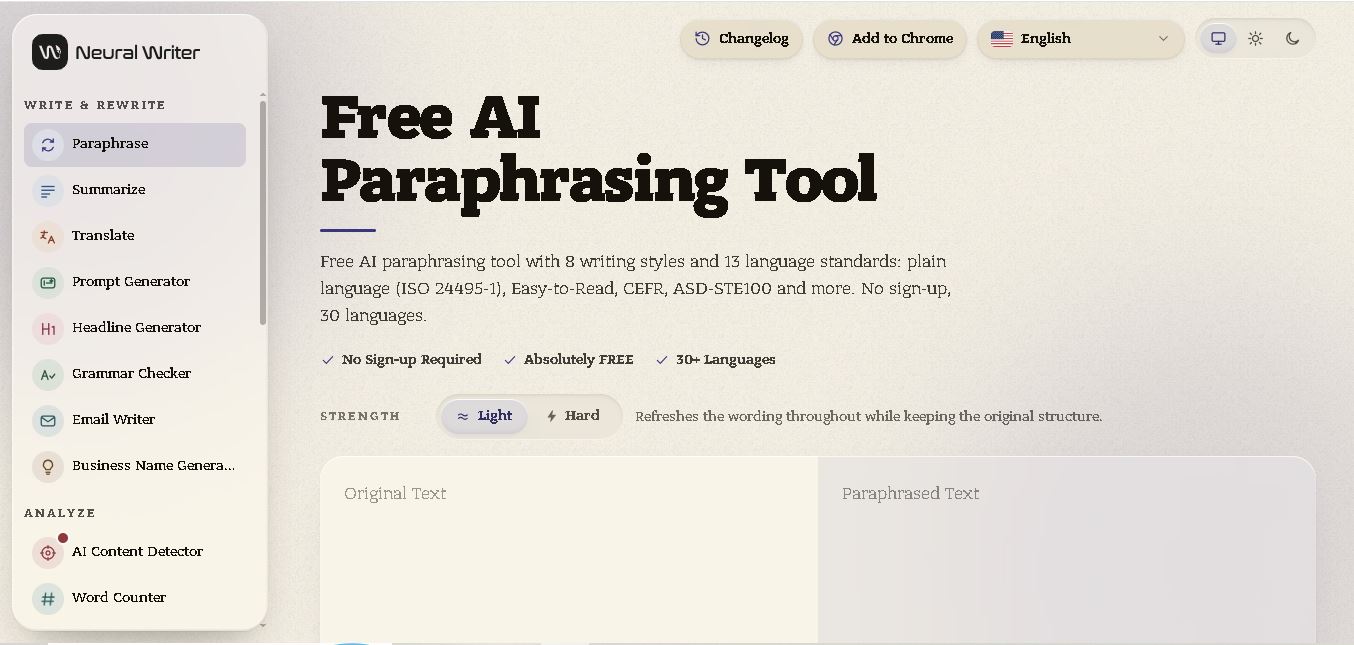
NeuralWriter is an online AI writing assistant designed for paraphrasing, rewriting, and improving text. It supports 30 languages and offers multiple writing styles, including academic, formal, creative, and simple. With free access, adjustable rewriting strength, and formatting preservation, it helps students, bloggers, marketers, and professionals create clearer content.
 4.5
Outwrite
Paraphrasing
Outwrite is a writing assistant that checks grammar, spelling, and punctuation while suggesting clearer vocabulary and sentence structures. It helps students, bloggers, marketers, and professionals polish everyday writing, improve readability, and paraphrase sentences. With web, document, and browser integrations, users can conveniently edit content across several different writing environments.
 4.7
AISEO
Paraphrasing
AISEO helps businesses improve search visibility through SEO automation, AI content writing, website audits, and brand monitoring. It identifies technical SEO issues, tracks competitors, and checks brand mentions across AI search platforms. Its writing tools also support content generation, paraphrasing, and optimization, helping marketers manage their digital content strategies.
 4.4
Plagiarism Detector
Paraphrasing
PlagiarismDetector.net helps users identify copied content and evaluate writing originality through online similarity checks. It offers plagiarism detection, AI content detection, grammar checking, paraphrasing, and text summarization. With document uploads, detailed reports, and multilingual support, it helps students, researchers, writers, and businesses review content before publication or submission.
 4.6
Search Engine Reports
Paraphrasing
SearchEngineReports.net offers a collection of online tools for content writing, plagiarism detection, keyword research, and website optimization. Users can check grammar, rewrite articles, analyze backlinks, research keywords, and monitor website performance. Its free utilities help students, bloggers, marketers, and SEO professionals complete everyday content and optimization tasks.
 4.4
DupliChecker
Paraphrasing
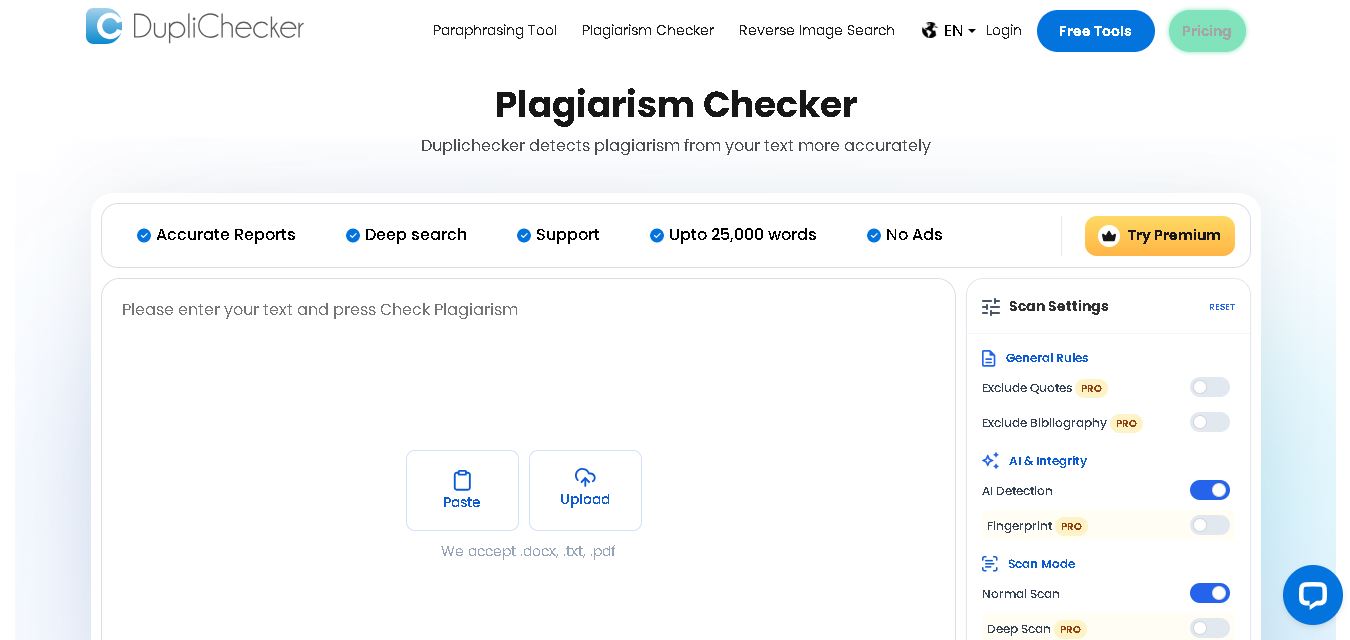
DupliChecker is an online platform for checking plagiarism, identifying duplicate content, and improving writing quality. It provides tools for plagiarism detection, grammar checking, paraphrasing, and spell checking. Students, writers, bloggers, and SEO professionals can use it to review content originality, correct writing mistakes, and prepare more reliable text.
 4.7
Rewording.io
Paraphrasing
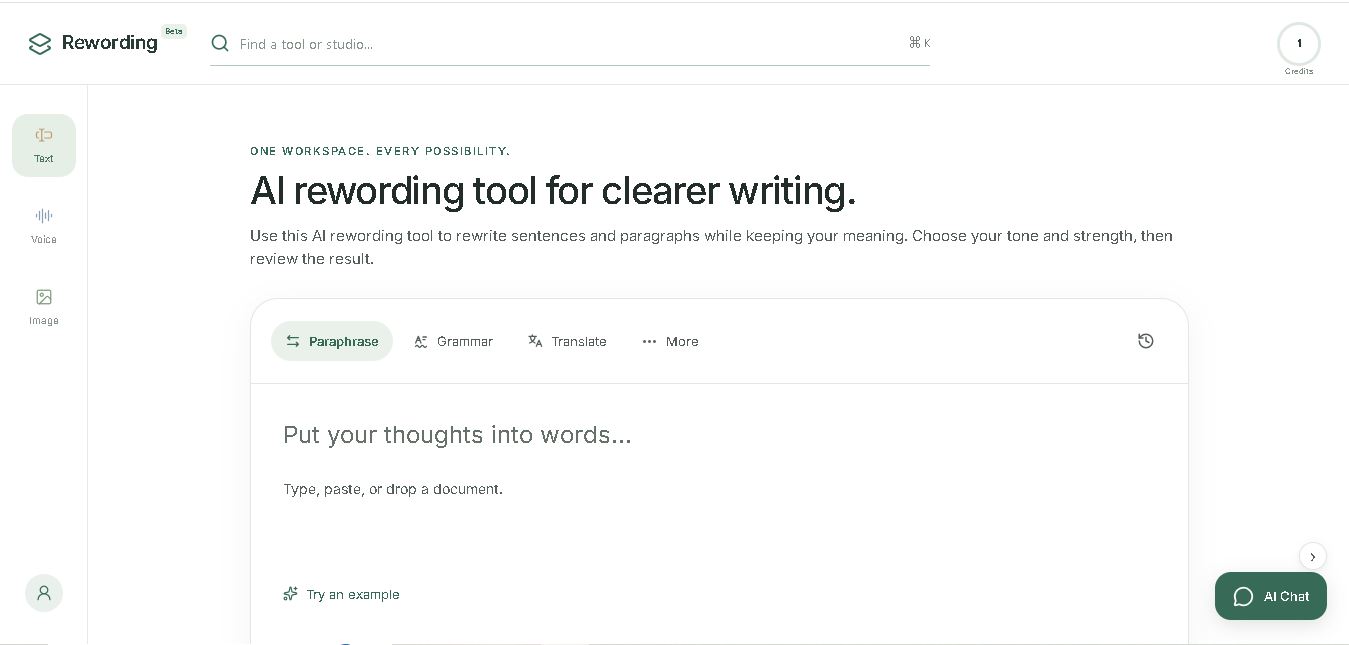
Rewording.io helps users paraphrase and improve written content through AI-assisted rewriting. It supports sentences, paragraphs, essays, and articles with adjustable rewriting intensity and multiple language options. Students, bloggers, marketers, and professionals can use it to improve readability, explore synonyms, adjust writing tone, and create clearer content efficiently.
 4.5
Phrasera
Paraphrasing
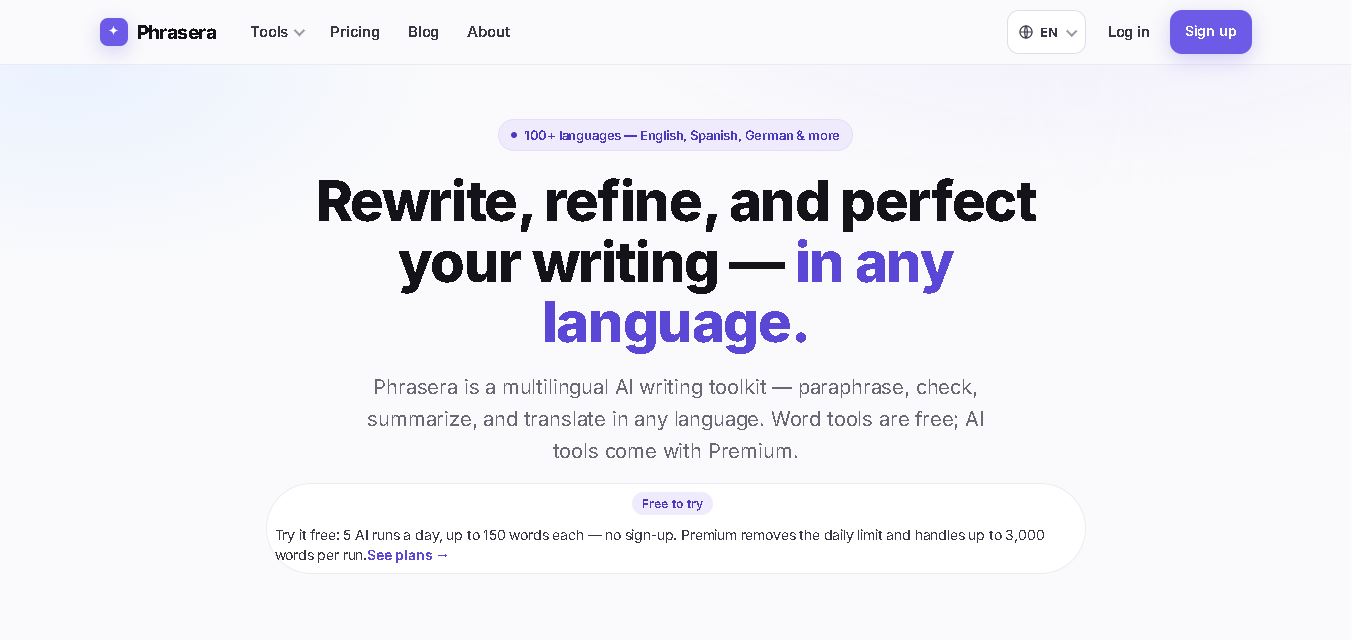
Phrasera is a multilingual AI writing toolkit that helps users paraphrase content, correct grammar, summarize documents, translate text, and generate citations. Supporting more than 100 languages, it provides several writing tools in one workspace. It is useful for students, researchers, bloggers, and professionals seeking clearer, more polished written communication.
 4.6
Paraphrase Online
Paraphrasing
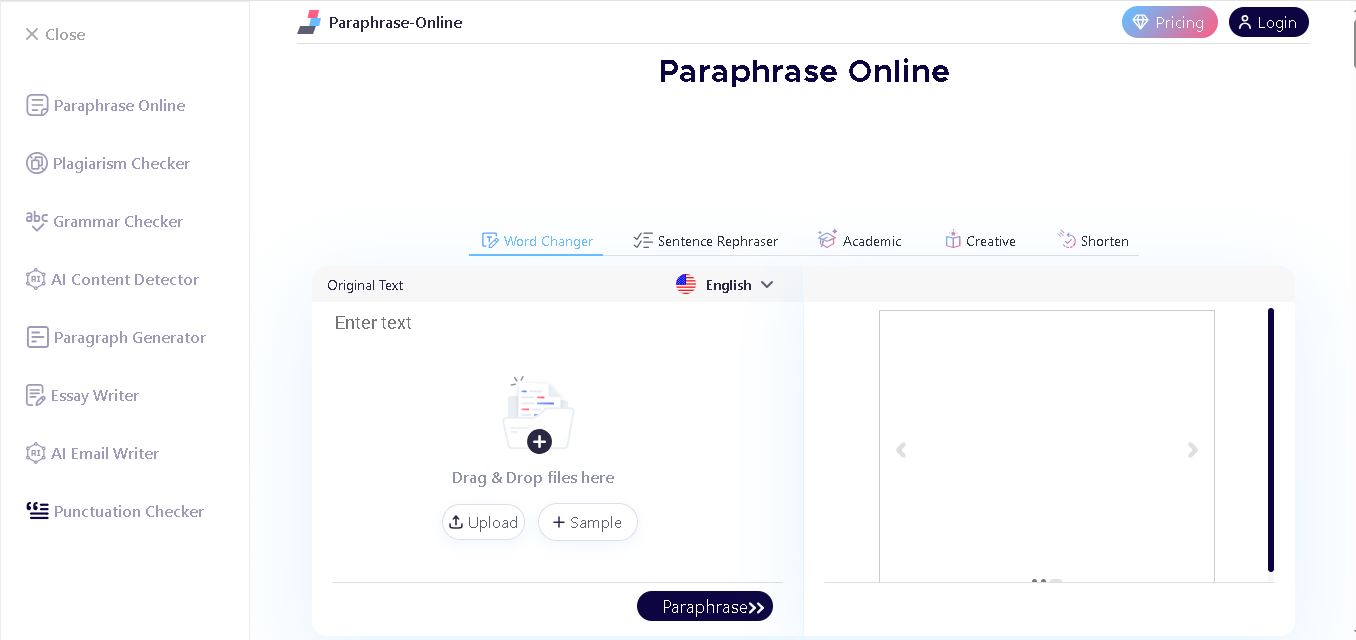
Paraphrase Online helps students, writers, bloggers, and marketers rewrite sentences, paragraphs, and documents. It provides five paraphrasing modes for different writing requirements, including academic and creative content. Users can upload files, adjust synonyms, and download rewritten text, making everyday writing, editing, and content improvement easier and faster.