
NoteGPT
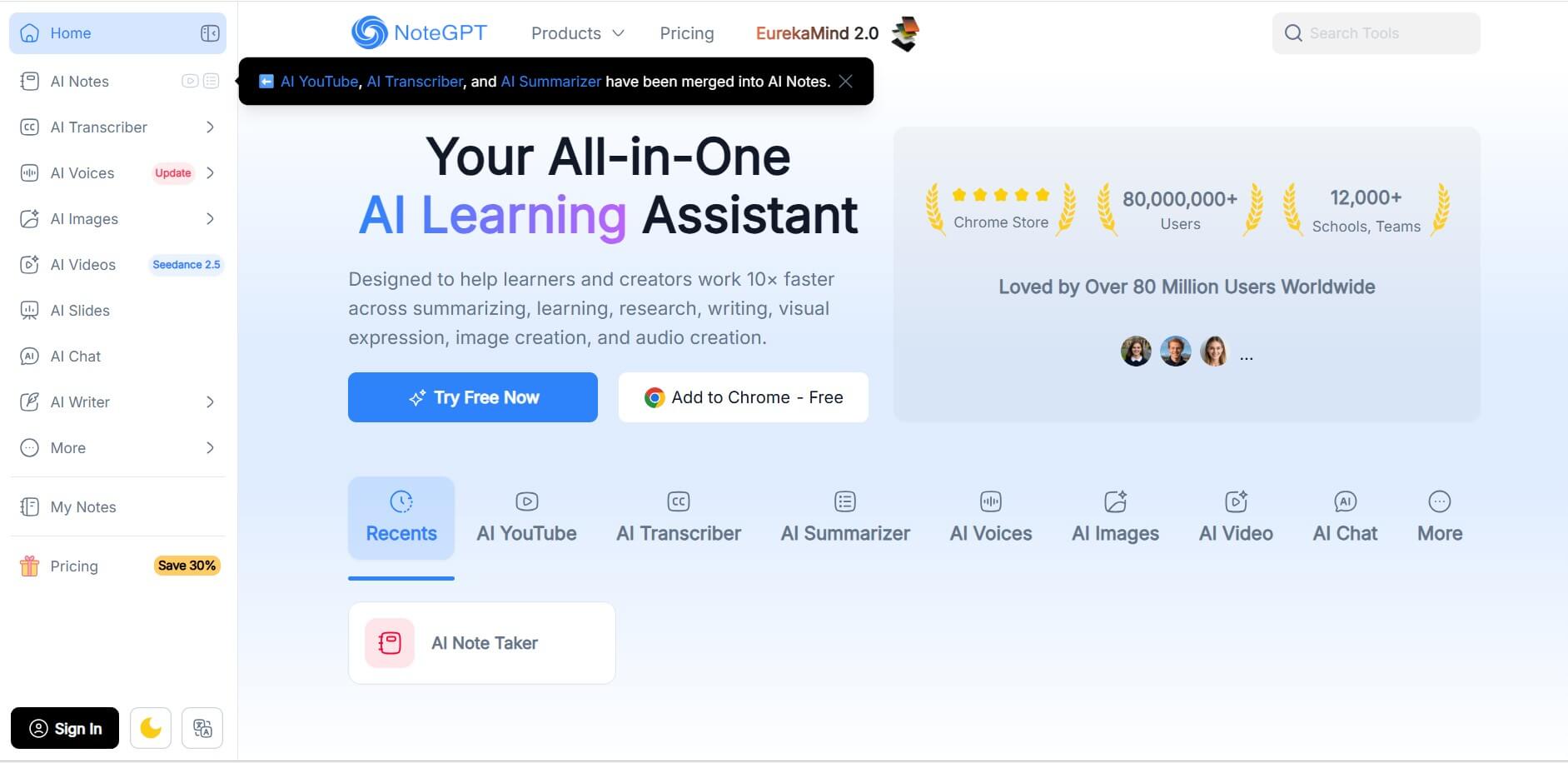
NoteGPT is an all-in-one AI learning assistant that helps users summarize, write, research, and create content faster using advanced AI tools.
What is NoteGPT AI?
Managing notes, research, and content creation can be time-consuming, but NoteGPT simplifies everything into one platform. It is an all-in-one AI learning assistant designed to help users summarize content, transcribe videos, generate text, and create visual outputs efficiently. The platform integrates multiple tools, such as an AI summarizer, AI chat, transcription, and image generation, into a single interface. Students, professionals, and creators widely use it to save time and boost productivity. With browser access and Chrome extension support, NoteGPT makes it easy to work faster across different content formats without switching tools.
Over 80,000,000 users worldwide trust NoteGPT, and more than 12,000 schools and teams use it. It offers multiple AI tools, including summarization, transcription, and AI chat, in one platform. Users can access free quotas every month, making it beginner-friendly. The platform supports text, audio, video, and image-based workflows. With Chrome extension availability and multi-format support, it helps users work up to 10× faster across learning, writing, and research tasks.
- Founder: Not publicly disclosed
- Launch Year: Not officially disclosed
- Use Cases: Note summarization, video transcription, research, content writing, study assistance
- Technology: AI NLP models, speech-to-text, generative AI systems
- Target Users: Students, researchers, creators, professionals, teams
- Acquisition: No public acquisition data available

Key Features of NoteGPT
NoteGPT AI key features are
- All-in-One AI Learning Assistant—A comprehensive platform that enables users to summarize, research, write, and create content (text, images, audio, and video) all in one place, enhancing productivity.
- AI Summarizer – Quickly condenses long articles, PDFs, and other content into short, easy-to-understand summaries, saving time and improving learning efficiency.
- AI YouTube & Transcriber – Converts YouTube videos and audio into text while extracting key insights, making it easier to learn from video content.
- AI Writing Assistant – Assists in generating, editing, and refining written content for blogs, notes, research, and more with intelligent suggestions.
- AI Chat—Interactive AI chatbot that helps users ask questions, brainstorm ideas, and get instant explanations across multiple topics.
- AI Image Generator – Creates visuals and images from text prompts, enabling creative design and visual content generation.
- AI Voice Generator – Converts text into natural-sounding voice output for narration, presentations, or content creation.
- AI Video Tools – Supports video-related AI features for creating, summarizing, and enhancing video content.
- Multi-Use Learning & Research Tool – Designed for students, creators, and professionals to manage their learning, research, and productivity workflows in one place.
NoteGPT Pricing
NoteGPT follows a freemium + subscription model with multiple plans:
Free Plan
- 15 free quotas per month
- Access to basic AI features
- Limited usage for summarization and transcription
Paid Plans
Pro Plan
- $9/month or $108/year
- 1,000 basic quotas + 100 premium credits
- Basic AI tools + limited advanced usage
Unlimited Plan
- $19.92/month or $239/year
- Unlimited basic quotas + 2,800 premium credits
- Moderate processing power and advanced features
Max Plan
- $69/month or $829/year
- Unlimited basic quotas + 10,000 premium credits
- Maximum processing power and full feature access
Team (SaveTogether Plan)
- Up to 50% savings for teams
- Shared pricing with individual quotas
- Best for organizations and schools
Disclaimer: For the latest and most accurate pricing information, please visit the official NoteGPT AI website.
Who is using NoteGPT?
NoteGPT AI is designed for a broad range of presentation-heavy users, including
- Students and learners
- Researchers and educators
- Content creators and bloggers
- Marketing teams
- Business professionals
- YouTube content analysts
- Freelancers & Remote Professionals
- General AI Enthusiasts
- Educators & Academic Institutions
Best NoteGPT Alternatives
Some of the strongest NoteGPT AI alternatives include
- Jenni AI
- Quillbot
- Perplexity AI
- Notion AI
- ChatGPT
- Claude AI
- Scribe AI
- Eightify
- Jasper AI
- Writesonic
Pros and Cons
Pros
- All-in-one AI platform
- Large user base (80M+)
- Free plan available
- Supports multiple content formats
- Powerful productivity features
Cons
- Quota-based limitations in free plan
- Premium features require an upgrade
- Pricing may be high for heavy users
Why Choose NoteGPT?
If you're comparing AI tools, NoteGPT stands out because it combines multiple AI capabilities into one platform instead of requiring separate tools.
Here’s why NoteGPT is worth choosing:
- All-in-One Platform: No need for multiple tools like a summarizer, writer, or transcriber—everything is in one place.
- Saves Time (10× Productivity Boost): Automates research, summarization, and writing tasks.
- User-Friendly Interface: Clean and simple design makes it straightforward for beginners and professionals.
- Supports Multiple Content Types: Works with text, audio, video, and images.
- Browser Integration: The Chrome extension allows real-time usage while browsing.
- Massive User Base: Trusted by millions of users globally, including students and teams.
- Free to Start: Offers free access with premium upgrades available.
NoteGPT vs. Competitors
The main difference between NoteGPT and ChatGPT is that NoteGPT focuses on learning and productivity workflows while ChatGPT is built for general conversations. The main difference between NoteGPT and Quillbot is that NoteGPT offers multi-tool capabilities, while Quillbot focuses on rewriting. The main difference between NoteGPT and Notion AI is that NoteGPT is task-driven, while Notion AI is workspace-based.
| Feature | NoteGPT | ChatGPT | Quillbot | Notion AI | Grammarly |
|---|---|---|---|---|---|
| Core Use Case | All-in-one learning assistant | Conversational AI | Paraphrasing and writing | Workspace AI | Grammar and writing |
| Summarization | Advanced multi-format | Strong text only | Basic | Moderate | Limited |
| AI Chat | Yes | Yes | No | Yes | No |
| YouTube Transcription | Yes | No | No | No | No |
| Image and Audio Tools | Yes | Limited | No | No | No |
| Writing Assistance | Yes | Yes | Yes | Yes | Yes |
| Learning Focus | Strong | Moderate | Low | Moderate | Low |
| Multi-Tool Ecosystem | High | Medium | Low | Medium | Low |
| Target Users | Students, creators, and researchers | General users | Writers | Teams | Professionals |
How Do We Rate NoteGPT?
| Parameter | Score (Out of 5) |
|---|---|
| User Experience | 4.5 |
| Features & Tools | 4.6 |
| Performance & Speed | 4.4 |
| Accuracy & Output Quality | 4.3 |
| Value for Money | 4.5 |
| Overall Rating | 4.5 |
NoteGPT Review
NoteGPT is a powerful AI learning assistant that stands out because of its all-in-one approach. Instead of relying on separate tools for summarizing, transcription, and writing, users can manage everything in one place. Its large user base and adoption across schools highlight its reliability. While the quota-based system may limit free users, the platform offers strong value for productivity-focused users. It is especially useful for students, researchers, and creators who need fast and efficient workflows.
Conclusion
NoteGPT is one of the most versatile AI productivity tools available today. With features like summarization, transcription, AI chat, and content creation, it provides a complete solution for modern workflows. Its free plan makes it accessible, while paid options offer scalability for advanced users. The platform’s large user base and multi-tool integration make it a strong choice for learners and professionals. Overall, NoteGPT is a reliable tool for improving productivity and managing content efficiently.
FAQ
Is NoteGPT free to use?
Yes, it offers a free plan with 15 monthly quotas.
What does NoteGPT do?
It helps with summarizing, writing, transcription, and research using AI.
Who should use NoteGPT?
Students, professionals, researchers, and content creators.
Does NoteGPT support video transcription?
Yes, it can transcribe and summarize videos.
Is NoteGPT worth it?
Yes, especially for users who need multiple AI tools in one platform.
User Reviews
No reviews yet for NoteGPT.
Featured Tools
Featured AI tools from TechShark

Melody Genie
MelodyGenie is an AI-powered music generator that creates original songs from simple text prompts. Users can choose styles, moods, and genres, then instantly generate melodies and full tracks, making it easy for creators, marketers, and hobbyists to produce custom music without musical expertise.
Freemium

Kimi AI
Kimi AI is an advanced AI assistant developed by Moonshot AI that helps you chat, research, write, code, and automate tasks in one place. It supports web search, file analysis, and multimodal inputs, and can even run autonomous “agent” workflows to complete complex tasks end-to-end.
Freemium

Fashion Diffusion AI
Fashion Diffusion is an AI-powered fashion design platform that helps brands and designers create clothing designs, virtual try-ons, AI models, product photos, and marketing visuals faster and cost-effectively.
Paid

Veo 4
Veo 4 AI is an AI video creation platform that generates dramatic videos from text, images, audio, and video prompts using realistic motion and synchronized sound.
Paid
Alternatives
Alternatives to NoteGPT
The best NoteGPT alternatives include Notion AI, Otter.ai, Grammarly, QuillBot, and Jasper AI, each offering specialized features like writing assistance, transcription, or paraphrasing. While these tools excel in specific areas, they lack the all-in-one functionality of NoteGPT. Users looking for a complete AI productivity platform may prefer NoteGPT, while those needing focused features like grammar correction or transcription might choose alternatives depending on their workflow needs.
 4.9
4.9Edubrain AI
Education
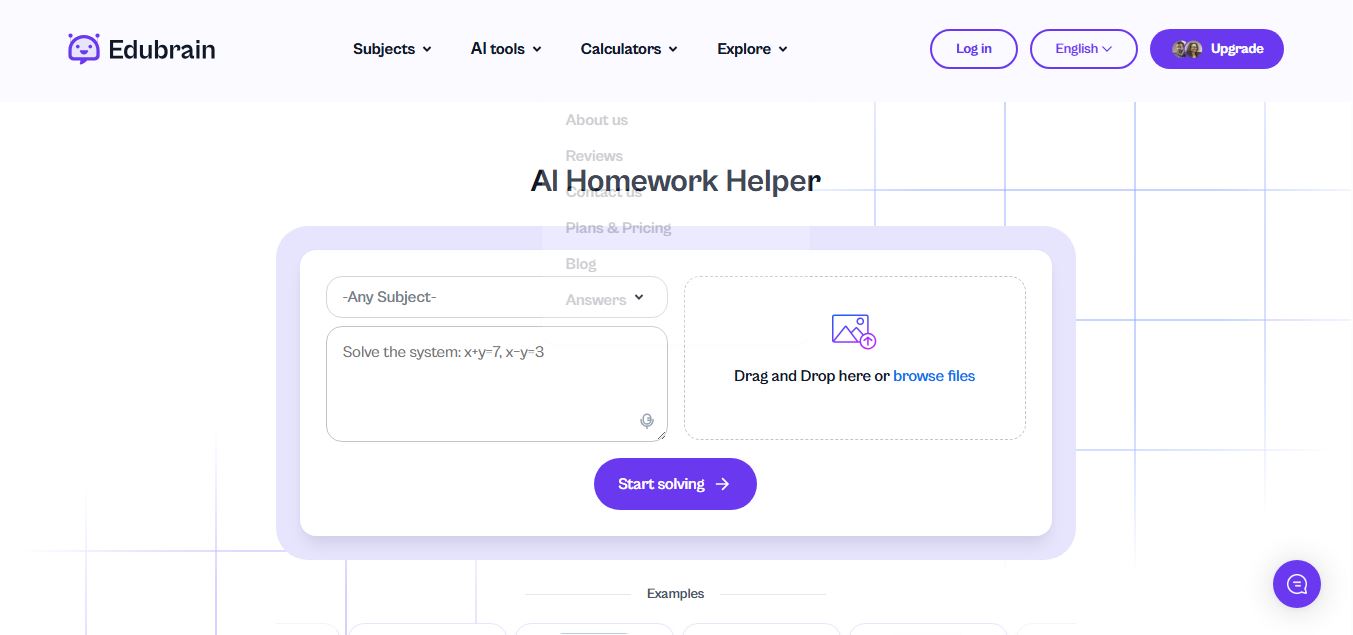
Edubrain is an AI-powered homework assistant that helps students solve questions across 90+ subjects using text, images, PDFs, or audio. It provides step-by-step explanations, adapts to learning styles, and works without sign-up, enabling faster understanding, exam prep, and personalized study support.
 4.8
4.8Math AI
Education
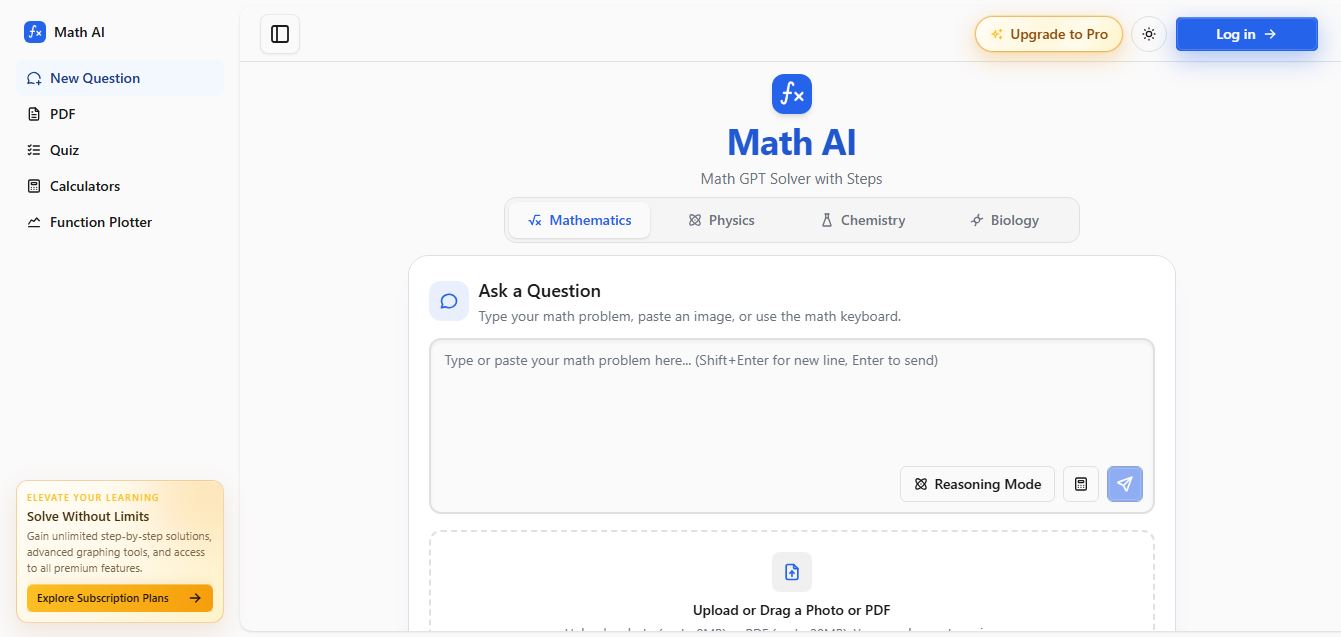
Math AI is an AI-powered math learning platform that helps users solve problems using text or images with step-by-step explanations. It supports algebra, calculus, and more, offering quizzes, graphs, and personalized tutoring to improve understanding and make studying, homework, and exam preparation easier.
 4.9
4.9ThetaWise
Education
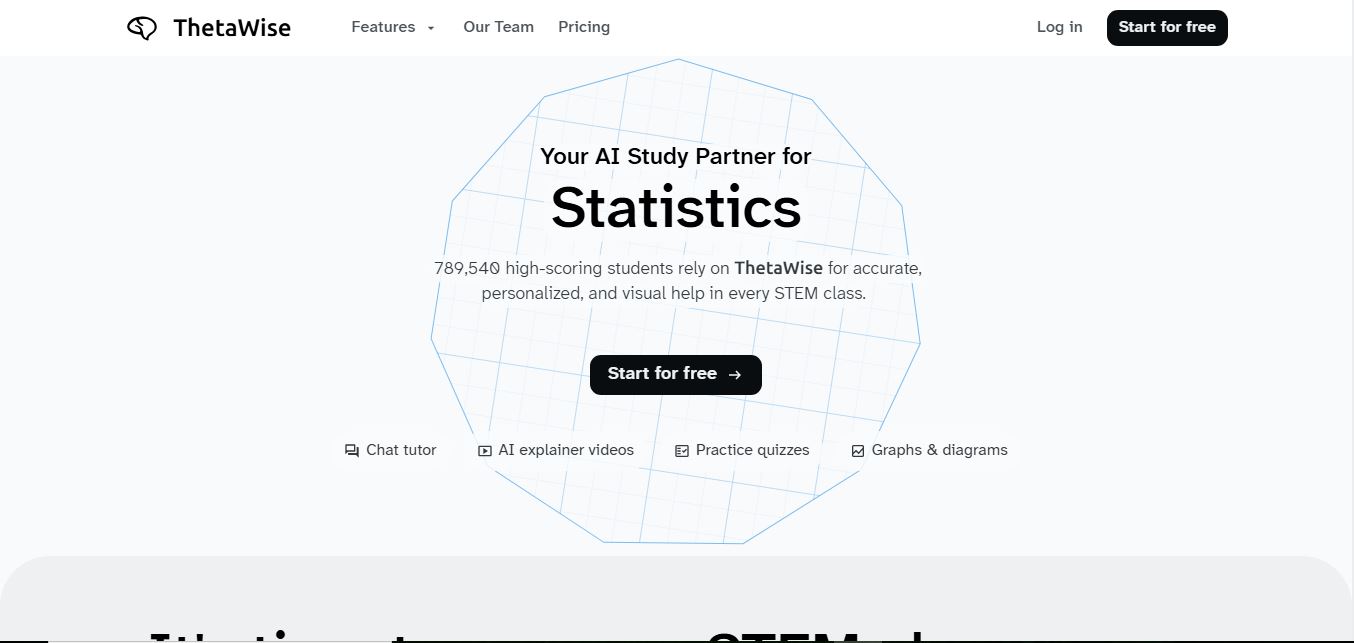
ThetaWise is an AI-powered STEM learning platform that helps students solve math and science problems with step-by-step explanations, video lessons, and practice quizzes. It acts like a 24/7 tutor, adapting to learning styles and improving understanding, test performance, and concept mastery.
 4.9
4.9Mathos AI
Education
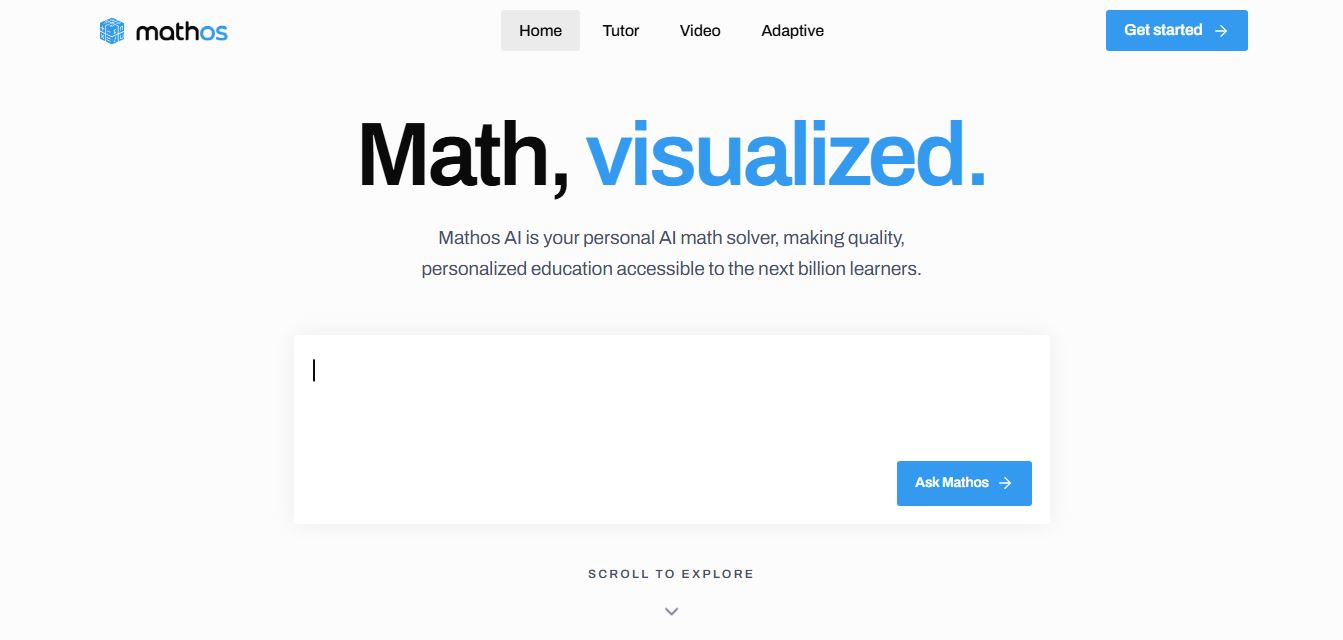
Mathos AI is an AI-powered math solver and tutor that helps students solve problems with step-by-step explanations and personalized guidance. It turns questions into lessons, generates quizzes, flashcards, and videos, and adapts to mistakes, enabling deeper understanding instead of just providing answers.
 4.8
4.8Brainly
Education
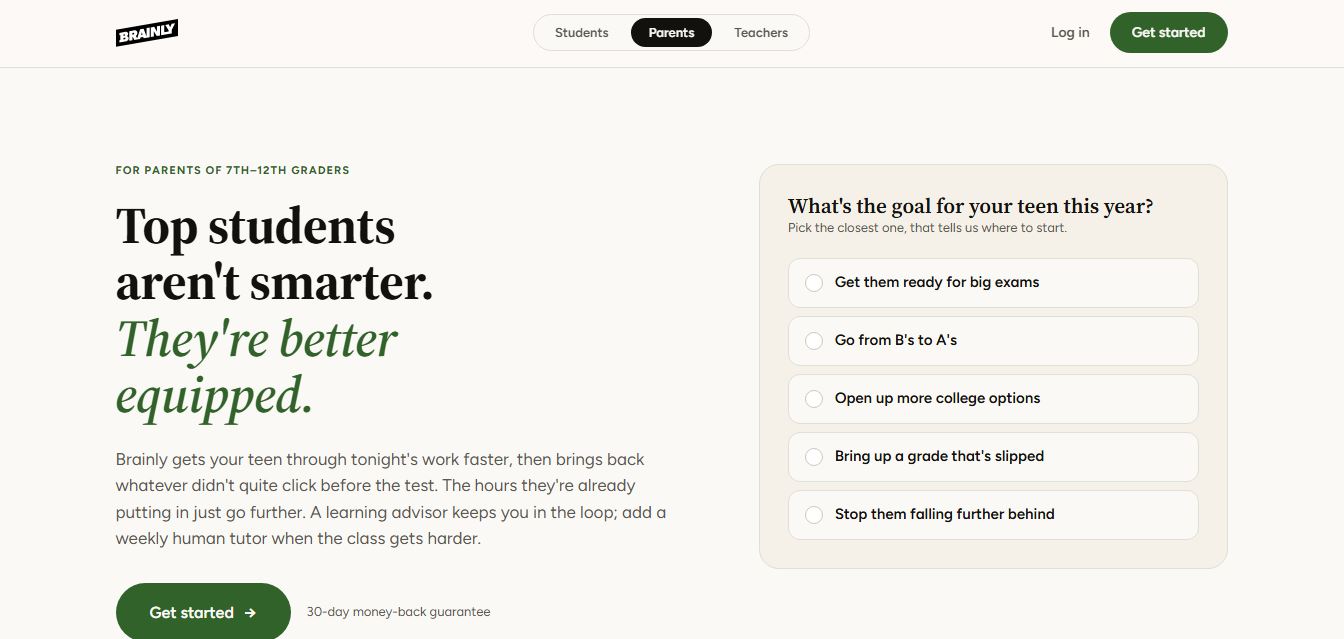
Brainly is an AI-powered learning platform that helps students solve homework, study concepts, and prepare for exams with step-by-step explanations. It combines AI guidance with a global community of experts, turning questions into personalized learning and helping students understand—not just complete—their schoolwork.
 4.8
4.8Gauth
Education
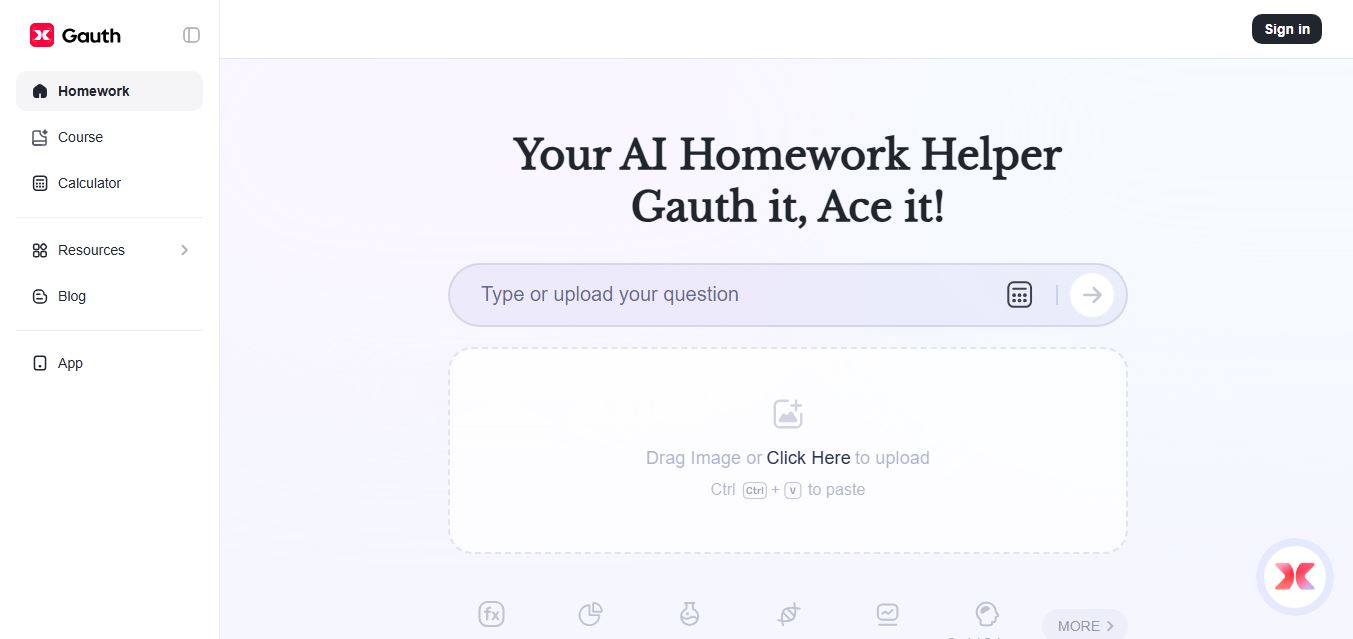
Gauth (formerly Gauthmath) is an AI-powered homework helper that lets students solve problems by typing or snapping a photo. It delivers step-by-step explanations across math and other subjects, combines AI with live tutor support, and helps users understand concepts, complete homework, and prepare for exams.
 4.7
4.7AI Math Solver
Education
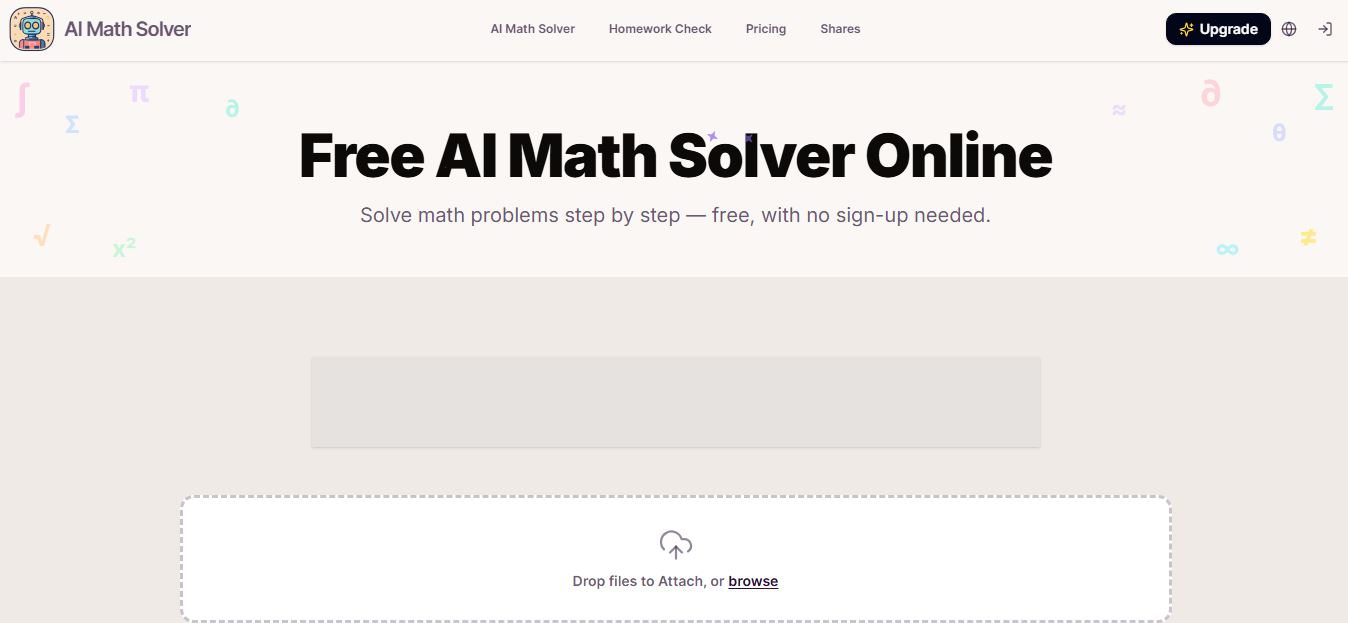
AIMathSolve is an AI-powered math solver that helps users solve problems across algebra, calculus, geometry, and more using text or image input. It generates step-by-step explanations, recognizes handwritten equations, and improves understanding, making it useful for homework, learning, and exam preparation.
 4.9
4.9Brilliant
Education
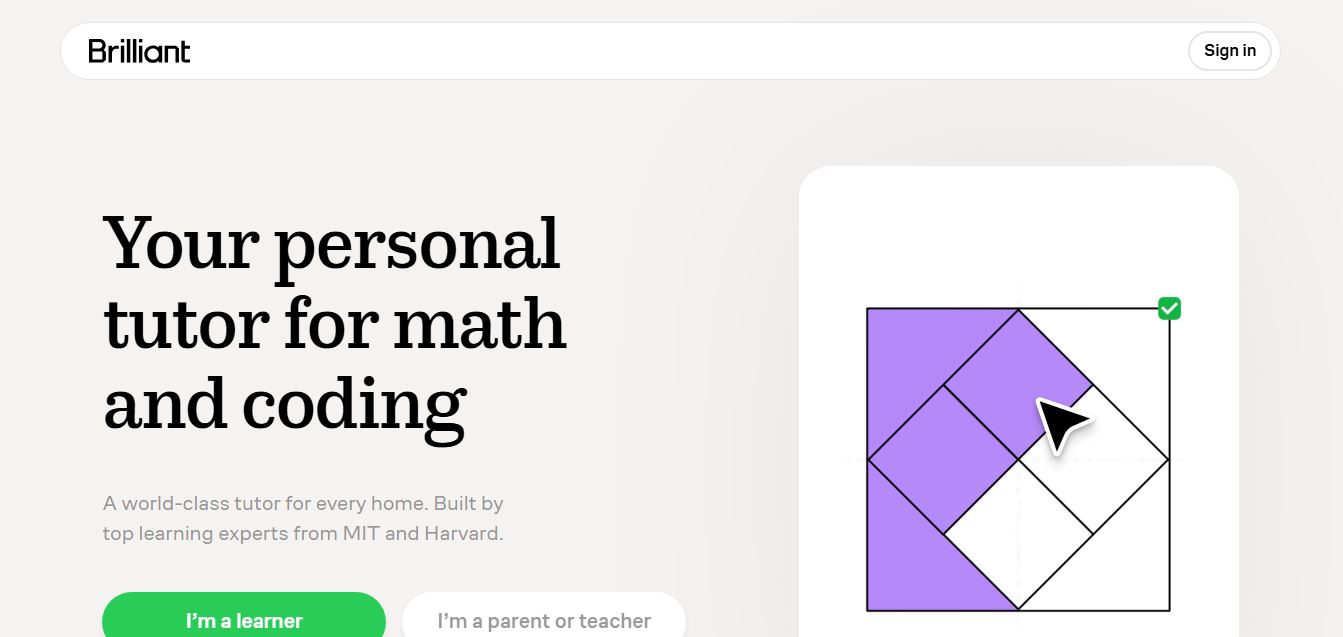
Brilliant is an interactive online learning platform that helps users build math, coding, and problem-solving skills through hands-on lessons. It uses visual explanations, real-time feedback, and a personal AI tutor to guide learning, enabling deeper understanding compared to passive video-based courses.
 5.0
5.0Desmos
Education
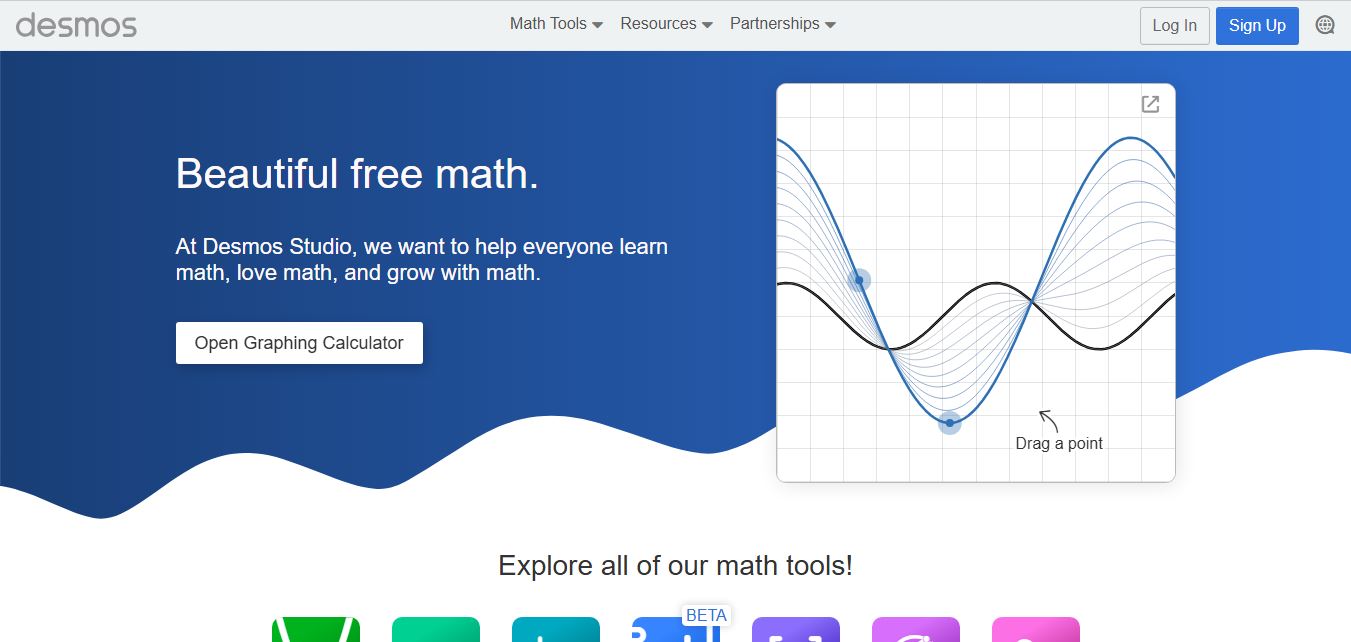
Desmos is an interactive math platform that helps students and teachers visualize concepts through graphing calculators, activities, and classroom tools. It enables real-time exploration of equations, functions, and data, making math more intuitive, engaging, and accessible across algebra, geometry, and advanced topics.