
Microsoft Translator
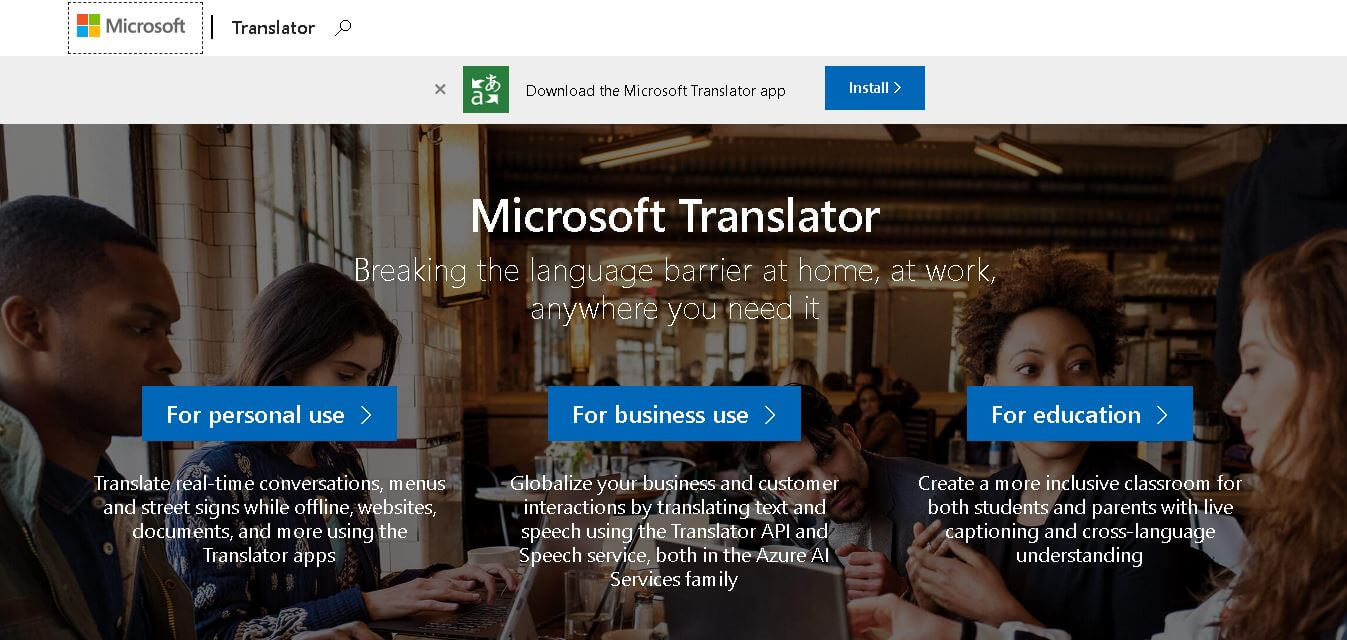
Microsoft Translator is an AI-powered language translation platform that enables fast, accurate multilingual communication for businesses, developers, students, travelers, and global teams worldwide.
What is Microsoft Translator AI?
Microsoft Translator is an AI-powered Translator platform that helps people translate text, voice, images, chats, and documents across a bunch of languages—mostly with high accuracy. Microsoft built the platform, which relies on neural machine translation and cloud-based AI methods to facilitate real-time multilingual communication. The whole thing slots in pretty smoothly with Microsoft apps such as Teams, Office, Edge, and Azure services, so you do not really feel the switch. In practice, business developers, students, travelers, and large enterprises use it to cut through language barriers, support broader global teamwork, and make sure customer experiences are localized in a natural way. Plus, the scalable APIs and enterprise-level security are why it becomes a go-to translation option for many regions.
Microsoft Translator supports more than 100 languages and dialects across text and speech translation services. The platform powers translation features inside Microsoft Teams, Office, Bing, and Azure AI services. Millions of users worldwide rely on Microsoft Translator for real-time multilingual communication and document localization. The tool uses neural machine translation models trained on large-scale multilingual datasets to improve contextual accuracy. Microsoft’s cloud infrastructure enables enterprise scalability, secure data handling, and fast translation performance for businesses, developers, educational institutions, and international organizations globally.

Founders
- Developed by Microsoft
- Founded by Bill Gates and Paul Allen
Launch Date: Launched in 2007
Use Cases
- Website localization
- Real-time conversation translation
- Business communication
- Customer support translation
- Educational learning
- Travel communication
- App translation integration
- Document translation
Technology
- Neural Machine Translation (NMT)
- Artificial Intelligence
- Speech Recognition
- Cloud Computing
- Azure AI Services
- Natural Language Processing (NLP)
Key Features
Microsoft Translator AI's key features are
- Real-Time Text Translation: Instantly translates text into multiple languages with contextual AI understanding and improved sentence accuracy.
- Voice & Speech Translation: Converts spoken language into translated speech for multilingual meetings and conversations.
- Image Translation: Users can translate text from images, screenshots, and signs using OCR technology.
- Conversation Translation: Enables multilingual group conversations in real time across devices and applications.
- Microsoft Ecosystem Integration: Works with Microsoft Teams, Word, Edge, PowerPoint, Outlook, and Azure services.
- Translator API: Developers can integrate translation capabilities into websites, apps, and enterprise systems.
- Offline Translation: Mobile apps provide offline language translation support for travelers and remote users.
- Enterprise Security: Offers secure cloud infrastructure and compliance standards for business and enterprise users.
Pricing
- Free basic access
- Pay-as-you-go API
- Azure subscription plans
- Enterprise custom pricing
Disclaimer: For the latest and most accurate pricing information, please visit the official Microsoft Translator website.
Who is using Microsoft Translator?
A diverse range of users and organizations utilize Microsoft Translator AI.
- Global enterprises
- Developers & startups
- Educational institutions
- Customer support teams
- Travelers & tourists
- Multinational companies
- Content creators
- Healthcare organizations
Alternatives
Some Microsoft Translator alternatives are
- Google Translate
- DeepL Translator
- Amazon Translate
- IBM Watson Language Translator
- SYSTRAN Translate
Pros & Cons
Pros
- Supports 100+ languages
- Strong Microsoft integration
- Enterprise-grade security
- AI-powered contextual translation
- Real-time speech translation
- Developer-friendly APIs
Cons
- Premium APIs can be costly
- Translation accuracy varies by language
- Requires internet for full functionality
- Limited customization for casual users
Microsoft Translator vs Alternatives
| Feature | Microsoft Translator | Google Translate | DeepL |
|---|---|---|---|
| AI Translation | Yes | Yes | Yes |
| Speech Translation | Yes | Yes | Limited |
| Microsoft Integration | Excellent | Limited | Limited |
| API Access | Yes | Yes | Yes |
| Enterprise Features | Strong | Moderate | Moderate |
| Offline Support | Yes | Yes | Limited |
| Languages Supported | 100+ | 130+ | 30+ |
How We Rated Microsoft Translator
- Creative Accuracy: 9/10
- User Experience: 9/10
- Tools & Capabilities: 9.5/10
- Speed & Efficiency: 9/10
- Creative Freedom: 8/10
- Trust & Transparency: 9/10
- Help & Community: 8.5/10
- Value for Money: 8.5/10
- Ecosystem Fit: 10/10
- Overall Score: 9/10
Conclusion
Microsoft Translator is one of the leading AI-powered translation platforms for businesses, developers, and everyday users. Its advanced neural machine translation technology, real-time speech translation, and seamless integration with Microsoft products make it highly effective for multilingual communication. The platform is ideal for enterprises seeking scalable translation solutions and for individuals needing reliable language support. With strong AI capabilities, enterprise-grade security, and cloud-based performance, Microsoft Translator remains a trusted choice in the global translation software market.
People are also reading
FAQ
What is Microsoft Translator?
Microsoft Translator is an AI-powered language translation service developed by Microsoft for translating text, speech, images, and conversations.
Is Microsoft Translator free?
Yes, Microsoft Translator offers free translation tools, while advanced API and enterprise features require paid Azure plans.
How many languages does Microsoft Translator support?
Microsoft Translator supports more than 100 languages and dialects.
Can Microsoft Translator translate speech?
Yes, it provides real-time voice and speech translation for conversations and meetings.
Does Microsoft Translator work offline?
Yes, the mobile application supports offline translation for selected languages.
User Reviews
No reviews yet for Microsoft Translator.
Featured Tools
Featured AI tools from TechShark

Melody Genie
MelodyGenie is an AI-powered music generator that creates original songs from simple text prompts. Users can choose styles, moods, and genres, then instantly generate melodies and full tracks, making it easy for creators, marketers, and hobbyists to produce custom music without musical expertise.
Freemium

Kimi AI
Kimi AI is an advanced AI assistant developed by Moonshot AI that helps you chat, research, write, code, and automate tasks in one place. It supports web search, file analysis, and multimodal inputs, and can even run autonomous “agent” workflows to complete complex tasks end-to-end.
Freemium

Fashion Diffusion AI
Fashion Diffusion is an AI-powered fashion design platform that helps brands and designers create clothing designs, virtual try-ons, AI models, product photos, and marketing visuals faster and cost-effectively.
Paid

Veo 4
Veo 4 AI is an AI video creation platform that generates dramatic videos from text, images, audio, and video prompts using realistic motion and synchronized sound.
Paid
Alternatives
Alternatives to Microsoft Translator
Microsoft Translator AI alternatives include Verisl, Cytora, Shift Technology, Socotra, Earnix, and Guidewire. Microsoft Translator helps users translate text, speech, images, conversations, and documents across multiple languages using advanced AI and neural machine translation technology integrated with Microsoft products and cloud services globally.
 4.9
4.9Edubrain AI
Education
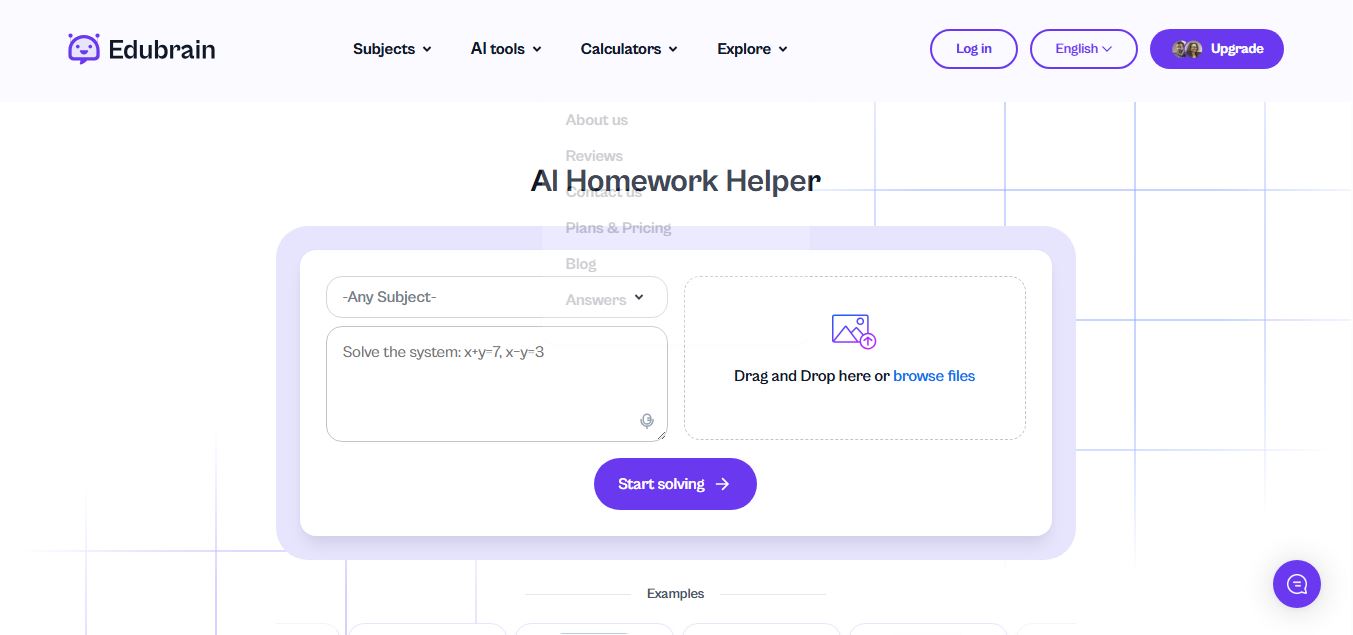
Edubrain is an AI-powered homework assistant that helps students solve questions across 90+ subjects using text, images, PDFs, or audio. It provides step-by-step explanations, adapts to learning styles, and works without sign-up, enabling faster understanding, exam prep, and personalized study support.
 4.8
4.8Math AI
Education
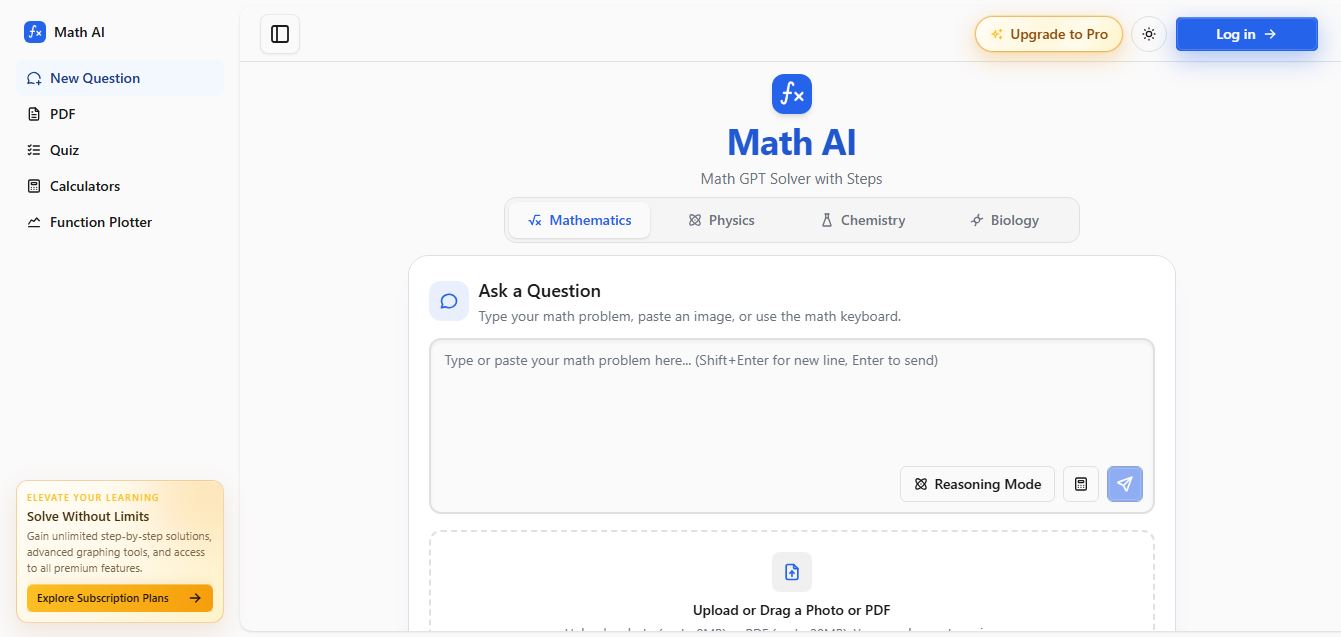
Math AI is an AI-powered math learning platform that helps users solve problems using text or images with step-by-step explanations. It supports algebra, calculus, and more, offering quizzes, graphs, and personalized tutoring to improve understanding and make studying, homework, and exam preparation easier.
 4.9
4.9ThetaWise
Education
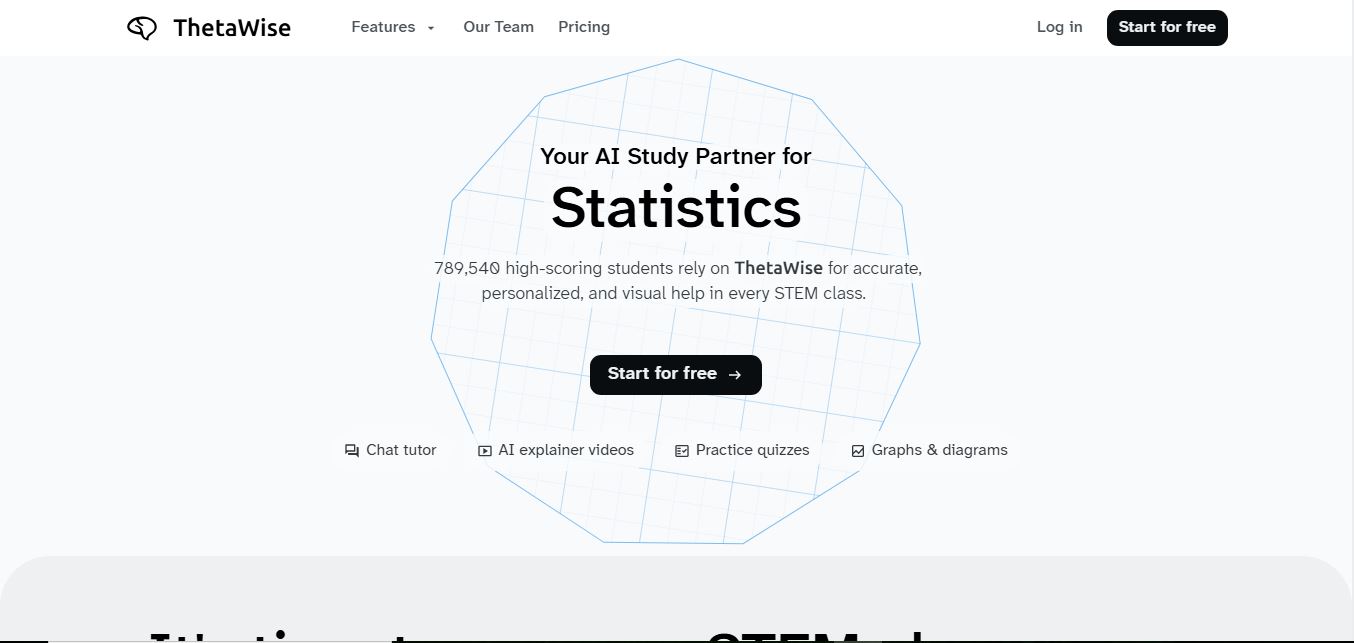
ThetaWise is an AI-powered STEM learning platform that helps students solve math and science problems with step-by-step explanations, video lessons, and practice quizzes. It acts like a 24/7 tutor, adapting to learning styles and improving understanding, test performance, and concept mastery.
 4.9
4.9Mathos AI
Education
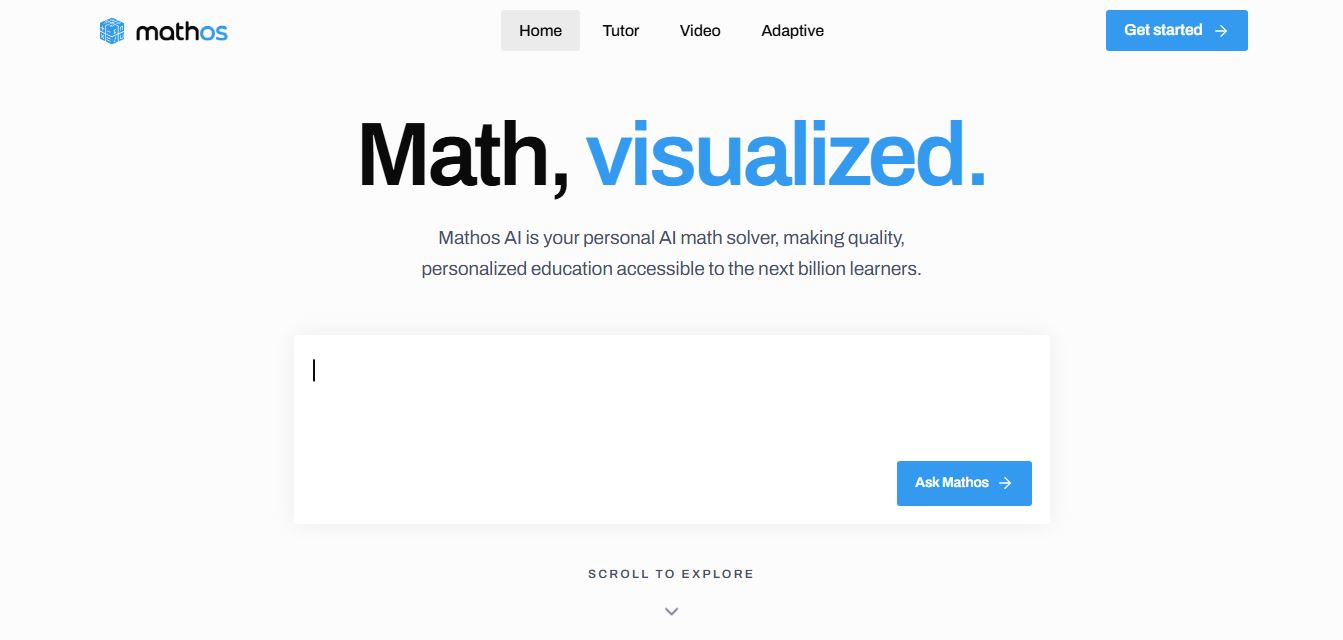
Mathos AI is an AI-powered math solver and tutor that helps students solve problems with step-by-step explanations and personalized guidance. It turns questions into lessons, generates quizzes, flashcards, and videos, and adapts to mistakes, enabling deeper understanding instead of just providing answers.
 4.8
4.8Brainly
Education
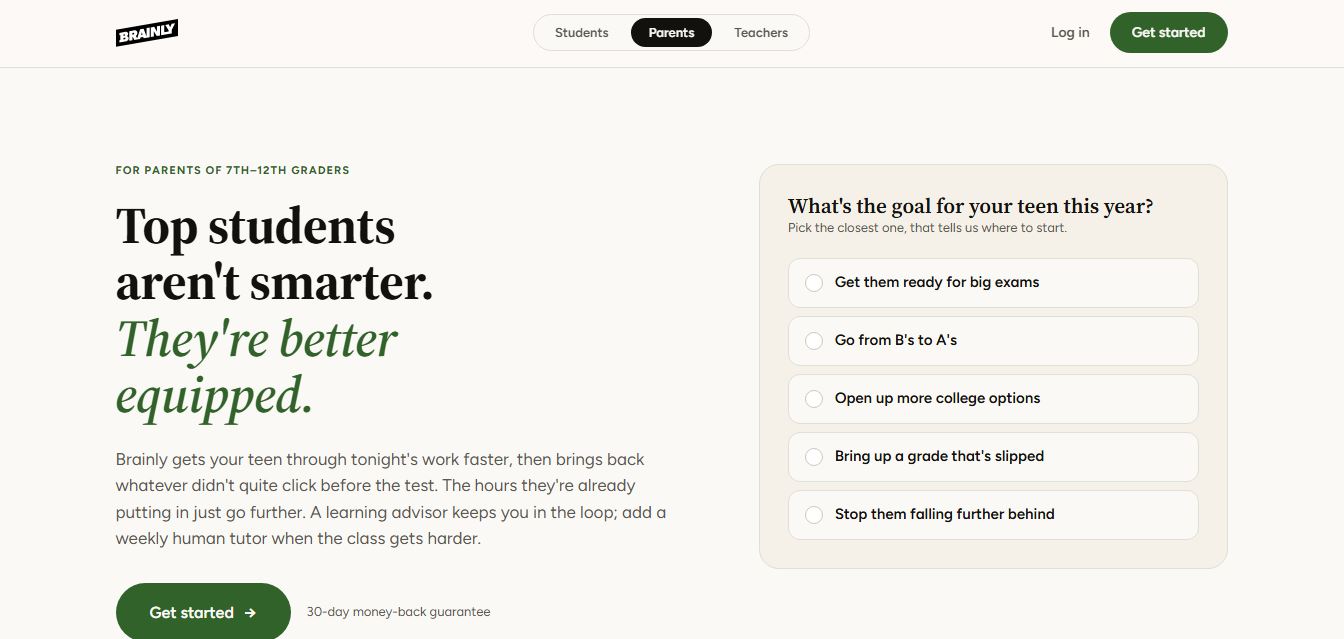
Brainly is an AI-powered learning platform that helps students solve homework, study concepts, and prepare for exams with step-by-step explanations. It combines AI guidance with a global community of experts, turning questions into personalized learning and helping students understand—not just complete—their schoolwork.
 4.8
4.8Gauth
Education
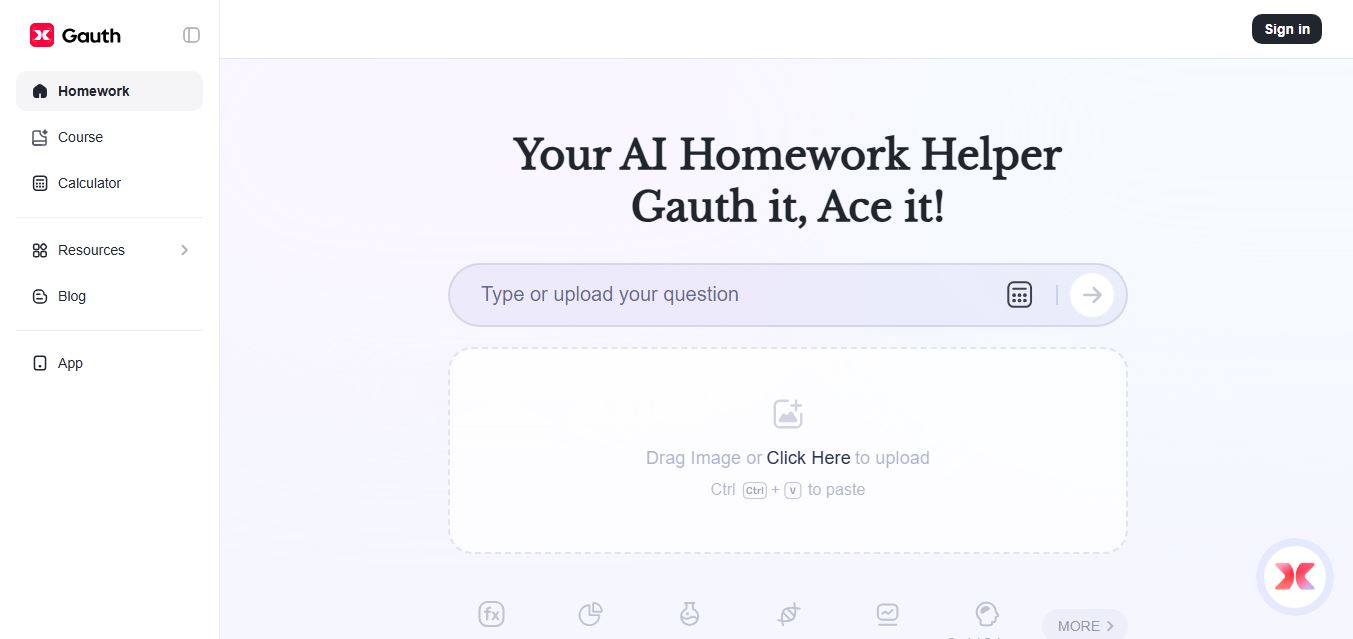
Gauth (formerly Gauthmath) is an AI-powered homework helper that lets students solve problems by typing or snapping a photo. It delivers step-by-step explanations across math and other subjects, combines AI with live tutor support, and helps users understand concepts, complete homework, and prepare for exams.
 4.7
4.7AI Math Solver
Education
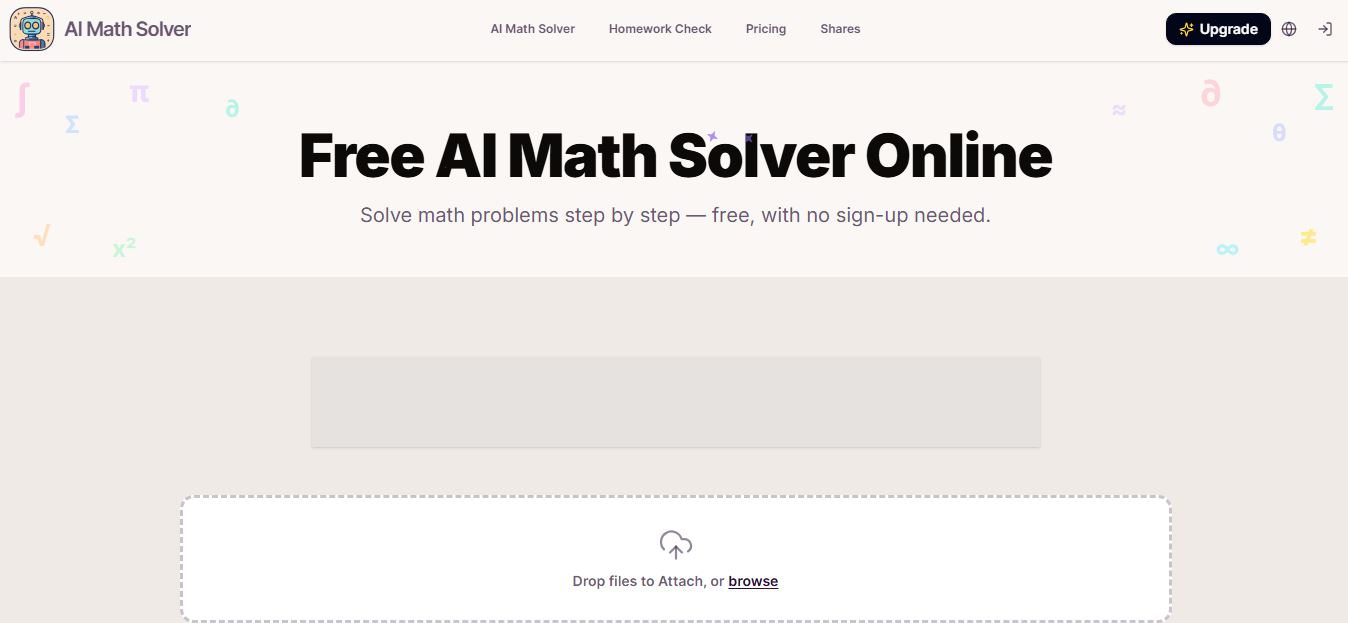
AIMathSolve is an AI-powered math solver that helps users solve problems across algebra, calculus, geometry, and more using text or image input. It generates step-by-step explanations, recognizes handwritten equations, and improves understanding, making it useful for homework, learning, and exam preparation.
 4.9
4.9Brilliant
Education
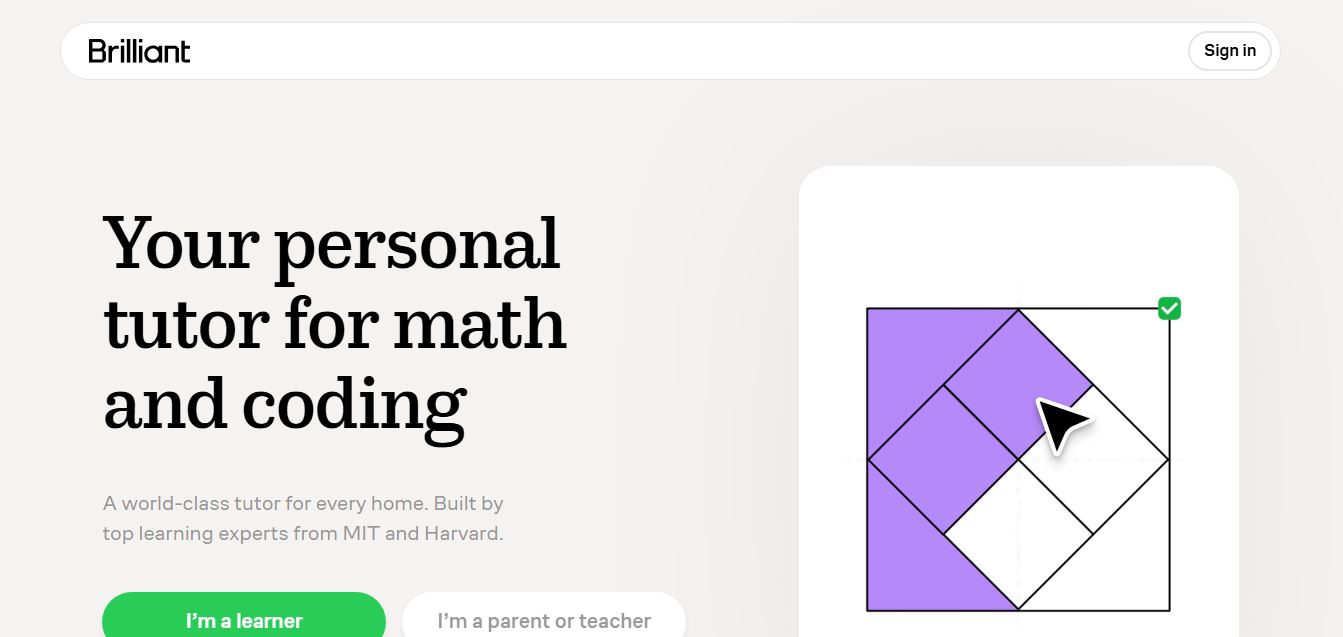
Brilliant is an interactive online learning platform that helps users build math, coding, and problem-solving skills through hands-on lessons. It uses visual explanations, real-time feedback, and a personal AI tutor to guide learning, enabling deeper understanding compared to passive video-based courses.
 5.0
5.0Desmos
Education
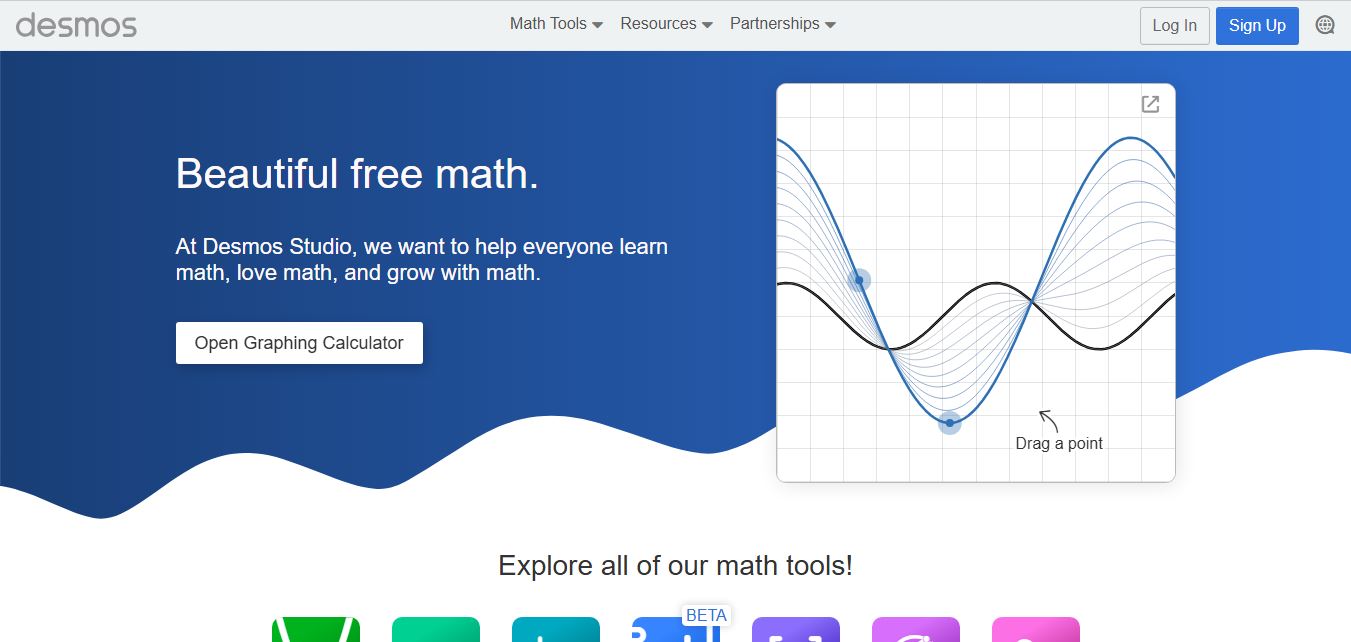
Desmos is an interactive math platform that helps students and teachers visualize concepts through graphing calculators, activities, and classroom tools. It enables real-time exploration of equations, functions, and data, making math more intuitive, engaging, and accessible across algebra, geometry, and advanced topics.