
Microsoft Reading Coach
Microsoft Reading Coach is a free AI-powered reading practice platform designed to improve reading fluency and comprehension. It creates personalized stories, tracks reading progress, and provides instant pronunciation feedback. Suitable for students, educators, and parents, it supports engaging, adaptive learning while making reading practice interactive, accessible, and enjoyable across multiple devices.
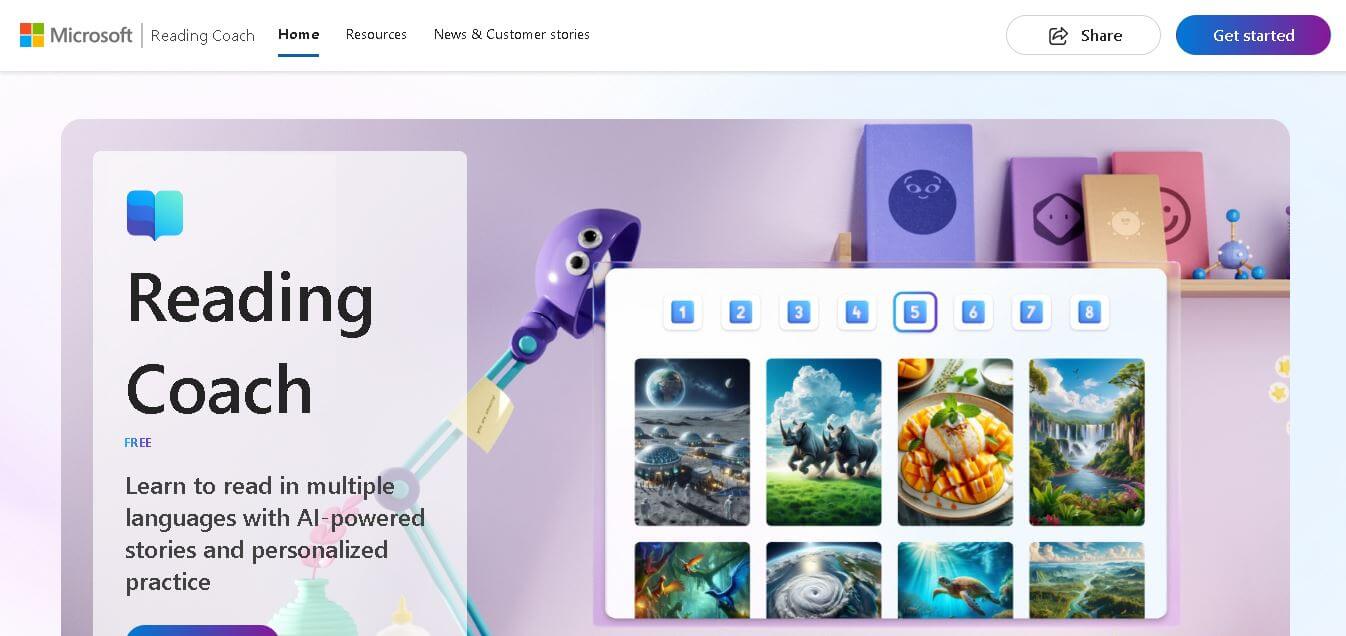
What is Microsoft Reading Coach?
Microsoft Reading Coach is an AI-powered learning tool designed to help users improve their reading skills in a simple and interactive way. It listens as you read aloud, provides real-time feedback on pronunciation and fluency, and highlights areas where you can improve. What makes it especially useful is its personalized approach—it adapts to your level and offers targeted practice. Whether you’re a student, a language learner, or someone looking to build better reading confidence, it creates a supportive environment to practice and grow. Overall, it makes reading improvement feel more engaging, guided, and effective.
Microsoft Reading Coach is a free AI-powered reading platform available through the web and Windows devices. It supports 80+ languages, generates personalized AI stories, offers 3 reading modes, and automatically adapts content based on learner performance. The platform uses Microsoft's Responsible AI practices to ensure safe educational experiences while providing pronunciation feedback and fluency coaching. No subscription fee is required, making it accessible for students, educators, schools, and parents worldwide.
- Developer: Microsoft Corporation
- Launch Year: 2024 (Standalone App & Web Platform)
- Use Cases:
- Providing personalized reading fluency practice for elementary and K-12 students
- Supporting neurodivergent learners and students with dyslexia using built-in Immersive Reader tools
- Assisting English as a Second Language (ESL/EFL) learners with pronunciation and vocabulary
- Enabling independent at-home literacy practice monitored by parents or educators
- Technology:
- Azure AI Content Safety engine for age-appropriate, moderated story generation
- On-device real-time speech recognition and fluency analysis models
- Microsoft Immersive Reader technology featuring text customization and audio playback
- Cross-platform web architecture accessible via browser or downloadable Windows app
- Target Users:
- K-12 students, early readers, and literacy learners
- Educators, reading specialists, and school district administrators
- Parents and caregivers seeking free, safe reading tools for home practice
- ESL / EFL adult learners improving English pronunciation
- Ecosystem: Web application available at coach.microsoft.com, native Windows Microsoft Store app, and deep integration with Microsoft Teams for Education and OneNote Class Notebooks.

Key features of Microsoft Reading Coach
Microsoft Reading Coach's key features are
- AI Story Generation (Create a Story): Lets learners choose characters, settings, and difficulty levels to generate engaging, multi-chapter AI stories where they decide the narrative choices.
- Real-Time Fluency & Speech Detection: Evaluates spoken reading accuracy, words per minute (WPM), and total practice time using low-latency speech recognition.
- Targeted Word Practice: Automatically flags mispronounced or skipped words, offering syllable breakdowns, visual prompts, and audio guides for practice.
- Integrated Immersive Reader: Includes font adjustments, high-contrast backgrounds, line focus, and syllable splitting to aid readers with dyslexia or visual fatigue.
- Gamified Achievements & Rewards: Encourages consistent reading habits by allowing learners to unlock new story characters, backgrounds, and achievement badges.
- Responsible AI & Privacy Safeguards: Content is moderated through Azure AI Content Safety filters, ensuring student voice data is processed locally without training third-party AI models.
Microsoft Reading Coach Pricing
Microsoft Reading Coach is entirely free for all users with a Microsoft account.
Free Plan (100% Free):
- $0/month
- Unlimited AI story generation, speech analysis, word practice tools, Immersive Reader features, and achievement tracking
- Requires a free personal Microsoft account or Microsoft 365 Education login
Disclaimer: For the latest and most accurate pricing information, please visit the official Microsoft Reading Coach website.
Is Microsoft Reading Coach Worth It?
Microsoft Reading Coach is exceptionally worth it because it offers enterprise-grade AI speech detection, interactive storytelling, and accessibility accommodations completely free of charge. For parents and educators looking to boost student reading fluency without expensive subscriptions, it is one of the most comprehensive literacy tools available.
Real-World Use Cases
- Classroom Literacy Stations: Teachers integrate Reading Coach into daily independent reading blocks, enabling students to practice reading while recording accuracy data.
- At-Home Guided Reading: Parents use the web app to turn daily reading practice into an interactive game where children unlock new story characters.
- Special Education Accommodations: Educators utilize Immersive Reader features like text scaling and line focus to assist students with ADHD or dyslexia.
- ESL Pronunciation Training: Non-native English speakers read passages out loud to receive instant feedback on challenging English phonemes and vocabulary.
Who is using Microsoft Reading Coach?
Microsoft Reading Coach is designed for a broad audience of learners and educators, including
- Elementary & Middle School Students: Learners building fluency and vocabulary through interactive AI story paths
- K-12 Teachers & Reading Specialists: Educators seeking supplemental practice tools to support differentiated reading levels
- Parents & Caregivers: Families looking for safe, ad-free educational tools for home learning
- ESL / Language Instructors: Tutors using speech detection to assist non-native English speakers with pronunciation
Best Microsoft Reading Coach Alternatives
Some of the strongest Microsoft Reading Coach alternatives include
- Duolingo ABC
- Epic!
- Reading Eggs
- Lalilo
- Amira Learning
Pros and Cons of Microsoft Reading Coach
Pros
- 100% free with no hidden paywalls, commercial ads, or subscription fees
- Generates custom, age-appropriate stories dynamically based on student choices
- Provides instant real-time feedback on pronunciation and reading speed
- Industry-leading accessibility suite with Microsoft Immersive Reader
- Strict privacy compliance and moderated AI content filtering
Cons
- Requires a working microphone for fluency tracking and speech feedback
- AI story generation mode requires an active internet connection
- Speech detection is currently primarily optimized for English dialects
Why Choose Microsoft Reading Coach?
Microsoft Reading Coach combines cutting-edge generative AI with proven reading instruction methodologies. By giving students control over story elements, it turns repetitive reading drills into an engaging adventure while delivering precise speech accuracy insights at zero cost to families or school systems.
- Empowers students to create personalized AI-driven stories based on their interests
- Delivers targeted practice for mispronounced words using visual and auditory cues
- Fully accessible for readers with dyslexia and visual impairments via Immersive Reader
- Completely free to use on both web browsers and Windows devices
How Microsoft Reading Coach Works
- Sign In & Choose Mode: Log in with a Microsoft account and select a mode (Create a Story, Read from Library, or Add Your Own Passage).
- Customize Reading Parameters: Pick a character, setting, and reading level for AI story generation.
- Read Out Loud: Enable microphone access and read the generated passage aloud while the AI speech engine tracks accuracy.
- Review & Practice: View your reading report (WPM and accuracy percentage) and complete practice cards for challenging words.
Microsoft Reading Coach vs. Competitors
The primary difference between Microsoft Reading Coach, Lalilo, and Amira Learning lies in accessibility, business model, and AI flexibility. While Microsoft Reading Coach provides a completely free, AI-story generator tool accessible on web browsers for any learner, Lalilo and Amira Learning are structured paid platforms designed primarily for institutional school district purchasing.
| Feature | Microsoft Reading Coach | Lalilo | Amira Learning |
|---|---|---|---|
| Primary Audience | K-12 Students & Home Learners | Elementary School Classrooms | School Districts & Assessment Teams |
| Story Generation | AI-Generated Interactive Stories | Pre-Designed Phonics Lessons | Curated Assessment Passages |
| Speech Recognition | Real-Time Local Voice Tracking | Basic Voice Checks | Advanced AI Dyslexia Screening |
| Accessibility Tools | Full Immersive Reader Suite | Standard Audio Playback | Standard Text Reader |
| Pricing | 100% Free | Freemium / Paid School Licenses | Paid Institutional License |
How do we rate Microsoft Reading Coach?
| Parameter | Rating (out of 5) |
|---|---|
| Ease of Use | 4.8 |
| Speech Recognition & Feedback | 4.7 |
| Engagement & Gamification | 4.8 |
| Accessibility Features | 4.9 |
| Value for Money | 5.0 |
| Overall Score | 4.8 |
Microsoft Reading Coach Review
Microsoft Reading Coach is an outstanding educational AI platform that sets a high benchmark for free literacy software. By leveraging generative AI to build customized stories around student interests, it turns routine oral reading practice into an entertaining activity. Coupled with real-time fluency detection and Microsoft's Immersive Reader accessibility tools, it provides an invaluable tool for classrooms and homes alike.
Conclusion
Microsoft Reading Coach combines artificial intelligence with personalized learning to make reading practice more engaging, adaptive, and effective. Its AI-generated stories, pronunciation feedback, adaptive vocabulary reinforcement, and support for over 80 languages help learners build reading confidence at their pace. The platform serves students, parents, and educators through a free, accessible solution that works across multiple devices. By continuously adjusting content according to learner performance, Microsoft Reading Coach transforms routine reading exercises into enjoyable learning experiences. Whether used in classrooms or at home, it provides a practical way to improve reading fluency, comprehension, and lifelong literacy skills.
FAQ
What is Microsoft Reading Coach?
Microsoft Reading Coach is a free AI-powered reading practice platform that helps learners improve reading fluency, pronunciation, and comprehension. It creates personalized reading experiences through AI-generated stories and adaptive exercises. Whether you are a student, parent, or educator, the platform provides engaging practice sessions with real-time feedback that encourages continuous improvement and builds reading confidence over time.
Is Microsoft Reading Coach free to use?
Yes. Microsoft Reading Coach is completely free to use with a Microsoft account. You can access it through a web browser or Windows application without paying subscription fees. This makes it an excellent solution for schools, teachers, parents, and individual learners who want personalized reading practice without additional educational software costs.
Who should use Microsoft Reading Coach?
Microsoft Reading Coach is ideal for students of different reading levels, educators seeking classroom reading support, and parents who want children to practice reading at home. It also benefits struggling readers by automatically adapting future stories based on difficult words, ensuring every practice session becomes more personalized and effective with continued use.
How does Microsoft Reading Coach personalize learning?
The platform analyzes the words a learner finds difficult while reading. During future sessions, those challenging words are included naturally in newly generated stories or reading passages. This adaptive learning approach strengthens vocabulary, pronunciation, and fluency while keeping reading engaging through personalized AI-generated content tailored to each learner's progress.
Can teachers use Microsoft Reading Coach in classrooms?
Absolutely. Teachers can integrate Microsoft Reading Coach into classroom activities to provide independent reading practice for students. The platform supports personalized learning, helps students build reading confidence, and reduces the need for constant one-on-one supervision. Its AI-powered feedback allows educators to encourage consistent improvement both in school and at home.
What reading modes are available in Microsoft Reading Coach?
Microsoft Reading Coach offers three primary reading modes. Learners can create unique AI-generated stories, choose passages from a curated reading library, or upload their own reading material. These flexible options make the platform suitable for different learning styles, educational goals, and age groups while keeping reading sessions fresh and engaging.
User Reviews
No reviews yet for Microsoft Reading Coach.
Featured Tools
Featured AI tools from TechShark

Melody Genie
MelodyGenie is an AI-powered music generator that creates original songs from simple text prompts. Users can choose styles, moods, and genres, then instantly generate melodies and full tracks, making it easy for creators, marketers, and hobbyists to produce custom music without musical expertise.
Freemium

Kimi AI
Kimi AI is an advanced AI assistant developed by Moonshot AI that helps you chat, research, write, code, and automate tasks in one place. It supports web search, file analysis, and multimodal inputs, and can even run autonomous “agent” workflows to complete complex tasks end-to-end.
Freemium

Fashion Diffusion AI
Fashion Diffusion is an AI-powered fashion design platform that helps brands and designers create clothing designs, virtual try-ons, AI models, product photos, and marketing visuals faster and cost-effectively.
Paid

Veo 4
Veo 4 AI is an AI video creation platform that generates dramatic videos from text, images, audio, and video prompts using realistic motion and synchronized sound.
Paid
Alternatives
Alternatives to Microsoft Reading Coach
The best Microsoft Reading Coach alternatives include Duolingo ABC, Epic!, Reading Eggs, Lalilo, and Amira Learning. Duolingo ABC and Reading Eggs provide gamified reading lessons for young children. Lalilo and Amira Learning deliver AI-driven speech detection and reading assessments tailored for schools.
 4.9
4.9Edubrain AI
Education
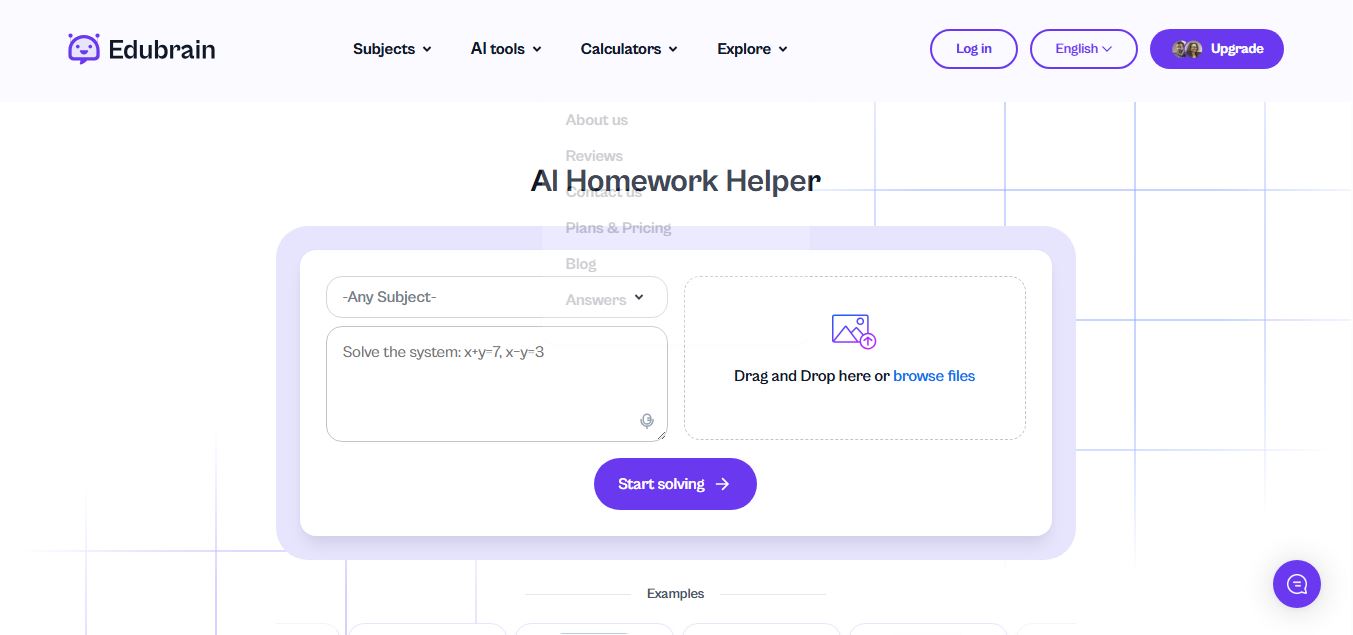
Edubrain is an AI-powered homework assistant that helps students solve questions across 90+ subjects using text, images, PDFs, or audio. It provides step-by-step explanations, adapts to learning styles, and works without sign-up, enabling faster understanding, exam prep, and personalized study support.
 4.8
4.8Math AI
Education
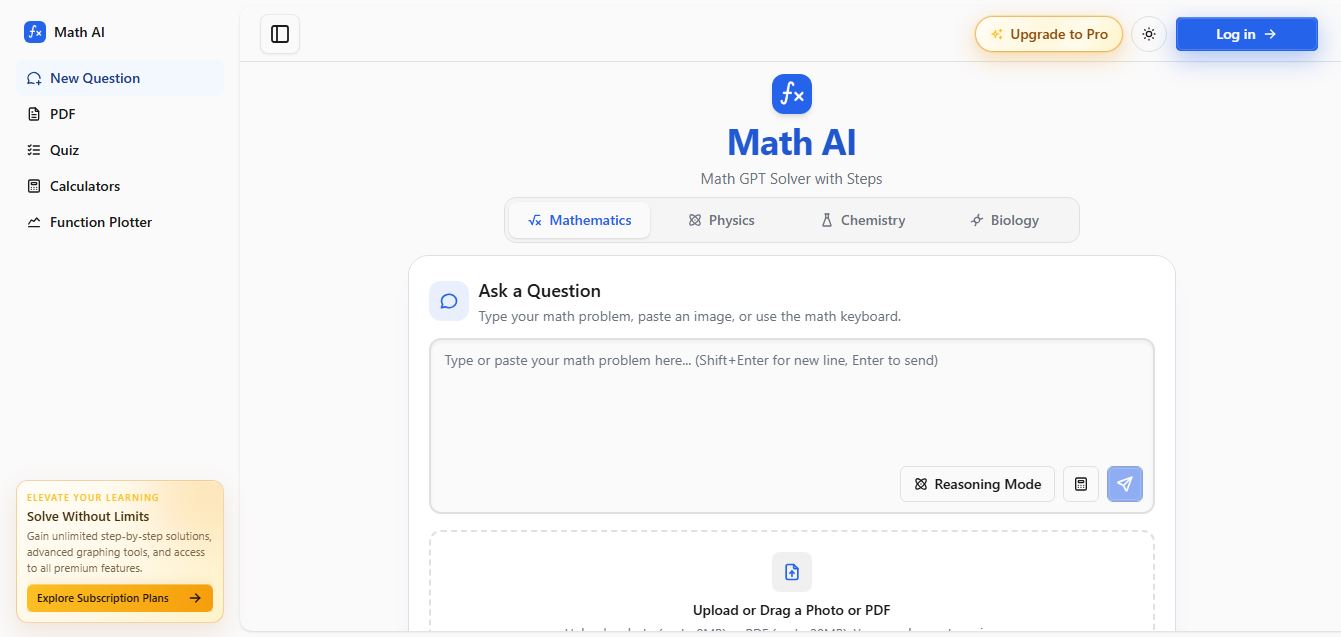
Math AI is an AI-powered math learning platform that helps users solve problems using text or images with step-by-step explanations. It supports algebra, calculus, and more, offering quizzes, graphs, and personalized tutoring to improve understanding and make studying, homework, and exam preparation easier.
 4.9
4.9ThetaWise
Education
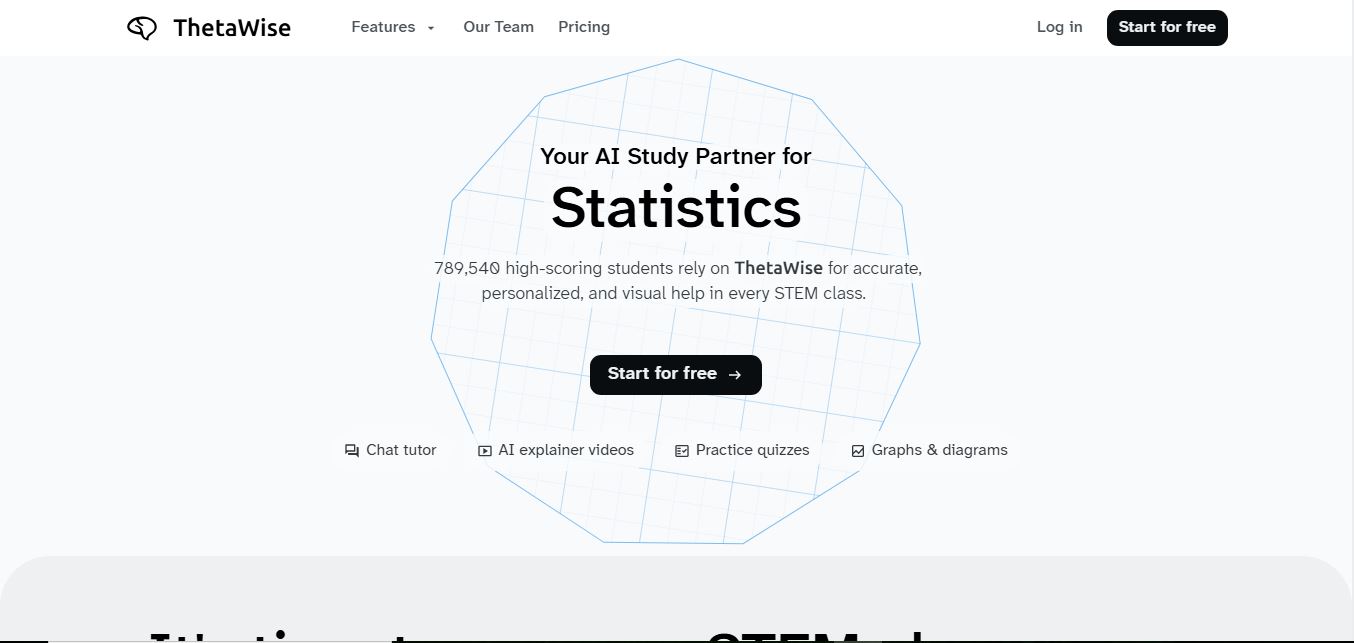
ThetaWise is an AI-powered STEM learning platform that helps students solve math and science problems with step-by-step explanations, video lessons, and practice quizzes. It acts like a 24/7 tutor, adapting to learning styles and improving understanding, test performance, and concept mastery.
 4.9
4.9Mathos AI
Education
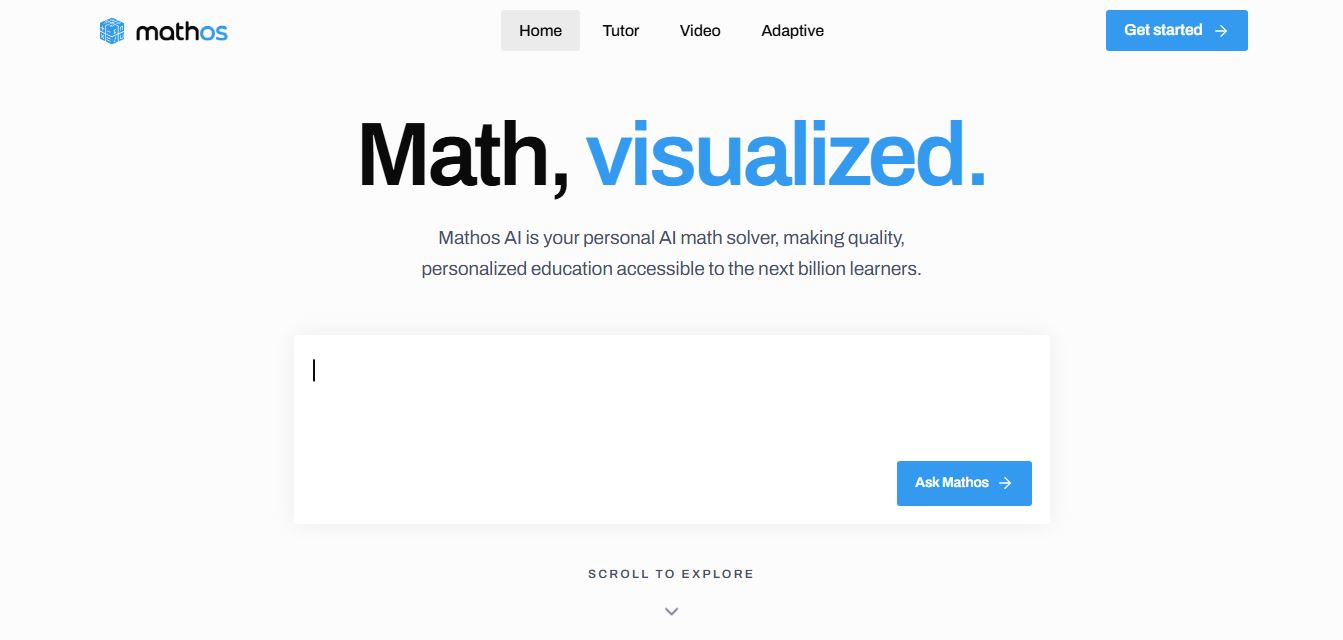
Mathos AI is an AI-powered math solver and tutor that helps students solve problems with step-by-step explanations and personalized guidance. It turns questions into lessons, generates quizzes, flashcards, and videos, and adapts to mistakes, enabling deeper understanding instead of just providing answers.
 4.8
4.8Brainly
Education
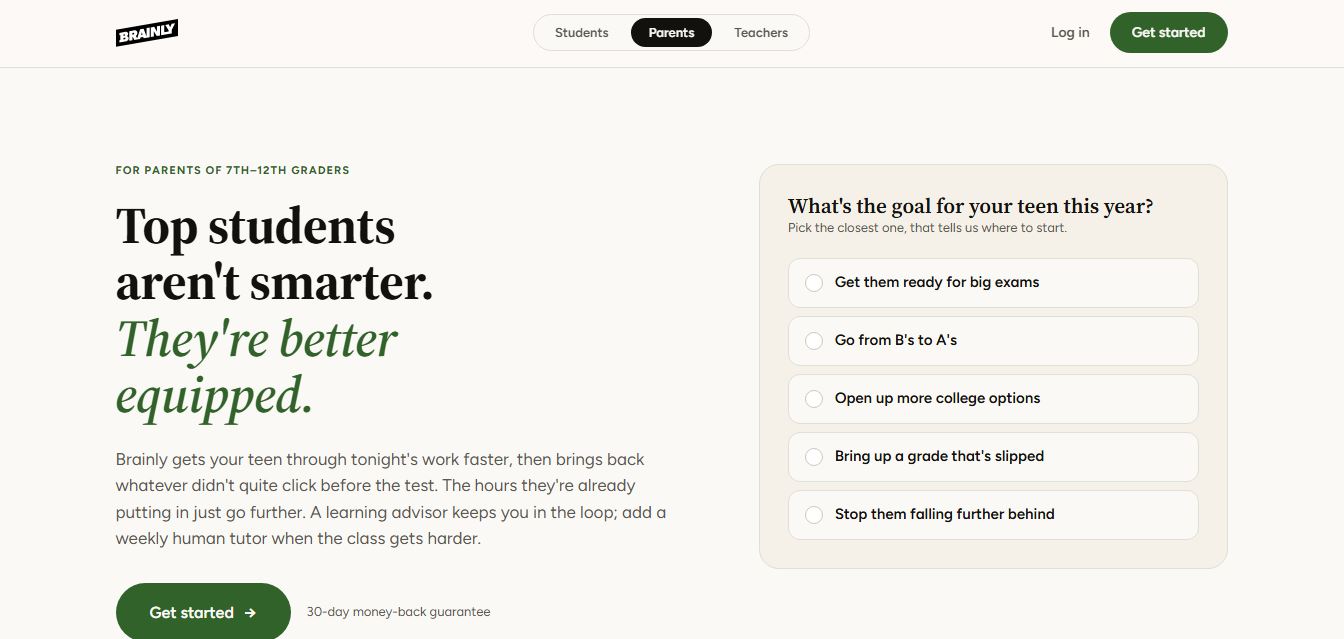
Brainly is an AI-powered learning platform that helps students solve homework, study concepts, and prepare for exams with step-by-step explanations. It combines AI guidance with a global community of experts, turning questions into personalized learning and helping students understand—not just complete—their schoolwork.
 4.8
4.8Gauth
Education
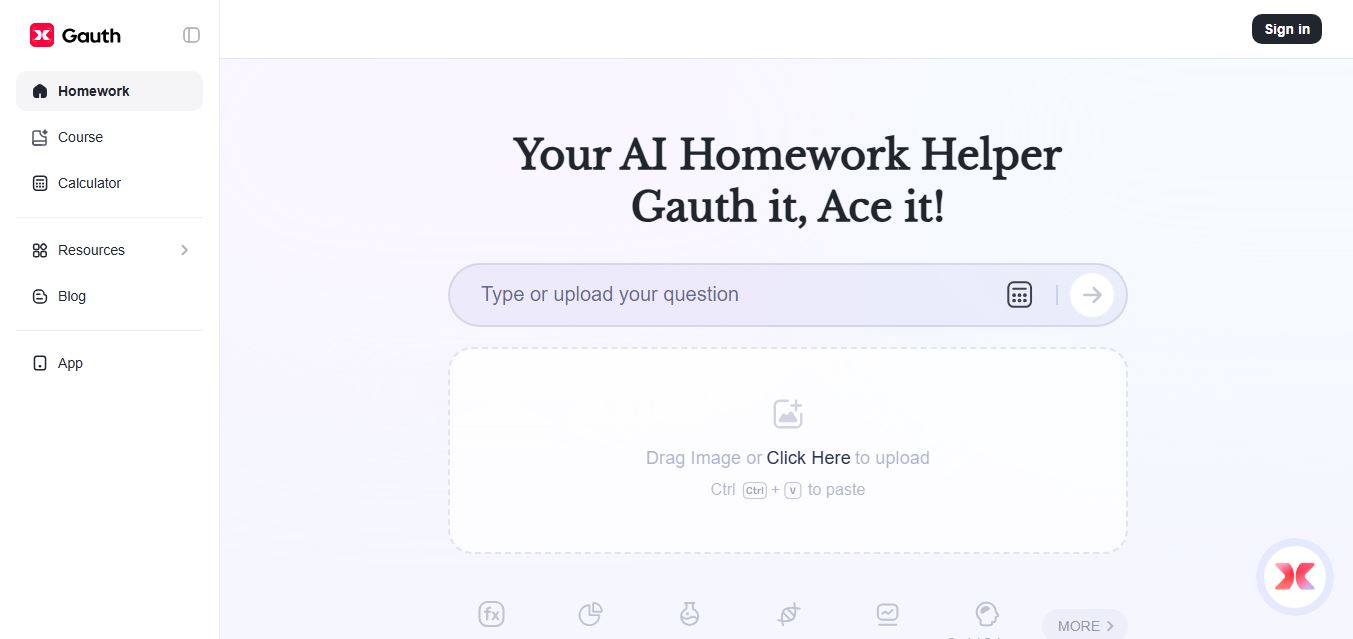
Gauth (formerly Gauthmath) is an AI-powered homework helper that lets students solve problems by typing or snapping a photo. It delivers step-by-step explanations across math and other subjects, combines AI with live tutor support, and helps users understand concepts, complete homework, and prepare for exams.
 4.7
4.7AI Math Solver
Education
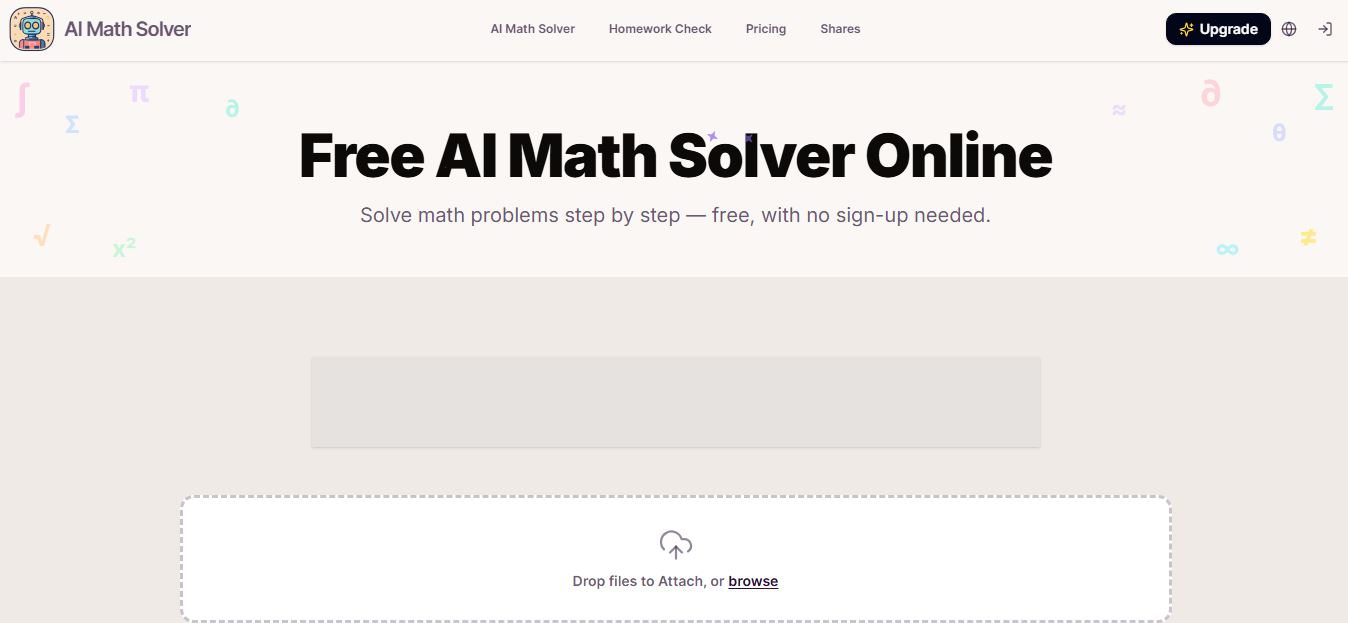
AIMathSolve is an AI-powered math solver that helps users solve problems across algebra, calculus, geometry, and more using text or image input. It generates step-by-step explanations, recognizes handwritten equations, and improves understanding, making it useful for homework, learning, and exam preparation.
 4.9
4.9Brilliant
Education
Brilliant is an interactive online learning platform that helps users build math, coding, and problem-solving skills through hands-on lessons. It uses visual explanations, real-time feedback, and a personal AI tutor to guide learning, enabling deeper understanding compared to passive video-based courses.
 5.0
5.0Desmos
Education
Desmos is an interactive math platform that helps students and teachers visualize concepts through graphing calculators, activities, and classroom tools. It enables real-time exploration of equations, functions, and data, making math more intuitive, engaging, and accessible across algebra, geometry, and advanced topics.