
Microsoft Math Solver
Microsoft Math Solver is an AI-powered tool that helps you solve math problems by typing, drawing, or scanning them with a camera. It provides step-by-step explanations, interactive graphs, and practice resources, making it easier to understand concepts from basic arithmetic to advanced calculus.
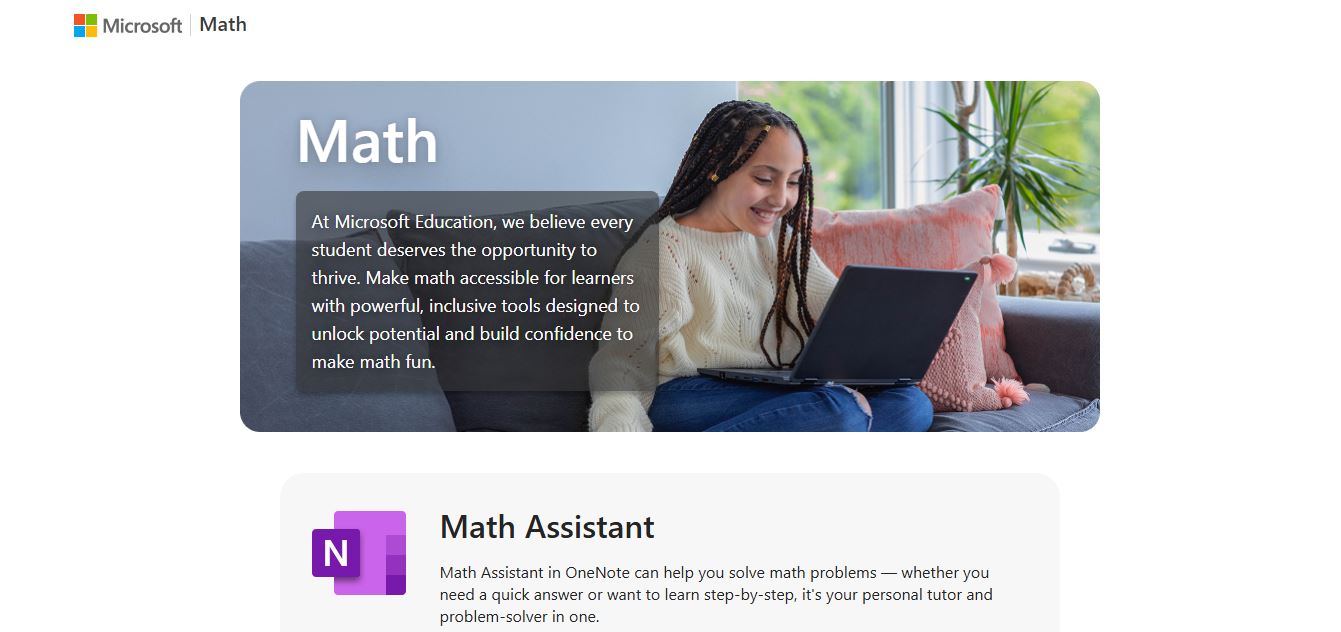
What is Microsoft Math Solver?
Microsoft Math Solver is an AI-powered tool that helps students solve math problems instantly while actually understanding the steps behind them. Instead of just giving a final answer, it breaks down each solution step-by-step, making it easier to learn concepts across topics like algebra, trigonometry, calculus, and more. You can input problems in multiple ways—by typing, drawing, or even snapping a photo of handwritten or printed equations—and the AI quickly recognizes and solves them. Beyond solving, it also offers interactive graphs, video tutorials, and practice problems, turning it into more than a calculator—it works like a personal math tutor that helps build real understanding, not just answers.
Evolving from early computational suites like Microsoft Mathematics and rebranded into modern cloud and mobile apps by Microsoft Corporation, Microsoft Math Solver harnesses advanced optical character recognition (OCR) and symbolic AI algorithms. The platform supports millions of learners across more than 70 languages, offering 100% free access across web browsers, Microsoft Edge sidebar integration, OneNote Math Assistant, and mobile devices.
- Developer / Parent Company: Microsoft Corporation
- Platform Model: Free AI Math Solver & Step-by-Step Educational Assistant
Use Cases:
- Scanning handwritten and printed math homework problems using smartphone cameras for instant step-by-step breakdowns
- Visualizing algebraic equations, parabolas, and trigonometric functions using interactive 2D and 3D graphs
- Solving complex calculus problems, including derivatives, definite and indefinite integrals, and limits
- Generating unlimited randomized practice quizzes and printable worksheets to prepare for exams
- Translating mathematical explanations and step-by-step walkthroughs into more than 70 global languages
Technology:
- Advanced machine learning OCR engine trained to recognize complex handwritten mathematical notation and printed fonts
- Symbolic mathematics computation engine delivering deterministic algebraic simplifications and calculus derivations
- Native integration into the Microsoft 365 Education ecosystem (OneNote Math Assistant, Edge sidebar, and Windows app)
Target Users:
- Middle school, high school, and college students working through algebra, geometry, trigonometry, and calculus
- Parents needing step-by-step guidance to help children with STEM and math homework assignments
- Math educators creating supplementary practice problem sets and interactive visual graph demonstrations
- Engineers, programmers, and science professionals seeking quick symbolic math verifications
Acquisition: Proprietary educational service developed and operated by Microsoft Corporation

Key features of Microsoft Math Solver
Microsoft Math Solver's key features are
- Multi-Modal Input (Snap, Draw, Type): Scan camera photos of textbook problems, draw equations naturally with a stylus or finger, or enter formulas using an advanced math keyboard.
- Step-by-Step Problem Explanations: Breaks down complex solutions into clear logical steps, displaying multiple solving methods (e.g., factoring, quadratic formula, or completing the square) where applicable.
- Interactive Graphing Calculator: Automatically generates visual 2D and 3D coordinate graphs for linear, polynomial, and trigonometric equations to illustrate critical roots and intercepts.
- Broad Subject Coverage: Solves problems across Pre-Algebra, Algebra (linear equations, quadratics, matrices), Trigonometry, Calculus (derivatives, integrals, limits), and Statistics (mean, median, standard deviation).
- Similar Problems & Practice Quizzes: Recommends related practice problem sets and generates automated online quizzes to reinforce newly learned concepts.
- Curated Video Explanations: Surfaces relevant instructional web videos and Khan Academy tutorials linked specifically to the concept you are solving.
- OneNote & Edge Browser Integration: Solves handwritten ink equations directly inside OneNote via Math Assistant and provides instant sidebar lookups in Microsoft Edge.
- Multi-Language Learning Support: Translates mathematical terminology and complete solution steps into over 70 languages including Spanish, Hindi, French, and Chinese.
Microsoft Math Solver Pricing
Microsoft Math Solver is completely free to use with no mandatory subscription tiers or paywalled step-by-step solutions.
Free Access (100% Free):
- $0/month forever
- Unlimited math problem solving, OCR camera scanning, and handwriting recognition
- Full access to detailed step-by-step explanations and multiple solving methodologies
- Unlimited interactive 2D/3D graphing, practice problem generation, and quiz creation
- Available across web, Microsoft Edge, Android, and iOS
Disclaimer: For current product documentation, ecosystem availability, and classroom deployment guides, please visit the official Microsoft Math Solver website at mathsolver.microsoft.com.
Who is using Microsoft Math Solver?
Microsoft Math Solver is used daily by millions of learners and educators worldwide, including
- High School & Middle School Students: Checking algebra and geometry homework and understanding where algebraic errors occurred
- College STEM Undergraduates: Verifying complex calculus derivatives, integration by parts, and matrix operations
- Parents & Homeschool Instructors: Walking children through step-by-step problem solutions with confidence
- Math Teachers & Tutors: Generating instant practice worksheets and visual graph demonstrations for classroom lessons
Best Microsoft Math Solver Alternatives
Some of the strongest Microsoft Math Solver alternatives include
- Photomath (Google)
- Symbolab
- Wolfram Alpha
- Mathway (Chegg)
- Gauth AI
- Cymath
Pros and Cons of Microsoft Math Solver
Pros
- Completely 100% free with no paywalled step-by-step solution steps (unlike Mathway or Photomath Plus)
- Multi-modal input allows effortless camera scanning, handwriting on touchscreens, or keyboard typing
- Provides alternative solving methods so students can learn the method preferred by their teacher
- Seamless integration across Microsoft OneNote, Microsoft Edge, and Windows apps
- Includes interactive 2D/3D graphs, curated video lessons, and automated practice quizzes
Cons
- Extremely advanced post-graduate mathematics (e.g., non-linear differential equations or abstract topology) may require Wolfram Alpha
- Word problems with intricate semantic phrasing occasionally require manual equation extraction
- Mobile scanning accuracy can vary under poor lighting or heavily cursive handwriting
Why Choose Microsoft Math Solver?
While many math solver apps lock their step-by-step explanations behind expensive monthly subscriptions, Microsoft Math Solver provides fully un-gated, comprehensive math help for free.
- Offers complete step-by-step solutions and alternative methodologies at zero financial cost
- Integrates smoothly into the software students and teachers already use daily (OneNote, Edge)
- Reinforces conceptual mastery with auto-generated practice quizzes and related video tutorials
- Provides a clean, ad-supported interface accessible across desktop browsers and mobile apps
Microsoft Math Solver vs. Competitors
The main difference between Microsoft Math Solver, Photomath, Symbolab, and Wolfram Alpha lies in accessibility, step transparency, and pricing. While Photomath and Mathway hide in-depth step-by-step explanations behind paid subscriptions, and Wolfram Alpha serves as a specialized computational engine for university research, Microsoft Math Solver delivers full step-by-step solving, multiple methodologies, and interactive graphing completely free.
| Feature / Tool | Microsoft Math Solver | Photomath (Google) | Symbolab | Wolfram Alpha |
|---|---|---|---|---|
| Core Focus | Free AI Math Solver & Graphing | Camera Math Scanner & Solver | Step-by-Step Symbolic Calculator | Computational Intelligence Engine |
| Full Step-by-Step Free | Yes (100% un-gated steps) | Limited (Requires Photomath Plus) | Limited (Requires Pro subscription) | Limited (Requires Pro subscription) |
| Handwriting & Camera OCR | Yes (Draw, Scan & Type) | Yes (Camera focus) | Limited (Keyboard primary) | Text/Query primary |
| Interactive Graphing | Yes (Interactive 2D/3D plots) | Basic 2D plots | Yes (Dedicated Graphing) | Yes (High-level plots) |
| Pricing | 100% Free | Free / $9.99/mo (Plus) | Free / $4.99/mo (Pro) | Free / $7.00/mo (Pro) |
| Best For | Students wanting free complete explanations | Quick phone camera homework checks | Advanced high school & college calculus | University STEM research & engineering |
How do we rate Microsoft Math Solver?
| Parameter | Rating (out of 5) |
|---|---|
| Step-by-Step Explanation Quality | 4.9 |
| OCR Camera & Handwriting Accuracy | 4.8 |
| Graphing & Practice Tools | 4.9 |
| Ecosystem Integration (Edge / OneNote) | 4.9 |
| Value for Money (100% Free) | 5.0 |
| Overall Score | 4.90 |
Microsoft Math Solver Review
Microsoft Math Solver is one of the most generous and well-engineered educational platforms available for students and educators. By providing completely free, unrestricted access to step-by-step explanations, alternative mathematical methods, interactive graphing, and practice quizzes, it eliminates the financial barriers that often surround digital tutoring tools. Its seamless integration with Microsoft OneNote and Edge further makes it an effortless, high-utility companion for daily STEM learning.
Conclusion
Microsoft Math Solver is a highly practical AI-powered tool that makes solving and understanding math problems faster and easier for students of all levels. It goes beyond simply giving answers by providing step-by-step explanations, helping users learn the logic behind each solution rather than just memorizing results. Its biggest strength lies in accessibility—you can type, draw, or even scan a handwritten problem, and the tool instantly recognizes and solves it using AI. Combined with features like interactive graphs, quizzes, and video tutorials, it turns problem-solving into a complete learning experience.
While it’s best used as a learning aid rather than a shortcut, the value it offers is clear. Microsoft Math Solver is a smart companion for mastering math concepts, improving problem-solving skills, and building confidence through guided, interactive learning.
FAQ
What is Microsoft Math Solver?
Microsoft Math Solver is an AI-powered tool that helps you solve math problems instantly. You can type, draw, or scan a problem, and it gives you the answer along with step-by-step explanations to help you understand the solution.
How does Microsoft Math Solver work?
It uses AI to recognize math problems from text, handwriting, or images. Once you input a problem, it analyzes it and provides solutions with detailed steps, explanations, and alternative solving methods.
What types of problems can it solve?
Math Solver covers a wide range of topics including arithmetic, algebra, trigonometry, calculus, matrices, and more—making it useful from basic math to advanced levels.
Can Microsoft Math Solver show step-by-step solutions?
Yes, one of its main features is step-by-step guidance. It breaks down each step clearly so you can learn how the answer was reached instead of just seeing the result.
Does Microsoft Math Solver provide graphs?
Yes, it can instantly graph equations to help you visualize relationships between variables, which is especially useful for algebra and calculus problems.
Is Microsoft Math Solver free to use?
Yes, Microsoft Math Solver is completely free and available online, as well as through mobile apps and integrations like Microsoft Edge.
User Reviews
No reviews yet for Microsoft Math Solver.
Featured Tools
Featured AI tools from TechShark

Melody Genie
MelodyGenie is an AI-powered music generator that creates original songs from simple text prompts. Users can choose styles, moods, and genres, then instantly generate melodies and full tracks, making it easy for creators, marketers, and hobbyists to produce custom music without musical expertise.
Freemium

Kimi AI
Kimi AI is an advanced AI assistant developed by Moonshot AI that helps you chat, research, write, code, and automate tasks in one place. It supports web search, file analysis, and multimodal inputs, and can even run autonomous “agent” workflows to complete complex tasks end-to-end.
Freemium

Fashion Diffusion AI
Fashion Diffusion is an AI-powered fashion design platform that helps brands and designers create clothing designs, virtual try-ons, AI models, product photos, and marketing visuals faster and cost-effectively.
Paid

Veo 4
Veo 4 AI is an AI video creation platform that generates dramatic videos from text, images, audio, and video prompts using realistic motion and synchronized sound.
Paid
Alternatives
Alternatives to Microsoft Math Solver
The best Microsoft Math Solver alternatives include Photomath, Symbolab, Wolfram Alpha, Mathway, Gauth AI, and Cymath. These platforms provide mathematical problem solving, OCR equation scanning, and step-by-step explanations. While Microsoft Math Solver offers completely free, un-gated step-by-step solutions, alternative solving methodologies, and OneNote/Edge integration, alternatives like Wolfram Alpha cater to deep advanced university-level computation, and Photomath offers mobile-first camera scanning with a premium Plus subscription tier.
 4.9
4.9Edubrain AI
Education
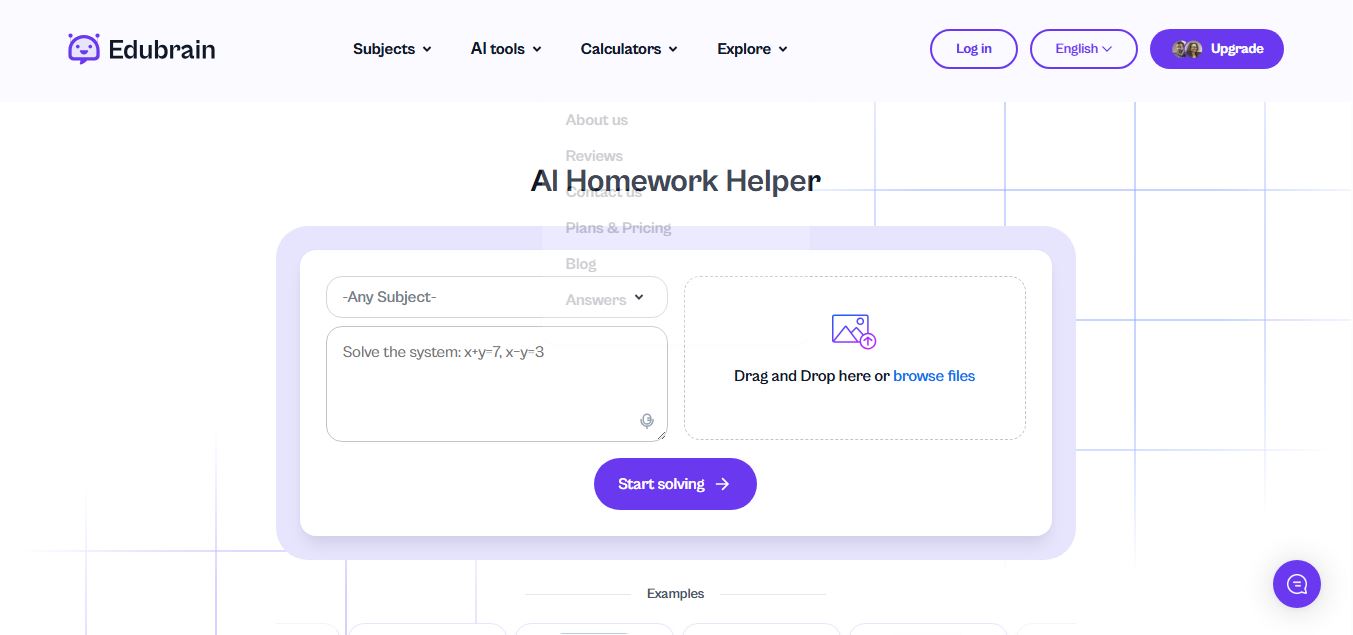
Edubrain is an AI-powered homework assistant that helps students solve questions across 90+ subjects using text, images, PDFs, or audio. It provides step-by-step explanations, adapts to learning styles, and works without sign-up, enabling faster understanding, exam prep, and personalized study support.
 4.8
4.8Math AI
Education
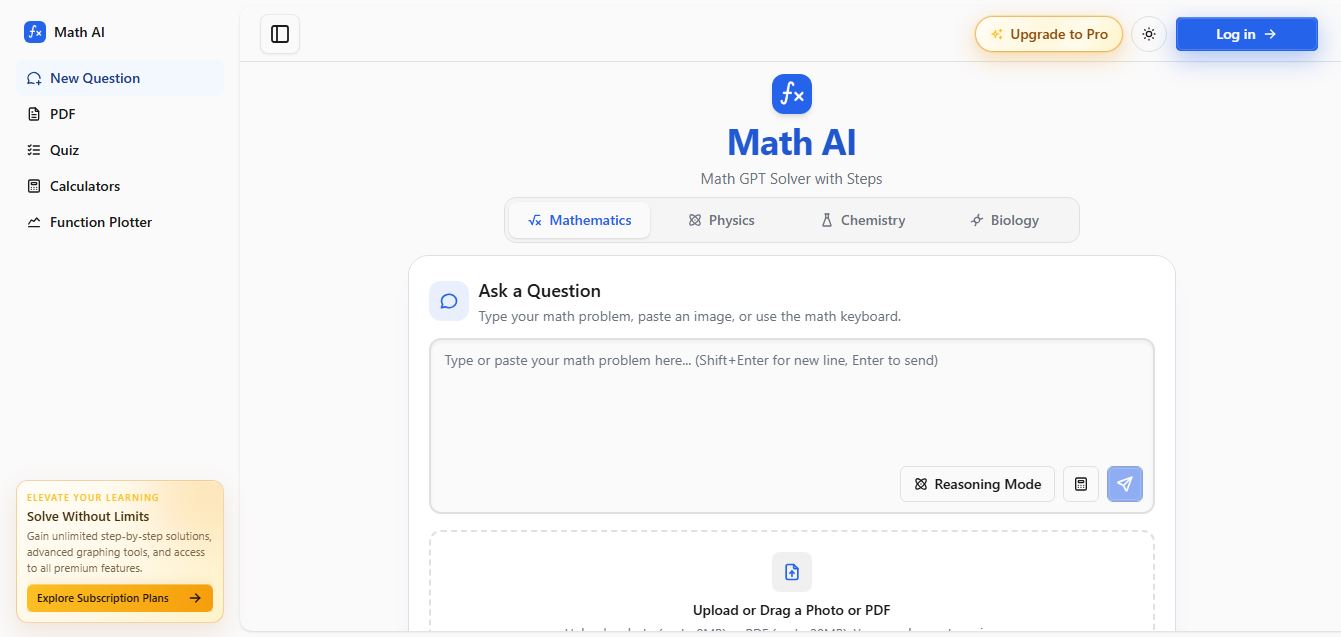
Math AI is an AI-powered math learning platform that helps users solve problems using text or images with step-by-step explanations. It supports algebra, calculus, and more, offering quizzes, graphs, and personalized tutoring to improve understanding and make studying, homework, and exam preparation easier.
 4.9
4.9ThetaWise
Education
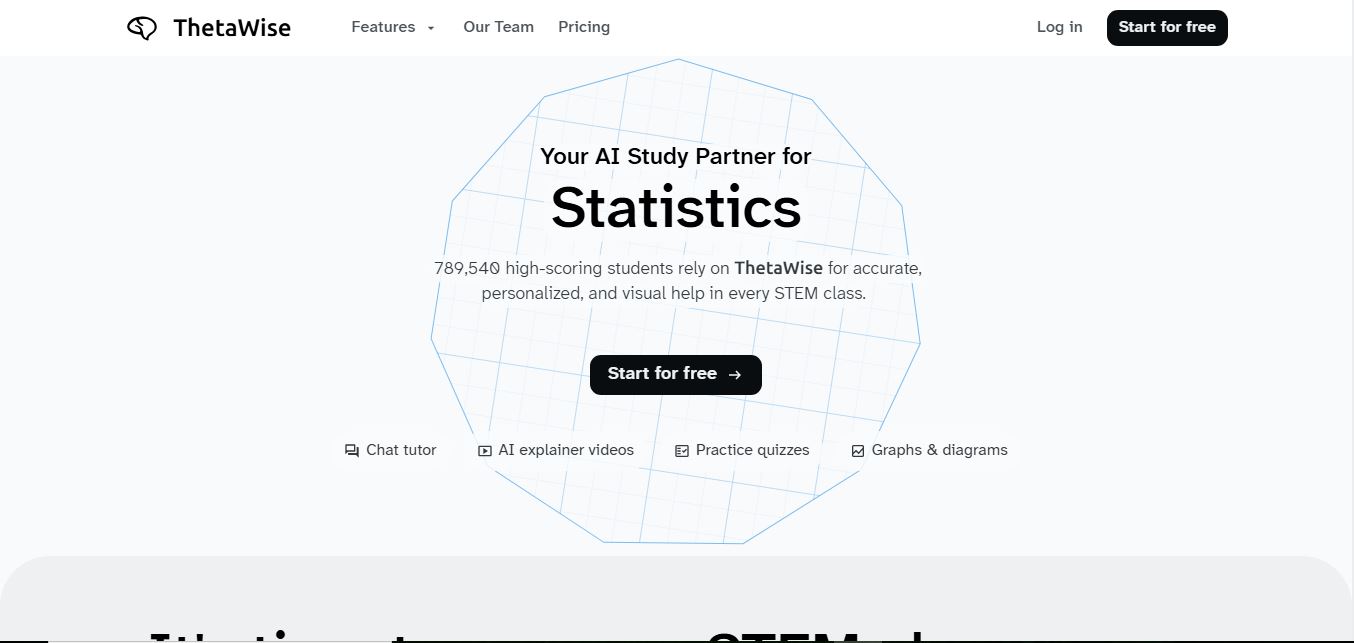
ThetaWise is an AI-powered STEM learning platform that helps students solve math and science problems with step-by-step explanations, video lessons, and practice quizzes. It acts like a 24/7 tutor, adapting to learning styles and improving understanding, test performance, and concept mastery.
 4.9
4.9Mathos AI
Education
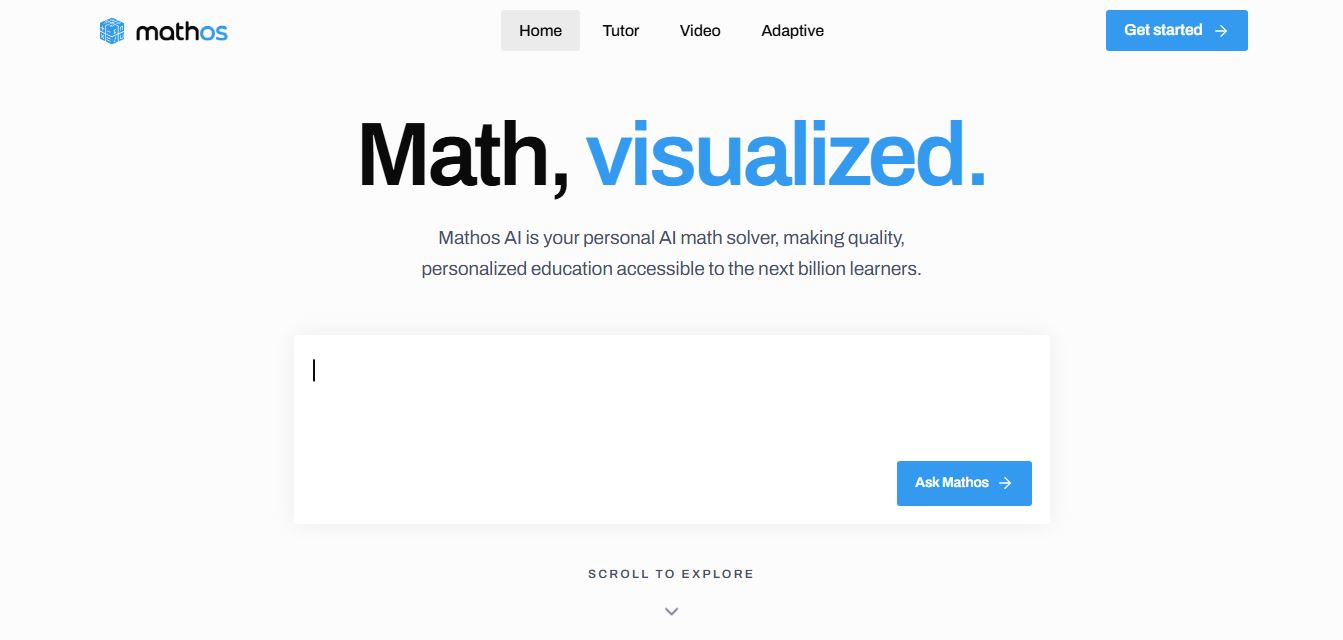
Mathos AI is an AI-powered math solver and tutor that helps students solve problems with step-by-step explanations and personalized guidance. It turns questions into lessons, generates quizzes, flashcards, and videos, and adapts to mistakes, enabling deeper understanding instead of just providing answers.
 4.8
4.8Brainly
Education
Brainly is an AI-powered learning platform that helps students solve homework, study concepts, and prepare for exams with step-by-step explanations. It combines AI guidance with a global community of experts, turning questions into personalized learning and helping students understand—not just complete—their schoolwork.
 4.8
4.8Gauth
Education
Gauth (formerly Gauthmath) is an AI-powered homework helper that lets students solve problems by typing or snapping a photo. It delivers step-by-step explanations across math and other subjects, combines AI with live tutor support, and helps users understand concepts, complete homework, and prepare for exams.
 4.7
4.7AI Math Solver
Education
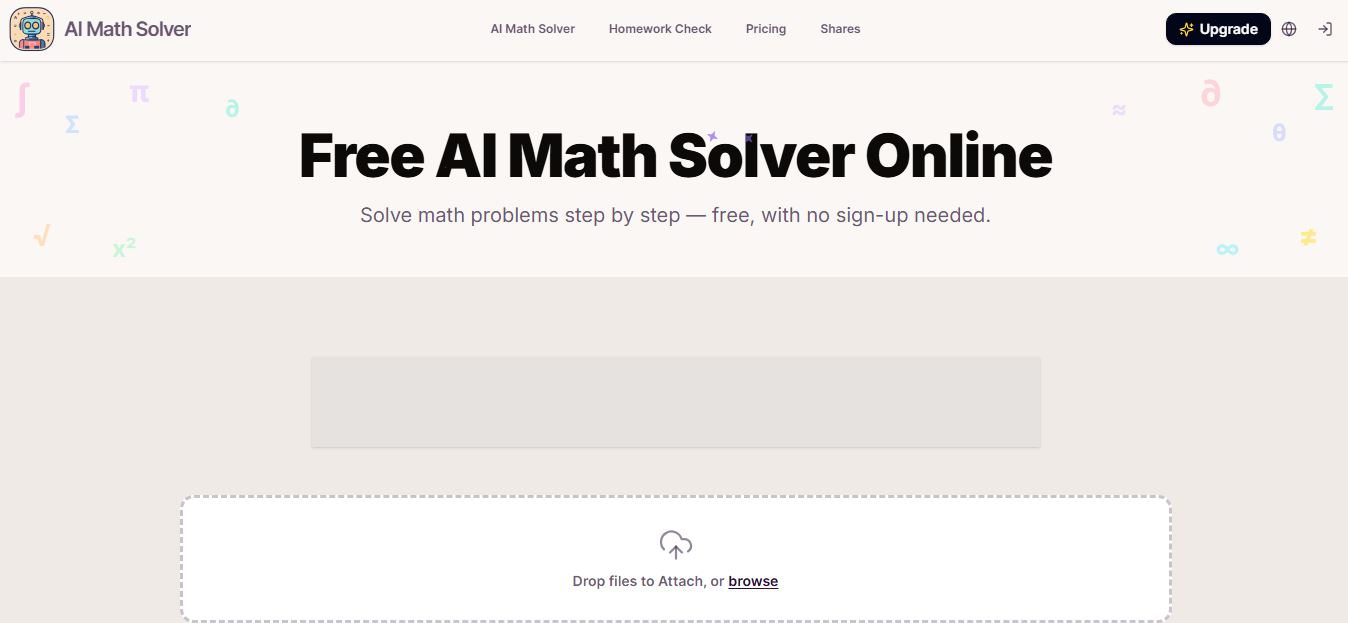
AIMathSolve is an AI-powered math solver that helps users solve problems across algebra, calculus, geometry, and more using text or image input. It generates step-by-step explanations, recognizes handwritten equations, and improves understanding, making it useful for homework, learning, and exam preparation.
 4.9
4.9Brilliant
Education
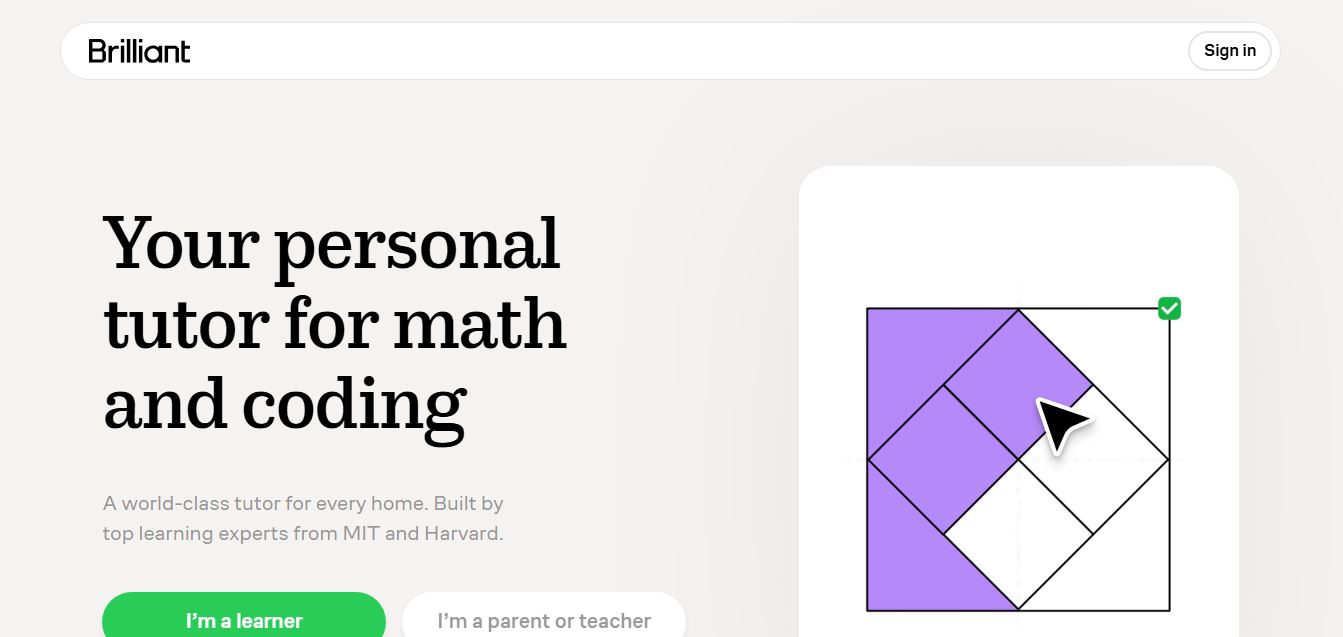
Brilliant is an interactive online learning platform that helps users build math, coding, and problem-solving skills through hands-on lessons. It uses visual explanations, real-time feedback, and a personal AI tutor to guide learning, enabling deeper understanding compared to passive video-based courses.
 5.0
5.0Desmos
Education
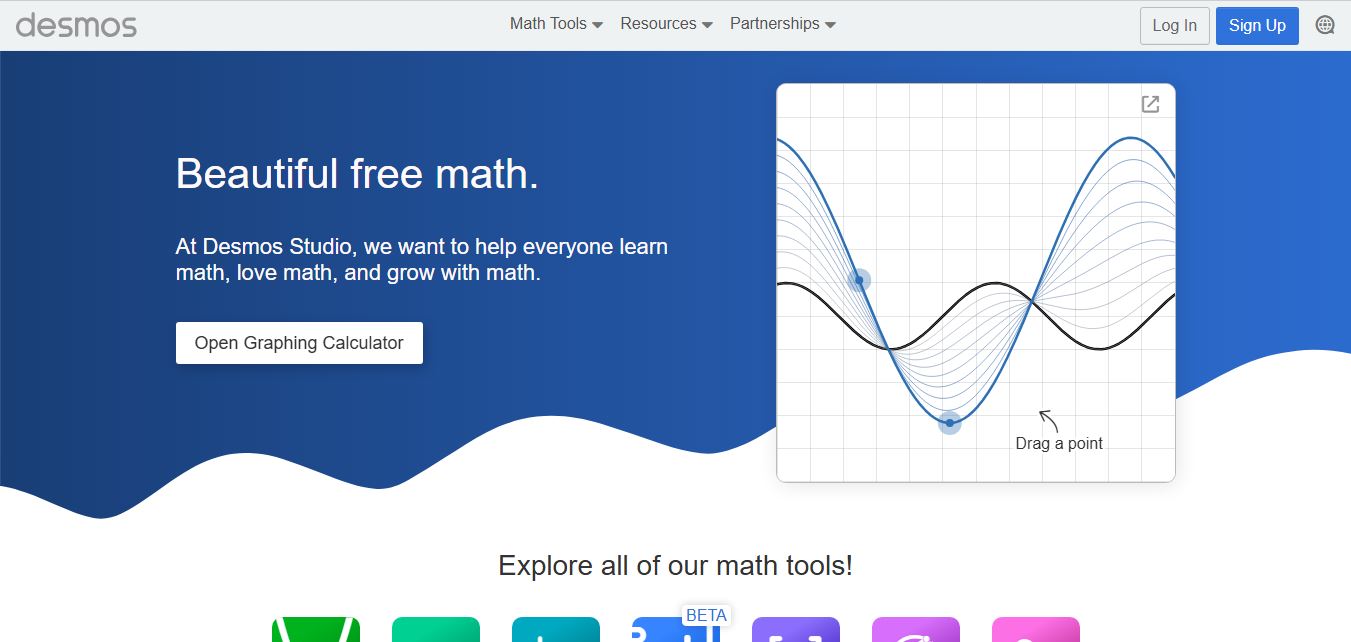
Desmos is an interactive math platform that helps students and teachers visualize concepts through graphing calculators, activities, and classroom tools. It enables real-time exploration of equations, functions, and data, making math more intuitive, engaging, and accessible across algebra, geometry, and advanced topics.