
LeadDelta
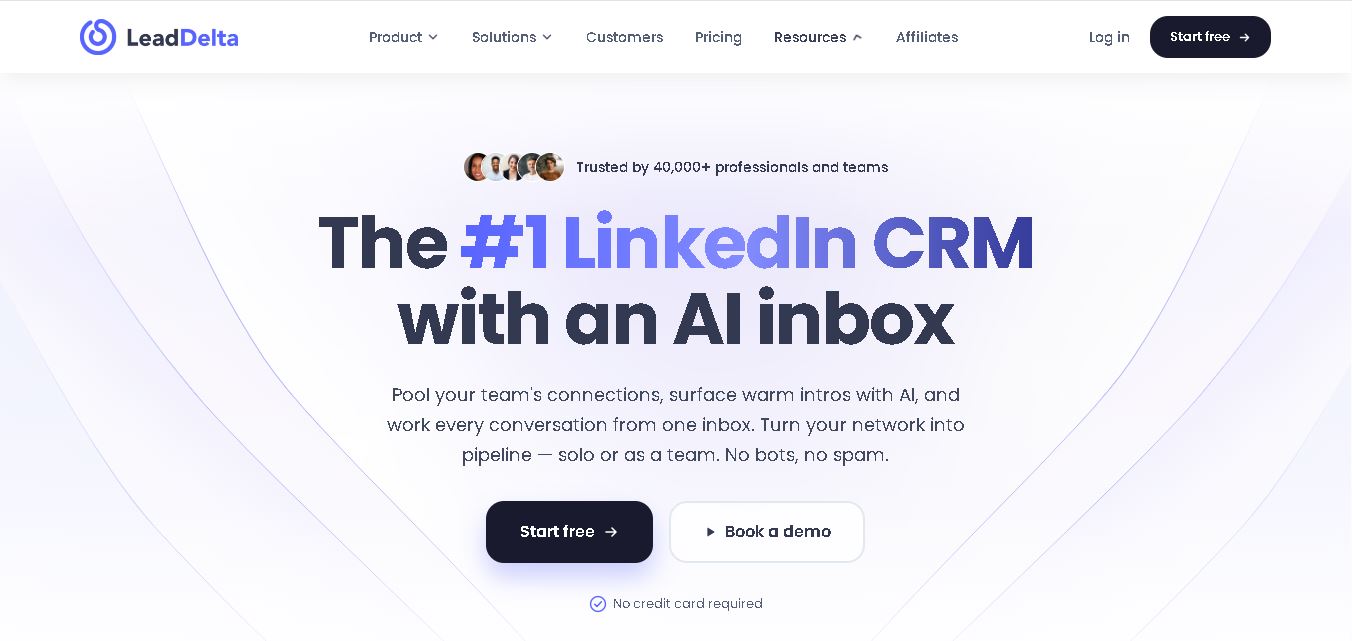
LeadDelta helps professionals turn their LinkedIn connections into an organized, searchable relationship database. Its features include contact tagging, notes, advanced filtering, message management, follow-up tasks, and team networking. The tool is useful for salespeople, recruiters, founders, and marketers who want to strengthen existing relationships and manage professional connections more effectively.
What is LeadDelta?
LeadDelta is a customer relationship management tool designed to help professionals organize, manage, and strengthen their LinkedIn connections. It allows users to categorize contacts with tags, add personal notes, filter prospects, and manage conversations more efficiently. Sales teams, recruiters, founders, and marketers can use LeadDelta to maintain relationship context, identify relevant contacts, and build business opportunities through meaningful professional networking rather than relying solely on cold outreach.
LeadDelta was founded in 2021 by Vedran Rasic to help professionals manage and develop their existing LinkedIn relationships. The company reports serving more than 40,000 founders, operators, and teams. Its features include contact organization, notes, tags, AI-assisted messaging, shared team networks, and CRM integrations. The official website offers a 7-day free trial without requiring a credit card. Paid plans provide different synchronization frequencies, enrichment credits, and collaboration features, depending on the subscription selected.
- Platform Focus: LinkedIn relationship management, AI smart inbox, network enrichment, and team network pooling
- Launch Year: Award-Winning LinkedIn CRM & Network Platform
Use Cases:
- Organizing LinkedIn connections into a filterable, spreadsheet-style table view with custom tags, notes, and stages
- Managing direct message conversations using a Smart Inbox with pinning, categorizing, and custom templates
- Pooling team-wide networks to uncover warm introduction routes and prevent overlap on target prospects
- Enriching contact profiles with verified personal/business emails and phone numbers for CRM export
Technology:
- Smart Extension Architecture embedding custom sidebars and overlays directly within LinkedIn (Web K and standard Web)
- Warm Intro AI and MCP integration powered by Claude for context-aware conversation suggestions and pathing
- Waterfall contact enrichment engine and native CRM integrations (HubSpot, Zapier, and API access)
Target Users:
- B2B sales representatives and account executives managing deal pipelines via LinkedIn connections
- Recruiters and talent acquisition managers organizing candidate pools with custom tags and notes
- Founders and executives tapping into pooled team networks for warm introductions and partnership opportunities
- Digital agencies managing multi-profile LinkedIn outreach and client relationship workflows
Corporate Entity: Operates as LeadDelta Inc. / leaddelta.com

Key features of LeadDelta
LeadDelta's key features are
- Network Manager Table: View and manage all LinkedIn connections in a clean, sortable, and filterable CRM table with custom tags and notes.
- AI Smart Inbox: Filter, tag, pin, and organize LinkedIn DMs while using Warm Intro AI and pre-built templates for fast replies.
- Team Workspaces: Combine individual team member networks to see who knows who and coordinate warm introductions seamlessly.
- Custom Engagement Feed: Build curated feeds of priority prospects or clients to engage with their latest posts without feed algorithm clutter.
- Contact Enrichment: Reveal verified email addresses and phone numbers using built-in waterfall enrichment credits.
- Bulk Messaging & Actions: Send personalized, batched messages to targeted connection lists (up to 25 at a time) safely.
- CRM Integrations & Export: Sync data seamlessly with HubSpot or export clean CSV files to enrich existing CRM platforms.
LeadDelta Pricing
LeadDelta operates on a tiered subscription pricing model per user, with monthly and annual billing options (featuring up to a 30% discount on annual plans) and a 7-day free trial.
Starter Plan:
- $17.50 / user / month (billed annually at $210/year) or $25 / month (billed monthly)
- Includes Network Manager, tags, notes, Smart Inbox, custom feed (50 profiles), CSV export, and 600 annual enrichment credits
Pro Plan:
- $38.50 / user / month (billed annually) or $55 / month (billed monthly)
- Includes shared team network features, drag-and-drop pipelines, custom feed (200 profiles), bulk messaging, Zapier/HubSpot integrations, and 2,400 annual enrichment credits
Business Plan:
- $69.30 / user / month (billed annually) or $99 / month (billed monthly)
- Includes LeadSearch 500M+ database, Warm Intro AI, custom feed (500 profiles), unlimited auto-sync, team activity tracking, and 6,000 annual enrichment credits
Who is using LeadDelta?
LeadDelta is designed for professional networkers, B2B sales teams, and talent specialists, including
- Sales & Business Development Reps: Turning first-degree LinkedIn connections into active sales conversations and pipeline
- Recruiters & Headhunters: Categorizing talent pipelines with tags and tracking interaction history
- Startup Founders & Executive Teams: Levering joint network power for warm investor and customer introductions
- Agencies & Consultants: Keeping client communications structured across multiple active profiles
Best LeadDelta Alternatives
Some of the strongest LeadDelta alternatives include
- folk
- Surfe
- Inrō
- SalesRobot
- Dux-Soup
- Waalaxy
Pros and Cons of LeadDelta
Pros
- Transforms LinkedIn's messy native interface into a clean, searchable CRM database
- Team workspace pooling makes cross-network referral tracking and warm intros highly efficient
- AI Smart Inbox and Custom Feed tools significantly boost social engagement velocity
- Safe, relationship-focused tool that avoids risky automated connection-request spamming
Cons
- Focuses strictly on LinkedIn connections rather than acting as a full multi-channel cold email platform
- Bulk messaging is capped at 25 connections per batch to comply with safety limits
- Advanced team collaboration and Warm Intro AI require upgrading to Pro or Business tiers
Why Choose LeadDelta?
LeadDelta is an exceptional choice for professionals and growth teams that rely on relationship-based social selling and want to unlock the full value of their LinkedIn connections without risking account security.
- Organizes 500+ LinkedIn connections with intuitive tags, notes, and filterable tables
- Protects account safety by avoiding aggressive automated connection bots
- Uncovers hidden intro paths across shared team member networks
- Enriches connection profiles with verified emails and phone numbers for easy CRM sync
LeadDelta vs. Competitors
The main difference between LeadDelta, folk, Surfe, and Waalaxy is that LeadDelta acts as a dedicated LinkedIn-native CRM focusing on network organization, inbox management, and team network pooling, whereas folk is an all-in-one relationship management system, Surfe specializes in bi-directional sync between LinkedIn and external CRMs like Salesforce, and Waalaxy focuses primarily on automated cold outreach sequences. LeadDelta stands out for its network pooling, custom feed views, and safe, human-centric messaging capabilities.
| Feature / Tool | LeadDelta (leaddelta.com) | folk | Surfe | Waalaxy |
|---|---|---|---|---|
| Core Focus | LinkedIn CRM & Team Network Management | All-in-One Lightweight CRM | LinkedIn to CRM Data Sync | Automated Lead Gen & Email Sequences |
| Team Network Pooling | Yes (Warm Intro AI & Shared Views) | Yes | No | No |
| Custom Feed Filter | Yes (Distraction-Free Prospect Feed) | No | No | No |
| Starting Price Range | $17.50 / user / month (billed yearly) | ~$18 / user / month | ~$29 / user / month | Free tier / ~$30 / month |
| Best For | LinkedIn Relationship Selling & Teams | Custom Business Contact Pipelines | Salesforce / HubSpot LinkedIn Sync | Automated Cold Connection Requests |
How do we rate LeadDelta?
| Parameter | Rating (out of 5) |
|---|---|
| LinkedIn CRM & Organization Ergonomics | 4.9 |
| Team Network Collaboration & Warm Intros | 4.8 |
| AI Smart Inbox & Custom Feed Features | 4.8 |
| Contact Enrichment & CRM Sync | 4.7 |
| Value for Money | 4.8 |
| Overall Score | 4.80 |
LeadDelta Review
LeadDelta stands out as one of the most practical and well-designed LinkedIn productivity tools available. By organizing chaotic connection lists into an intuitive, filterable table, it gives sales reps, founders, and recruiters immediate clarity over their professional networks. Features like the AI Smart Inbox, Custom Prospect Feed, and Team Workspace pooling provide genuine value for relationship-driven selling while keeping accounts completely safe from aggressive automation bans.
Conclusion
LeadDelta is a useful LinkedIn CRM for professionals who want to organize contacts, strengthen business relationships, and improve their lead-generation workflow. Its contact tagging, AI inbox, follow-up reminders, shared networks, and integration options can benefit sales teams, recruiters, founders, and consultants. The 7-day free trial provides an opportunity to evaluate its capabilities before subscribing. For the best results, use LeadDelta to support personalized communication and relationship building rather than treating networking as a numbers game.
FAQ
What can you use LeadDelta for?
LeadDelta helps you organize LinkedIn connections, identify relevant prospects, and maintain meaningful professional relationships. You can categorize contacts, add notes about previous conversations, set follow-up reminders, and manage messages. If you regularly network for sales, recruitment, partnerships, or business development, it helps you turn a large contact list into a more useful relationship database.
How does LeadDelta help with LinkedIn lead generation?
LeadDelta helps you identify and organize potential customers through contact filtering, lead search, data enrichment, and shared network insights. Depending on your plan, you can discover relevant decision-makers and identify mutual connections for warmer introductions. This approach supports relationship-based prospecting, although successful lead generation still depends on targeting, outreach quality, and follow-up.
Does LeadDelta offer a free trial?
Yes, LeadDelta offers a 7-day free trial without requiring a credit card. You can explore its available features and determine whether its contact management, messaging, and networking workflows suit your needs. After the trial, you can choose a paid subscription if you want to continue using the service.
How much does LeadDelta cost?
LeadDelta offers several subscription plans, with pricing depending on the selected tier, billing frequency, and included features. Its published pricing has included Starter, Pro, and Business options, with annual billing discounts. Since pricing and plan structures can change, visit the official pricing page to compare current costs, data credits, integrations, and team capabilities.
Can LeadDelta help sales teams manage relationships?
Yes, LeadDelta helps sales teams organize prospects, track conversations, share professional connections, and coordinate follow-ups. Team members can use contact notes, tags, tasks, and shared network features to maintain relationship context. These capabilities can reduce duplicated prospecting efforts and help sales professionals identify warm introductions instead of relying entirely on cold outreach.
Does LeadDelta support CRM integrations?
LeadDelta supports integrations designed to connect LinkedIn relationship data with other business workflows. Depending on your subscription, available options include HubSpot, Zapier, and API access. These connections can help synchronize contact information and automate selected processes. Review the current integration documentation before choosing a plan, especially if your organization relies on a specific CRM.
User Reviews
No reviews yet for LeadDelta.
Featured Tools
Featured AI tools from TechShark
Klap
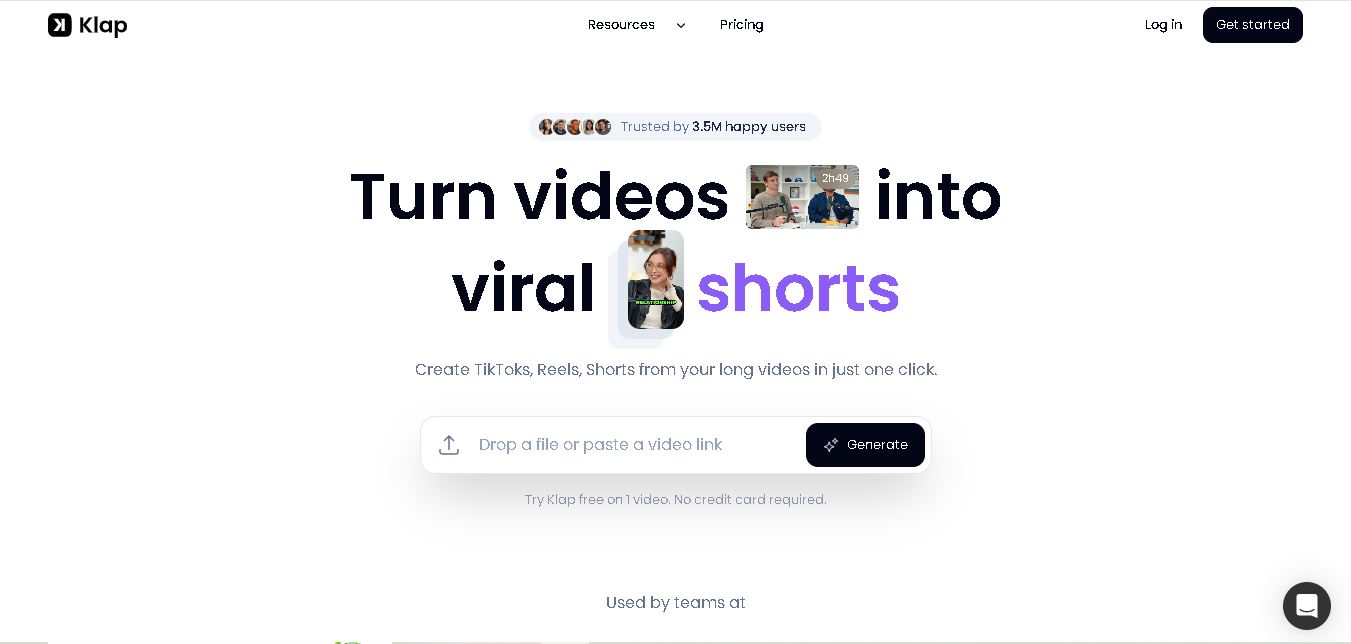
Klap is an AI-powered video editing tool that turns long videos into engaging short clips for TikTok, Instagram Reels, and YouTube Shorts. It automatically finds the best moments, adds captions, and resizes videos, helping creators save time and create more content with less effort.
Free
Melody Genie
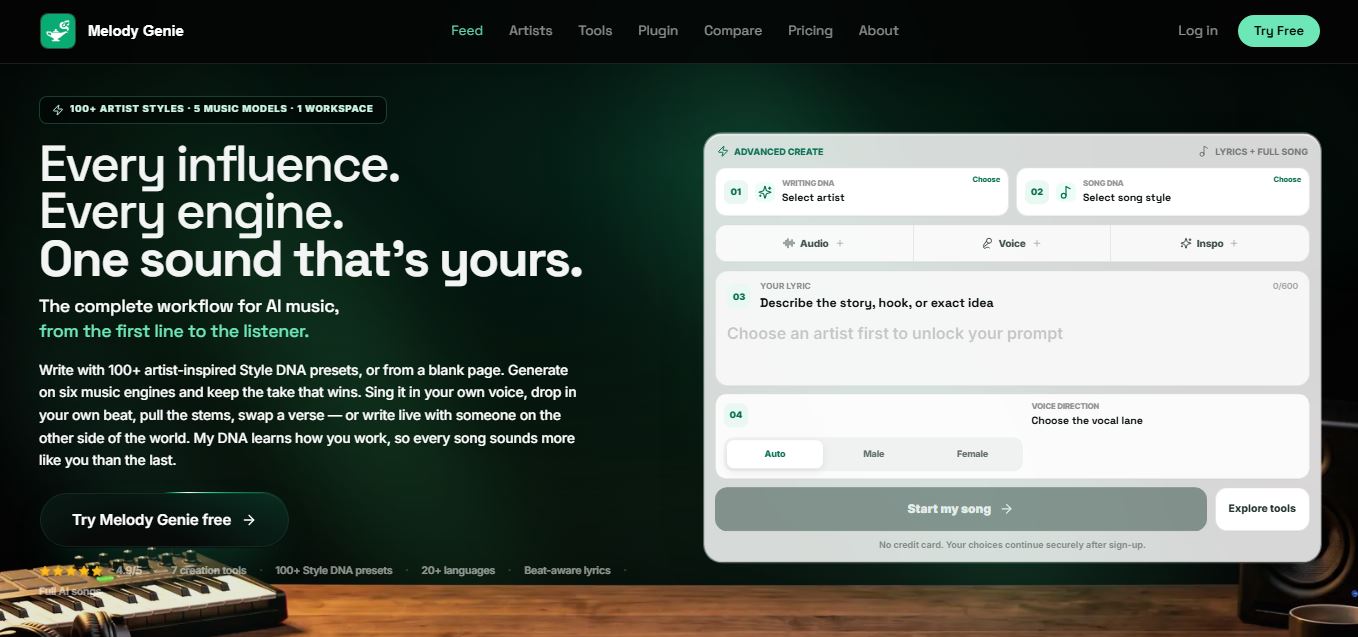
MelodyGenie is an AI-powered music generator that creates original songs from simple text prompts. Users can choose styles, moods, and genres, then instantly generate melodies and full tracks, making it easy for creators, marketers, and hobbyists to produce custom music without musical expertise.
Freemium
Fashion Diffusion AI
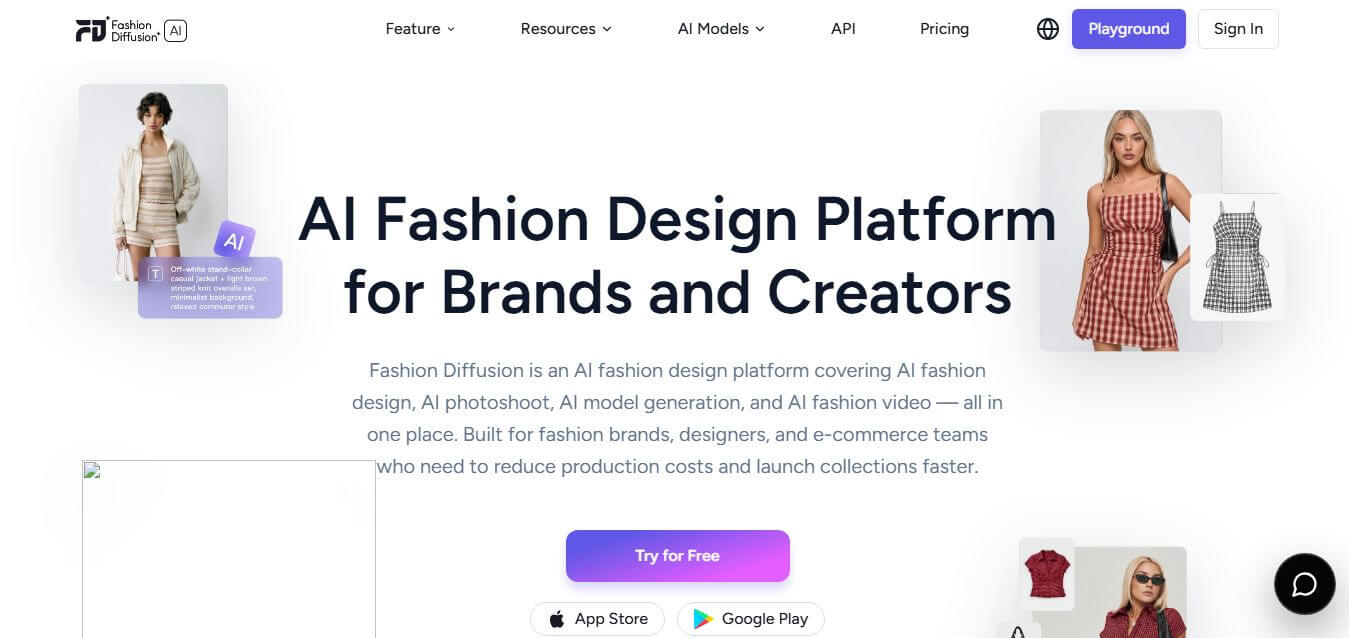
Fashion Diffusion is an AI-powered fashion design platform that helps brands and designers create clothing designs, virtual try-ons, AI models, product photos, and marketing visuals faster and cost-effectively.
Paid
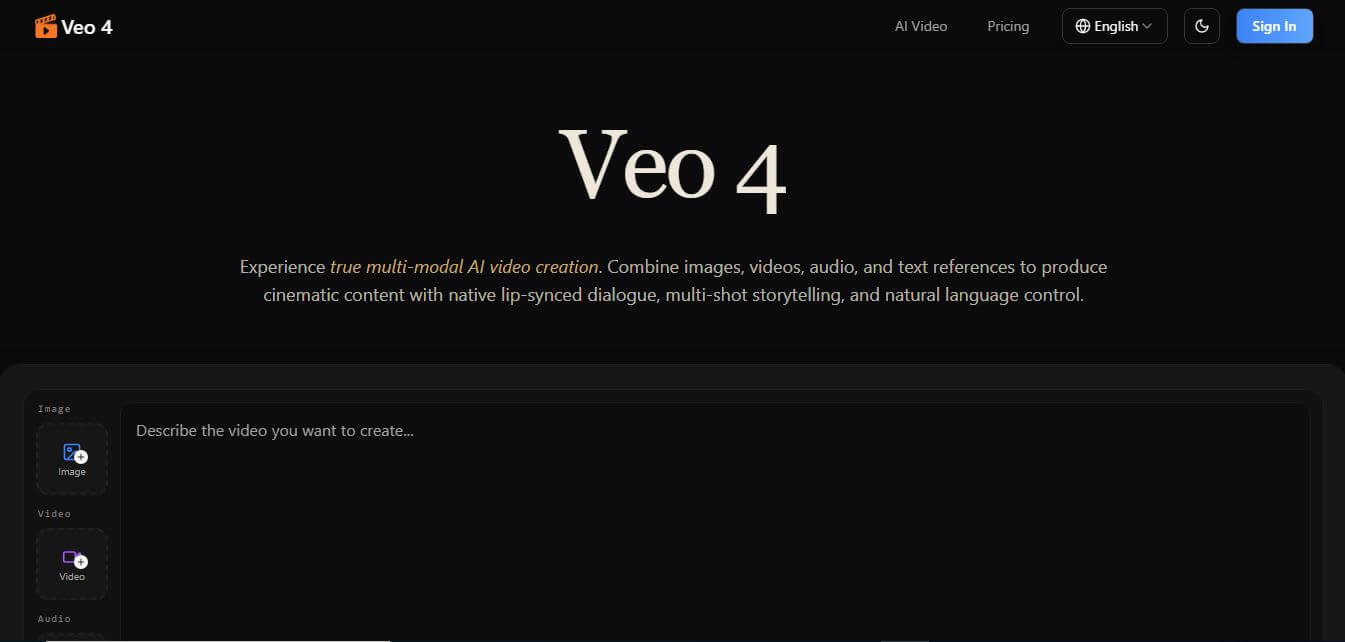
Veo 4
Veo 4 AI is an AI video creation platform that generates dramatic videos from text, images, audio, and video prompts using realistic motion and synchronized sound.
Paid
Alternatives
Alternatives to LeadDelta
The best LeadDelta alternatives include folk, Surfe, Inrō, SalesRobot, Dux-Soup, and Waalaxy. These platforms offer relationship management, LinkedIn CRM synchronization, and social selling automation. While LeadDelta specializes in safe LinkedIn network management, team network pooling, and distraction-free custom feeds, alternatives like Surfe focus on direct LinkedIn-to-Salesforce/HubSpot sync, and Waalaxy specializes in automated cold outreach sequences.
4.8Klap
Social Media
Klap is an AI-powered video editing tool that turns long videos into engaging short clips for TikTok, Instagram Reels, and YouTube Shorts. It automatically finds the best moments, adds captions, and resizes videos, helping creators save time and create more content with less effort.
 4.7
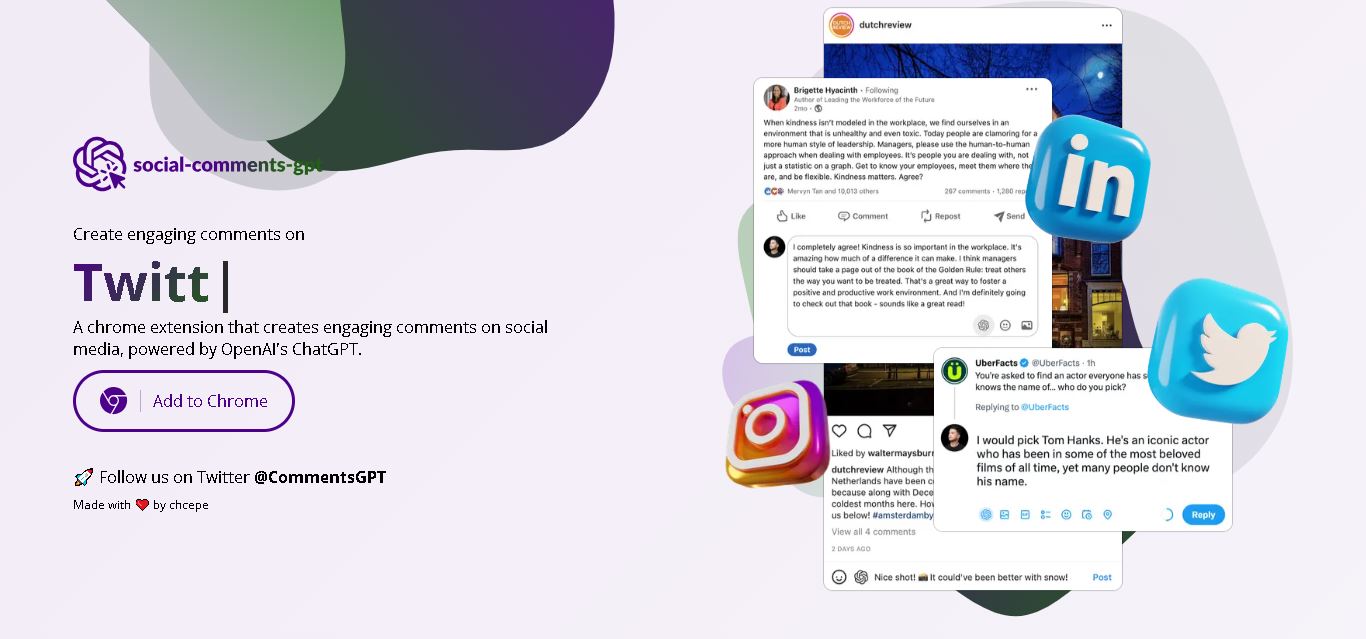
Social Comments GPT
Social Media
Social Comments GPT helps users draft engaging social media comments with ChatGPT through a Chrome extension. It is useful for professionals, influencers, creators, and marketers who want to respond to posts more efficiently. By generating comment suggestions within supported social networks, it simplifies everyday engagement while leaving users in control of their final replies.
 4.7
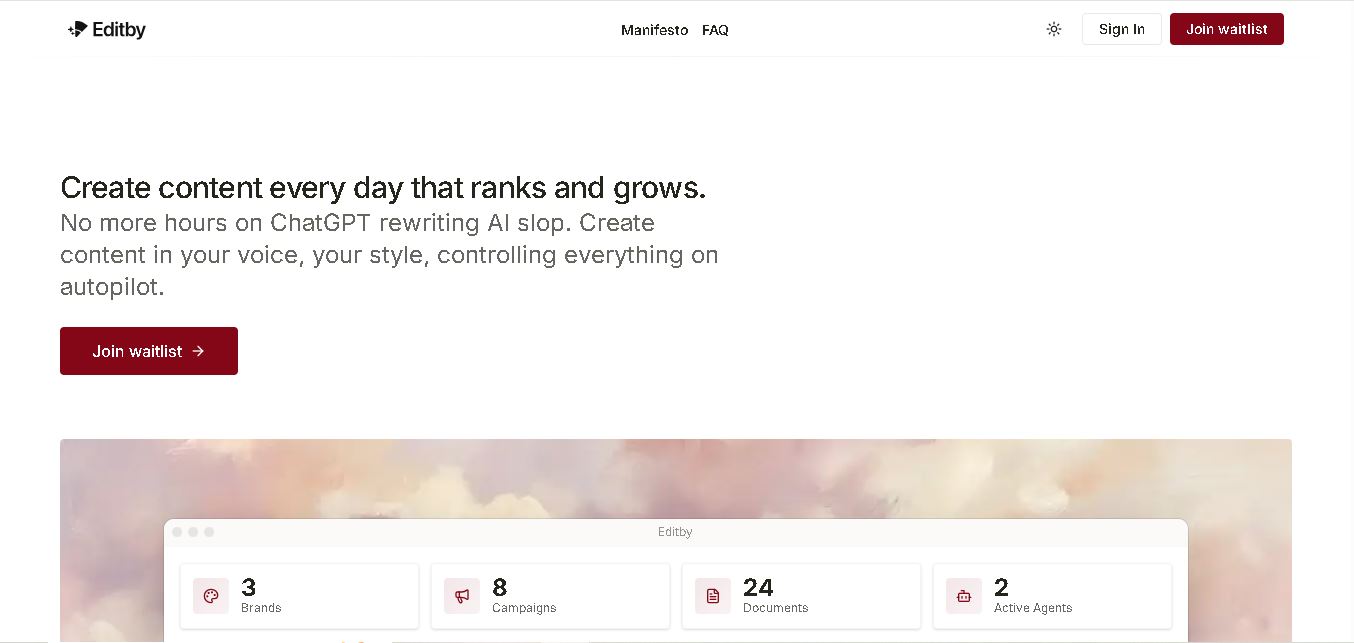
Editby
Social Media
Editby helps marketers, businesses, and creators produce brand-consistent content using AI-assisted writing, research, and automation. It supports blogs, social media posts, newsletters, and press releases while offering customizable brand voices, scheduled content generation, and team collaboration. Its organized campaign workflows help users streamline content planning and maintain a consistent publishing strategy.
 4.8
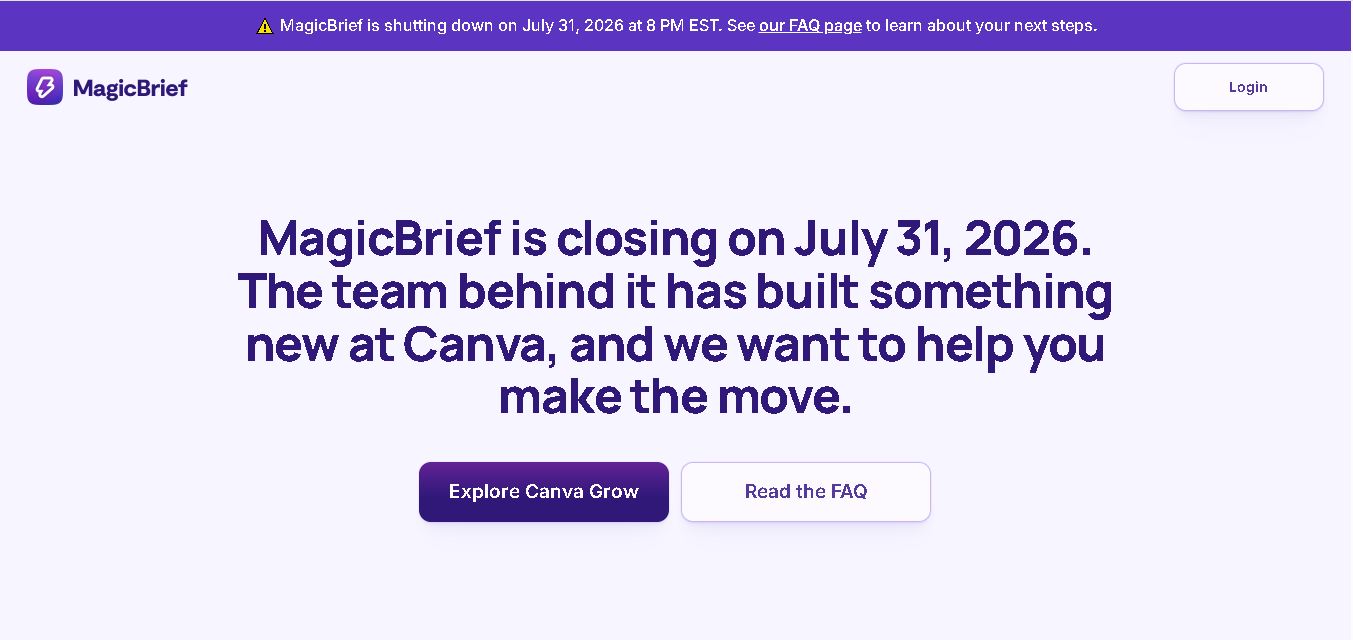
MagicBrief
Social Media
MagicBrief was an advertising creative research and collaboration tool that helped marketers discover inspiring ads, analyze competitors, build storyboards, and organize campaign briefs. It offered AI-assisted video analysis, creative performance insights, and team collaboration. Following its announced shutdown in July 2026, users seeking similar workflows can explore Canva Grow, its successor direction.
 4.7
The Dream AI
Social Media
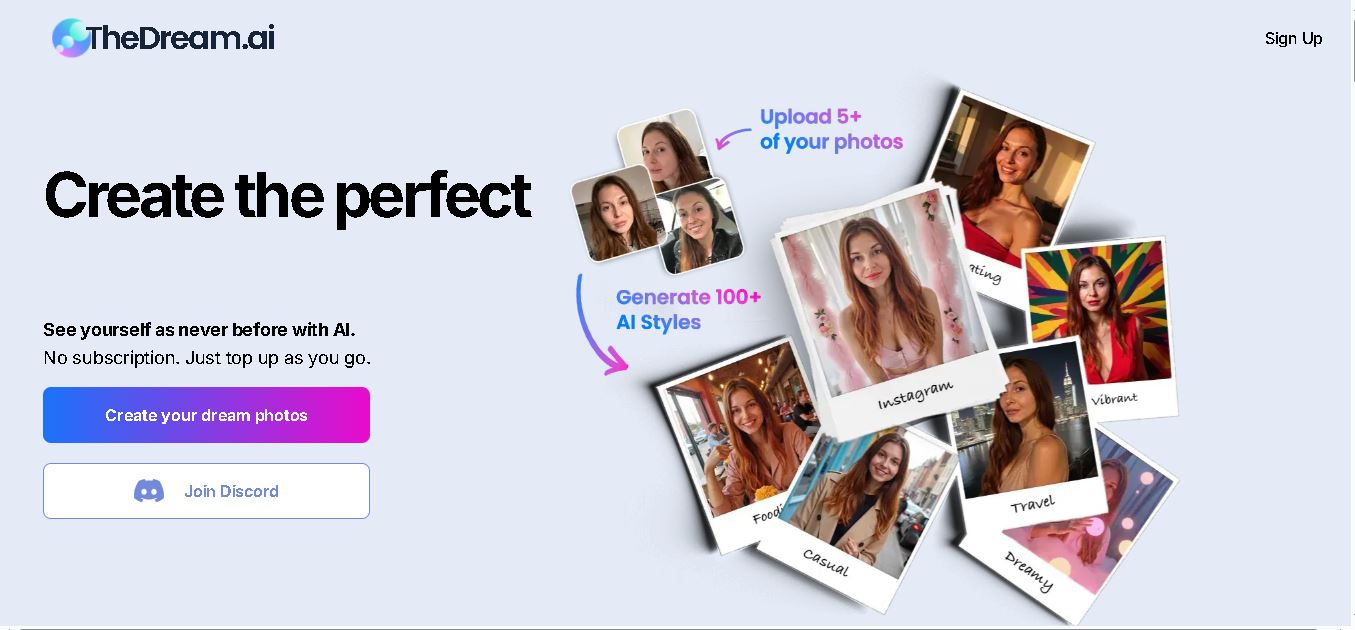
TheDream.ai helps users create personalized AI portraits, profile pictures, and photoshoot-style images from their own photographs. It offers more than 200 styles covering professional, fashion, dating, fitness, and travel themes. Its pay-as-you-go model requires no subscription, making it an option for individuals seeking distinctive digital portraits and creative profile images.
 4.7
TweetEmote
Social Media
TweetEmote helps users generate engaging tweets, replies, and article threads using customizable emotions and writing styles. It is designed for influencers, marketers, content creators, and professionals who want to communicate more expressively on X. Its AI writing features simplify content creation, save time, and help users develop varied social media messages.
 4.8
Devi AI
Social Media
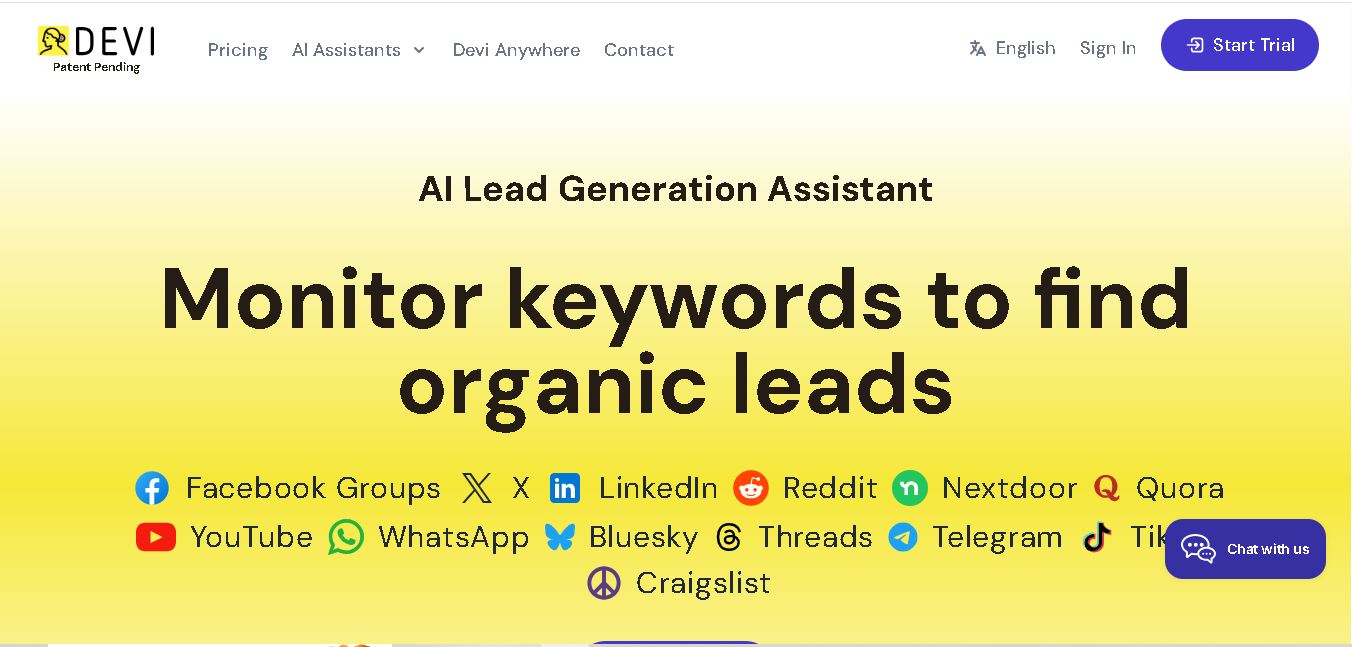
Devi AI helps businesses find potential customers through social media monitoring, keyword tracking, and AI-based buying-intent detection. It generates personalized replies, flags complaints, and supports content creation and scheduling. Designed for marketers, sales professionals, entrepreneurs, and agencies, Devi simplifies lead discovery, outreach, and social media management from a centralized workflow.
 4.7
Social Studio AI
Social Media
Social Studio AI helps creators, businesses, and marketers generate Instagram content, design posts, write captions, and discover relevant hashtags. Its built-in editor supports brand customization, while scheduling features help users organize publishing in advance. The tool simplifies content planning and reduces repetitive work for individuals and agencies managing Instagram marketing activities.
 4.7
Rizz AI
Social Media
Rizz AI is a text-writing assistant that helps users generate messages, improve replies, and communicate more naturally online. Its keyboard-focused approach makes AI writing assistance convenient during everyday conversations. Whether you are drafting a message or looking for a creative response, Rizz AI aims to make digital communication faster and more expressive.