
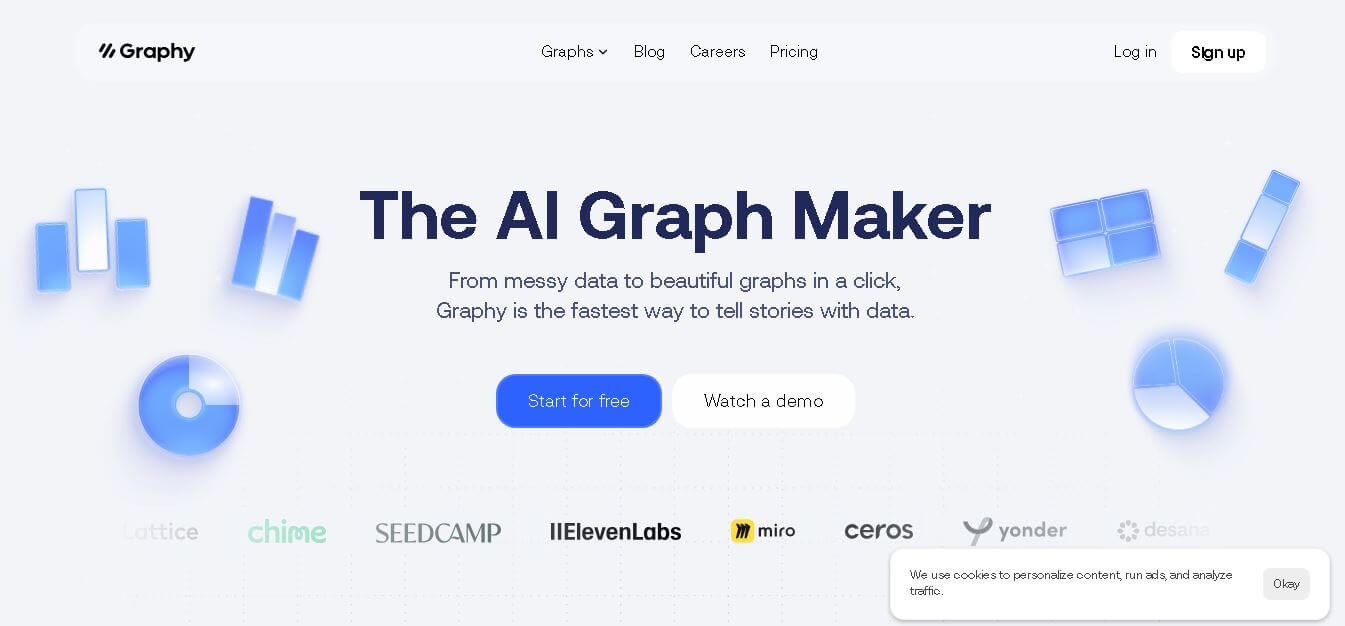
What is Graphy?
Founders & Launch:
- Graphy was created by Andrey Vinitsky and Roman Sirbu to enable data storytelling to be easier, faster, and with more accessibility.
Use Cases:
- Marketers are visualizing campaign data.
- Business analysts collect live dashboards.
- Product managers are collecting user metrics.
- Educators and researchers are sharing data stories.
- Startups are creating investment decks.
Technology:
- AI-assisted chart production and visualization
- Natural language data collection
- Automated insights with data annotation
- Cloud-based open architecture and live data
- Multiple file type compatibility (CSV, excel, sheets, API connections)
Graphy is an AI powered spreadsheet platform that utilizes AI to help you visualize data faster, easier, and more beautifully. It will automatically turn your chaotic datasets into beautiful, informative charts and dashboards that you can take straight to your presentation. Graphy was built for teams, marketers, and analysts as a 100% no-code way to visualize data without needing to format it, code it, or come up with the best visualization yourself. You upload your data, connect to a live data source, or chat with it using natural language prompts, and Graphy suggests the best chart type with the data clearly articulated. Graphy works for business reporting, content creation, tracking KPIs, and much more. Graphy takes the entire visualization process from the organization, so they can spend time interpreting and storytelling instead of writing charts.
Key features
Graphy key features are
- Chart Creation Without Effort: Takes any data you upload and turns it into beautiful charts in seconds
- AI Insights: Within seconds you will see trends, correlation pieces, and key takeaways.
- Talk to Your Data: Ask the data to provide you with specific charts by phrasing your thoughts in common language.
- Branding Options: Select colors, logos, and styles that reflect your branding.
- Collaboration Tools: Share dashboards and leave comments with teammates as you work in real time.
- Export and Embed: Download your visualizations, or embed them into your webpage, report, or presentation.
- Auto Updates: When importing a file or connecting data, your charts will automatically refresh based on the data updates.
- Interactive Storytelling: Annotate, summarize, and create filters that allow data users to interact.
Pricing
- Free basic plan
- Affordable monthly plans
- Team pricing available
- Enterprise custom pricing
Disclaimer: For the latest and most accurate pricing information, please visit the official Graphy website.
Who Is using?
A wide range of users and organizations are using Graphy
- Data analysts
- Marketing teams
- Startup founders
- Consultants
- Content creators
Alternatives
Some Graphy alternatives are
- Tableau
- Power BI
- Datawrapper
- Flourish
- Google Data Studio
Conclusion
In conclusion, Graphy serves as a modern, AI-based visualization platform created to collect data and communicate it through visualization and storytelling abilities. The interface is intuitive, you can create a randomized chart to your liking, and they provide smart insights. This makes for a valuable tool for teams who are trying to communicate complex information quickly. The platform is effective for building dashboards, reporting effective metrics, or as a presentation for your audience. Overall it ensures their visuals act professional, brand-aligned, and data-driven. Ultimately it is a great choice for teams that see value in speed, clarity, and collaboration with data storytelling.










 Verified