
Do Browser
Do Browser is a natural-language browser automation tool that helps users complete repetitive web tasks without writing scripts. It can navigate websites, scrape data, fill forms, manage tabs, create files, analyze webpages, and automate workflows. Users can use hosted AI models or connect their own supported ChatGPT, Claude, or Gemini setup.
What is Do Browser?
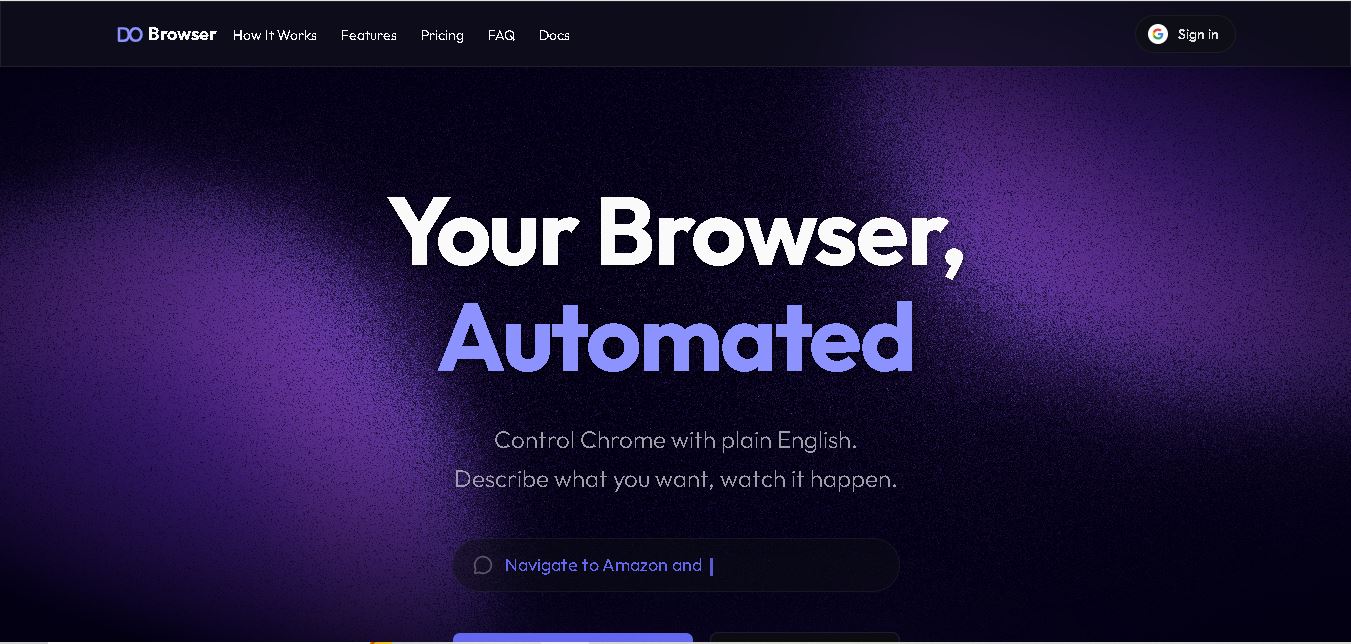
Do Browser is a browser automation tool that lets users control Chrome through plain-English instructions. It can navigate websites, click buttons, complete forms, extract information, manage multiple tabs, create files, and analyze webpage data. Users can also connect supported AI providers such as ChatGPT, Claude, or Gemini to perform browser-based workflows without traditional scripting. Do Browser supports Chrome on Mac, Windows, and Linux desktops, making web automation accessible for everyday and complex tasks.
Do Browser provides browser automation through natural-language instructions and supports Chrome on 3 desktop operating systems: Mac, Windows, and Linux. Its free plan costs $0/month and includes 10 hosted-model messages, while the standard costs $25/month and the max costs $100/month. Max provides 4× more usage than Standard. The platform supports multiple tabs, web scraping, file creation, and data extraction. Its hosted-model usage uses 5-hour and weekly limits, with the weekly allowance set at 4× the 5-hour allowance.
- Platform Role: AI Browser Automation Agent & Chrome Assistant Extension
- Developer & Publisher: Smooth Brain LLC (Sawyer & Ryan)
- Supported Environment: Google Chrome Extension (macOS, Windows, and Linux desktops)
Use Cases:
- Extracting and scraping structured data, product pricing, or leads from dynamic websites and exporting directly to CSV or Excel
- Automating tedious multi-step form filling, job applications, account setups, and web app workflows
- Generating presentations, slides, and personal dashboard micro-apps directly from prompt instructions
- Summarizing long web pages, extracting key metrics, and generating digests from web tools like Slack or email dashboards
- Navigating across multiple browser tabs simultaneously to perform comparison shopping or cross-site research
Technology:
- Computer vision and DOM parsing engine enabling AI to inspect web page structures like a human user
- Multi-model agent backend compatible with frontier models like Gemini, Claude, and GPT-4o/GPT-5
- Bring-Your-Own-Key (BYOK) architecture letting users pair their existing Claude, ChatGPT, or Gemini subscriptions
- Local execution sandbox within Chrome for seamless interaction with logged-in user sessions
Target Users:
- Growth marketers, recruiters, and researchers performing frequent lead generation and web data scraping
- Operations and administrative staff automating repetitive form entries and cross-platform web updates
- Product managers and indie hackers building rapid web micro-tools, slide decks, or custom data trackers
- AI power users wanting hands-free browser execution without needing command-line software
Acquisition: Available directly via the Chrome Web Store and the official product site (dobrowser.io)
What are the key features of Do Browser?
Do Browser's key platform features are
- Natural Language Navigation: Type plain text prompts or command shortcuts to trigger dynamic web actions.
- Visual Page Perception: Reads webpage layout, buttons, and input fields contextually to ensure accurate navigation.
- Bring Your Own AI (BYO Model): Connect your existing Claude or ChatGPT account to run the extension for free.
- Data & File Export: Automatically extracts data tables, chart metrics, and list elements into downloadable CSVs and files.
- Multi-Tab Orchestration: Coordinates actions across open tabs for research, comparisons, and cross-site workflows.
- Slide & App Builder: Generates polished presentations, trackers, and mini-dashboards directly within the browser interface.
How much does Do Browser cost?
Do Browser offers a free BYO (Bring Your Own Key/Subscription) model alongside paid hosted plans for high-volume execution.
Pricing & Access Overview:
- Free Plan ($0/month): 100% free core browser automation when you connect your own ChatGPT or Claude subscription. Includes 10 free trial messages on hosted models.
- Standard Plan ($25/month): Includes hosted cloud model usage, higher daily usage limits, web scraping, and multi-tab automation.
- Max Plan ($100/month): Built for power users needing high-capacity daily background automation, dynamic visual extraction, and priority processing.
Disclaimer: Prices and plans are provided by Smooth Brain LLC and are subject to change. Free BYO usage requires an active account with third-party LLM providers.
Who should use Do Browser?
Do Browser is designed for web power users and automation-minded professionals, including
- Researchers & Data Analysts: Users needing to extract metrics, charts, and table lists from websites into structured CSV spreadsheets.
- Sales & Recruitment Leads: Professionals gathering contact lists, exporting connections, and automating web reach-out forms.
- Productivity Enthusiasts: Anyone looking to offload routine web navigation, inbox digests, and repetitive browser tasks to an AI assistant.
What are the best alternatives to Do Browser?
Some of the strongest Do Browser alternatives include
- OpenAI Operator
- Claude Computer Use
- Atomic Bot
- Surfsky
- Airtop
What are the pros and cons of Do Browser?
What are the pros of Do Browser?
- No coding or visual workflow builders required; operates purely via natural language prompts
- The generous free BYO model allows users to run automations using their existing Claude or ChatGPT accounts
- Runs directly inside Google Chrome, preserving logged-in website sessions and local browser contexts
- Built-in capabilities for exporting CSV files, generating slides, and organizing web summaries
What are the cons of Do Browser?
- Requires Chrome extension permissions to observe and click web page elements
- Complex or heavily dynamic web applications with anti-bot measures may require task refinement
- Desktop browser extension only; does not currently run on native mobile devices
Why should you choose Do Browser?
Most browser automation extensions require users to learn rigid drag-and-drop workflow builders or write custom Python scripts. Do Browser eliminates that friction by placing a conversational AI agent inside Google Chrome. Whether you need to export a list of leads, fill out multi-page web forms, or create a presentation from dynamic web data, Do Browser carries out the clicks, navigation, and typing for you.
How does Do Browser compare to competitors?
The primary difference between Do Browser, OpenAI Operator, and traditional scraping tools lies in user accessibility and deployment. While developer tools require complex setup and Operator relies on managed cloud sessions, Do Browser runs locally within your existing Chrome session.
| Feature / Platform | Do Browser | OpenAI Operator | Airtop / Web Automation Platforms |
|---|---|---|---|
| Core Focus | Natural Language Chrome Assistant Extension | Cloud-Managed Autonomous Browser Agent | Developer Browser Automation Infrastructure |
| Interface | Native Chrome Extension Sidebar / Address Bar | Hosted Web Application Dashboard | API / Code SDKs |
| Free Tier / BYO Support | Yes (free with BYO ChatGPT/Claude) | No (Proprietary Paid SaaS) | Free Developer Trial / Usage-based |
| Session Context | Uses active Chrome user cookies and sessions | Isolated remote cloud browser instance | Headless browser session execution |
| Best For | Everyday users seeking quick, prompt-based web tasks | Users wanting cloud-managed web task delegation | Developers building enterprise web scraping pipelines |
How do we rate Do Browser?
| Parameter | Rating (out of 5) |
|---|---|
| Ease of Setup & Usability | 4.9 |
| Browser Control & Navigation Accuracy | 4.6 |
| Model Flexibility & BYO Pricing | 5.0 |
| Data Extraction & Export Features | 4.7 |
| Value for Money | 4.9 |
| Overall Score | 4.82 |
What is our review and verdict on Do Browser?
Do Browser provides a practical and efficient solution for bringing AI agent capabilities directly into daily web browsing. By packaging complex visual navigation into a lightweight Chrome extension and offering a generous Bring-Your-Own-Model free tier, Do Browser makes web automation accessible to non-technical users while giving power users a fast tool for data extraction and multi-step web tasks.
Conclusion
Do Browser brings natural-language automation to everyday Chrome workflows, allowing users to describe tasks instead of manually repeating browser actions. It supports web scraping, data extraction, form filling, multi-tab workflows, file creation, analysis, and specialized Skills. The platform offers a free option alongside $25 Standard and $100 Max plans, while users can also connect supported AI providers. For people handling repetitive browser-based work, Do Browser provides a way to turn plain-English instructions into practical automated workflows.
FAQ
What can I use Do Browser for?
You can use Do Browser for tasks that normally require repetitive browser interaction. It can scrape website data, fill forms, click buttons, navigate pages, manage multiple tabs, take screenshots, create files, and analyze information. You can describe the desired outcome in natural language instead of building traditional browser automation workflows manually.
Does Do Browser require coding knowledge?
No, Do Browser is designed around natural-language instructions rather than traditional scripting. You describe what you want the browser to accomplish, and the agent determines the required browser actions. This makes it useful for marketers, researchers, business users, and other people who want automation without developing conventional browser scripts themselves.
Which browsers does Do Browser support?
Does the browser currently support Chrome on Mac, Windows, and Linux desktop computers? Its functionality is built around controlling Chrome through the extension and its browser automation capabilities. If you primarily work inside Chrome on one of these desktop operating systems, you can use Do Browser for tasks involving navigation, extraction, forms, tabs, and other browser interactions.
Is Do Browser free to use?
Yes, the browser offers a free plan costing $0 per month. The free option lets you bring your own ChatGPT or Claude subscription and includes 10 free messages for trying the hosted model. No credit card is required. Paid hosted plans are also available, with Standard listed at $25/month and Max at $100/month.
How much does Do Browser Standard cost?
Do Browser Standard costs $25 per month. The plan includes hosted AI, natural-language browser automation, website scraping, file creation and exporting, and support for workflows across multiple tabs. It is designed for regular usage and includes usage allowances for hosted AI tasks. The exact allowance is managed through the Do Browser's usage system.
What is included in Do Browser Max?
Do Browser Max costs $100 per month and is designed for heavier daily automation. It includes website scraping, natural-language automation, file creation and exporting, multi-tab workflows, and 4× more usage than Standard. The website also lists access to GPT-5.4 for Max. Usage remains subject to the plan's applicable limits.
User Reviews
No reviews yet for Do Browser.
Featured Tools
Featured AI tools from TechShark

Melody Genie
MelodyGenie is an AI-powered music generator that creates original songs from simple text prompts. Users can choose styles, moods, and genres, then instantly generate melodies and full tracks, making it easy for creators, marketers, and hobbyists to produce custom music without musical expertise.
Freemium

Kimi AI
Kimi AI is an advanced AI assistant developed by Moonshot AI that helps you chat, research, write, code, and automate tasks in one place. It supports web search, file analysis, and multimodal inputs, and can even run autonomous “agent” workflows to complete complex tasks end-to-end.
Freemium

Fashion Diffusion AI
Fashion Diffusion is an AI-powered fashion design platform that helps brands and designers create clothing designs, virtual try-ons, AI models, product photos, and marketing visuals faster and cost-effectively.
Paid

Veo 4
Veo 4 AI is an AI video creation platform that generates dramatic videos from text, images, audio, and video prompts using realistic motion and synchronized sound.
Paid
Alternatives
Alternatives to Do Browser
The best Do Browser alternatives include OpenAI Operator, Claude Computer Use, Atomic Bot, and Surfsky. While Do Browser provides a Chrome extension that lets users bring their own ChatGPT/Claude subscription for free browser automation, alternatives offer standalone desktop apps or developer APIs.
TheInterviews.ai
AI Agent
TheInterviews.ai (theinterviews.ai) is an AI-powered mock interview and career credentialing platform that conducts real-time, voice-based AI interviews, grades performance against published rubrics, and issues a verified recruiter-ready Profile Card.
Equip
AI Agent
Equip (equip.co) is a pay-per-use pre-employment skills assessment and AI-native Applicant Tracking System (ATS) platform offering multi-skill quizzes, proctored coding challenges, CEFR communication tests, psychometric profiling, and one-way or conversational AI video interviews.
 4.7
4.7Spark Hire
AI Agent
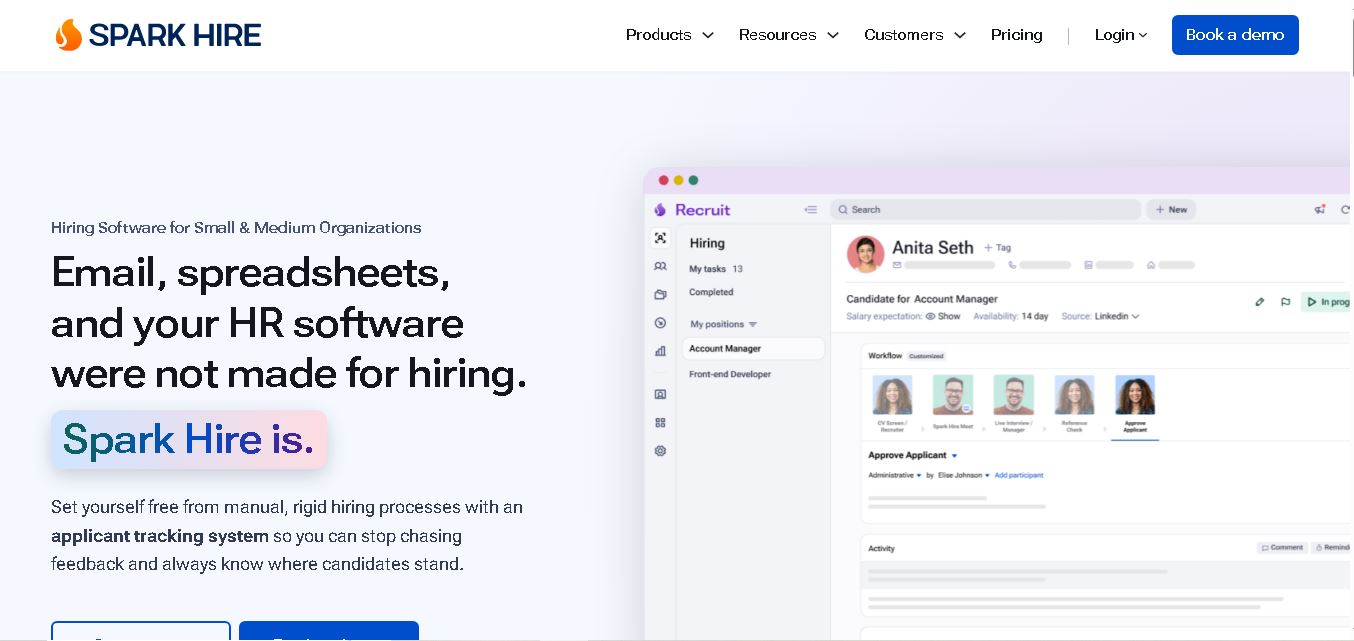
Spark Hire helps recruitment teams simplify hiring through one-way video interviews, live interviews, applicant tracking, and candidate evaluations. It enables employers to screen applicants remotely, collaborate with hiring managers, and organize recruitment workflows. Its AI-assisted features support interview transcription, summaries, and candidate review while maintaining human involvement in hiring decisions.
 4.9
4.9Materiom
AI Agent
Materiom helps researchers, designers, and businesses discover and develop sustainable materials using renewable ingredients. Its resources include biomaterial recipes, material datasets, ingredient information, and AI-assisted research. By supporting experimentation and knowledge sharing, Materiom encourages innovation in bio-based packaging, textiles, and other products while helping users explore alternatives to conventional plastic materials.
 4.9
4.9Talkwalker
AI Agent
Talkwalker is a consumer intelligence and social listening solution that helps brands track online mentions, analyze audience sentiment, monitor competitors, and discover emerging trends. It combines social media analytics, media monitoring, customer feedback, and AI-powered insights to support marketing, public relations, reputation management, and data-driven business decisions across global markets.
 5.0
5.0AI4K12
AI Agent
AI4K12 is an educational initiative focused on bringing artificial intelligence into K–12 classrooms. It provides grade-level learning guidelines, curated teaching resources, and the Five Big Ideas framework. Designed for educators and curriculum developers, AI4K12 supports age-appropriate AI instruction and helps students understand how intelligent technologies work and affect society.
Kommunicate
AI Agent
Kommunicate (kommunicate.io) is an AI-powered customer service automation and live chat platform that unites no-code generative AI agents, Kompose chatbot builder, seamless human escalation, voice AI, and omnichannel messaging across WhatsApp, web, and mobile apps.
Text
AI Agent
Text is an AI-powered customer service platform that combines live chat, help desk ticketing, AI agents, and workflow automation. It helps businesses manage customer conversations, automate repetitive support tasks, answer questions, engage website visitors, and turn customer interactions into sales opportunities through a unified communication workspace.
DocsBot AI
AI Agent
DocsBot AI is an AI chatbot and agent platform that turns websites, documents, knowledge bases, and support tickets into conversational assistants. Businesses can use it to automate customer support, answer questions, share internal knowledge, connect workflows, and provide information through website widgets and supported integrations.