Design AI Logo Generator
Design AI Logo Generator is an AI-powered branding tool that helps users create professional logos from simple prompts. It generates thousands of design options instantly, allows customization of fonts, colors, and layouts, and provides ready-to-use files, making logo creation fast, scalable, and beginner-friendly.
What is Design.com AI Logo Generator?
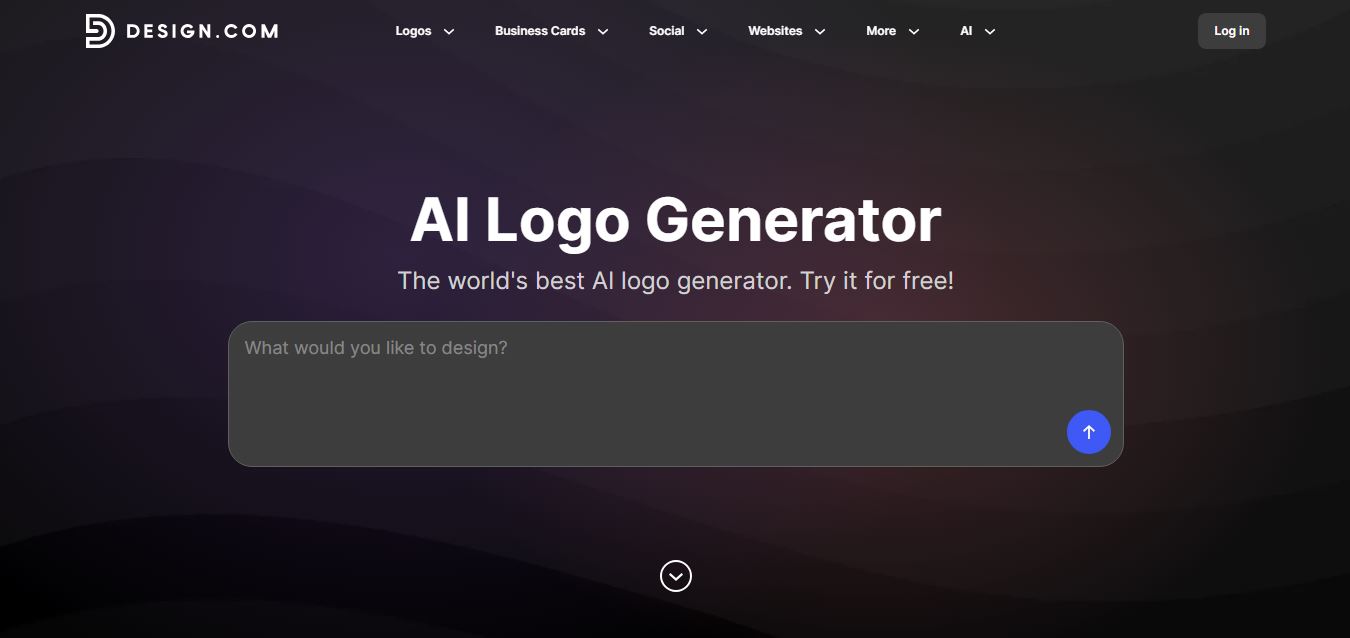
Design.com AI Logo Generator is an AI-powered logo generator tool that helps users create professional logos in minutes by entering a business name and selecting style preferences. It generates multiple logo options automatically, and you can customize them with different fonts, colors, icons, and layouts to match your brand identity. The platform also provides additional branding assets like social media kits, business cards, and website elements. Designed for entrepreneurs, startups, and marketers, it makes logo creation fast, simple, and accessible without needing design expertise.
Operating as a flagship branding hub, Design.com provides access to a proprietary library of over 455,000 original logo designs. Unlike basic generators that rely on generic public-domain clipart or third-party stock icons, Design.com uses custom-trained AI models combined with original artwork created by professional designers and vetted for intellectual property safety. The platform connects its AI Logo Generator directly into over 50 AI-powered design tools, 1.3+ million matching brand templates, automated Brand Kits, digital business cards, AI website generators, and vector export pipelines (SVG, EPS, PDF, and PNG).
- Platform / Developer: Design.com (Global Creative & Branding Infrastructure)
- Evolution / Launch: Scaled through 2024–2026 into a comprehensive brand creation ecosystem featuring 455,000+ proprietary logo assets, AI website builders, automated social media kits, and worldwide print-on-demand fulfillment
Use Cases:
- Generating unique, custom company logos and brand icons from simple natural language prompts for new business launches
- Creating complete brand identity kits including matching business cards, letterheads, and digital email signatures
- Producing branded social media graphics and story templates for Instagram, TikTok, Facebook, LinkedIn, and YouTube
- Exporting scalable vector files (SVG, EPS, PDF) for merchandise printing, corporate signage, and large-format displays
Technology:
- Generative AI models combined with a curated vector library of 455,000+ proprietary, copyright-reviewed design marks
- Browser-native vector canvas engine allowing layer reordering, colorway swapping, layout shifts, and typography styling
- Automated Brand Kit distribution architecture that instantly applies logo colors and fonts across 1.3M+ collateral templates
Target Users:
- Startup founders and entrepreneurs establishing brand identities for new ventures, apps, and storefronts
- Small business owners and local service providers needing signage, business cards, and social media assets
- Digital marketers and growth agencies launching promotional campaigns, sub-brands, and e-commerce stores
- Content creators using writing tools to draft business plans, branding guidelines, and marketing briefs
Corporate Entity: Operates as Design.com (Global)

Key features of Design.com AI Logo Generator
Design.com AI Logo Generator's key features are
- Proprietary 455,000+ Logo Library: Generates designs from an extensive catalog of exclusive, non-stock icons crafted by professional designers.
- Fast AI Prompt Generation: Enter a business name and descriptive keywords to receive thousands of relevant, industry-specific logo concepts in seconds.
- Comprehensive In-Browser Editor: Customize layout structures, icon scales, font weights, and color palettes directly on an interactive canvas.
- Automated AI Brand Kit: Automatically applies your logo, fonts, and brand colors across 1.3+ million matching templates for print and digital media.
- Print-Ready Vector Exports: Download your finished logo in scalable vector formats (SVG, EPS, PDF) as well as transparent high-res PNG and JPG files.
- Merchandise & Mockup Previews: Preview how your logo appears in the real world on apparel, storefront signage, business cards, and stationery.
- Connected AI Ecosystem (50+ Tools): Transition your branding directly into Design.com's AI website generator, digital business card maker, and presentation builder.
- Worldwide Commercial License: Every logo includes a worldwide, royalty-free commercial use license, with buyout and exclusive ownership options available.
Design.com AI Logo Generator Pricing
Design.com operates on a freemium model, offering a curated selection of free downloadable logos alongside affordable subscription packages and one-time brand kits.
Free Logos Collection:
- $0 / Free access
- Includes access to a curated selection of 100% free logos, free raster and standard vector file downloads, basic customization, and royalty-free commercial usage rights with no hidden charges
Starter / Logo Package:
- Starts from approximately $3.00 to $9.00 / month (or one-time package options)
- Includes full high-resolution logo files (PNG, JPG), print-ready vector formats (SVG, EPS, PDF), transparent background variations, and unlimited re-edits
Full Brand Identity & Suite Subscriptions:
- Starting from ~$10.00 to $24.00 / month
- Unlocks the complete AI Brand Kit (1.3M+ matching templates), AI website builder, digital business card creator, social media post suite, and priority customer support
Disclaimer: Prices are listed in USD. Certain curated logos are available completely free, while full brand suites, SVG vector downloads, and AI website tools are part of premium plans. Visit design.com/pricing for active plan terms.
Who is using Design.com AI Logo Generator?
Design.com AI Logo Generator is designed for business owners, creators, and marketers, including
- Startup Founders & Entrepreneurs: Generating brand marks, pitch deck emblems, and website assets for new commercial projects
- Small Business & Local Shop Owners: Creating professional visual identities for storefronts, retail packaging, and service vehicles
- Digital Marketers & E-Commerce Sellers: Launching branded Shopify stores, Amazon storefronts, and targeted digital ad campaigns
- Freelancers & Independent Consultants: Setting up personal branding, digital business cards, and email signatures
- Content Creators: Using writing tools to draft business plans, branding guidelines, and marketing briefs
- Nonprofit & Community Organizers: Designing event badges and promotional flyers for community campaigns
Best Design.com AI Logo Generator Alternatives
Some of the strongest Design.com AI Logo Generator alternatives include
- Canva AI Logo Generator
- Looka
- Brandmark.io
- Hatchful by Shopify
- Tailor Brands
- Designs.ai LogoMaker
Pros and Cons of Design.com AI Logo Generator
Pros
- Extensive library of 455,000+ exclusive logos created by professional designers rather than generic third-party clipart
- Fast generation speeds that produce thousands of industry-specific logo concepts in seconds
- Automated Brand Kit integration instantly adapts your logo across 1.3+ million marketing and collateral templates
- Offers a dedicated free logo selection with standard vector downloads and no watermarks
- Provides full print-ready vector file exports (SVG, EPS, PDF) suitable for merchandise and signage
Cons
- Accessing the full 1.3M+ brand kit template suite and AI website builder requires a paid subscription
- Exclusive ownership and catalog buyout licenses require an additional extended fee
- Lacks granular node-by-node vector path manipulation found in desktop illustration software like Adobe Illustrator
- Very specific or niche text prompt requests may require multiple keyword adjustments to find an ideal match
Why Choose Design.com AI Logo Generator?
Design.com AI Logo Generator is the premier choice for entrepreneurs and businesses seeking an extensive, professionally designed logo library paired with automated AI brand kits and vector print exports.
- Browse and generate logos from a proprietary library of 455,000+ original designs
- Download industry-standard vector files (SVG, EPS, PDF) ready for commercial printing
- Automatically populate 1.3+ million collateral templates with your brand colors and fonts
- Connect your logo directly to AI website builders and digital business cards
- Get started with free logo options and royalty-free commercial licenses
Design.com vs. Competitors
The main difference between Design.com AI Logo Generator, Canva AI Logo Generator, Looka, and Brandmark is that Design.com combines a proprietary catalog of 455,000+ original designer-made vector marks with automated Brand Kit deployment across 1.3M+ collateral templates and an AI website builder, whereas Canva embeds logo design inside an open-ended multi-purpose graphic design canvas, Looka specializes in one-time brand kit packages, and Brandmark focuses on generative color palettes. Design.com stands out for its extensive proprietary logo catalog, free logo download tier, and integrated AI marketing suite.
| Feature / Tool | Design.com AI Logo Generator | Canva AI Logo Generator | Looka | Brandmark.io |
|---|---|---|---|---|
| Core Focus | Proprietary Logo Library & AI Brand Suite | General Graphic Design Studio & Logo Maker | Dedicated AI Brand Identity Builder | Generative Color & Logo System |
| Logo Asset Library | 455,000+ Original Exclusive Designs | Open Template & Element Library | Curated Stock Vector Components | Algorithmic Graphic Shapes |
| Vector Formats (SVG/EPS/PDF) | Yes (SVG, EPS, PDF, PNG, JPG) | Yes (SVG with Canva Pro) | Yes (Premium Package / $65+) | Yes (Pro Package / $65) |
| Brand Kit Templates | 1,300,000+ Matching Templates | Canva Brand Kit Ecosystem | Limited Brand Collateral Assets | Basic Social & Print Assets |
| Starting Price | Free tier / Starter from ~$3–$9/mo | Free tier / Pro $10.00/mo (annual) | $20 one-time / $96/yr Brand Kit | $25 one-time Basic / $65 Pro |
| Best For | Original Non-Clipart Logos & Full Brand Kits | Social Creators Needing Full Canvas Tools | Founders Wanting a One-Stop Brand Pack | Startups Wanting Generative Color Palettes |
How do we rate Design.com AI Logo Generator?
| Parameter | Rating (out of 5) |
|---|---|
| Logo Originality & Design Quality (455K+ Library) | 4.9 |
| AI Generation Speed & Variety | 5.0 |
| Brand Kit & Template Integration (1.3M+) | 4.9 |
| Vector Export Quality (SVG, EPS, PDF) | 4.9 |
| Value for Money | 4.8 |
| Overall Score | 4.90 |
Design.com AI Logo Generator Review
Design.com AI Logo Generator provides a practical solution for entrepreneurs who need distinctive branding without the generic look common in many automated logo makers. By basing its generation engine on a proprietary library of over 455,000 designer-crafted, copyright-checked marks, it avoids the repetitive stock clip art that often plagues entry-level branding tools. Its broader utility becomes apparent once a design is selected: the platform automatically applies the logo's colorway and typography across more than 1.3 million templates for business cards, email signatures, flyers, and digital storefronts. For startups, local businesses, and digital agencies seeking an efficient route from concept to a cohesive brand identity, Design.com AI Logo Generator is a versatile branding tool.
Conclusion
Design.com AI Logo Generator is a comprehensive AI-powered branding platform that transforms how startups and businesses develop corporate identities. By uniting a proprietary catalog of 455,000+ original designs, rapid AI prompt generation, industry-standard vector exports (SVG, EPS, PDF), and automated Brand Kit deployment across 1.3M+ templates, it removes traditional barriers to professional brand design. While high-end design agencies will continue crafting custom bespoke identities in vector illustration software, Design.com’s asset breadth, original artwork, and connected marketing tools make it an essential branding utility.
FAQ
What is Design.com AI Logo Generator and how does Design.com AI Logo Generator work?
Design.com AI Logo Generator is an AI-powered branding tool that creates professional logos based on your business name and keywords. You enter a short description, and Design.com AI Logo Generator instantly produces thousands of logo variations tailored to your industry and style. You can then customize colors, fonts, layouts, and icons using its built-in editor before downloading the final design.
What problem does Design.com AI Logo Generator solve for users?
Design.com AI Logo Generator solves the problem of expensive and time-consuming logo design by automating the entire process. Instead of hiring designers or learning complex tools, users can generate and refine logos in minutes, making it ideal for startups, small businesses, and creators who need quick branding solutions.
What are the key features of Design.com AI Logo Generator?
Design.com AI Logo Generator offers features like AI-powered logo generation, thousands of logo variations, full customization (fonts, colors, layouts), and access to a massive logo library. It also includes a complete branding ecosystem with tools for business cards, websites, social media designs, and brand kits, making it more than just a logo generator.
How many logo options does Design.com AI Logo Generator create?
Design.com AI Logo Generator can generate thousands of logo options in seconds, giving users a wide range of styles and ideas to choose from. This large variety helps users quickly find designs that match their brand identity without starting from scratch.
Is Design.com AI Logo Generator free to use?
Design.com AI Logo Generator offers a free plan where users can generate, edit, and download selected logos. However, some premium templates, high-quality downloads, and advanced features may require a paid subscription depending on the design and usage needs.
How does Design.com AI Logo Generator pricing work?
Design.com AI Logo Generator follows a freemium model with a free plan and paid subscriptions starting around $3–$9 per month depending on billing. Paid plans unlock additional design tools, templates, website builders, and branding features, making it suitable for businesses scaling their brand presence.
Who should use Design.com AI Logo Generator?
Design.com AI Logo Generator is ideal for entrepreneurs, startups, freelancers, marketers, and small businesses that need fast and affordable branding. It is especially useful for users who want to create logos and expand into full brand assets without using multiple tools.
User Reviews
No reviews yet for Design AI Logo Generator.
Featured Tools
Featured AI tools from TechShark

Melody Genie
MelodyGenie is an AI-powered music generator that creates original songs from simple text prompts. Users can choose styles, moods, and genres, then instantly generate melodies and full tracks, making it easy for creators, marketers, and hobbyists to produce custom music without musical expertise.
Freemium

Kimi AI
Kimi AI is an advanced AI assistant developed by Moonshot AI that helps you chat, research, write, code, and automate tasks in one place. It supports web search, file analysis, and multimodal inputs, and can even run autonomous “agent” workflows to complete complex tasks end-to-end.
Freemium

Fashion Diffusion AI
Fashion Diffusion is an AI-powered fashion design platform that helps brands and designers create clothing designs, virtual try-ons, AI models, product photos, and marketing visuals faster and cost-effectively.
Paid

Veo 4
Veo 4 AI is an AI video creation platform that generates dramatic videos from text, images, audio, and video prompts using realistic motion and synchronized sound.
Paid
Alternatives
Alternatives to Design AI Logo Generator
The best Design.com AI Logo Generator alternatives include Canva AI Logo Generator, Looka (AI Brand Kit Generator), Brandmark.io, Hatchful by Shopify, Tailor Brands, and Designs.ai LogoMaker. These platforms provide AI logo generation, vector mark creation, and branding packages. While Design.com specializes in a proprietary catalog of 455,000+ original designer-made vector marks combined with automated Brand Kit deployment across 1.3M+ collateral templates and free logo downloads, alternatives like Canva integrate logo design into an open-ended multi-purpose graphic design suite, Looka focuses on one-time purchase branding packages, and Brandmark provides generative color palette systems. Choosing the right tool depends on whether you require an extensive catalog of non-clipart original marks with automated brand templates, an all-in-one graphic design canvas, or a one-time brand kit purchase.
 4.7
4.7Logo Diffusion
Logo
Logo Diffusion helps you turn brand ideas, sketches, and existing images into polished logo concepts. You can explore multiple styles, generate variations, edit designs, remove backgrounds, upscale graphics, and export vector assets. It is useful for startups, creators, agencies, marketers, and anyone who needs professional-looking branding without starting every design from scratch.
 4.9
4.9Adobe Express AI Logo Generator
Logo
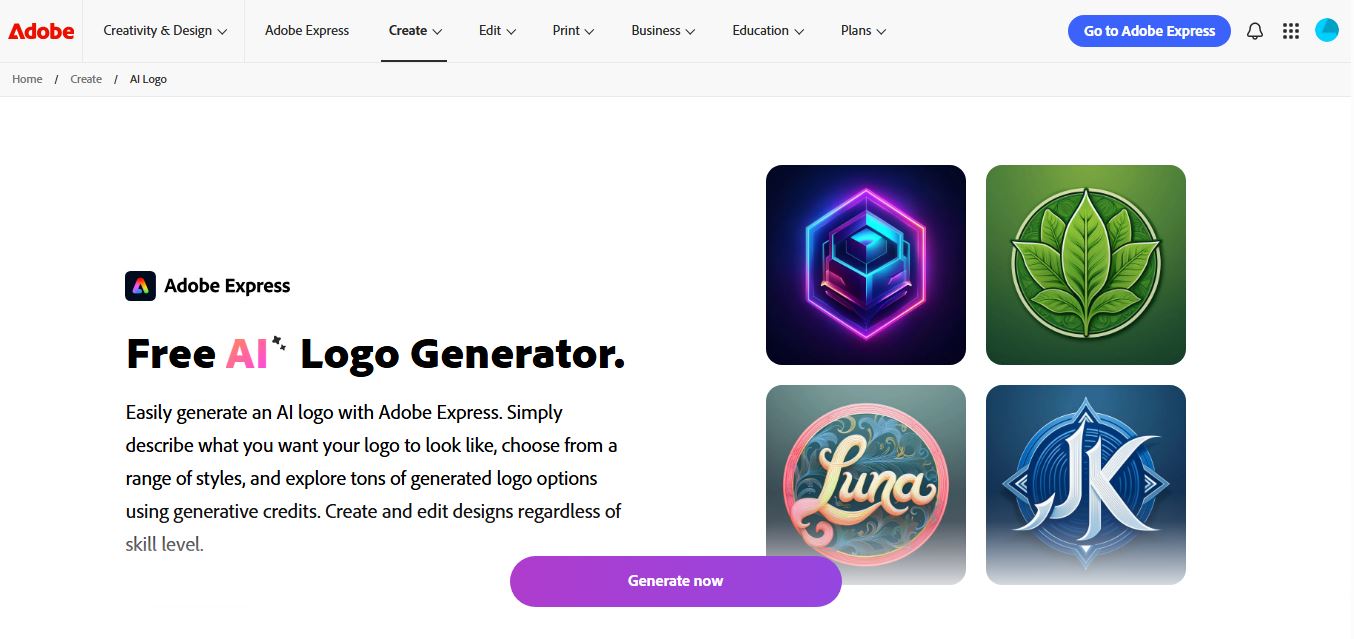
Adobe Express AI Logo Generator is a generative design tool that helps users create custom logos from simple text prompts. It generates multiple styles instantly, allows full customization in the editor, and lets users download ready-to-use designs, making logo creation fast and accessible for any skill level.
 4.9
4.9Canva AI Logo Generator
Logo
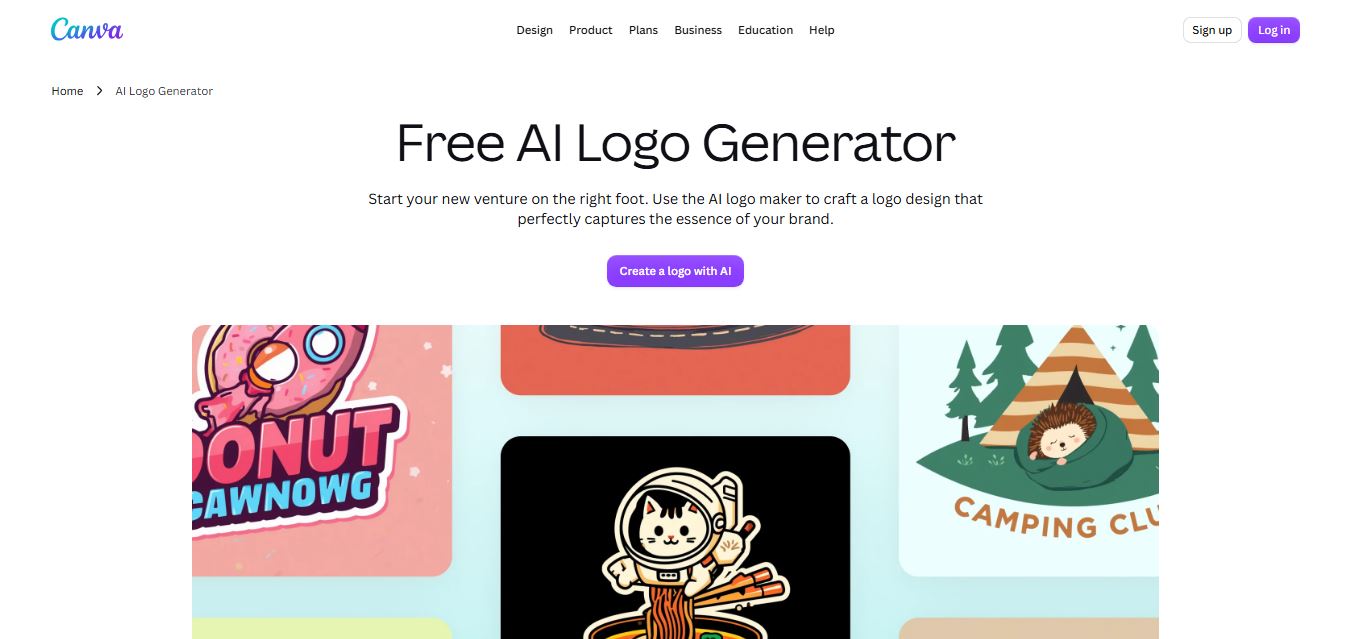
Canva AI Logo Generator is a design tool that helps users create professional logos from simple prompts or templates. It combines AI suggestions with drag-and-drop editing, allowing customization of fonts, colors, and layouts, making logo creation fast, accessible, and suitable for branding, startups, and creators.
 4.7
4.7Reveals
Logo
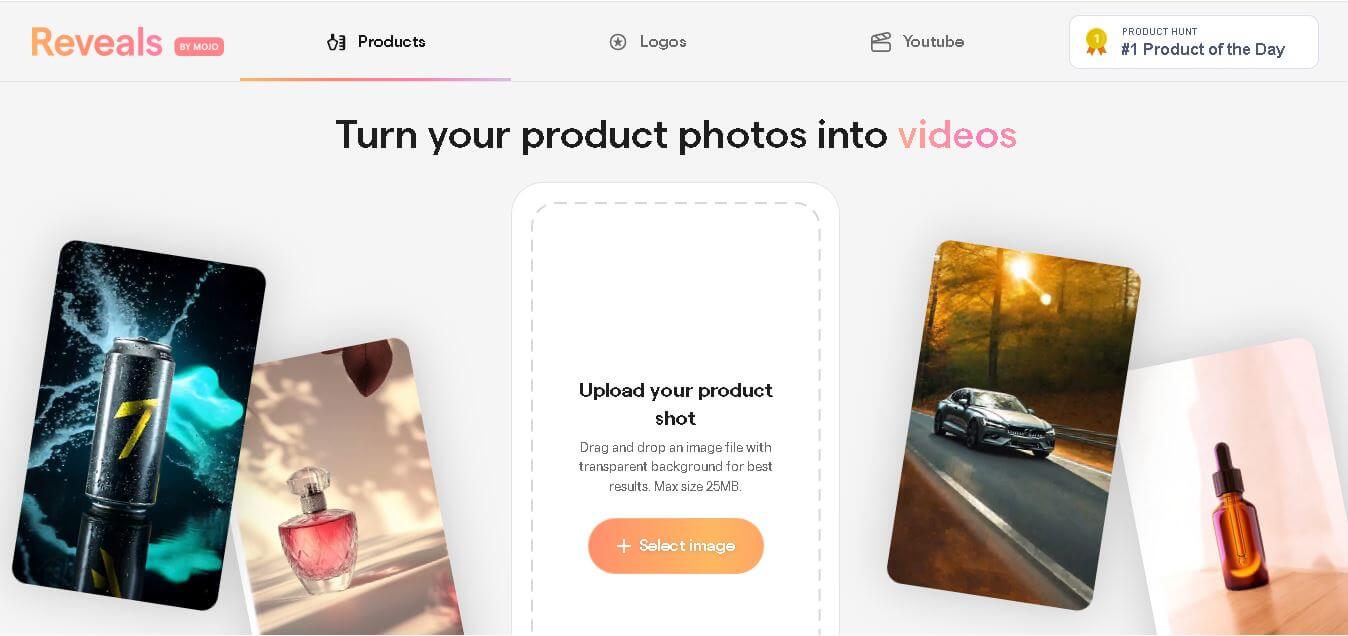
Reveals is an AI content creation tool that helps users transform product images into professional-quality product photos, promotional videos, and advertising creatives. It simplifies visual content production with ready-made templates, AI-generated backgrounds, editing options, and one-click exports, making marketing assets faster to create for businesses, creators, and online sellers.
 4.7
4.7BrandCrowd
Logo
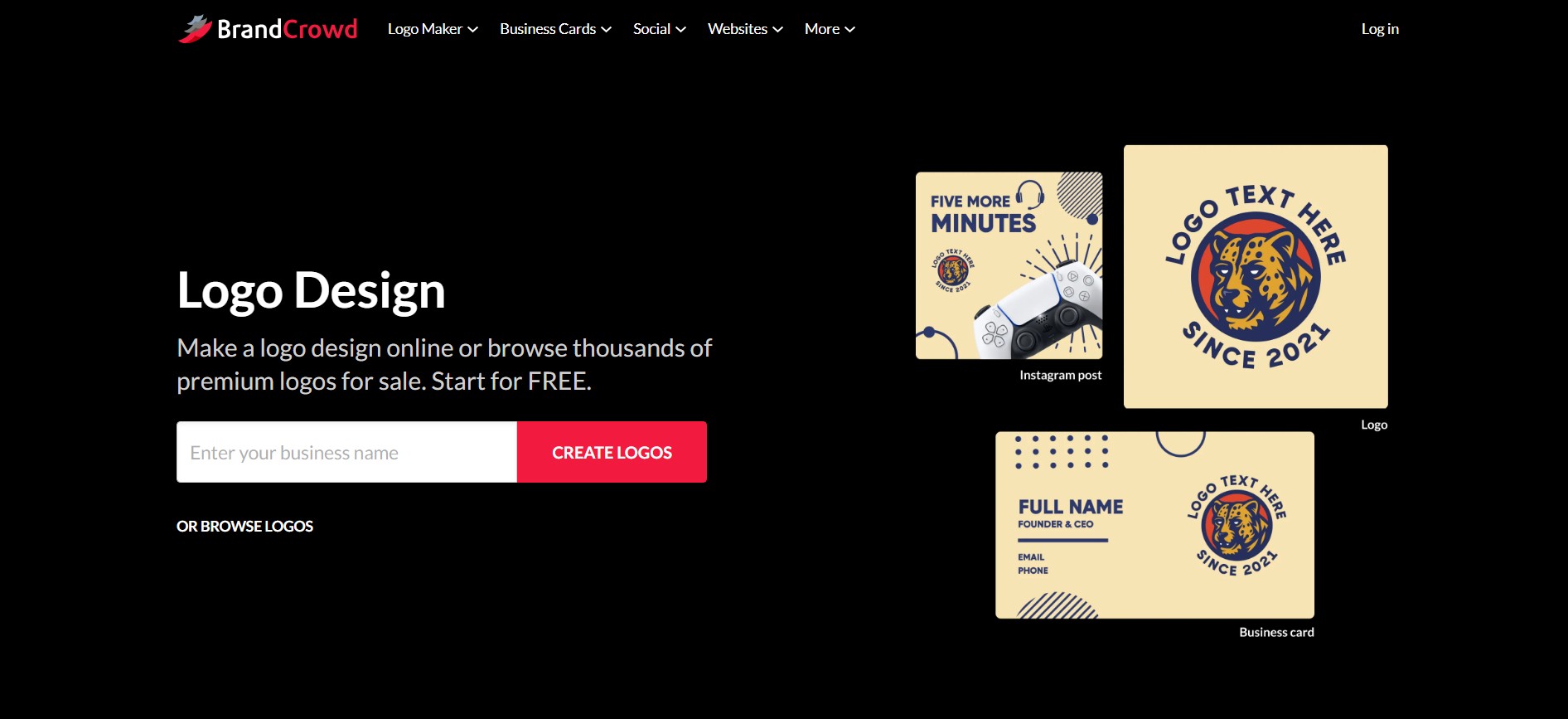
BrandCrowd is an AI-powered logo maker and branding design platform that allows businesses, startups, and creators to generate customizable logos and matching brand identity assets in seconds.
 4.6
4.6AI Magicx
Logo
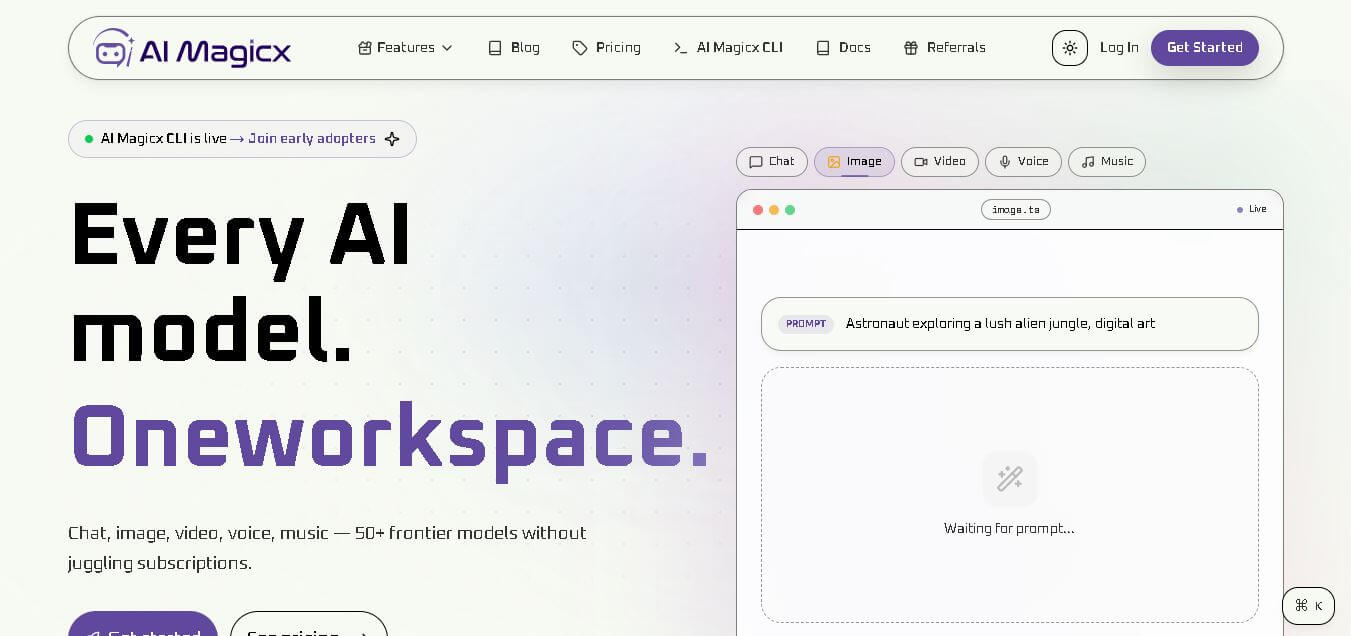
AIMagicX is an all-in-one AI content creation platform that helps users generate high-quality text, images, and marketing assets quickly with minimal effort.
 4.3
4.3Logopony
Logo
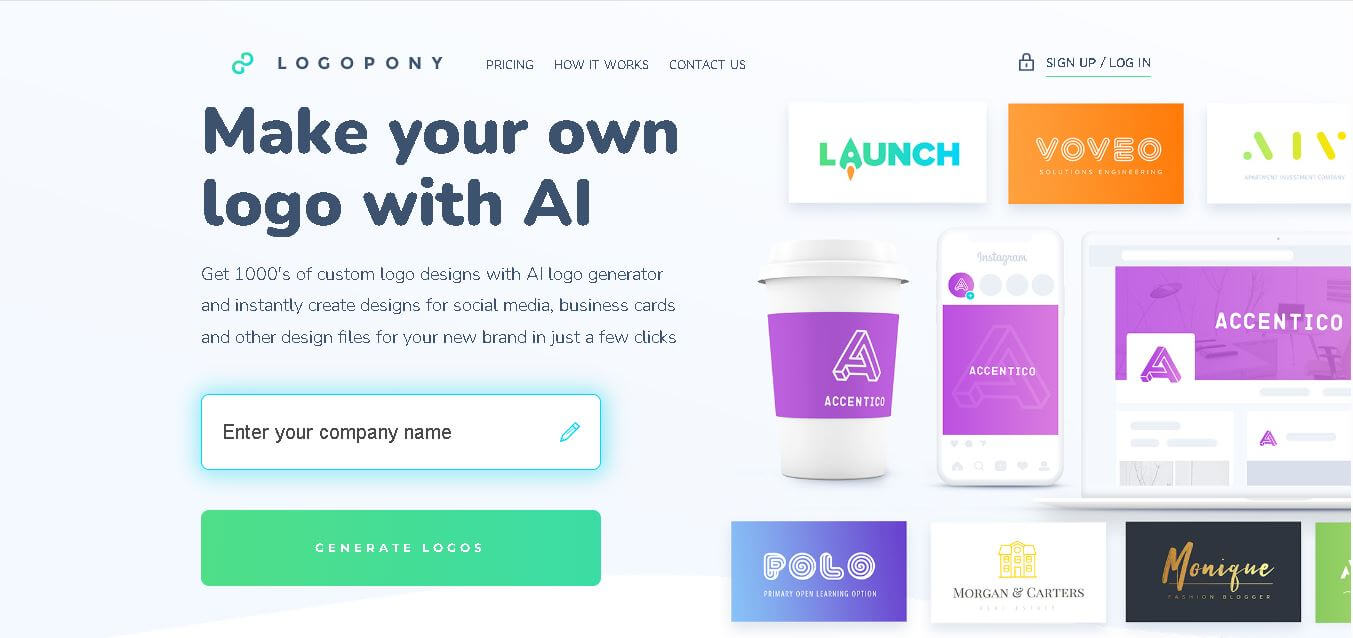
LogoPony is an AI-powered logo generator that helps businesses create professional, unique logos instantly using machine learning, customization tools, and user-friendly design automation.
 4.3
4.3LogoFast
Logo
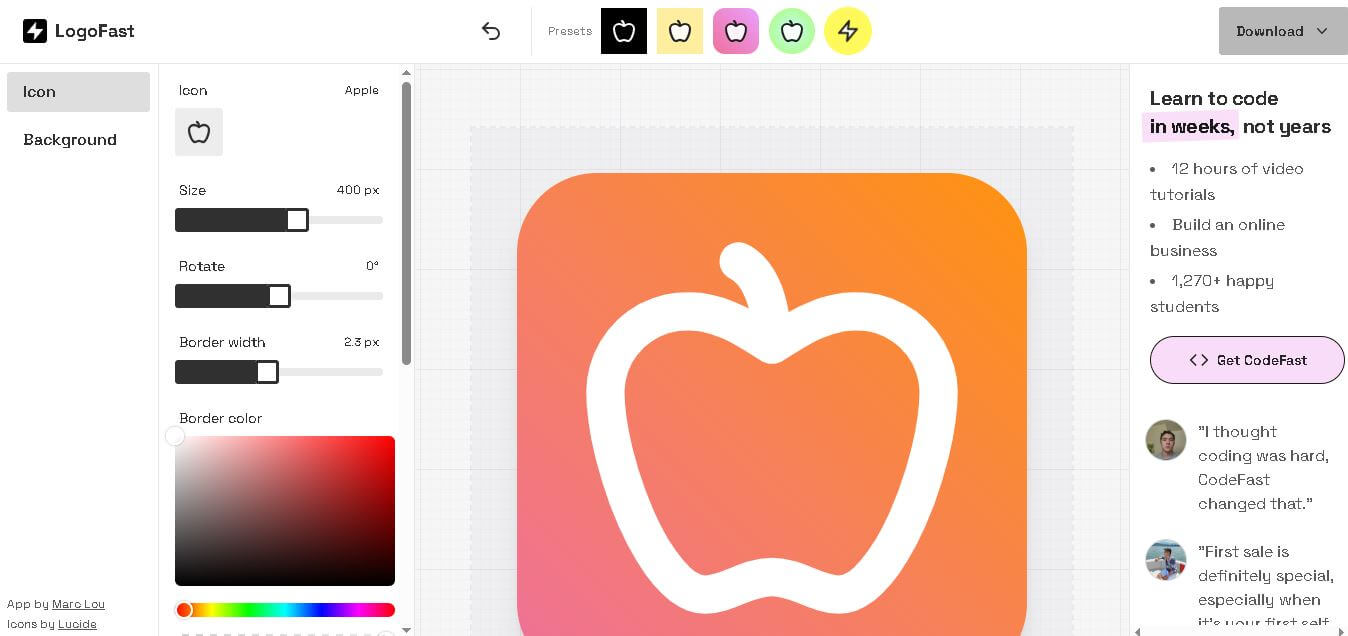
LogoFast is an AI logo generator that helps users create professional brand logos instantly by entering a brand name and style preferences without needing design experience.
 5.4
5.4Brandmark
Logo
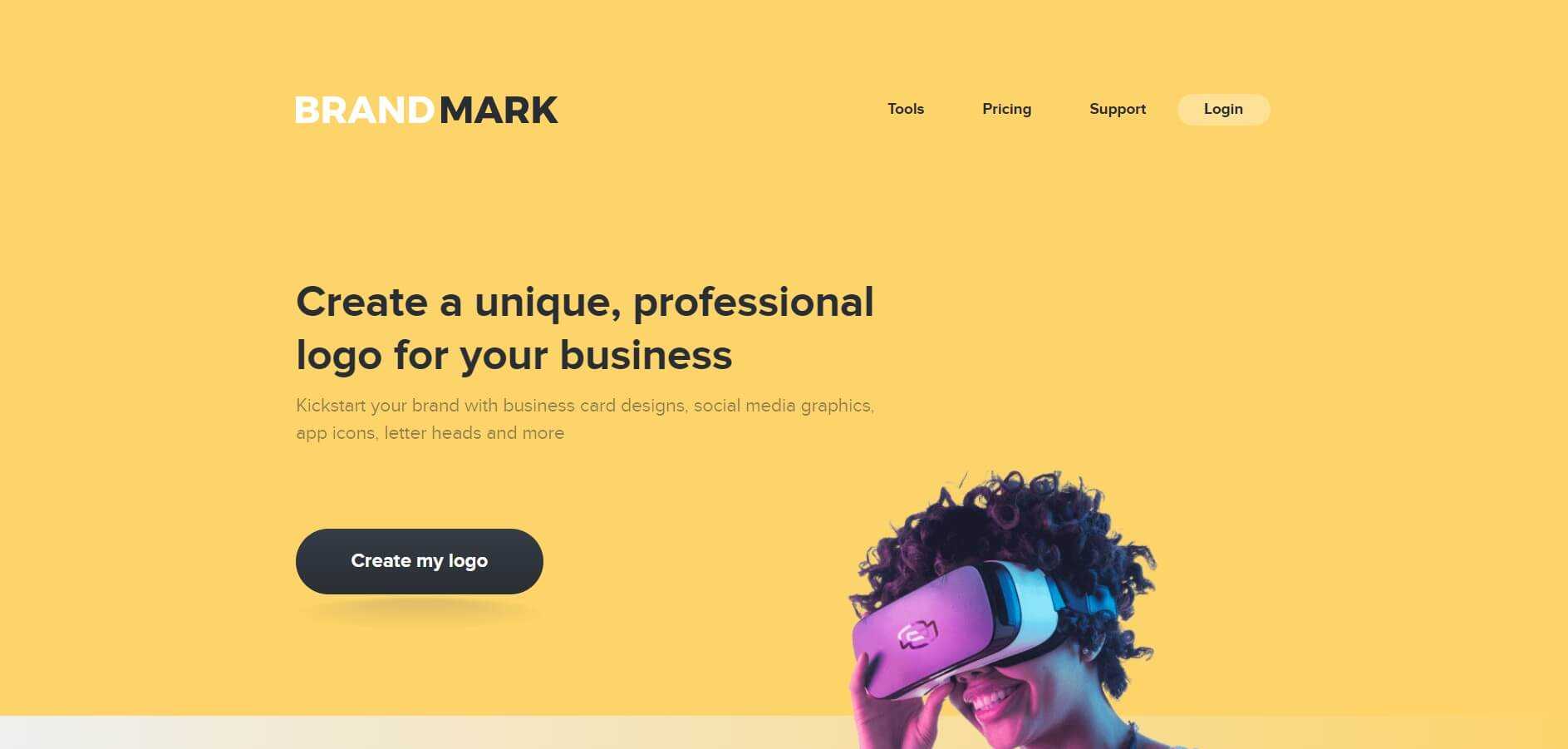
Brandmark is an AI logo design tool that helps businesses create professional logos, brand kits, and visual identities quickly without hiring designers.