
DataLayer
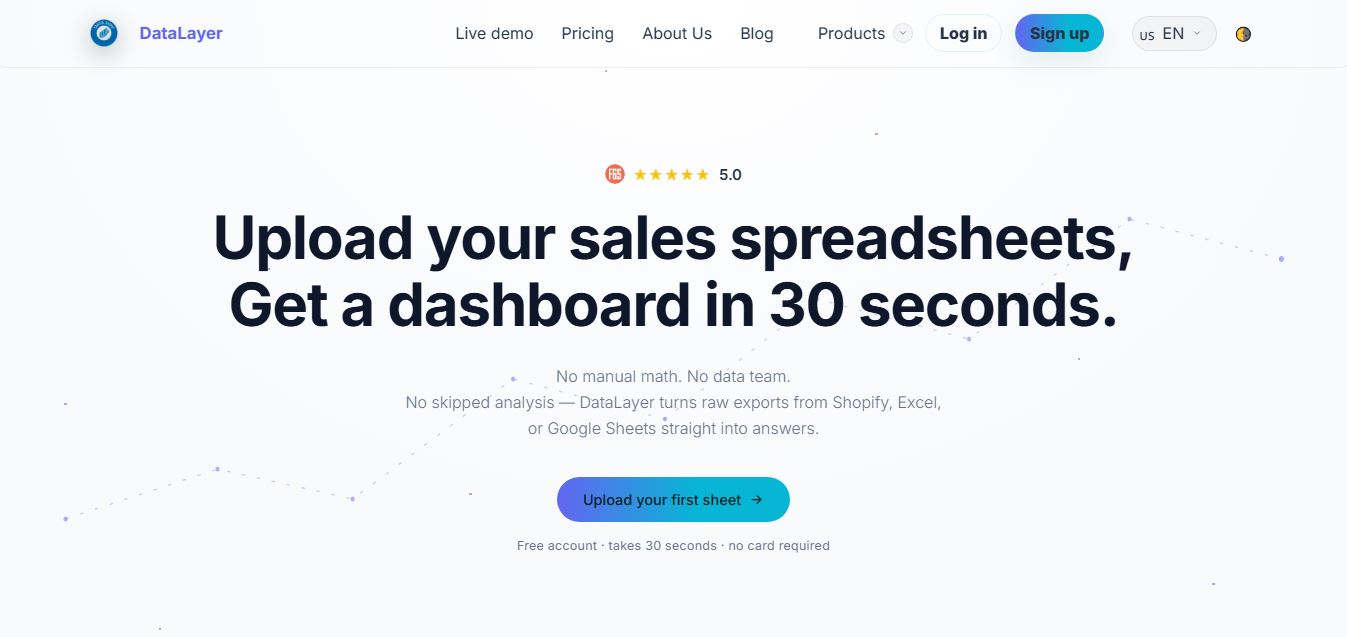
DataLayer is an AI-powered sales analytics and business intelligence platform for ecommerce brands that instantly transforms raw spreadsheets, CSVs, and store exports into interactive revenue, customer, and product dashboards in under 60 seconds.
What is DataLayer?
DataLayer is an AI-powered analytics tool built for e-commerce founders who rely on spreadsheets but want clearer, faster insights. Instead of manually cleaning data or building dashboards, you can upload a CSV, Excel file, or Shopify export and instantly get a complete view of your business—revenue trends, top products, and customer behavior—all in one place. The platform acts like a personal data analyst, turning raw numbers into simple, actionable insights without needing technical skills or a dedicated data team. It also includes AI features that explain what’s happening in your business and suggest what to do next, helping teams make quicker, more confident decisions. Designed for simplicity and speed, DataLayer replaces scattered reports and manual analysis with a single source of truth, saving hours every week while helping businesses grow more efficiently.
Launched in 2026, DataLayer was created to solve the analytics paralysis that small ecommerce operators face when managing raw sales data. Built with an intelligent auto-mapping engine and conversational AI business analyst, the platform computes vital metrics—including revenue velocity, average order value (AOV), customer retention cohorts, and product velocity—starting with a free tier and paid plans from $29 per month.
- Platform Model: Automated Ecommerce Sales Analytics & AI Data Intelligence
- Launch Year: 2026
- Use Cases:
- Transforming raw Shopify, WooCommerce, and CSV sales exports into executive dashboards in 60 seconds
- Identifying bestsellers, dead stock, and underperforming product lines without complex formulas
- Tracking customer repeat purchase rates, lifetime value (LTV), and seasonal order volume shifts
- Asking natural-language business questions (e.g., "What was my most profitable product in Q2?") using the built-in AI analyst
- Exporting clean, presentation-ready PDF, Excel, and CSV summary reports for stakeholders, accountants, and investors
- Technology:
- Intelligent column auto-detection and persistent schema mapping engine for varied CSV and Excel structures
- Natural language AI reasoning engine providing automated business insights and conversational data queries
- Browser-based encrypted processing architecture with strict zero-third-party data sharing guarantees
- Target Users:
- Shopify, WooCommerce, Etsy, and Amazon marketplace sellers without technical analytics backgrounds
- DTC brand founders and solopreneurs looking to monitor cash inflow, margins, and sales trends
- Ecommerce agency managers preparing fast client performance audits and monthly growth summaries
- Small business operators seeking an alternative to expensive, complex enterprise BI suites
- Acquisition: Operates as an independent software and e-commerce analytics platform

Key features of DataLayer
DataLayer's key features are
- 60-Second Spreadsheet-to-Dashboard Conversion: Upload any sales CSV, XLSX, or Google Sheets file without manual formatting and get immediate visual charts and KPIs.
- Smart Column & Currency Auto-Mapping: Automatically detects column headers (revenue, orders, timestamps, SKUs) and currency symbols, remembering custom mappings for future uploads.
- Conversational AI Business Analyst: Ask plain-English questions about your sales data and get immediate answers, trends, and growth suggestions directly in chat.
- Product Performance & Inventory Insights: Pinpoints top revenue drivers, high-margin items, and declining products to optimize stock replenishment and promotions.
- Customer Cohort & Retention Analytics: Tracks repeat buyer rates, new vs. returning customer revenue ratios, and average order values over custom timeframes.
- Shareable PDF & Excel Reports: Generates polished, downloadable summaries ready to send to team members, financial advisors, or investors with one click.
- No Direct Store Connection Required: Protects your store access by relying on secure file uploads rather than demanding invasive third-party API read/write permissions.
- Private & Secure Data Handling: Built with enterprise privacy standards ensuring uploaded customer and sales figures are never sold or used to train public AI models.
DataLayer Pricing
DataLayer operates on a freemium model with a generous free starter tier alongside affordable monthly plans backed by a 14-day free trial (no credit card required).
Free Plan:
- $0/month forever
- Revenue and orders dashboard with CSV upload capabilities
- 1 CSV upload per week, 30-day historical data window, and 1 user seat
Starter Plan:
- $29.00/month (14-day free trial, no card required)
- Full product performance analytics, basic customer insights, and PDF/Excel exports
- Up to 10 daily CSV uploads and 3 automated AI insights per month
Growth Plan:
- $69.00/month
- Full customer cohort analytics, profit and inventory insights, and scheduled reports
- Unlimited uploads, 3 team members, and 20 AI insights + conversational AI chat support
Disclaimer: For the latest feature rollouts, annual pricing discounts, and custom data limits, please visit the official DataLayer website at usedatalayer.com.
Who is using DataLayer?
DataLayer is used by modern ecommerce operators and digital businesses, including
- Shopify & WooCommerce Store Owners: Turning weekly order exports into quick visual breakdowns of revenue and SKU velocity
- Amazon & Multi-Channel Sellers: Analyzing order trends from multiple selling platforms in one standardized dashboard
- Solo Founders & Bootstrapped Creators: Getting instant AI-guided business reviews without hiring expensive data consultants
- Digital Marketing Agencies: Delivering fast monthly performance overviews and client reporting decks without messy spreadsheet formulas
Best DataLayer Alternatives
Some of the strongest DataLayer alternatives include
- Triple Whale
- Lifetimely
- BeProfit
- Glew.io
- Metabase
- Google Looker Studio
Pros and Cons of DataLayer
Pros
- Zero complex setup—converts uploaded spreadsheets into interactive dashboards in under 60 seconds
- Eliminates security risks by not requiring direct API keys or administrative access to your live ecommerce store
- Conversational AI chat lets non-technical users query business metrics using natural language
- Smart schema memory automatically recognizes your recurring file formats on repeat uploads
- Free-forever tier available to test store data without upfront payment commitments
Cons
- Relies primarily on file uploads rather than real-time live database webhooks
- Free tier is limited to 1 upload per week and a 30-day historical window
- Maximum single file upload size is currently capped at 5 MB for standard spreadsheets
Why Choose DataLayer?
Most business intelligence tools require weeks of engineering setup, custom SQL queries, and costly subscriptions. DataLayer makes sales analytics as simple as drag-and-drop.
- Saves hours of manual Excel spreadsheet cleaning, pivot tables, and formula maintenance
- Uncovers actionable revenue and inventory trends without needing a dedicated data analyst
- Keeps your live store private and secure through simple file-based reporting
- Offers accessible pricing with a free plan and straightforward entry-level tiers
DataLayer vs. Competitors
The main difference between DataLayer, Triple Whale, Lifetimely, and Looker Studio lies in setup speed and integration requirements. While Triple Whale and Lifetimely require direct store API connections and deep multi-touch pixel integration, and Looker Studio demands manual data source configuration, DataLayer provides instant, no-setup visual analytics directly from exported sales files using AI auto-mapping.
| Feature / Tool | DataLayer (usedatalayer.com) | Triple Whale | Lifetimely | Google Looker Studio |
|---|---|---|---|---|
| Core Focus | Instant Spreadsheet & CSV Sales Analytics | Full-Stack DTC Attribution & Pixel BI | LTV & Profit Tracking for Shopify | Custom Data Visualization Canvas |
| Setup Time | Under 60 Seconds (Drag & Drop) | 1 to 3 Days (API + Pixels) | Hours (Store Sync) | Manual Pipeline Setup |
| Store Connection Required | No (File Upload Based) | Yes (Full Store & Ad Sync) | Yes (Shopify Sync) | Varies (Connectors) |
| Conversational AI Analyst | Yes (Built-in Chat & Insights) | Yes (Willy AI) | Limited | No (Gemini integration add-on) |
| Free Tier Available | Yes (Free-forever tier) | No (Free trial only) | Free trial only | Yes (Free platform) |
| Best For | Small-to-mid sellers wanting fast insights | Scaling DTC brands with high ad spend | Shopify LTV & cohort modeling | Data engineers & custom dashboard builders |
How do we rate DataLayer?
| Parameter | Rating (out of 5) |
|---|---|
| Dashboard Generation & Auto-Mapping Speed | 4.9 |
| AI Insights & Conversational Query Quality | 4.7 |
| Product & Customer Analytics Depth | 4.7 |
| Ease of Use & Privacy | 4.9 |
| Value for Money | 4.8 |
| Overall Score | 4.80 |
DataLayer Review
DataLayer delivers a clean, practical solution to one of the most tedious parts of running an online store: making sense of raw spreadsheet exports. By pairing automatic column recognition with AI-driven summaries and conversational queries, it allows store owners to understand their financial trends, top sellers, and buyer behavior without touching a formula or hiring a consultant. For e-commerce merchants and agency teams who want quick, actionable business clarity without the complexity of traditional BI systems, DataLayer is a standout analytics platform.
Conclusion
DataLayer is a highly practical analytics tool built for e-commerce sellers who rely on spreadsheets but need faster, clearer insights. Instead of complex dashboards or technical setup, it turns raw CSV, Excel, or Shopify export data into a complete analytics dashboard in under a minute—no data team required. Its biggest strength lies in simplicity and speed. Users can instantly see revenue trends, top products, and customer behavior without building formulas or pivot tables manually, saving hours every week.
While it may not replace advanced BI tools for large enterprises, it delivers exactly what small teams and solo operators need—quick, actionable insights from existing data. DataLayer is a smart solution for turning scattered sales data into clear decisions, helping businesses save time and grow more efficiently.
FAQ
What is DataLayer AI?
DataLayer is an AI-powered analytics platform built for eCommerce businesses. It helps you turn raw sales data from spreadsheets, Shopify exports, or Google Sheets into clear dashboards and actionable insights without needing a data team.
How does DataLayer work?
DataLayer works by letting you upload your existing CSV or Excel files. It automatically processes the data, maps columns, and generates dashboards showing revenue, products, customers, and trends—no manual setup or formulas required.
What can you do with DataLayer?
With DataLayer, you can track revenue trends, analyze top-performing products, understand customer behavior, and generate reports instantly. It also allows you to ask questions in plain language and get AI-powered insights from your own data.
Who should use DataLayer AI?
DataLayer is ideal for eCommerce founders, Shopify sellers, small business owners, and teams that rely on spreadsheets but want faster insights without hiring a data analyst.
What makes DataLayer different from other analytics tools?
Unlike traditional tools that require integrations and setup, DataLayer works directly with the files you already use. You simply upload your data, and it instantly creates dashboards and insights without technical complexity.
Does DataLayer require connecting my store?
No, DataLayer does not require direct integration with your store. You can export your data (CSV, Excel, or Google Sheets) and upload it manually, keeping full control over your data.
What is the DataLayer Evolution Agent?
The Evolution Agent is an AI “growth assistant” that analyzes business signals, identifies opportunities, and suggests actions. It’s designed to help teams make better decisions based on real data, although it’s still evolving as a feature.
User Reviews
No reviews yet for DataLayer.
Featured Tools
Featured AI tools from TechShark

Melody Genie
MelodyGenie is an AI-powered music generator that creates original songs from simple text prompts. Users can choose styles, moods, and genres, then instantly generate melodies and full tracks, making it easy for creators, marketers, and hobbyists to produce custom music without musical expertise.
Freemium

Kimi AI
Kimi AI is an advanced AI assistant developed by Moonshot AI that helps you chat, research, write, code, and automate tasks in one place. It supports web search, file analysis, and multimodal inputs, and can even run autonomous “agent” workflows to complete complex tasks end-to-end.
Freemium

Fashion Diffusion AI
Fashion Diffusion is an AI-powered fashion design platform that helps brands and designers create clothing designs, virtual try-ons, AI models, product photos, and marketing visuals faster and cost-effectively.
Paid

Veo 4
Veo 4 AI is an AI video creation platform that generates dramatic videos from text, images, audio, and video prompts using realistic motion and synchronized sound.
Paid
Alternatives
Alternatives to DataLayer
The best DataLayer alternatives include Triple Whale, Lifetimely, BeProfit, Glew.io, Metabase, and Google Looker Studio. These platforms provide ecommerce analytics, customer cohort reporting, and sales dashboards. While DataLayer specializes in instant 60-second spreadsheet/CSV-to-dashboard generation with conversational AI insights and no direct store connection required, alternatives like Triple Whale cater to advanced multi-touch ad attribution for high-spend DTC brands, and Looker Studio provides a customizable business intelligence canvas.
 4.8
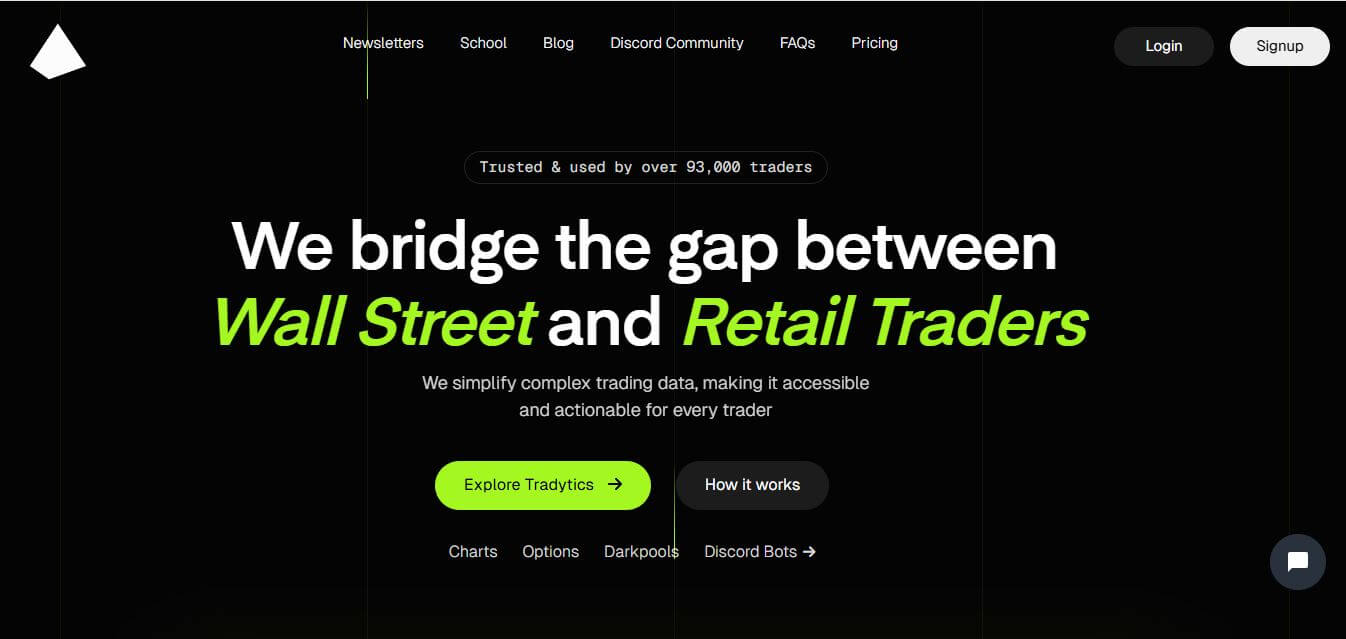
4.8Tradytics
Trading
Tradytics is an AI-powered stock market analytics platform that helps traders analyze options flow, market sentiment, and trading signals. It provides real-time data, insights, and tools to identify opportunities, track trends, and make more informed trading decisions.
Kribana
Finance
Kribana is a complete usage-based billing, metering, and credit-wallet platform built for SaaS, AI, and healthcare tech companies, providing out-of-the-box checkout, portals, pricing models, and automated revenue recovery.
Planful AI
Finance
Planful AI is an AI-powered financial planning and analysis solution that helps teams automate forecasting, analyze data, and detect risks. It turns complex financial data into clear insights, improving decision-making and reducing manual work.
 4.6
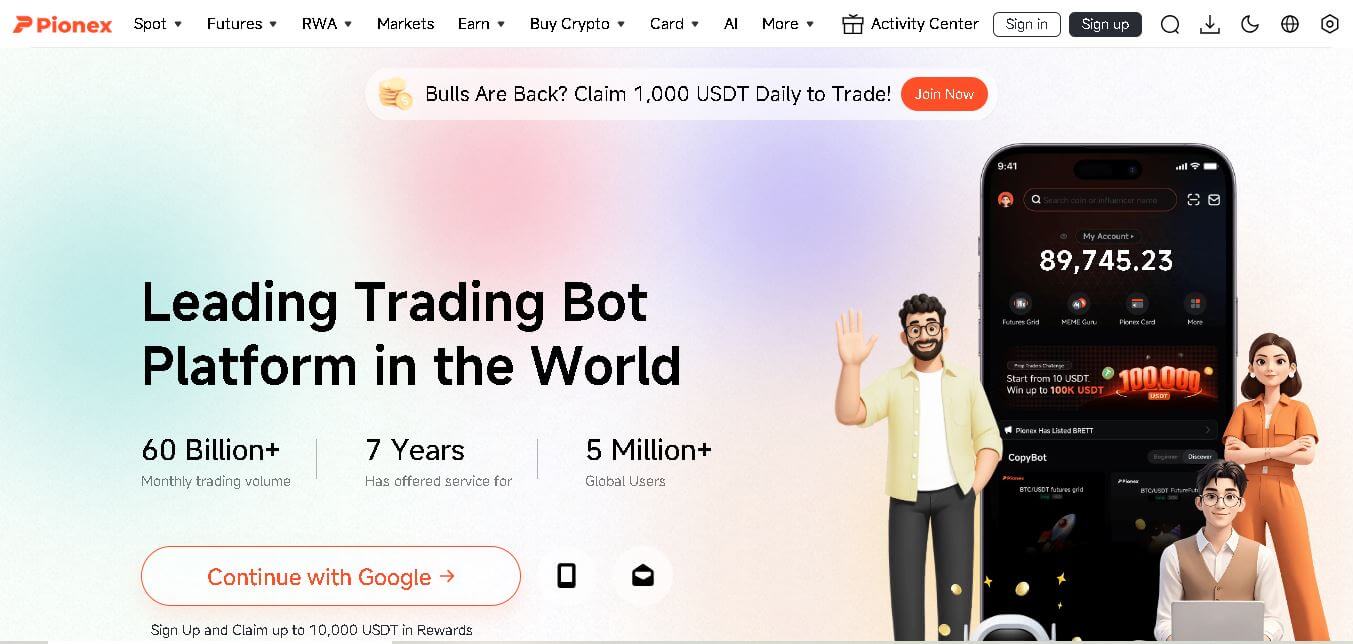
4.6Pionex
Finance
Pionex is a cryptocurrency exchange that combines digital asset trading with built-in automated trading bots. It enables beginners and experienced traders to execute strategies such as Grid Trading, DCA, and Arbitrage without coding. The platform also offers spot trading, futures, staking, and secure asset management through web and mobile applications.
 4.8
4.8Briq
Finance
Briq (briq.ai) is an AI-powered financial automation and operations platform for construction companies that orchestrates cash flow forecasting, automates accounts payable and pay applications, and connects legacy ERPs using autonomous digital workers.
 4.6
4.6Prospero.ai
Finance
Prospero AI is a powerful AI investing app that helps users pick stocks, analyze markets, and improve trading performance using advanced data-driven insights.
 4.5
4.5Kai
Finance
Kai AI is an AI-powered personal coaching platform that helps users improve mental wellness, productivity, and personal development through personalized conversations, goal tracking, and intelligent coaching.
 4.5
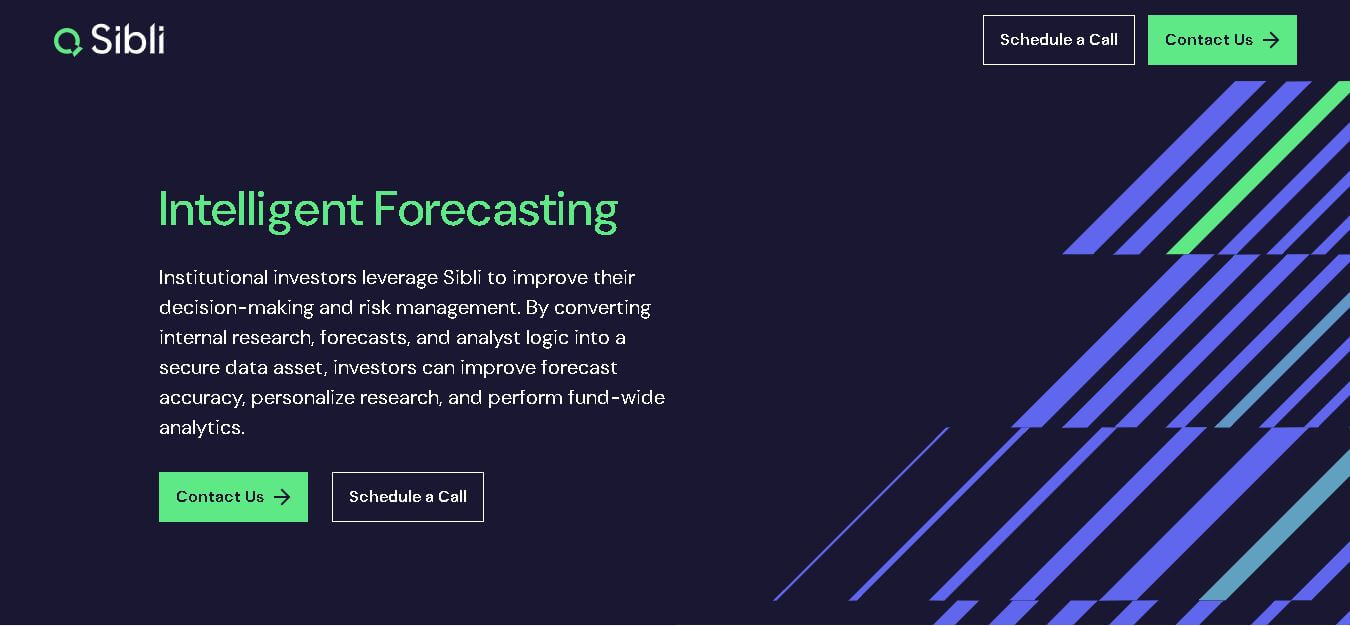
4.5Sibli
Finance
Sybill AI is an AI-powered sales assistant that automates meeting notes, CRM updates, follow-up emails, and deal insights, helping sales teams save time, improve productivity, and close more deals.
 4.4
4.4Xaver
Finance
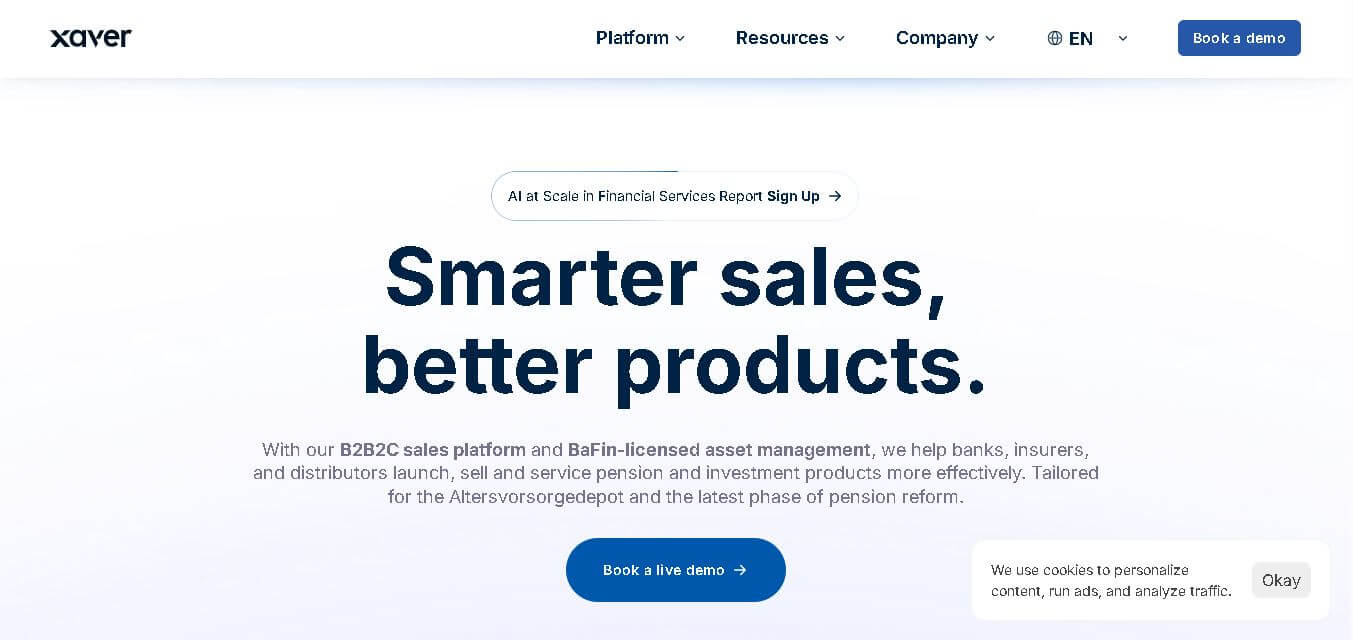
Xaver is an AI-powered financial technology platform that helps banks, insurers, and distributors automate pension advisory, investment sales, compliance, and customer engagement through intelligent AI-driven financial solutions.