
Almanac
Almanac is a modern collaborative documentation and knowledge management platform that brings Git-like branching, reviews, approval workflows, and structured team wikis to async-first remote teams, product managers, and distributed operations.
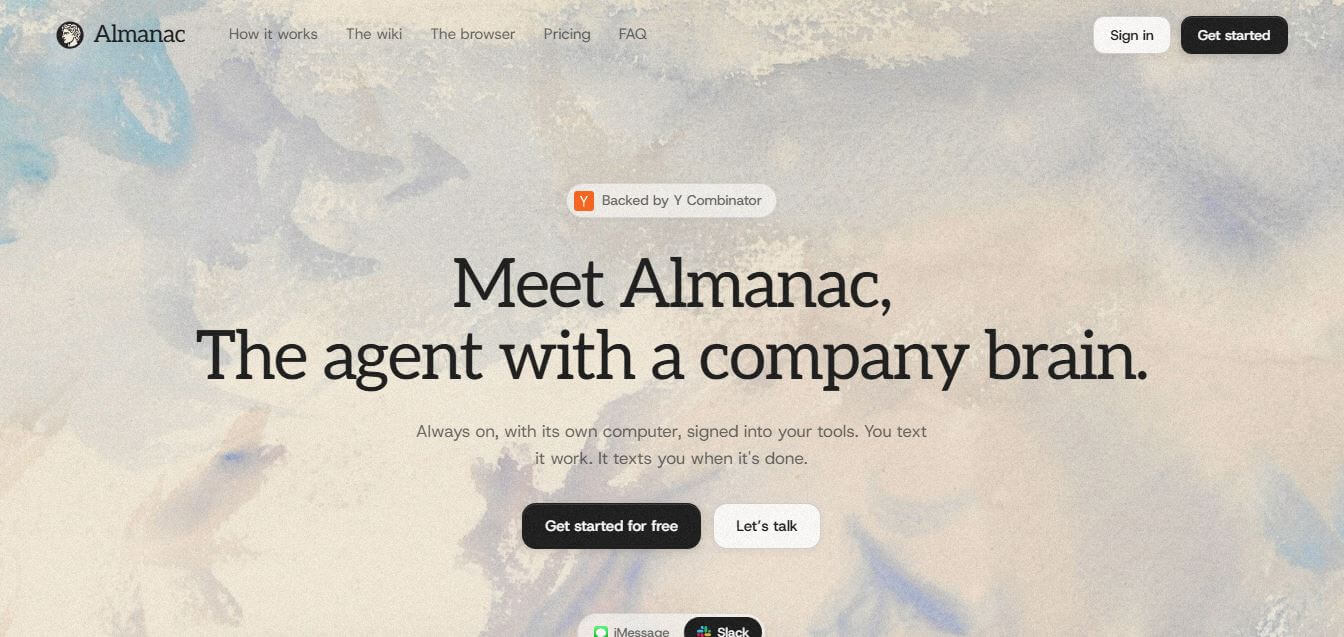
What is Almanac?
Almanac is a collaborative document editor and structured knowledge management platform designed for remote-first teams, product organizations, and operations leaders. It replaces chaotic document sharing with a Git-like version control system featuring document branching, structured feedback requests, formal approval workflows, and centralized team wikis. Equipped with a high-speed block editor and customizable company handbook templates, Almanac keeps distributed teams aligned around verified, up-to-date documentation.
Almanac is used by thousands of remote-first companies, technology startups, and distributed operations teams to maintain their internal single source of truth. The platform's Git-inspired branching and merge framework helps teams eliminate up to 70 percent of document review meetings by replacing synchronous calls with structured async approval workflows. Featuring sub-second search speeds across enterprise knowledge repositories, teams using Almanac report keeping company SOPs and technical documentation up to 3 times more accurate than on traditional static wikis.
- Founder: Adam Nathan
- Launch Year: 2019
- Use Cases:
- Centralized company wiki and digital employee handbook creation
- Standard Operating Procedure (SOP) drafting and regular review cycles
- Asynchronous document reviews, redline diff checks, and policy sign-offs
- Product requirement documentation (PRD) and technical spec collaboration
- Technology:
- Git-inspired non-destructive document branching and merge engine
- High-performance block-based markdown editor architecture
- Semantic search indexing with granular workspace permission models
- Target Users:
- Remote-first startup founders and executive leadership teams
- Product managers, technical program managers, and engineering leads
- People Operations, HR managers, and corporate compliance directors
- Operations managers and workflow optimization specialists
- Acquisition: Operates as an independent digital collaboration technology company

Key features of Almanac
Almanac's key features are
- Git-Style Document Branching: Propose edits, updates, and major policy rewrites in private branches without altering the live main document.
- Structured Review & Approval Flows: Assign reviewers, track requested changes, and require sign-offs before merging updates into the live company wiki.
- Version History & Diff Viewer: Compare changes side-by-side with clear visual redline diffs to understand exactly what was added, modified, or deleted.
- High-Speed Block Editor: Write and format quickly with slash commands, markdown shortcuts, nested lists, callout boxes, and rich media embeds.
- Centralized Workspace Wikis: Organize company knowledge into structured folder hierarchies, searchable tags, and interconnected internal document links.
- Read Receipts & Verification Reminders: Track which team members have read mandatory policy updates and set recurring review schedules to keep SOPs fresh.
- Granular Access & Permission Controls: Define view, comment, edit, and admin permissions across workspaces, specific folders, and individual documents.
- Community Template Gallery: Access thousands of battle-tested templates covering product requirements, employee handbooks, onboarding guides, and engineering specs.
Almanac Pricing
Almanac provides flexible pricing tiers designed for growing startups and scaling distributed organizations.
Basic Free Tier:
- $0/month
- Core document editing and basic workspace storage
- Standard handbook templates and community guide access
Pro Plan:
- Starts at approximately $10 – $12/user/month (billed annually)
- Unlimited document branching and merge review workflows
- Side-by-side visual diffs and unlimited workspace storage
Team / Business Plan:
- Approximately $20 – $24/user/month (billed annually)
- Advanced permission roles, read receipts, and verification reminders
- Priority customer support and workspace analytics
Enterprise Tier:
- Custom pricing
- Single Sign-On (SSO), custom data retention, dedicated customer success, and enterprise SLAs
Disclaimer: For the latest and most accurate pricing information, please visit the official Almanac website.
Who is using Almanac?
Almanac is designed for a broad range of distributed teams and knowledge managers, including
- Remote-First Startups: Building transparent, async-driven operating cultures with documented workflows
- Product Managers: Drafting PRDs, feature specs, and technical documentation with cross-functional feedback
- People Operations & HR Teams: Maintaining living employee handbooks, onboarding guides, and compliance policies
- Operations Leads: Creating standard operating procedures (SOPs) with scheduled review cadences
- Engineering Teams: Documenting architectural decisions and onboarding workflows alongside product specs
Best Almanac Alternatives
Some of the strongest Almanac alternatives include
- Notion
- Slite
- Coda
- Confluence
- Google Docs
- Slab
Pros and Cons of Almanac
Pros
- Git-like branching and merging prevents accidental overwrites and ensures clean version control
- Structured approval workflows replace chaotic comment threads and unnecessary sync meetings
- Clean, distraction-free block editor with fast markdown command support
- Built-in diff view makes comparing document revisions effortless
- Comprehensive library of professional company handbook and SOP templates
Cons
- Introducing Git branching concepts to non-technical team members requires brief initial training
- Database and table relational formula features are less advanced compared to Notion or Coda
- Advanced compliance and verification tools require higher-tier subscriptions
- Mobile app experience is geared toward reading and commenting rather than heavy document composition
Why Choose Almanac?
Almanac is the ideal choice for distributed teams and product leaders who want clean, authoritative company documentation without version chaos or messy comment threads.
- Brings professional version control and document branching to everyday business writing
- Replaces endless review meetings with transparent async approval workflows
- Maintains a verified single source of truth for company handbooks and SOPs
- Provides a fast, modern markdown writing experience with rich block formatting
- Tracks policy comprehension across your organization with built-in read receipts
Almanac vs. Competitors
The main difference between Almanac, Notion, Slite, and Confluence is that Almanac features native Git-style document branching, merging, and formal approval workflows built into every document, while Notion focuses on relational databases and custom workspace building, Slite emphasizes lightweight team discussions, and Confluence serves as a legacy enterprise engineering wiki. Almanac stands out for its async review mechanics and version control precision.
| Feature / Tool | Almanac | Notion | Slite | Confluence |
|---|---|---|---|---|
| Core Focus | Async Docs & Branching | Modular Workspace & DBs | Lightweight Team Wiki | Enterprise IT/Dev Wiki |
| Document Branch & Merge | Yes (Git-Style) | No | No | Limited (Page History) |
| Formal Approval Workflows | Yes (Built-in) | Manual / Template | No | Jira-Dependent |
| Side-by-Side Diff Viewer | Yes | Version History Only | Basic Diffs | Page Comparison |
| Relational Databases | Limited | Advanced | No | Limited |
| Best For | Async Teams & SOP Control | Flexible Custom Workspaces | Fast Team Notes & Search | Large Atlassian Orgs |
How do we rate Almanac?
| Parameter | Rating (out of 5) |
|---|---|
| Version Control & Branching | 5.0 |
| Async Review & Approvals | 4.9 |
| Editor Speed & Usability | 4.8 |
| Knowledge Base Organization | 4.8 |
| Value for Money | 4.7 |
| Overall Score | 4.84 |
Almanac Review
Almanac introduces a transformative approach to document collaboration for the modern remote workforce. By adopting the principles of version control that software engineers have relied on for decades—branching, peer reviews, and clean merging—it eliminates the constant fear of overwriting critical knowledge base files. The clean editing interface and side-by-side diff viewers make reviewing proposals straightforward and transparent. For forward-thinking distributed teams looking to build an authentic async culture, Almanac is an exceptional workspace solution.
Conclusion
Almanac represents a new wave of AI-powered work automation by acting as an intelligent agent that truly understands your company’s context. Unlike traditional tools, it continuously gathers information from connected apps, builds a self-updating knowledge base, and takes action on tasks using its own virtual workspace. This combination of memory, automation, and real-time execution makes it especially valuable for teams looking to reduce manual work and stay aligned. While it may require careful setup and oversight, its potential to streamline workflows is significant. Almanac offers a forward-thinking approach to productivity, where AI doesn’t just assist—but actively gets work done.
FAQ
What is Almanac and how can Almanac help me?
Almanac is an AI-powered work agent designed to act like a “company brain.” Instead of just answering questions, Almanac helps you actually get work done by connecting to your tools, understanding your workflows, and completing tasks on your behalf. Almanac is especially useful for teams that want to automate repetitive work, stay organized, and reduce manual effort across multiple apps.
How does Almanac actually work?
Almanac works by connecting to tools like Slack, Gmail, GitHub, and calendars, then continuously collecting and organizing information into a self-updating internal wiki. When you assign a task, Almanac reads this context and executes the task using its own “computer,” which includes a browser and access to your connected tools.
What makes Almanac different from ChatGPT or other AI assistants?
Almanac is not just a chatbot—it’s an autonomous AI agent. Unlike traditional AI tools that respond only when prompted, Almanac can proactively notice tasks, take action, and update you when it’s done. It also maintains long-term context through its internal wiki, so it remembers what’s happening across your company instead of starting fresh every time.
What kind of tasks can Almanac handle?
Almanac can handle tasks like summarizing conversations, filing bug reports, drafting emails, preparing meeting briefs, monitoring systems, and even managing subscriptions or workflows. You simply describe the task in plain language, and Almanac executes it across your connected tools.
What is the “self-updating wiki” in Almanac?
The self-updating wiki is a core feature of Almanac. It continuously compiles information from your emails, chats, documents, and tools into a structured knowledge base. Almanac uses this wiki as its memory, ensuring it always has up-to-date context before performing any task.
Does Almanac work independently or does it need instructions?
Almanac can do both. It works on tasks you assign, but it can also proactively identify things that need attention based on your data. However, for sensitive actions like payments or logins, Almanac will ask for your approval before proceeding.
Can Almanac access my company data?
Almanac only accesses the accounts and tools you choose to connect. It uses that data to keep its wiki updated and perform tasks. You can control and revoke access at any time, ensuring transparency and security.
Are there any limitations of Almanac?
Almanac is powerful but still evolving. Its performance depends on how well your tools are connected and how clearly tasks are defined. Like any AI system, it may sometimes require human review, especially for complex or critical decisions.
User Reviews
No reviews yet for Almanac.
Featured Tools
Featured AI tools from TechShark

Melody Genie
MelodyGenie is an AI-powered music generator that creates original songs from simple text prompts. Users can choose styles, moods, and genres, then instantly generate melodies and full tracks, making it easy for creators, marketers, and hobbyists to produce custom music without musical expertise.
Freemium

Kimi AI
Kimi AI is an advanced AI assistant developed by Moonshot AI that helps you chat, research, write, code, and automate tasks in one place. It supports web search, file analysis, and multimodal inputs, and can even run autonomous “agent” workflows to complete complex tasks end-to-end.
Freemium

Fashion Diffusion AI
Fashion Diffusion is an AI-powered fashion design platform that helps brands and designers create clothing designs, virtual try-ons, AI models, product photos, and marketing visuals faster and cost-effectively.
Paid

Veo 4
Veo 4 AI is an AI video creation platform that generates dramatic videos from text, images, audio, and video prompts using realistic motion and synchronized sound.
Paid
Alternatives
Alternatives to Almanac
The best Almanac alternatives includes Notion, Slite, Coda, Confluence, Google Docs, and Slab. These platforms provide team documentation, wiki management, and collaborative writing workspaces. While Almanac specializes in Git-like document branching, structured review workflows, and async version control, alternatives like Notion provide customizable relational databases, and Confluence integrates deeply with Atlassian developer tools. Choosing the right platform depends on whether you require structured document version branching or flexible database builders.
 4.7
4.7Spark Hire
AI Agent
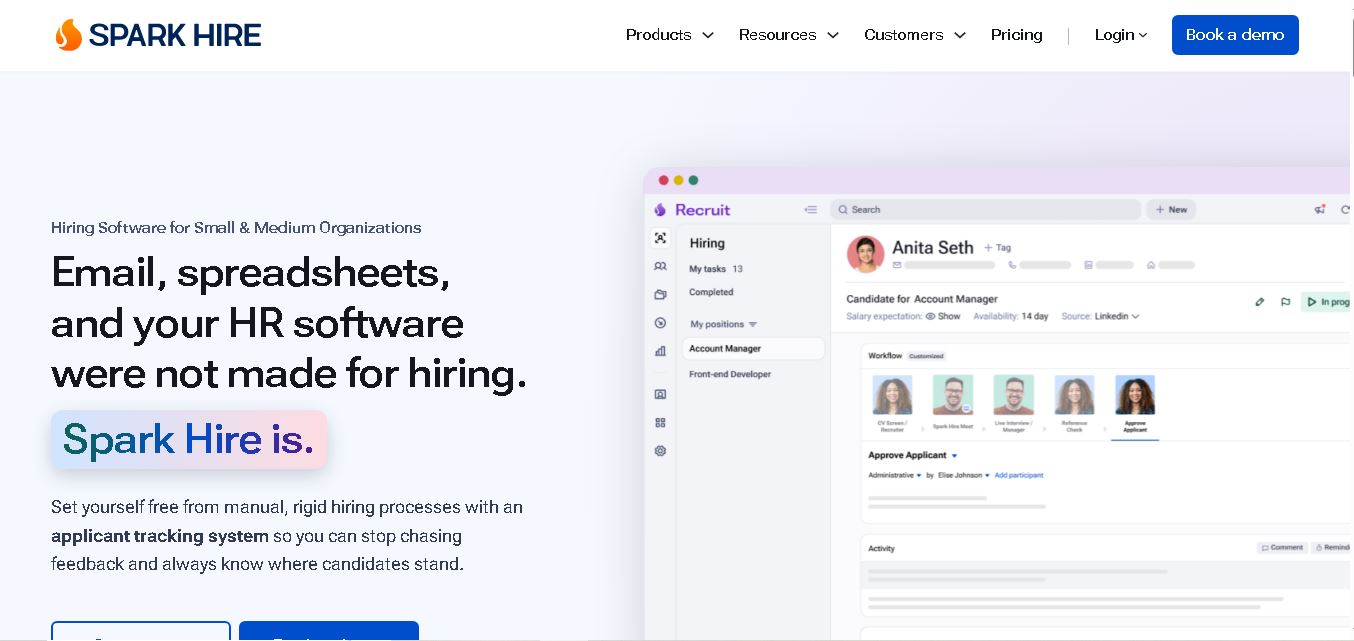
Spark Hire helps recruitment teams simplify hiring through one-way video interviews, live interviews, applicant tracking, and candidate evaluations. It enables employers to screen applicants remotely, collaborate with hiring managers, and organize recruitment workflows. Its AI-assisted features support interview transcription, summaries, and candidate review while maintaining human involvement in hiring decisions.
 4.9
4.9Materiom
AI Agent
Materiom helps researchers, designers, and businesses discover and develop sustainable materials using renewable ingredients. Its resources include biomaterial recipes, material datasets, ingredient information, and AI-assisted research. By supporting experimentation and knowledge sharing, Materiom encourages innovation in bio-based packaging, textiles, and other products while helping users explore alternatives to conventional plastic materials.
 4.9
4.9Talkwalker
AI Agent
Talkwalker is a consumer intelligence and social listening solution that helps brands track online mentions, analyze audience sentiment, monitor competitors, and discover emerging trends. It combines social media analytics, media monitoring, customer feedback, and AI-powered insights to support marketing, public relations, reputation management, and data-driven business decisions across global markets.
 5.0
5.0AI4K12
AI Agent
AI4K12 is an educational initiative focused on bringing artificial intelligence into K–12 classrooms. It provides grade-level learning guidelines, curated teaching resources, and the Five Big Ideas framework. Designed for educators and curriculum developers, AI4K12 supports age-appropriate AI instruction and helps students understand how intelligent technologies work and affect society.
Kommunicate
AI Agent
Kommunicate (kommunicate.io) is an AI-powered customer service automation and live chat platform that unites no-code generative AI agents, Kompose chatbot builder, seamless human escalation, voice AI, and omnichannel messaging across WhatsApp, web, and mobile apps.
Text
AI Agent
Text is an AI-powered customer service platform that combines live chat, help desk ticketing, AI agents, and workflow automation. It helps businesses manage customer conversations, automate repetitive support tasks, answer questions, engage website visitors, and turn customer interactions into sales opportunities through a unified communication workspace.
DocsBot AI
AI Agent
DocsBot AI is an AI chatbot and agent platform that turns websites, documents, knowledge bases, and support tickets into conversational assistants. Businesses can use it to automate customer support, answer questions, share internal knowledge, connect workflows, and provide information through website widgets and supported integrations.
SiteGPT AI
AI Agent
SiteGPT is an AI chatbot platform that helps businesses automate customer support using their website content, documents, and knowledge sources. It answers visitor questions, supports lead generation, and integrates into websites, allowing teams to handle repetitive inquiries, improve customer experiences, and provide assistance around the clock.
 4.7
4.7Halcyon
AI Agent
Halcyon is an AI energy intelligence platform that helps professionals search regulatory filings, analyze energy-market information, monitor developments, and access structured datasets. It combines document search, natural-language queries, AI-powered alerts, and specialized data subscriptions to turn fragmented energy information into actionable intelligence for research, monitoring, planning, and faster decision-making.