
UpCat
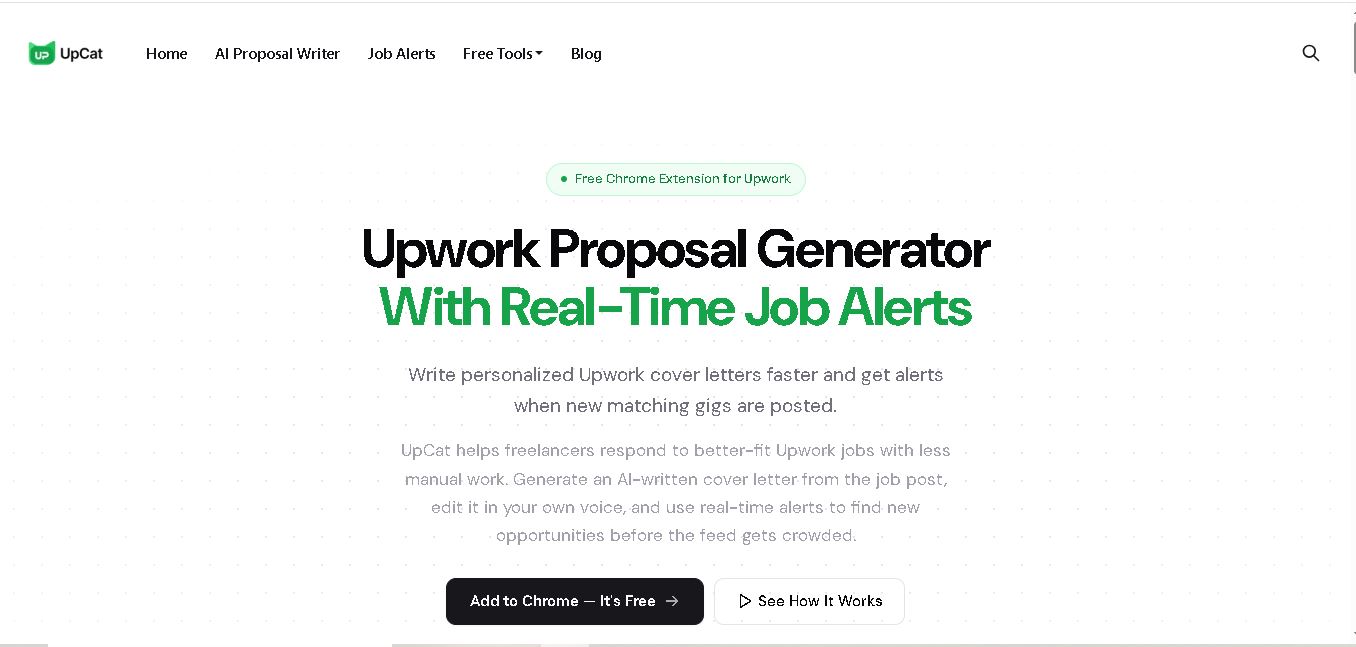
UpCat is a free browser extension for Upwork freelancers that combines personalized AI proposal drafting with real-time job alerts. It helps you discover matching freelance opportunities, generate editable cover letters from job posts, and respond faster. You can review and personalize every proposal before submitting it yourself through Upwork.
What is UpCat?
UpCat is a browser extension designed for Upwork freelancers who want to discover relevant jobs faster and create personalized proposal drafts. It reads the Upwork job post you are viewing, generates an editable cover letter, and provides real-time alerts for matching opportunities. UpCat works with Chrome, Brave, Edge, and Opera, helping freelancers streamline job discovery and proposal writing without automatically submitting applications.
UpCat is an independent browser extension focused on Upwork freelancers. It has 6,000+ Chrome users, a 4.8 rating from 21 Chrome reviews, and is available across 4 Chromium-based browsers: Chrome, Brave, Edge, and Opera. The service is presented as always free, with no trials, paywalls, or credit card requirements. UpCat combines 2 core workflows: AI-assisted proposal writing and real-time job alerts. It does not automatically submit proposals or request Upwork passwords.
- Platform Role: Upwork Proposal Generator, AI Cover Letter Assistant & Real-Time Job Alert Extension
- Developer & Organization: UpCat (Independent SaaS)
- Cross-Platform Access: Web Browser Extension (Google Chrome, Brave, Microsoft Edge, Opera)
Use Cases:
- Generating instant, job-specific cover letter first drafts directly inside active Upwork job posting pages
- Receiving real-time notifications for newly published Upwork gigs matching targeted keywords, skills, and client criteria
- Customizing tone, opening hooks, and calls to action without switching between separate AI tools or chat tabs
- Optimizing Upwork Connect usage by quickly evaluating job fit and submitting proposals earlier in the client's hiring cycle
- Maintaining proposal quality and personal voice across high-volume freelance application workflows
Technology:
- Browser extension architecture operating natively within Chromium browser engines (Chrome Web Store distribution)
- Generative AI models trained on top-performing Upwork proposal structures to avoid generic, robotic text
- Real-time feed scraping and background event monitoring for automated Upwork keyword matching and job alerts
- Client-side review workflow ensuring zero automated submission actions to comply with platform usage safety
Target Users:
- Full-time freelancers and solopreneurs looking to scale client acquisition on Upwork
- Freelance agencies and business development managers submitting daily job proposals
- New Upwork freelancers seeking assistance in structuring persuasive, professional cover letters
- Digital specialists (developers, copywriters, designers, and marketers) wanting faster job alert updates
Acquisition: Independent SaaS tool developed for global freelancers (upcat.app)
What are the key features of UpCat?
UpCat's key platform features are
- Context-Aware AI Proposal Writer: Automatically reads the active Upwork job post and drafts a tailored, relevant cover letter in seconds.
- Real-Time Upwork Job Alerts: Delivers instant desktop alerts when new jobs matching saved categories, keywords, or filters are posted.
- In-Browser Extension Interface: Operates directly on Upwork job pages, eliminating tab-switching to external AI tools like ChatGPT.
- Human-in-the-Loop Customization: Generates structured first drafts designed for fast manual editing of hooks, proof points, and questions.
- Anti-Generic AI Guardrails: Structured specifically to avoid standard, canned AI phrases and produce natural-sounding pitches.
- Multi-Browser Support: Works across all major Chromium browsers, including Google Chrome, Microsoft Edge, Brave, and Opera.
How much does UpCat cost?
UpCat is offered as a free-to-use browser extension, giving freelancers accessible tools to write cover letters and track new job opportunities.
Pricing Plan:
- Free Plan ($0 / Free): Free extension download with access to AI proposal draft generation, job alert monitoring, and browser integration without mandatory upfront subscription fees.
Disclaimer: UpCat provides a free extension tier. Additional usage thresholds, premium features, or specialized AI limits may evolve as the tool updates.
Who should use UpCat?
UpCat is designed for active freelancers, remote workers, and agencies operating on Upwork, including
- High-Volume Freelancers: Professionals who apply to multiple jobs weekly and need to minimize time spent drafting proposals from scratch.
- Niche Specialists & Consultants: Lenders and service providers relying on fast job alerts to apply before postings get crowded with dozens of bids.
- Non-Native English Freelancers: Talent seeking help with grammar, professional tone, and clear cover letter formatting for global clients.
What are the best alternatives to UpCat?
Some of the strongest UpCat alternatives include
- Pouncer AI
- Proposal Genie
- GigRadar
- ChatGPT
- Grammarly
What are the pros and cons of UpCat?
What are the pros of UpCat?
- Combines both real-time job alerts and AI proposal writing within a single browser extension
- Operates directly inside Upwork job pages without requiring external copying and pasting
- Does not attempt automated submissions, keeping proposal control and account safety in user hands
- Completely free to install on all major Chromium browsers
What are the cons of UpCat?
- Requires manual review and personal editing to ensure optimal pitch quality
- Exclusive focus on Upwork; lacks native integrations for other platforms like Fiverr or Freelancer.com
- Extension performance depends on browser runtime and layout structure of Upwork pages
Why should you choose UpCat?
Timing and relevance are critical factors in landing clients on Upwork. Constantly refreshing search feeds and writing cover letters from scratch wastes valuable time and limits how fast you can respond to fresh postings. UpCat resolves both challenges by delivering real-time alerts when ideal jobs go live and generating a contextual cover letter draft in seconds, allowing you to edit and submit polished proposals before the competition builds up.
How does UpCat compare to competitors?
The main difference between UpCat, general AI tools like ChatGPT, and dedicated proposal software like Pouncer AI lies in workflow integration and dual capability. While standalone AI tools require manual copying between tabs and other extensions focus solely on writing, UpCat combines real-time job alerts with contextual cover letter generation inside the active Upwork browser view.
| Feature / Platform | UpCat | Pouncer AI | ChatGPT (Manual) | GigRadar |
|---|---|---|---|---|
| Core Focus | Upwork Job Alerts & In-Page Proposal Writer | AI Proposal & Profile Generator | General AI Text & Content Generation | Upwork Bidding & Agency Automation |
| Browser Extension | Yes (Native Chromium Extension) | Yes (Browser Tool) | No (Web App / API) | Yes (Web / Extension Suite) |
| Real-Time Job Alerts | Yes (built-in alerts) | Limited / Secondary | No | Yes (advanced feed tracking) |
| Contextual Job Reading | Automatic (reads page instantly) | Automatic via extension | Manual copy-paste required | Automated pipeline rules |
| Best For | Freelancers wanting fast, free in-browser proposals and job alerts | Freelancers looking for comprehensive proposal writing tools | Users who prefer complete custom prompt flexibility | Scales agencies managing complex automated bidding strategies |
How do we rate UpCat?
| Parameter | Rating (out of 5) |
|---|---|
| Ease of Access & Extension Performance | 4.8 |
| Contextual Proposal Quality | 4.6 |
| Job Alert Speed & Accuracy | 4.7 |
| Upwork Workflow Convenience | 4.9 |
| Value for Money | 5.0 |
| Overall Score | 4.80 |
What is our review and verdict on UpCat?
UpCat is a highly practical productivity tool for freelancers navigating the competitive Upwork marketplace. By combining automated page context reading, tailored proposal drafting, and real-time job alerts into a lightweight extension, it removes much of the friction from applying to client posts. It empowers freelancers to respond faster with relevant pitches while leaving full control over the final wording in human hands.
Conclusion
UpCat brings two repetitive parts of the Upwork workflow into one browser extension: finding relevant jobs and preparing personalized proposals. Its real-time alerts can reduce constant feed checking, while its AI proposal writer provides a job-specific starting point instead of a blank page. Freelancers remain responsible for reviewing, editing, and submitting proposals. With support for four major Chromium-based browsers and a free-to-use model, UpCat offers a focused workflow for freelancers seeking a simpler way to manage Upwork applications.
FAQ
How can UpCat help me write better Upwork proposals?
If you regularly spend too much time starting proposals from scratch, UpCat can create a job-specific first draft using the details in an Upwork posting. You can then add your experience, portfolio examples, questions, and preferred tone. This makes the writing process faster while keeping the final proposal under your control.
Does UpCat automatically submit my Upwork proposals?
No. UpCat does not automatically submit proposals on your behalf. It generates an editable cover letter based on the job post, but you remain responsible for reviewing, personalizing, and submitting it through Upwork. This gives you an opportunity to verify the information, add relevant experience, and make sure the final message accurately represents your services.
Can UpCat help me find new Upwork jobs?
Yes. UpCat provides real-time job alerts based on preferences such as keywords, skills, categories, and filters. Instead of repeatedly checking the Upwork feed, you can receive notifications when matching opportunities appear. You can then review the project, assess the client and requirements, and decide whether the opportunity deserves your attention and connections.
Is UpCat free for Upwork freelancers?
Yes. UpCat’s official website currently describes the extension as always free. It states that users can add UpCat to Chrome without a paywall, trial period, or credit card requirement. If you are a freelancer looking to reduce proposal-writing time without adding another subscription expense, this makes UpCat accessible for regular use.
Which browsers support UpCat?
You can use UpCat with several Chromium-based browsers. The official website lists Google Chrome, Brave, Microsoft Edge, and Opera as supported browsers. This gives you flexibility if Chrome is not your preferred browser. Installation is handled through the Chrome Web Store, while the extension can operate across these supported browser environments.
Does UpCat need my Upwork password?
UpCat says it does not ask for your Upwork password or collect your Upwork login credentials. The extension may process visible job-post information, alert preferences, proposal text, and related settings to provide its features. You should still review the product’s current privacy policy before using it and understand what information is processed.
User Reviews
No reviews yet for UpCat.
Featured Tools
Featured AI tools from TechShark

Melody Genie
MelodyGenie is an AI-powered music generator that creates original songs from simple text prompts. Users can choose styles, moods, and genres, then instantly generate melodies and full tracks, making it easy for creators, marketers, and hobbyists to produce custom music without musical expertise.
Freemium

Kimi AI
Kimi AI is an advanced AI assistant developed by Moonshot AI that helps you chat, research, write, code, and automate tasks in one place. It supports web search, file analysis, and multimodal inputs, and can even run autonomous “agent” workflows to complete complex tasks end-to-end.
Freemium

Fashion Diffusion AI
Fashion Diffusion is an AI-powered fashion design platform that helps brands and designers create clothing designs, virtual try-ons, AI models, product photos, and marketing visuals faster and cost-effectively.
Paid

Veo 4
Veo 4 AI is an AI video creation platform that generates dramatic videos from text, images, audio, and video prompts using realistic motion and synchronized sound.
Paid
Alternatives
Alternatives to UpCat
The best UpCat alternatives include Pouncer AI, Proposal Genie, GigRadar, and ChatGPT. While UpCat provides a frictionless, zero-install browser extension tailored specifically for Upwork with real-time job alerts and contextual cover letter generation, alternatives like ChatGPT offer broader writing flexibility and GigRadar targets agency-level automated bidding pipelines.
 4.6
4.6AIApply
HR
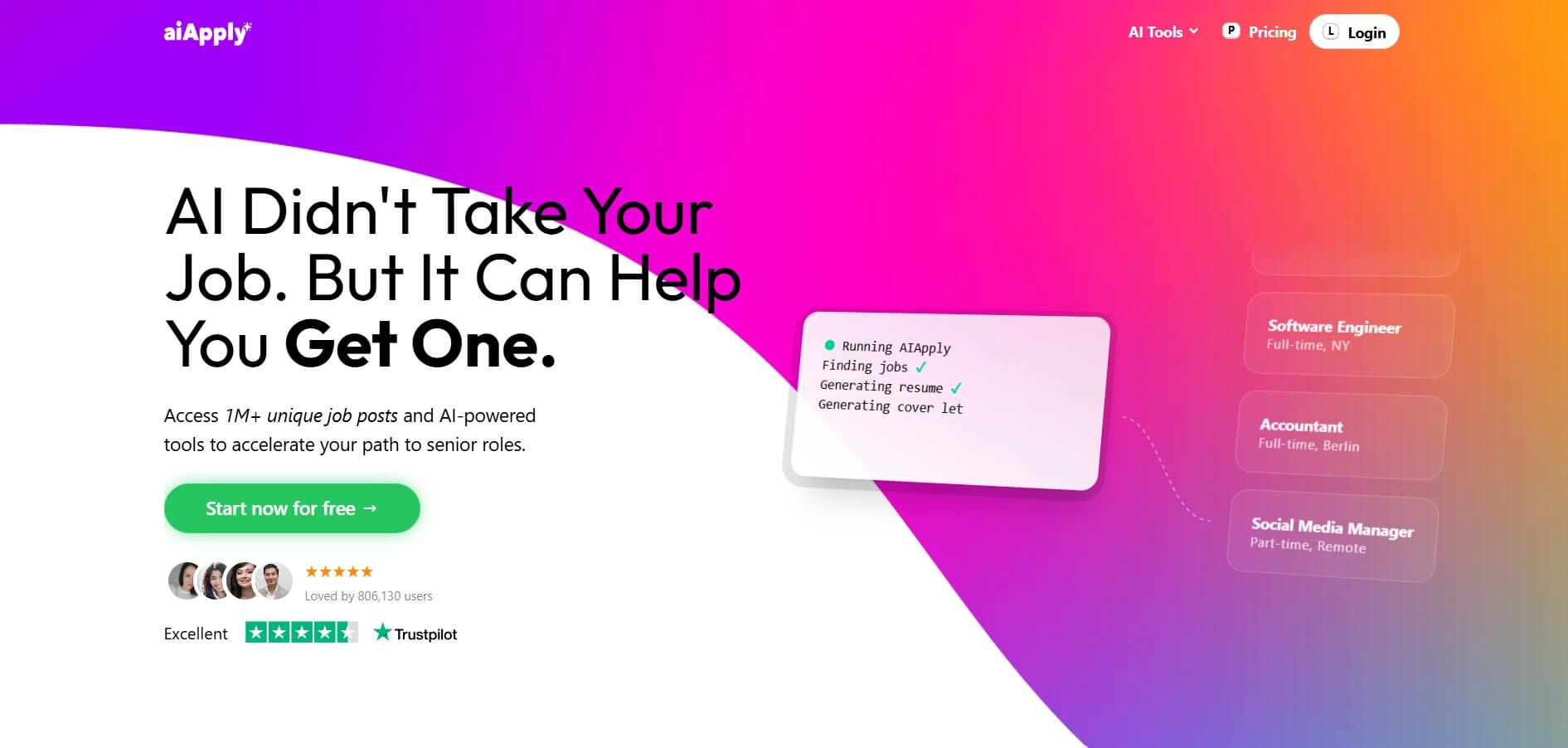
AIApply is an AI-powered job search automation platform that helps users find matching roles, tailor resumes and cover letters, and apply automatically at scale. It also offers interview coaching and optimization tools, enabling job seekers to increase response rates and land interviews faster with less manual effort.
 4.6
4.6Cover Letter AI
HR
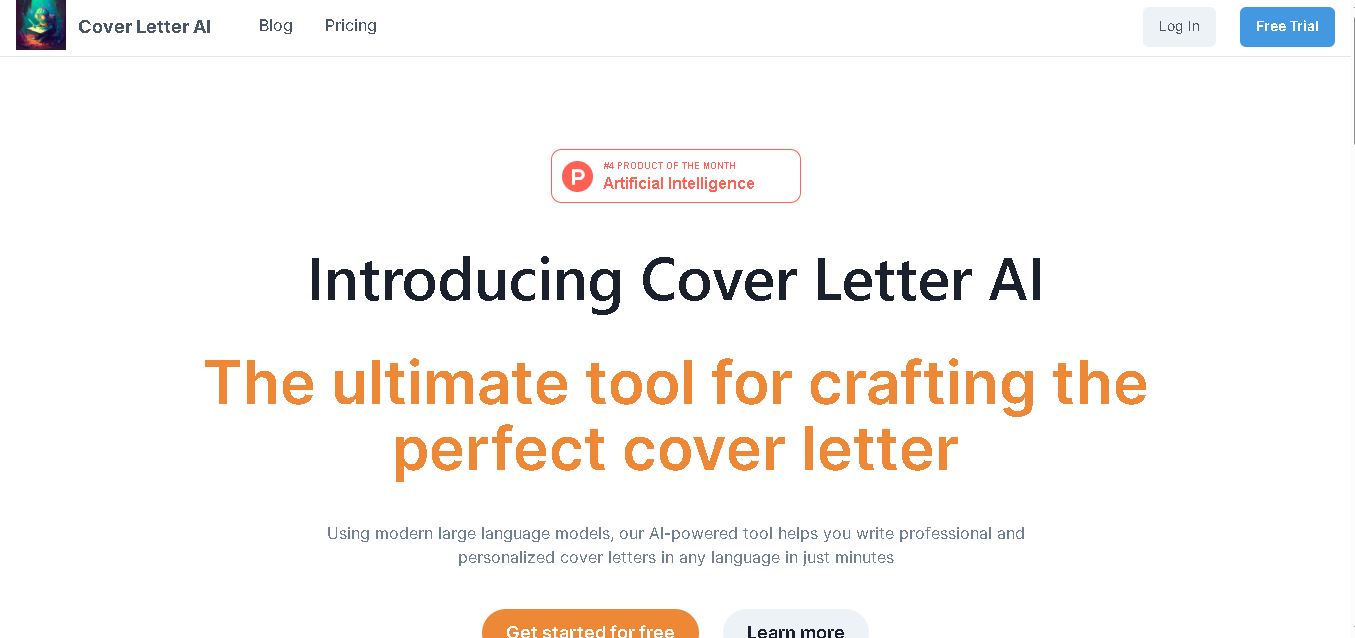
Cover Letter AI helps job seekers create personalized cover letters using their CV, job description, company information, preferred writing style, and selected skills. It can generate multiple versions, allowing users to compare, edit, and refine their letters before applying. The tool also supports cover-letter creation in multiple languages.
 4.6
4.6MajorGen
HR
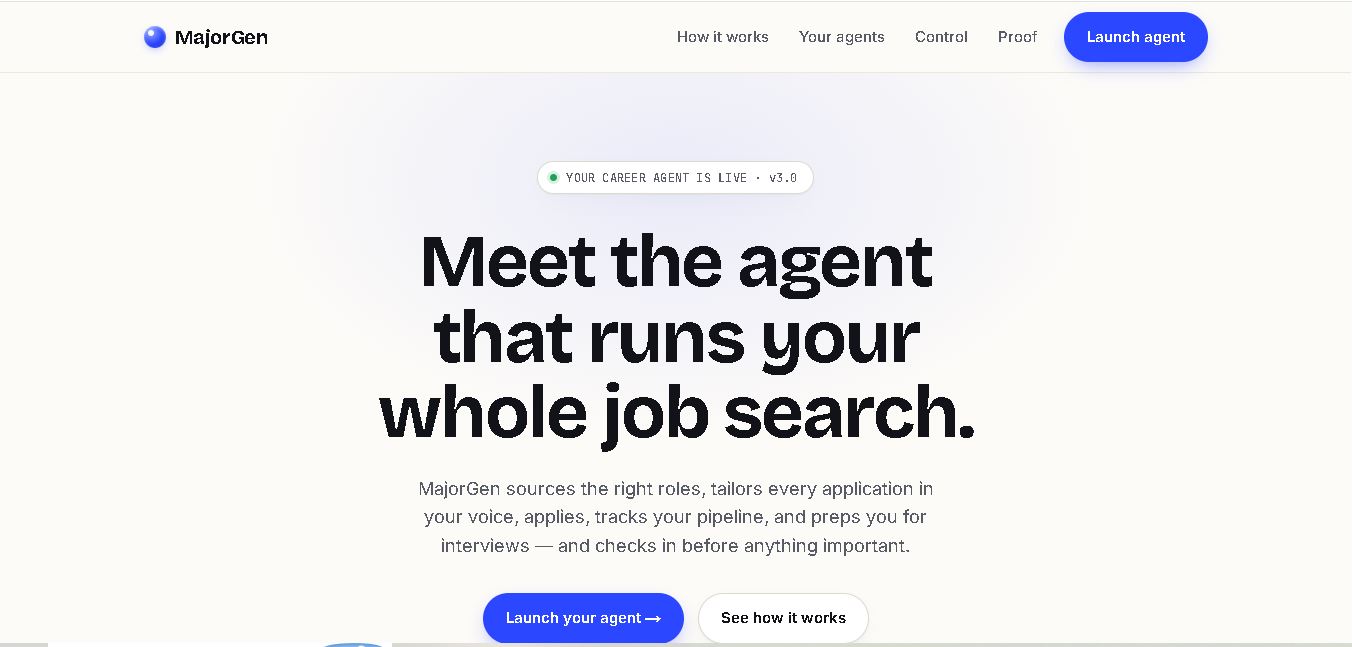
MajorGen helps job seekers create personalized, ATS-optimized resumes and cover letters for different job applications. Users can provide a job description and their existing resume or LinkedIn profile, then generate tailored documents quickly. Its dashboard helps organize applications, while credit-based pricing lets users pay only when they need document generation.
 4.8
4.8PyjamaHR
HR
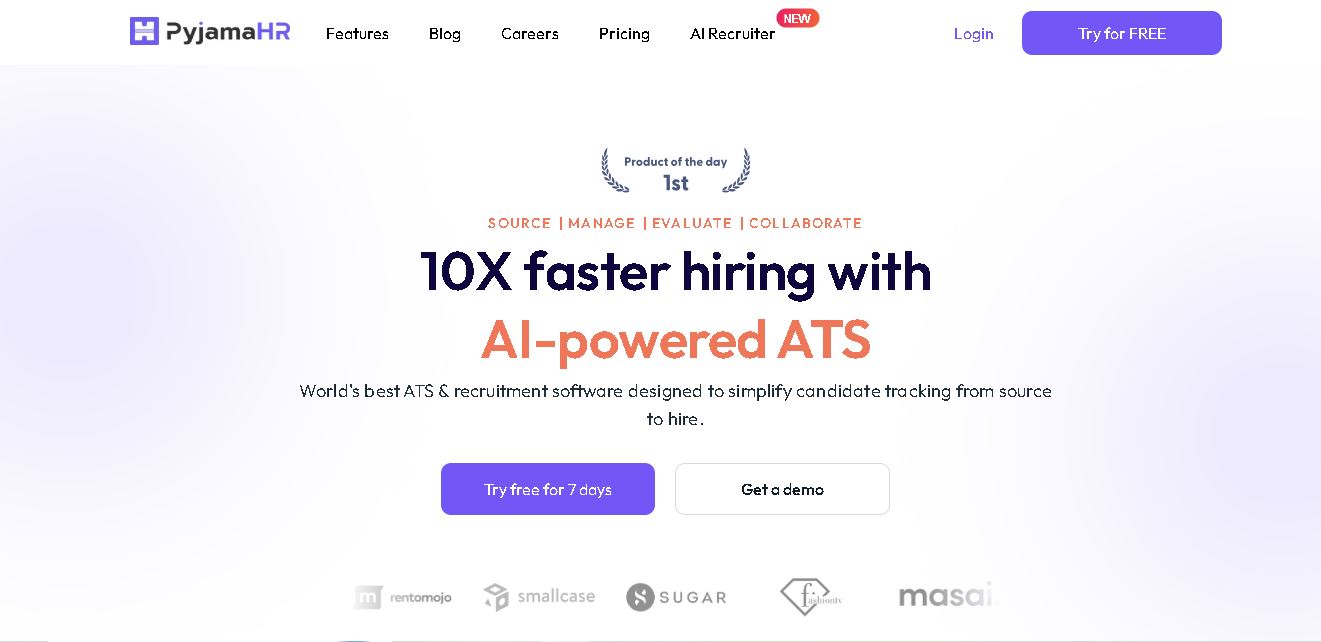
PyjamaHR is recruitment software built to simplify candidate sourcing, screening, evaluation, and hiring. It combines applicant tracking, job distribution, talent pools, interview scheduling, AI resume matching, automated screening, collaboration, analytics, and integrations in one workspace. With mobile apps and customizable career pages, recruiters can manage hiring workflows more conveniently efficiently.
 4.7
4.7ResumeCheck.net
HR
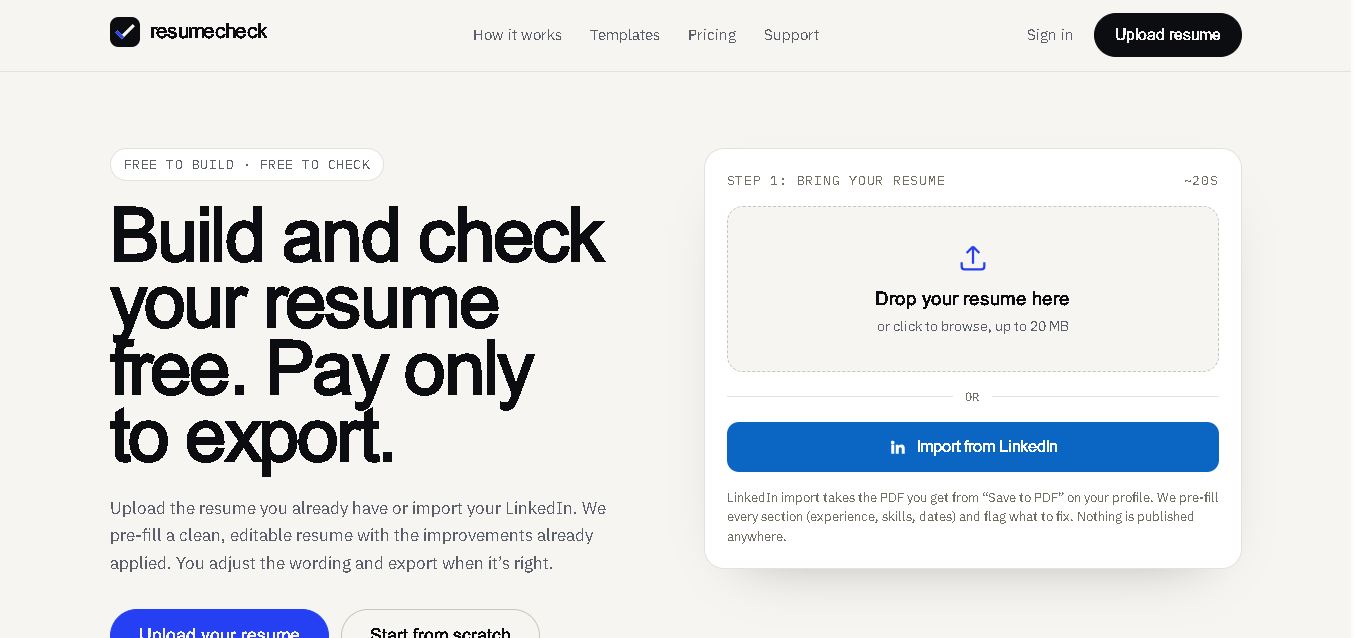
ResumeCheck helps job seekers create, review, and improve resumes with structured checks for keywords, grammar, impact, formatting, length, missing sections, and ATS compatibility. You can upload an existing resume, import LinkedIn information, or start from scratch. Free editing and checking are available, while PDF and Word exports require a one-time payment.
 4.7
4.7Canyon
HR
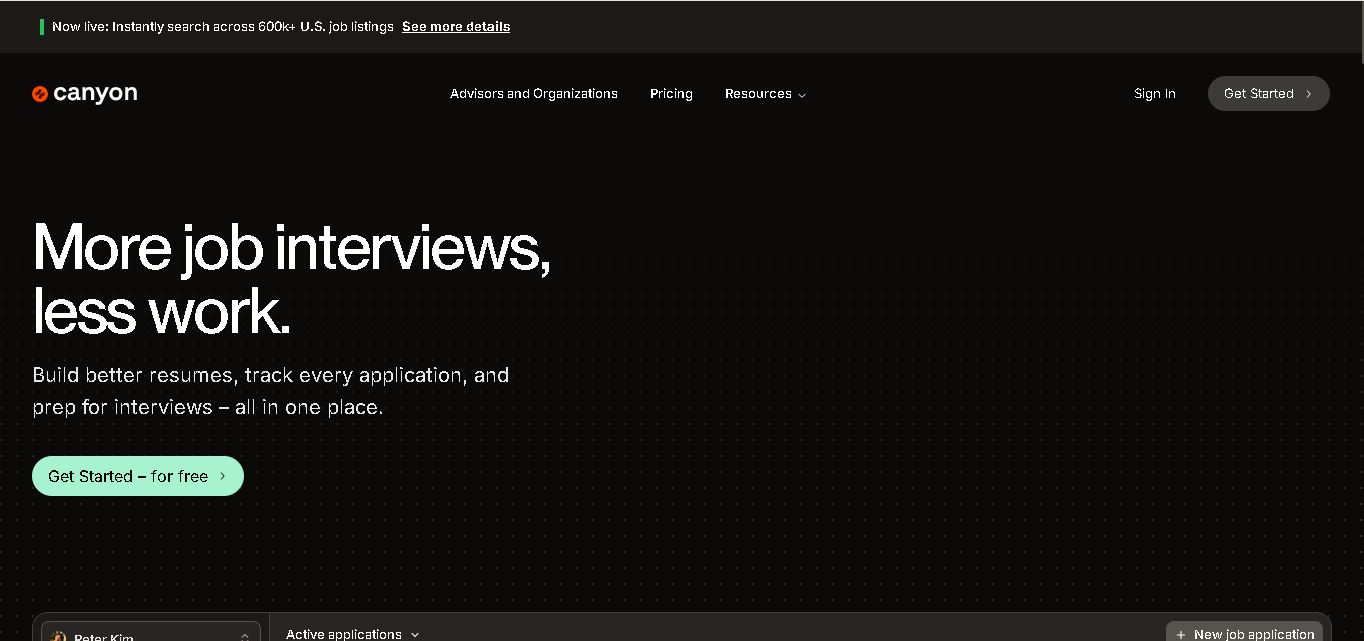
Canyon is an all-in-one career platform that helps job seekers create stronger resumes, discover relevant opportunities, manage applications, prepare for interviews, generate cover letters, and improve professional networking. Its AI-assisted features are designed to reduce repetitive job-search tasks while helping users personalize materials for individual positions and organize their entire application journey in one place.
 4.6
4.6NexGenTeam
HR
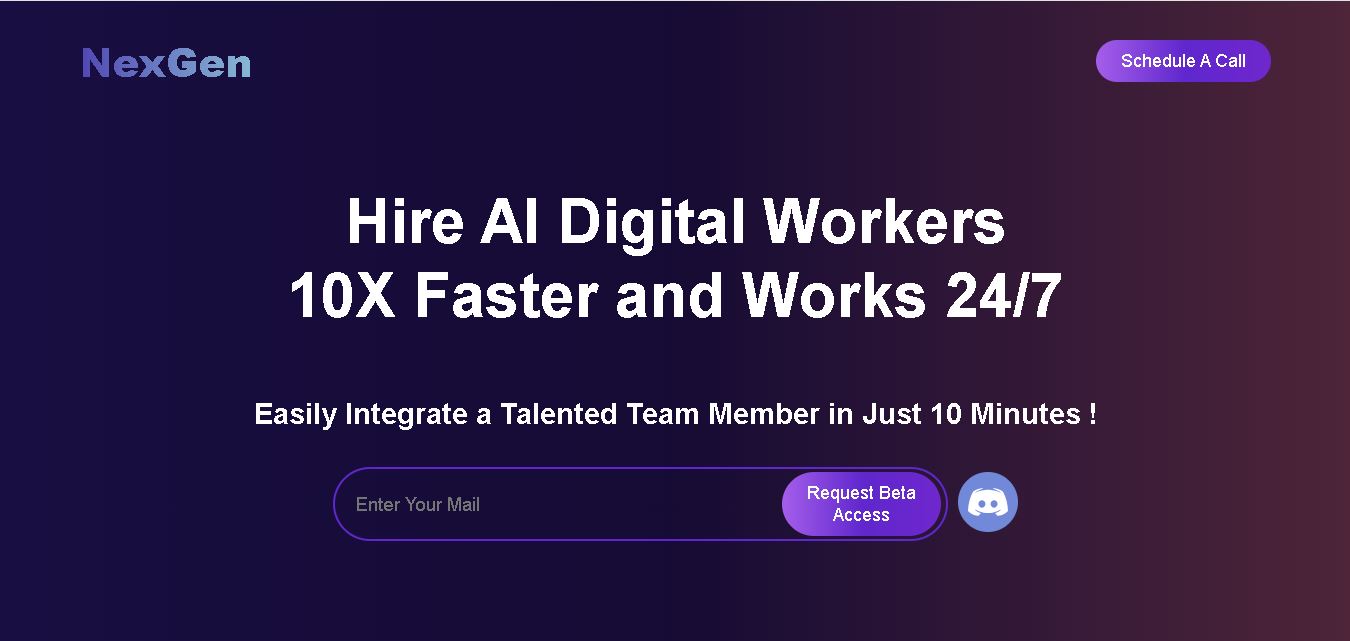
NexGenTeam provides specialized AI digital workers designed to support business operations across sales, content creation, social media, graphic design, and video production. Its documented team includes Sophia, Ethan, and Nathan, with each worker focused on different responsibilities. The service is positioned around continuous assistance and business productivity.
 4.7
4.7Potis AI
HR
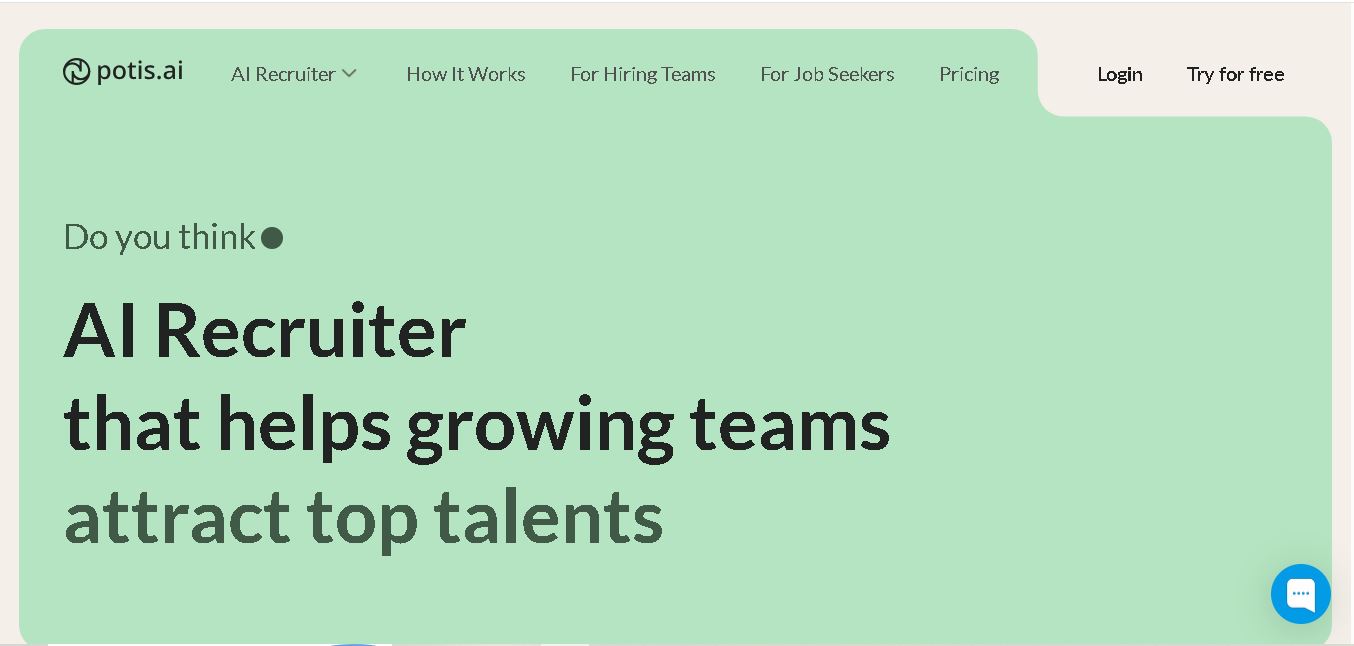
Potis AI is an AI-powered recruiting and screening platform that automates behavioral interviews, video assessments, and candidate evaluations using real-world job scenarios to evaluate actual skills and minimize hiring bias.
 4.6
4.6Todo.is
HR
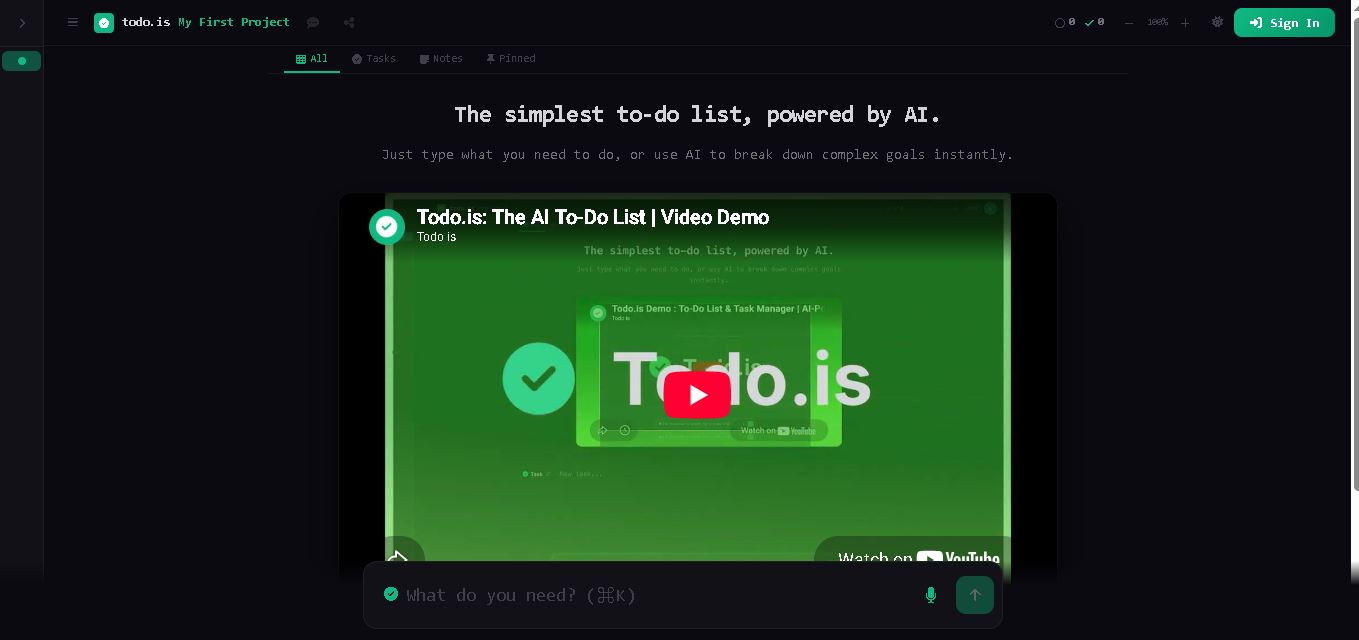
Todo.is is an online task management tool that combines a simple to-do list with AI-assisted planning. Users can enter tasks, organize projects, break complex goals into smaller actions, and use voice input on paid plans. It is designed for people seeking a straightforward way to manage personal tasks and projects.