
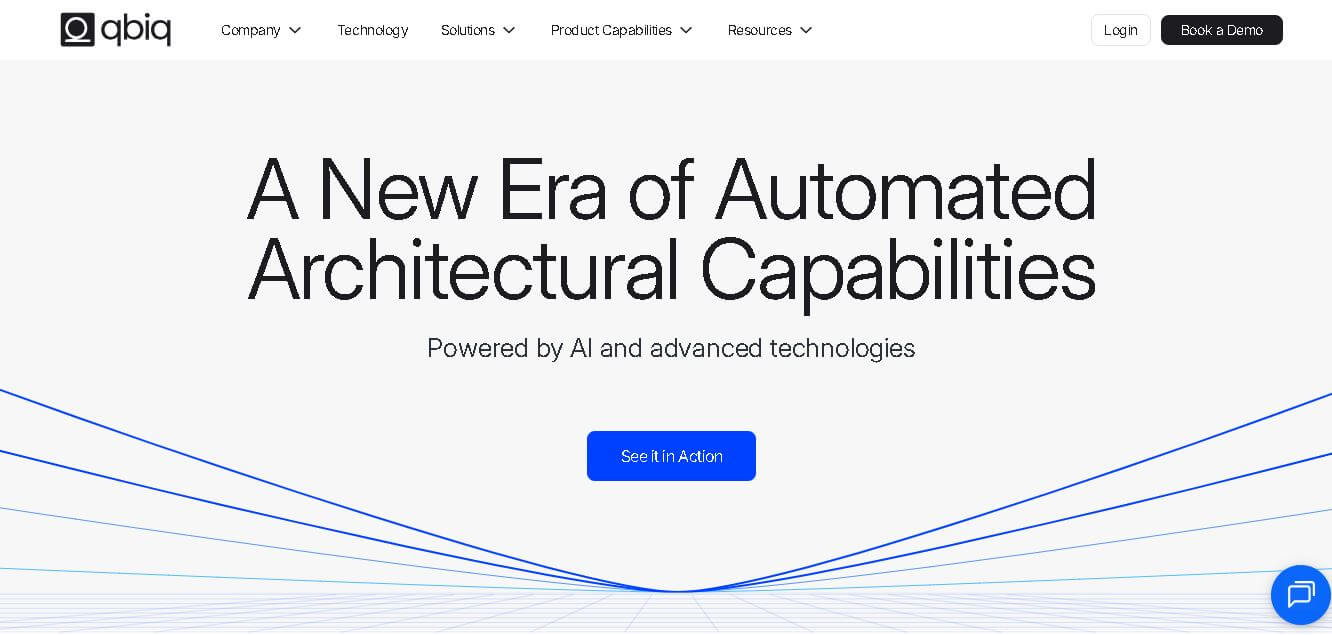
What is Qbiq?
- Founders & Launch:
- Founded by Leeor Solnik, Elad Kaminer, and Noam Diamantstein.
- A team of architects and AI experts established the company in 2019.
- The company is headquartered in Israel and serves global enterprise clients.
- Use Cases:
- Real estate brokers: Generate quick test fits and 3D tours for leasing presentations.
- Landlords: Reduce vacancy times with tailored, ready-to-show floor plans.
- Tenants: Visualize office layouts and compare multiple designs in minutes.
- Architects & design firms: Automate early-stage layouts and BIM documentation.
- Technology:
- The technology is based on generative AI, which enables geometric optimization.
- Processes millions of square feet of spatial data.
- Exports editable CAD and Revit files with integrated data analytics.
Qbiq is an AI-powered marketing platform that is designed to transform architectural and space planning by generating floor plans, visualizations, and documentation automatically. Qbiq was developed for architects, brokers, landlords, and corporate tenants to generate multiple layout options in a few minutes by simply uploading space parameters and receiving BIM/CAD-ready files and 3D renderings by using generative AI and architectural intelligence. Instead of manual drafting, Qbiq helps accelerate decision-making in real estate and workplace design. Qbiq creates more efficiency, allows teams to shorten the vacancy period, and helps teams visualize, iterate, and finalize designs quicker than at any time before—by seamlessly connecting concept, visualization, and construction documentation.
The Qbiq AI can generate test-fit office layouts in seconds, reducing space planning time by up to 90 percent. AI-powered layouts help real estate companies save 50-70% on early design expenses and test 10x more possibilities for each project. Automated space usage insights increase productivity by 20-30%, while rapid floor plan visualization improves decision-making from idea to approval by 3x. This transforms commercial space planning and optimization.
Key Features
Qbiq key features are
- AI-driven space planning and instantaneous generation of layout options.
- Upload your floor plans in PDF, JPEG, and DWG file formats.
- Ability to generate high-quality 3D renderings and virtual tours.
- Provides editable CAD and Revit models for downstream design.
- Provides quantity take-offs and area calculations for budgeting.
- Ability to customize parameters, including departments, adjacency rules, and brand standards.
- Built-in analytics to assess layout efficiency, daylight exposure, and circulation.
- Dashboard for enterprises provides management of projects, users, and workflows.
Pricing
Qbiq offers various pricing plans
- Custom enterprise pricing
- Subscription-based model
- Starts from usage-based fees
- Free demo or trial available
Disclaimer: For the latest and most accurate pricing information, please visit the official Qbiq website.
Who is Using It?
A wide range of users and organizations are using Qbiq
- Architects and construction firms
- Real estate brokers and marketing teams
- Landlords and property owners
- Office and corporate tenants
- Enterprise real estate and facilities teams
Alternative
Some Qbiq alternatives are
- Autodesk Revit
- PlanFinder (AI floor plan generator)
- URBS (urban and architecture planning tool)
- Cedreo (2D/3D home and space design software)
- Interior AI (AI-assisted visual interior design)
Conclusion
Qbiq is at the vanguard of architecture and real estate innovation, applied with AI. Being capable of taking raw spatial data and producing customizable layouts and 3D renderings as minutiae. Qbiq fundamentally changes the process by which design decisions are made. Whether you want to generate concepts faster as an architect, lease faster as a landlord, or conceptualize a future workspace as a tenant, Qbiq provides an unmatched level of automation, visualizations, and data intelligence. Using generative AI and taking into account architecture operations, Qbiq not only saves time but also makes design more accurate, making it indispensable for property and design professionals.










 Verified