
Pascal Editor
Pascal Editor is a free, open-source 3D building tool that lets users create, edit, and share architectural projects, turning spaces into interactive digital twins.
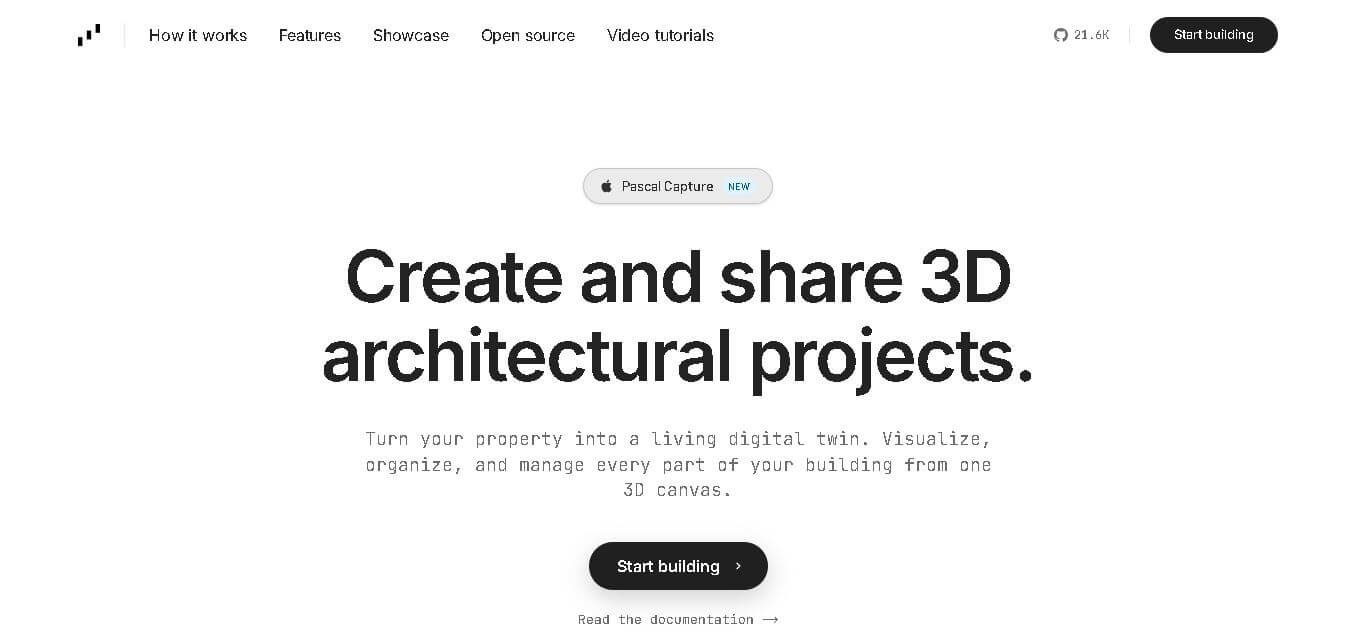
Pascal Editor is a free, open-source 3D building editor used to create, edit, and share architectural spaces directly in the browser. It allows users to scan real-world environments or design new layouts, then transform them into interactive 3D models for visualization and presentation. The tool combines features like space editing, furniture placement, rendering, and real-time walkthroughs, enabling users to manage entire building structures from a single canvas. It also supports AI-driven generation, parametric modeling, and asset libraries, making it suitable for homeowners, developers, designers, and creators to build digital twins of physical spaces.
Pascal Editor (editor.pascal.app) is a free, open-source 3D building editor designed to create and manage digital twins of spaces. It operates as an all-in-one 3D platform (1 app) that supports workflows like Create, Edit, and Present (3 core modes). The platform includes thousands of 3D assets and supports AI-driven generation for instant modeling. Community projects show engagement metrics like 5,713 views, 224 likes, and 85 interactions. Built with the MIT license (100% open source), it also offers 3+ npm packages for developers and integration.
- Founder: Pascal Group Inc.
- Launch: 2026
- Use Cases: 3D architecture, real estate visualization, digital twins, game design, content creation
- Technology: Web-based 3D engine, AI modeling, SDF/CSG geometry, MCP server
- Target Users: Developers, architects, designers, property developers, creators
- Acquisition: Not publicly disclosed

Key Features of Pascal Editor
Pascal Editor AI key features are
- Create and Scan: Build 3D spaces from scratch or scan real-world environments and convert them into digital models directly in the browser without heavy tools
- Real-Time Editing: Easily move walls, adjust layouts, and modify furniture or design elements to instantly visualize changes in a realistic environment
- First-Person Presentation: Experience spaces through immersive walkthroughs, allowing users to present designs as if they already exist in real life
- AI-Powered Generation: Sketch directly on models and convert strokes into 3D geometry instantly using built-in AI capabilities
- Digital Twin Creation: Transform buildings into interactive digital twins, enabling visualization, management, and organization from a single 3D canvas
- Asset Library: Access thousands of ready-made 3D objects that can be quickly added and customized for faster project development
- Open-Source Ecosystem: Fully open-source platform with editor, viewer, and engine available via npm, allowing customization and integration into other products
- Developer-Friendly Tools: Extend functionality, embed the editor, and build plugins using MIT-licensed packages and APIs
- AI Agent Integration (MCP Server): Enables AI agents to analyze and modify spaces, including rooms, objects, and materials for automation workflows
- End-to-End Workflow: Complete pipeline including scan, generate, furnish, and render—all within a single application environment
Pascal Editor Pricing
- Free Plan: Fully open-source access
- Paid Plans: Not publicly listed
- Enterprise/Custom: Likely available via integration or custom development
Disclaimer: For the latest and most accurate pricing information, please visit the official Pascal Editor AI website.
Who is using the Pascal Editor?
Pascal Editor AI is designed for a broad range of presentation-heavy users, including
- Architects and interior designers
- Property developers and contractors
- Game designers and 3D artists
- Production teams and studios
- Content creators and digital marketers
- Homeowners exploring design visualization
Best Pascal Editor Alternatives
Some of the strongest Pascal Editor AI alternatives include
- Blender
- SketchUp
- Autodesk Revit
- Unity 3D
- Unreal Engine
- FreeCAD
- Twinmotion
Pros and Cons
Pros
- Open-source and free
- AI-powered modeling
- Browser-based with no heavy setup
- Strong developer ecosystem
- Digital twin capabilities
Cons
- Limited enterprise pricing clarity
- Learning curve for advanced features
- Smaller ecosystem than Autodesk tools
Why Choose Pascal Editor?
Choosing Pascal Editor makes sense if you want a modern, flexible, and AI-powered 3D building solution without the limitations of traditional tools. It combines ease of use with powerful capabilities, making it suitable for both beginners and professionals.
- Supports full 3D workflow from creation to presentation
- AI-driven modeling reduces manual effort
- Open-source ensures customization and scalability
- Developer-friendly APIs and SDKs
- Ideal for digital twin and architectural visualization
Pascal Editor vs. Competitors
The main difference between Pascal Editor, Blender, SketchUp, and Revit is that Pascal Editor is a browser-based, open-source tool focused on quick 3D visualization and digital twins, while Blender is a full-featured 3D creation suite, SketchUp is an intuitive-to-use architectural modeling tool, and Revit is a professional BIM software designed for complex building projects. Pascal prioritizes simplicity and accessibility, whereas competitors focus on depth, precision, and enterprise-level workflows.
| Feature | Pascal Editor | Blender | SketchUp | Revit |
|---|---|---|---|---|
| Platform | Web-based | Desktop | Web + Desktop | Desktop |
| Open Source | Yes | Yes | No | No |
| Ease of Use | Easy | Hard | Easy | Medium |
| Core Use Case | Digital twins, quick 3D design | Full 3D modeling & animation | Architectural modeling | BIM & construction planning |
| AI Integration | Advanced (AI + agents) | Limited | Basic | Moderate |
| Rendering | Real-time | Advanced rendering | Moderate | High-quality BIM rendering |
| Customization | High (developer APIs) | High | Medium | Medium |
| Best For | Beginners, developers | Professionals, artists | Designers, architects | Engineers, enterprises |
How Do We Rate Pascal Editor?
| Parameter | Rating (out of 5) |
|---|---|
| User Experience | 4.3 |
| Features & Capabilities | 4.6 |
| AI Integration | 4.7 |
| Performance | 4.4 |
| Ease of Use | 4.2 |
| Developer Flexibility | 4.8 |
| Rendering Quality | 4.5 |
| Value for Money | 5 |
Pascal Editor Review
Pascal Editor is a powerful and forward-thinking 3D design platform that blends AI, open-source development, and real-time visualization. Its ability to create digital twins and allow AI agents to interact with spatial data makes it unique. While it may not yet match enterprise-level BIM tools in maturity, its flexibility and innovation make it a strong contender for modern design workflows.
Conclusion
Pascal Editor is redefining how users interact with 3D spaces by combining AI, open-source flexibility, and real-time visualization. It enables users to create, edit, and present architectural designs effortlessly. With features like digital twin creation, AI modeling, and developer APIs, it caters to both professionals and creators. While it still has room to grow compared to enterprise tools, its innovation and accessibility make it a promising solution for the future of 3D design and spatial computing.
FAQ
What is Pascal Editor used for?
Pascal Editor is used for creating 3D architectural models, digital twins, and visualizing spaces in real-time using AI-powered tools.
Is Pascal Editor free?
Yes, Pascal Editor is open-source and free to use with no mandatory pricing plans.
Does Pascal Editor support AI?
Yes, it includes AI features like geometry generation and agent-based space analysis.
Who should use Pascal Editor?
Architects, developers, designers, and content creators can benefit from its 3D modeling and visualization capabilities.
Can Pascal Editor replace tools like Revit?
It depends on use cases; Pascal is more flexible and open-source but less enterprise-focused than Revit.
User Reviews
No reviews yet for Pascal Editor.
Featured Tools
Featured AI tools from TechShark

Melody Genie
MelodyGenie is an AI-powered music generator that creates original songs from simple text prompts. Users can choose styles, moods, and genres, then instantly generate melodies and full tracks, making it easy for creators, marketers, and hobbyists to produce custom music without musical expertise.
Freemium

Kimi AI
Kimi AI is an advanced AI assistant developed by Moonshot AI that helps you chat, research, write, code, and automate tasks in one place. It supports web search, file analysis, and multimodal inputs, and can even run autonomous “agent” workflows to complete complex tasks end-to-end.
Freemium

Fashion Diffusion AI
Fashion Diffusion is an AI-powered fashion design platform that helps brands and designers create clothing designs, virtual try-ons, AI models, product photos, and marketing visuals faster and cost-effectively.
Paid

Veo 4
Veo 4 AI is an AI video creation platform that generates dramatic videos from text, images, audio, and video prompts using realistic motion and synchronized sound.
Paid
Alternatives
Alternatives to Pascal Editor
The best Pascal Editor alternatives include Blender, SketchUp, Autodesk Revit, Unity, and Unreal Engine. These tools offer strong 3D modeling and rendering capabilities, but they differ in focus. Blender is ideal for general 3D design, while Revit excels in BIM workflows. Unity and Unreal Engine are better for interactive environments. However, Pascal Editor stands out with its AI integration, digital twin features, and open-source flexibility for developers.
 4.8
4.8Perfomir
Real-Estate
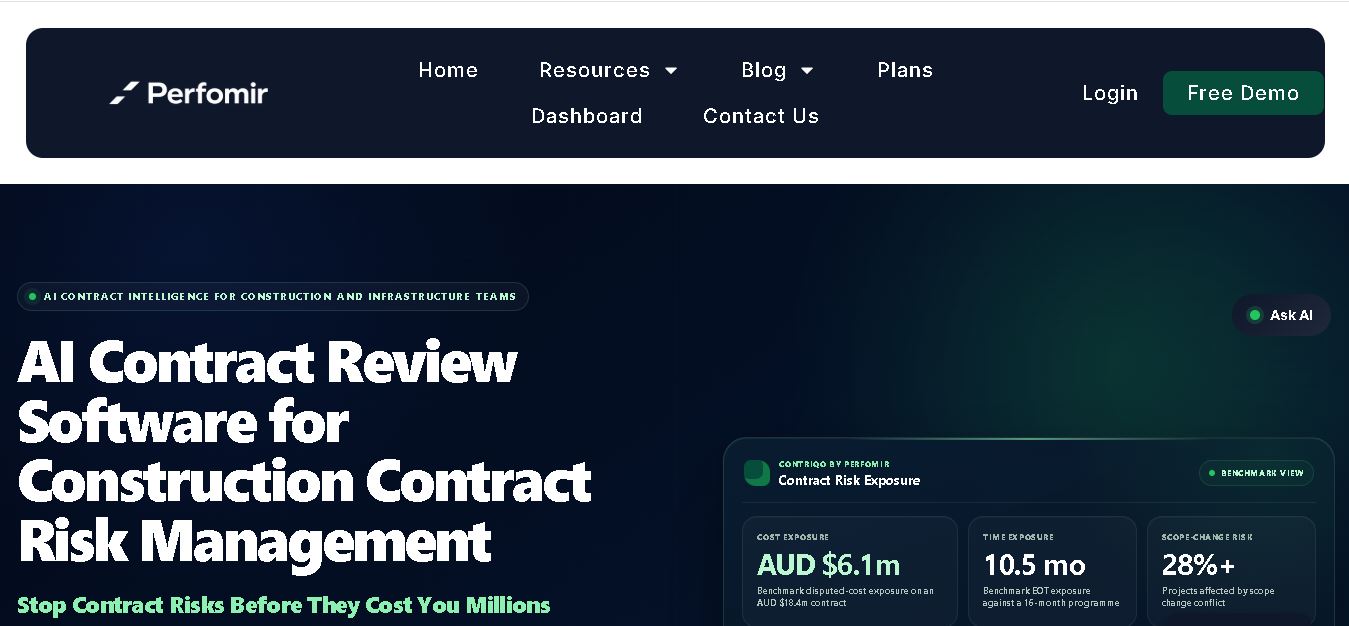
Perfomir helps construction and infrastructure teams turn complex contracts into actionable risk intelligence. Through Contriqo, users can review clauses, identify obligations, monitor notice deadlines, detect emerging claim exposure, and track commercial risk throughout project delivery, giving project leaders and commercial teams earlier visibility for more informed contract decisions and actions.
 4.8
4.8Edensign
Real-Estate
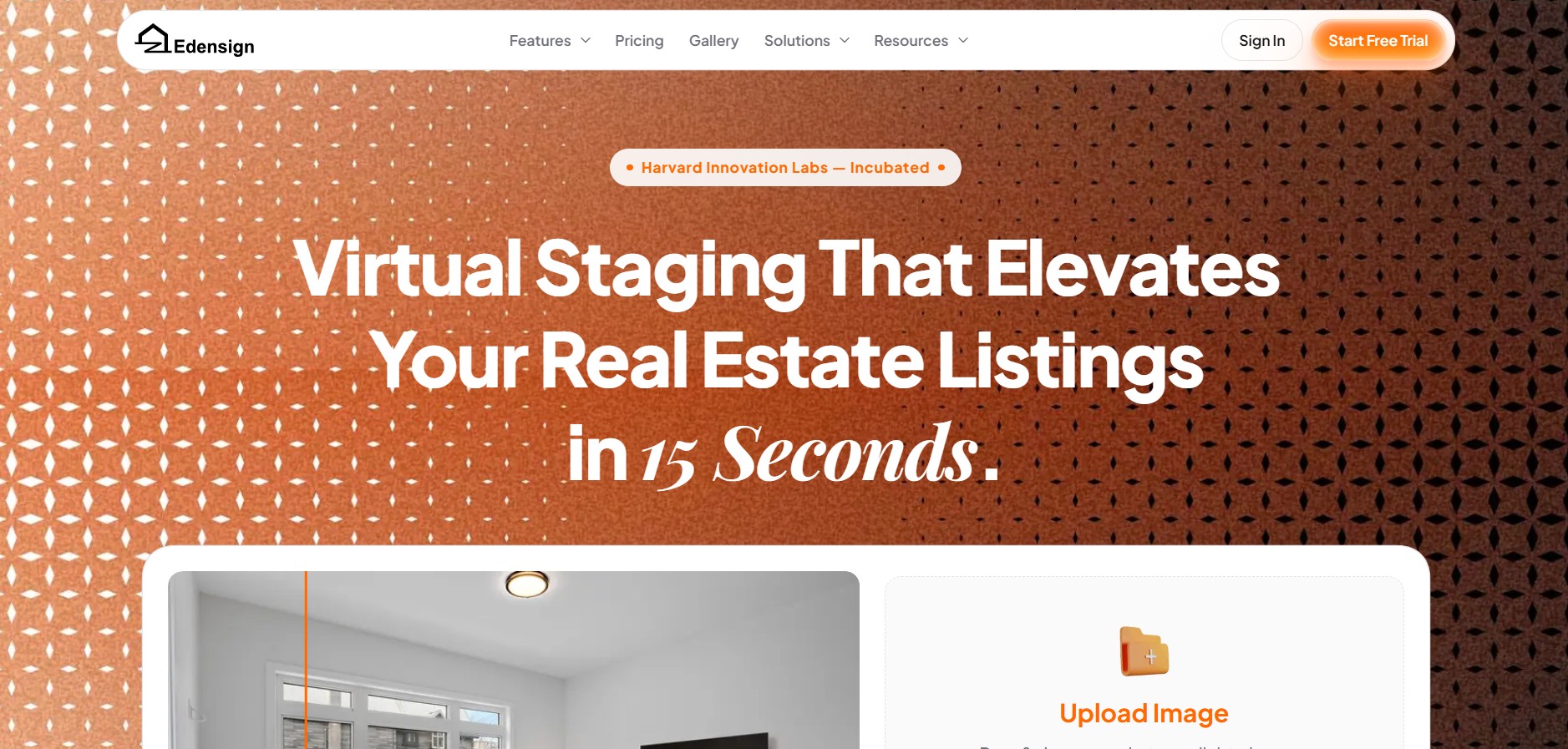
Edensignis an AI-powered real estate virtual staging and photo intelligence platform founded by Harvard GSD alumni George Zheng. It offers multi-view spatial consistency across room angles, automated decluttering, virtual renovation, 2D to 3D floor plan conversion, and listing enhancement tools in 15 seconds.
Anyone.com
Real-Estate
Anyone.com is an AI-powered global real estate transaction platform and digital workspace that connects home buyers, sellers, and agents across 30+ countries to streamline property discovery, agent matching, viewings, offers, digital contracts, and closings.
Virtual Staging AI
Real-Estate
Virtual Staging AI is an automated real estate virtual staging tool developed by Harvard alumni. It uses generative AI to digitally furnish empty property photos in under 10 seconds across various room types and interior design styles.
AIHomeDesign Virtual Staging
Real-Estate
AIHomeDesign Virtual Staging is a specialized AI-powered virtual staging solution that automatically furnishes empty or under-furnished real estate photos in under 30 seconds with photorealistic 3D furniture and decor across multiple interior design styles.
AIHomeDesign
Real-Estate
AIHomeDesign is an AI-powered real estate photo editing and virtual staging platform that enables real estate agents, photographers, and interior designers to transform property photos with virtual staging, item removal, day-to-dusk conversions, and floor plan generation in seconds.
Collov AI
Real-Estate
Collov AI is an AI-powered interior design and real estate virtual staging platform that enables designers, real estate agents, and furniture brands to transform empty or furnished space photos into photorealistic, 3D-rendered room designs in seconds.
reAlpha
Real-Estate
reAlpha is an AI-powered real estate homebuying super app and technology-driven brokerage platform. It features an AI real estate agent named Claire, AI document analysis, integrated brokerage/mortgage services, and closing cost cashback credits up to 1.5%.
TeamSystem Hospitality
Real-Estate
TeamSystem is a comprehensive cloud-based property management (PMS) and hospitality software suite designed for hotels, B&Bs, agriturismos, and vacation rentals to automate bookings, streamline front-desk operations, manage rates with AI, and integrate channel distribution.