
Krock.io
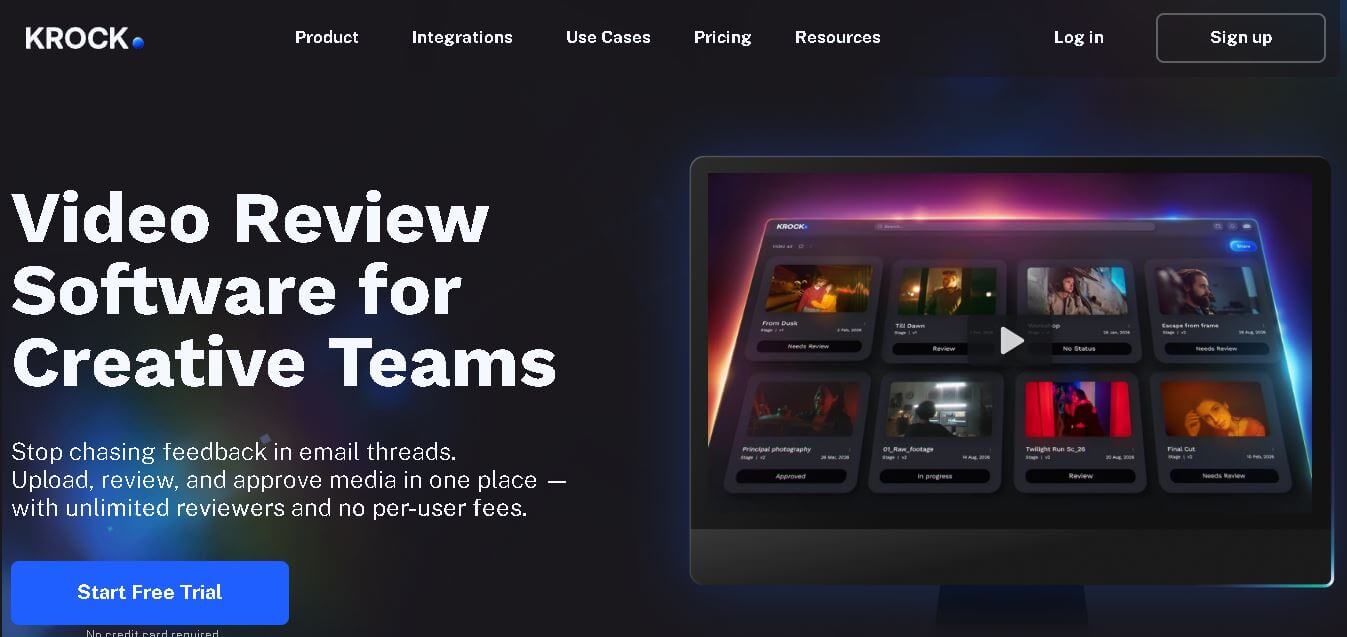
Krock.io helps creative teams simplify video review, feedback, approvals, and project management from one workspace. Users can upload media, add time-coded comments, annotate visuals, compare versions, build storyboards, manage workloads, and collaborate with clients. Its flexible plans make it suitable for freelancers, agencies, animation studios, production companies, and larger creative teams.
What is Krock.io?
Krock.io is a creative collaboration and media review tool designed to help teams manage video, animation, design, and other creative projects in one workspace. It lets users upload media, collect frame-accurate feedback, annotate files, compare versions, manage workflows, and coordinate approvals. Krock.io also includes storyboarding, project management, calendars, and AI storyboard generation.
Krock.io is used by more than 80,000 creative teams and reports a 59% reduction in time spent managing content review and approval, 30% fewer versions before final approval, and 56% less time to complete creative projects. Its Free plan includes 1 user, 2 GB storage, 2 projects, and 50 AI tokens, while Pro starts at $10 per user/month. The Unlimited plan starts at $400/month for 100 users included.
- Platform Role: Online Proofing Software, Creative Project Management & Video Review Platform
- Developer & Organization: Krock.io
- Cross-Platform Access: Web Browser (Cloud-based SaaS), Mobile Browsers (iOS, Android), and Desktop Applications (macOS, Windows)
Use Cases:
- Collecting timecoded video annotations and visual markups on animatics, video cuts, and motion graphic drafts
- Sharing interactive review links with external clients to collect feedback without forcing account creation or software downloads
- Building custom production pipelines, tracking task statuses, assigning work to animators or designers, and monitoring project deadlines
- Managing asset versions by stacking revisions, comparing changes, and maintaining clear approval history
- Centralizing communication across multi-format creative assets, including video, audio, PDFs, static graphics, and web pages
Technology:
- HTML5 browser-native media player supporting frame-by-frame scrubbing and looping review modes
- Real-time visual markup engine allowing drawing tools, pinned region comments, and screen/webcam video feedback attachments
- Cloud-backed version control and document management infrastructure with enterprise role-based access control (RBAC)
- API and webhook integration layer connecting with tools like Slack, Google Drive, and cloud storage providers
Target Users:
- Animation studios, VFX creators, and post-production houses handling multi-stage visual approvals
- Video production agencies and creative directors requiring clear frame-accurate client feedback
- Graphic design agencies, brand marketers, and content strategists managing multi-asset deliverables
- Freelance video editors, illustrators, and consultants needing professional client-facing review portals
Acquisition: Native SaaS solution operated by Krock.io (krock.io)
What are the key features of Krock.io?
Krock.io's key platform features are
- Frame-Accurate Video Proofing: Leave timecoded comments and draw directly on video frames to eliminate vague, ambiguous feedback.
- Multi-Format Asset Support: Review videos, images, PDFs, audio files, and web pages within a single unified review screen.
- Video Feedback & Screen Recording: Record quick face-cam or screen-share video messages attached directly to specific frames or assets.
- Custom Production Pipelines: Create tailored project boards and multi-stage approval workflows for different creative teams.
- Frictionless Client Approval Links: Share review links with external clients for instant approval or feedback without requiring registration.
- Version Stacking & History: Organize asset iterations under a single file card to track revision history and confirm fixes.
How much does Krock.io cost?
Krock.io offers affordable tier options starting with a free trial, followed by scalable plans based on storage, user seats, and feature access.
Pricing Overview:
- Free Trial: Full access to core features for exploring pipeline setup and video proofing tools.
- Solo / Starter Plan (From ~$7.99 - $10/month): Built for freelancers and solo creators, it provides essential project management, visual comments, and basic cloud storage.
- Plus & Pro Plans (From ~$15 - $30/month): Designed for growing teams and agencies, these plans offer increased cloud storage (up to 250GB+), advanced client management, and custom roles.
- Enterprise Plan (Custom / Tiered): Unlocks 500GB+ pooled storage, dedicated account support, enterprise security settings, and custom integration options.
Disclaimer: Krock.io provides a free trial period. Subscription tiers are billed monthly or annually, with pricing scaling based on user count and total cloud storage capacity.
Who should use Krock.io?
Krock.io is designed for creative professionals and production studios, including
- Animation & Motion Graphic Studios: Teams managing complex frame-by-frame approvals and multi-step production pipelines.
- Creative Agencies: Operations requiring client-facing review portals to speed up sign-offs and reduce unplanned revision loops.
- Freelance Video Editors & Designers: Solo creators seeking an affordable alternative to enterprise proofing systems.
What are the best alternatives to Krock.io?
Some of the strongest Krock.io alternatives include
- Frame.io (by Adobe)
- Filestage
- Ziflow
- Wipster
- Dropbox Replay
- ReviewStudio
What are the pros and cons of Krock.io?
What are the pros of Krock.io?
- Combines both project task management and visual video proofing in a single software tool
- Extremely low client onboarding friction with one-click review links
- Supports multi-format deliverables beyond video, including PDFs, static graphics, and web content
- Affordable entry-level pricing compared to heavy enterprise video review competitors
What are the cons of Krock.io?
- Fewer direct integrations with video NLEs (like Adobe Premiere or DaVinci Resolve) compared to Frame.io
- Advanced custom analytics and reporting are limited on entry tiers
- Storage limits on lower plans may require frequent archival for high-res video workflows
Why should you choose Krock.io?
Managing creative feedback through emails, chat apps, and scattered cloud folders often results in miscommunication and endless revision cycles. Krock.io solves this challenge by merging project management boards with precise visual proofing tools. By allowing clients and team members to leave timecoded drawings and video comments directly on assets, Krock.io shortens approval turnarounds and keeps creative projects running on schedule.
How does Krock.io compare to competitors?
The primary distinction between Krock.io, Frame.io, Filestage, and Ziflow lies in platform scope and pricing strategy. While Frame.io focuses strictly on high-end video post-production integrated into Adobe Creative Cloud, and Ziflow caters to complex enterprise document workflows, Krock.io provides a hybrid platform that balances lightweight task management with multi-format visual proofing at an accessible price point.
| Feature / Platform | Krock.io | Frame.io | Filestage | Ziflow |
|---|---|---|---|---|
| Core Focus | Creative Pipeline Management & Multi-Format Proofing | Dedicated NLE-Integrated Video Review | Agency Content Review & Approval Workflows | Enterprise Online Proofing & Document Review |
| Built-in Task Management | Yes (custom pipelines, steps, and boards) | Minimal (Focuses primarily on asset commenting) | Moderate (stage-based approvals) | Moderate (workflow-driven tasks) |
| Supported Media Types | Video, Images, Audio, PDFs, Web Pages | Video, Audio, Static Images | Video, Images, Documents, Audio, Web | Video, Print, Static Images, Web, Rich Media |
| Video Commenting Tools | Timecoded notes, visual drawings, screen video replies | Timecoded notes, on-frame annotations | Timecoded notes, markup tools | Timecoded notes, advanced markup tools |
| Best For | Animation & creative studios wanting combined task management + review | Professional video editors needing tight Adobe Creative Cloud integration | Marketing teams needing structured multi-stage sign-off workflows | Large enterprises requiring strict compliance and complex proofing rules |
How do we rate Krock.io?
| Parameter | Rating (out of 5) |
|---|---|
| Visual Proofing & Annotation Capabilities | 4.8 |
| Project Management & Pipeline Flexibility | 4.6 |
| Ease of Use & Client Onboarding | 4.9 |
| Multi-Format Support | 4.7 |
| Value for Money | 4.7 |
| Overall Score | 4.74 |
What is our review and verdict on Krock.io?
Krock.io is an exceptional choice for animation studios, video production teams, and agencies seeking to simplify creative review cycles. By pairing timecoded frame-by-frame proofing with built-in project management boards, it eliminates the need to pay for separate task trackers and review tools. Its friction-free guest access makes it a favorite for teams aiming to keep clients aligned and projects moving forward.
Conclusion
Krock.io brings media review, creative collaboration, storyboarding, project management, and client feedback together in one workspace. Its combination of time-coded comments, annotations, version management, workload planning, and AI storyboarding makes it especially relevant for video teams, agencies, animation studios, and creative professionals. With a free plan, 7-day paid-plan trials, and scalable options for larger teams, Krock.io offers a practical workflow for reducing review friction and organizing creative production.
FAQ
What is Krock.io used for?
Krock.io is used for creative collaboration, media review, project management, and client approvals. Teams can upload videos, images, PDFs, audio, and other project assets, then collect contextual feedback through comments and annotations. It also supports storyboards, workload management, calendars, version comparison, and collaborative production workflows, helping teams reduce communication gaps.
Who should use Krock.io?
Krock.io is designed for creative professionals and teams working on video production, animation, advertising, design, marketing, and digital content. It can support freelancers and small teams as well as agencies and larger production organizations. The platform is particularly useful when multiple clients, reviewers, editors, and creators need to coordinate feedback.
Does Krock.io offer a free plan?
Yes, Krock.io offers a free plan that requires no credit card. The plan includes one user, 2 GB of storage, one workspace, two projects, 50 AI tokens, unlimited reviewers, media review, and storyboard functionality. This makes it useful for individuals and small teams that are keen to explore the platform before upgrading.
How much does Krock.io cost?
Krock.io offers free, pro, and unlimited plans. The free plan costs $0, while Pro starts at $10 per user per month. The Unlimited plan starts at $400 per month with 100 users included. Paid plans also provide additional capabilities such as unlimited projects, larger storage options, and advanced collaboration features.
Does Krock.io provide a free trial?
Yes, Krock.io provides a 7-day free trial for its Pro and Unlimited plans, and no credit card is required to start. Users can also access the permanent free plan if they need basic collaboration and media-review capabilities without committing to a paid subscription.
Can clients review videos on Krock.io?
Yes, clients can review creative work through Krock.io. Teams can invite clients or other reviewers to projects, where they can leave comments, provide visual feedback, and participate in the approval process. Unlimited reviewers are available across Krock.io plans, helping teams collect feedback without adding reviewer-seat costs.
User Reviews
No reviews yet for Krock.io.
Featured Tools
Featured AI tools from TechShark

Melody Genie
MelodyGenie is an AI-powered music generator that creates original songs from simple text prompts. Users can choose styles, moods, and genres, then instantly generate melodies and full tracks, making it easy for creators, marketers, and hobbyists to produce custom music without musical expertise.
Freemium

Kimi AI
Kimi AI is an advanced AI assistant developed by Moonshot AI that helps you chat, research, write, code, and automate tasks in one place. It supports web search, file analysis, and multimodal inputs, and can even run autonomous “agent” workflows to complete complex tasks end-to-end.
Freemium

Fashion Diffusion AI
Fashion Diffusion is an AI-powered fashion design platform that helps brands and designers create clothing designs, virtual try-ons, AI models, product photos, and marketing visuals faster and cost-effectively.
Paid

Veo 4
Veo 4 AI is an AI video creation platform that generates dramatic videos from text, images, audio, and video prompts using realistic motion and synchronized sound.
Paid
Alternatives
Alternatives to Krock.io
The best Krock.io alternatives include Frame.io, Filestage, Ziflow, and Wipster. While Krock.io provides an integrated hybrid solution combining visual proofing with project management pipelines across multiple asset types, Frame.io offers deeper NLE integrations with Adobe Creative Cloud, and Ziflow caters to complex enterprise proofing compliance.
 4.6
4.6AIApply
HR
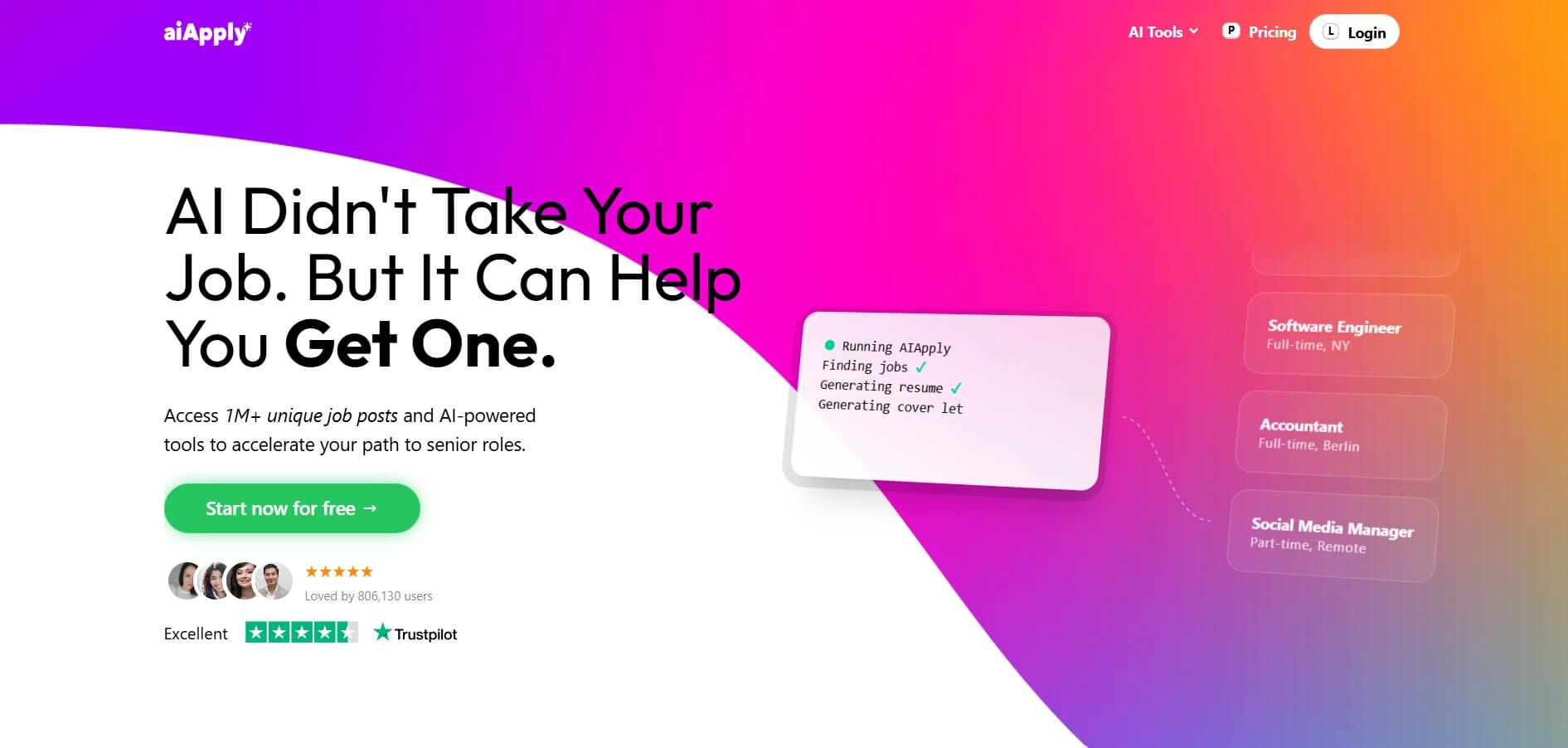
AIApply is an AI-powered job search automation platform that helps users find matching roles, tailor resumes and cover letters, and apply automatically at scale. It also offers interview coaching and optimization tools, enabling job seekers to increase response rates and land interviews faster with less manual effort.
 4.6
4.6Cover Letter AI
HR
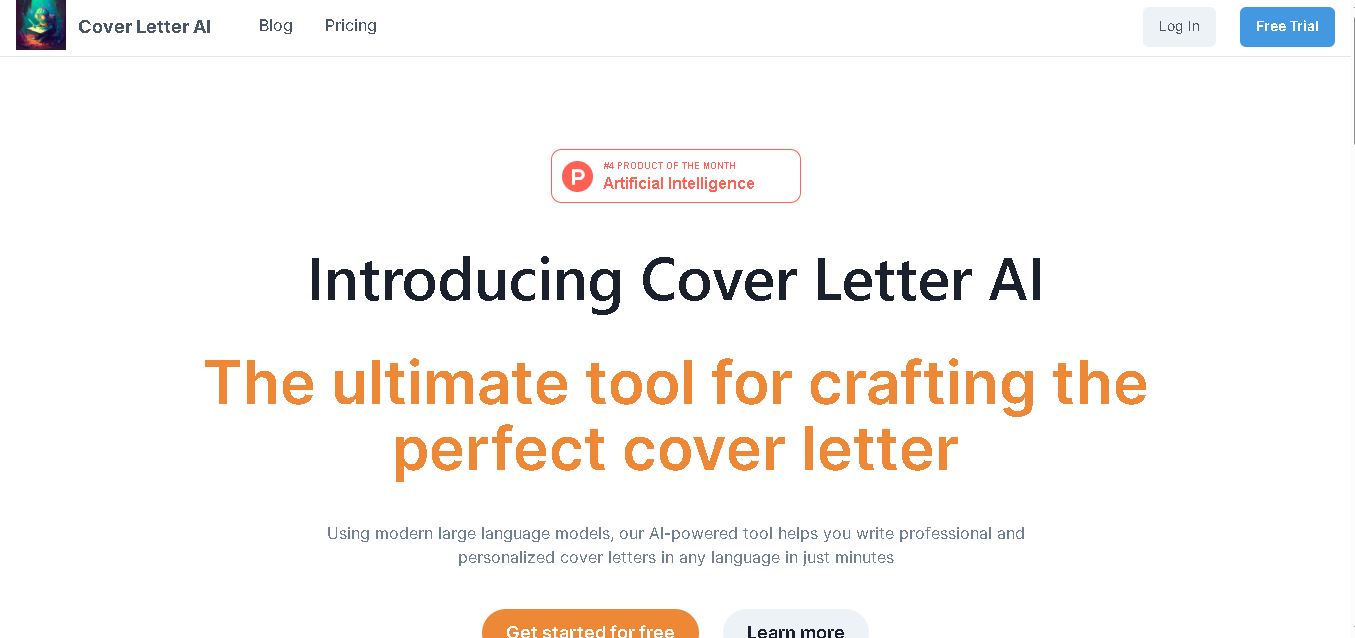
Cover Letter AI helps job seekers create personalized cover letters using their CV, job description, company information, preferred writing style, and selected skills. It can generate multiple versions, allowing users to compare, edit, and refine their letters before applying. The tool also supports cover-letter creation in multiple languages.
 4.6
4.6MajorGen
HR
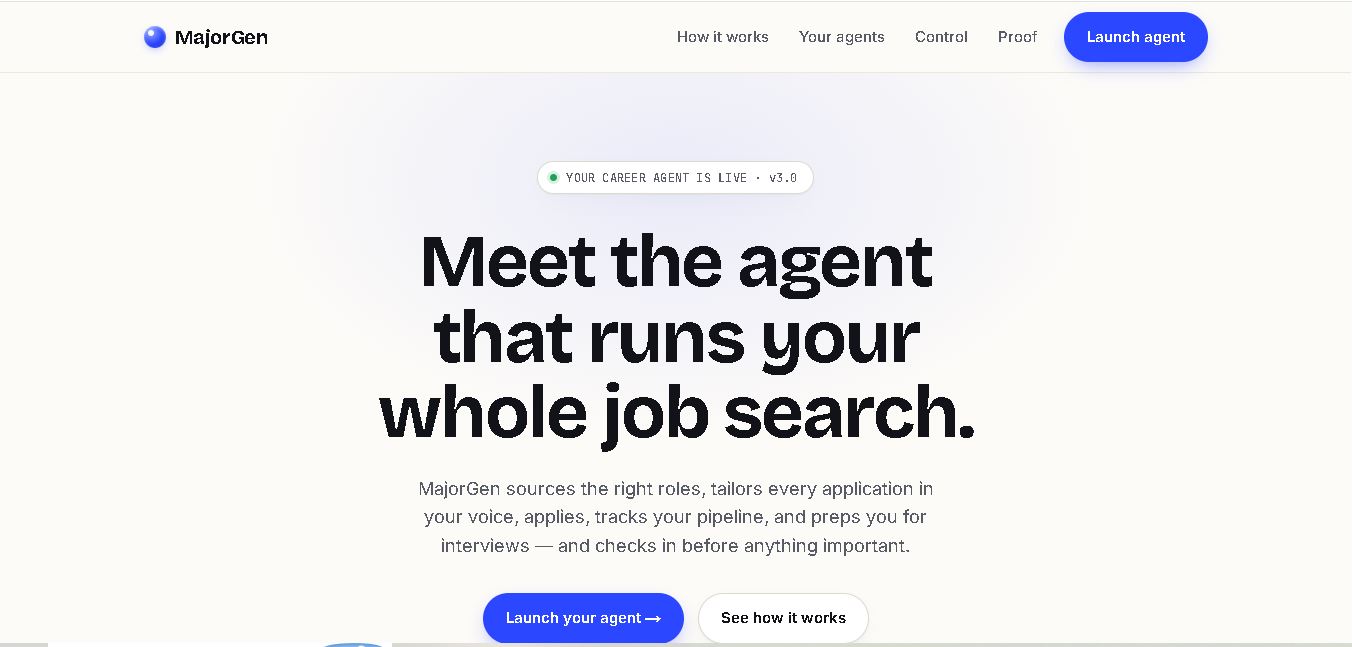
MajorGen helps job seekers create personalized, ATS-optimized resumes and cover letters for different job applications. Users can provide a job description and their existing resume or LinkedIn profile, then generate tailored documents quickly. Its dashboard helps organize applications, while credit-based pricing lets users pay only when they need document generation.
 4.8
4.8PyjamaHR
HR
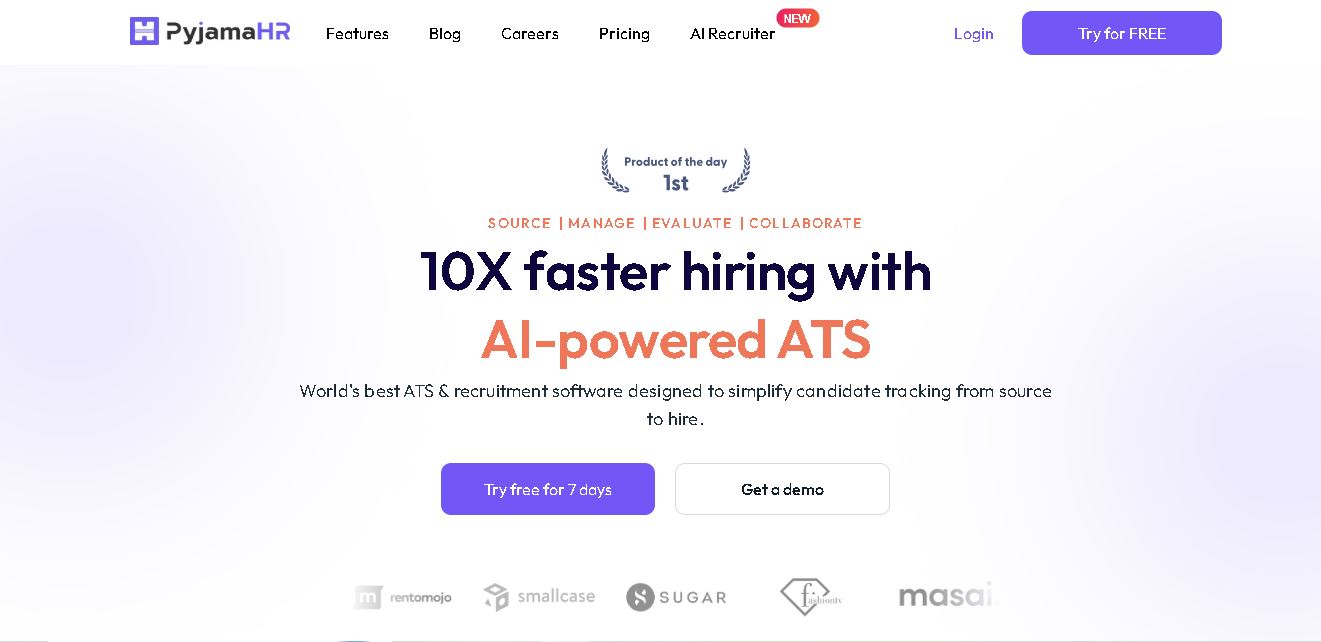
PyjamaHR is recruitment software built to simplify candidate sourcing, screening, evaluation, and hiring. It combines applicant tracking, job distribution, talent pools, interview scheduling, AI resume matching, automated screening, collaboration, analytics, and integrations in one workspace. With mobile apps and customizable career pages, recruiters can manage hiring workflows more conveniently efficiently.
 4.7
4.7ResumeCheck.net
HR
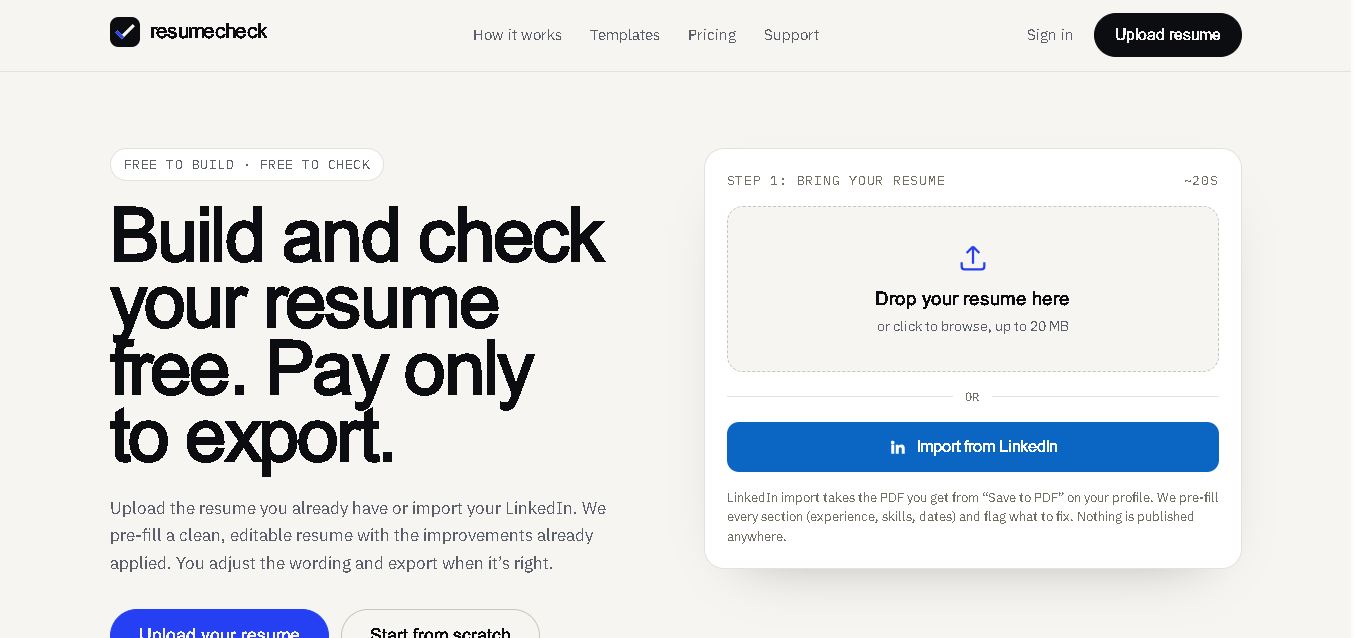
ResumeCheck helps job seekers create, review, and improve resumes with structured checks for keywords, grammar, impact, formatting, length, missing sections, and ATS compatibility. You can upload an existing resume, import LinkedIn information, or start from scratch. Free editing and checking are available, while PDF and Word exports require a one-time payment.
 4.7
4.7Canyon
HR
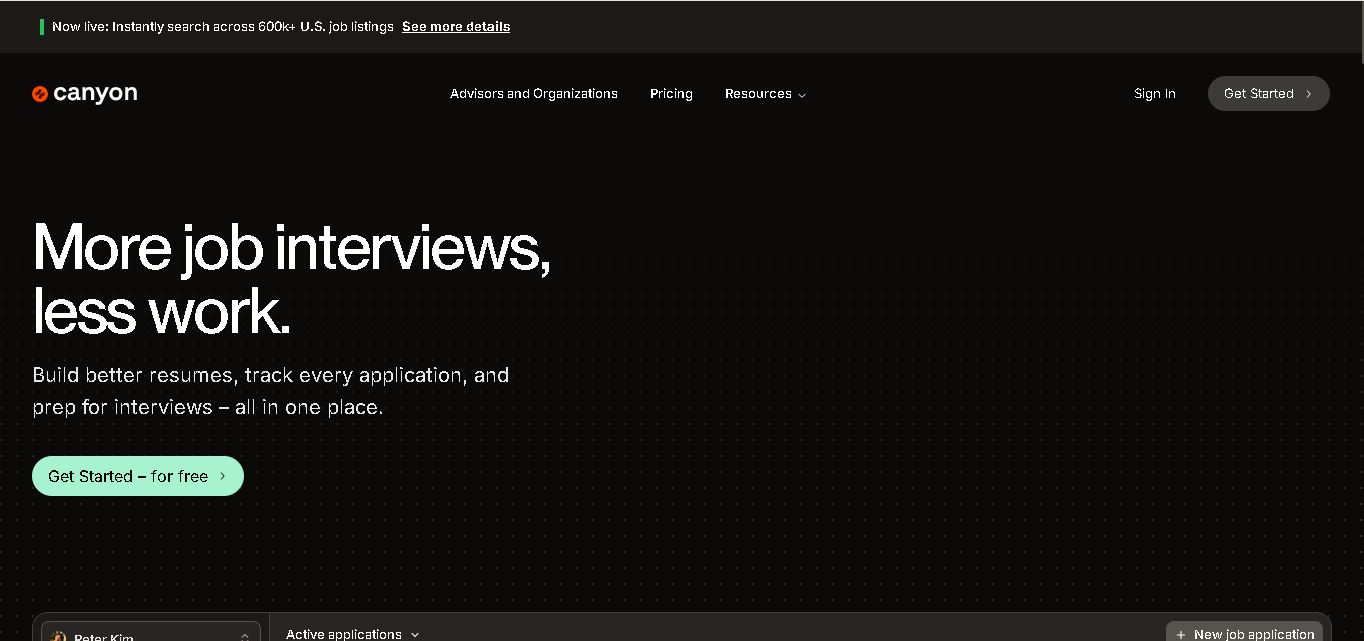
Canyon is an all-in-one career platform that helps job seekers create stronger resumes, discover relevant opportunities, manage applications, prepare for interviews, generate cover letters, and improve professional networking. Its AI-assisted features are designed to reduce repetitive job-search tasks while helping users personalize materials for individual positions and organize their entire application journey in one place.
 4.6
4.6NexGenTeam
HR
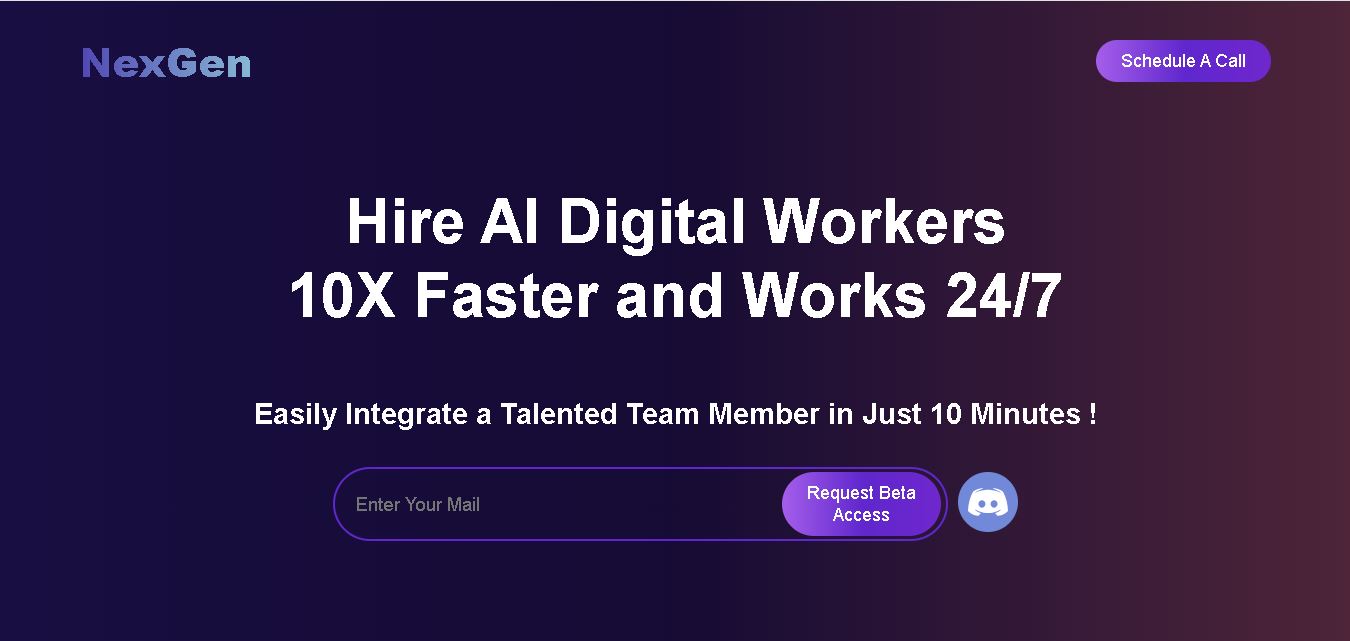
NexGenTeam provides specialized AI digital workers designed to support business operations across sales, content creation, social media, graphic design, and video production. Its documented team includes Sophia, Ethan, and Nathan, with each worker focused on different responsibilities. The service is positioned around continuous assistance and business productivity.
 4.7
4.7Potis AI
HR
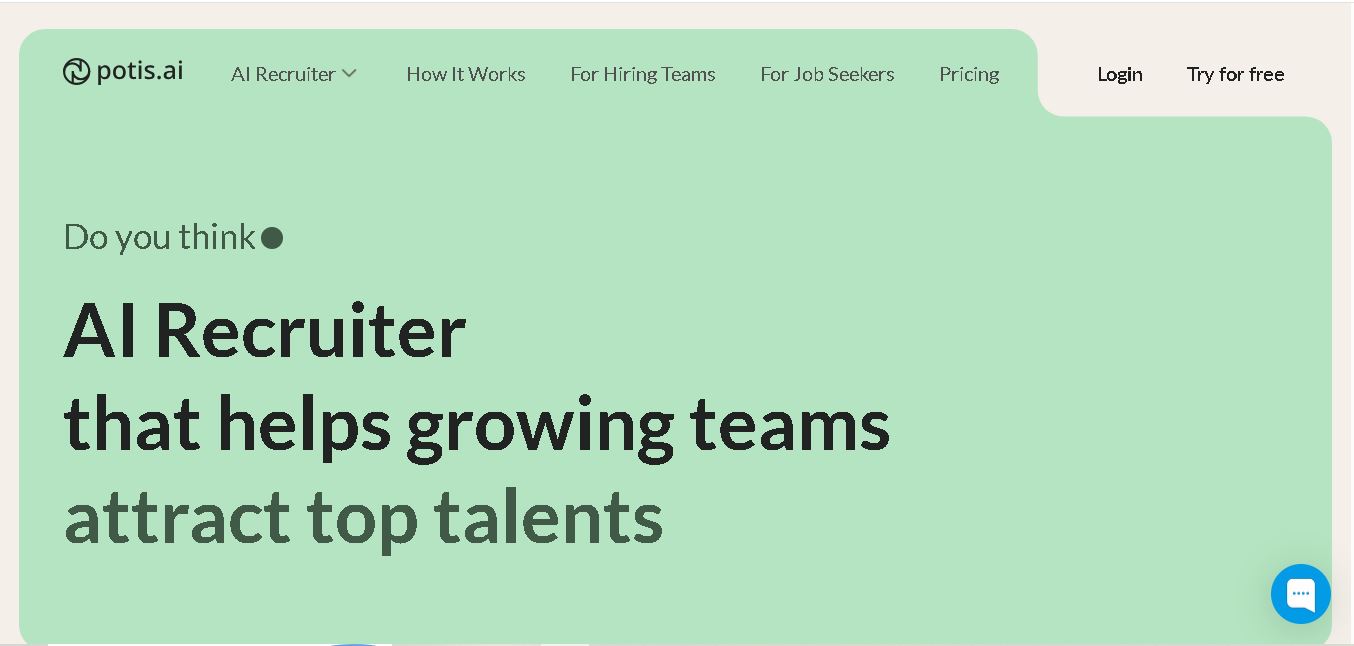
Potis AI is an AI-powered recruiting and screening platform that automates behavioral interviews, video assessments, and candidate evaluations using real-world job scenarios to evaluate actual skills and minimize hiring bias.
 4.6
4.6Todo.is
HR
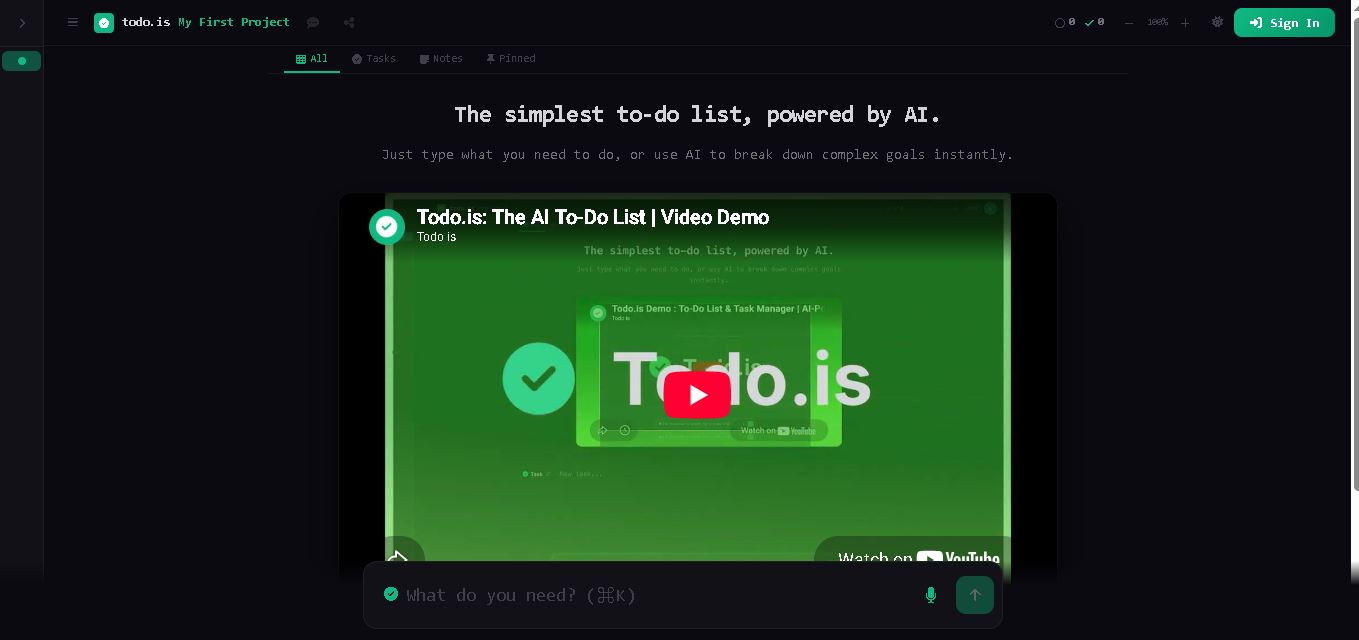
Todo.is is an online task management tool that combines a simple to-do list with AI-assisted planning. Users can enter tasks, organize projects, break complex goals into smaller actions, and use voice input on paid plans. It is designed for people seeking a straightforward way to manage personal tasks and projects.