Dola AI
Dola AI is an intelligent calendar assistant designed to simplify event scheduling, task management, and reminders directly through messaging apps like WhatsApp, Telegram, Line, and Apple Messages using natural text, voice, and image inputs.
What is Dola AI?
Dola AI (dola.ai) is a smart, conversational AI scheduling assistant built to eliminate the friction of manual calendar entry and task management. Instead of navigating dedicated calendar applications or filling out multi-field forms, users can simply message Dola in plain language to create, edit, or search events. The assistant seamlessly integrates with popular messaging platforms, allowing users to send text messages, voice memos, or screenshot photos of event flyers and schedules to update their calendars instantly.
Designed for busy professionals, students, and teams, Dola AI acts as a personal executive assistant operating within the messaging apps users already use every day. By extracting date, time, and context details from plain text, voice notes, or photos of physical invitations, Dola turns complex daily planning into quick, single-line messages. It syncs continuously across major calendar systems to keep personal and work agendas organized effortlessly.
- Founder: Developed by the Dola AI engineering team
- Launch Year: 2024
Use Cases:
- Scheduling meetings and setting reminders using natural voice notes or quick text messages
- Converting image screenshots, physical flyers, and ticket emails into calendar events instantly
- Managing group schedules and event reminders directly within messaging chat threads
- Syncing agendas across Google Calendar, Apple Calendar, and Outlook with zero manual entry
Technology:
- Advanced Natural Language Processing (NLP) for complex temporal command understanding
- Multi-modal Vision AI for reading and parsing event details directly from images and PDFs
- Speech-to-Text models for processing spoken voice notes into structured calendar actions
- Bi-directional sync protocols with major calendar providers (Google, Apple, Outlook)
Target Users:
- Busy Professionals and Executives managing hectic, fast-changing daily schedules
- Freelancers and Consultants juggling multiple client meetings and deadline reminders
- Students and Educators tracking lectures, exams, assignments, and study sessions
- Families and Groups coordinating shared activities within group messaging chats
Acquisition: Operates as an independent platform

Key features of Dola AI
Dola AI's key features are
- Natural Language Scheduling: Allows users to create, modify, or cancel calendar events by typing casual, everyday phrases.
- Multi-Modal Input Processing: Accepts text, voice notes, and image uploads (like event flyers or ticket screenshots) to create calendar entries automatically.
- Native Messaging Integration: Works directly within WhatsApp, Telegram, Line, and Apple Messages without requiring standalone app downloads.
- Multi-Calendar Syncing: Connects smoothly with Google Calendar, Apple Calendar, and Microsoft Outlook to prevent scheduling conflicts.
- Smart Alerts & Reminders: Sends timely notifications and daily agenda digests straight to your preferred chat interface.
- Group Chat Support: Functions inside group messages to help coordinate schedules and set shared reminders for all participants.
Dola AI Pricing
Dola AI operates on a Freemium pricing model, providing robust free access for core scheduling features alongside paid tiers for heavy users requiring advanced integrations.
Free Plan:
- $0 / month
- Core chat-based calendar scheduling and reminder setup
- Standard multi-modal inputs (text, voice, image parsing)
- Basic calendar syncing across standard platforms
Pro / Premium Tier:
- ~$5 - $10 / month
- Unlimited message parsing, advanced image OCR, and priority sync speeds
- Enhanced group chat coordination capabilities and custom recurring reminders
- Early access to new feature rollouts and dedicated user support
Disclaimer: For the latest and most accurate pricing details, please visit the official Dola AI platform.
Who is using Dola AI?
Dola AI is designed for active individuals and teams seeking effortless time management, including
- Entrepreneurs & Founders: Quick scheduling on the fly while handling business conversations
- Remote Workers: Converting chat-based meeting requests into synced calendar slots instantly
- Students: Snapping photos of course syllabi or physical notices to populate assignment calendars
- Event Attendees: Turning screenshots of event flyers and digital invitations into organized reminders
- Families: Organizing household tasks and shared events within WhatsApp family groups
Best Dola AI Alternatives
Some of the top Dola AI alternatives include
- Motion
- Reclaim AI
- Trevor AI
- Clara AI
- Todoist
- Cron (Notion Calendar)
Pros and Cons of Dola AI
Pros
- No separate app installation required—operates entirely inside popular messaging channels
- Supports voice memos and image/flyer OCR for instant event creation
- Extremely fast setup requiring minimal onboarding friction
- Smooth bi-directional synchronization with Google, Apple, and Outlook calendars
- Intuitive natural language processing handles complex date and time phrasing accurately
Cons
- Lacks advanced project management features like Gantt charts or detailed task dependencies
- Relies heavily on third-party messaging platform connectivity
- Free tier may impose usage limits on heavy media parsing and voice transcriptions
Why Choose Dola AI?
Dola AI stands out because it brings scheduling directly to where communication happens. Instead of constantly context-switching between chat applications and calendar management software, Dola enables you to turn natural conversations into organized calendar entries in seconds.
- Saves time by removing manual date, time, and title entry fields
- Parses event flyers, tickets, and screenshots automatically via image OCR
- Works within existing chat channels like WhatsApp and Telegram with zero learning curve
- Keeps personal and work calendars automatically synchronized across devices
- Enables voice-driven calendar management when typing isn't convenient
Dola AI vs. Competitors
The primary difference between Dola AI, Motion, and Reclaim AI lies in interface and delivery. While traditional AI calendar tools like Motion and Reclaim function as standalone desktop web applications focused on automated time-blocking and algorithmic schedule optimization, Dola AI focuses on conversational simplicity, operating inside messaging apps to convert raw text, voice notes, and images into events instantaneously.
| Feature / Tool | Dola AI | Motion | Reclaim AI | Todoist |
|---|---|---|---|---|
| Primary Interface | Messaging Apps (WhatsApp/Telegram) | Standalone Desktop/Web App | Web App / Google Workspace | Dedicated Mobile/Web App |
| Input Methods | Text, Voice Notes, Images/OCR | Text & UI Forms | Text & UI Forms | Text Input |
| Setup Friction | Ultra Low (Chat Bot) | Medium (Full Onboarding) | Medium (Calendar Connect) | Low (Account Setup) |
| Automated Time-Blocking | Basic Reminders | Advanced Algorithmic | Advanced Smart Habits | Manual / Basic AI |
| Best For | Instant Chat-Based Scheduling | Heavy Task & Project Blocking | Team Habit & Meeting Optimization | Personal To-Do Lists |
How do we rate Dola AI?
| Parameter | Rating (out of 5) |
|---|---|
| Natural Language Processing | 4.8 |
| Ease of Use & Accessibility | 4.9 |
| Multi-Modal Functionality (OCR/Voice) | 4.7 |
| Integration & Calendar Syncing | 4.8 |
| Value for Money | 4.7 |
| Overall Score | 4.8 |
Dola AI Review
Dola AI delivers an exceptionally intuitive approach to daily calendar management by placing an AI assistant inside the messaging apps users open dozens of times a day. Its ability to extract dates, times, and locations from casual text, voice notes, and flyer images removes the tedious micro-tasks associated with traditional calendar software. For professionals and busy individuals who want fast, zero-friction time management without learning complex enterprise tools, Dola AI offers an efficient, user-friendly solution.
Conclusion
Dola AI is a stand-out calendar assistant for anyone looking to simplify scheduling through natural conversation. By blending seamless messaging app integrations with multi-modal recognition and instant calendar synchronization, Dola AI turns routine scheduling into a effortless, conversational task. Whether you are adding events from voice notes or uploading flyers on the go, Dola AI provides a modern, fast, and accessible scheduling solution.
User Reviews
No reviews yet for Dola AI.
Featured Tools
Featured AI tools from TechShark

Melody Genie
MelodyGenie is an AI-powered music generator that creates original songs from simple text prompts. Users can choose styles, moods, and genres, then instantly generate melodies and full tracks, making it easy for creators, marketers, and hobbyists to produce custom music without musical expertise.
Freemium

Kimi AI
Kimi AI is an advanced AI assistant developed by Moonshot AI that helps you chat, research, write, code, and automate tasks in one place. It supports web search, file analysis, and multimodal inputs, and can even run autonomous “agent” workflows to complete complex tasks end-to-end.
Freemium

Fashion Diffusion AI
Fashion Diffusion is an AI-powered fashion design platform that helps brands and designers create clothing designs, virtual try-ons, AI models, product photos, and marketing visuals faster and cost-effectively.
Paid

Veo 4
Veo 4 AI is an AI video creation platform that generates dramatic videos from text, images, audio, and video prompts using realistic motion and synchronized sound.
Paid
Alternatives
Alternatives to Dola AI
The best Dola AI alternatives include Motion, Reclaim AI, Trevor AI, Clara AI, Todoist, and Cron (Notion Calendar). These tools offer smart time-blocking, automated meeting scheduling, and task management. While Dola AI focuses on lightweight, messaging-based calendar entries via voice, text, and images, alternatives like Motion and Reclaim offer dedicated web applications with deep project management and automated time-blocking algorithms.
 4.7
4.7Novoresume
Resume
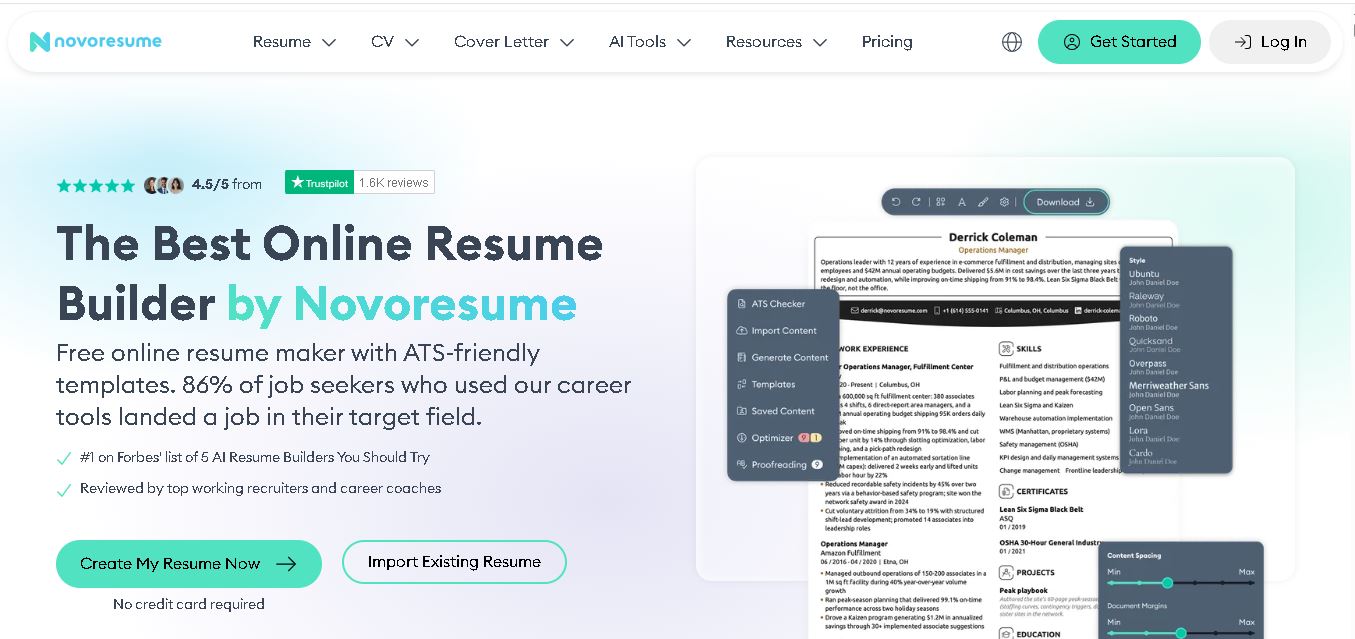
Novorésumé is an online resume and CV builder for creating professional, ATS-friendly job application documents. It offers free templates, premium customization, AI-assisted suggestions, cover letters, PDF downloads, and career tools. With multiple layouts and mobile browser support, it helps students, graduates, and experienced professionals build polished resumes efficiently today online.
 4.6
4.6Zety
Resume
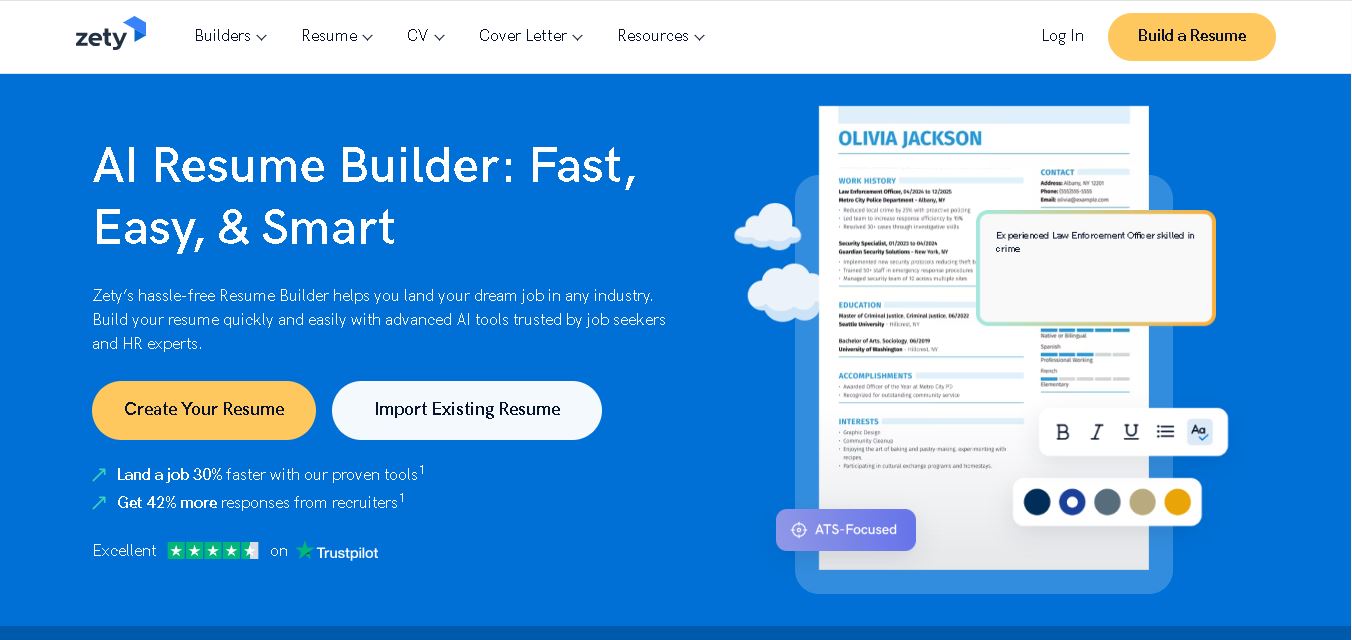
Zety is a career-building platform for creating resumes, CVs, and cover letters. It provides professionally designed templates, ready-made content suggestions, ATS-focused guidance, resume checking tools, and career advice. Users can customize their documents for different industries and experience levels, then download them in supported formats for job applications.
 4.4
4.4Resume.io
Resume
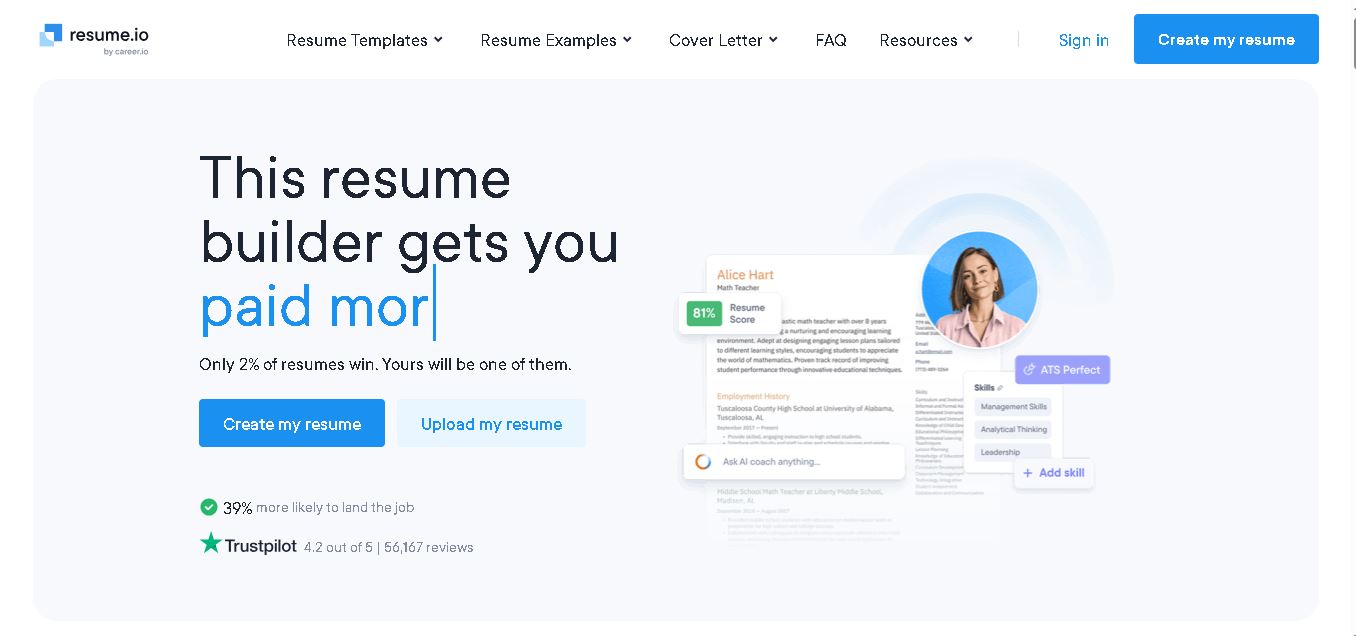
Resume.io helps job seekers build resumes and cover letters with guided editing, customizable templates, AI-assisted writing, and career resources. Users can start with examples or create documents from scratch, then tailor applications for different roles. Its free and premium options support different needs, from resume creation to broader job-search tools.
 4.9
4.9MatchBuilt
Resume
MatchBuilt is a specialized homebuilding executive search firm that connects residential builders with experienced leadership talent. It recruits executives and senior professionals across construction, land acquisition, sales, purchasing, finance, marketing, and operations. The company serves national, regional, private, luxury, custom, land-development, and build-to-rent organizations throughout the United States.
 4.8
4.8ResumeWriting.com
Resume
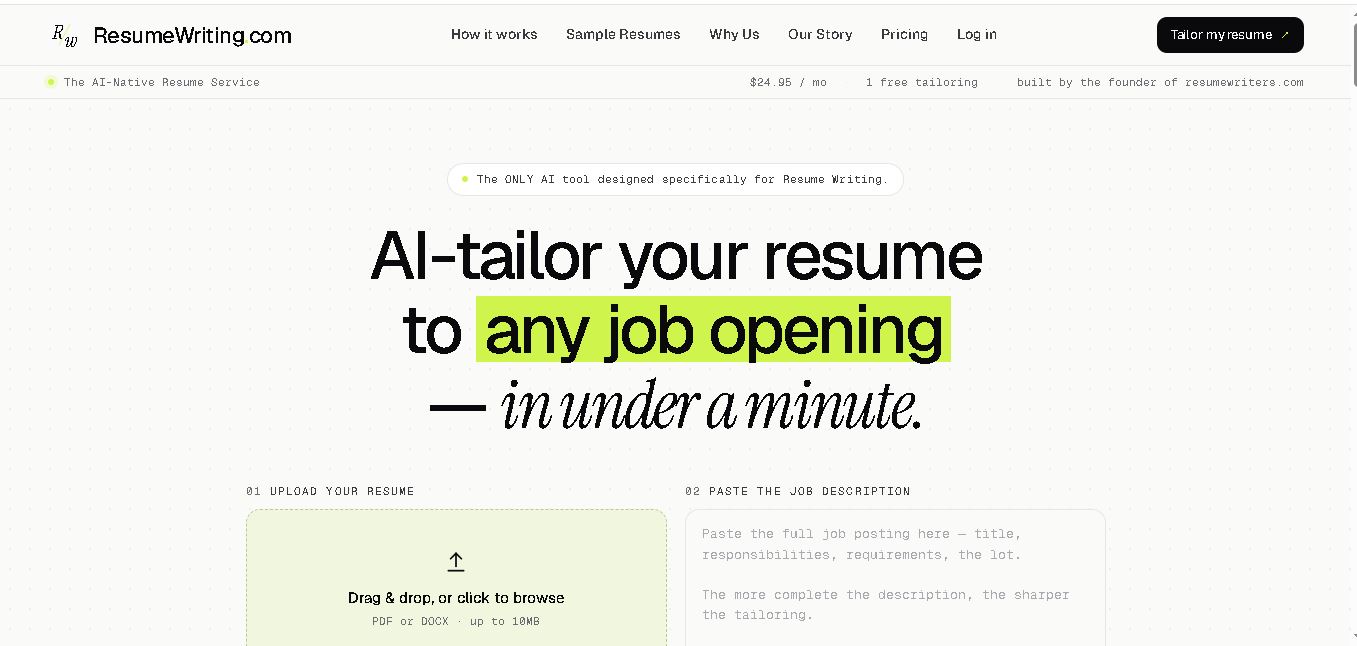
ResumeWriting.com helps job seekers tailor resumes to specific job descriptions in under a minute. Upload a resume, paste the role requirements, and receive rewritten bullets aligned with the opportunity. It offers a free lifetime tailoring, Core subscriptions, multiple templates, iterative rewrites, and PDF or DOCX exports designed for use.
 4.8
4.8PitchMe AI
Resume
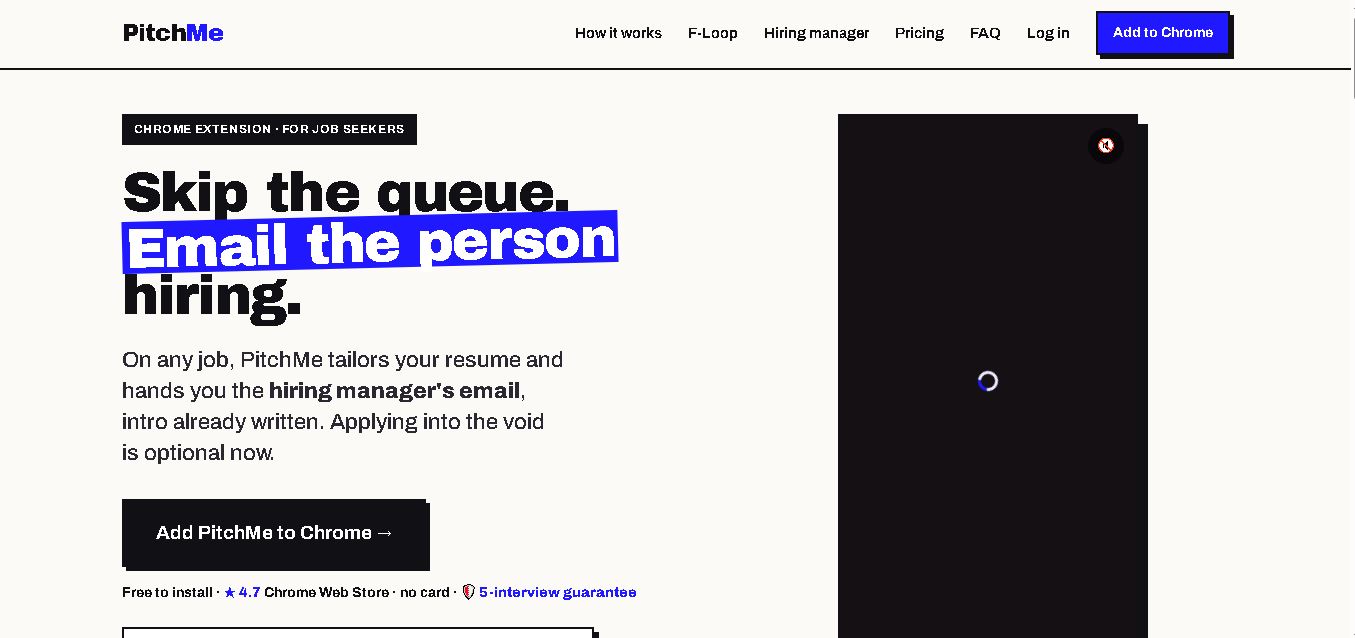
PitchMeAI helps job seekers personalize resumes, discover hiring managers, and prepare direct outreach for specific job openings. Its Chrome extension works across major job sites, while its broader workflow supports resume tailoring and application assistance. Users can start free, test the service, and upgrade to unlimited features when needed today.
 4.4
4.4Resume Now
Resume
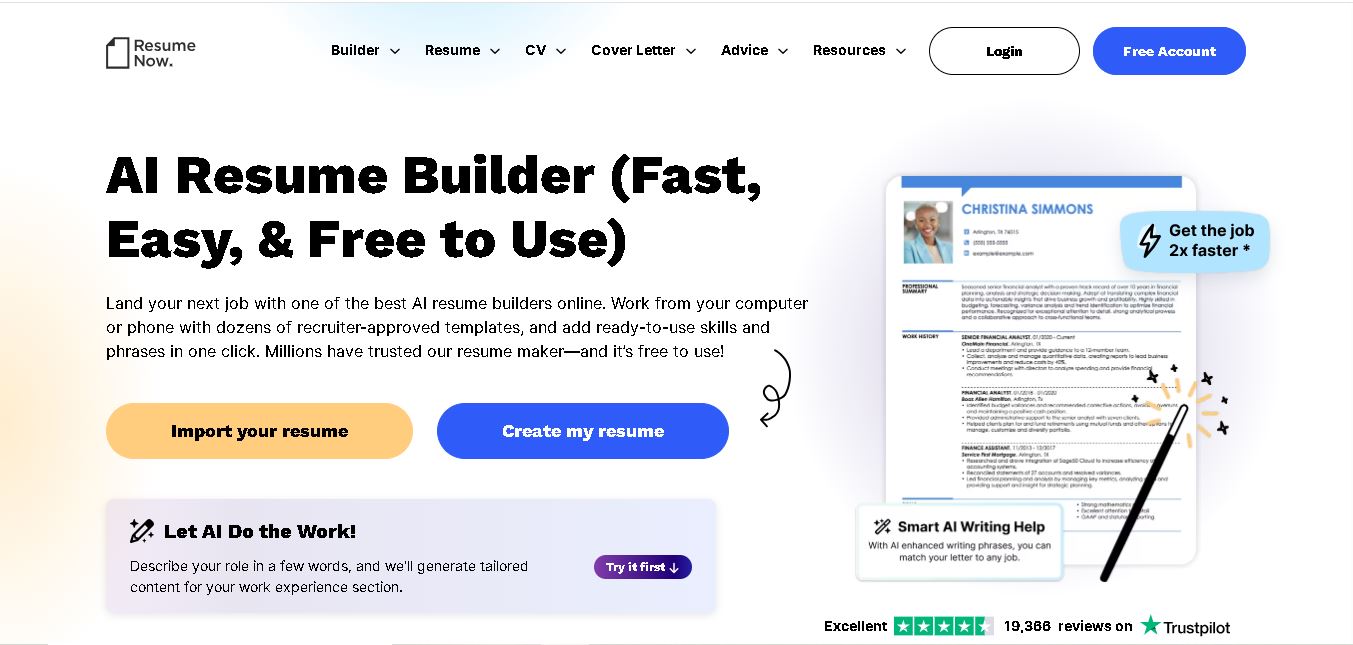
Resume Now is a resume and career-building platform for creating resumes, cover letters, job application materials. It provides customizable templates, AI-assisted writing suggestions, ATS-friendly designs, resume checking, career guidance, downloadable formats. Job seekers can build documents quickly while tailoring content to specific roles industries. It suits students, professionals, career changers, seekers.
 4.7
4.7VMock
Resume
VMock helps students and job seekers improve resumes through automated, personalized feedback. Upload a resume to receive guidance on content, formatting, competencies, and presentation. The platform is designed to support career preparation by identifying areas for improvement and helping users refine application materials before sharing them with recruiters or employers.
 4.6
4.6Resumaker.ai
Resume
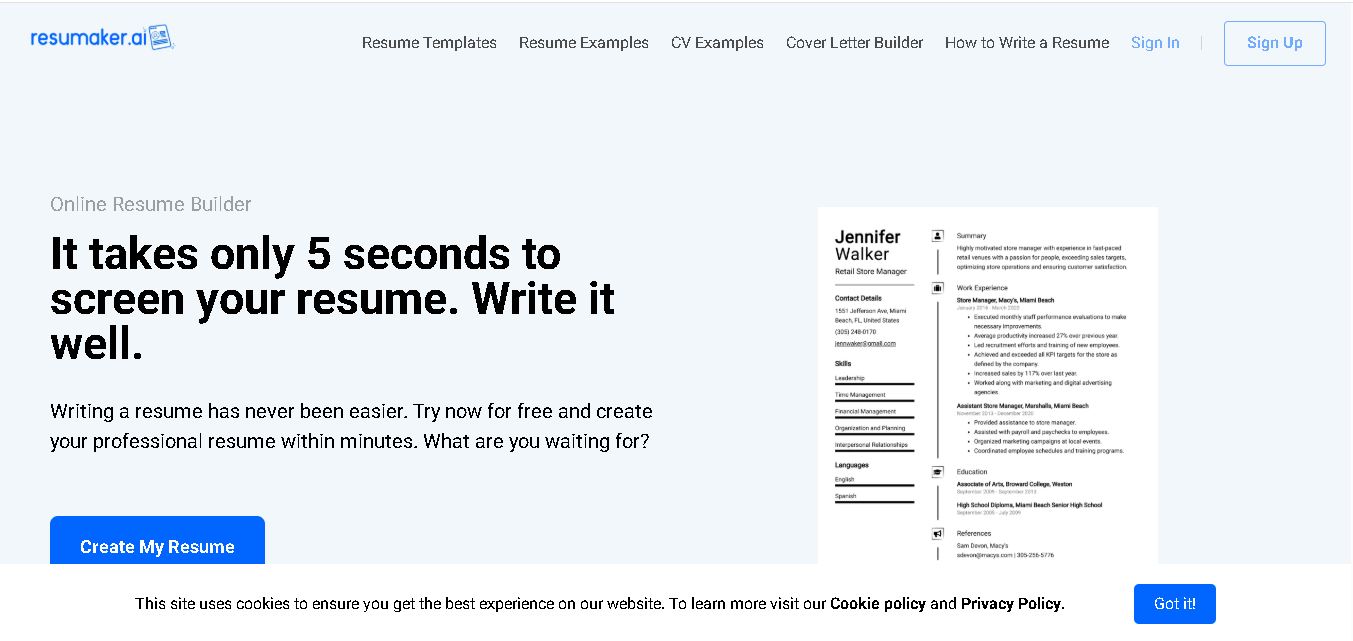
Resumaker.ai helps job seekers build professional resumes online with customizable templates, an AI engine, career guidance, spell checking, and cover-letter tools. Users can create, edit, and download application documents while choosing layouts designed for recruiter readability. It is useful for students, experienced professionals, career changers, and anyone updating their resume.