
Browser Use
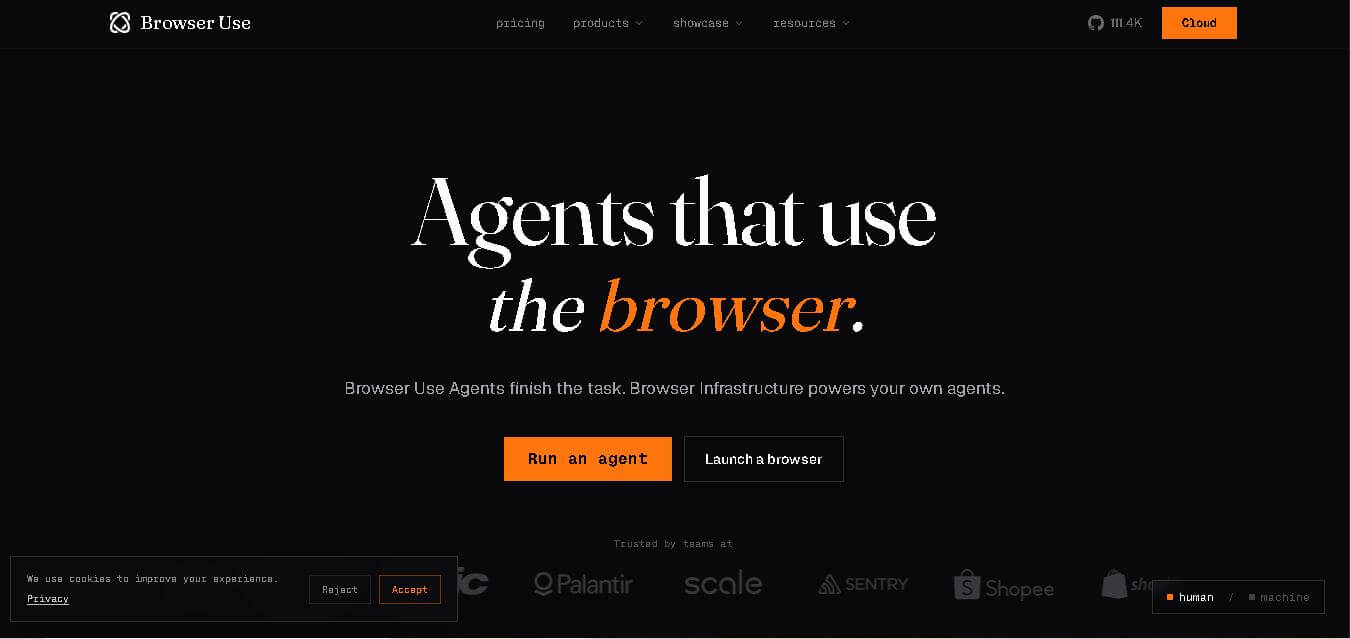
Browser Use lets AI agents operate websites through real browser interactions. You can describe a task, then use agents to navigate, click, type, extract information, upload files, and complete multi-step workflows. It supports open-source development and cloud infrastructure, making it suitable for developers and teams building scalable browser automation solutions.
What is Browser Use?
Browser Use is a system for giving software agents control over web browsers so they can complete tasks through websites. Instead of requiring every workflow to be manually scripted, it lets an agent interpret a goal, navigate pages, interact with elements, enter information, extract results, and use browser tools to finish the task. Developers can use its open-source framework or cloud services, while teams can add models, profiles, proxies, skills, and managed browser sessions. This makes browser use useful for web research, data extraction, testing, repetitive operations, and workflows where conventional APIs are unavailable.
Browser Use combines web agents, stealth browsers, proxies, models, and skill APIs for automation. The platform supports 15+ LLM providers and offers built-in browser actions for navigation, clicking, typing, extraction, screenshots, and JavaScript. Cloud sessions can run for up to 4 hours, while Pay As You Go browser sessions start at $0.06 per hour. Its paid plans support up to 500 concurrent sessions, giving teams room to scale automated workflows across websites, research tasks, testing, data collection, and operational processes.
- Core Focus: AI Web Automation, Open-Source Browser SDK, and Stealth Cloud Infrastructure
- Launch Year: 2024
Use Cases:
- Automating repetitive multi-step web workflows and online form submissions
- Extracting real-time structured data from dynamic, JavaScript-heavy websites
- Running automated end-to-end web testing, QA, and site monitoring
- Embedding browser-capable AI agents directly into SaaS applications and CLI tools
Technology:
- Python-based open-source framework leveraging Playwright and DOM abstraction
- Multi-LLM integration layer supporting OpenAI, Anthropic, Gemini, DeepSeek, and Ollama
- Cloud-hosted stealth browser engine with automatic proxy rotation and CAPTCHA bypass
Target Users:
- AI engineers and software developers building agentic automation pipelines
- QA and DevOps teams automating web interaction and site verification
- Data engineers needing resilient scraping across complex web interfaces
Ecosystem: Features an open-source GitHub framework, PyPI python package, CLI skill integration, WebUI dashboard, and Browser Use Cloud API.

Key Features of Browser Use
Browser Use's key features are
- Natural Language Web Control: Directs browser agents to complete complex online tasks using simple text prompts or structured code instructions.
- Multi-LLM Provider Support: Seamlessly pairs with OpenAI, Anthropic, Google Gemini, Ollama, or custom fine-tuned models like ChatBrowserUse.
- Open-Source Core (MIT): Completely free and open-source Python library, ensuring full code inspection, local execution, and zero vendor lock-in.
- Stealth & CAPTCHA Handling (Cloud): Browser Use Cloud provides built-in proxy rotation, fingerprint masking, and automated CAPTCHA resolution for anti-bot protection.
- Custom Tools & Memory: Extend agents with custom Python functions, persistent browser contexts, and session cookies to maintain logged-in states.
- CLI & SDK Flexibility: Run quick interactive browser tasks via CLI or embed deep agent workflows into production applications via the Python SDK.
Browser Use Pricing
Browser Use operates on a freemium model combining a free open-source core with paid cloud infrastructure and hosted execution.
Open-Source Free Tier:
- $0 / month
- 100% free MIT-licensed Python package (pip / uv), self-hosted WebUI, local LLM integration, and CLI tools
Browser Use Cloud & Pro Plans:
- Pay-as-you-go credit packs and enterprise compute plans
- Includes cloud browser hosting, stealth proxy rotation, automated CAPTCHA solving, parallel execution, and 24/7 uptime
Disclaimer: For the latest and most accurate pricing information, please visit the official Browser use AI website.
Is Browser Use Worth It?
Browser use is highly worth it for developers, AI teams, and automation engineers looking for a flexible, model-agnostic web automation framework. Because the core engine is completely open-source, teams can prototype and run web agents locally for free while opting into cloud infrastructure when scaling parallel execution and bypassing bot detection systems.
Real-World Use Cases
- Automated Data Aggregation: AI agents search across e-commerce or real estate sites, extract structured tables, and save results without manual scripting.
- Form Submission & Lead Enrichment: Agents automatically read CRM inputs, navigate web portals, and fill out long application forms.
- Automated QA & Web Monitoring: Engineering teams deploy agents to continuously test complex web application user flows and record visual traces.
- AI Coding Assistant Integration: Developers connect browser use to Claude Code, Cursor, or Hermes to let coding assistants test web features autonomously.
Who is using Browser Use?
Browser Use is designed for a broad range of technical teams and automation creators, including
- AI Engineers & Developers: Software creators embedding autonomous web navigation into AI products
- Data Engineers & Scrapers: Professionals extracting dynamic web data where traditional scraping scripts break
- QA & Test Engineers: Automated test managers seeking natural language test scenario execution
- Growth Hackers & Indie Hackers: Solo builders automating lead generation, web monitoring, and market research
Best Browser Use Alternatives
Some of the strongest Browser Use alternatives include
- Playwright
- Selenium
- Browserbase
- Composio
- MultiOn
- Puppeteer
Pros and Cons of Browser Use
Pros
- MIT open-source license allows complete control and local self-hosting
- Top benchmark performer (#1 on Odysseys leaderboard) for AI browser automation
- Supports any major LLM including local models through Ollama
- Cloud version eliminates infrastructure headaches, proxy management, and CAPTCHAs
- Seamless integration with AI development tools like Cursor, Claude Code, and LangChain
Cons
- Requires basic Python knowledge for advanced custom tool integrations
- Local execution of browser instances can be memory and CPU intensive
- Stealth features and CAPTCHA handling require Browser Use Cloud or third-party proxies
Why Choose Browser Use?
Browser Use bridges the gap between traditional DOM automation libraries and modern generative AI models. Rather than writing fragile CSS selectors or hardcoded XPaths, developers describe what needs to be done, allowing the AI agent to visually inspect, reason, and complete web tasks dynamically even when website layouts change.
- Prevents broken scripts when target website designs or layouts update
- Model-agnostic design avoids vendor lock-in with any single AI provider
- Offers both local developer freedom and production cloud scalability
- Reduces complex web scraper and test script codebases significantly
How Browser Use Works
- 1. Install Framework: Install browser-use via Python pip/uv or set up the open-source WebUI via Docker.
- 2. Configure LLM API Key: Connect your preferred LLM model (OpenAI, Anthropic, Gemini, or local Ollama).
- 3. Define Browser Task: Pass natural language task instructions to the Agent class in Python or via CLI.
- 4. Execute & Inspect: Watch the agent interact with the browser in real time, handle step decisions, and output structured data.
Browser Use vs. Competitors
The main difference between Browser Use, Playwright, and Browserbase is that Browser Use provides an end-to-end AI agent layer that autonomously interprets natural language instructions and DOM states, whereas Playwright is a traditional code-driven browser automation library requiring exact programmatic scripts. Browserbase acts primarily as cloud browser infrastructure, whereas Browser Use offers both an open-source agent framework and hosted execution.
| Feature | Browser Use | Playwright | Browserbase |
|---|---|---|---|
| Primary Focus | AI Agent Web Automation | Code-Driven Web Testing | Cloud Browser Infrastructure |
| AI Prompt Control | Native AI Agent Engine | Manual Scripting Required | Requires External LLM/Agent |
| Open Source Framework | Yes (MIT on GitHub) | Yes (Apache 2.0) | SDK Open, Cloud Proprietary |
| Stealth & CAPTCHA Solving | Built-in Cloud Support | Third-Party Extra Plugins | Native Cloud Support |
| Starting Price | Free/Open-Source | 100% Free Open-Source | Free tier / Pay-as-you-go |
How do we rate Browser Use?
| Parameter | Rating (out of 5) |
|---|---|
| Ease of Use | 4.7 |
| Agent Accuracy & Benchmark | 4.9 |
| Flexibility & Multi-LLM Support | 4.9 |
| Value for Money | 4.8 |
| Developer Ecosystem | 4.8 |
| Overall Score | 4.8 |
Browser Use Review
Browser use represents a major leap forward in AI web agent automation. By creating a lightweight, model-agnostic bridge between large language models and real-world web browser execution, Browser Use empowers AI agents to perform tasks previously limited to manual human interaction. Its open-source core coupled with robust cloud infrastructure makes it an essential tool for modern AI developers.
Conclusion
Browser use is a strong option if you want to move beyond rigid browser scripts and let agents handle web tasks more dynamically. Its combination of natural-language automation, browser controls, multiple LLM providers, stealth infrastructure, proxies, and cloud sessions makes it flexible for developers and teams. For your evaluation, the biggest advantages are broad website compatibility, scalable execution, and the ability to combine agents with reusable skills. However, pricing and reliability can vary with usage and website complexity. Start with a small, focused workflow, measure accuracy, reliability, and cost, then carefully expand automation where browser use consistently saves meaningful time.
FAQ
What is Browser Use and who is it for?
Browser use helps you turn plain-language instructions into browser actions such as searching, clicking, typing, extracting information, and completing workflows. If you are a developer, automation builder, researcher, or business team member, you can use it to automate repetitive web tasks while keeping control over browsers, models, sessions, and integrations reliably.
Can Browser Use automate tasks on any website?
Browser use is designed to work across websites rather than relying only on fixed APIs. Its agents can navigate pages, interact with elements, fill forms, upload files, extract content, and execute JavaScript. This is useful when a website lacks an API or requires several browser steps to finish tasks reliably.
Does Browser Use require coding knowledge?
You can use browser use with natural-language tasks, but developers get deeper control through Python, TypeScript, APIs, browser configuration, and custom tools. For a beginner, the open-source quickstart provides a practical starting point. If your goal is simple automation, you can begin with an agent task before building custom workflows.
Is Browser Use free to use?
Browser Use offers an open-source option alongside cloud services. Cloud usage follows consumption and subscription pricing. Pay As You Go starts at $0 monthly, with browser sessions charged separately, while paid plans add credits, higher concurrency, stealth capabilities, and team features. Check current pricing before choosing a plan for production.
Which AI models does Browser Use support?
Browser Use supports multiple large language model providers, including Claude, Gemini, Llama, and DeepSeek, with documentation listing more than 15 providers. You can also use Browser Use's ChatBrowserUse models. For your project, model choice depends on task complexity, speed, accuracy, token costs, and the level of control you need.
What makes Browser Use different from traditional browser automation?
Traditional automation often depends on selectors, predefined workflows, and site-specific logic. Browser Use adds an AI agent layer that interprets goals and performs browser actions dynamically. Its toolkit includes navigation, clicking, typing, extraction, screenshots, JavaScript execution, and custom tools, which help you handle workflows that may otherwise require extensive automation code.
Can Browser Use handle blocked websites and CAPTCHAs?
Browser Use Cloud includes stealth browsers, proxies, and CAPTCHA-solving capabilities for challenging browsing. Its documentation recommends using profiles with logged-in cookies or changing proxy countries when websites block requests. Results can vary by site, authentication, and anti-bot controls, so test your workflow carefully before production deployment to confirm reliability.
User Reviews
No reviews yet for Browser Use.
Featured Tools
Featured AI tools from TechShark

Melody Genie
MelodyGenie is an AI-powered music generator that creates original songs from simple text prompts. Users can choose styles, moods, and genres, then instantly generate melodies and full tracks, making it easy for creators, marketers, and hobbyists to produce custom music without musical expertise.
Freemium

Kimi AI
Kimi AI is an advanced AI assistant developed by Moonshot AI that helps you chat, research, write, code, and automate tasks in one place. It supports web search, file analysis, and multimodal inputs, and can even run autonomous “agent” workflows to complete complex tasks end-to-end.
Freemium

Fashion Diffusion AI
Fashion Diffusion is an AI-powered fashion design platform that helps brands and designers create clothing designs, virtual try-ons, AI models, product photos, and marketing visuals faster and cost-effectively.
Paid

Veo 4
Veo 4 AI is an AI video creation platform that generates dramatic videos from text, images, audio, and video prompts using realistic motion and synchronized sound.
Paid
Alternatives
Alternatives to Browser Use
The best Browser Use alternatives include Playwright, Selenium, Browserbase, Composio, MultiOn, and Puppeteer. Playwright and Selenium provide traditional programmatic browser automation without AI agency. Browserbase offers cloud browser infrastructure optimized for LLM agents. Composio equips AI agents with integrations and web tools, while MultiOn focuses on consumer-facing AI web browsing.
 4.7
4.7Spark Hire
AI Agent
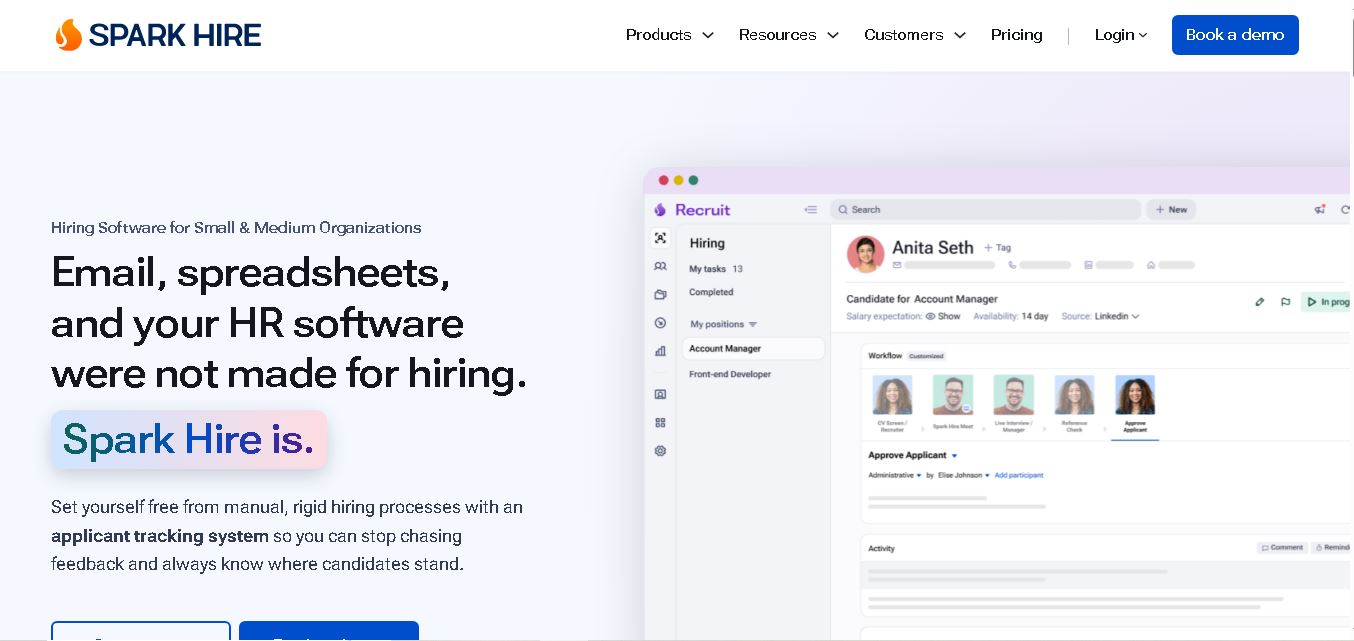
Spark Hire helps recruitment teams simplify hiring through one-way video interviews, live interviews, applicant tracking, and candidate evaluations. It enables employers to screen applicants remotely, collaborate with hiring managers, and organize recruitment workflows. Its AI-assisted features support interview transcription, summaries, and candidate review while maintaining human involvement in hiring decisions.
 4.9
4.9Materiom
AI Agent
Materiom helps researchers, designers, and businesses discover and develop sustainable materials using renewable ingredients. Its resources include biomaterial recipes, material datasets, ingredient information, and AI-assisted research. By supporting experimentation and knowledge sharing, Materiom encourages innovation in bio-based packaging, textiles, and other products while helping users explore alternatives to conventional plastic materials.
 4.9
4.9Talkwalker
AI Agent
Talkwalker is a consumer intelligence and social listening solution that helps brands track online mentions, analyze audience sentiment, monitor competitors, and discover emerging trends. It combines social media analytics, media monitoring, customer feedback, and AI-powered insights to support marketing, public relations, reputation management, and data-driven business decisions across global markets.
 5.0
5.0AI4K12
AI Agent
AI4K12 is an educational initiative focused on bringing artificial intelligence into K–12 classrooms. It provides grade-level learning guidelines, curated teaching resources, and the Five Big Ideas framework. Designed for educators and curriculum developers, AI4K12 supports age-appropriate AI instruction and helps students understand how intelligent technologies work and affect society.
Kommunicate
AI Agent
Kommunicate (kommunicate.io) is an AI-powered customer service automation and live chat platform that unites no-code generative AI agents, Kompose chatbot builder, seamless human escalation, voice AI, and omnichannel messaging across WhatsApp, web, and mobile apps.
Text
AI Agent
Text is an AI-powered customer service platform that combines live chat, help desk ticketing, AI agents, and workflow automation. It helps businesses manage customer conversations, automate repetitive support tasks, answer questions, engage website visitors, and turn customer interactions into sales opportunities through a unified communication workspace.
DocsBot AI
AI Agent
DocsBot AI is an AI chatbot and agent platform that turns websites, documents, knowledge bases, and support tickets into conversational assistants. Businesses can use it to automate customer support, answer questions, share internal knowledge, connect workflows, and provide information through website widgets and supported integrations.
SiteGPT AI
AI Agent
SiteGPT is an AI chatbot platform that helps businesses automate customer support using their website content, documents, and knowledge sources. It answers visitor questions, supports lead generation, and integrates into websites, allowing teams to handle repetitive inquiries, improve customer experiences, and provide assistance around the clock.
 4.7
4.7Halcyon
AI Agent
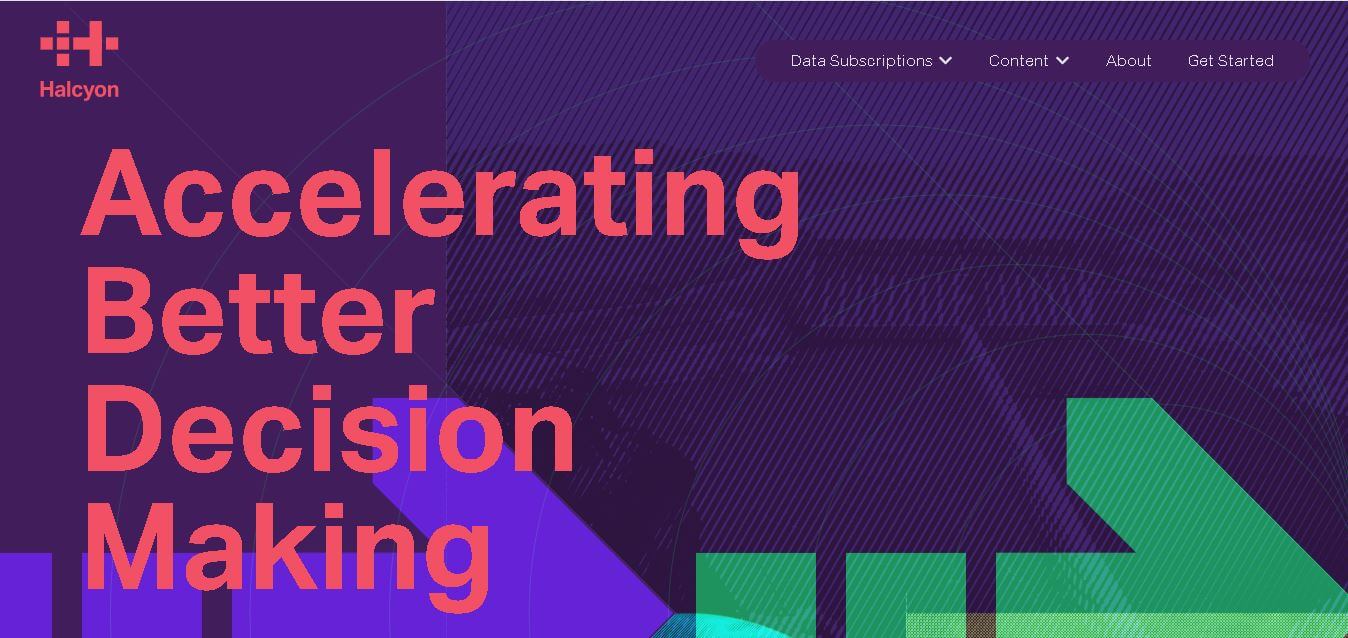
Halcyon is an AI energy intelligence platform that helps professionals search regulatory filings, analyze energy-market information, monitor developments, and access structured datasets. It combines document search, natural-language queries, AI-powered alerts, and specialized data subscriptions to turn fragmented energy information into actionable intelligence for research, monitoring, planning, and faster decision-making.