
Movio
Movio is an AI-powered video generator
What is Movio?
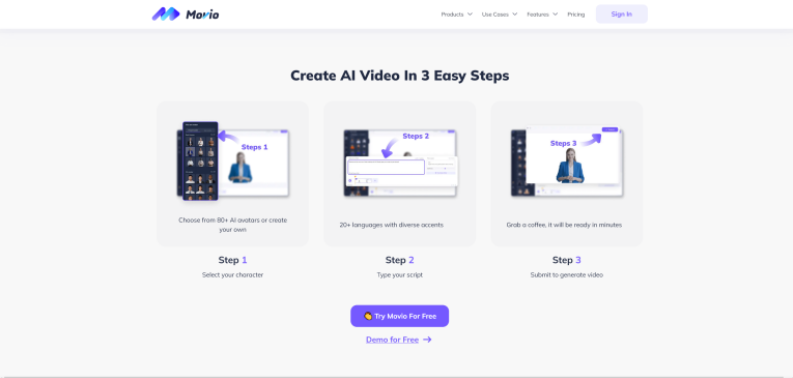
Movio is an AI-powered video editor tool that allows users to create professional videos for sales, training, and education. The tool offers 80+ avatars. It provides text-to-video capabilities and offers 80+ avatars for video content. The tools are used by a wide range of professionals, including marketing, educational content, video editors, social media marketers, and others.
Key Features
Movio's Key Features are:
- AI Avatars: Movio provides pre-designed avatars users can use it as spokespeople for the videos.
- Text-to-Video: Movio offers text-to-video features that allow you to turn text prompts into fully produced videos
- Customization: With Movio users can choose various backgrounds, and languages, and customize them according to their needs.
- Multi-Language Support: Movio supports multiple languages, and makes it accessible for creating video content globally.
- User-Friendly Interface: Movio AI offers an easy-to-use user interface that requires minimal technical skills allowing users to create professional videos in real-time.
Note: Now Movio AI has moved to Heyne
Pricing
Movio offers various pricing plans:
Free Plan:
- Users can create 3 videos per month
- Video length up to 3 minutes
- Users can export videos up to 720 px.
Creator Plan:
- The plan starts at $24 per month
- Users can create unlimited videos
- Video length up to 5 minutes
- Users can export videos up to 1080p
Team Plan:
- The plan starts at $69 per month
- Users can create unlimited videos
- Video length up to 5 minutes
- Users can export videos up to 1080p
Disclaimer: For the latest and most accurate pricing information, please visit the official Movio/HeyGen website.
Who is Using HeyGen?
A diverse range of users and organizations utilize HeyGen:
- Marketers
- Educators and Trainers
- Content Creators
- Businesses
- HR and Internal Teams
- Startups
Movio Videos
Movio Alternatives
Some of the alternatives are:
- Camtasia
- Popcornflix
- Synthesia
- DaVinci Resolve
- Shotcut
Conclusion
Movio AI is a versatile video AI tool for creating professional videos. Its features, including AI avatars, text-to-video capabilities, multi-language support, and customizable templates, make video editing easy and fast. Movio is widely used by social media marketers, businesses, freelancers, and many more.
Also Check:
User Reviews
No reviews yet for Movio.
Featured Tools
Featured AI tools from TechShark

Fashion Diffusion AI
Fashion Diffusion is an AI-powered fashion design platform that helps brands and designers create clothing designs, virtual try-ons, AI models, product photos, and marketing visuals faster and cost-effectively.
Paid

Veo 4
Veo 4 AI is an AI video creation platform that generates dramatic videos from text, images, audio, and video prompts using realistic motion and synchronized sound.
Paid
Happy Horse
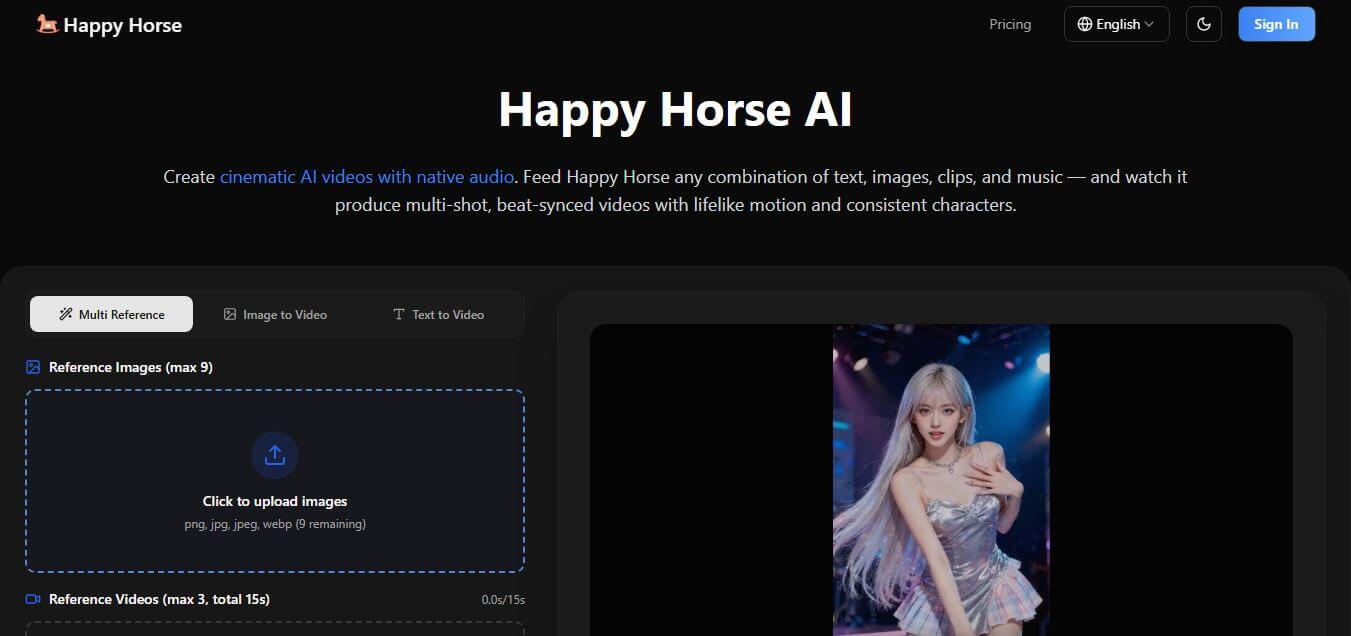
HappyHorse AI is an AI-powered video generator that creates cinematic videos with synchronized audio from text, images, and prompts instantly.
Paid
Seedance 2
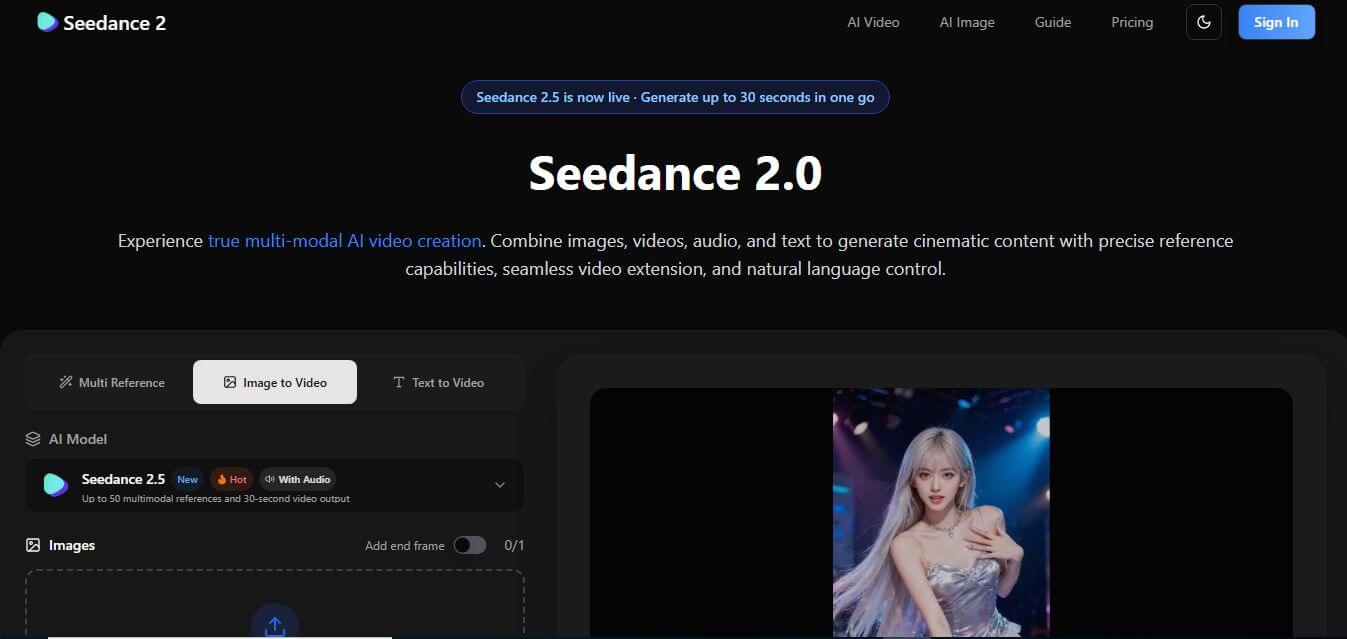
Seedance 2.0 is an AI-powered video generation platform that transforms text, images, audio, and video into cinematic, multi-shot content with advanced motion control, reference-based consistency, and synchronized sound production.
Freemium
Alternatives
Alternatives to Movio
Movio is an AI-powered video editor offering text-to-video, 80+ avatars, multi-language support, and customizable templates, enabling professionals to create engaging videos effortlessly.
 4.3
4.3VEED.IO
Video Editing
VEED.IO is an online video editing platform that lets users create, edit, and enhance videos in the browser. It offers tools like subtitles, screen recording, trimming, filters, and AI features, making video production simple for creators, marketers, educators, and businesses without requiring advanced technical skills.
 4.9
4.9Canva Video Background Remover
Video Editing
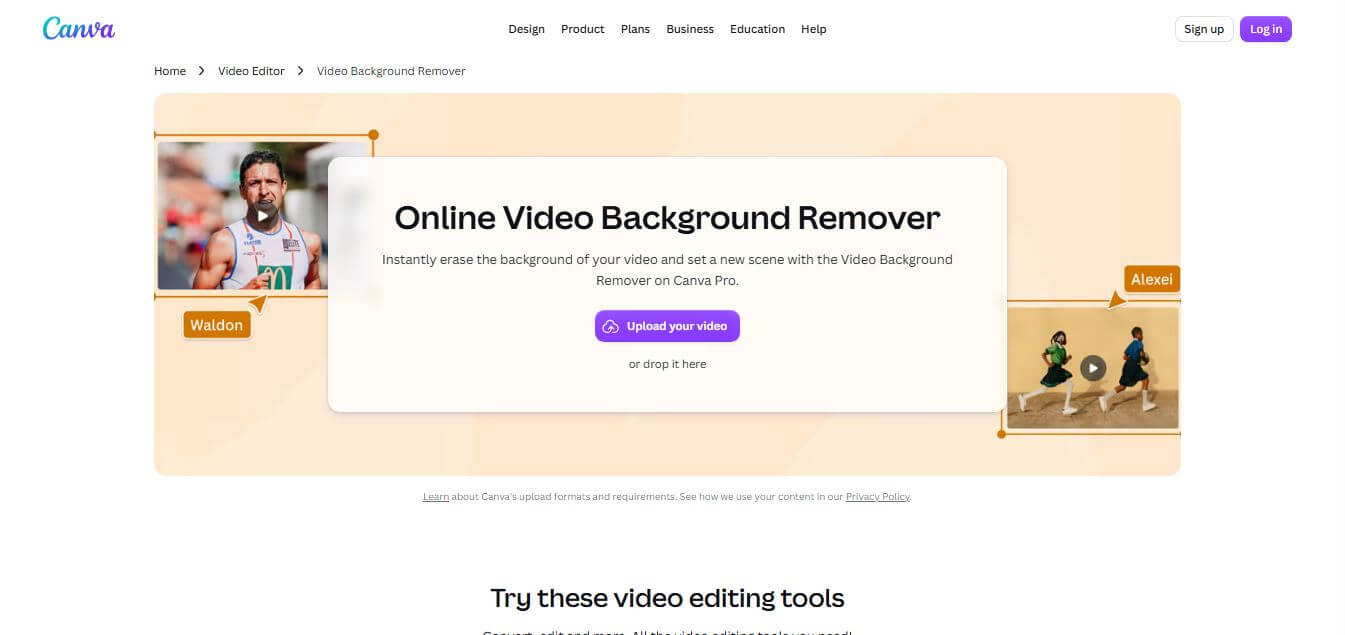
Canva Video Background Remover is an AI-powered video editing feature in Canva Magic Studio that automatically detects, isolates, and removes backgrounds from video clips with one click, eliminating the need for green screens, chroma keying, or complex masking.
 4.8
4.8Clipcat
Video Editing
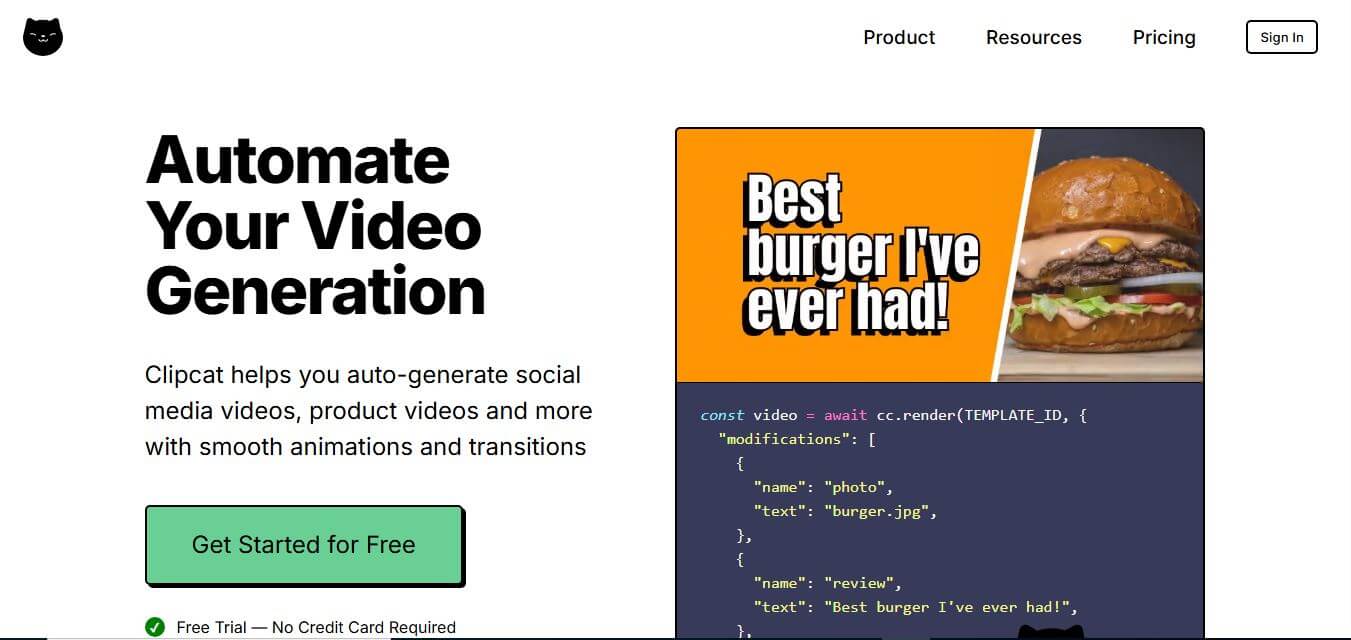
Clipcat is an AI-powered video repurposing and clipping tool that transforms long-form podcasts, webinars, YouTube videos, and live streams into viral, short-form clips with animated subtitles, speaker framing, and virality scoring for TikTok, Reels, and Shorts.
 4.8
4.8Checksub
Video Editing
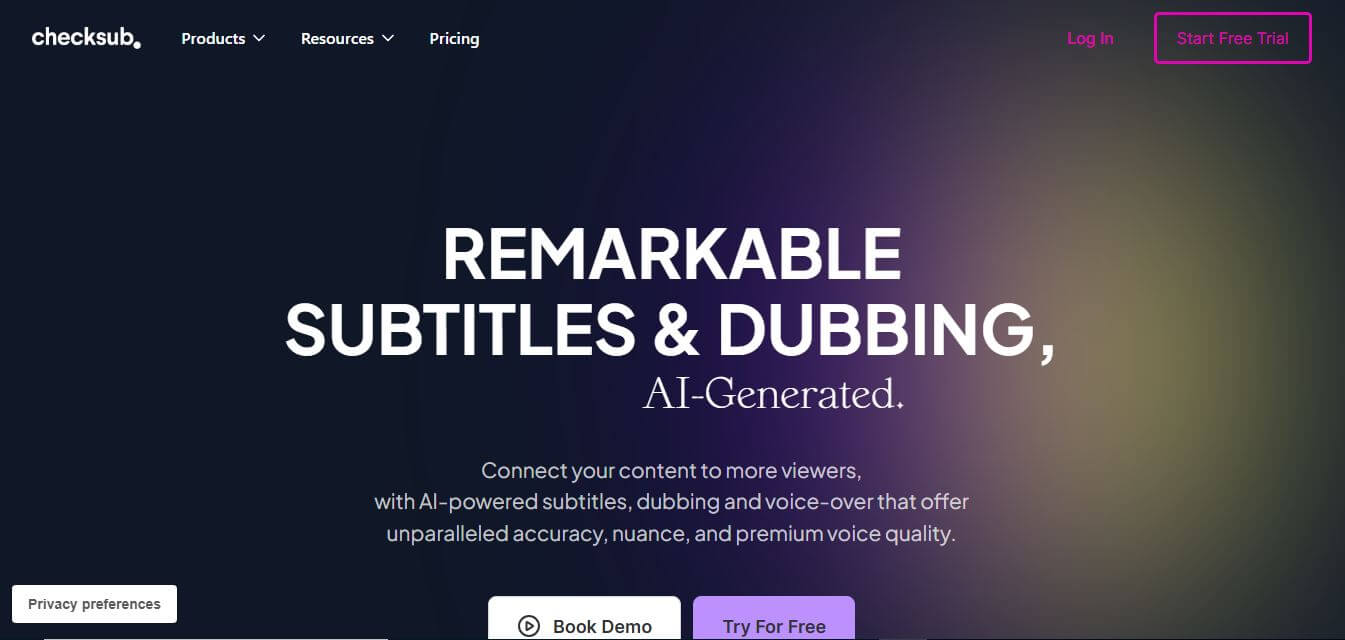
Checksub is an AI-powered video localization and subtitling platform that automatically generates synchronized captions, multilingual voice dubbing, voice cloning, and AI lip-syncing across 200+ languages to help video creators and businesses expand their global audience.
 4.8
4.8AI Studios
Video Editing
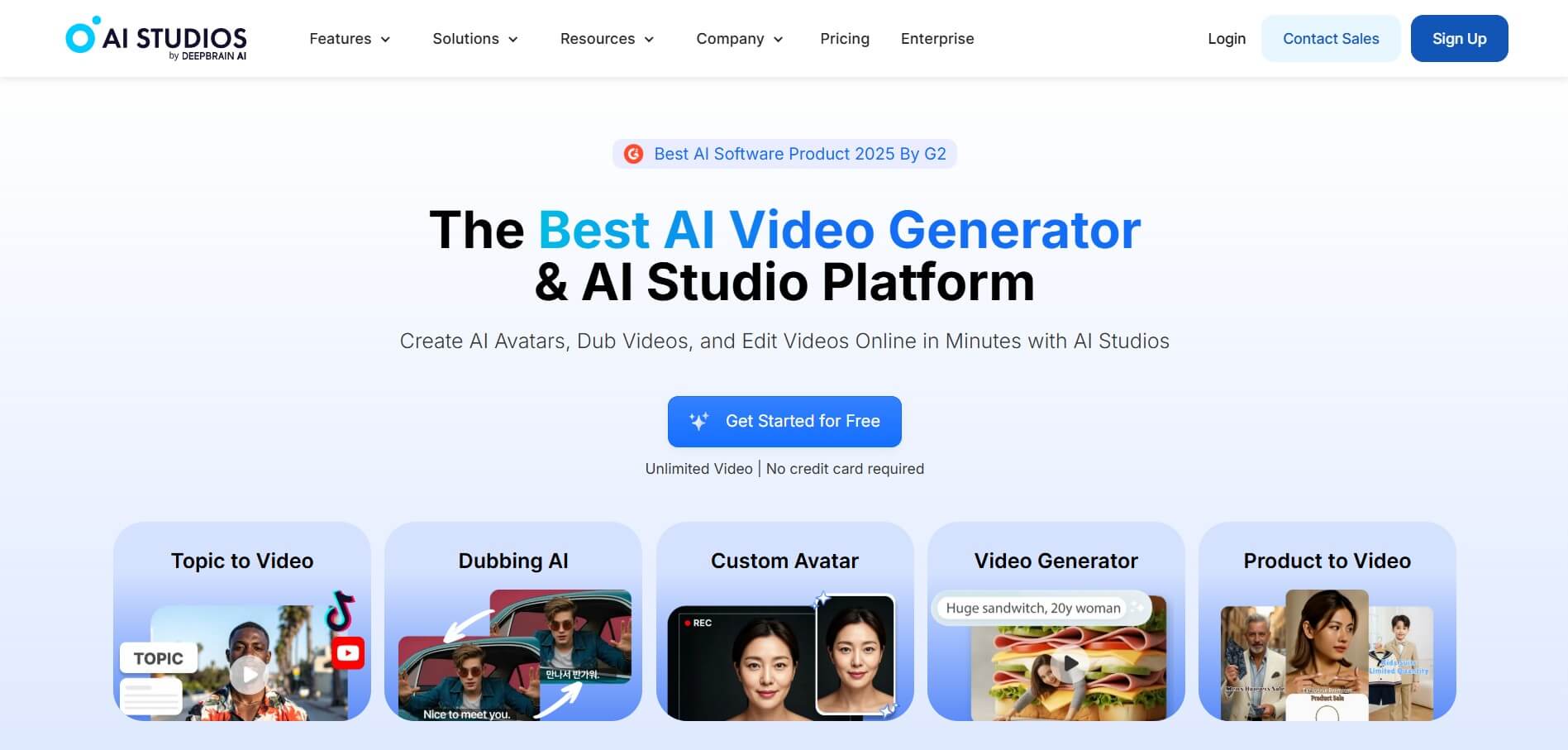
AI Studios by DeepBrain AI is an enterprise-grade AI video generator and studio that transforms text scripts, articles, URLs, and presentations into hyper-realistic talking avatar videos with natural lip-syncing and multilingual voiceovers in minutes without camera crews.
 4.8
4.8Humva
Video Editing
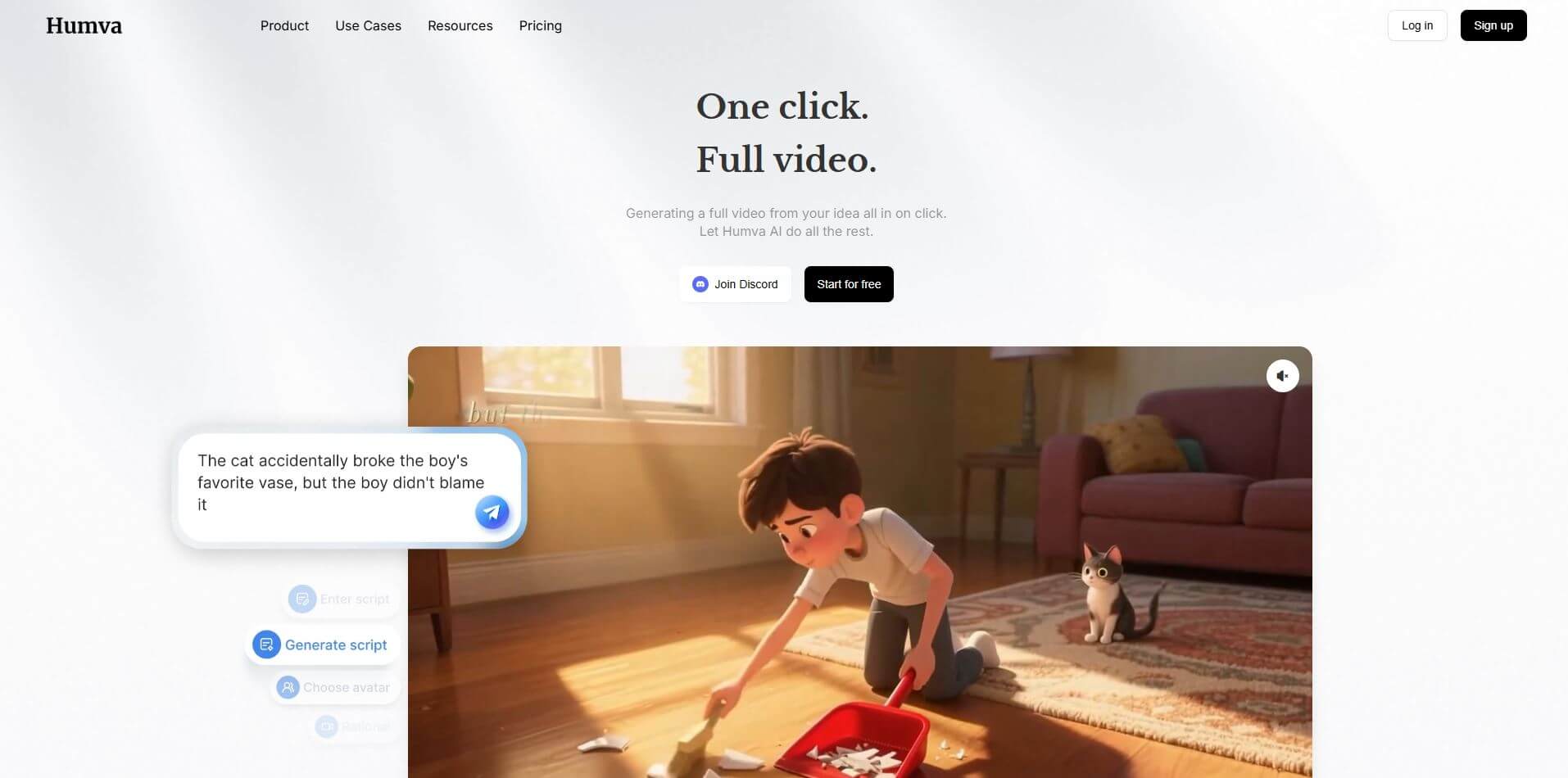
Humva is an AI-powered avatar video generator and studio that transforms text scripts and single-photo uploads into realistic digital spokesperson videos, product demos, and social media reels with natural lip-syncing and dynamic gestures without camera filming.
 4.8
4.8Rotor Videos
Video Editing
Rotor Videos is an AI-powered video creation platform that helps musicians and content creators turn audio into professional videos within minutes. By simply uploading a song, users can generate music videos, lyric videos, and social media clips using automated editing, styles, and stock footage—no prior editing skills required.
 4.8
4.8EditBuddy
Video Editing
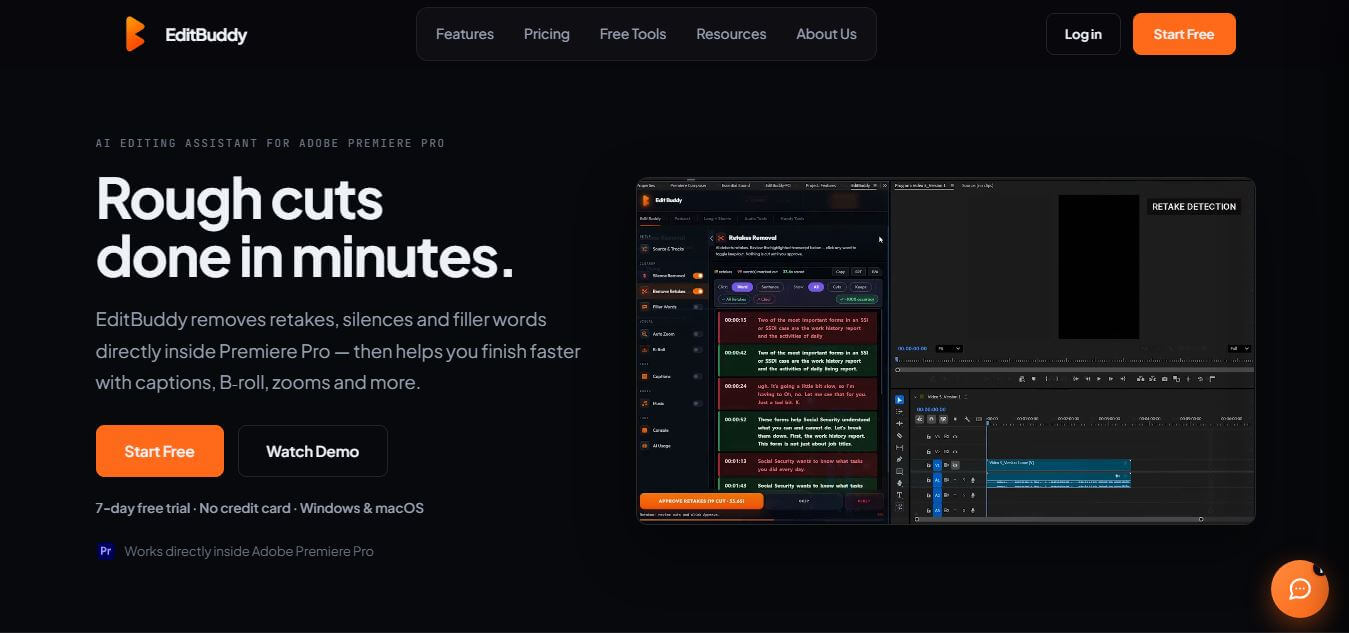
EditBuddy is an AI-powered video editing assistant that works directly inside Adobe Premiere Pro, helping creators speed up their workflow. It automates repetitive tasks like removing silences, detecting retakes, adding captions, and generating short clips, making video editing faster and more efficient.
 4.8
4.8Webcam Motion Capture
Video Editing
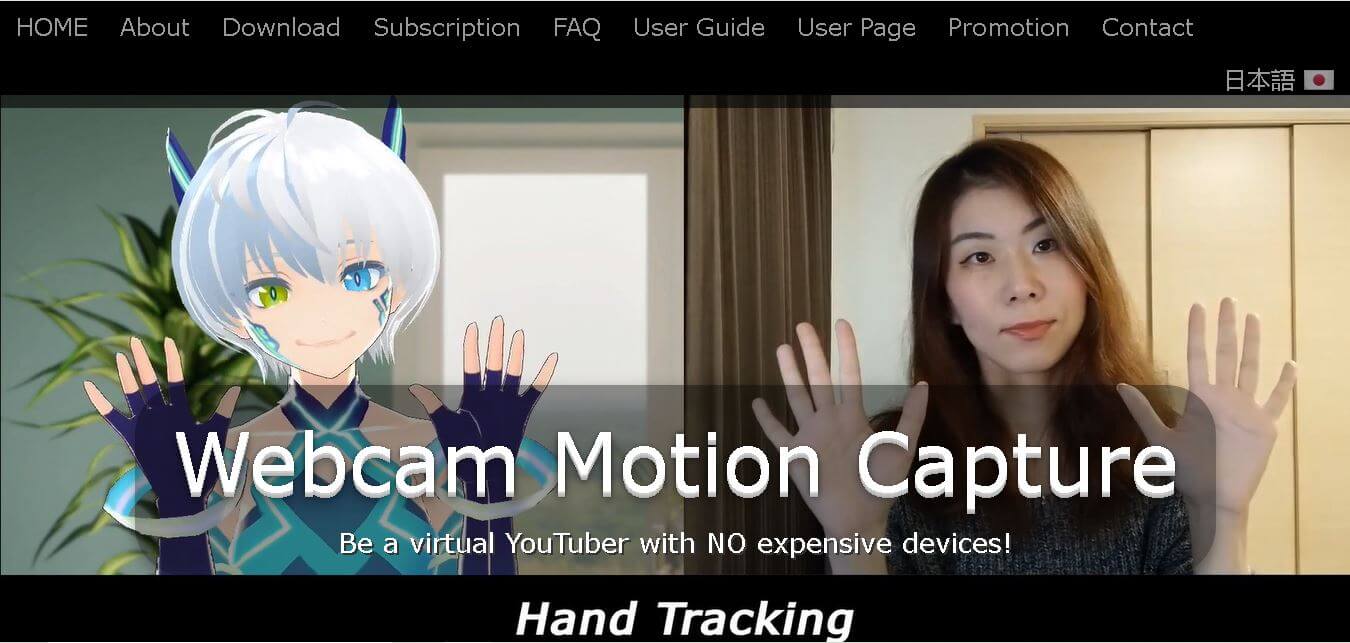
Webcam Motion Capture is an AI-powered motion tracking software that enables VTubers, 3D animators, and content creators to track full-body, hand, finger, and facial movements using only a standard webcam or smartphone camera.